Discord Coach
Standalone habit trackers don’t know what you’re actually working on. This bot reads your goals and tasks from Craft, then checks in on you daily in Discord — with real context about your progress, not generic reminders.


imagine.builtByWith
Construa você mesmo
imagine.step – Create Your Craft Document
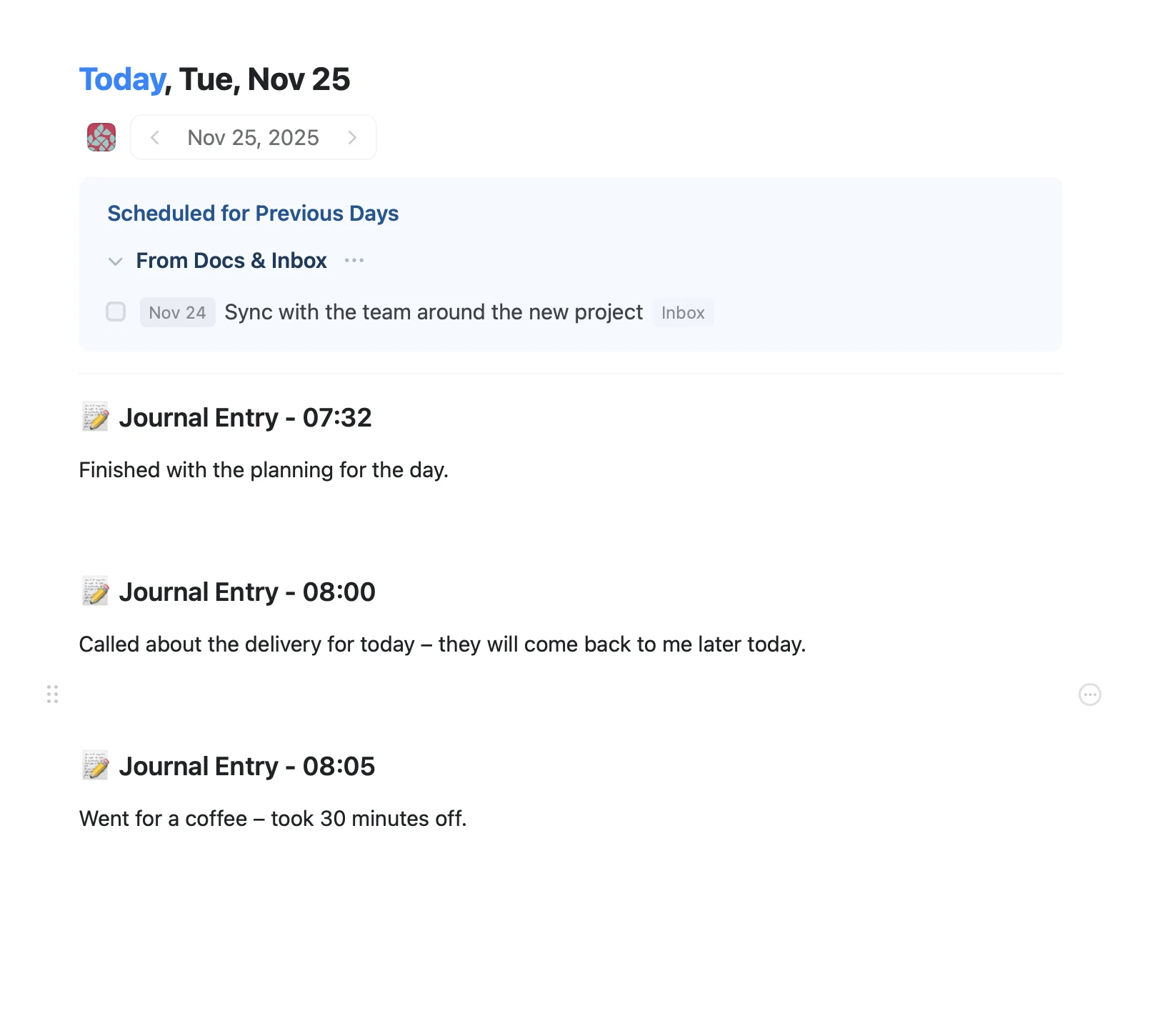
Start by setting up a Craft document where you’ll store your daily notes and tasks. This is where the Discord Coach will track your progress and pull context from your work.
imagine.step – Set Up Your Discord Bot
Create a new Discord bot through the Discord Developer Portal. You’ll need:
- A Discord server where you want the bot to operate
- Your bot token (keep this secure!)
- Basic permissions for messaging and reading messages
imagine.step – Connect Your Craft API
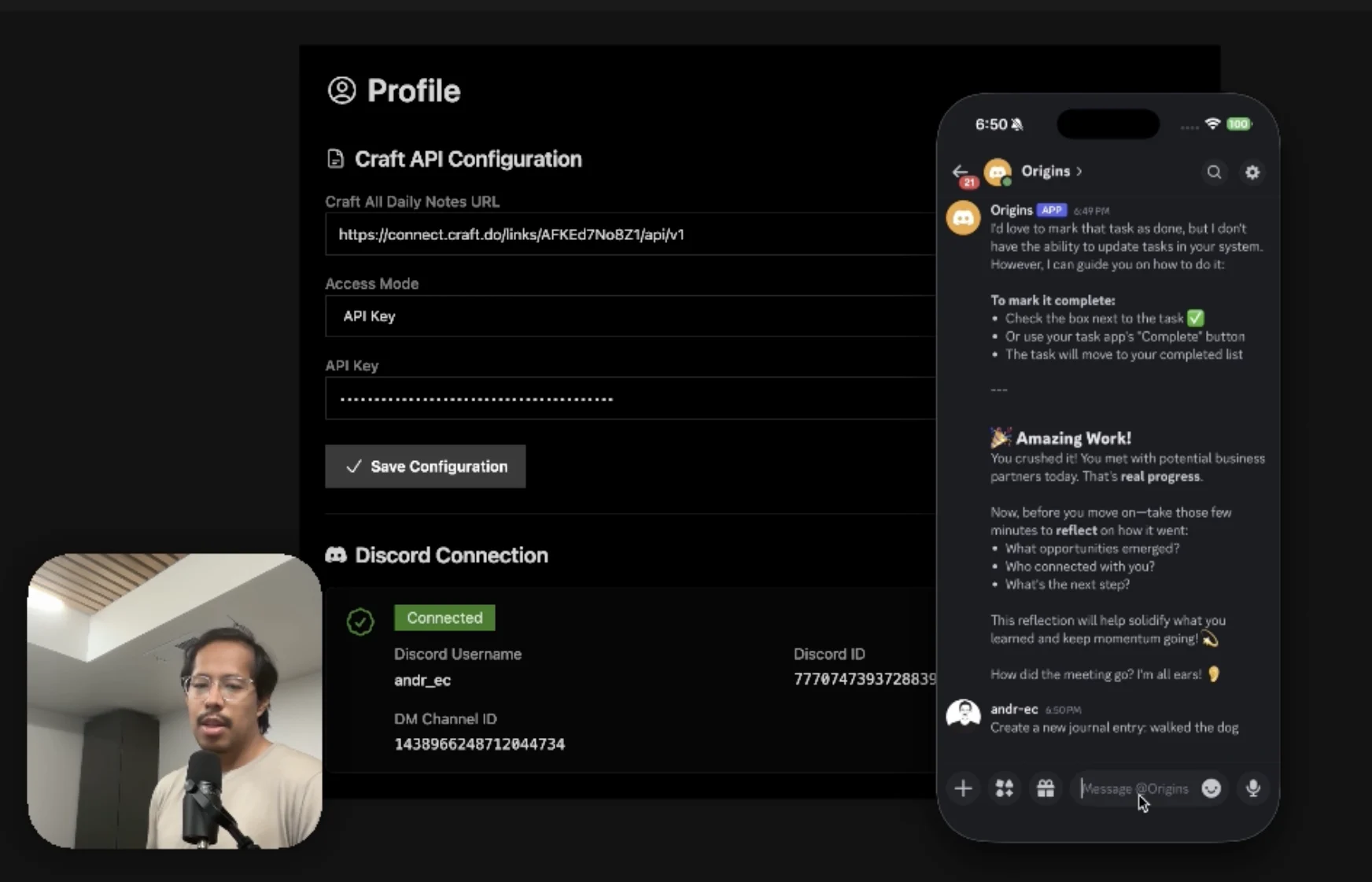
Generate a Craft API key for your daily notes document. The Discord Coach uses this to:
- Read your daily notes and tasks
- Understand your goals and progress
- Update your tasks as you complete them
imagine.step – Deploy the Backend
Set up a simple backend server (the example uses Fly.dev) that runs the Discord Coach bot. This server:
- Listens for messages from your Discord server
- Connects to Claude or ChatGPT for intelligent coaching
- Reads and writes to your Craft document via the API
- Sends you proactive check-ins each morning
The Result
imagine.ideas.discordCoach.buildIt.result.description1
imagine.ideas.discordCoach.buildIt.result.description2
After this set-up, each morning, Andre’s Discord Coach is going to send you a message. Respond naturally – just like texting a friend. The bot will will:
- Understands your context from previous days
- Asks about your progress
- Updates your Craft tasks automatically
- Provides accountability and encouragement
Mais ideias para voce experimentar
Voltar para a galeria
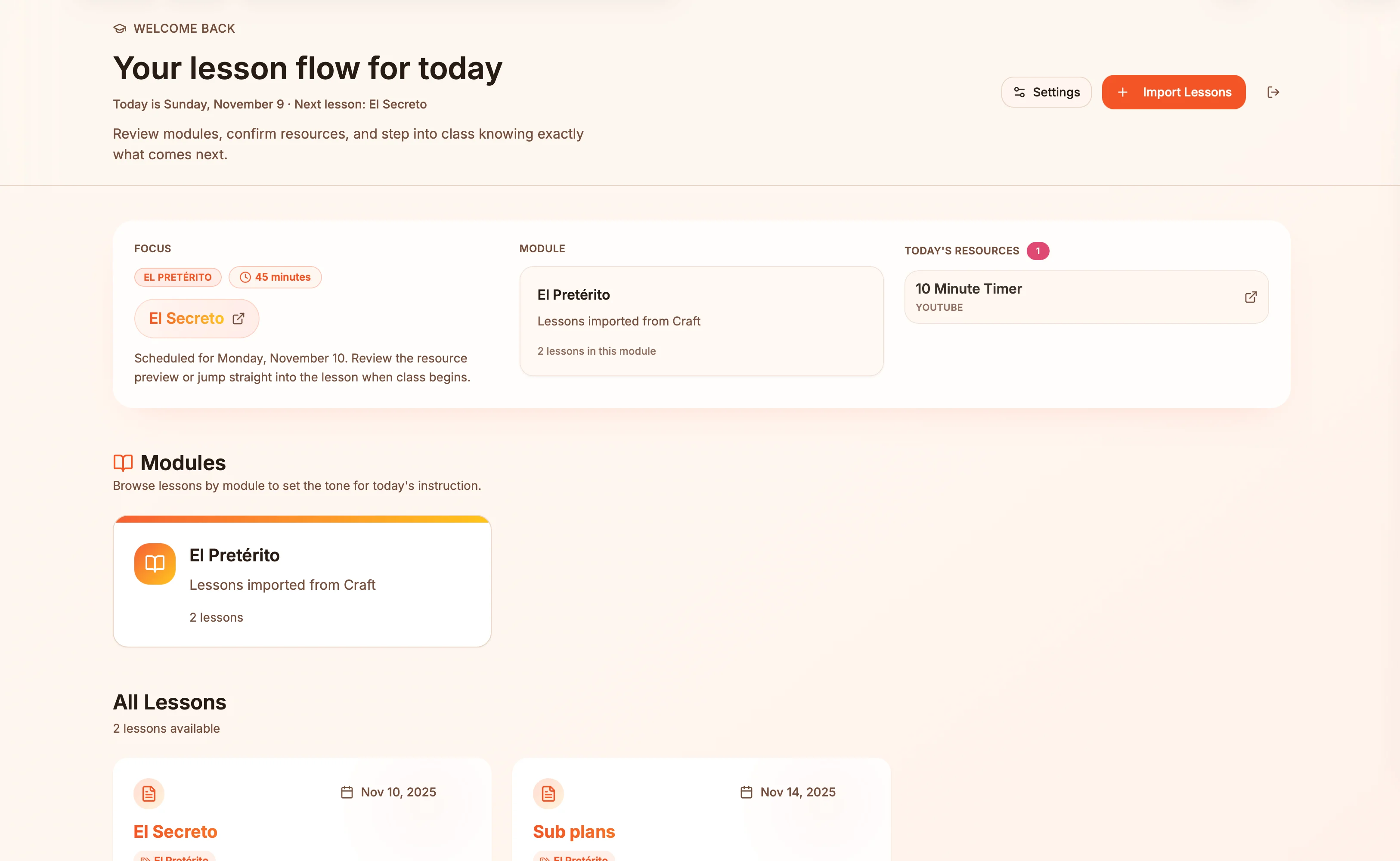
Lesson plans in Craft become live presentation slides — always in sync, zero copy-paste.
Saiba mais
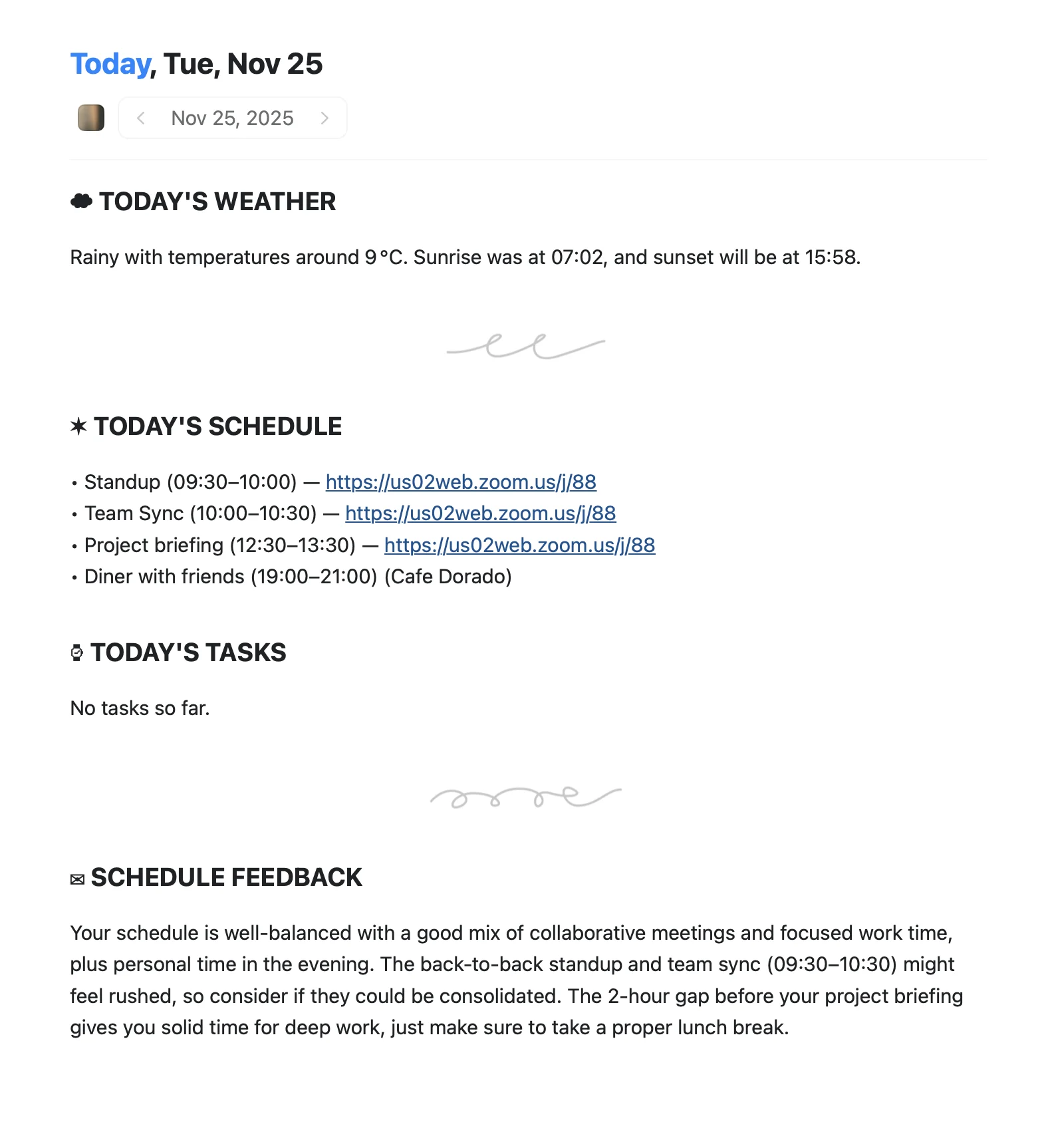
An Apple Shortcut that writes your morning agenda directly into Craft Daily Notes.
Saiba mais
Capture photos, PDFs, and screenshots as formatted Craft documents via Apple Intelligence.
Saiba mais