So verbindest du Craft mit Raycast über MCP
Schritt-für-Schritt-Anleitung, um Craft-Dokumente über MCP mit Raycast zu verbinden. Lies, durchsuche und aktualisiere deine Notizen direkt aus Raycast.


Einen MCP-Konnektor in Raycast hinzufügen
Erstelle einen neuen Konnektor in Raycast und verwende die MCP-URL, um die beiden Dienste zu verbinden.
Schritt 1
Kopiere diese URL und füge sie in das URL-Feld ein:
https://mcp.craft.do/my/mcpSchritt 2
Schritt 3
Schritt 4
Schritt 5
Du kannst Raycast jetzt nach deinen Dokumenten fragen und sie sogar aktualisieren lassen. Probiere zum Einstieg etwas wie Folgendes:
Klicke auf ein Beispiel, um den Prompt in die Zwischenablage zu kopieren
Ein paar Ideen für den Einstieg
Beispiele durchsuchen
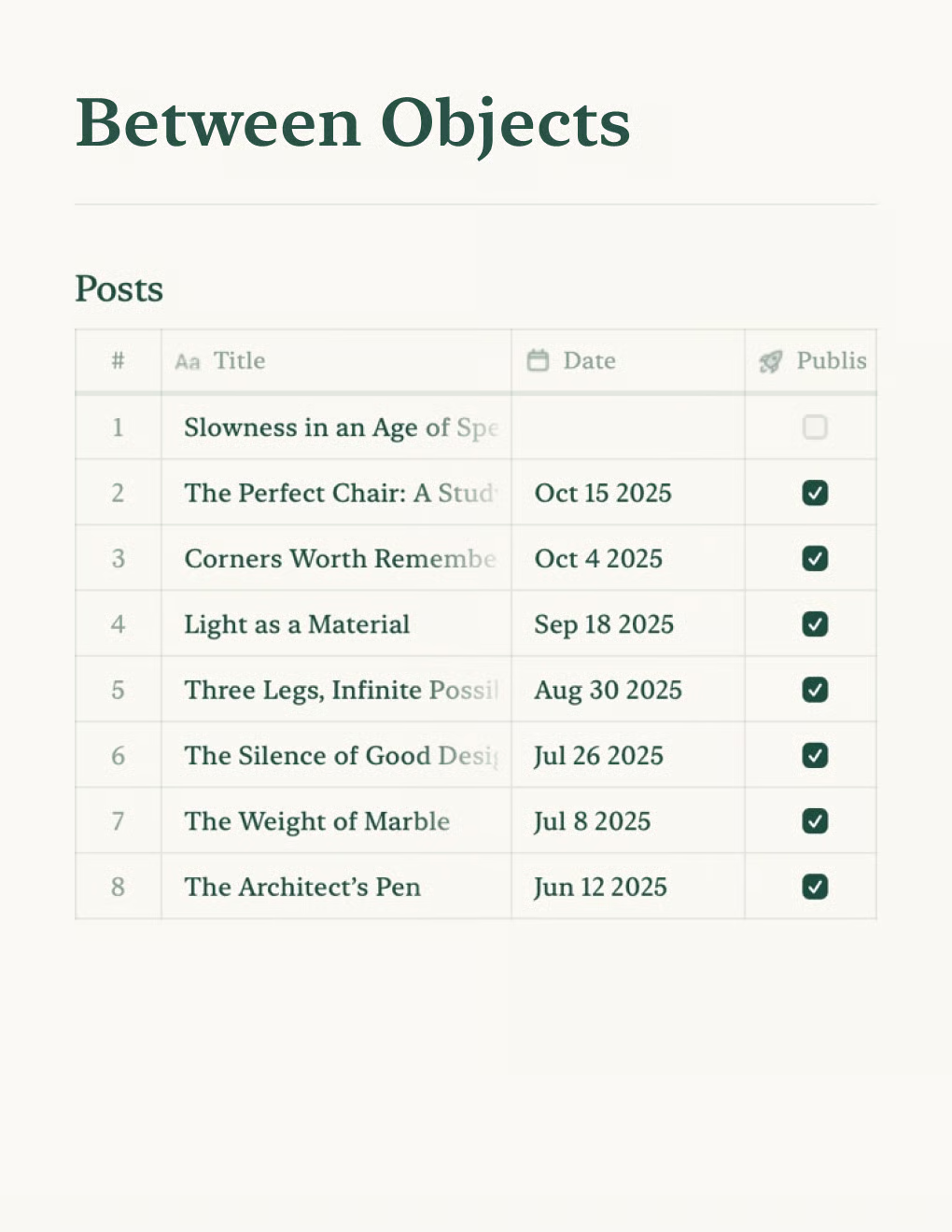
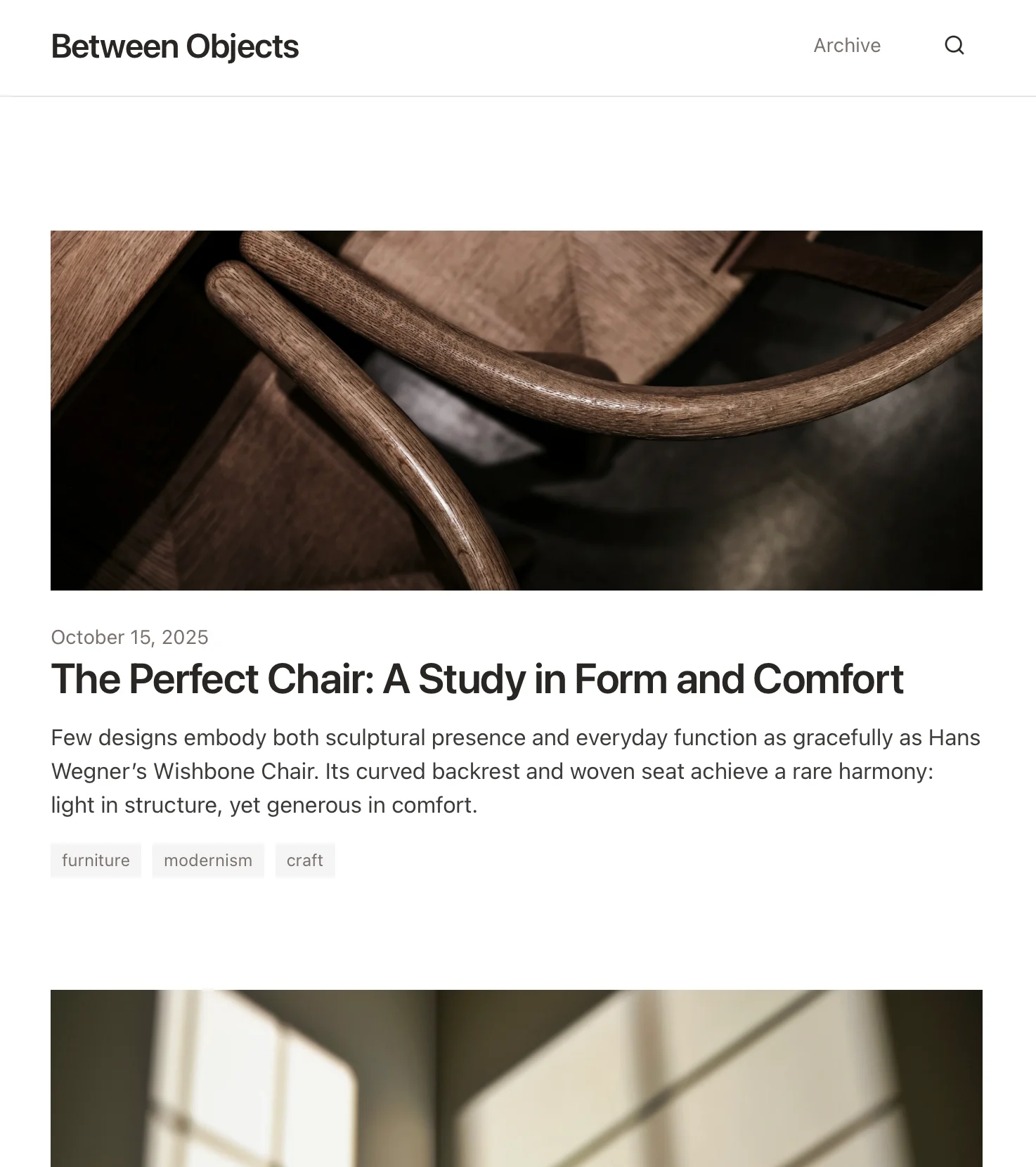
Erstelle einen persönlichen Blog mit Craft-Dokumenten. Inhalte werden automatisch per API synchronisiert – veröffentliche direkt aus deiner Notiz-App.
Mehr erfahren

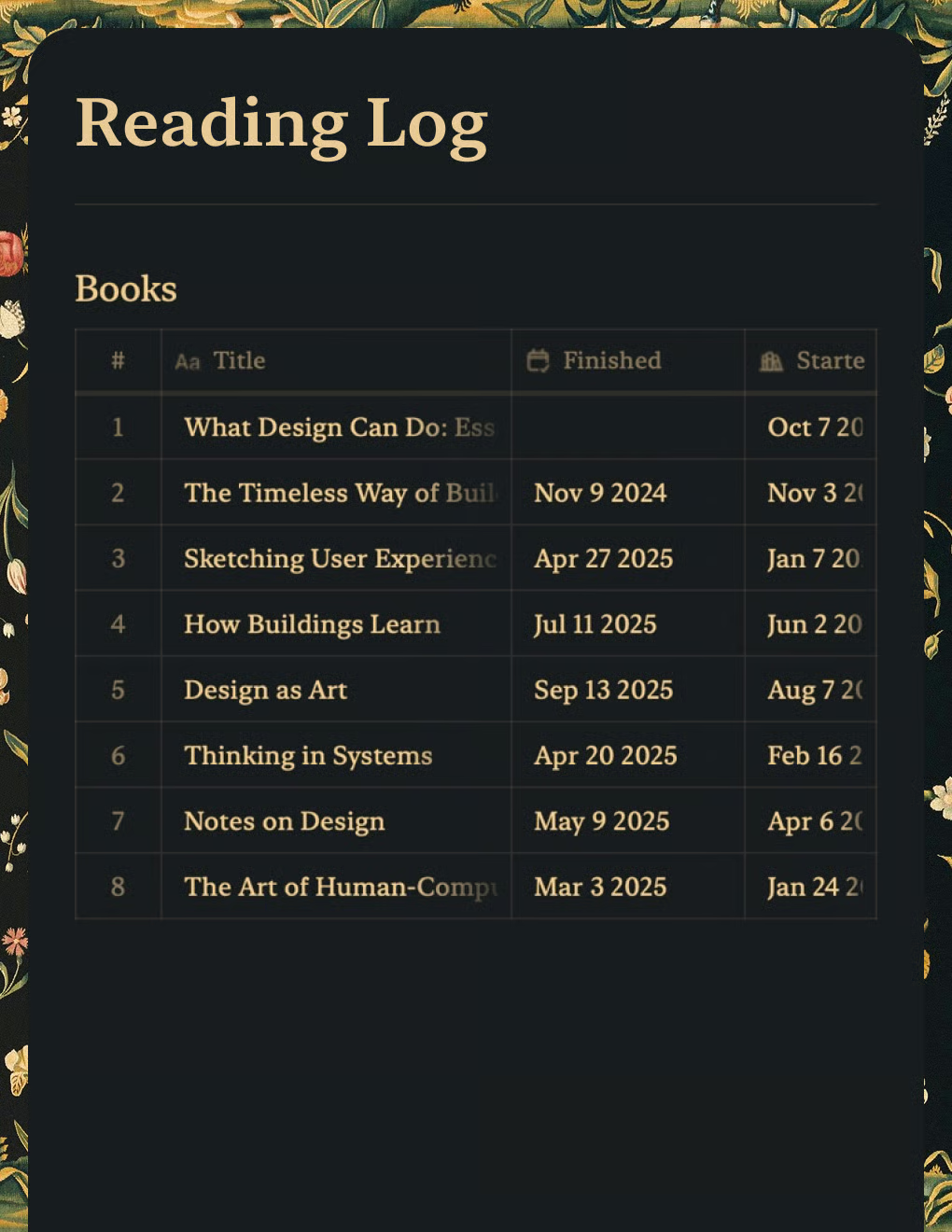
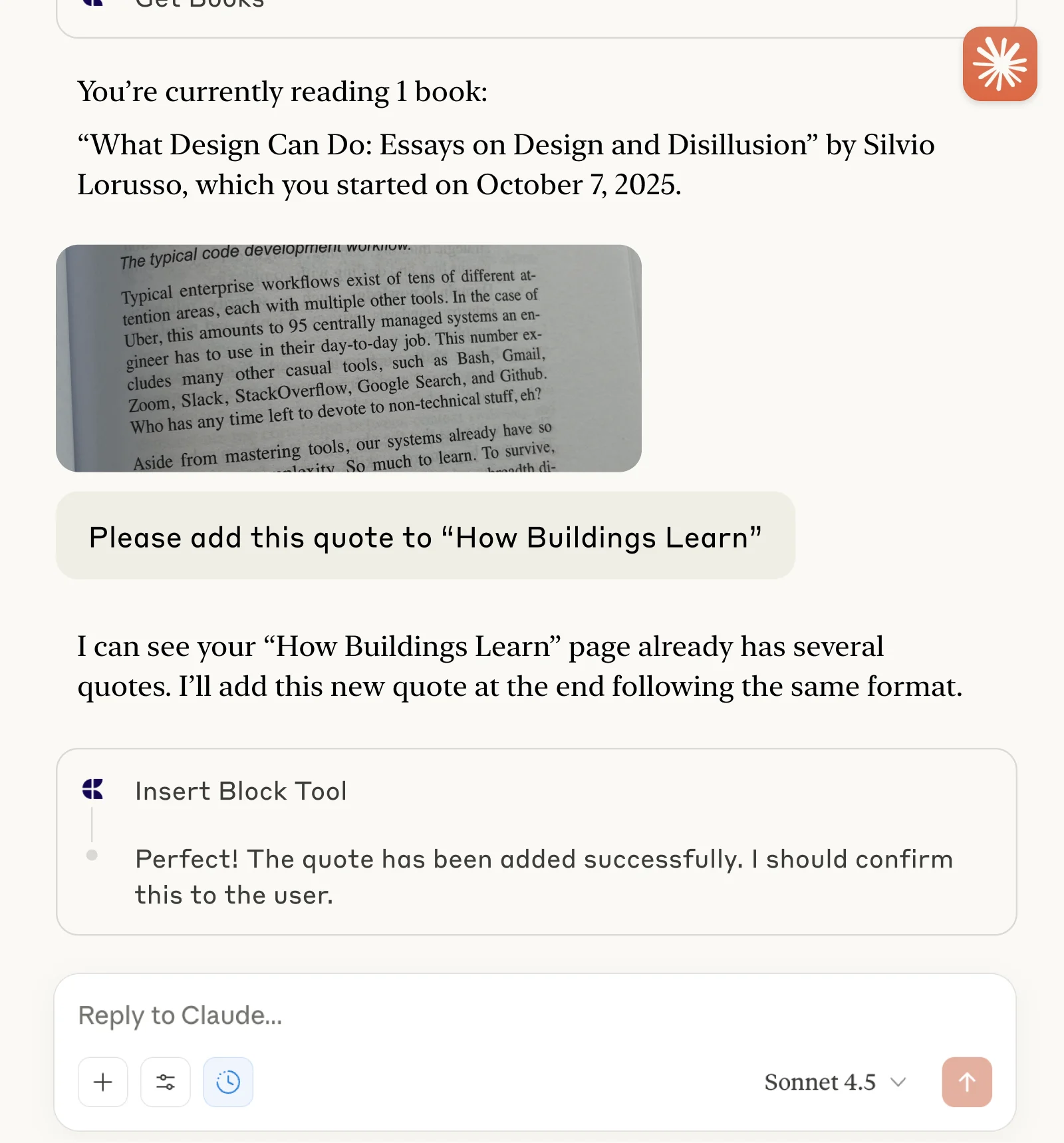
Verfolge Bücher und erfasse Zitate mit Claude oder ChatGPT über MCP.
Mehr erfahren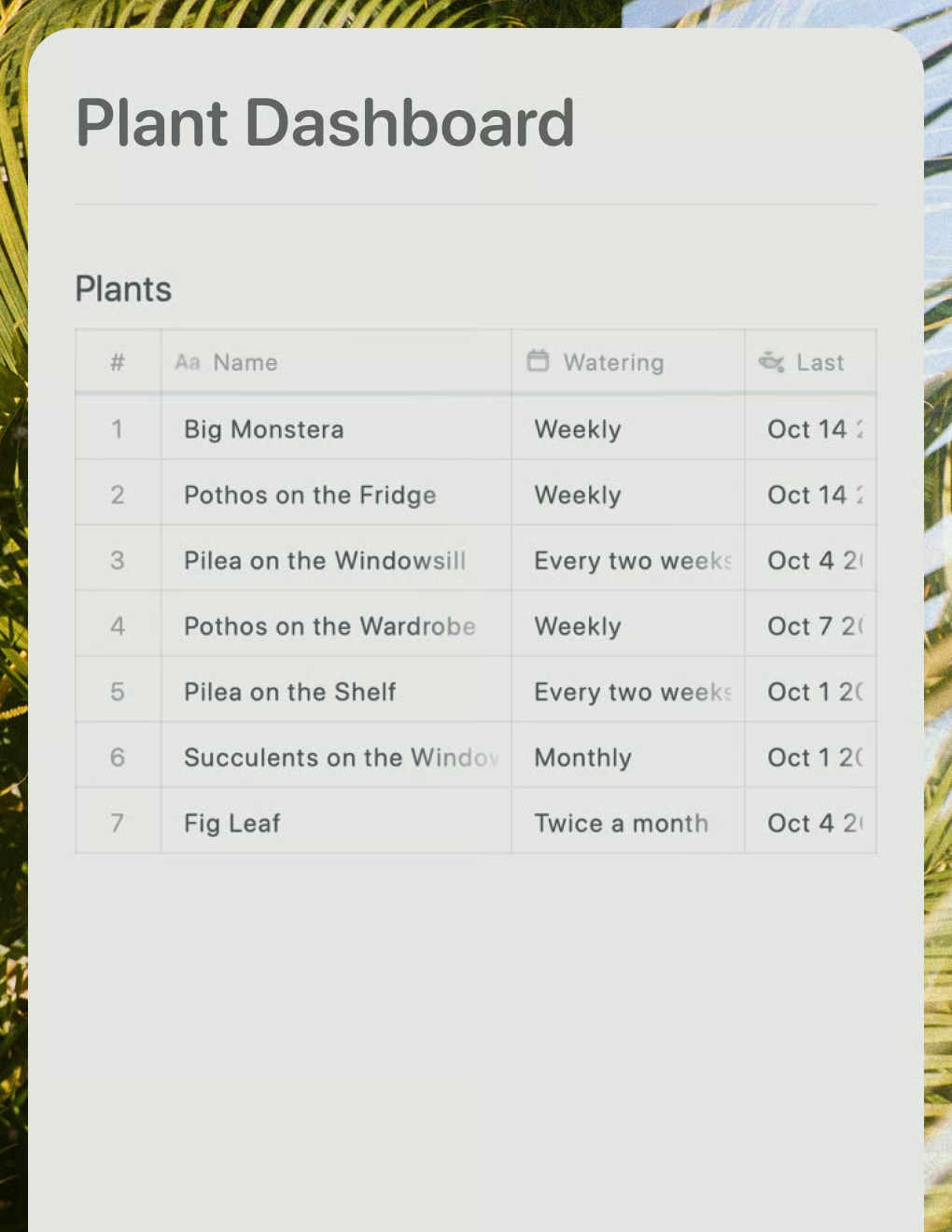
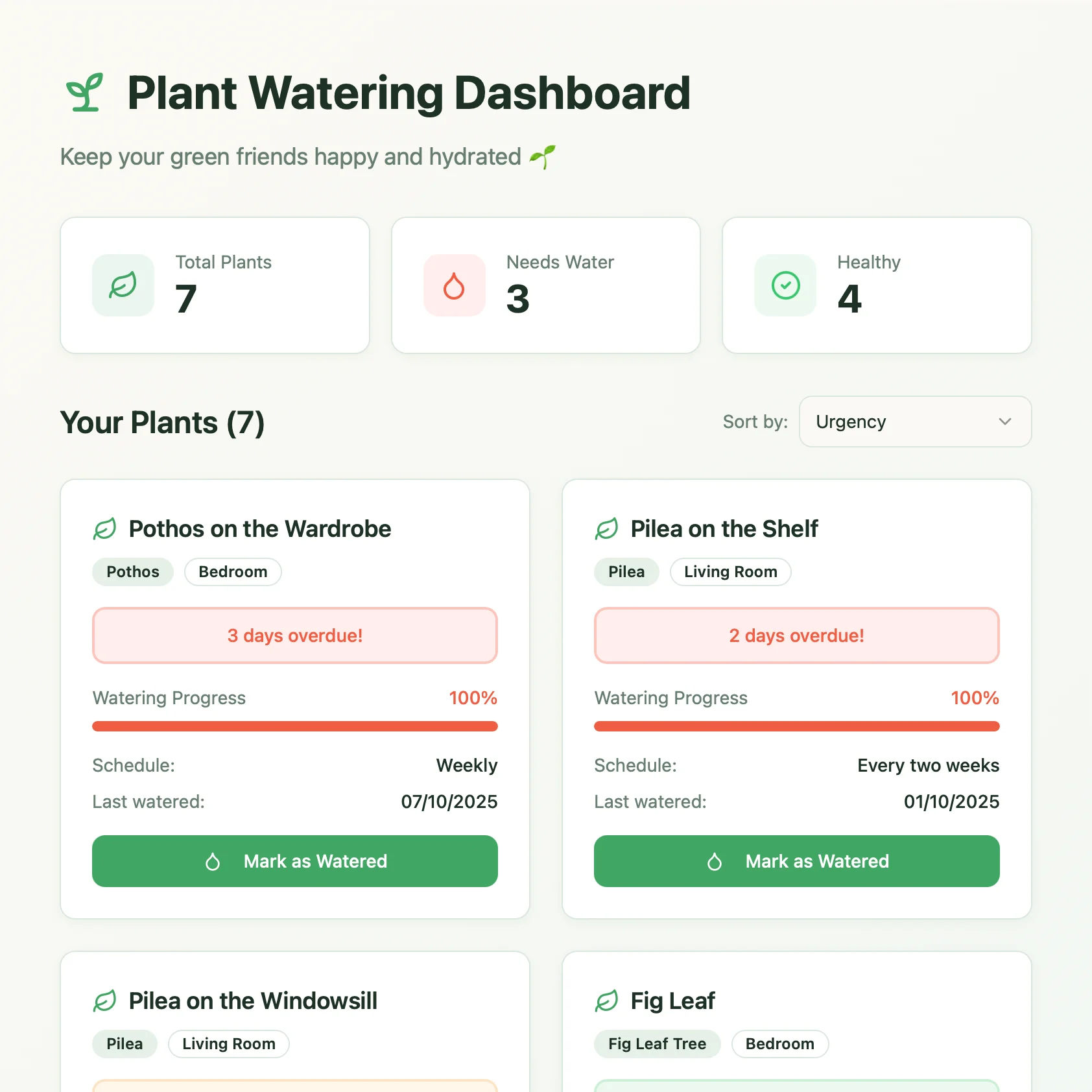
Ein Live-Pflanzenpflege-Dashboard, erstellt mit Lovable. Ruft Gießpläne und Pflegetipps aus deinem Craft-Dokument ab.
Mehr erfahren