Graft — Knowledge Graph
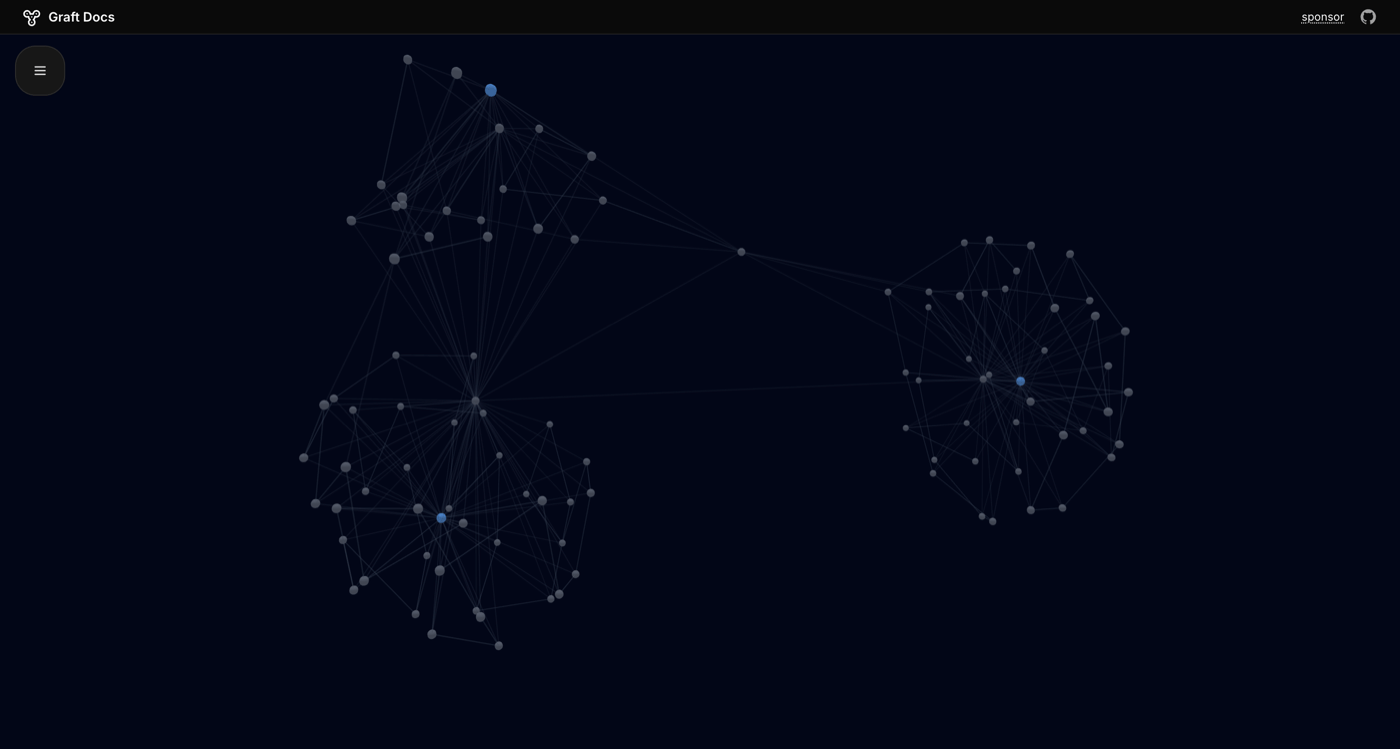
Your Craft workspace already has structure — folders, tags, links between documents. Graft reads it all via the API and renders it as an interactive knowledge graph, so you can see clusters of related ideas, find orphaned notes, and navigate spatially instead of scrolling through lists.
Built by Pavel Larionov with Craft
Build It Yourself
Step 1 — Clone & Run Locally
Graft is fully open source. Clone the GitHub repository and run it locally. The project runs entirely in the browser — no backend needed. You can also see a live demo at graft.to.
git clone https://github.com/pa1ar/graft-to.git && cd graft-to && bun install && bun devStep 2 — Enable the Craft API
Generate a read-only API key for your Craft workspace. Graft needs this to read your document structure and connections.
Step 1
Step 2
Step 3
Step 4
Step 5
Step 3 — Connect Your Workspace
Paste your Craft API credentials into Graft. Everything runs in your browser — your API keys never leave your device and no data is sent to external servers.
Step 4 — Explore Your Knowledge Graph
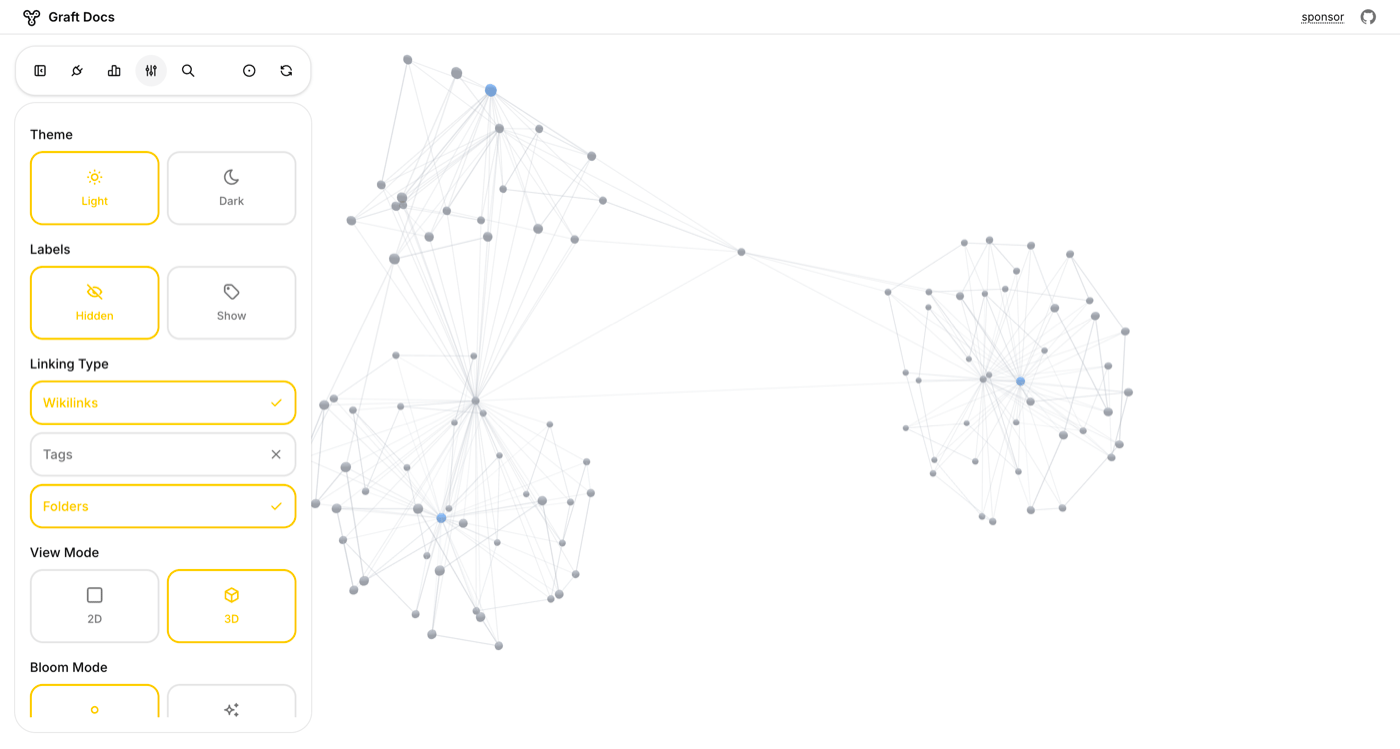
Your documents appear as nodes, and connections between them (tags, links, folder hierarchy) appear as edges. Start in 2D mode to get an overview of your workspace structure.
Step 5 — Switch to 3D for Larger Workspaces
For workspaces with hundreds of documents, switch to 3D mode. Orbit, zoom, and rotate through your knowledge graph. Clusters of related documents naturally group together.
Step 6 — Make It Your Own
Click any node to see a summary of that document. Click again to deep-link back into Craft. Optionally add an OpenAI key for AI-generated document summaries on hover. Customize the graph layout, add new visualization modes, or build an entirely different tool on top of the same Craft API.
The Result
Your Craft workspace becomes a visual knowledge graph — a second brain you can actually see. Discover hidden connections between documents, find orphaned notes, and navigate your PKM system spatially instead of linearly.
Więcej pomysłów do wypróbowania
Back to the Gallery
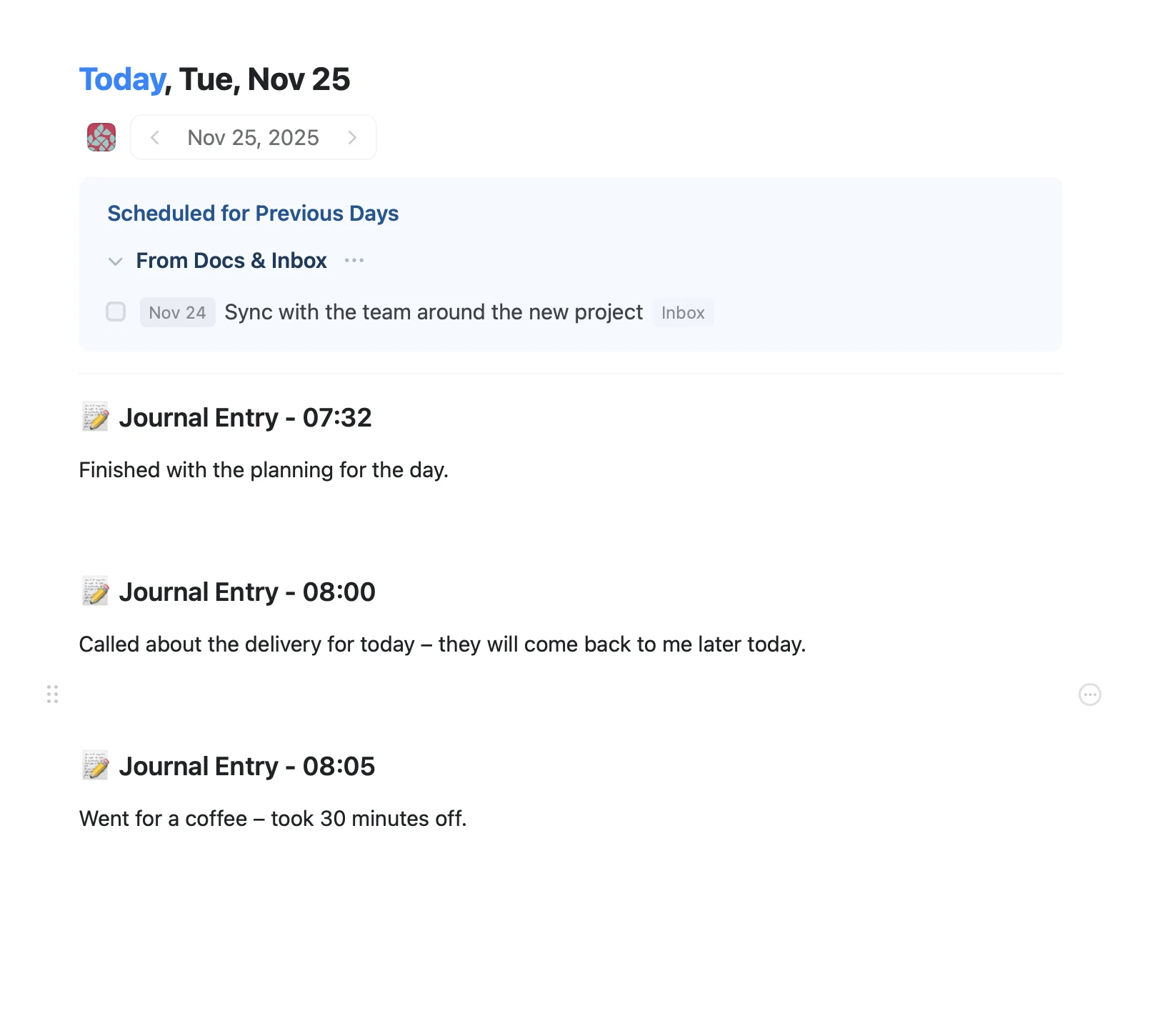
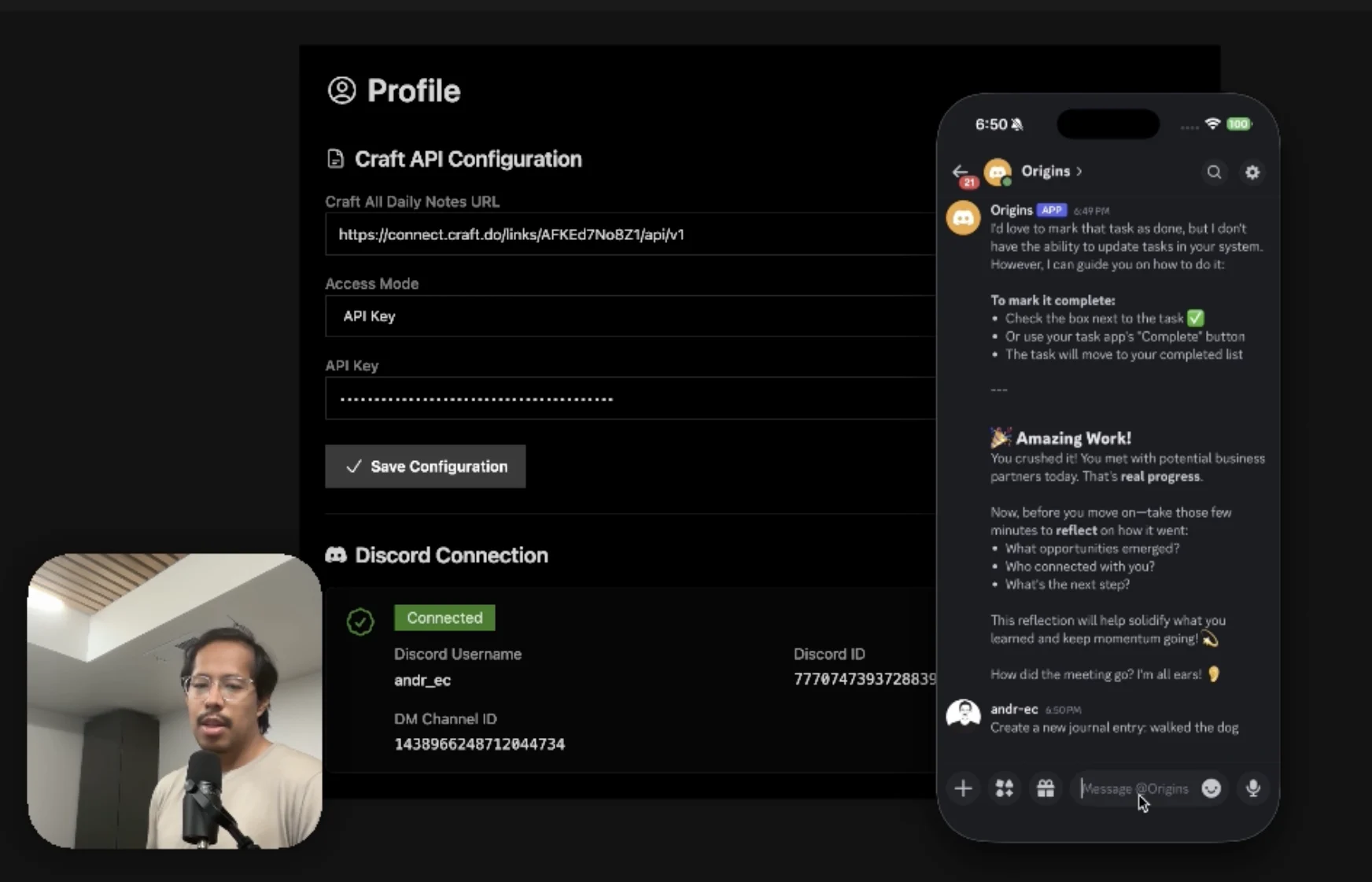
An AI accountability coach that reads your Craft goals and follows up in Discord.
Dowiedz się więcej
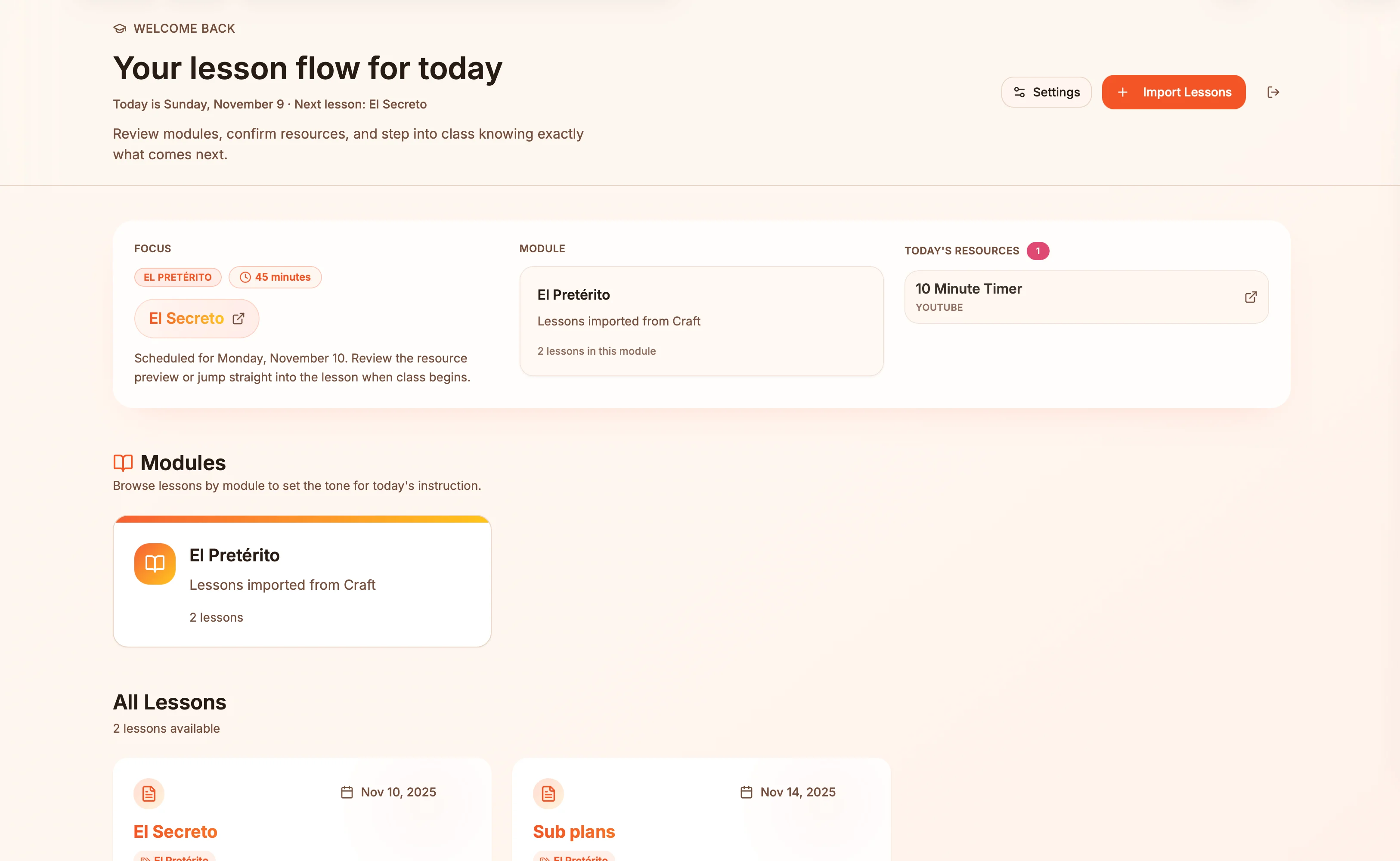
Lesson plans in Craft become live presentation slides — always in sync, zero copy-paste.
Dowiedz się więcej
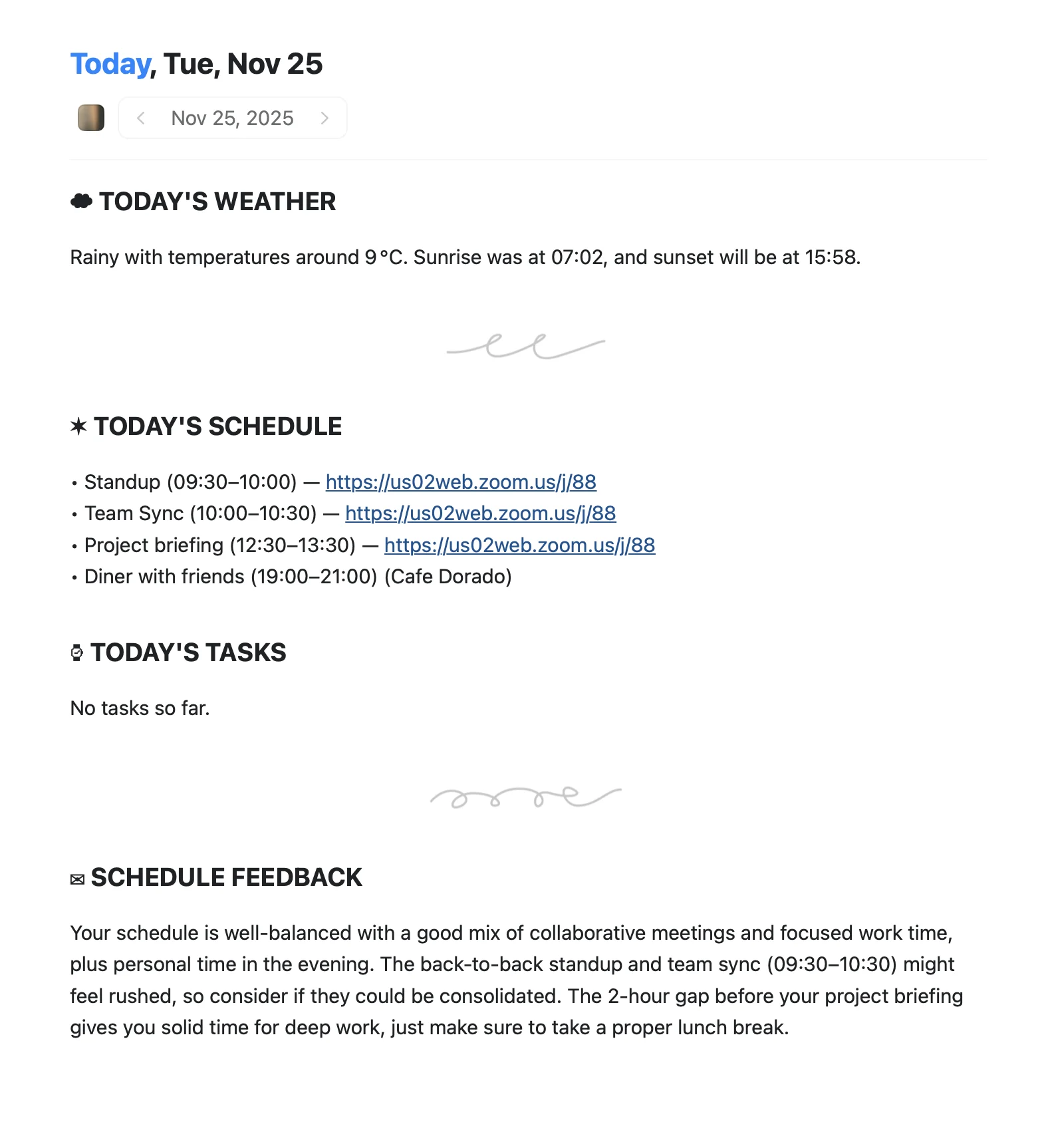
An Apple Shortcut that writes your morning agenda directly into Craft Daily Notes.
Dowiedz się więcej