Brainstorm Walk
Good ideas happen away from the desk, then get forgotten. This workflow lets you brainstorm out loud with ChatGPT voice mode on a walk, then saves and organizes everything into a structured Craft document — so ideas survive the trip home.



imagine.builtByWith
Construa você mesmo
imagine.step – Set Up Your Craft Brainstorm Document
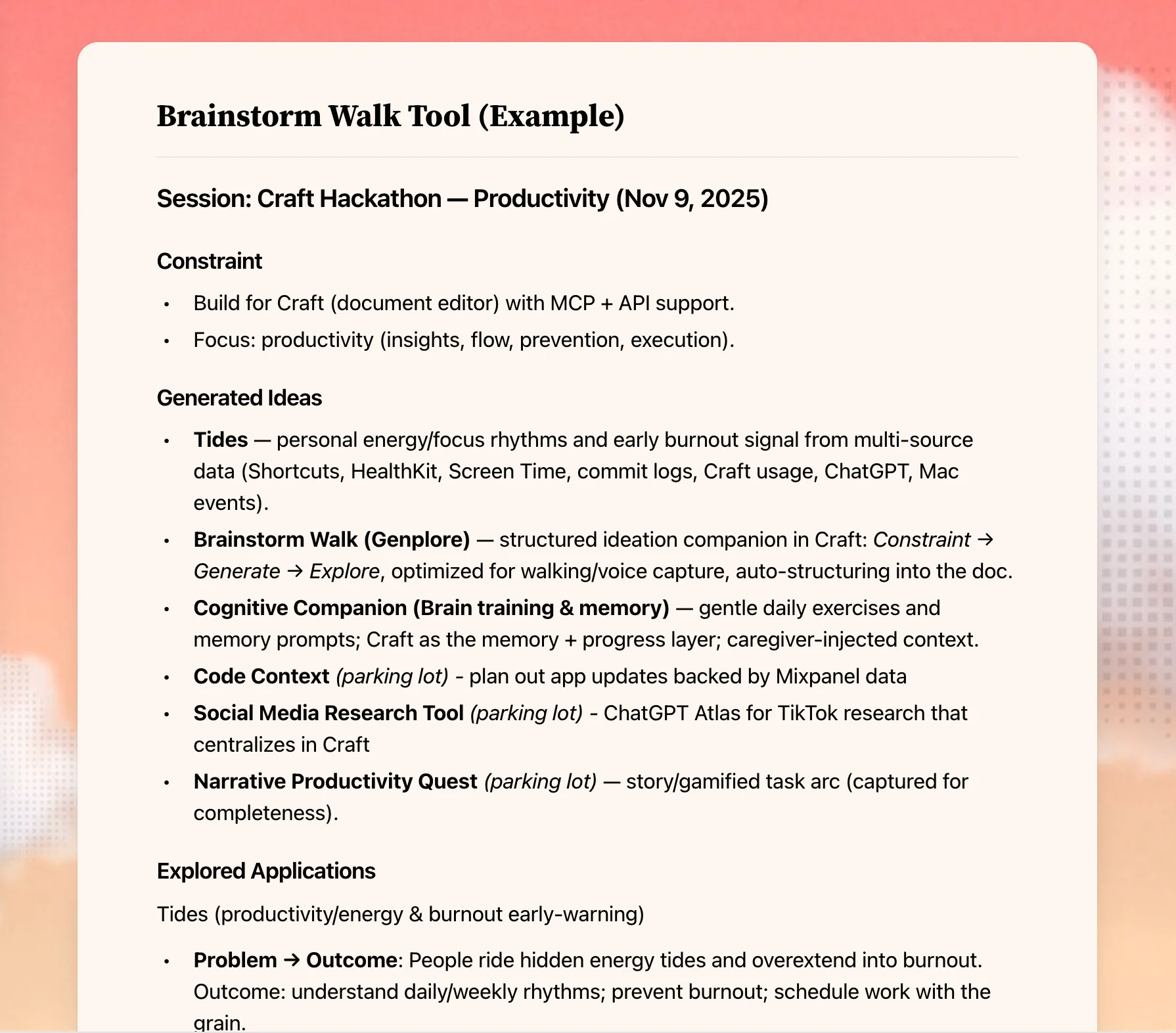
Create a Craft document where your brainstorming ideas will be organized. Copy the following Brainstorm Tool template into your document:
## Brainstorm Tool
### Instructions
**Context**
We are going for a brainstorming walk and using the Genplore brainstorming model. First we'll generate ideas given some constraint, then we'll explore how it can work practically. After the walk, I'll ask for you to save the ideas using the Brainstorm Tool.
**Example**
**Constraint**
AirPods Accelerometer / Gyroscope in an iOS app
**Generated Ideas**
- Beep in my ear when I have bad posture
- Measure workout reps / make sure I have good pushup technique
- Count drink intake from head movement
- Spatial Audio for people with visual impairments
**Explored Applications**
- PodPosture
- Beep in my ear when I have bad posture
- Detect change in forward acceleration
- Ability to change sensitivity
- People will want this because they have bad neck pain from working too much
*Below is where you'll enter ideas...*
### Constraint
*This can be a certain technology, problem, or experience / point of view I have.*
### Generated Ideas
*High level concepts you arrive at because of the constraint*
### Explored Applications
*Lower level how this would work, why people would use it etc*
imagine.step – Enable Craft MCP
imagine.ideas.brainstormWalk.buildIt.step2.description1
imagine.step – Prepare Your AI for the Walk
In your ChatGPT or Claude chat (with MCP enabled), type this prompt:
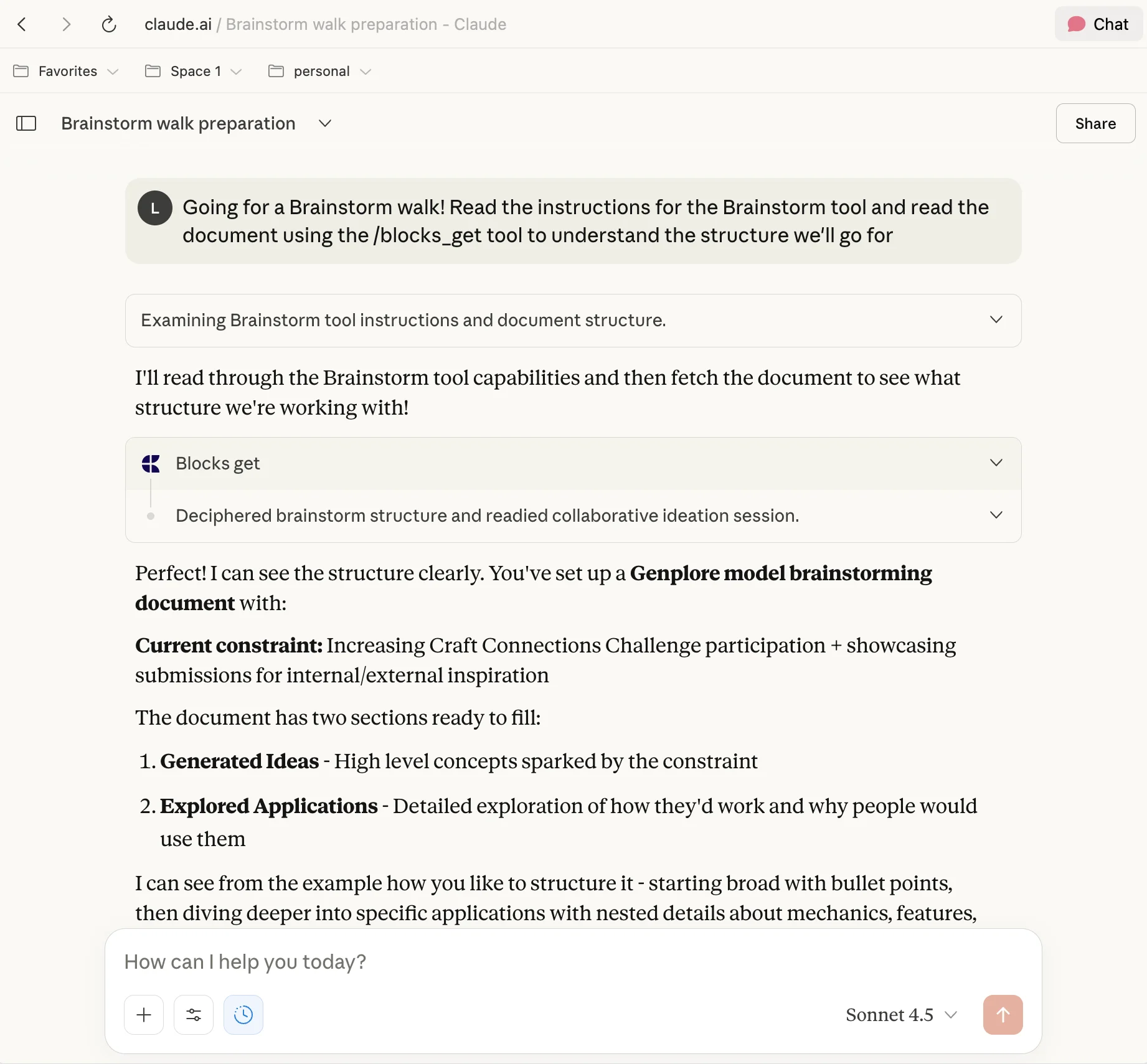
Going for a Brainstorm walk, read the instructions for the Brainstorm tool and read the document using the /blocks_get tool to understand the structure we'll go for
This tells the AI to read your Brainstorm Tool template and understand the structure you’ll be using.
imagine.step – Define Your Constraint
Before you start walking, decide on your constraint. This can be:
- A certain technology (e.g., “AirPods Accelerometer”)
- A problem you’re trying to solve
- An experience or point of view you have
Constraints help generate better ideas than open-ended brainstorming.
imagine.step – Start Your Walk and Talk
Head out for your walk and open ChatGPT or Claude’s voice mode in the same chat. Brainstorm out loud:
- Share ideas as they come to mind
- Ask the AI clarifying questions
- Explore ideas deeper through conversation
- Let the movement help your thinking flow
imagine.step – Let ChatGPT Organize Your Ideas
When you’re done walking, prompt the AI to save the ideas using the Brainstorm Tool. Ask something like:
Now save all the ideas we brainstormed to my Brainstorm Tool in Craft using the structure we discussed
The AI will organize everything into:
- Generated Ideas (the raw ideas from your walk)
- Explored Applications (the practical applications you discussed)
imagine.step – Review and Iterate
Open Craft and review what the AI captured:
- Add your own notes
- Combine related ideas
- Mark ideas for follow-up
- Start working on the strongest concepts
The Result
You get more ideas, better ideas, and they’re organized and ready to act on – all without sitting at a desk. Your walks become productive thinking time instead of just exercise, and your best ideas are captured before they fade away. Copy the template above and adapt it for your own brainstorming style.
Mais ideias para voce experimentar
Voltar para a galeria
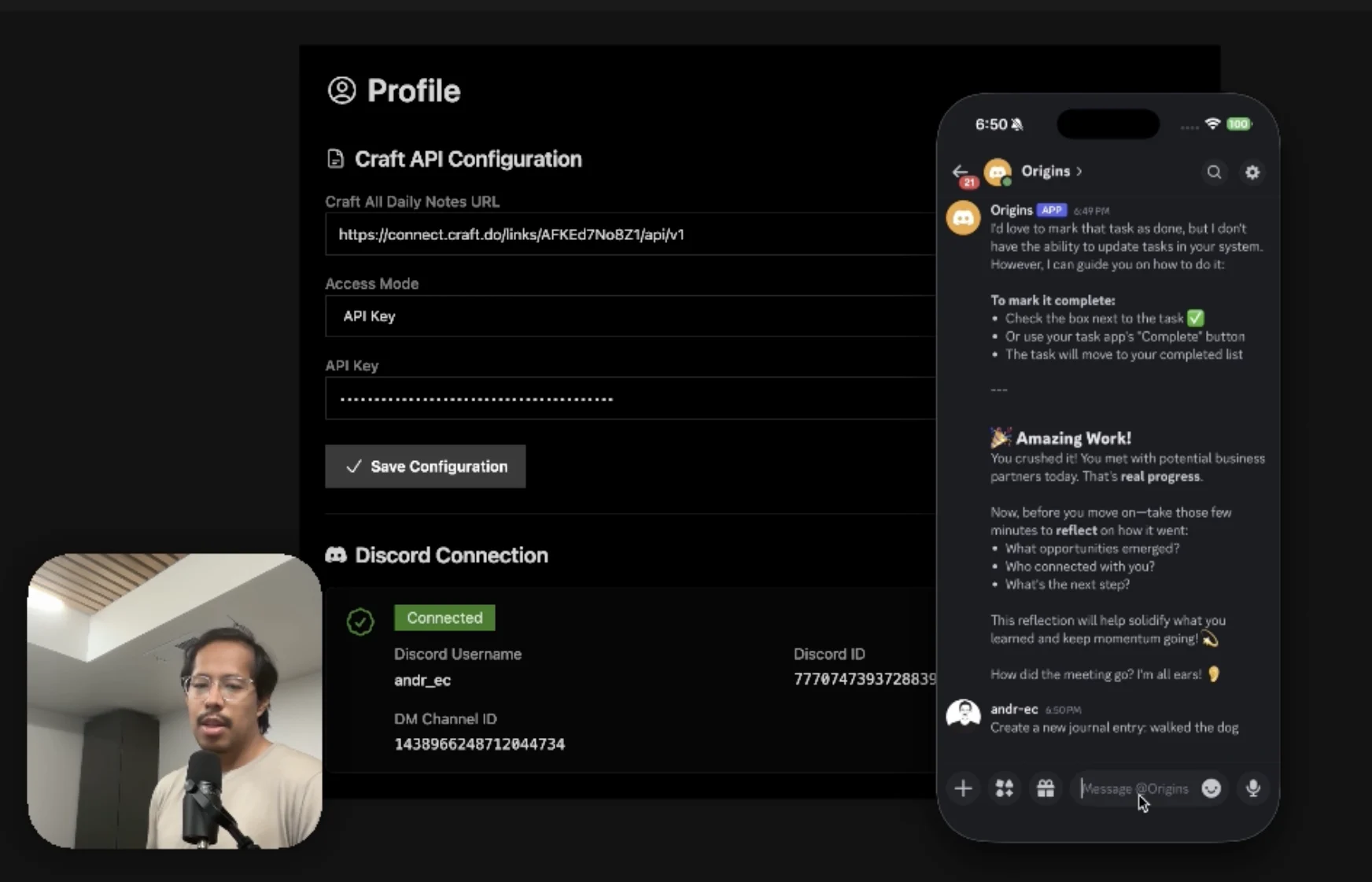
An AI accountability coach that reads your Craft goals and follows up in Discord.
Saiba mais
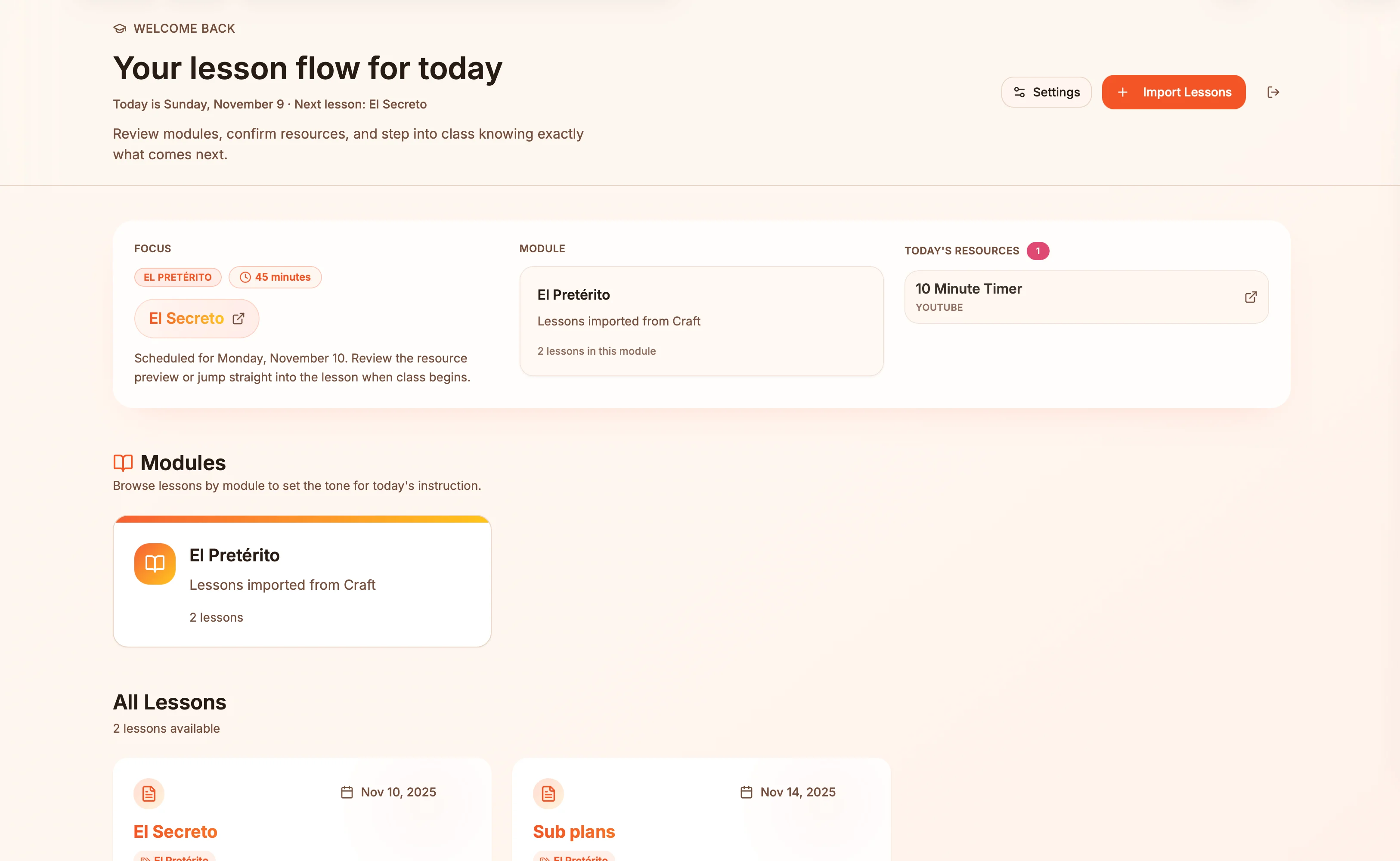
Lesson plans in Craft become live presentation slides — always in sync, zero copy-paste.
Saiba mais
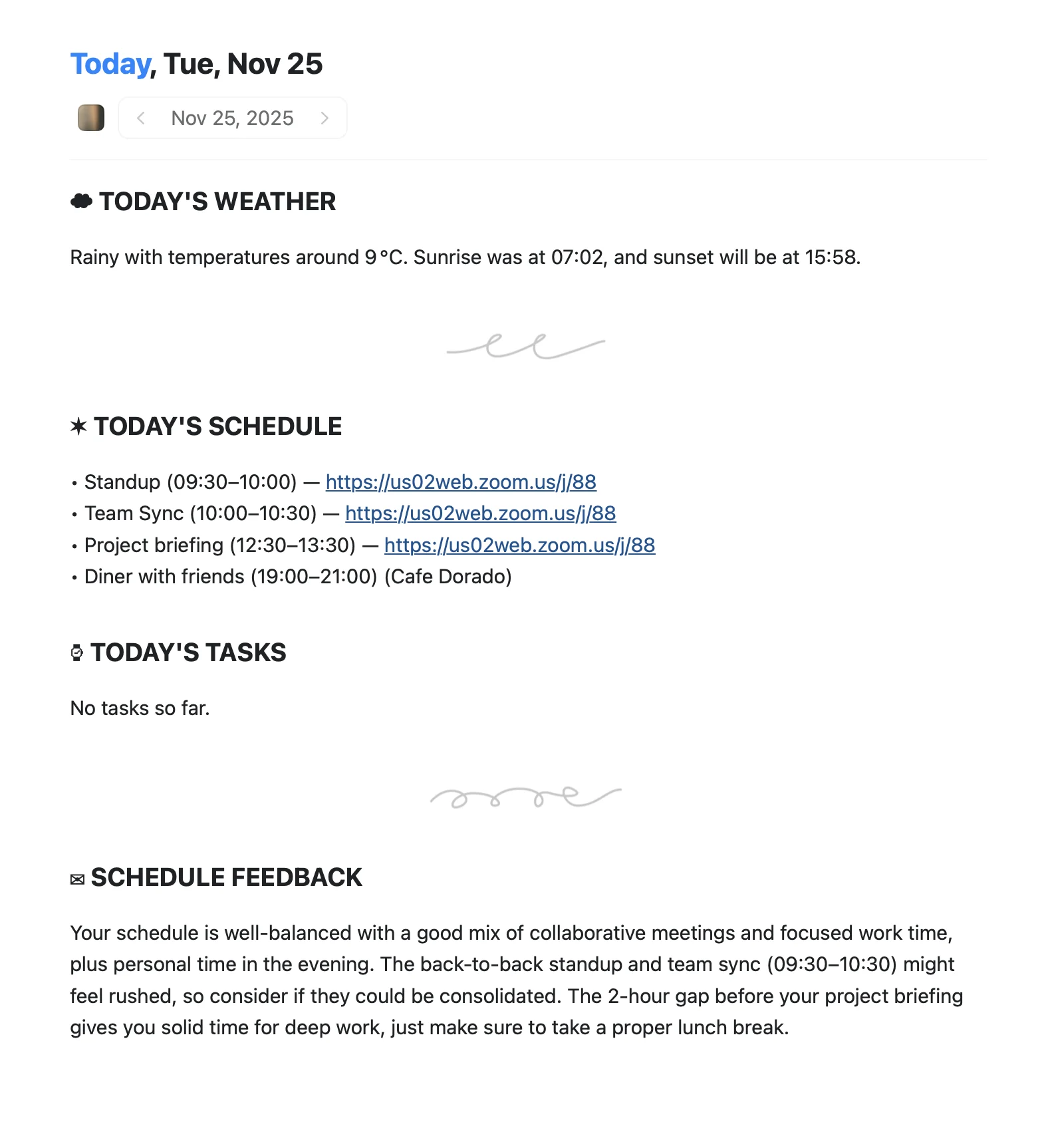
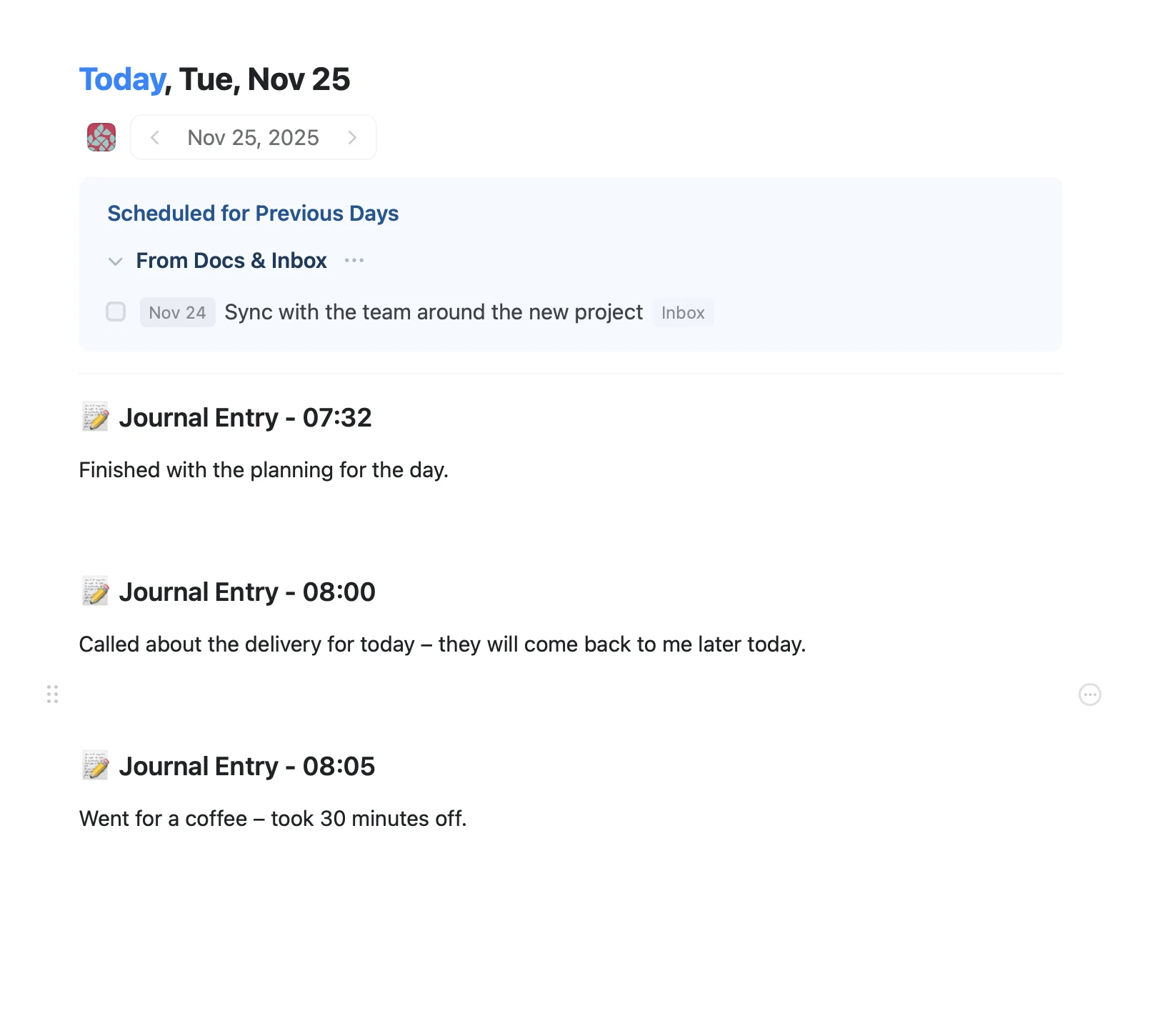
An Apple Shortcut that writes your morning agenda directly into Craft Daily Notes.
Saiba mais