Graft — Knowledge Graph
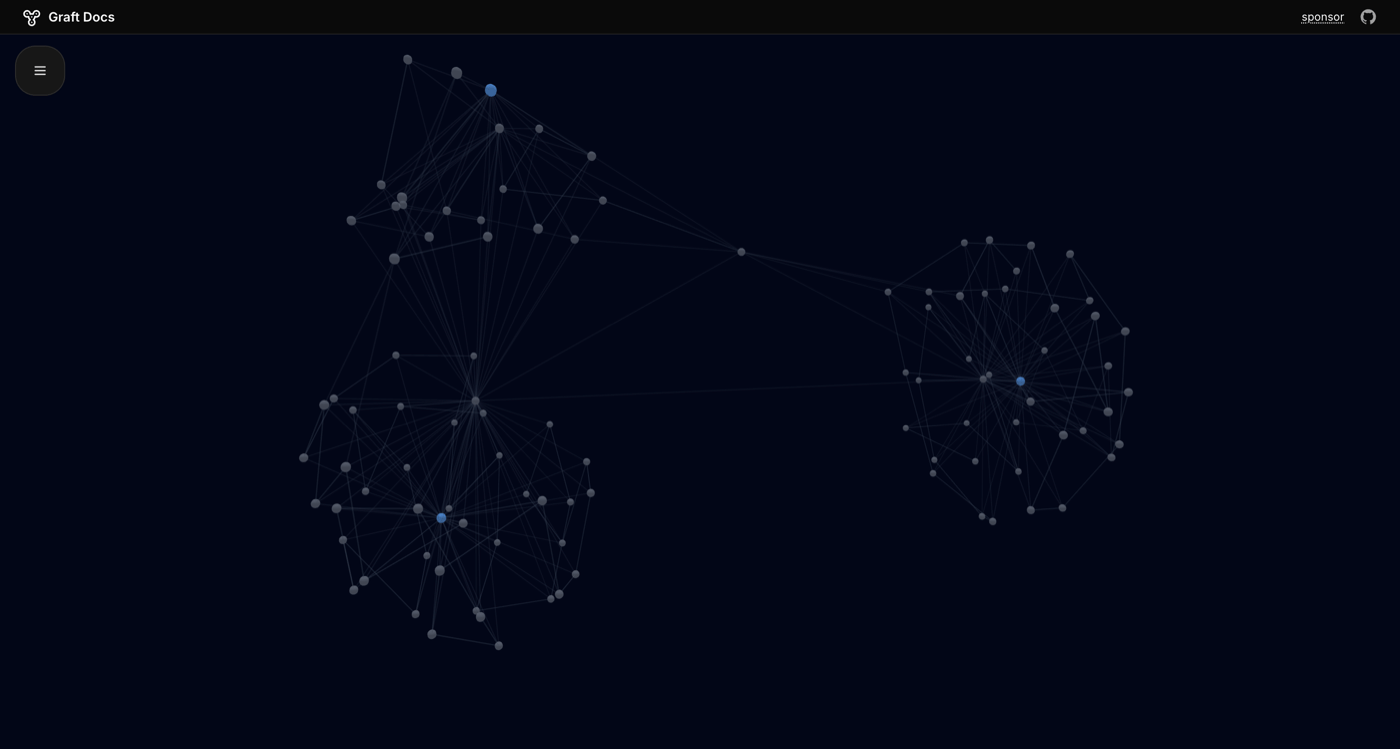
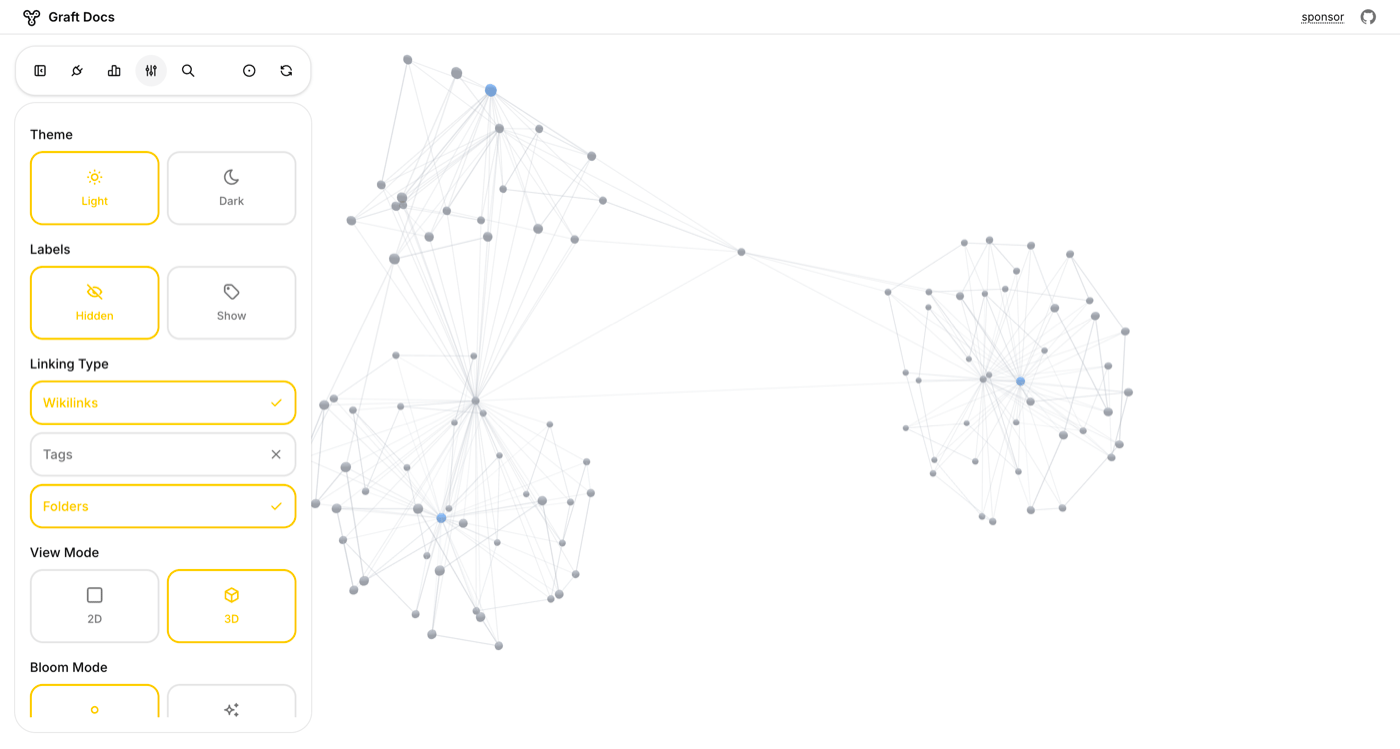
Your Craft workspace already has structure — folders, tags, links between documents. Graft reads it all via the API and renders it as an interactive knowledge graph, so you can see clusters of related ideas, find orphaned notes, and navigate spatially instead of scrolling through lists.

imagine.builtByWith
Construa você mesmo
imagine.step — Clone & Run Locally
imagine.ideas.graft.buildIt.step1.description1
git clone https://github.com/pa1ar/graft-to.git && cd graft-to && bun install && bun devimagine.step — Enable the Craft API
Generate a read-only API key for your Craft workspace. Graft needs this to read your document structure and connections.
imagine.step
imagine.step
imagine.step
imagine.step
imagine.step
imagine.step — Connect Your Workspace
Paste your Craft API credentials into Graft. Everything runs in your browser — your API keys never leave your device and no data is sent to external servers.
imagine.step — Explore Your Knowledge Graph
Your documents appear as nodes, and connections between them (tags, links, folder hierarchy) appear as edges. Start in 2D mode to get an overview of your workspace structure.
imagine.step — Switch to 3D for Larger Workspaces
For workspaces with hundreds of documents, switch to 3D mode. Orbit, zoom, and rotate through your knowledge graph. Clusters of related documents naturally group together.
imagine.step — Make It Your Own
Click any node to see a summary of that document. Click again to deep-link back into Craft. Optionally add an OpenAI key for AI-generated document summaries on hover. Customize the graph layout, add new visualization modes, or build an entirely different tool on top of the same Craft API.
The Result
Your Craft workspace becomes a visual knowledge graph — a second brain you can actually see. Discover hidden connections between documents, find orphaned notes, and navigate your PKM system spatially instead of linearly.
Mais ideias para voce experimentar
Voltar para a galeria
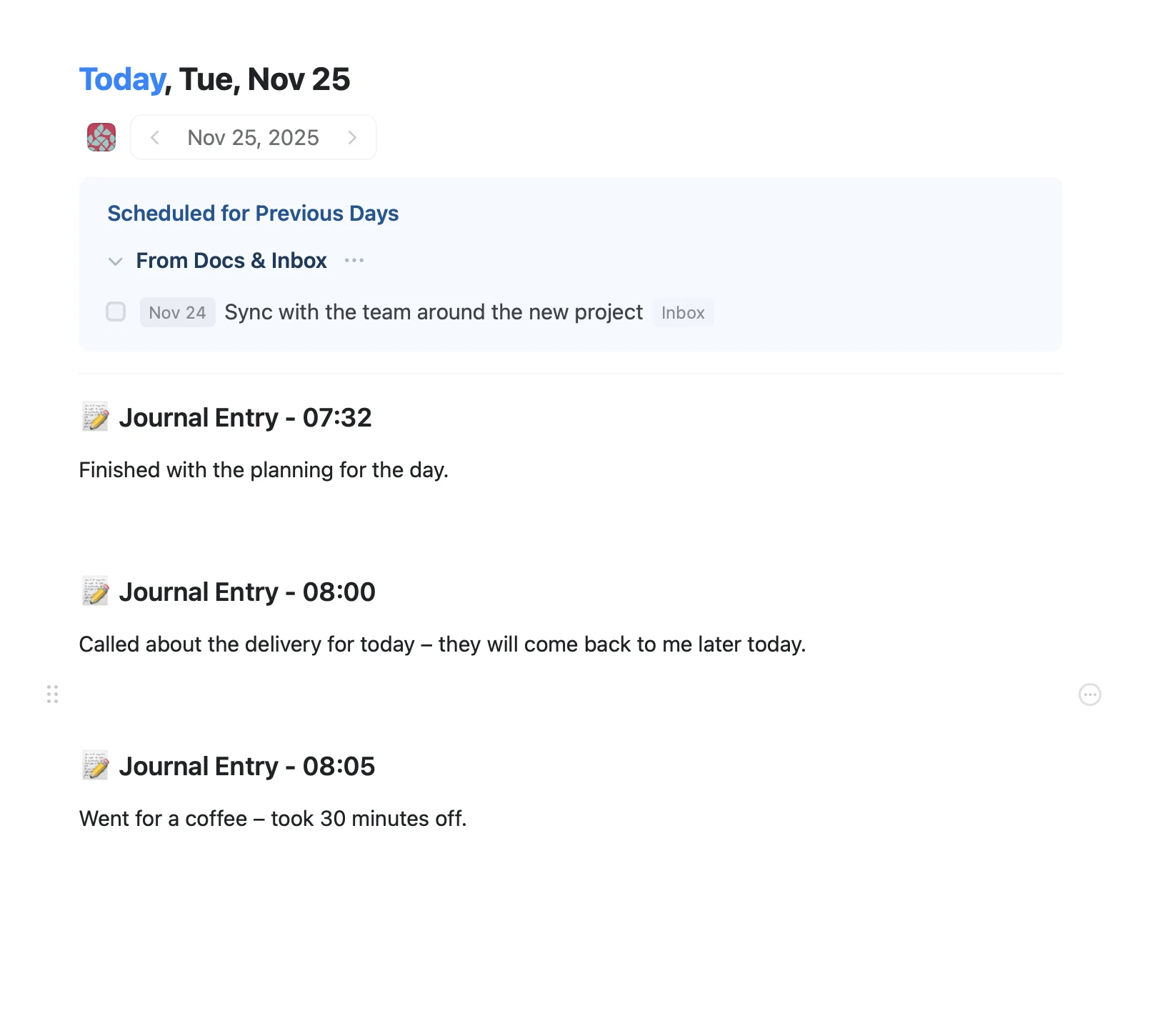
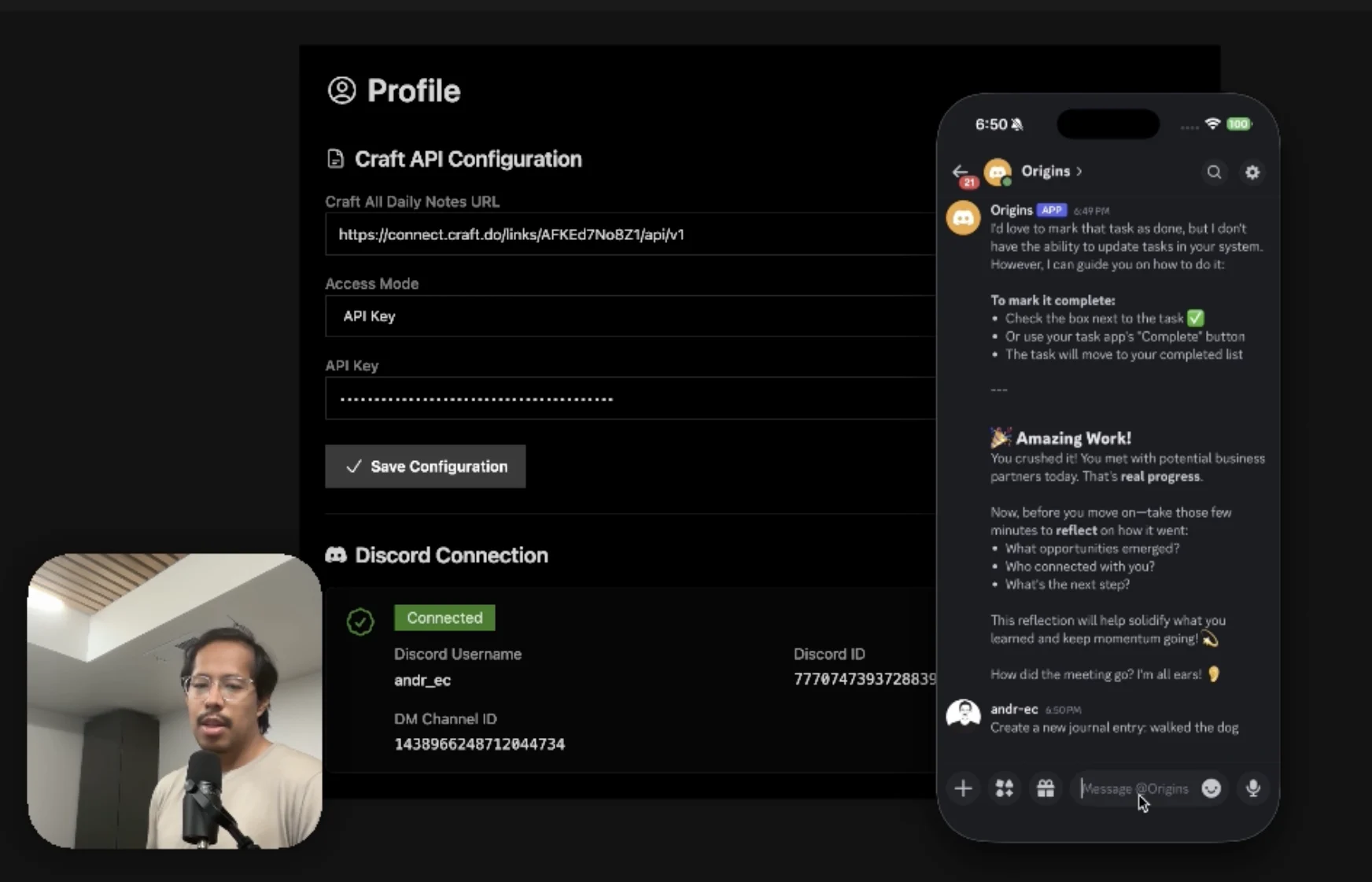
An AI accountability coach that reads your Craft goals and follows up in Discord.
Saiba mais
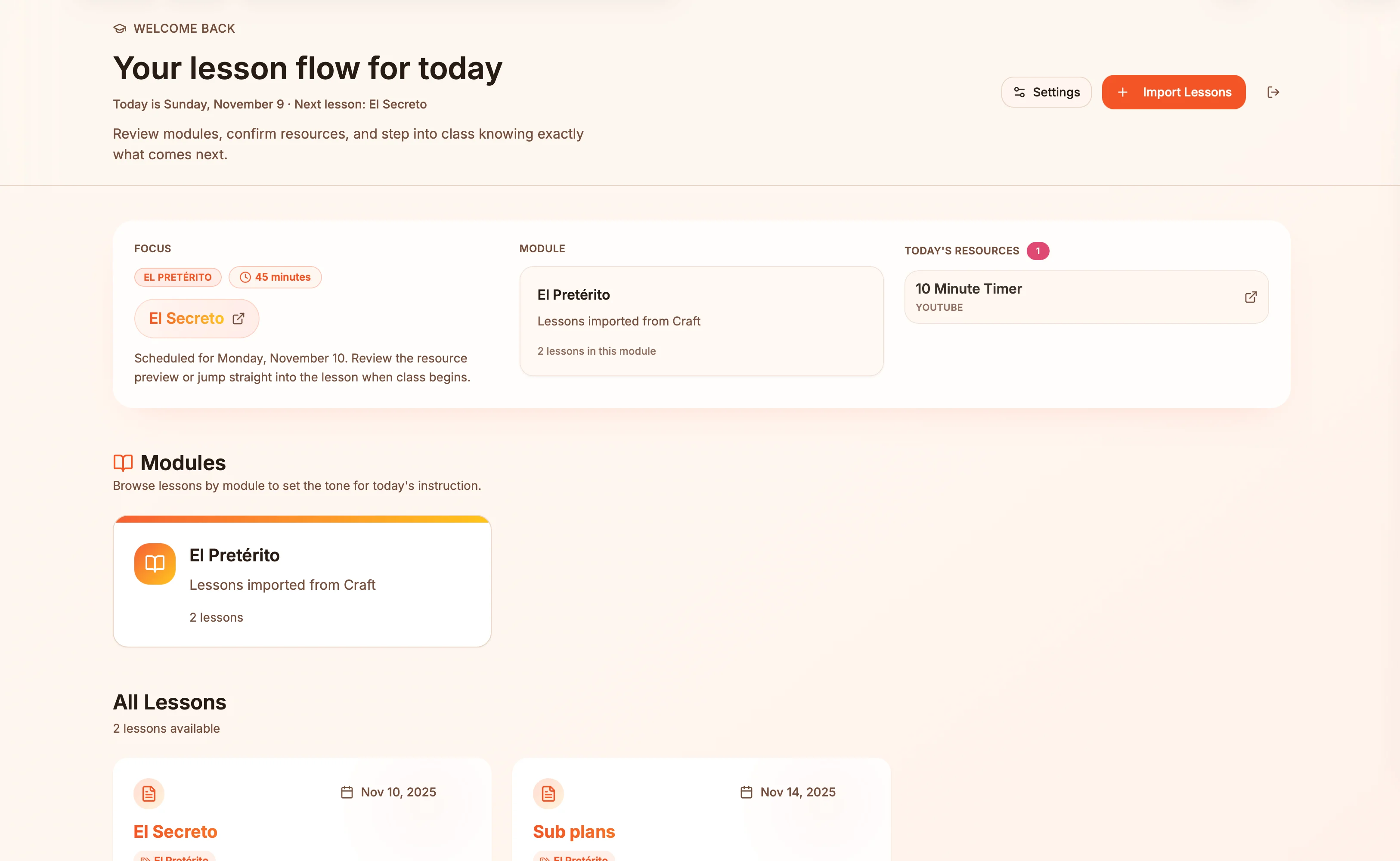
Lesson plans in Craft become live presentation slides — always in sync, zero copy-paste.
Saiba mais
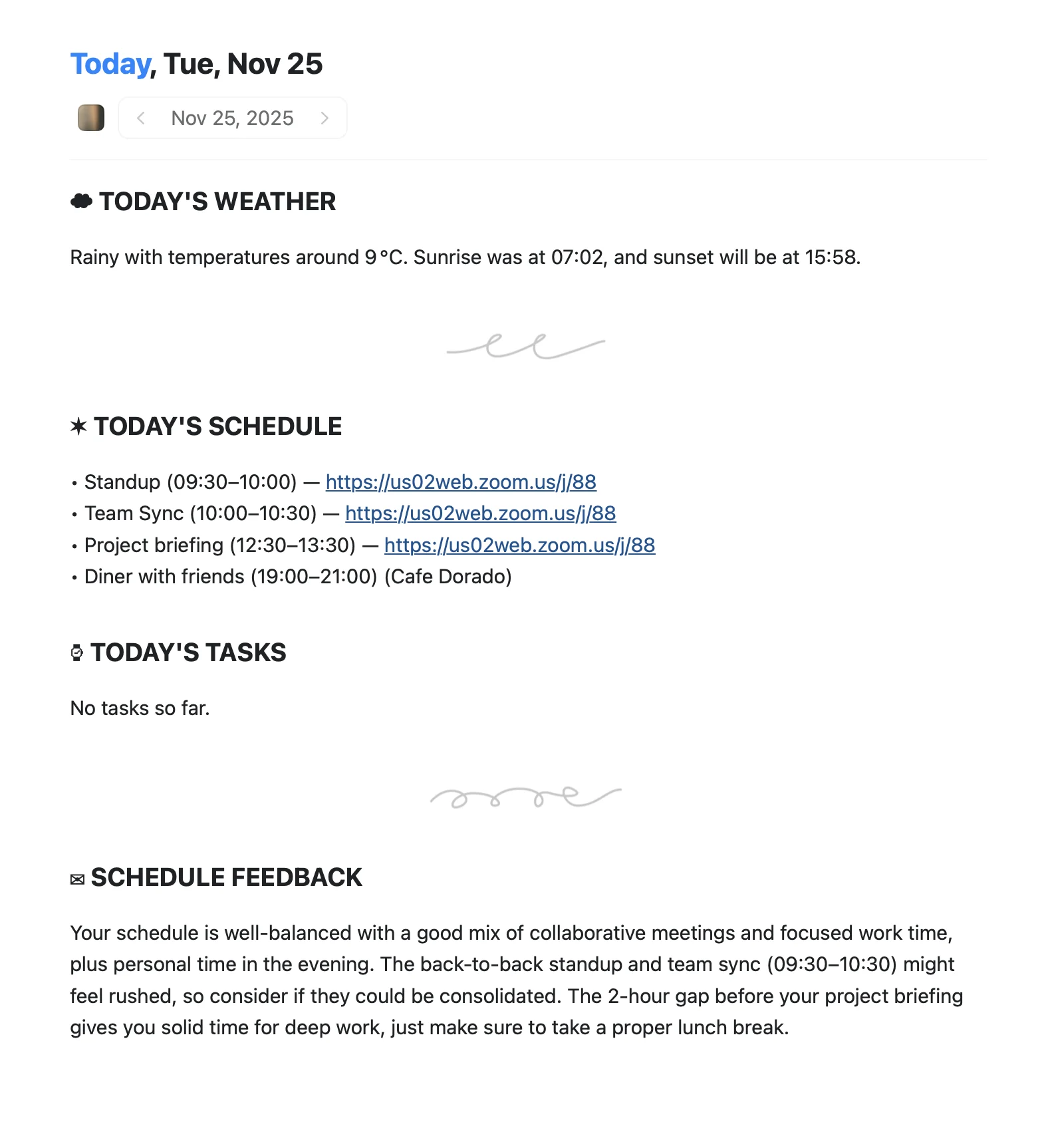
An Apple Shortcut that writes your morning agenda directly into Craft Daily Notes.
Saiba mais