Living Documentation Hub
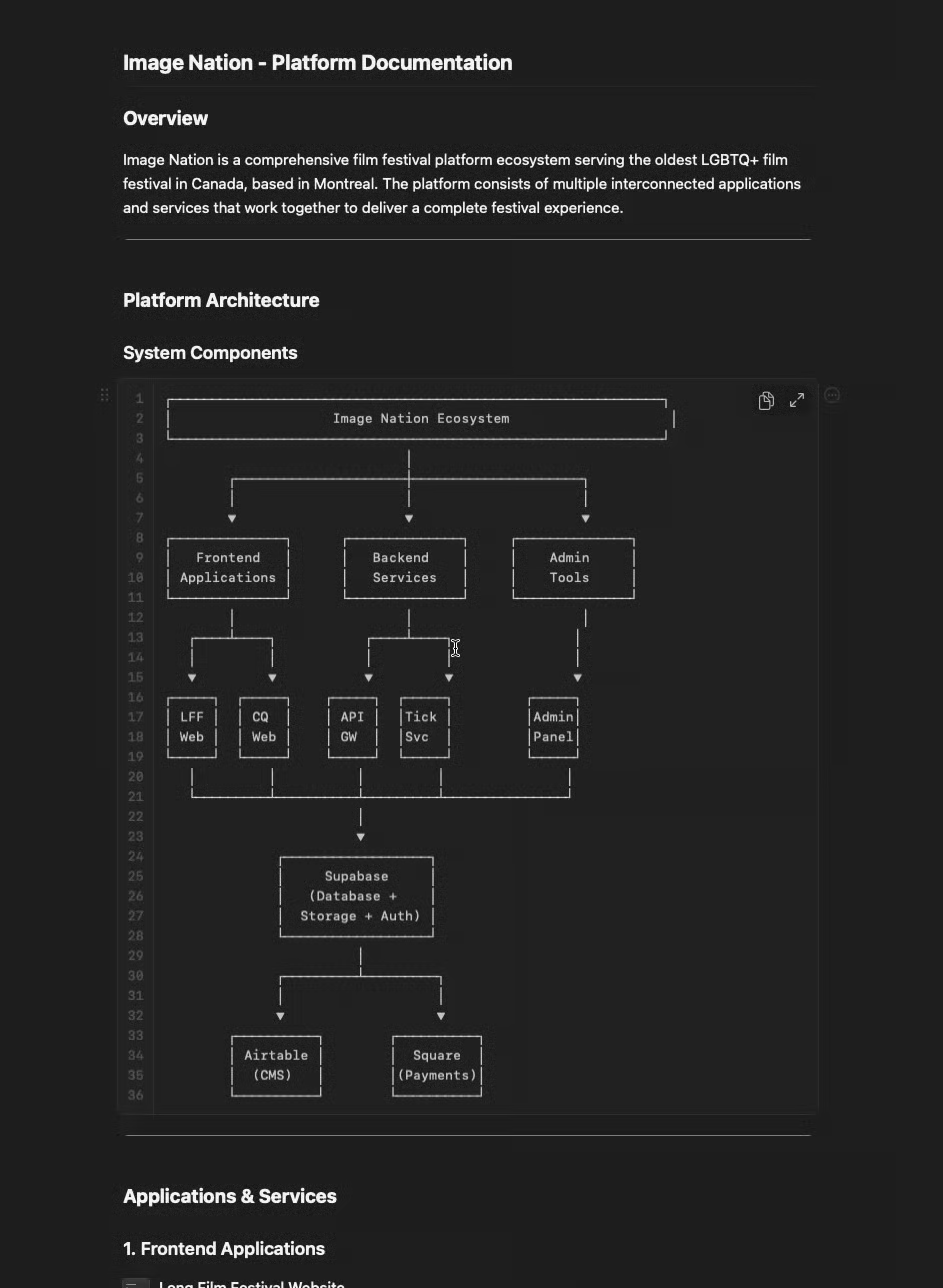
Static docs go stale and nobody reads them. Keep your technical documentation in Craft and connect it via MCP, and developers can query it directly from their IDE — getting instant, accurate answers across your entire architecture instead of pinging colleagues or grepping through code.


imagine.builtByWith
Construa você mesmo
imagine.step – Organize Your Documentation in Craft
Create a hierarchical documentation structure in Craft:
- imagine.ideas.livingDocumentationHub.buildIt.step1.bullet1
- imagine.ideas.livingDocumentationHub.buildIt.step1.bullet2
- Service description and purpose
- API endpoints and schemas
- Database models
- Key implementation details
- Dependencies and connections
- Example code and usage patterns
Structure it consistently so AI can parse it reliably.
imagine.step – Include Comprehensive Details
For each service, document:
- imagine.ideas.livingDocumentationHub.buildIt.step2.bullet1
- imagine.ideas.livingDocumentationHub.buildIt.step2.bullet2
- imagine.ideas.livingDocumentationHub.buildIt.step2.bullet3
- imagine.ideas.livingDocumentationHub.buildIt.step2.bullet4
- imagine.ideas.livingDocumentationHub.buildIt.step2.bullet5
- imagine.ideas.livingDocumentationHub.buildIt.step2.bullet6
imagine.step – Enable Craft MCP
Set up Craft’s MCP (Model Context Protocol) connection to Claude. This allows Claude to read your entire documentation structure through your IDE.
imagine.step – Set Up Cursor with Claude
In Cursor (or your preferred IDE with Claude integration):
- Enable Claude as your AI assistant
- Connect it to your Craft MCP documentation
- Configure it to read your documentation when answering questions
imagine.step – Create Custom Instructions for Claude
Add instructions to your Cursor setup:
You have access to our complete technical documentation in Craft via MCP. When a developer asks a question:
1. Search the documentation for relevant services and code
2. Provide the complete context (which services are involved, how they connect)
3. Show exact code examples from the documentation
4. Explain the flow across services
5. Suggest the affected files and changes needed
imagine.step – Start Asking Questions
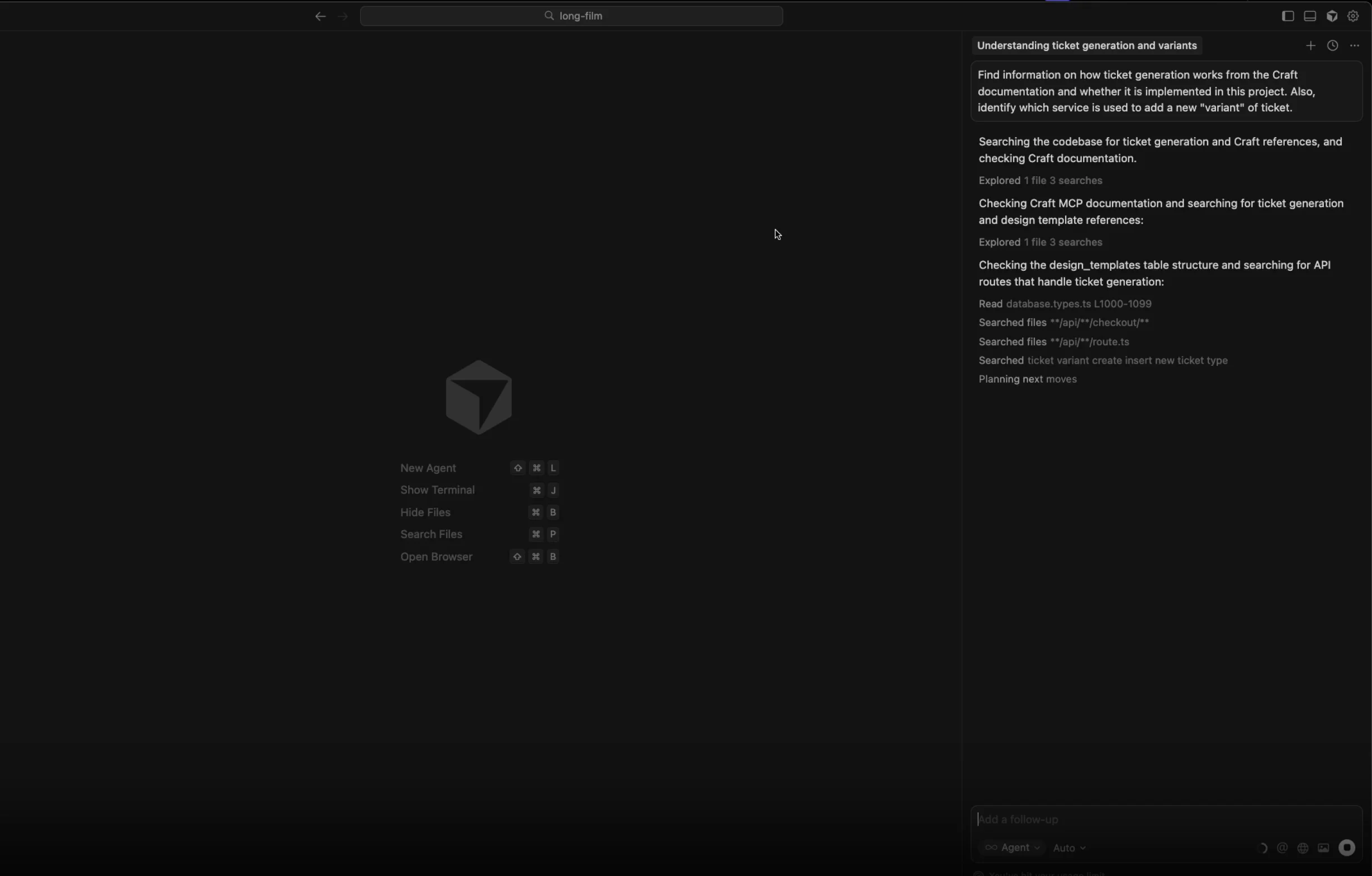
Developers can now ask questions directly in their IDE:
→ Claude reads Craft docs → Shows complete flow from frontend through backend to PDF generation
→ Claude reads Craft docs → Lists all affected services and provides ready code
→ Claude reads Craft docs → Points to exact service, file, and code
Clique nos exemplos para copiar o prompt para a area de transferencia
imagine.step – Keep Documentation Updated
Maintain your Craft documentation as your codebase evolves:
- Update service descriptions when architecture changes
- Add new API endpoints as they’re created
- Document new patterns and common solutions
- Keep examples current with your actual code
The documentation stays the source of truth, and Claude always has the latest context.
Impact the Creator Notices
| Task | Before | After | Speed Gain |
|---|---|---|---|
| Info lookup | 45 min | 3 min | 15x faster |
| Feature implementation | 2 hours | 10 min | 12x faster |
| Debugging | 3 hour | 20 min | 9x faster |
| Onboarding new devs | 2-4 weeks | 2-3 days | 7x faster |
The Result
Your Craft documentation becomes a team intelligence hub – an AI-queryable knowledge base that developers can ask questions to directly from their IDE. Instead of searching, asking colleagues, or reading through code, developers get instant, accurate answers with full context across your entire microservice architecture.
Mais ideias para voce experimentar
Voltar para a galeria
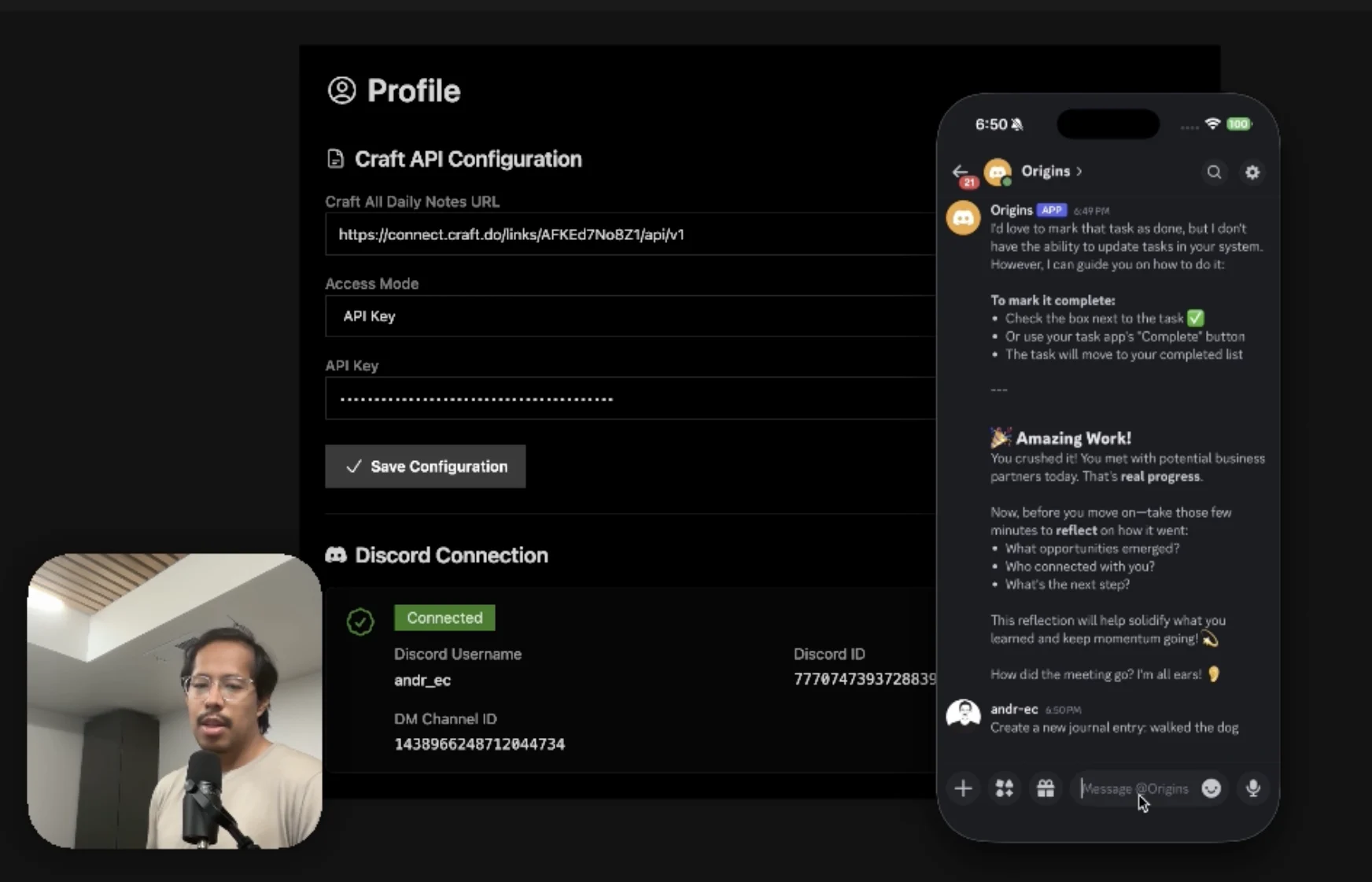
An AI accountability coach that reads your Craft goals and follows up in Discord.
Saiba mais
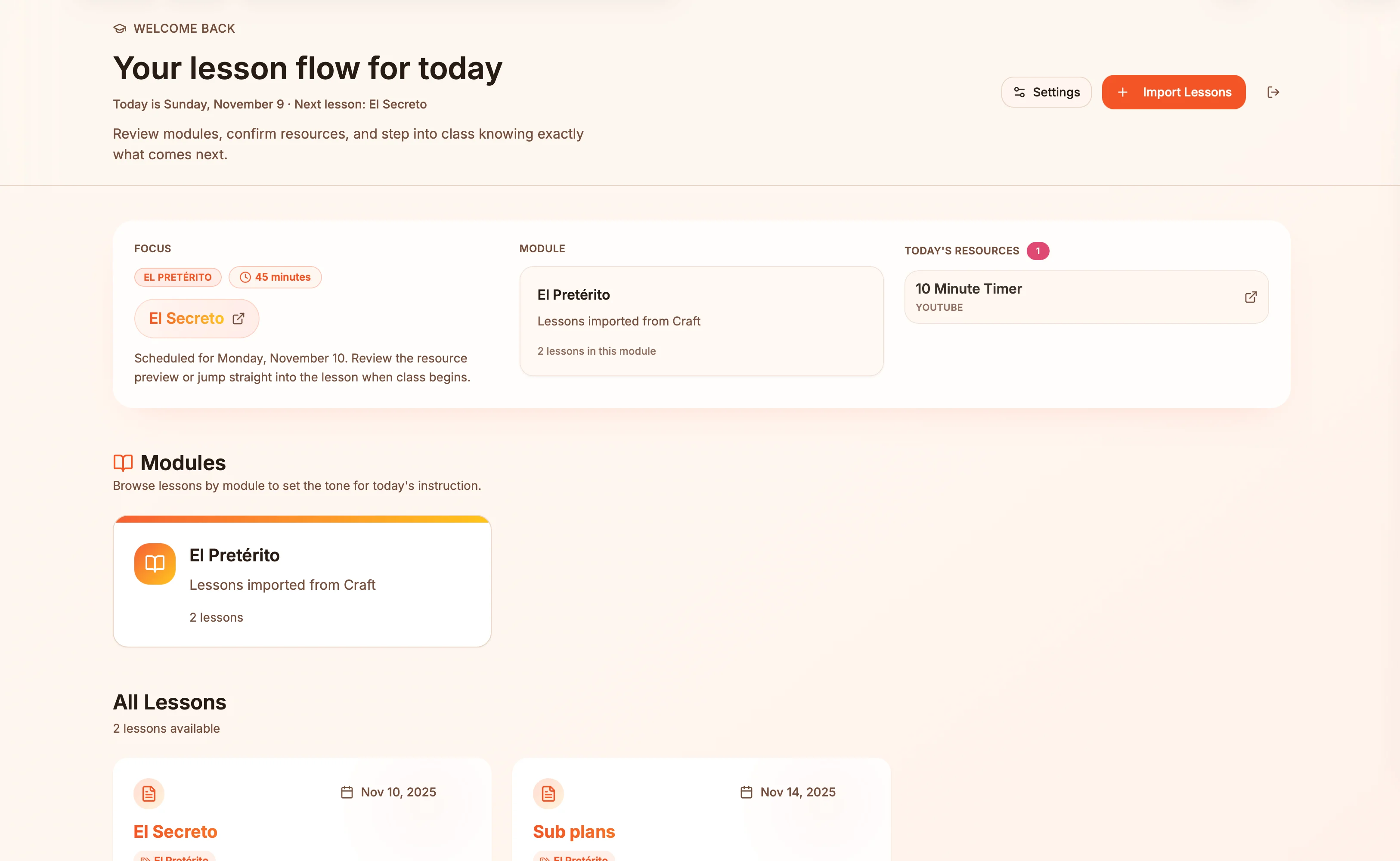
Lesson plans in Craft become live presentation slides — always in sync, zero copy-paste.
Saiba mais
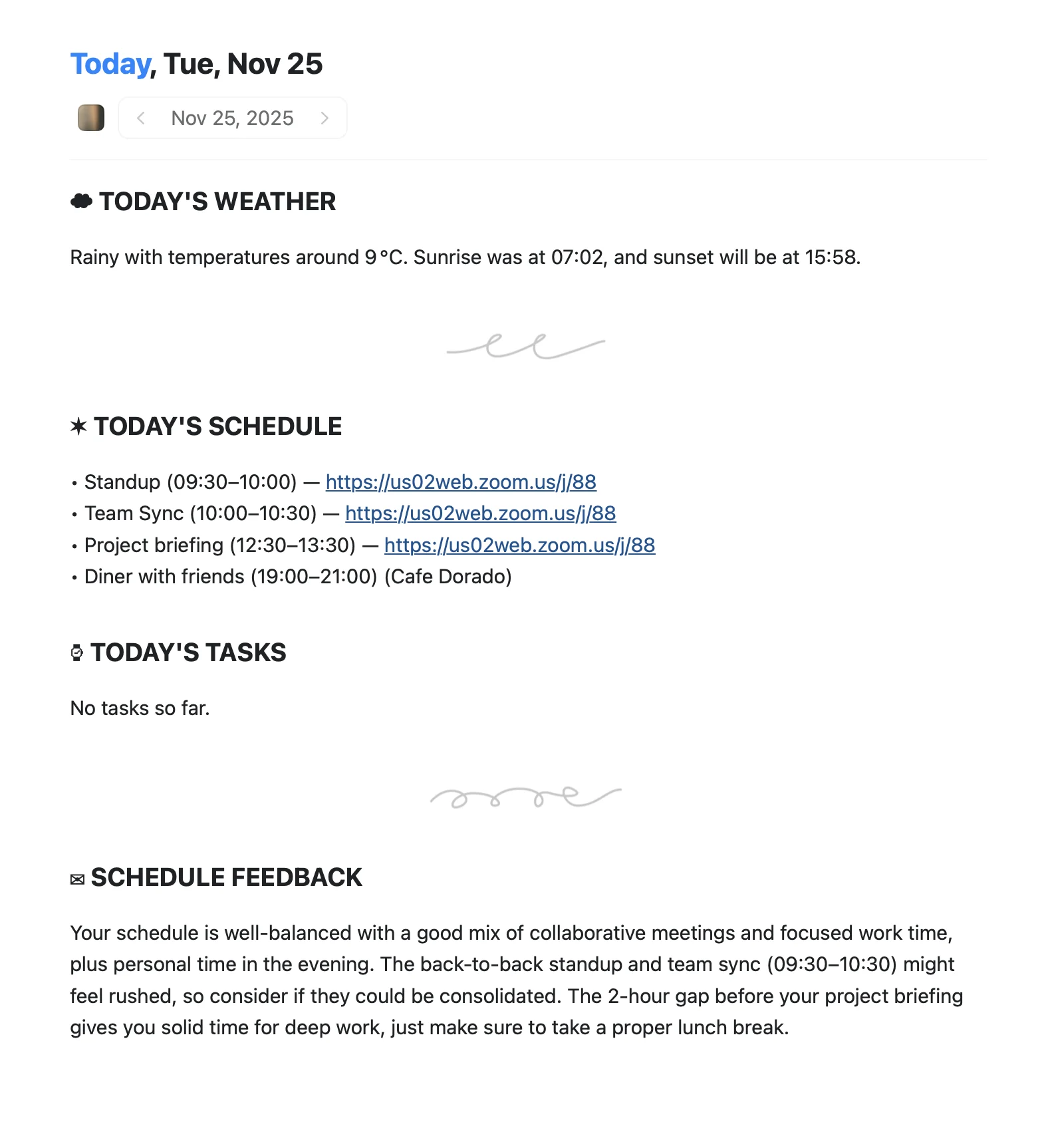
An Apple Shortcut that writes your morning agenda directly into Craft Daily Notes.
Saiba mais