Memory Capsule
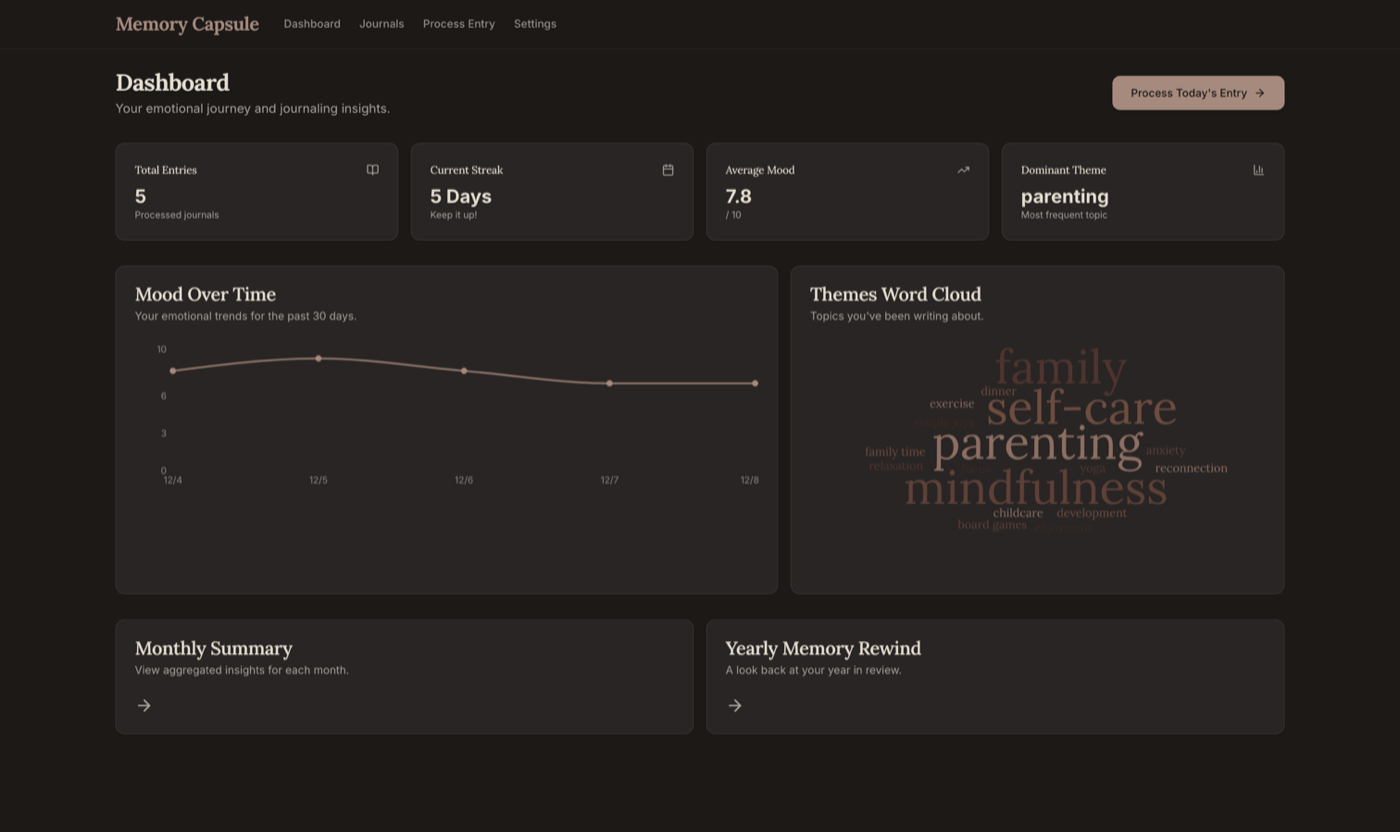
You don’t need a separate journaling app. Memory Capsule reads your existing Craft Daily Notes and generates mood heatmaps, theme analysis, and word clouds — revealing patterns in what you already write, without changing your workflow.


imagine.builtByWith
Construa você mesmo
imagine.step — Write in Craft Daily Notes
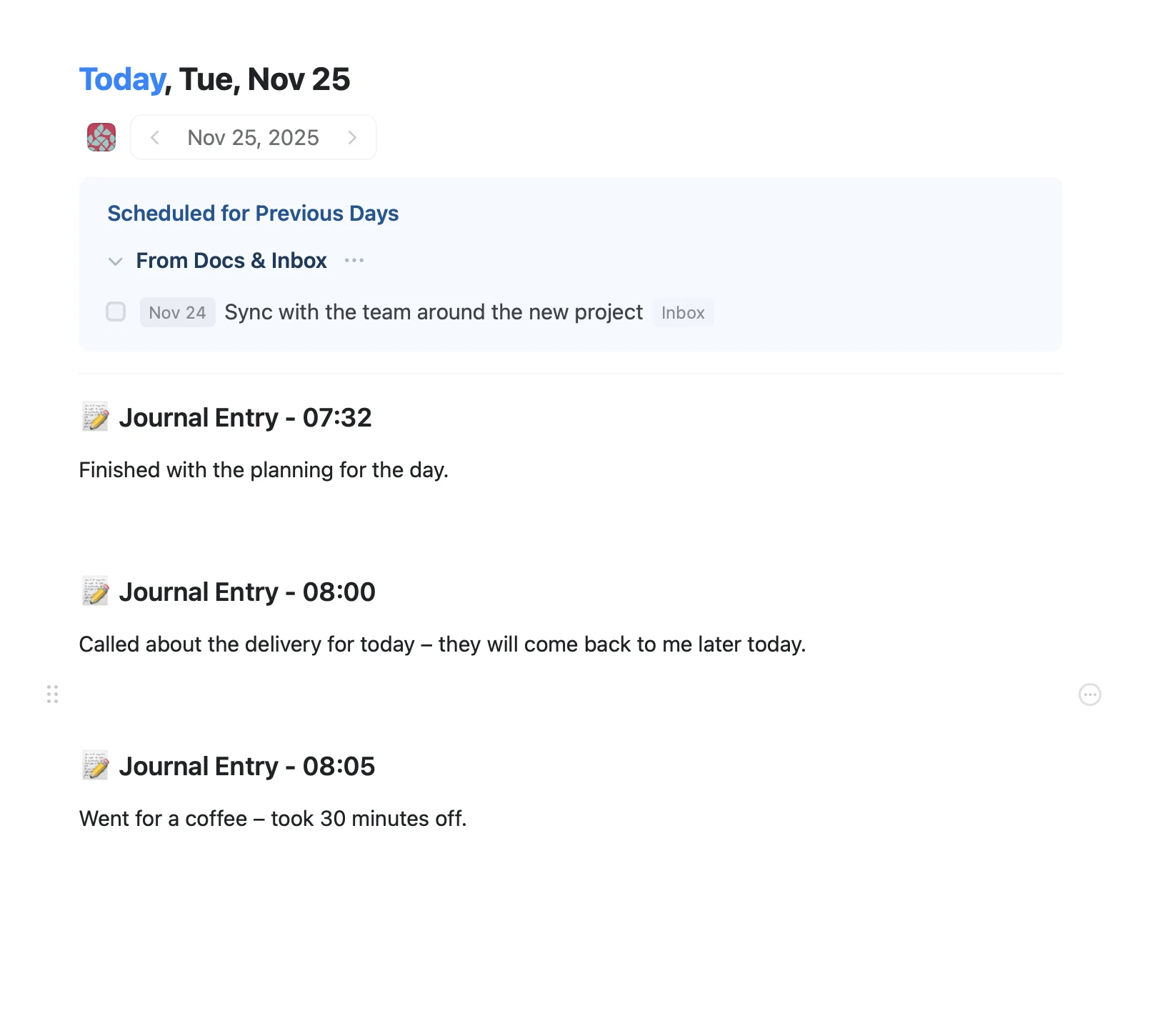
Use Craft’s Daily Notes as your journaling space. Write naturally — there’s no special formatting needed. Memory Capsule analyzes whatever you write.
imagine.step — Enable the Craft API
Enable read-only API access on your daily notes. Memory Capsule reads your entries to generate analytics but never modifies them.
imagine.step
imagine.step
imagine.step
imagine.step
imagine.step — Set Up Memory Capsule
imagine.ideas.memoryCapsule.buildIt.step3.description1
git clone https://github.com/Lemirq/memory-capsule-craft.git && cd memory-capsule-craft && npm install && npm run devimagine.step — Explore Your Mood Heatmap
Memory Capsule scores each journal entry for emotional tone and displays it as a color-coded heatmap across weeks and months. Spot patterns in your emotional landscape at a glance.
imagine.step — Get AI Reflection Prompts
Based on your journal patterns, Memory Capsule generates personalized reflection prompts and writes them back into your Craft daily notes. These prompts help you dig deeper into recurring themes and explore new perspectives.
The Result
imagine.ideas.memoryCapsule.buildIt.result.description1
Mais ideias para voce experimentar
Voltar para a galeria
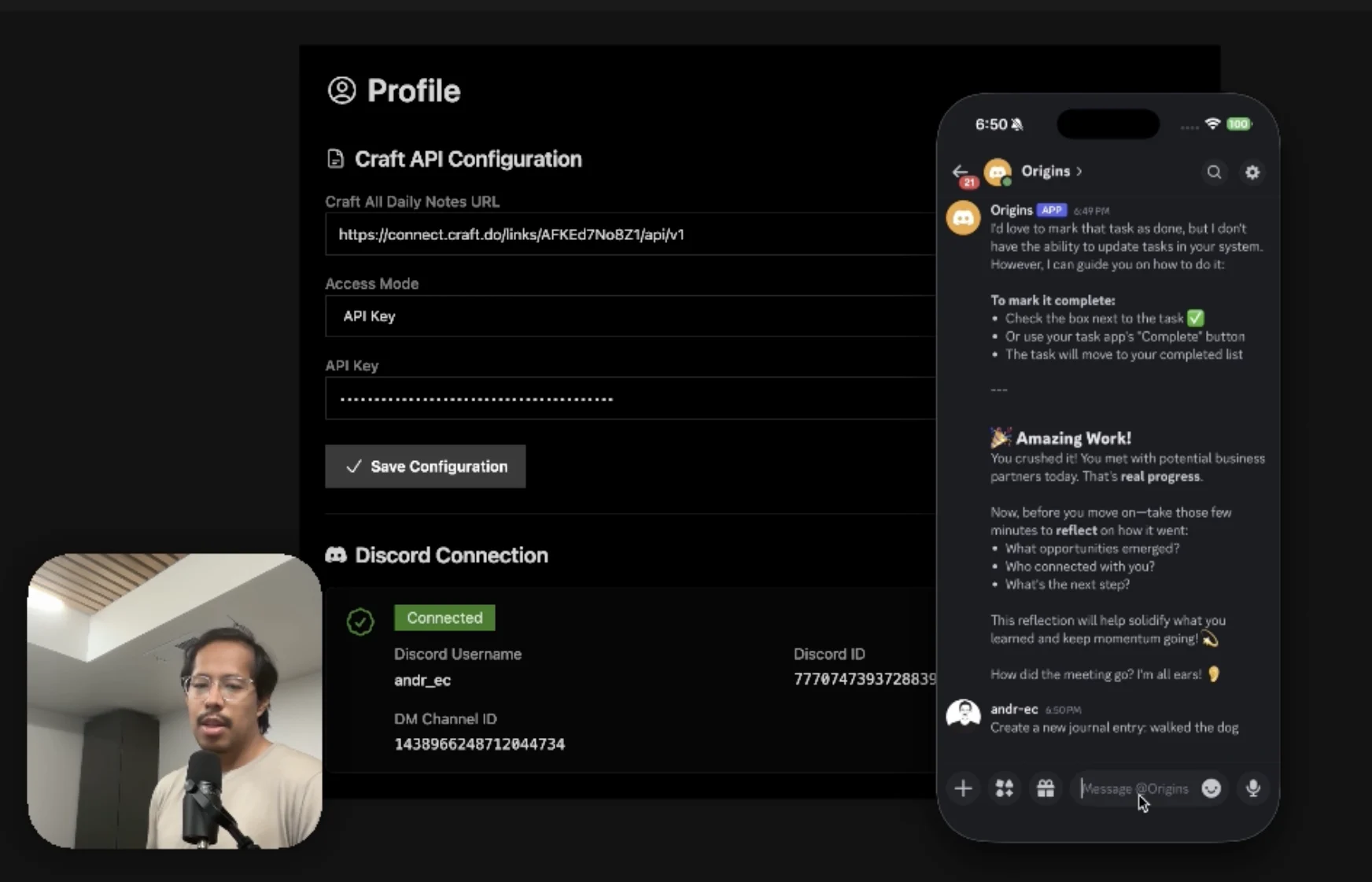
An AI accountability coach that reads your Craft goals and follows up in Discord.
Saiba mais
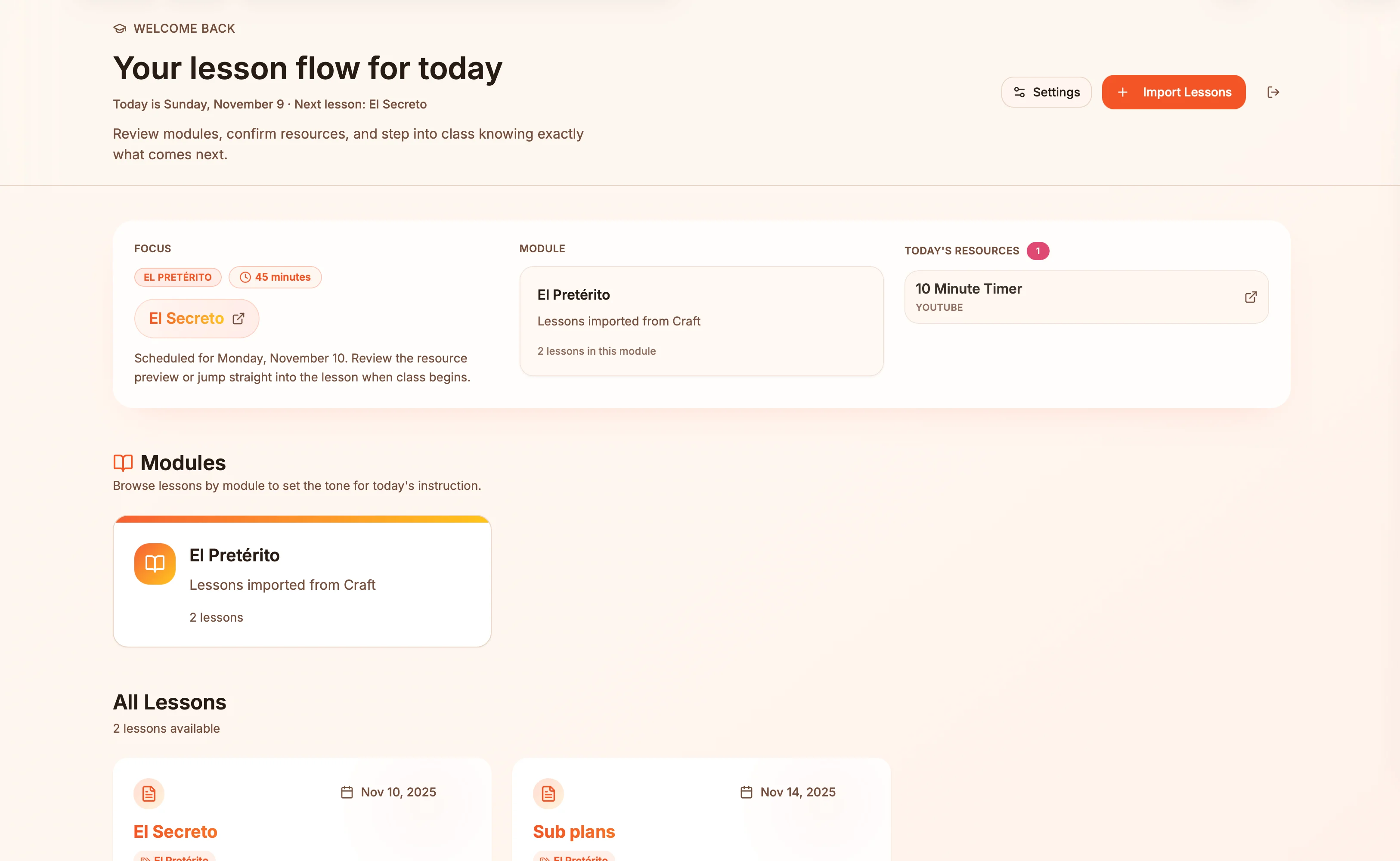
Lesson plans in Craft become live presentation slides — always in sync, zero copy-paste.
Saiba mais
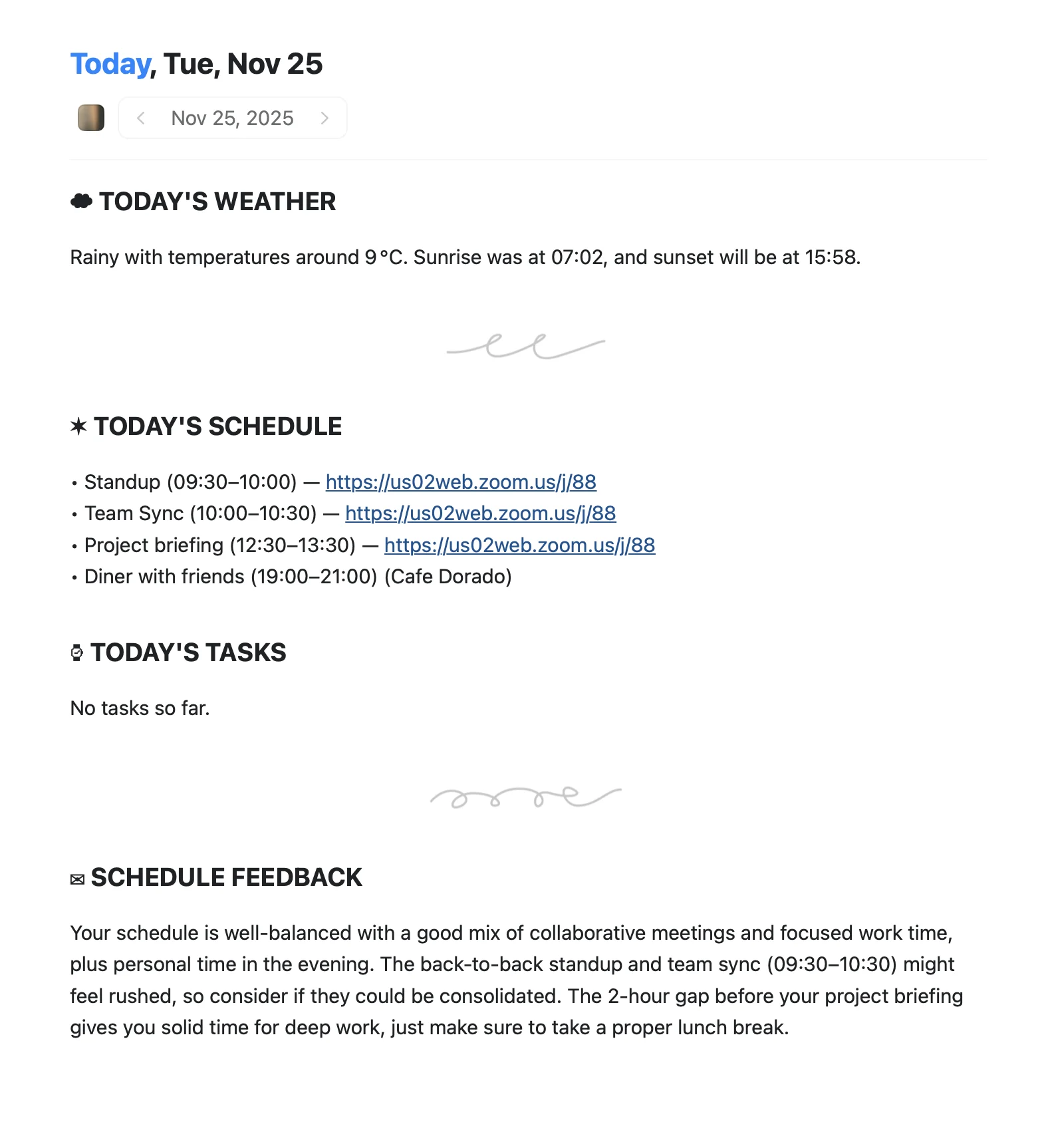
An Apple Shortcut that writes your morning agenda directly into Craft Daily Notes.
Saiba mais