Quick Project Creator
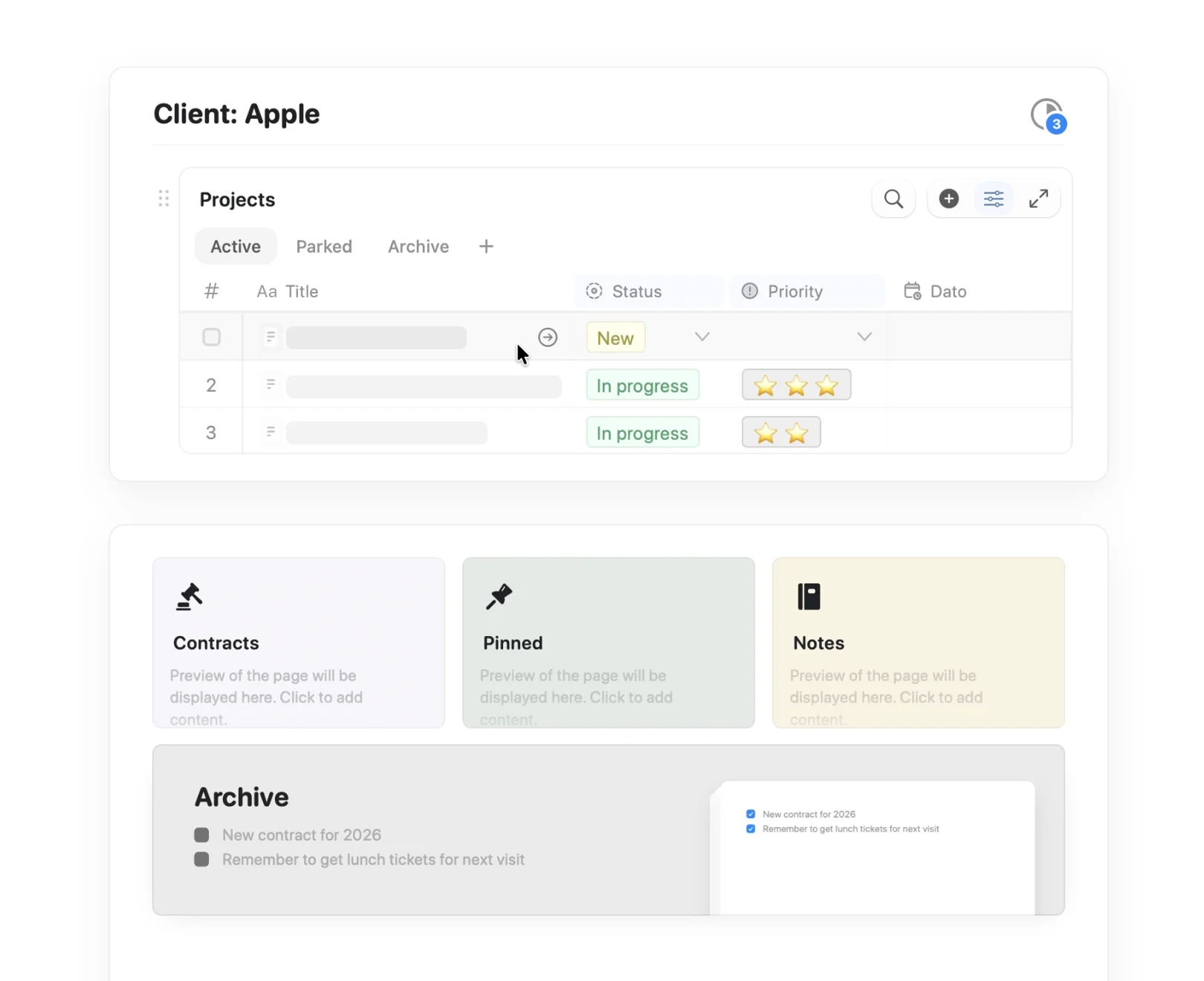
Starting a new project usually means finding the right doc, adding a collection entry, and pasting in a template. This shortcut does it all in one tap — pick a template, pick a collection, name your project, done.



imagine.builtByWith
Construa você mesmo
imagine.step – Get Your Craft API Keys
Enable the API on each Craft document that contains your collections. Copy the API URL and key for each.
imagine.step – Download the Shortcut

imagine.step – Configure Your Templates and Collections
In the shortcut, add your templates and collections to two dictionaries:
Templates Dictionary:
- Template name
- Template API URL
- Template API key
Collections Dictionary:
- Collection name
- Document API URL
- Document API key
imagine.step – Run the Shortcut
Tap the shortcut and:
- Enter your project name
- Choose a template
- Choose which collection to add it to
imagine.step — Project Created
Your new project is instantly created in the chosen collection with the template as its content.
The Result
New projects are created instantly with all the structure you need. No more manual setup, no more hunting for the right document. Just enter a name, choose a template, pick a collection, and you’re done. Download the shortcut above and wire in your own templates and collections.
Mais ideias para voce experimentar
Voltar para a galeria
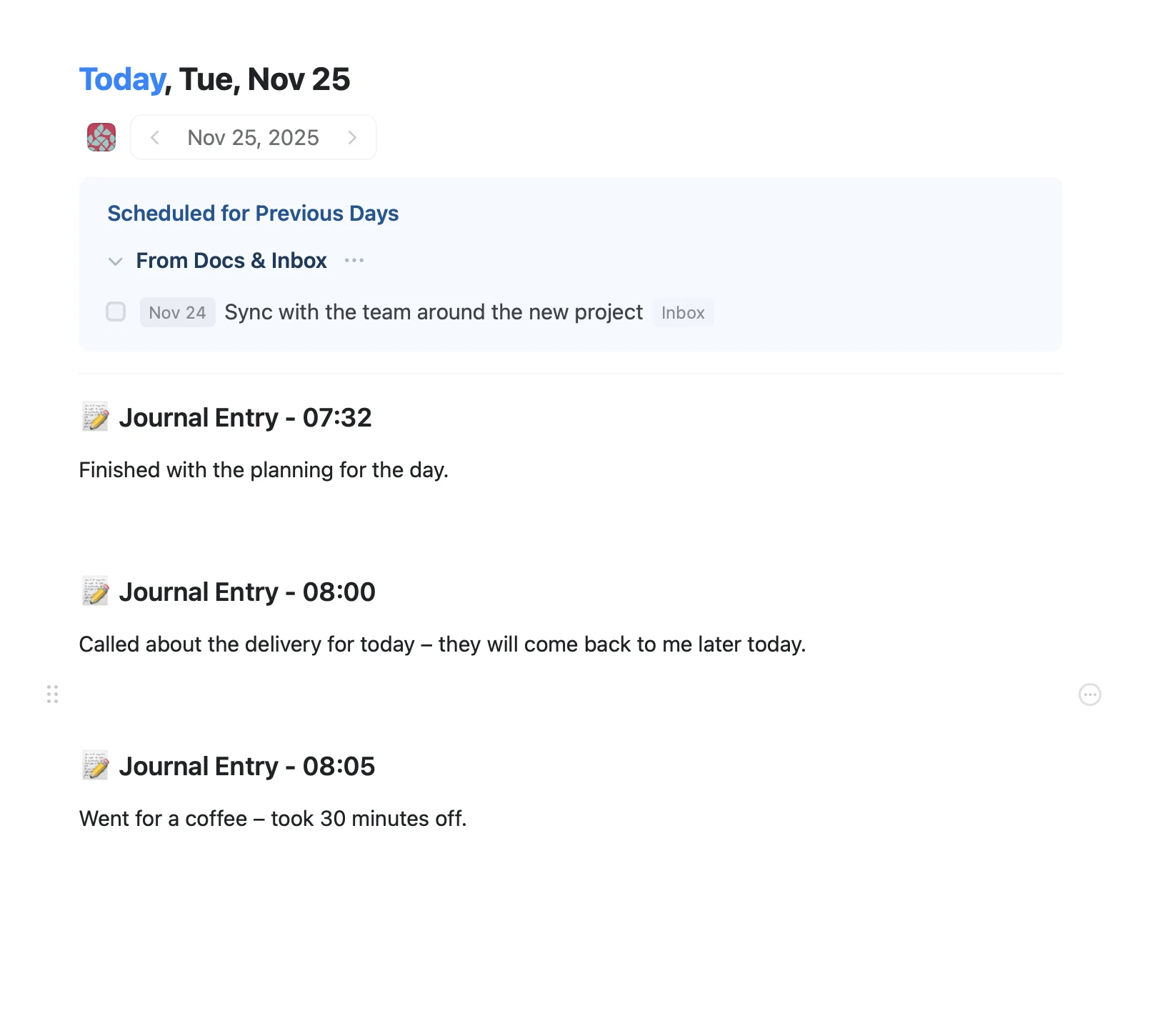
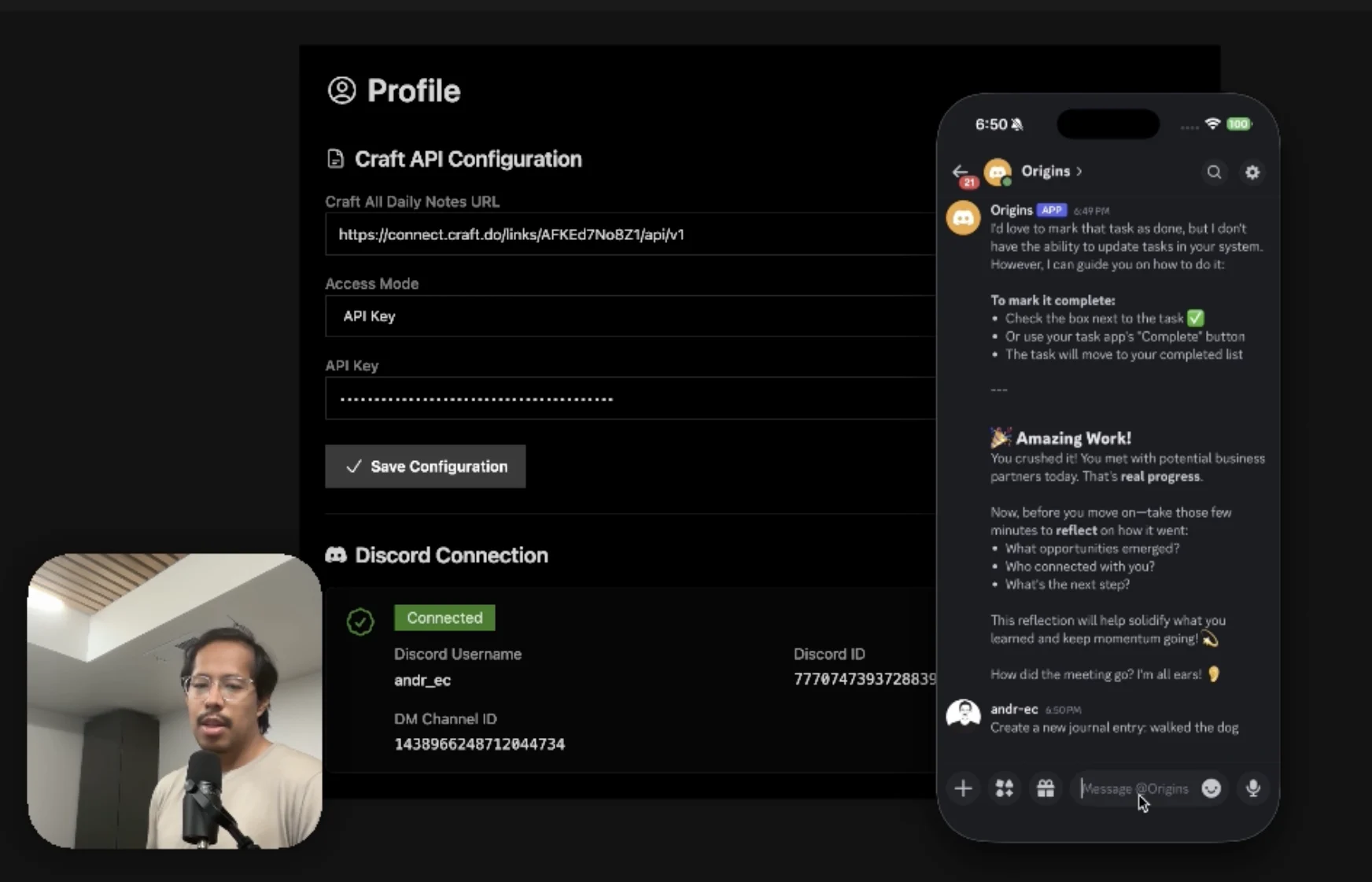
An AI accountability coach that reads your Craft goals and follows up in Discord.
Saiba mais
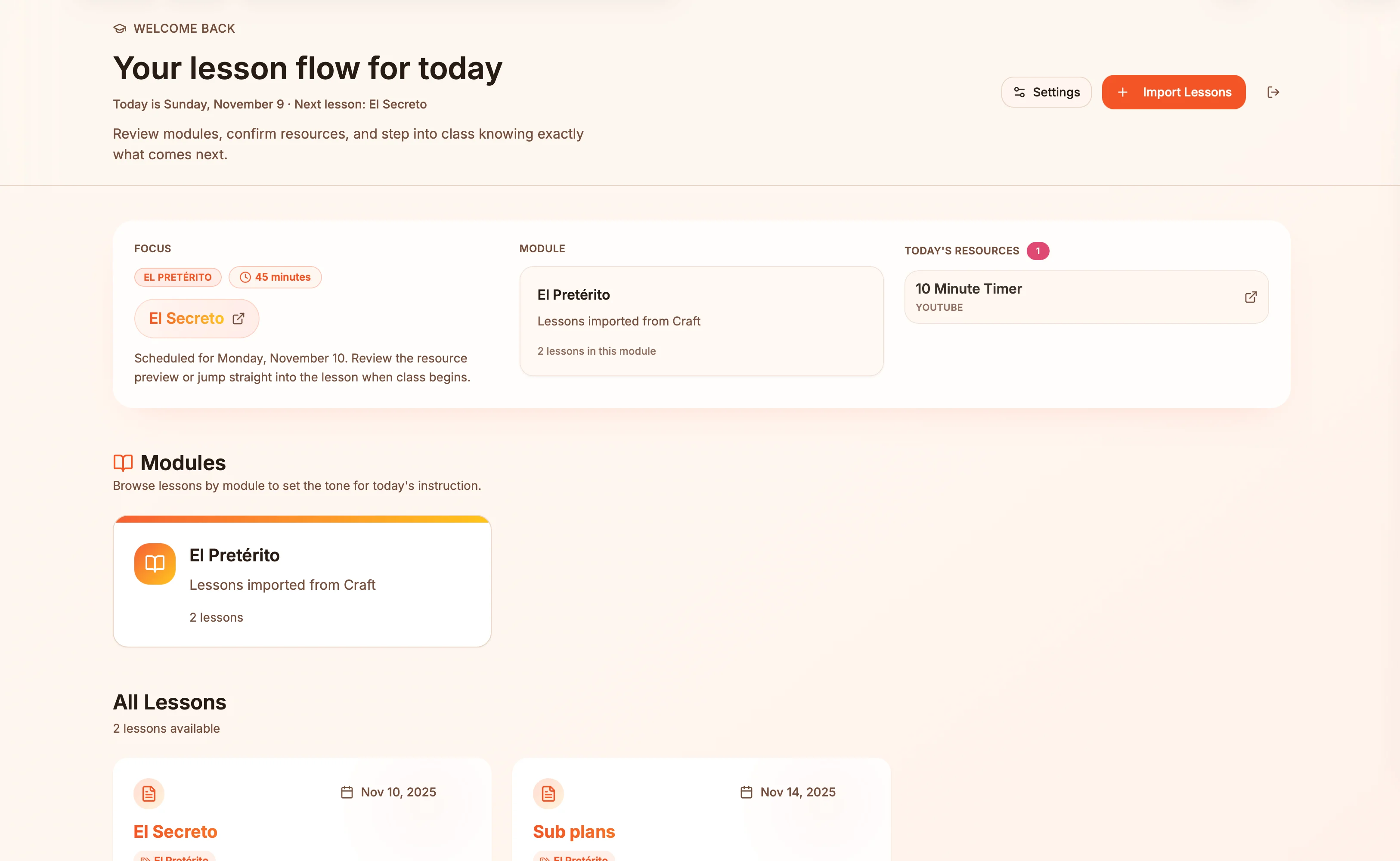
Lesson plans in Craft become live presentation slides — always in sync, zero copy-paste.
Saiba mais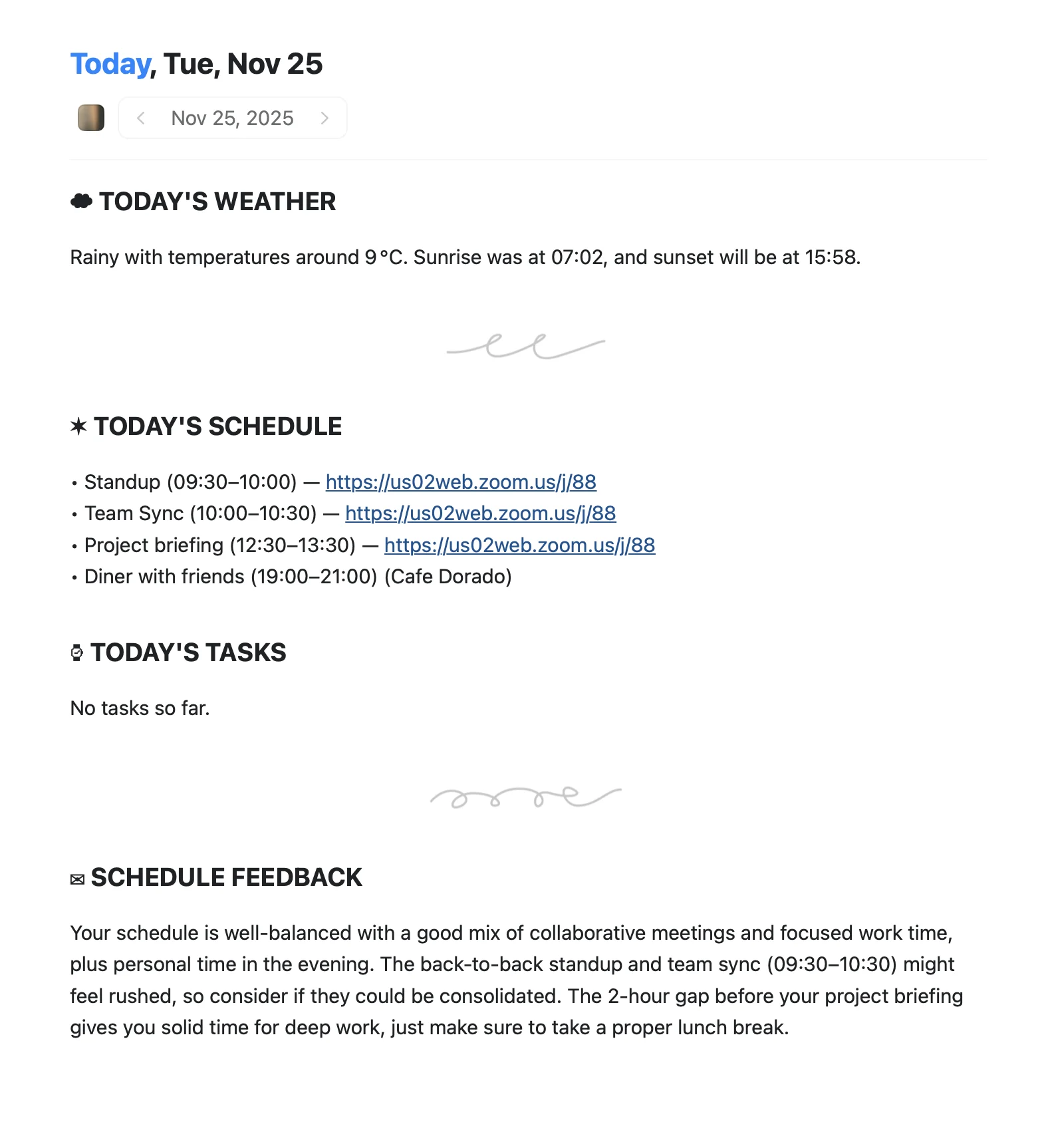
An Apple Shortcut that writes your morning agenda directly into Craft Daily Notes.
Saiba mais