用 Craft 創想

使用 Craft 的 API 建構n8n

啟用 API 後,您的 Craft 文件即可用於支援您建立的應用程式。之後,您可以存取n8n並使用文件資料建立新的應用程式。

Craft
n8n

Enabling the API for Documents

First, you have to enable the API in order for Craft to setup an API endpoint for your documents. Then, you use the API endpoint URL to connect to the server from n8n.

步驟1

Open the “Imagine” tab

步驟2

Click “Add Your First API Connection”

步驟3

Configure your API connection with a name.

步驟4

Click “Add Document” to select which documents this API connection has access to.

步驟5

The API URL that will be used to interact with your document is now displayed at the top

步驟6

Click the “Download AI Bundle” button. This will download a folder containing the API documentation and the content of your doc.

Using the API in a n8n Prompt

Once the API is enabled for your Craft docs, you can now focus on writing a prompt that n8n will use to generate your project.

In order for n8n to see how to use the API and understand the structure of your document, you attach the AI bundle to your prompt. This bundle is a markdown document that contains the current content of your Craft doc as well as the API documentation.

步驟1

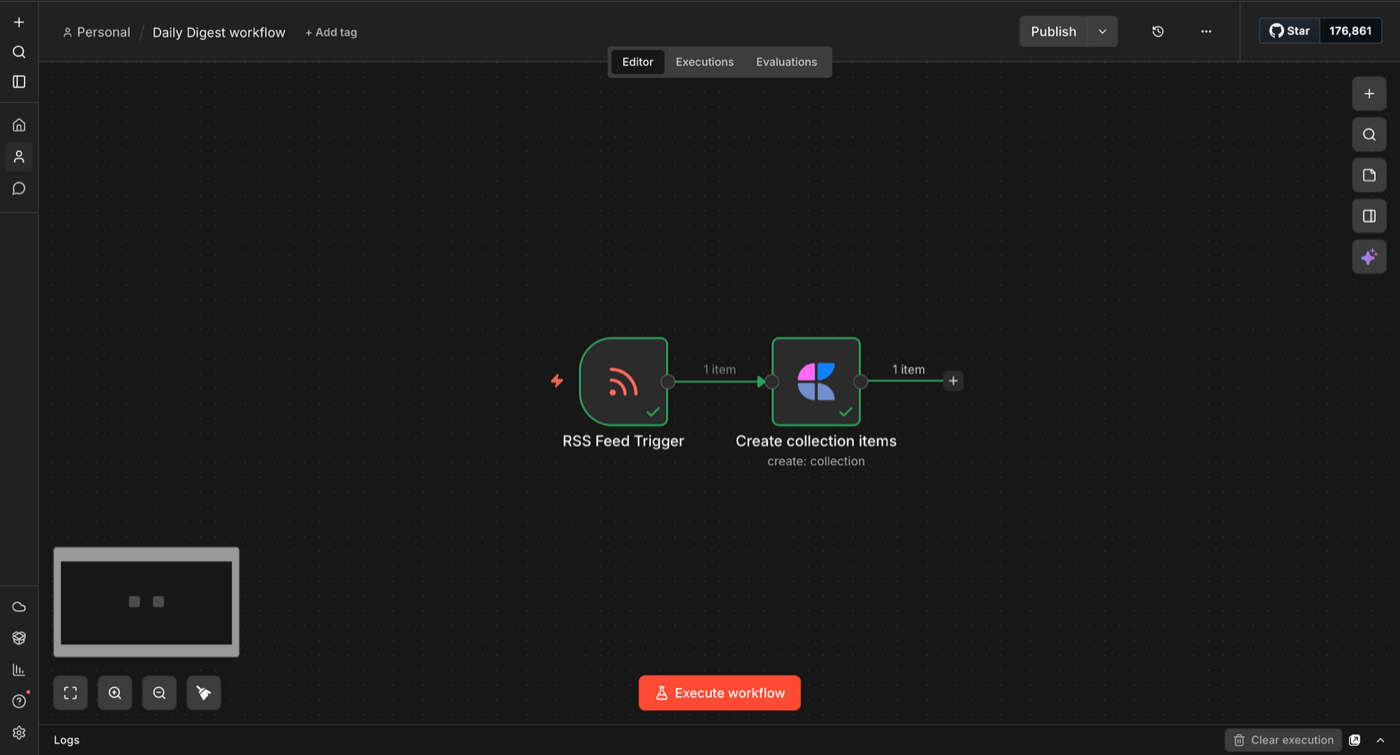
前往n8n,然後點擊「新增工作流程」以建立新的工作流程。

步驟2

點擊“新增第一步”,搜尋“Craft”。從搜尋結果中選擇 Craft 節點。

步驟3

瀏覽可用的 Craft 操作——您可以獲得、插入、更新、刪除、移動和搜尋區塊,管理集合等等。
選擇一個操作,連接你的 Craft 帳戶,然後設定節點。連接更多節點來建立你的自動化流程。

一些入門建議

瀏覽範例