

Launch campaigns with a clear plan.
Track campaigns in Collections, draft copy with Craft Assistant, and share brand guidelines from team workspaces — on Mac, iPad, Windows, and Web.
How marketers use Craft
From strategy to publish, without the chaos.
01 — Campaign briefs that align teams
Write a campaign brief from a template, then share via team workspaces. Your team, agency, and freelancers collaborate with inline comments.
Built for marketing work
Think clearly. Write faster. Ship better work.
Craft runs on Mac, iPhone, iPad, Windows, and Web. Your plans are always with you, always in sync.

Collections for campaign tracking
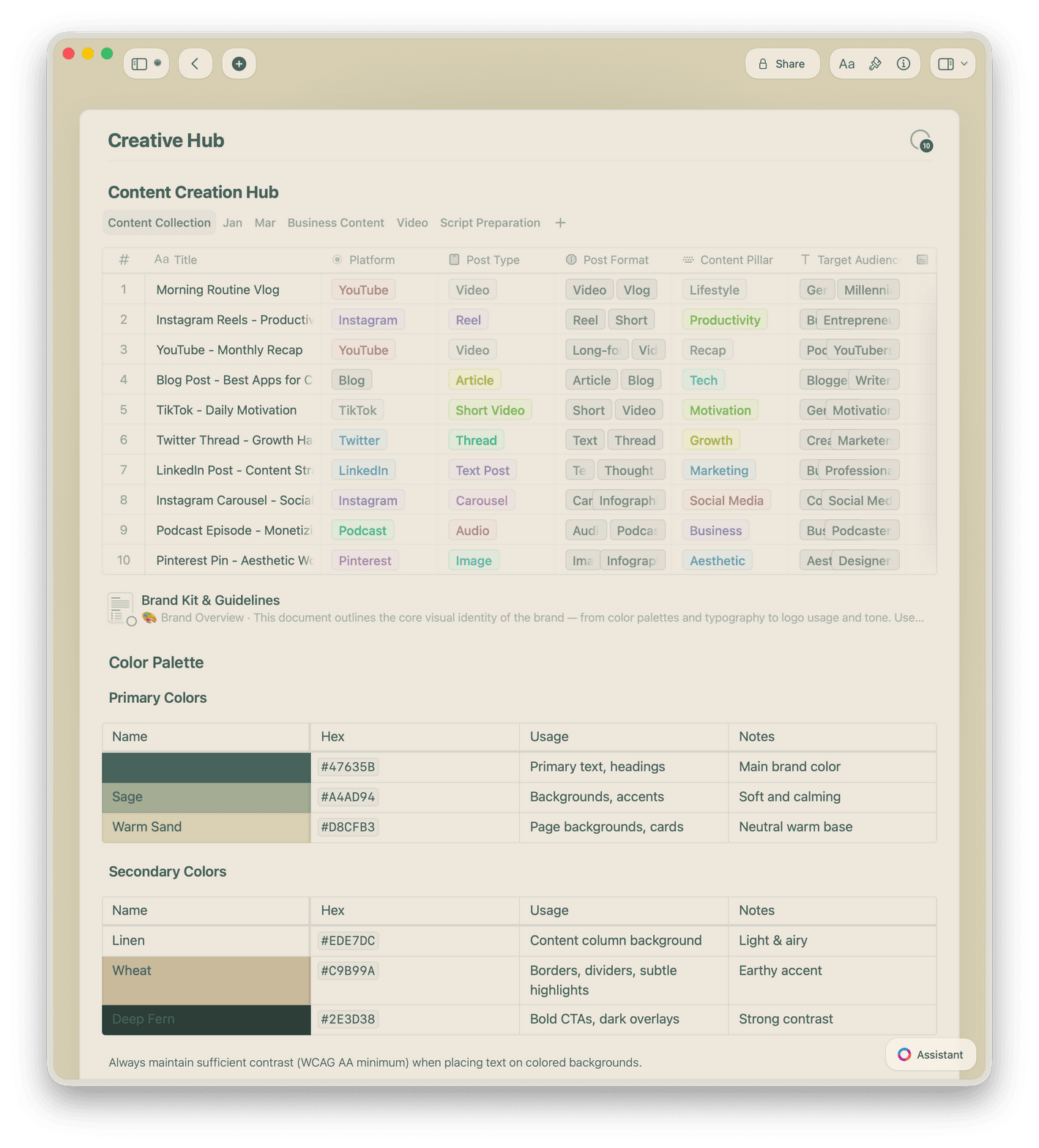
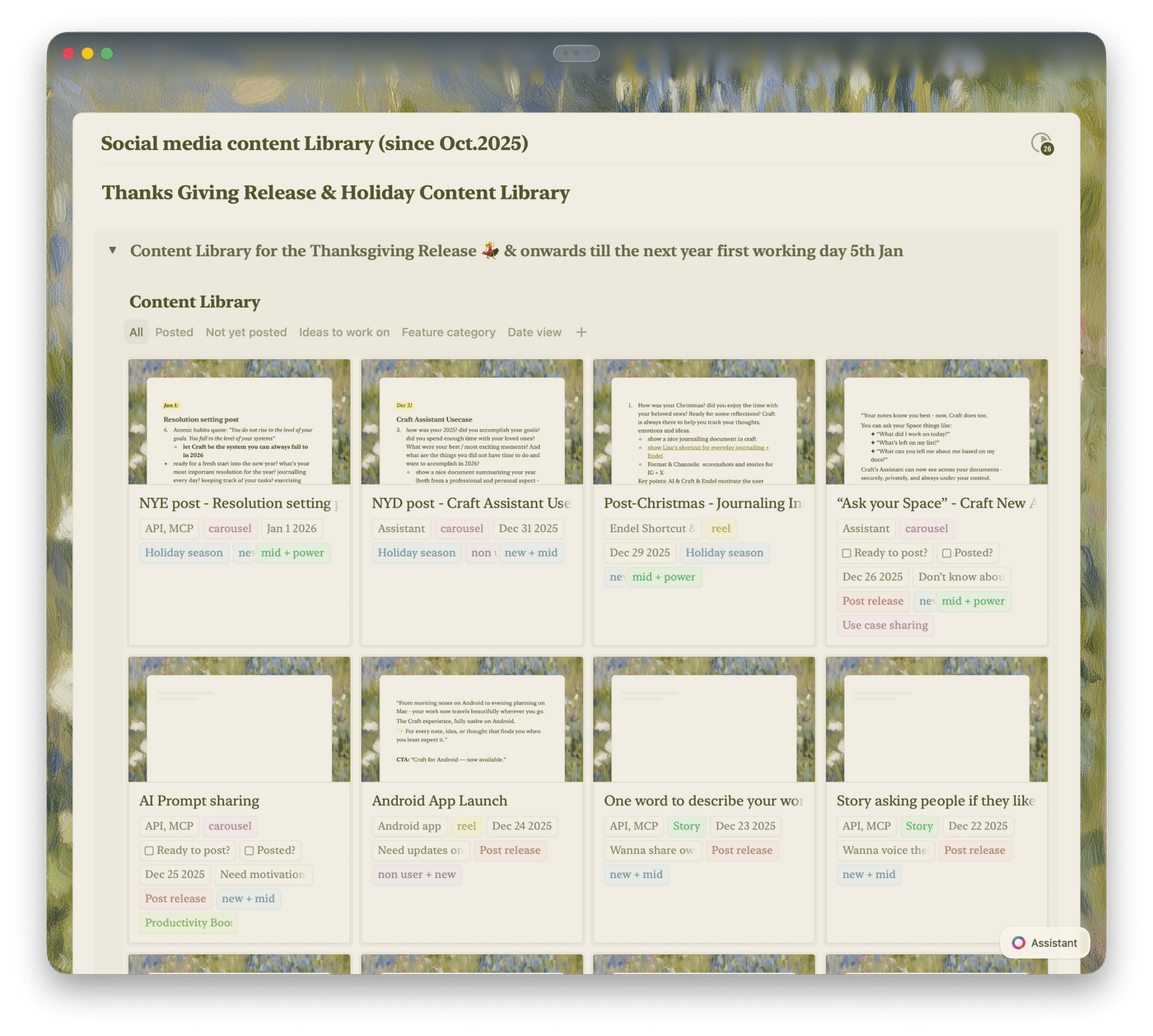
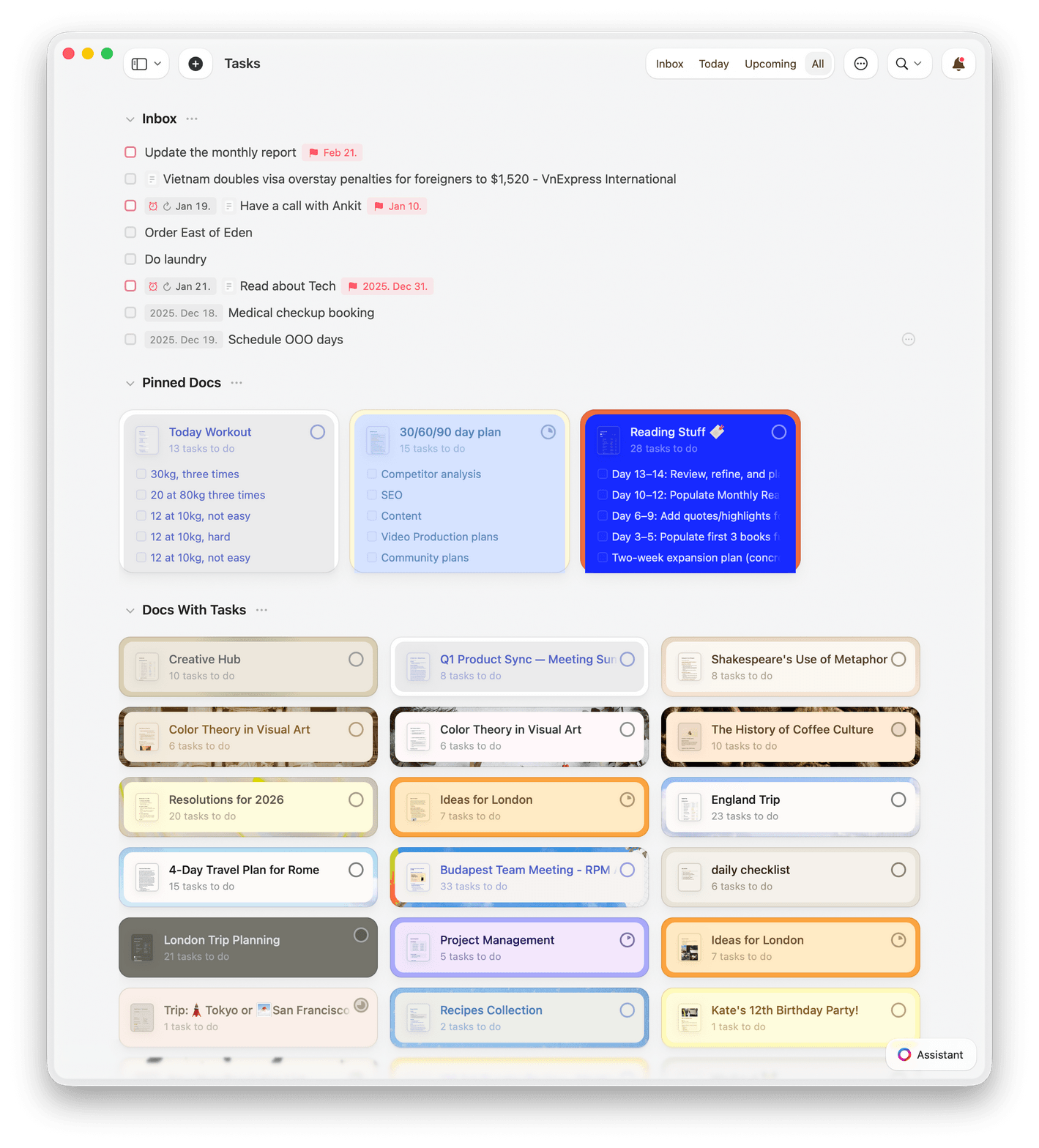
Track campaigns, assets, and deadlines in Collections. Use gallery view for visual assets and table view for status tracking with filters and sorting.

Craft Assistant for copy and translation
Use Craft Assistant to draft copy, translate content for global campaigns, and proofread — all without leaving your document.

Team workspaces
Share briefs with agencies and freelancers in shared workspaces. Real-time co-editing, inline comments, and version history keep everyone aligned.

Templates for every deliverable
Start from built-in campaign brief, content plan, or brand guideline templates. Save your own and standardize your team's output.

Web publishing and sharing
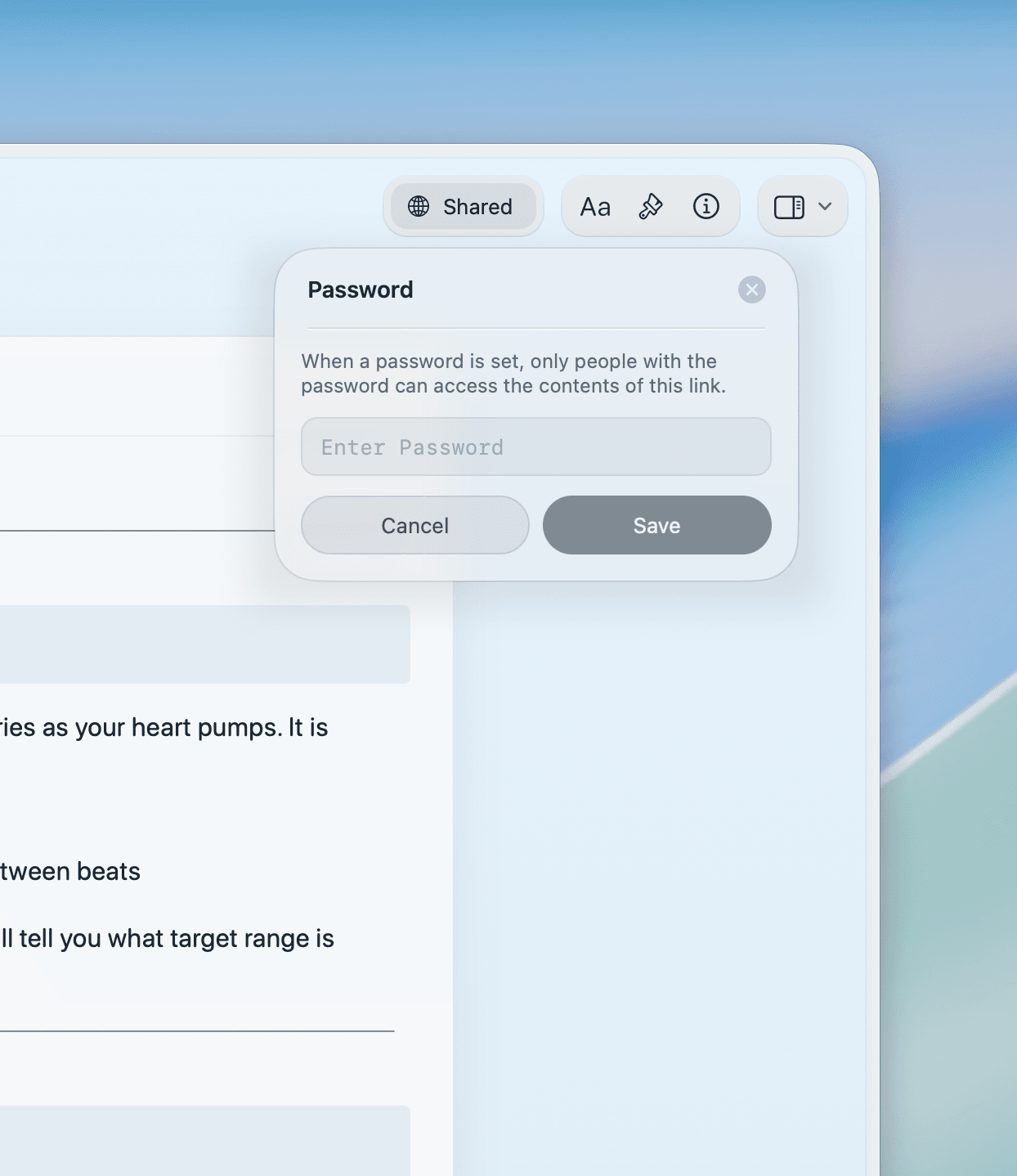
Publish brand guidelines or campaign pages to the web. Share password-protected links with agencies — no account needed.
Your next campaign starts with a clear brief.
Start free on Mac, iPhone, or iPad.
No credit card. No setup. Write your first brief in minutes.
From marketers
What marketers say.
I use Collections to plan and track podcast episodes and newsletter editions — everything stays organized, from templates to checklists.
Craft Community
Tom
Podcaster and newsletter writer
I can make my notes not only functional but visually pleasing — which really motivates me to stay organized.
YouTube Creator
Amity Sensei
Creator and Educator
Craft is the one tool you need for everything — effortless organization, smooth navigation, and a workspace that adapts to your needs.
Craft Community
Deanna Bugalski
Power User
See it in action
Three ways marketers use Craft.
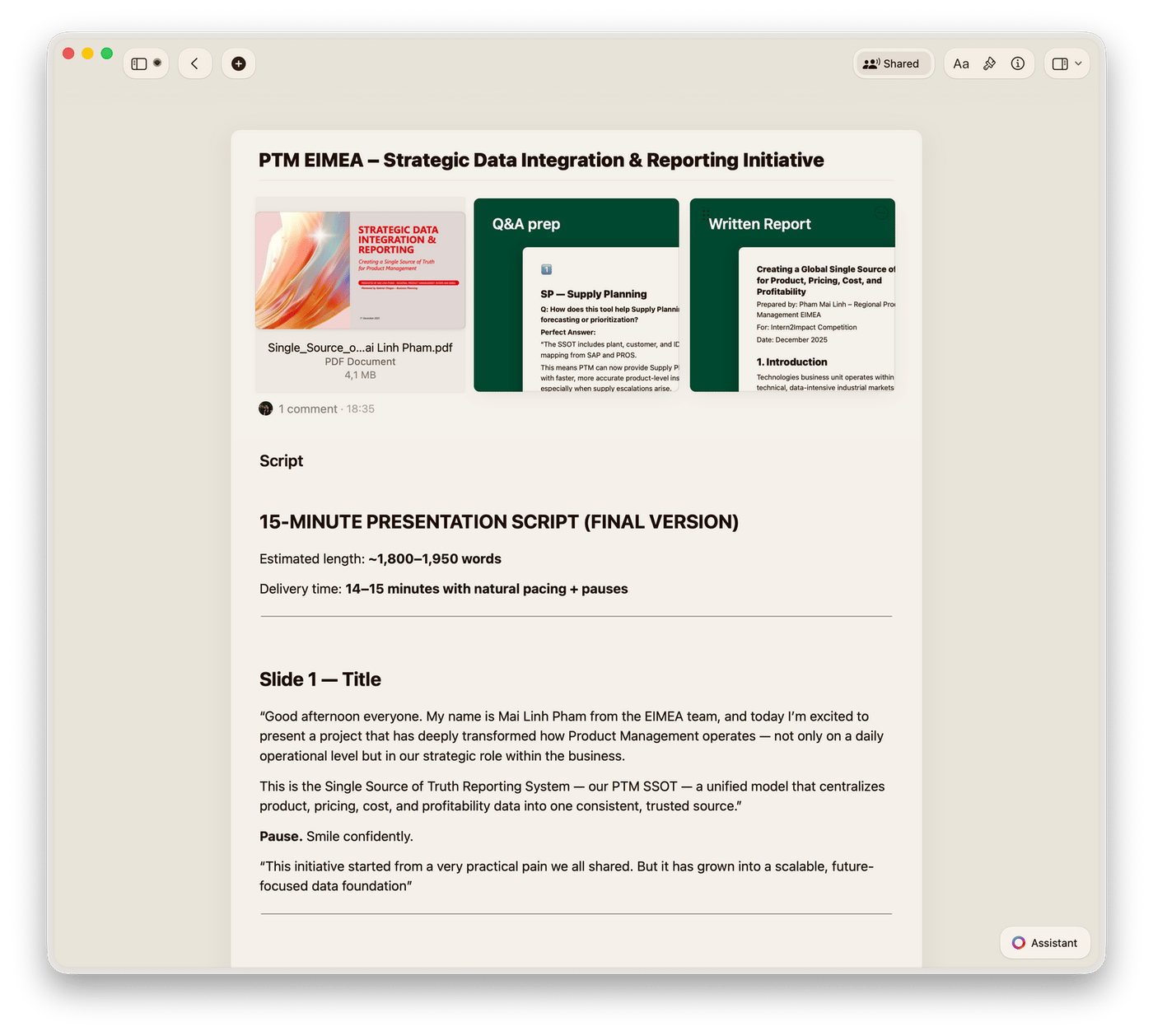
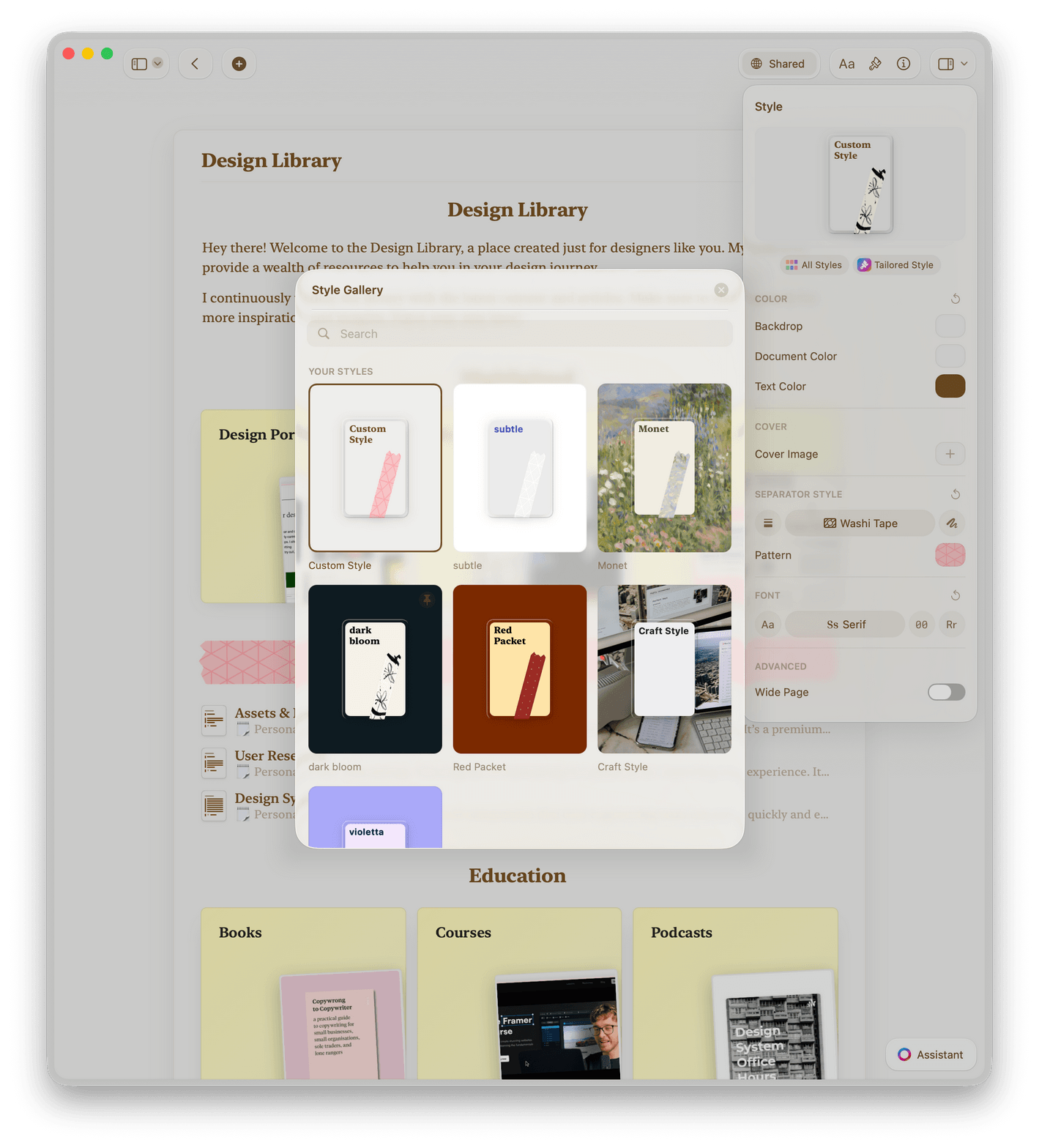
Campaign briefs
Briefs your team acts on.
Write structured campaign briefs in Craft. Share with agencies, freelancers, or internal teams via one link.
Clear, structured brief format
Share via link, no login needed
Export to PDF for stakeholders
Get started
Up and running in three steps.

Download Craft
Install on your Mac, iPhone, or iPad in under a minute.

Use a template
Start with a campaign brief or content plan template.

Share your work
Send a link to your team or agency. They open it instantly.

Craft vs. Notion vs. Google Docs
Why marketing teams choose Craft for briefs, planning, and brand work.
Native Mac and iOS app
Offline access
Document load time
Visual polish by default
Free to start. Built for teams.
The free plan covers solo marketers. Craft for Teams adds shared workspaces, guest access, and priority support.
Free
Full access, great if you use it occasionally each week.
$0 /month
Designed to effortlessly fit into your everyday flow.
$5 /month
Go deeper
Resources for marketers.

The Campaign Brief Template
A ready-to-use Craft template for clear, actionable campaign briefs.

How to build brand guidelines in Craft
A step-by-step guide to creating brand docs your whole team uses.

See Craft in action
Real examples of how marketing teams use Craft for briefs, brand docs, and campaigns.