Usa l’API di Craft per creare con Base44
Usa l'API di Craft per creare app su Base44. Recupera i tuoi documenti, sincronizza i contenuti e crea strumenti personalizzati basati sui tuoi dati Craft.


Abilitare l'API per i documenti
Per prima cosa, devi abilitare l'API affinché Craft possa configurare un endpoint API per i tuoi documenti. Poi, utilizza l'URL dell'endpoint API per connetterti al server da Base44.
Passaggio 1
Passaggio 2
Passaggio 3
Passaggio 4
Passaggio 5
Passaggio 6
Utilizzare l'API in un prompt di Base44
Una volta abilitata l'API per i tuoi documenti Craft, puoi concentrarti sulla scrittura di un prompt che Base44 utilizzerà per generare il tuo progetto.
Affinché Base44 possa utilizzare l'API e comprendere la struttura del tuo documento, allega l'AI bundle al tuo prompt. Questo bundle è un documento markdown che contiene il contenuto attuale del tuo documento Craft e la documentazione dell'API.
Passaggio 1
Passaggio 2
Passaggio 3
Ora puoi aggiungere un prompt per descrivere l’app che vuoi creare. Ecco un esempio molto generico che puoi usare per fare dei test:
Crea un sito web che visualizzi il contenuto dei miei documenti Craft collegati, per favore. Trovi le istruzioni su come accedere a questi dati e alla loro struttura nel file allegato.
Passaggio 4
Alcune idee per iniziare
Sfoglia gli esempi
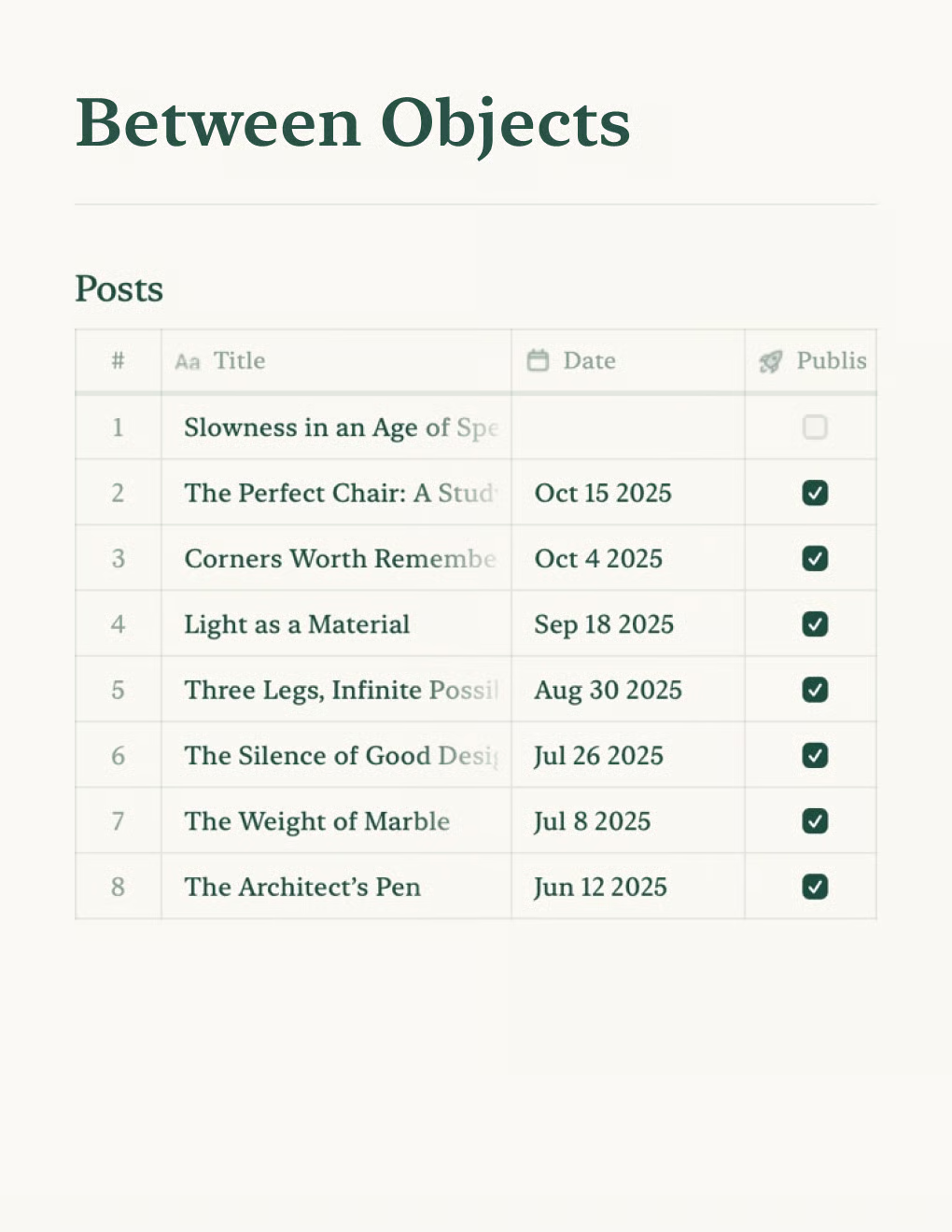

Crea un blog personale basato sui documenti Craft. Sincronizza automaticamente i contenuti via API — pubblica dalla tua app per gli appunti.
Scopri di più

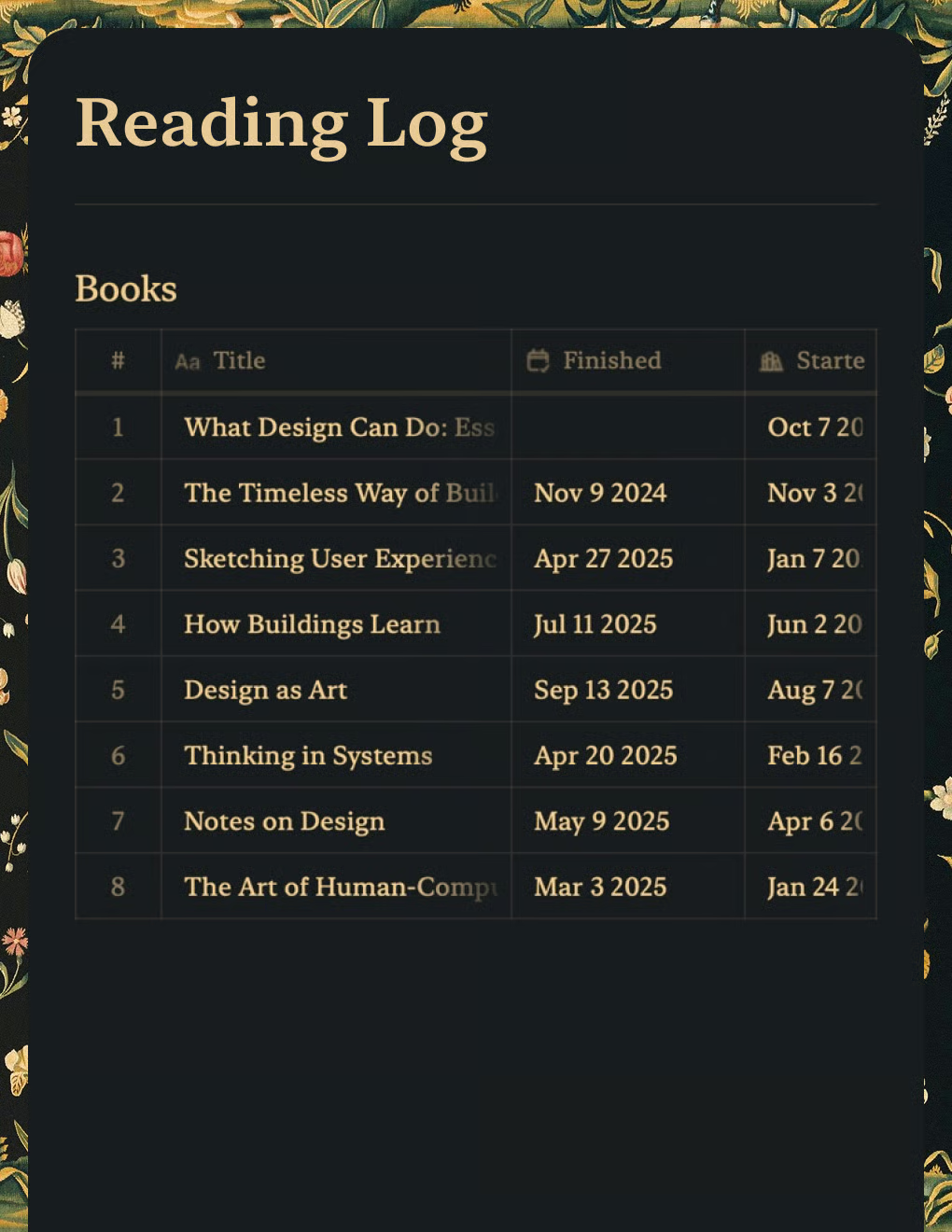
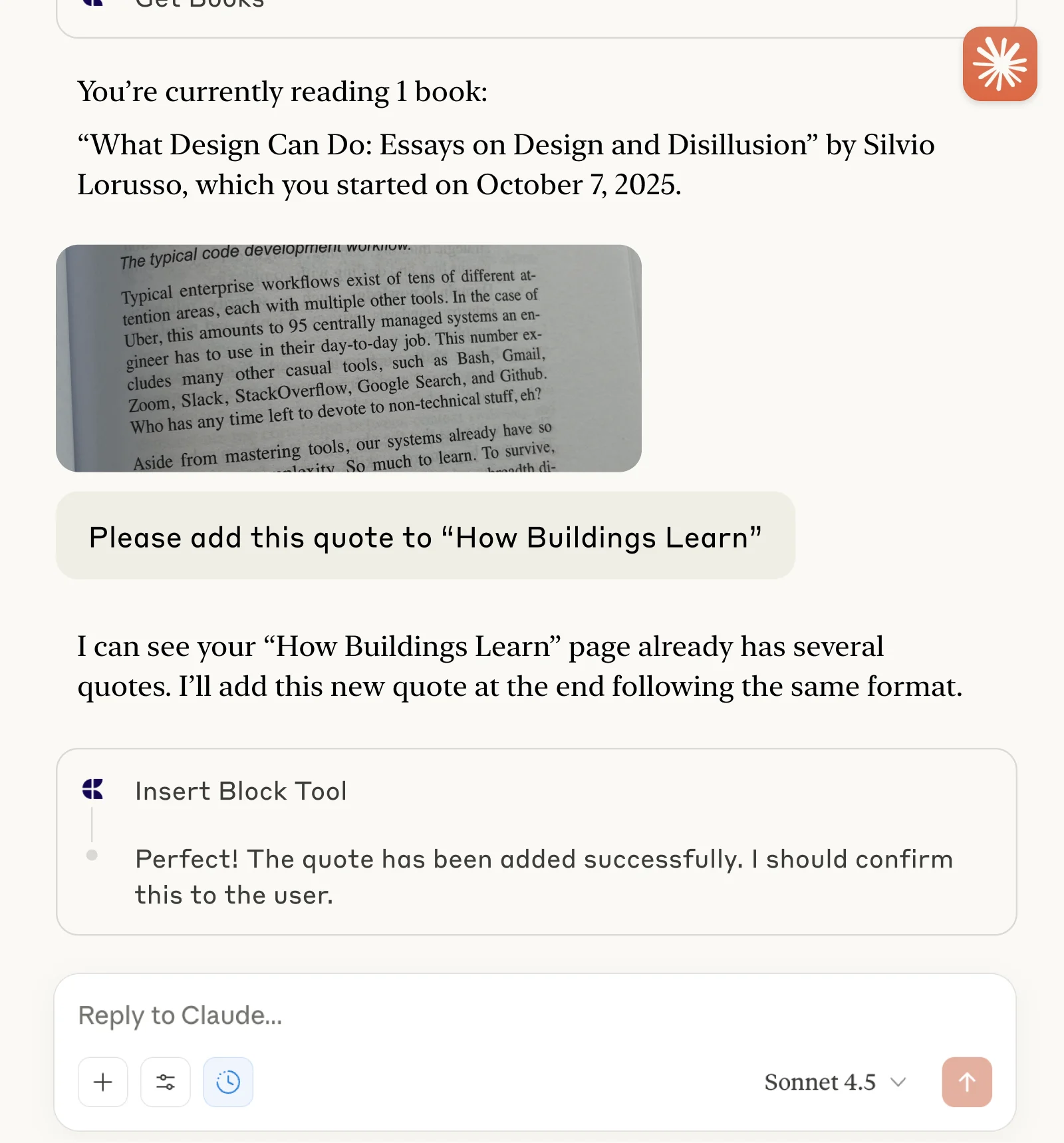
Tieni traccia dei libri e salva citazioni con Claude o ChatGPT tramite MCP.
Scopri di più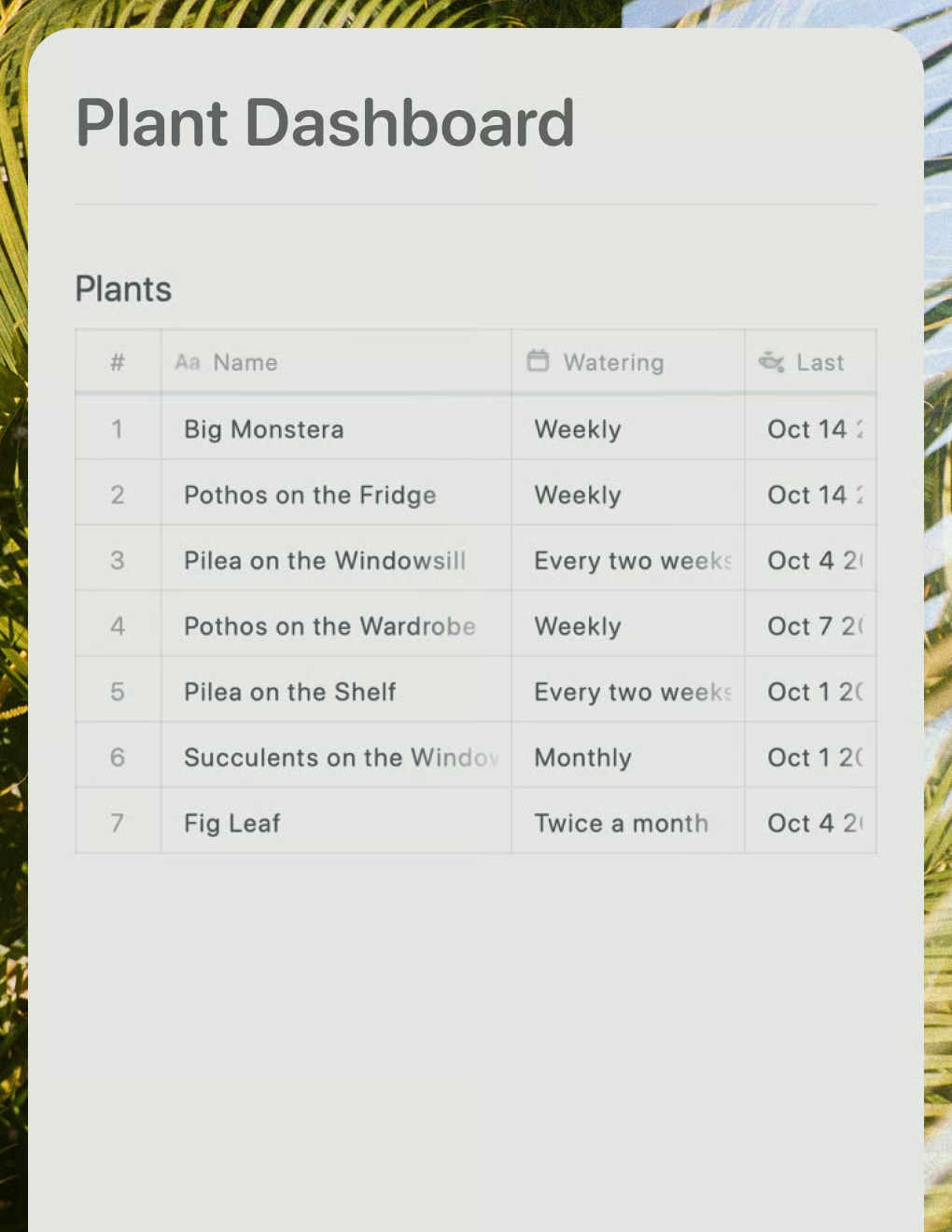
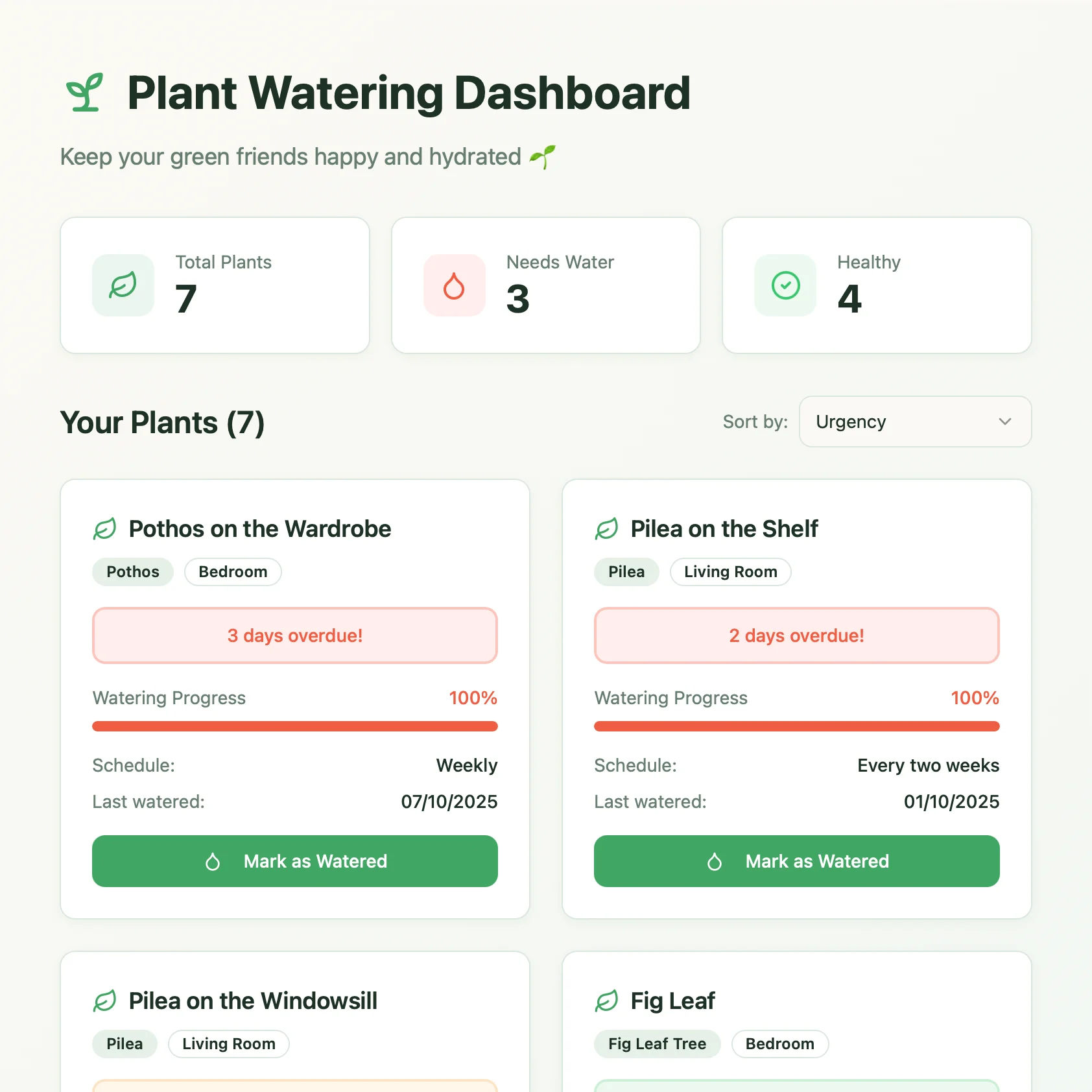
Una dashboard per la cura delle piante creata con Lovable. Recupera i programmi di annaffiatura e i consigli di cura dal tuo documento Craft.
Scopri di più