Come connettere Craft al Manus con MCP
Puoi abilitare un server MCP per i tuoi documenti, permettendo a Manus di interagire direttamente con i tuoi contenuti. Questa guida ti accompagna nella configurazione della connessione tra Craft e Manus tramite MCP.


Aggiungere un connettore MCP in Manus
Crea un nuovo connettore in Manus e usa l'URL MCP per collegare i due servizi.
Passaggio 1
Passaggio 2
Copia questo URL e incollalo nel campo URL:
https://mcp.craft.do/my/mcpPassaggio 3
Passaggio 4
Ora puoi chiedere a Manus informazioni sui tuoi documenti e persino farli aggiornare. Prova qualcosa del genere per iniziare:
Fai clic su un esempio per copiare il prompt negli appunti
Alcune idee per iniziare
Sfoglia gli esempi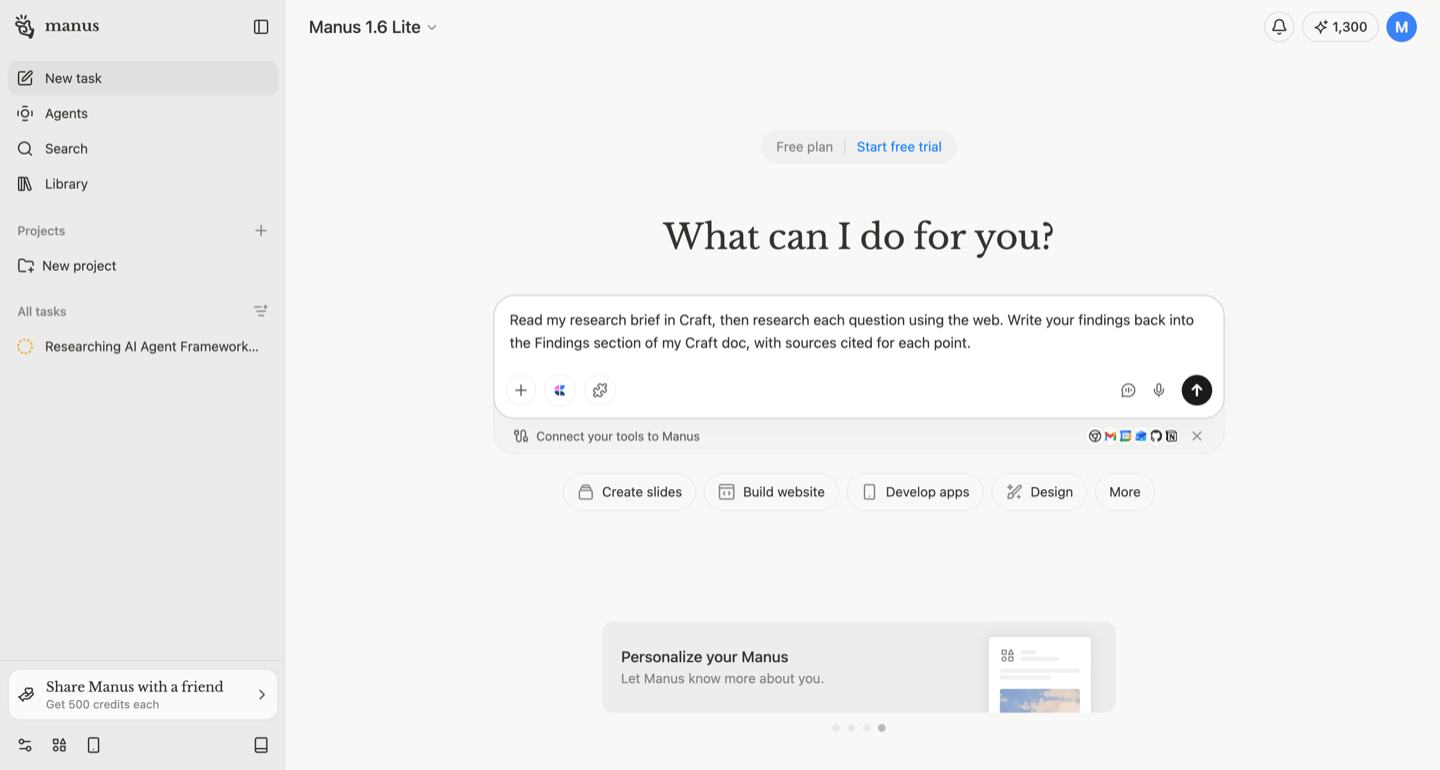
Let Manus research the web for you and save structured findings straight into your Craft workspace.
Scopri di più
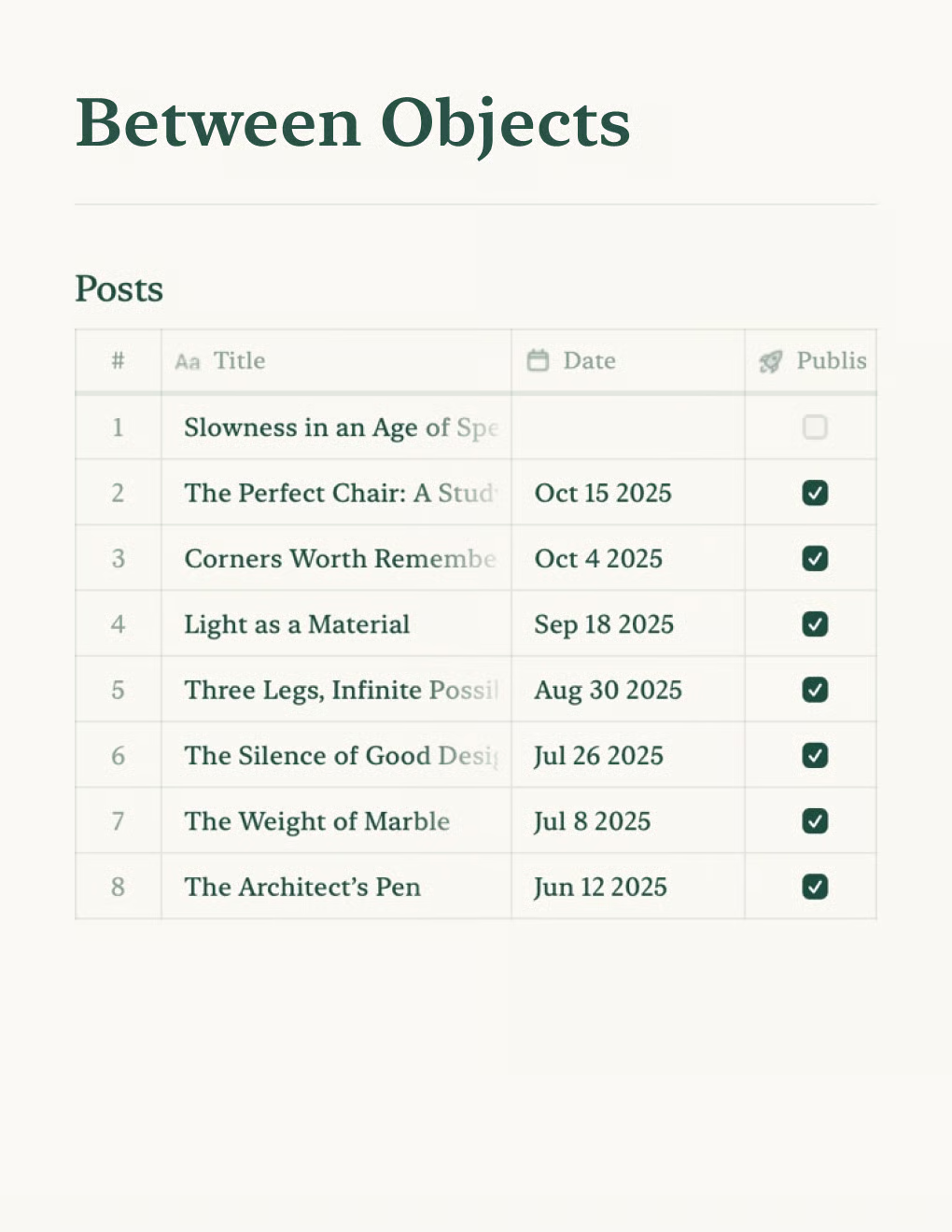
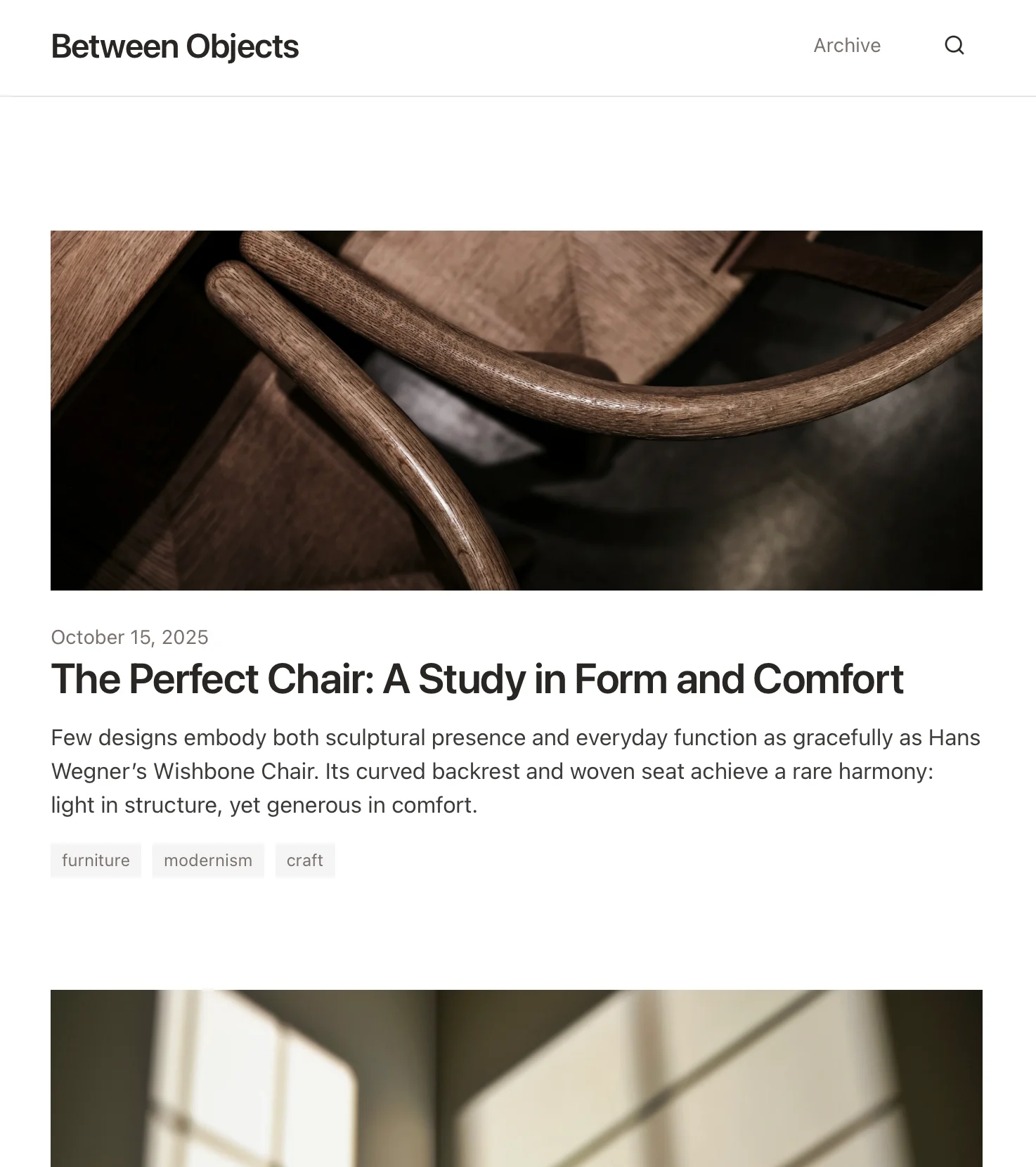
Crea un blog personale basato sui documenti Craft. Sincronizza automaticamente i contenuti via API — pubblica dalla tua app per gli appunti.
Scopri di più

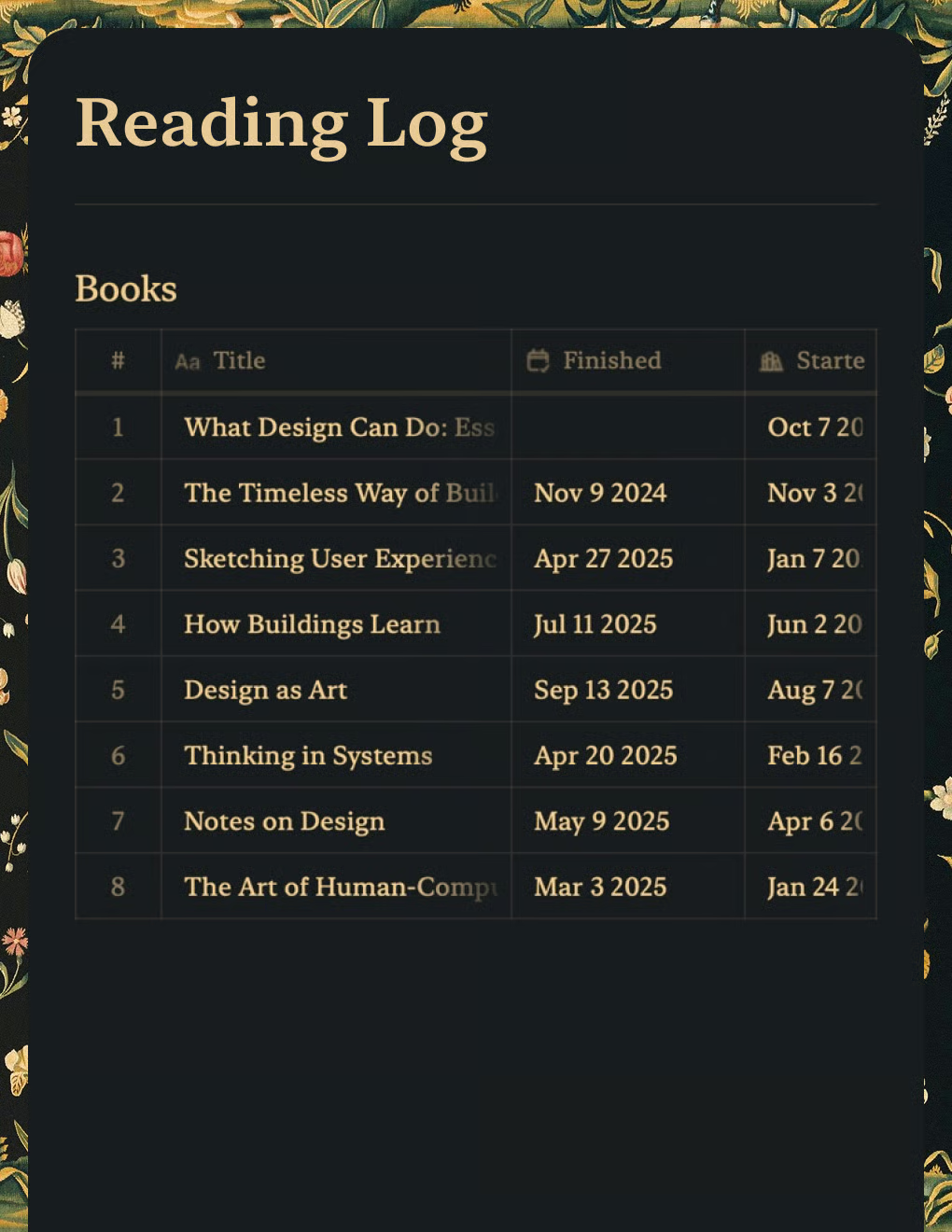
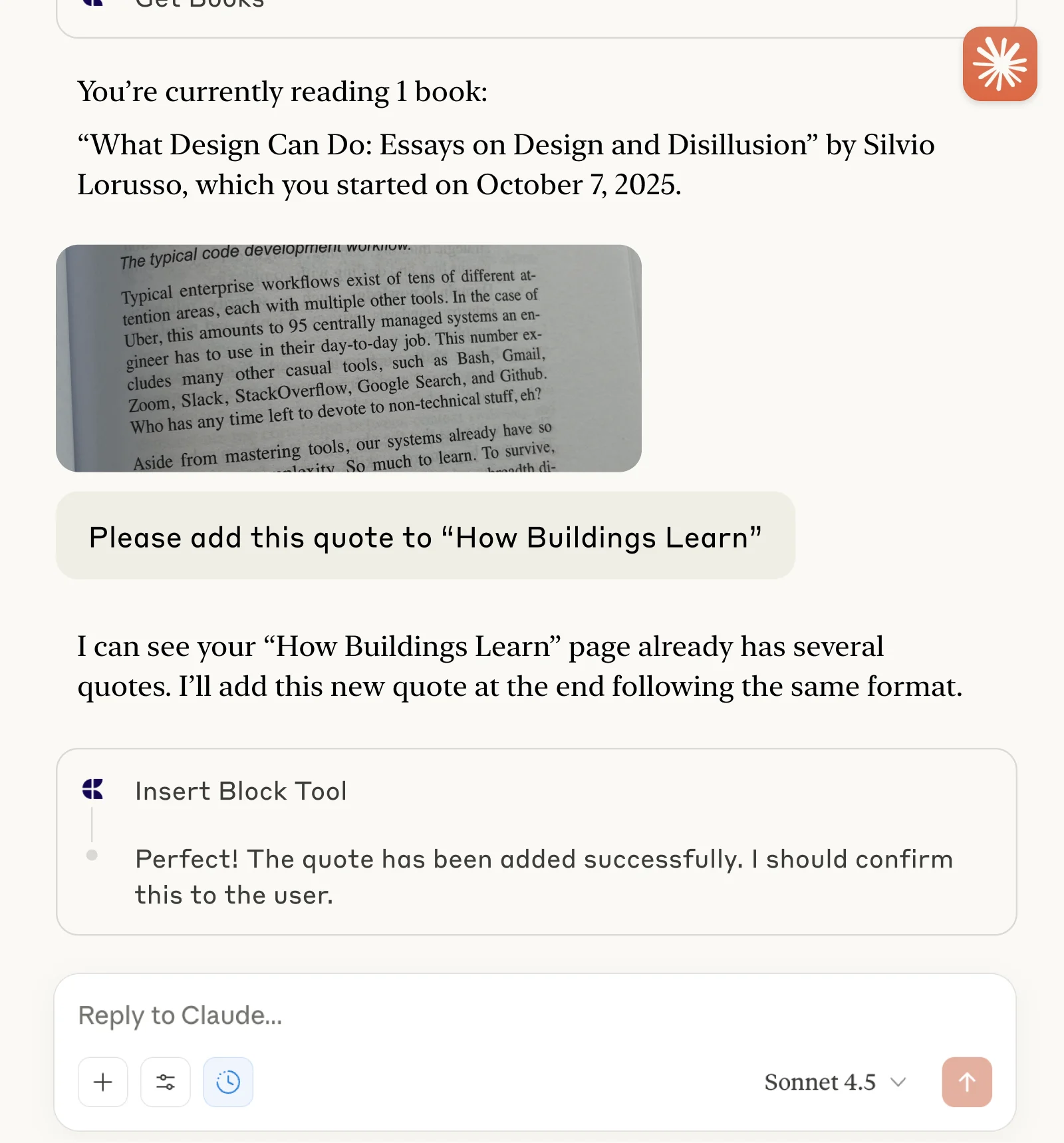
Tieni traccia dei libri e salva citazioni con Claude o ChatGPT tramite MCP.
Scopri di più