Come connettere Craft al OpenClaw con MCP
Puoi abilitare un server MCP per i tuoi documenti, permettendo a OpenClaw di interagire direttamente con i tuoi contenuti. Questa guida ti accompagna nella configurazione della connessione tra Craft e OpenClaw tramite MCP.


Aggiungere un connettore MCP in OpenClaw
Crea un nuovo connettore in OpenClaw e usa l'URL MCP per collegare i due servizi.
Passaggio 1
npm install -g mcporterPassaggio 2
mcporter.mcporter config add craft --url https://mcp.craft.do/my/mcp --scope home --auth oauthPassaggio 3
mcporter auth craftPassaggio 4
Ora puoi chiedere a OpenClaw informazioni sui tuoi documenti e persino farli aggiornare. Prova qualcosa del genere per iniziare:
Fai clic su un esempio per copiare il prompt negli appunti
Alcune idee per iniziare
Sfoglia gli esempi
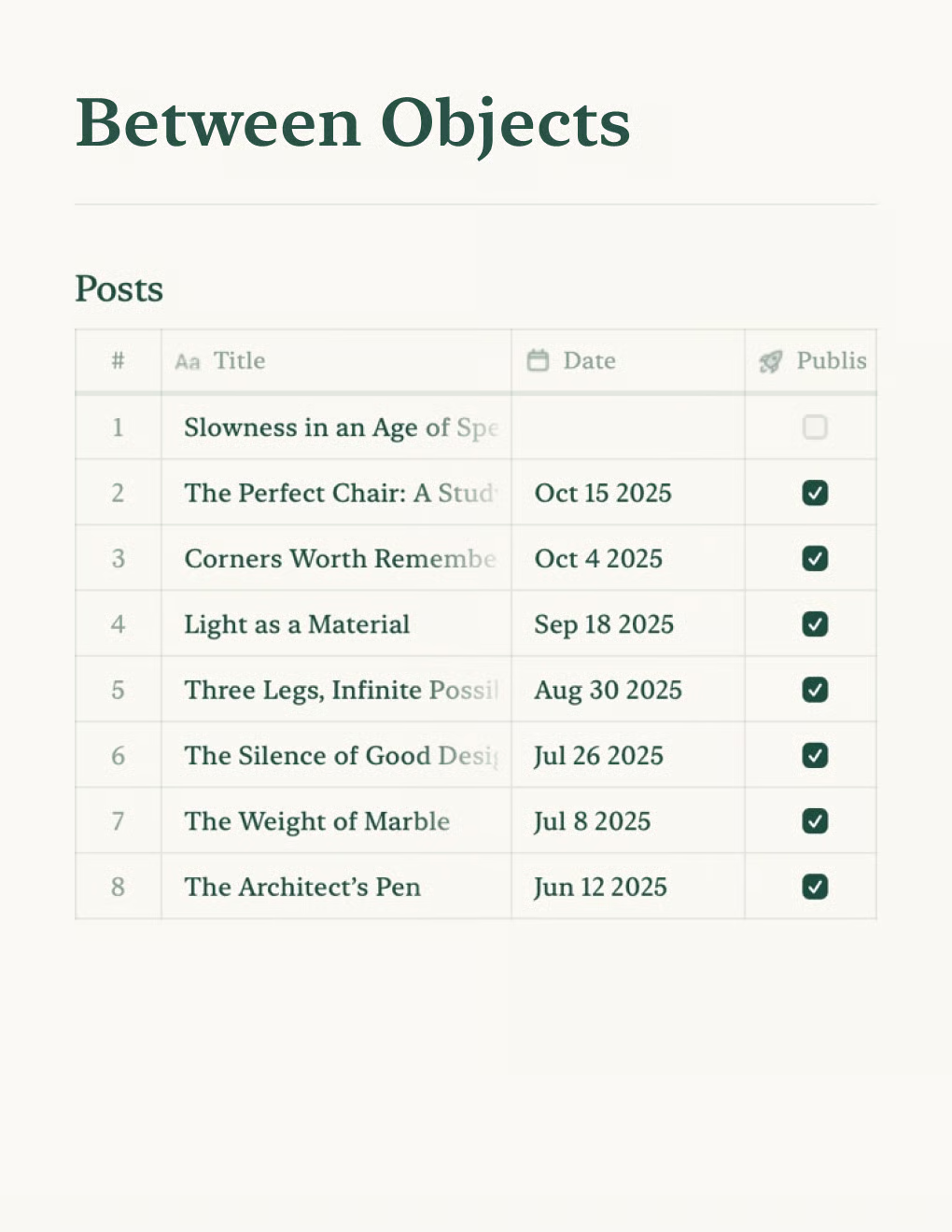
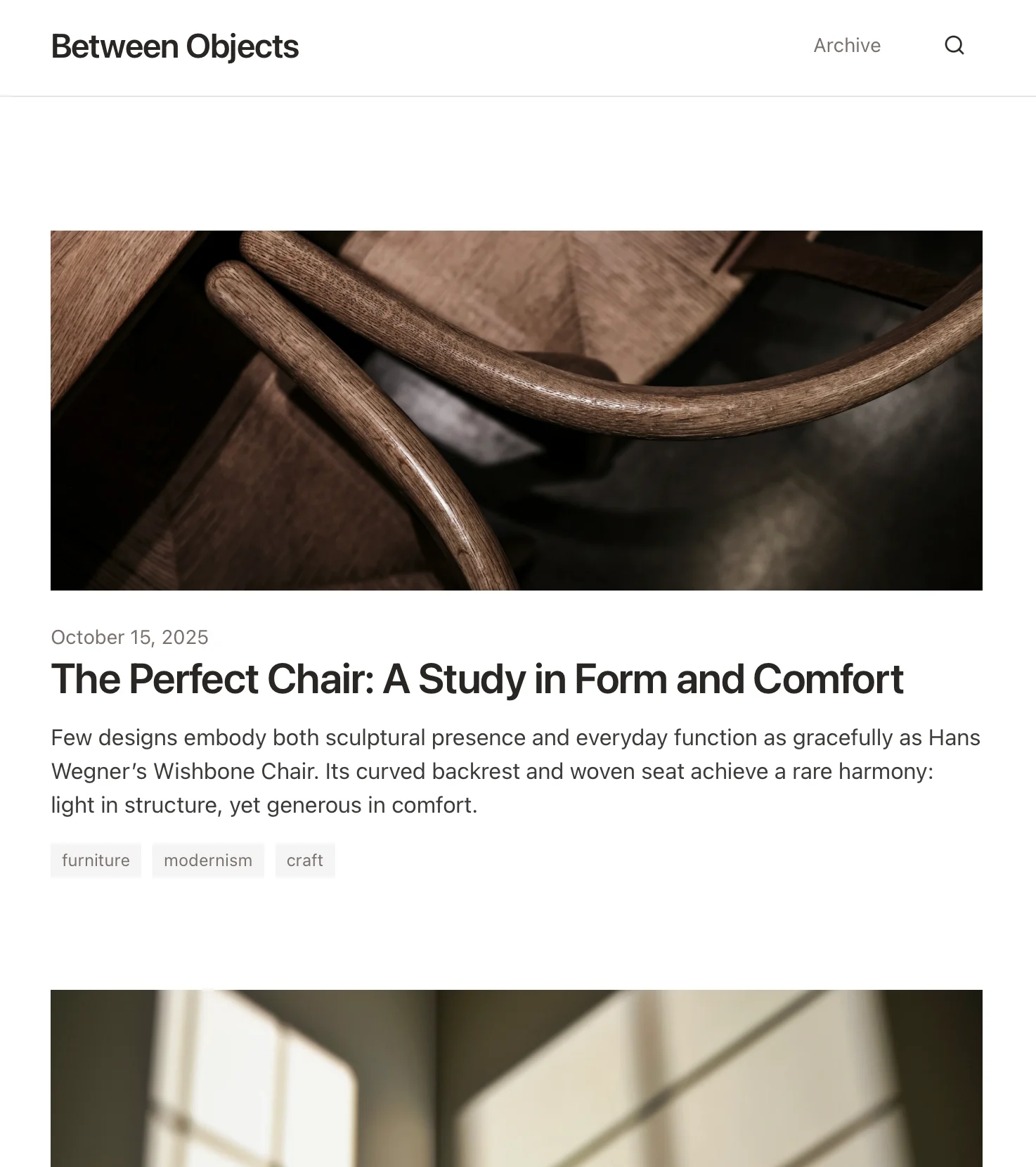
Crea un blog personale basato sui documenti Craft. Sincronizza automaticamente i contenuti via API — pubblica dalla tua app per gli appunti.
Scopri di più

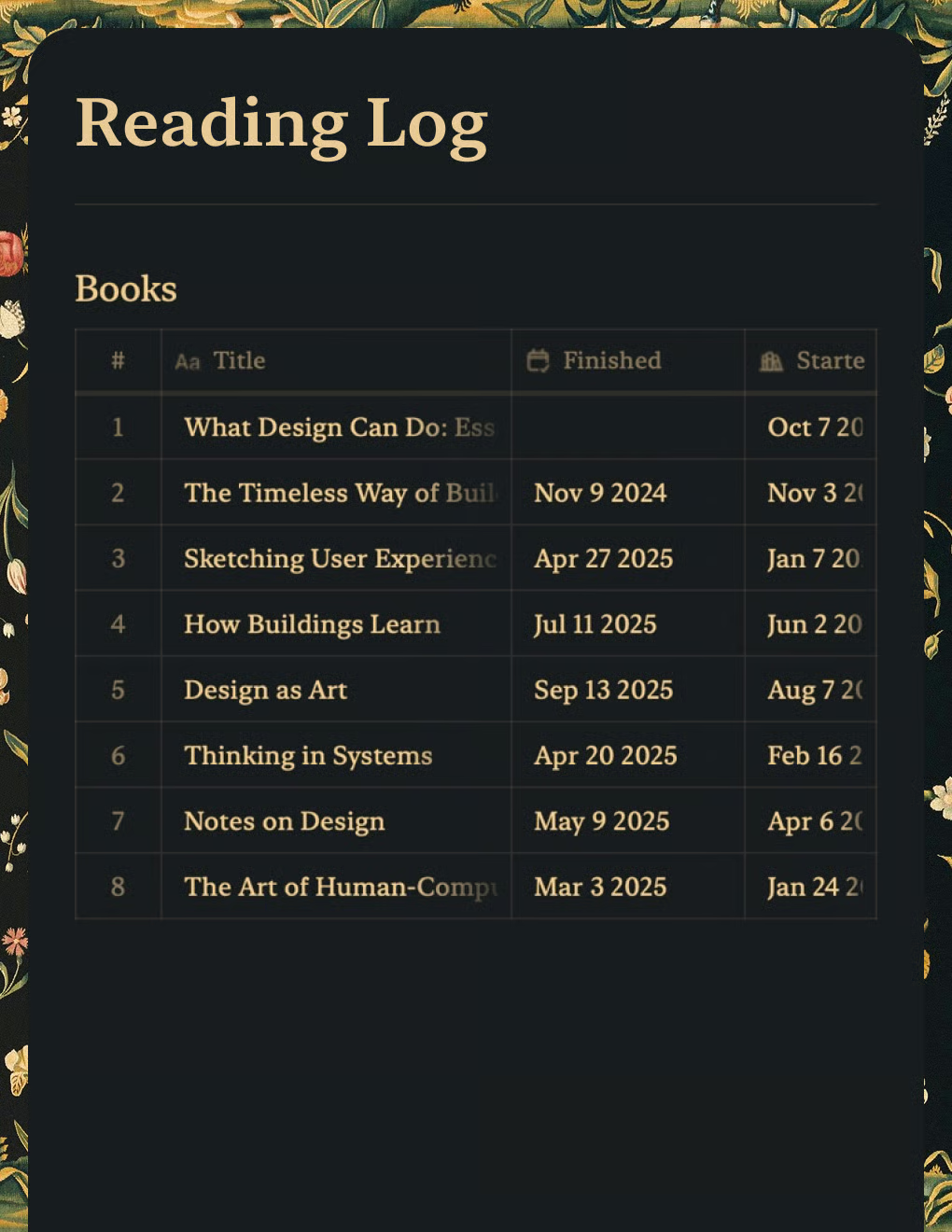
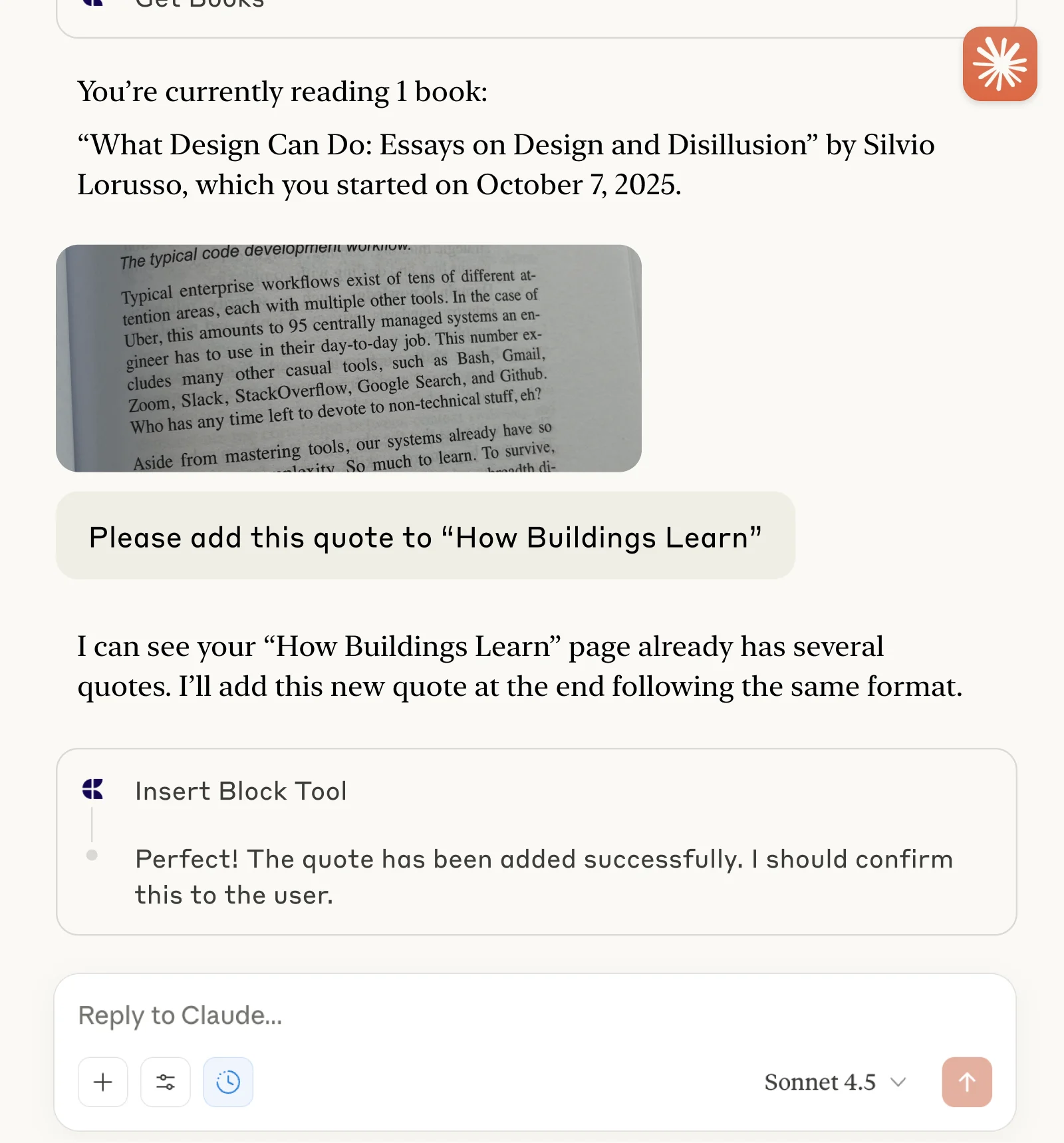
Tieni traccia dei libri e salva citazioni con Claude o ChatGPT tramite MCP.
Scopri di più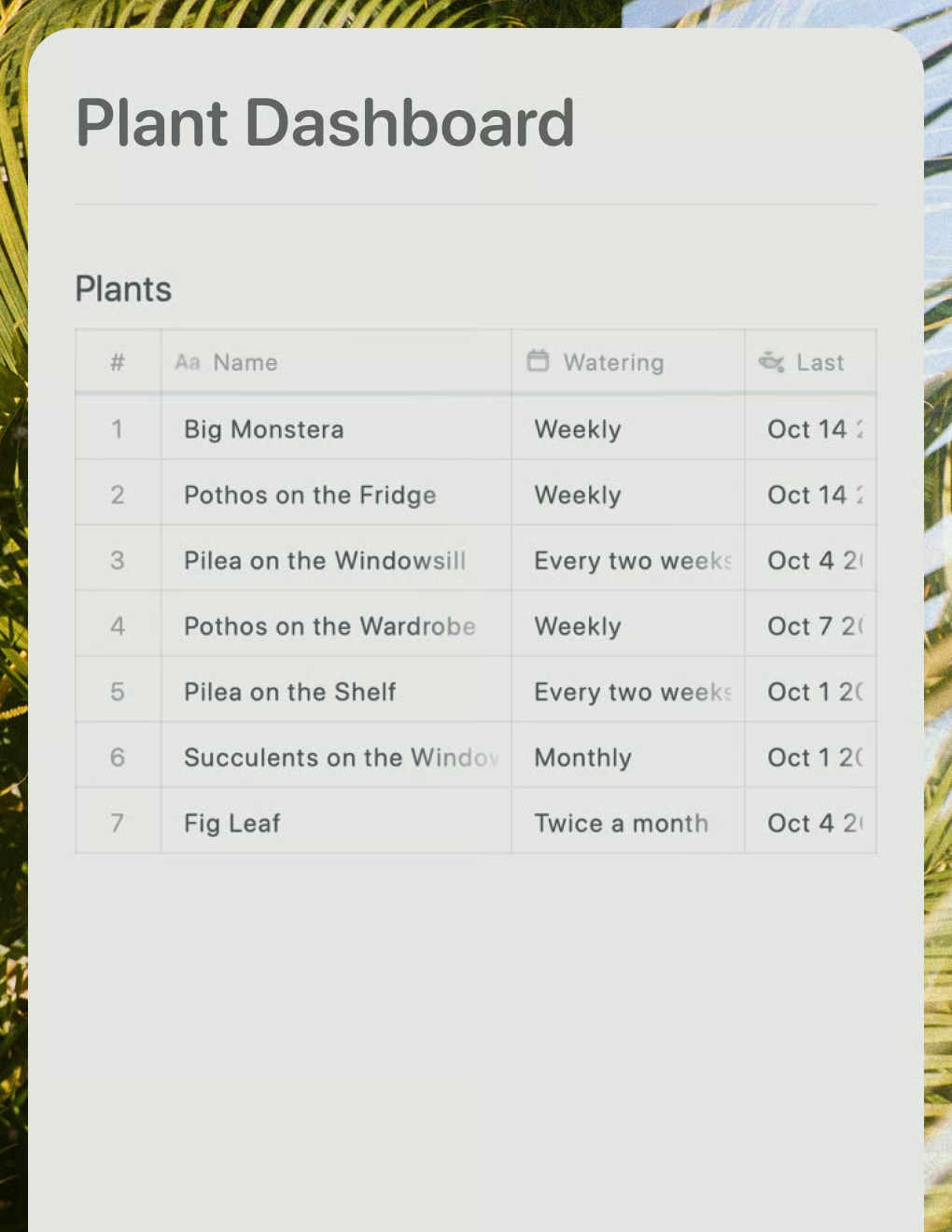
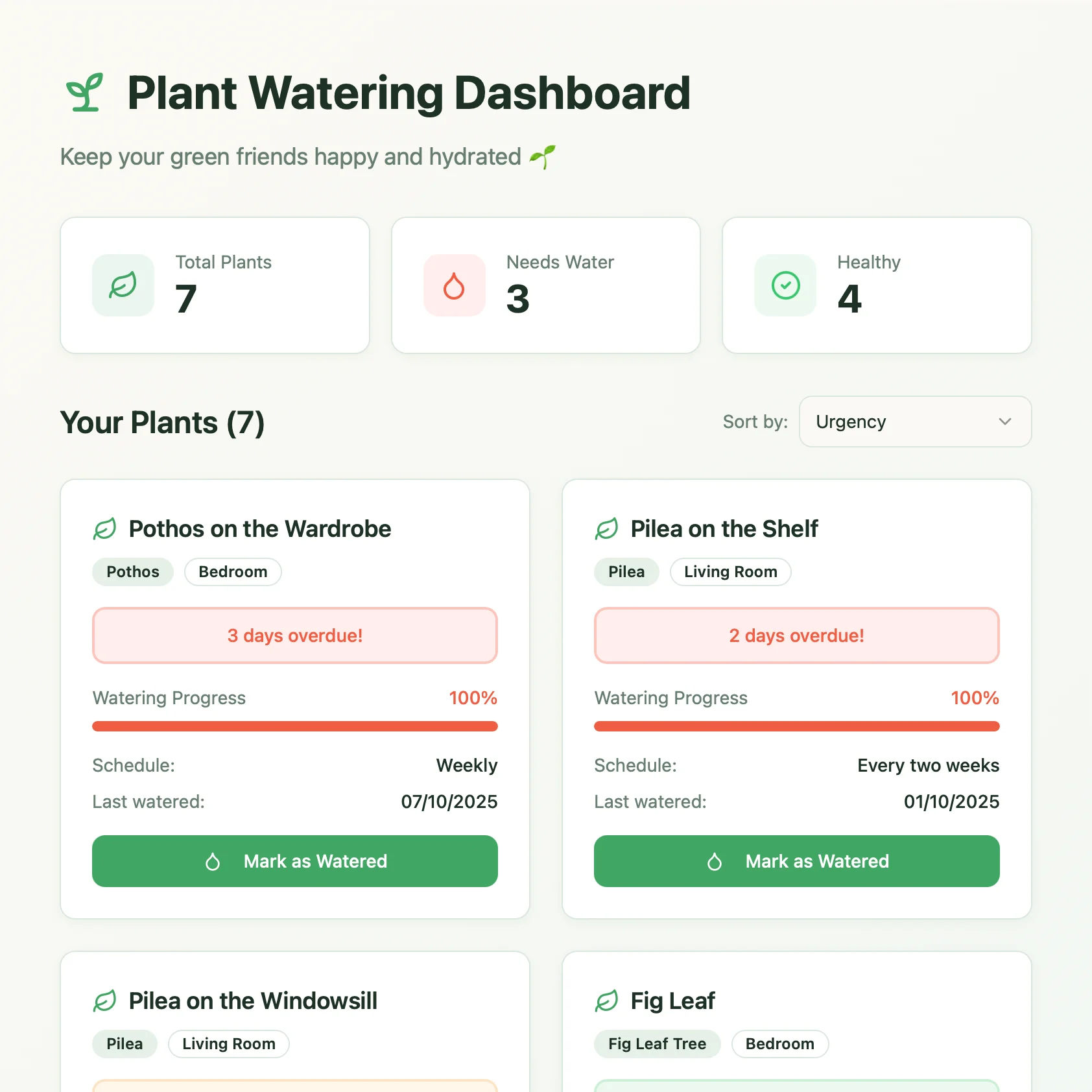
Una dashboard per la cura delle piante creata con Lovable. Recupera i programmi di annaffiatura e i consigli di cura dal tuo documento Craft.
Scopri di più