Craft와 함께 상상하기

MCP로 Craft를 Antigravity에 연결하는 방법
MCP를 통해 Craft 문서를 Antigravity에 연결하는 단계별 가이드입니다. Antigravity에서 직접 노트를 읽고, 검색하고, 업데이트하세요.
문서용 MCP 활성화
먼저 MCP를 활성화해 문서용 MCP 서버가 만들어질 수 있게 설정해야 합니다. 그 후 Antigravity에서 해당 MCP URL을 사용해 서버에 연결하세요.
단계 1
“상상해보기” 탭을 열어보세요
단계 2
“첫 번째 MCP 연결 만들기”를 클릭하세요
단계 3
MCP 연결에 이름을 설정하세요.
단계 4
“문서 추가”를 클릭해 이 MCP를 연결할 문서를 선택하세요.
단계 5
문서와 연결되는 MCP URL이 이제 상단에 표시됩니다.
Antigravity에서 MCP 커넥터 추가하기
Antigravity에서 새 커넥터를 만들고 MCP URL을 사용하여 두 서비스를 연결하세요.
단계 1
Antigravity에서 명령 팔레트(
Cmd/Ctrl+Shift+P)를 열고 "mcp"를 입력한 다음 "Antigravity: MCP 서버 관리"를 선택합니다.단계 2
MCP 서버 관리자에서 "원시 구성 보기"를 클릭하여 mcp_config.json 구성 파일을 엽니다.
단계 3
다음 MCP 설정을 복사하여 mcp_config.json 파일에 붙여넣으세요. <your-mcp-url> 부분을 위에서 생성한 MCP URL로 바꾸세요.
{
  "mcpServers": {
    "craft": {
      "serverUrl": "<your-mcp-url>"
    }
  }
}단계 4
파일을 저장하고 MCP 서버 관리자로 돌아가세요. 이제 Craft MCP 서버가 모든 도구가 활성화된 상태로 표시될 것입니다.
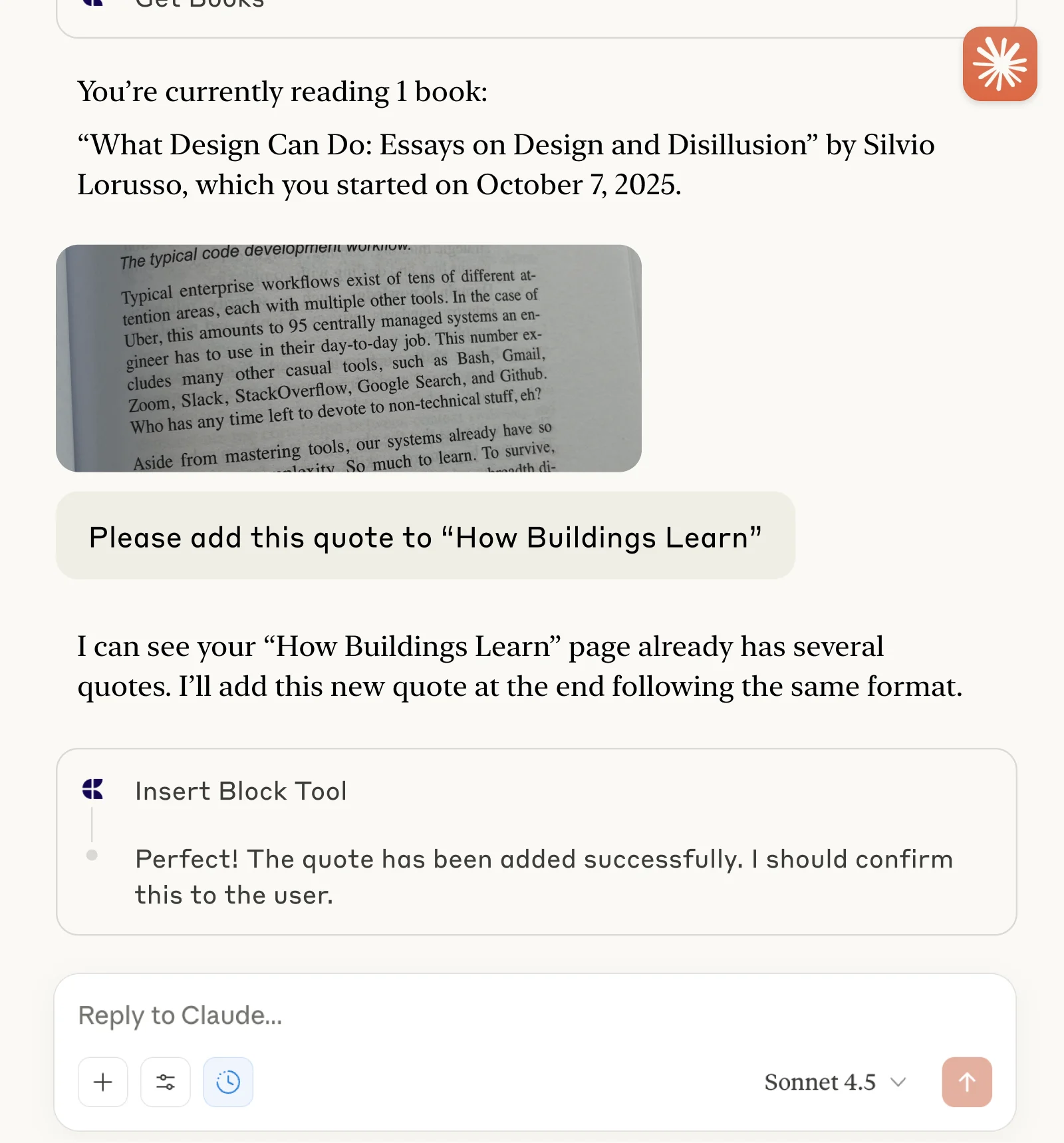
이제 Antigravity에 문서에 대해 질문하고 업데이트할 수도 있습니다. 다음과 같이 시작해 보세요:
예시를 클릭하면 프롬프트가 클립보드에 복사됩니다