Koto Forms
Building a form usually means picking a form tool, then figuring out where responses go. Koto flips it: point it at a Craft Collection, and it auto-generates a matching web form. Submissions flow back as new entries — your Craft doc is both the schema and the database.

Koto.so가 Craft(으)로 만든 작품
직접 빌드하기
단계 1 — Design Your Collection
Create a Craft Collection with the fields you want in your form. For example: Name (text), Email (text), Message (text), Rating (number). Each column in your collection becomes a form field.
단계 2 — Enable the Craft API
Enable read/write API access on your document. Koto needs to read your collection schema to generate the form, and write access to add new entries from submissions.
단계 1
단계 2
단계 3
단계 4
단계 5
단계 3 — Create a New Form in Koto
Visit forms.koto.so and click Create New → New Form.
단계 4 — Connect Your Craft API
Paste your Craft API Base URL and secret token. Koto uses these to read your collection schema and write new entries from form submissions.
단계 5 — Select Your Collection
Choose which collection to transform into a form. Koto reads the schema and generates matching form fields automatically.
단계 6 — Customize Your Form
Adjust the submit button text, colors, success message, and redirect URL. Make it match your brand or project before sharing.
단계 7 — Share Your Form
Copy the form URL or embed code and share it anywhere — your website, email, or social media. Every submission flows back into your Craft Collection in real time.
단계 8 — See Your Live Form
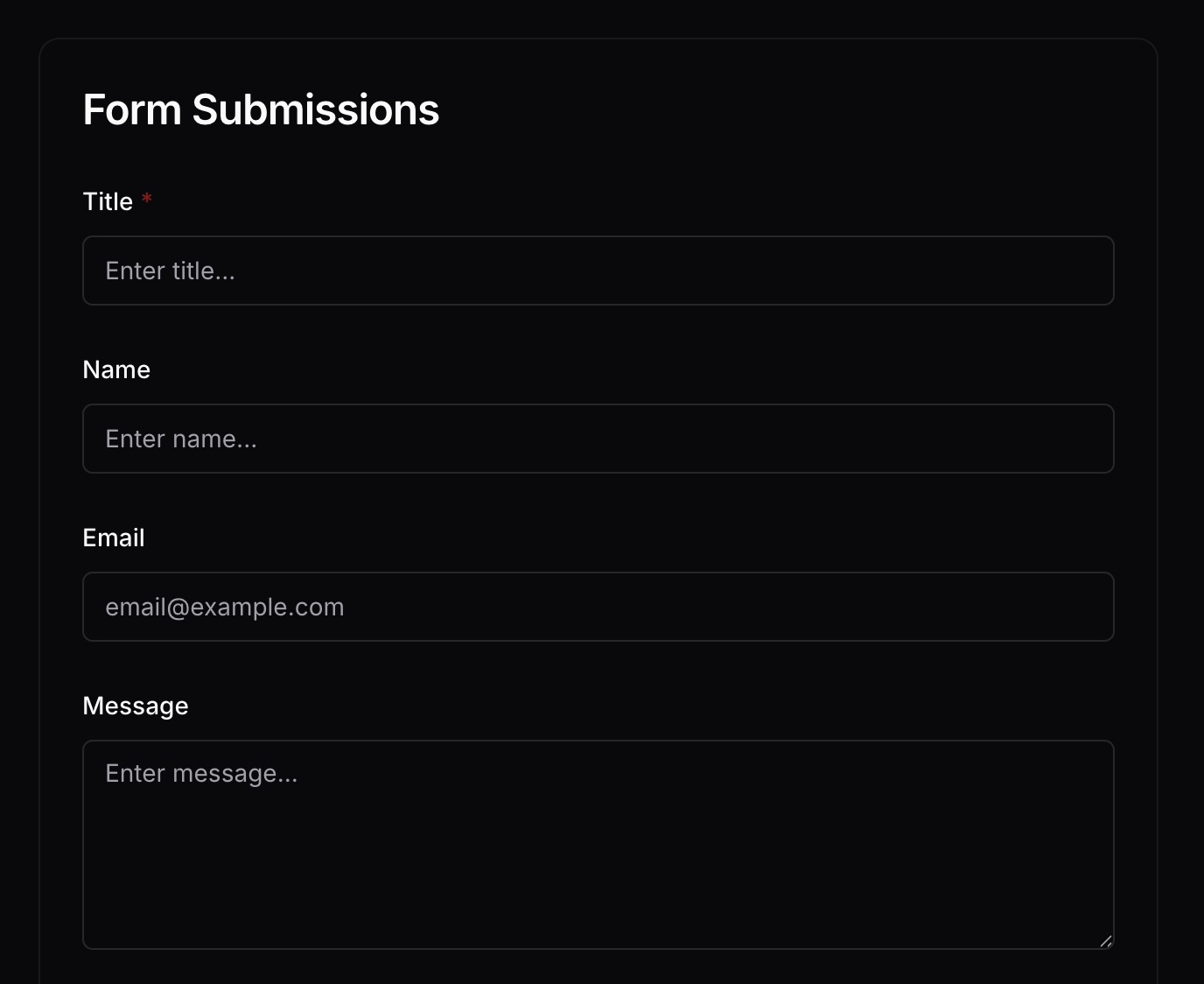
This is what your visitors see — a clean web form auto-generated from your Craft Collection columns.
The Result
Your Craft Collection doubles as a form backend. Collect feedback, registrations, surveys, or any structured data through a clean web form — with every response flowing directly into your Craft document for immediate use. Try it at forms.koto.so — or build your own Collection-powered tool with the Craft API.
직접 시도해 볼 수 있는 더 많은 아이디어
갤러리로 돌아가기
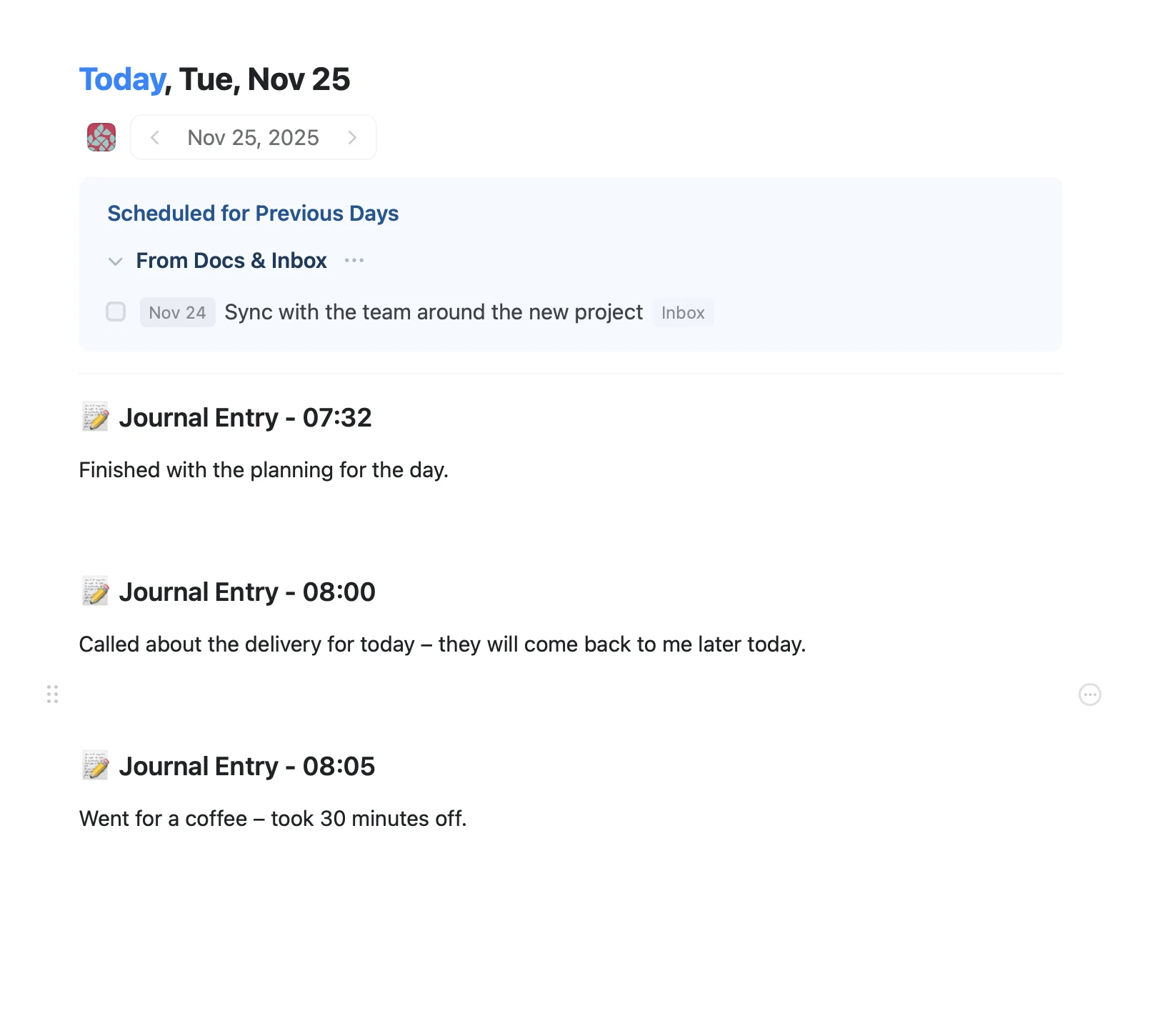
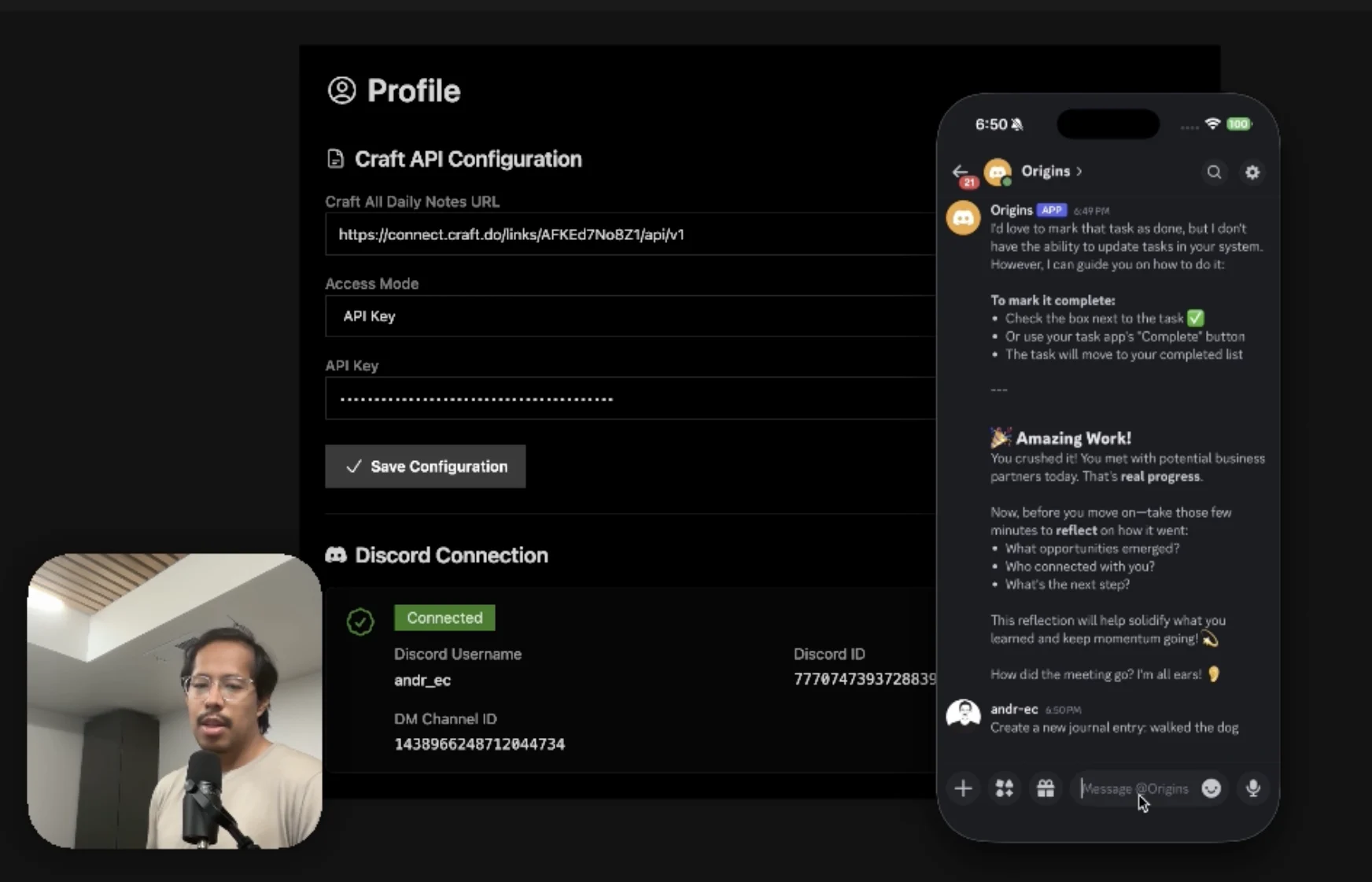
An AI accountability coach that reads your Craft goals and follows up in Discord.
더 알아보기
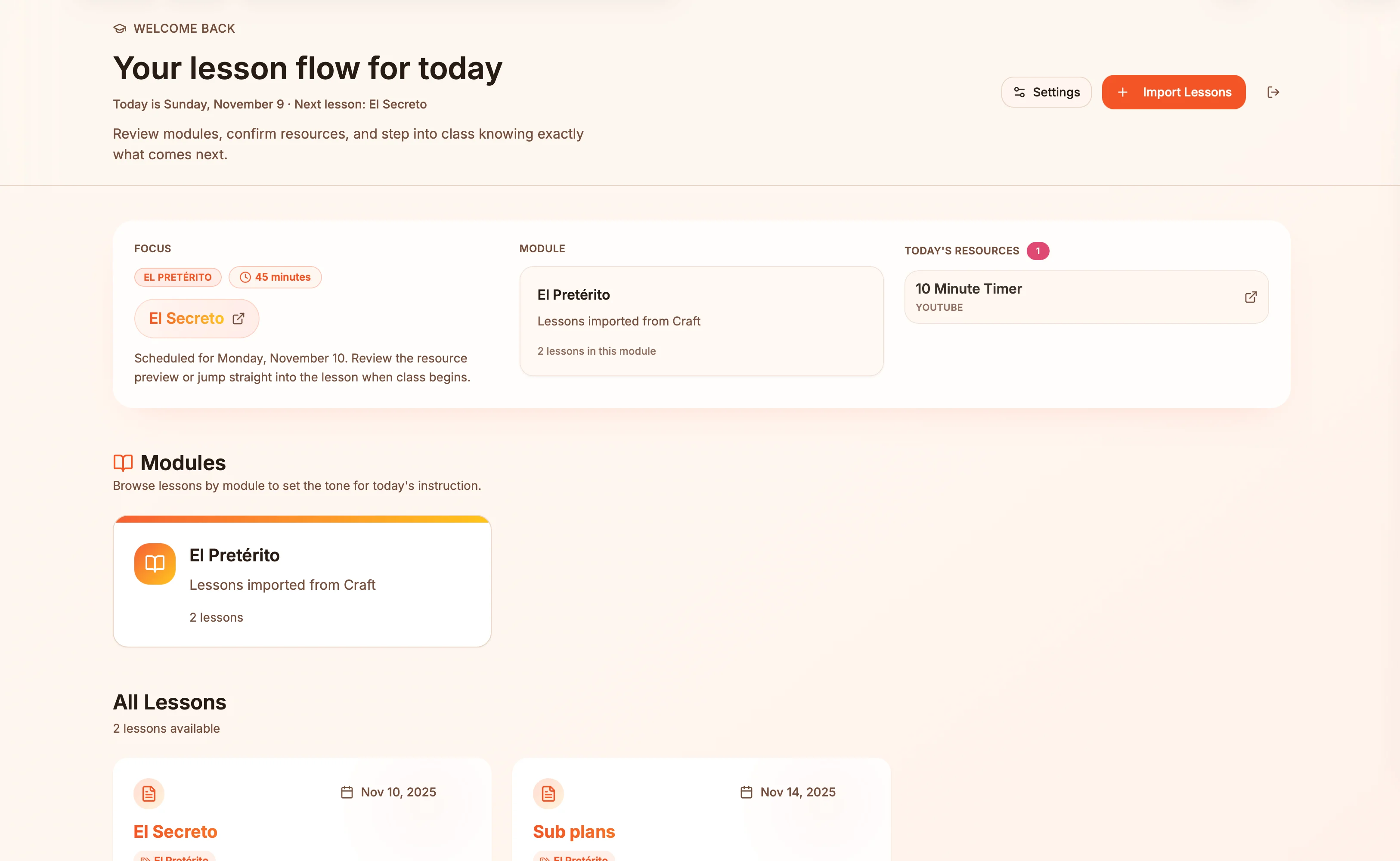
Lesson plans in Craft become live presentation slides — always in sync, zero copy-paste.
더 알아보기
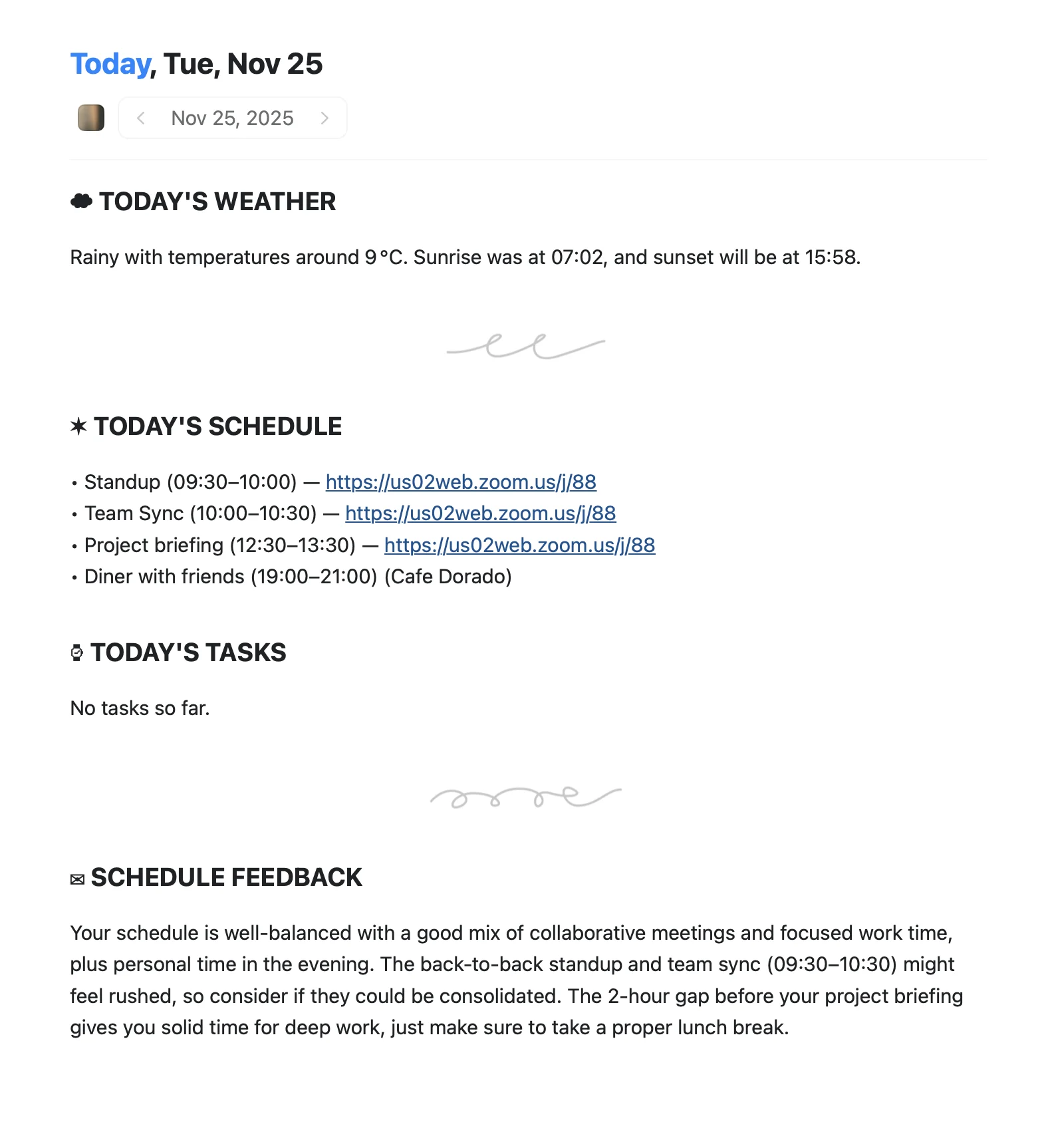
An Apple Shortcut that writes your morning agenda directly into Craft Daily Notes.
더 알아보기