
Lịch trình hằng ngày
Lịch, thời tiết và nhiệm vụ của bạn nằm rải rác ở nhiều ứng dụng. Phím tắt này gom tất cả lại và viết bản tóm tắt buổi sáng vào ghi chú hằng ngày trong Craft — kèm cảnh báo kiệt sức nếu ngày của bạn quá tải.


Được xây dựng bởi Hanne Lauritzen với Craft và Apple Shortcuts
Tự xây dựng
Bước 1 — Create Your Daily Note
Set up a Craft daily note where you want your morning agenda to appear. This is where the shortcut will automatically add your day’s overview each morning.
Bước 2 — Get Your Craft API URL
Enable the API on your daily notes document and copy the API URL. You’ll need this so the shortcut can add content to your note automatically.
Bước 3 — Download the Shortcut
Get the “Add agenda to daily note” shortcut from iCloud. This shortcut pulls together everything you need to see each morning.

Bước 4 — Configure the Shortcut
Open the shortcut and add your Craft API URL. The shortcut will automatically:
- Access your Calendar app (with permission)
- Check the weather for your location
- Pull your active to-do items from Craft
- Use Apple Intelligence to process everything
Bước 5 — Set Up Automation
In the Shortcuts app, create an automation that runs this shortcut every morning at 7 AM (or whenever you prefer). Choose “Personal Automation” and set it to run at your ideal time.
Bước 6 — Wake Up to Your Day
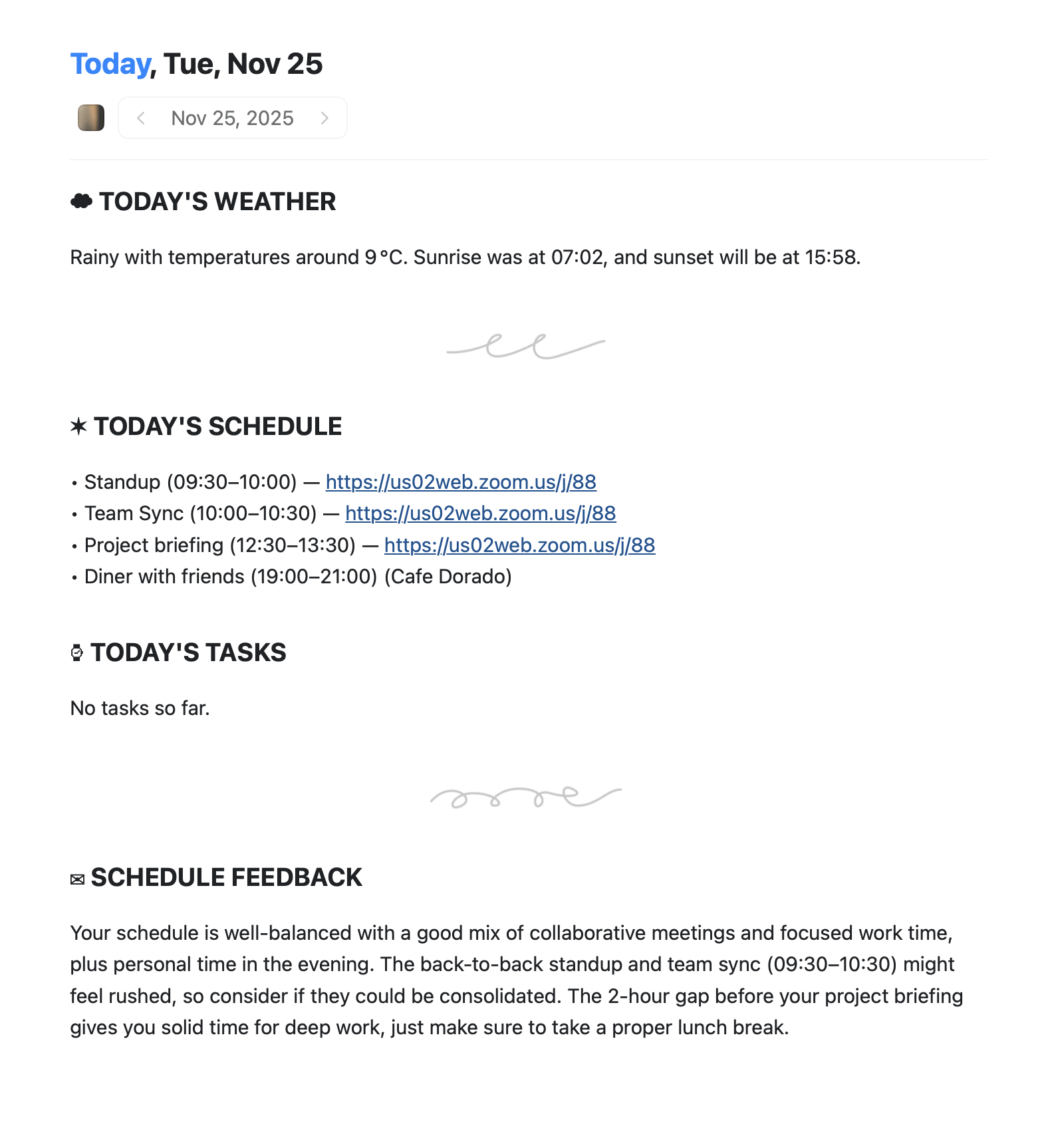
Each morning, your daily note automatically updates with:
- Today’s events – All your calendar appointments at a glance
- Weather forecast – Know what to expect outside
- Active tasks – Your to-do items from Craft
- Schedule feedback – A heads-up if your day is looking overwhelming
What You’ll See
Your morning agenda includes:
Event timeline – All your meetings and appointments for the day, so you know what’s coming.
Weather overview – Temperature, conditions, and what to wear.
Task list – Your active to-dos from Craft, organized and ready.
Burnout warning – Apple Intelligence analyzes your schedule and warns you if:
- You have too many tasks for the time available
- You’re context-switching between too many different documents
- Your day is packed back-to-back with no breathing room
The Result
You start every day with clarity – knowing exactly what’s ahead, what matters most, and whether you need to adjust your plans before the day gets away from you. Download the shortcut above and customize it — add your own data sources or change what goes into your morning briefing.
Thêm nhiều ý tưởng để bạn thử
Quay lại thư viện
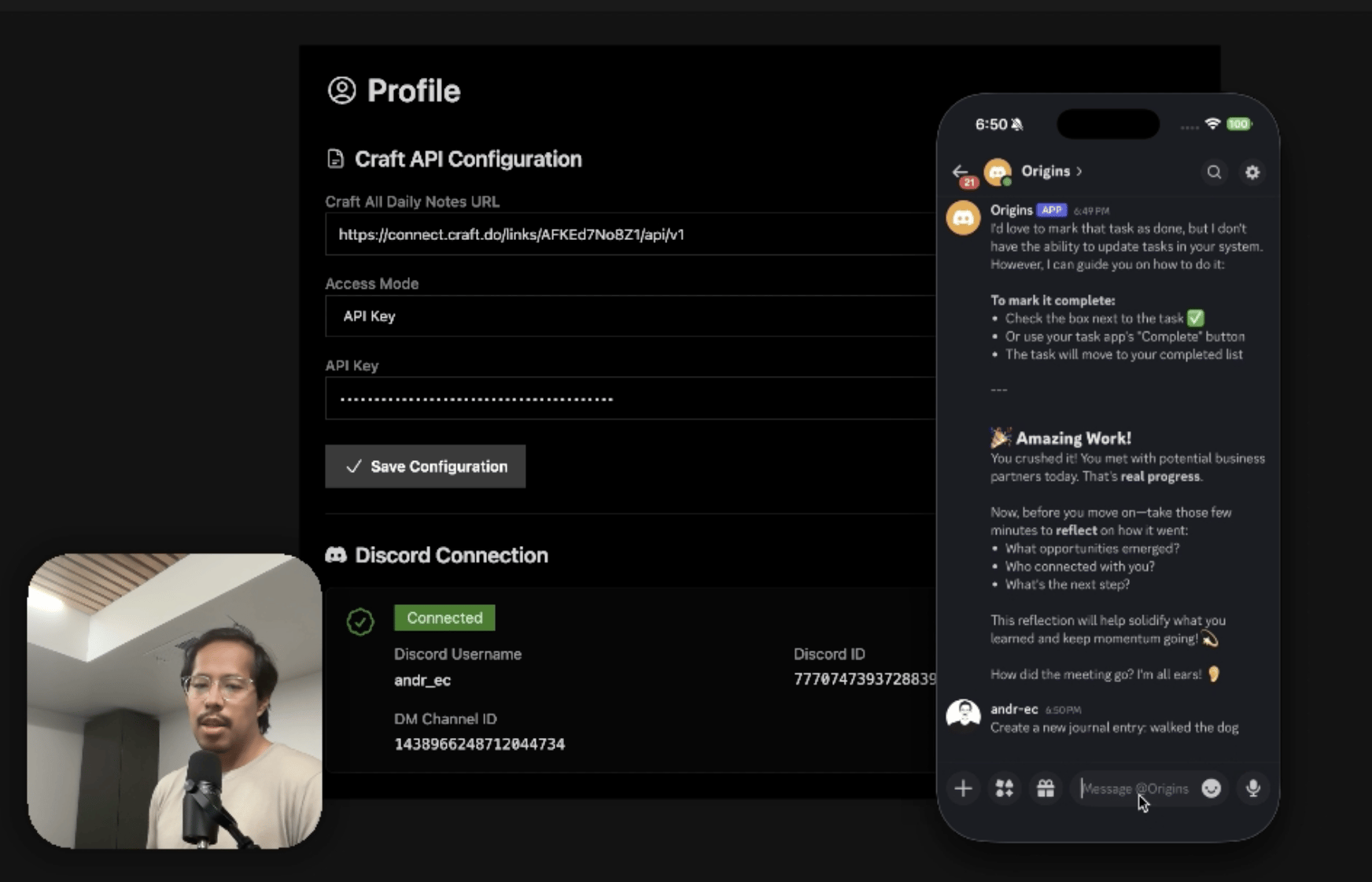
Huấn luyện viên AI đọc mục tiêu của bạn trong Craft và nhắc bạn giữ cam kết qua Discord.
Tìm hiểu thêm
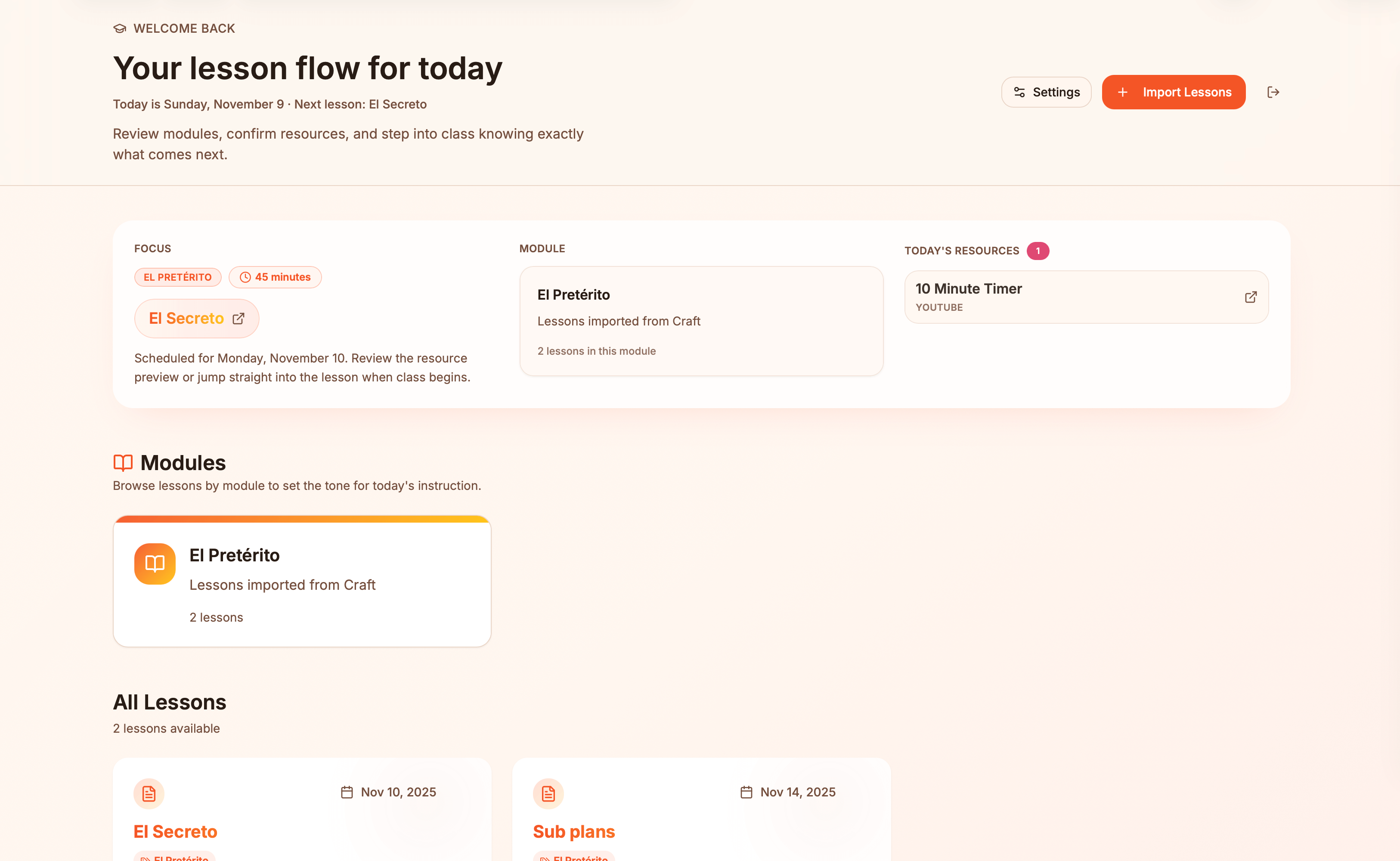
Giáo án trong Craft trở thành slide trình chiếu trực tiếp — luôn đồng bộ, không cần sao chép-dán.
Tìm hiểu thêm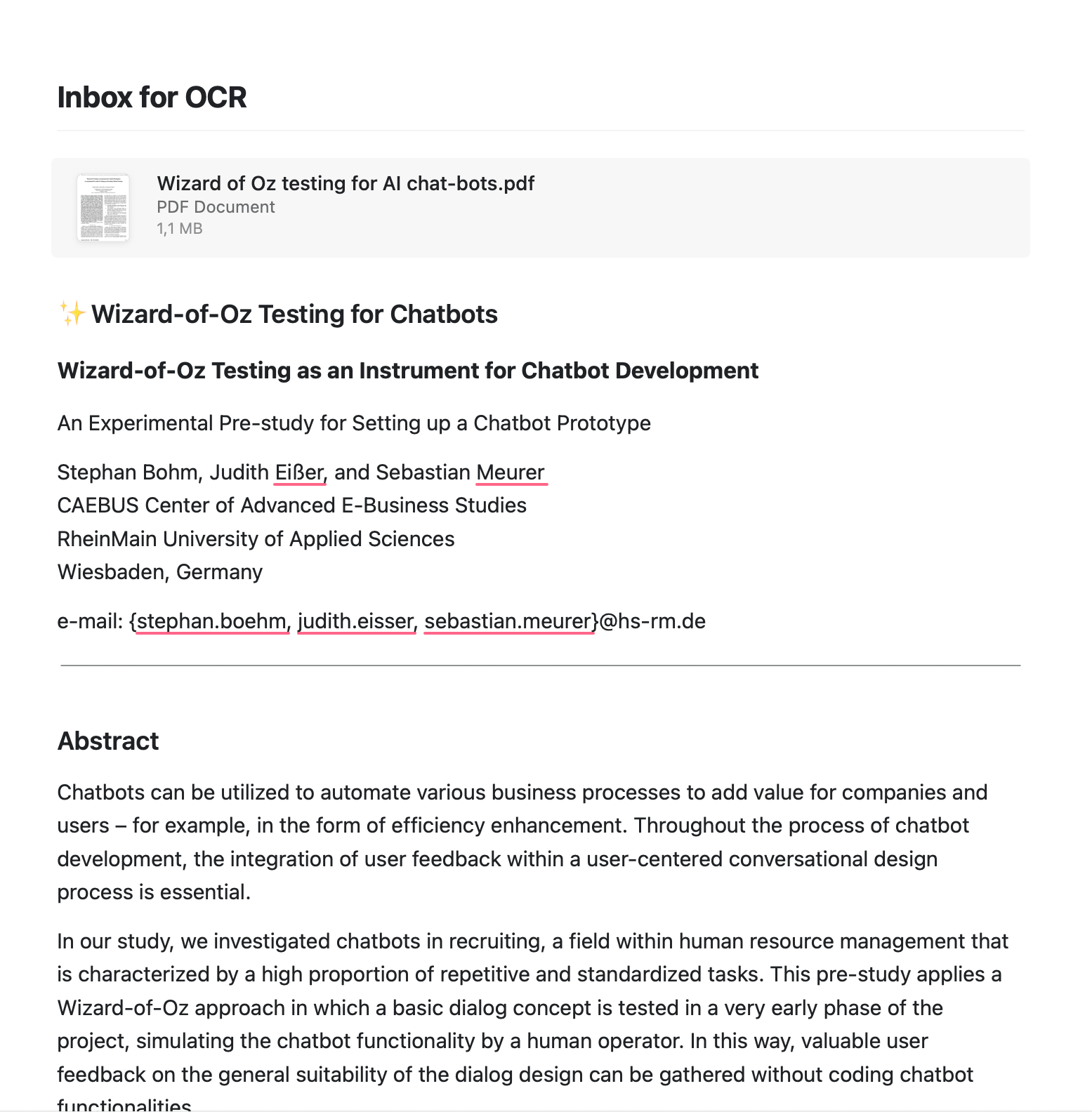
Biến ảnh, PDF và ảnh chụp màn hình thành tài liệu Craft đã định dạng nhờ Apple Intelligence.
Tìm hiểu thêm