
Huấn luyện viên Discord
Các ứng dụng theo dõi thói quen riêng lẻ không biết bạn thực sự đang làm gì. Bot này đọc mục tiêu và nhiệm vụ của bạn từ Craft, rồi hỏi thăm bạn mỗi ngày trên Discord — dựa trên tiến độ thực tế của bạn, chứ không phải những lời nhắc chung chung.
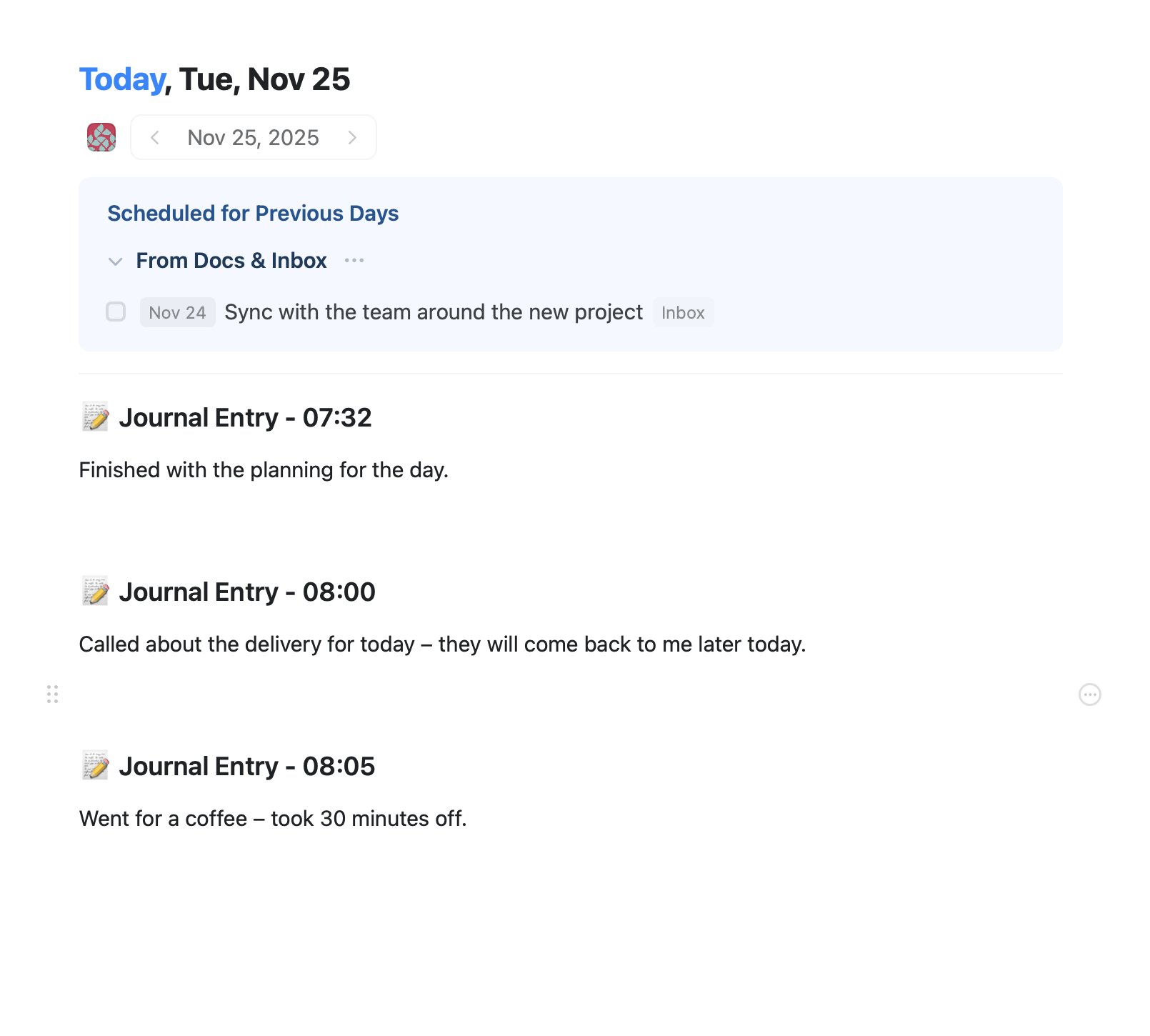
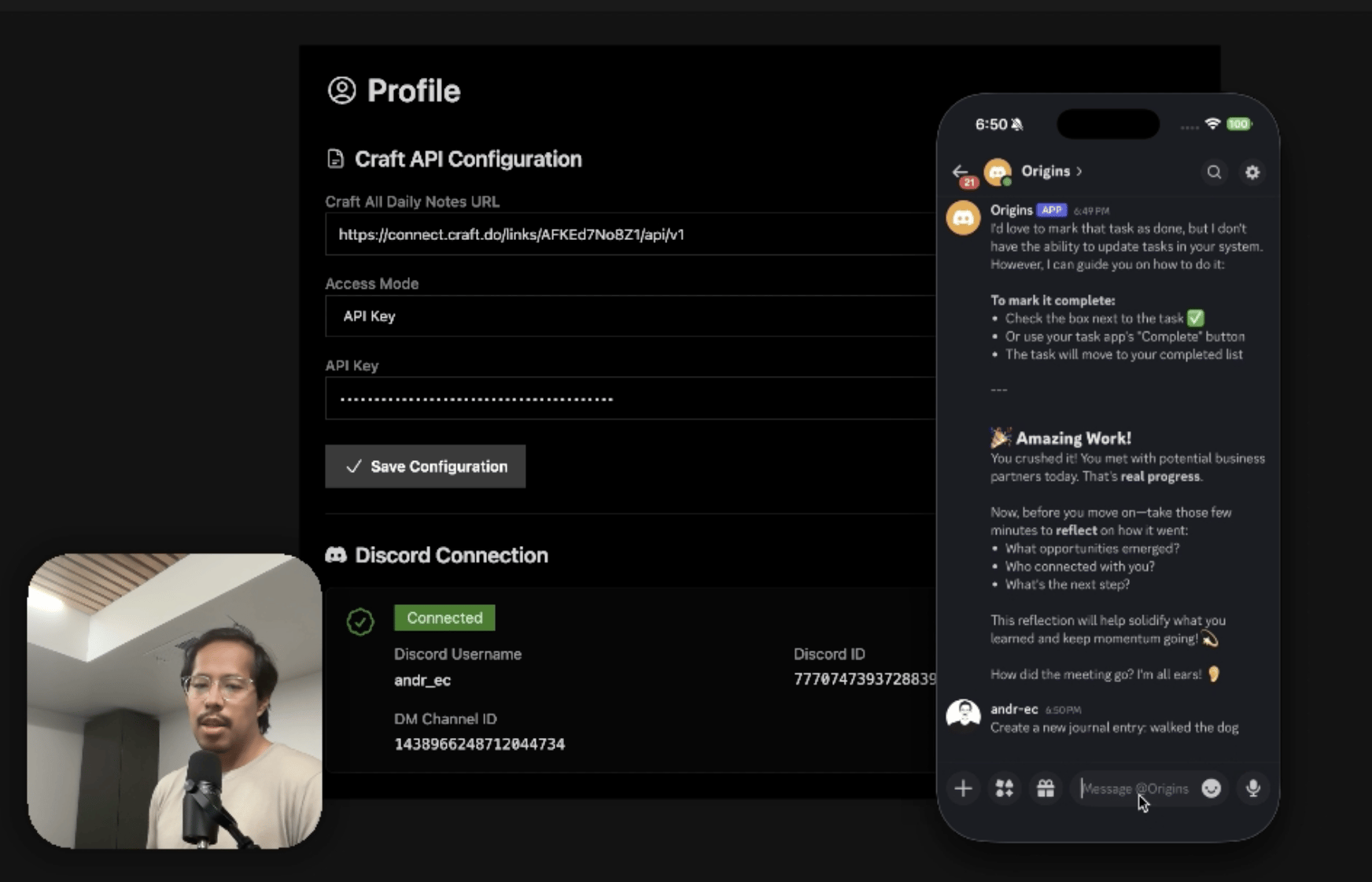


Được xây dựng bởi Andre Carrera với Craft và Discord
Tự xây dựng
Bước 1 – Create Your Craft Document
Start by setting up a Craft document where you’ll store your daily notes and tasks. This is where the Discord Coach will track your progress and pull context from your work.
Bước 2 – Set Up Your Discord Bot
Create a new Discord bot through the Discord Developer Portal. You’ll need:
- A Discord server where you want the bot to operate
- Your bot token (keep this secure!)
- Basic permissions for messaging and reading messages
Bước 3 – Connect Your Craft API
Generate a Craft API key for your daily notes document. The Discord Coach uses this to:
- Read your daily notes and tasks
- Understand your goals and progress
- Update your tasks as you complete them
Bước 4 – Deploy the Backend
Set up a simple backend server (the example uses Fly.dev) that runs the Discord Coach bot. This server:
- Listens for messages from your Discord server
- Connects to Claude or ChatGPT for intelligent coaching
- Reads and writes to your Craft document via the API
- Sends you proactive check-ins each morning
The Result
To see how it works for the user who already built it, you can visit his bot’s authentication page, sign in with you Discord Account, and add your Daily Note Craft API URL and key.
To activate it, you need to either join the test server with the bot or install it to your own server with this link.
After this set-up, each morning, Andre’s Discord Coach is going to send you a message. Respond naturally – just like texting a friend. The bot will will:
- Understands your context from previous days
- Asks about your progress
- Updates your Craft tasks automatically
- Provides accountability and encouragement
Thêm nhiều ý tưởng để bạn thử
Quay lại thư viện
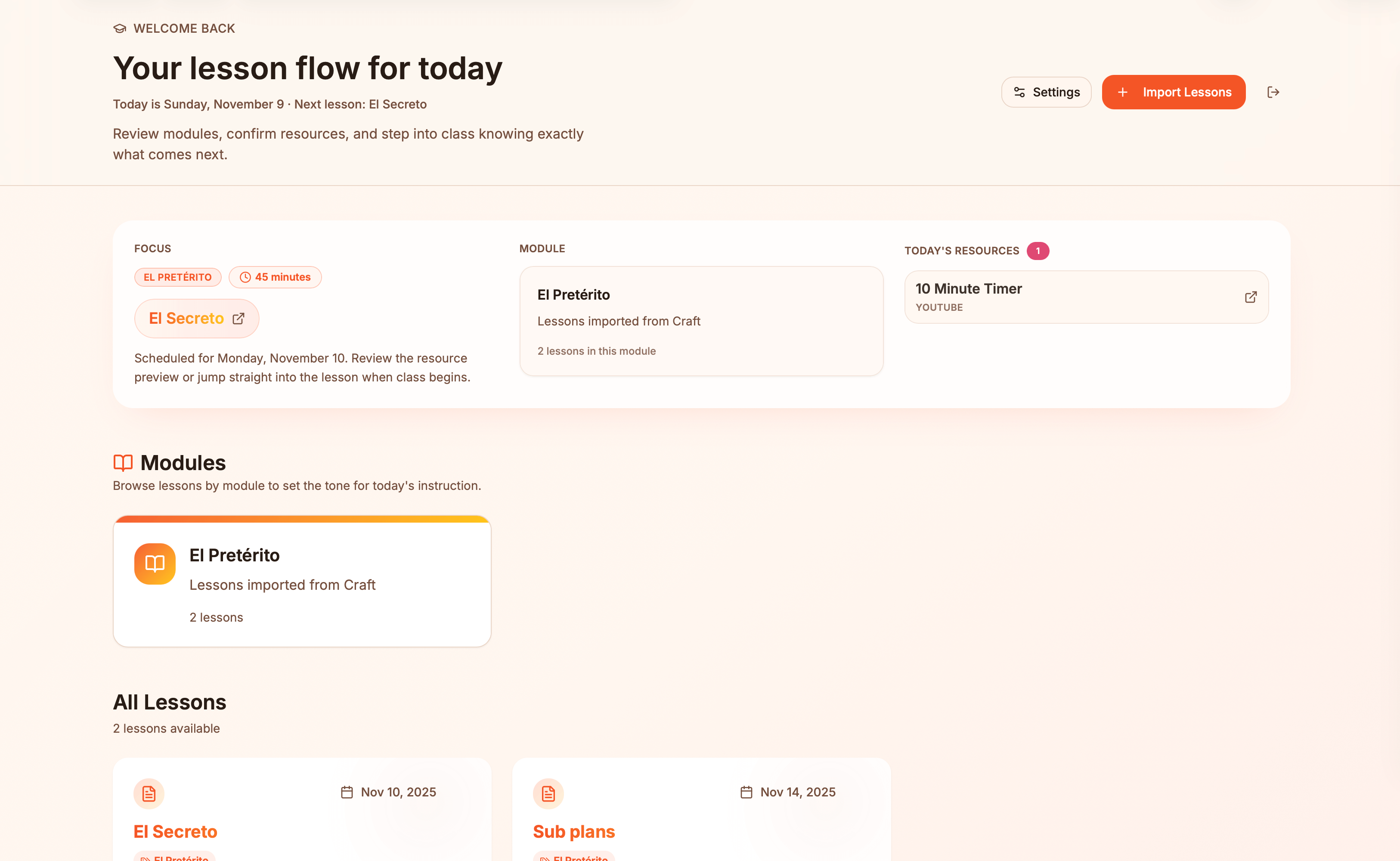
Giáo án trong Craft trở thành slide trình chiếu trực tiếp — luôn đồng bộ, không cần sao chép-dán.
Tìm hiểu thêm
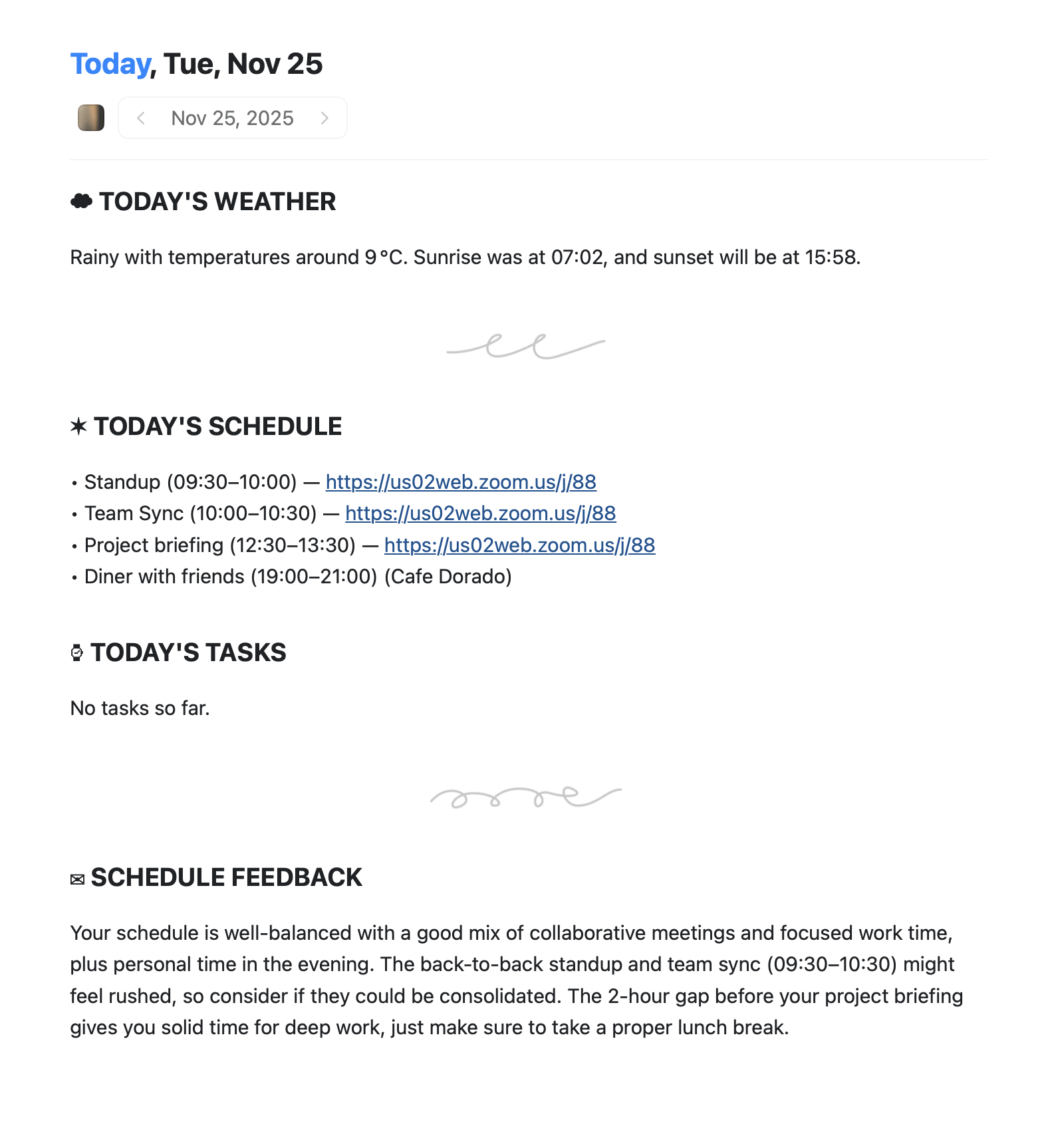
Một phím tắt Apple viết lịch trình buổi sáng thẳng vào ghi chú hằng ngày trong Craft.
Tìm hiểu thêm
Biến ảnh, PDF và ảnh chụp màn hình thành tài liệu Craft đã định dạng nhờ Apple Intelligence.
Tìm hiểu thêm