Panel de Plantas
Administra tu colección de plantas y asegúrate de que se mantengan saludables con un panel de control que hace seguimiento de los horarios de riego y las rutinas de cuidado.
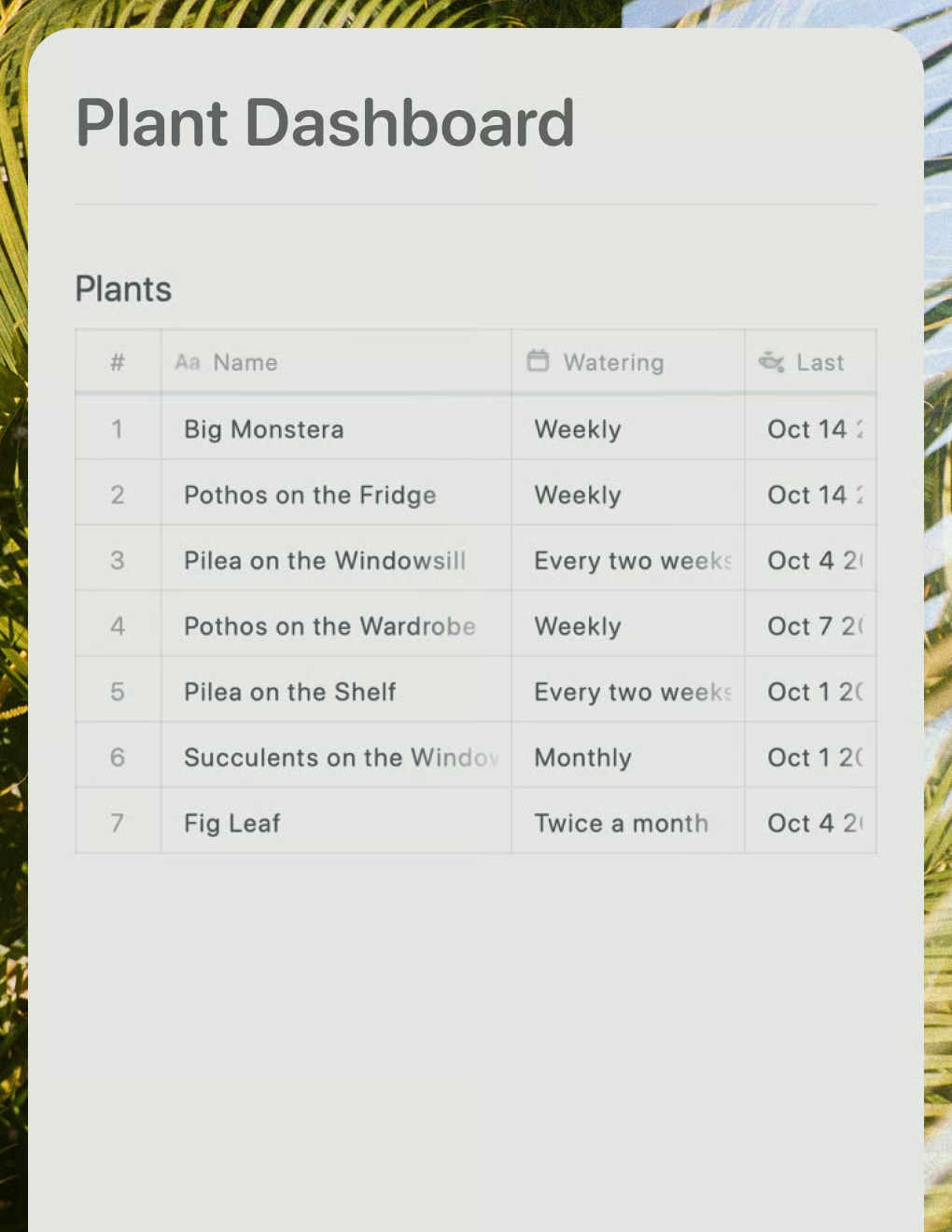
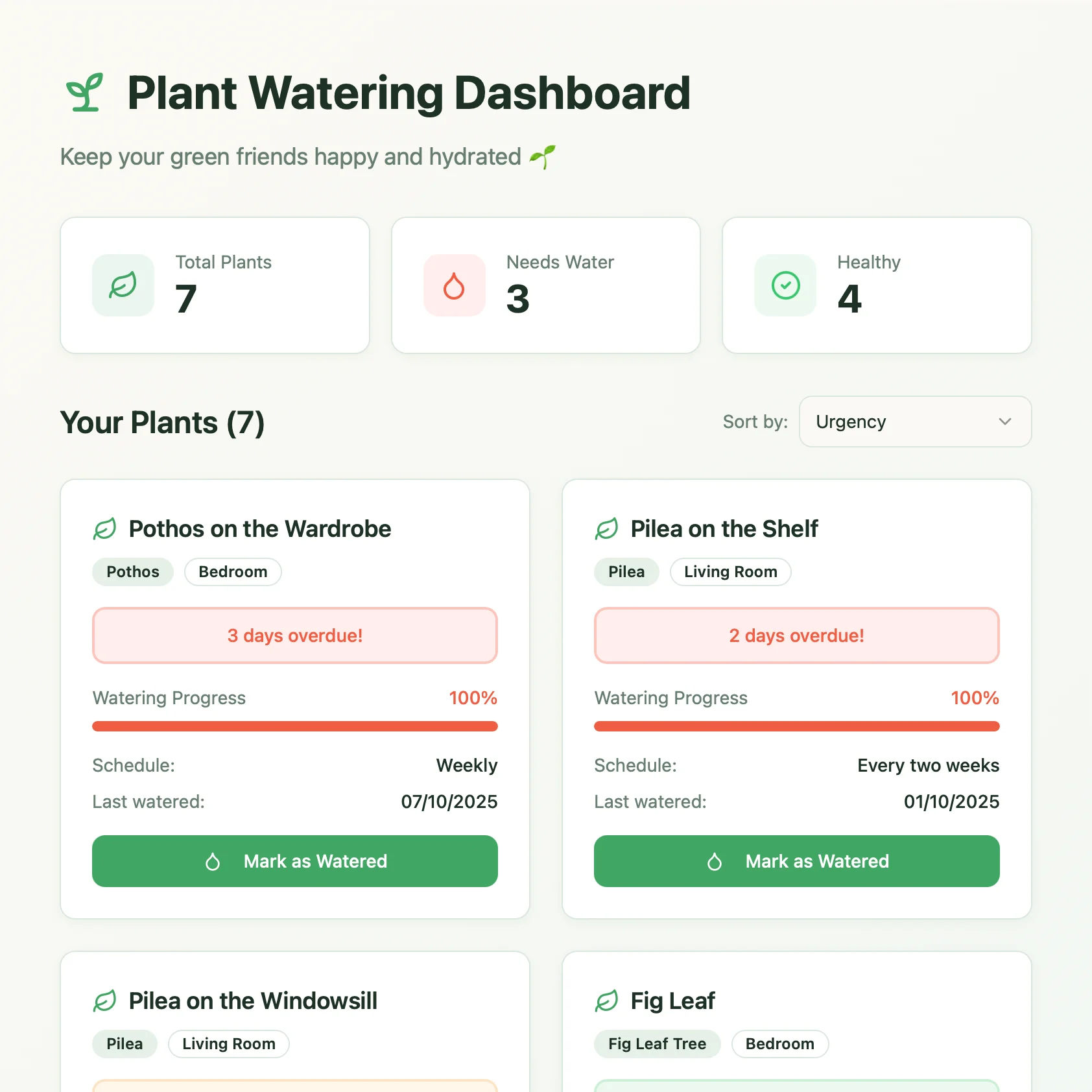
Demostración en vivo
Este ejemplo real muestra cómo se ven el documento de Craft y la aplicación de Lovable:
Las acciones de escritura han sido desactivadas para la demostración


Creado con Craft y Lovable
Constrúyelo tú mismo
En este ejemplo usaremos Craft para gestionar una colección de todas tus plantas y sus necesidades, y Lovable para crear un panel hermoso que nos permita saber de un vistazo qué plantas necesitan atención.
Paso 1 — Crea tu documento
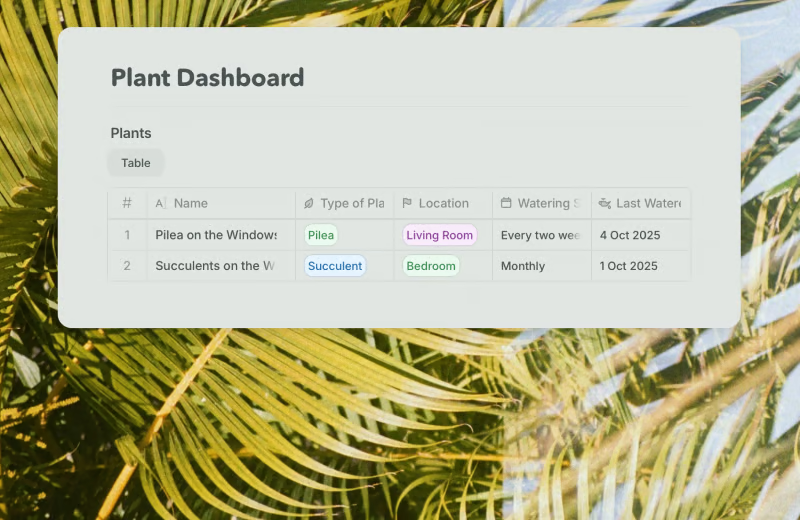
Nuestras plantas se guardan en una colección dentro de un documento de Craft. Para cada planta añadimos información sobre su tipo, en qué habitación se encuentra, con qué frecuencia necesita ser regada y cuándo fue la última vez que se regó. Por supuesto, puedes ajustar la colección y añadir campos para cualquier otra cosa que te gustaría llevar un seguimiento sobre tus plantas.
Usa la plantilla para crear un nuevo documento con una colección para tu panel de plantas:
Paso 2 — Habilitar acceso a la API
Habilita el acceso a la API para tu documento para obtener una URL única que se pueda usar para leer y añadir contenido a tu documento.
Paso 1
Paso 2
Paso 3
Paso 4
Paso 5
Paso 6
Paso 3 — Crea con Lovable
Ahora sigamos y construyamos el sitio web real para nuestro panel en Lovable. Para el sitio de ejemplo mostrado arriba, usamos este prompt:
Quiero crear un panel para llevar el control de mis plantas.
La información se almacena en Craft. Por favor, revisa el archivo adjunto, que incluye un ejemplo del estado actual de mi documento de Panel de Plantas en Craft, así como información sobre la API que deberías usar para obtener y actualizar mis plantas. Por favor, lee la documentación de la API cuidadosamente y sigue sus instrucciones.
El panel debería mostrarme una vista general de mis plantas, con una pequeña ilustración para cada una y un indicador de progreso para comprobar cuándo necesitan ser regadas. Quiero poder ordenarlas en su orden manual, por habitación y por urgencia, siendo la urgencia la opción predeterminada.
Para cada planta debe haber un botón de “Regada”, que actualice su fecha de último riego en Craft.
Ve a Lovable y pega el prompt en el cuadro de texto. Asegúrate de adjuntar el Bundle de IA de tu documento que acabamos de descargar.
Lovable se pone a trabajar, analizando el contenido del paquete para entender la estructura del documento y cómo usar la API. Luego comienza a construir el sitio web según nuestro prompt.
¡Ahora tenemos un sitio hermoso que muestra nuestras plantas y su estado de salud, y nos permite marcarlas como regadas directamente desde el panel!
Más ideas para que pruebes
Volver a la galería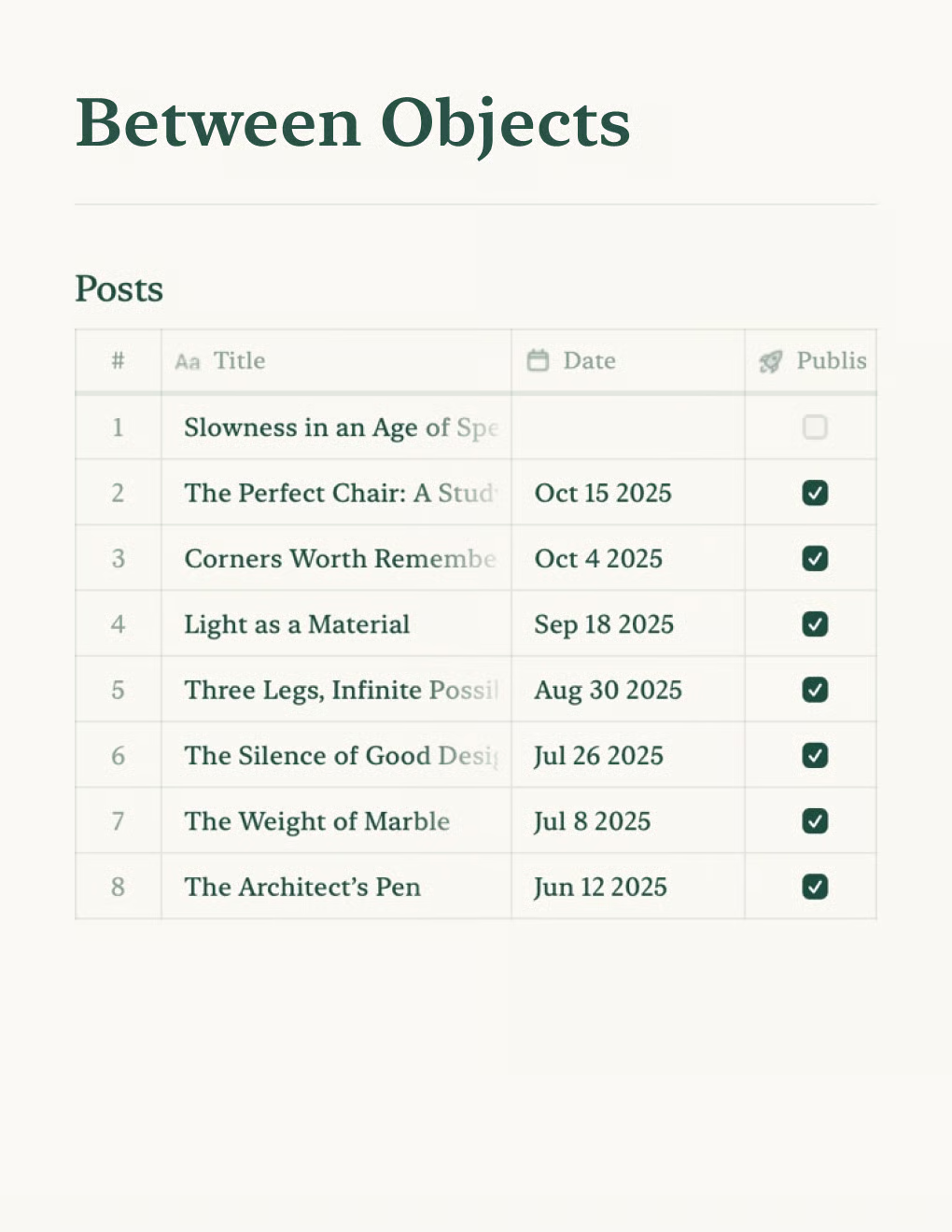

Crea un blog personal impulsado por documentos de Craft. Sincroniza contenido automáticamente vía API — publica desde tu app de notas.
Saber más

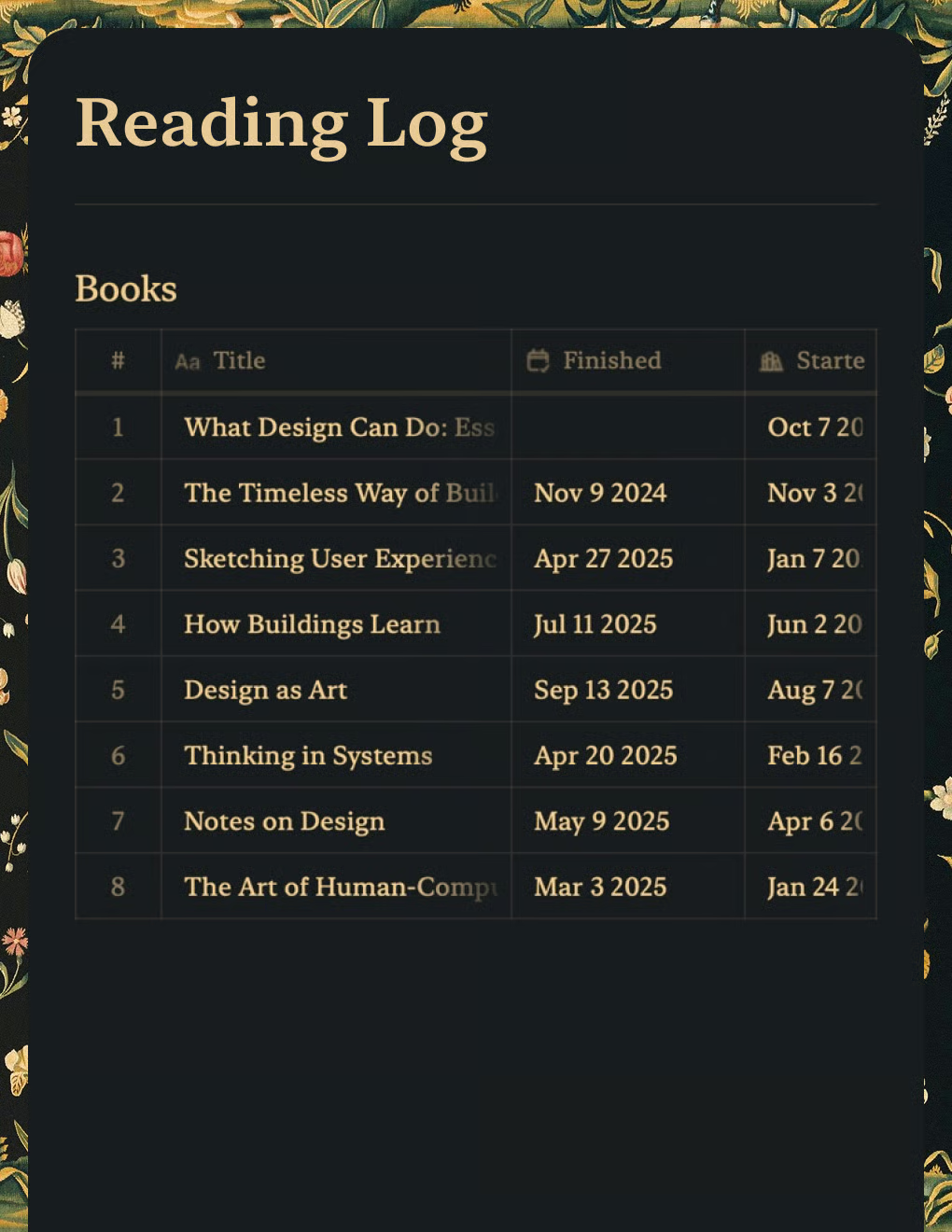
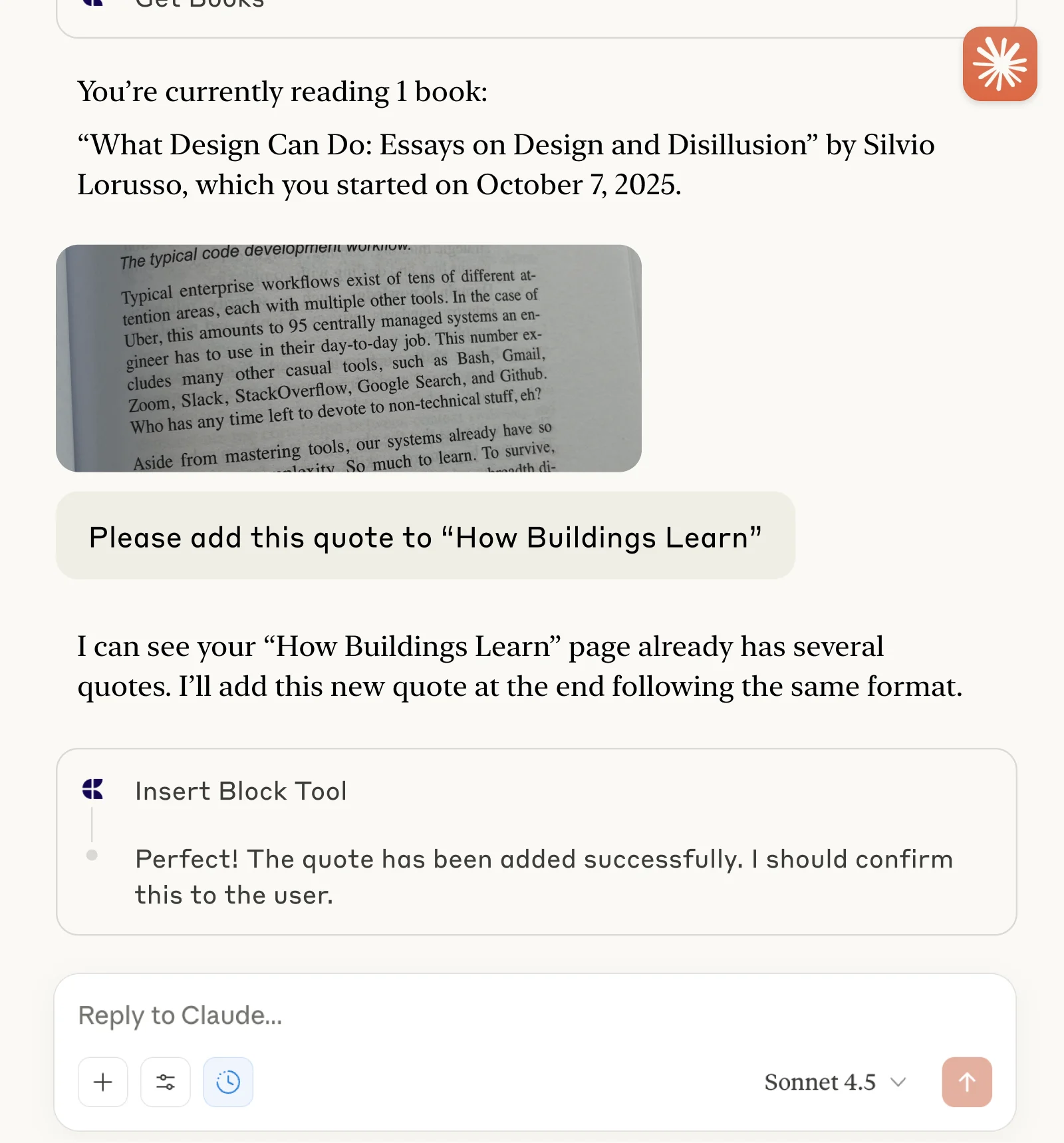
Haz un seguimiento de libros y captura citas con Claude o ChatGPT a través de MCP.
Saber más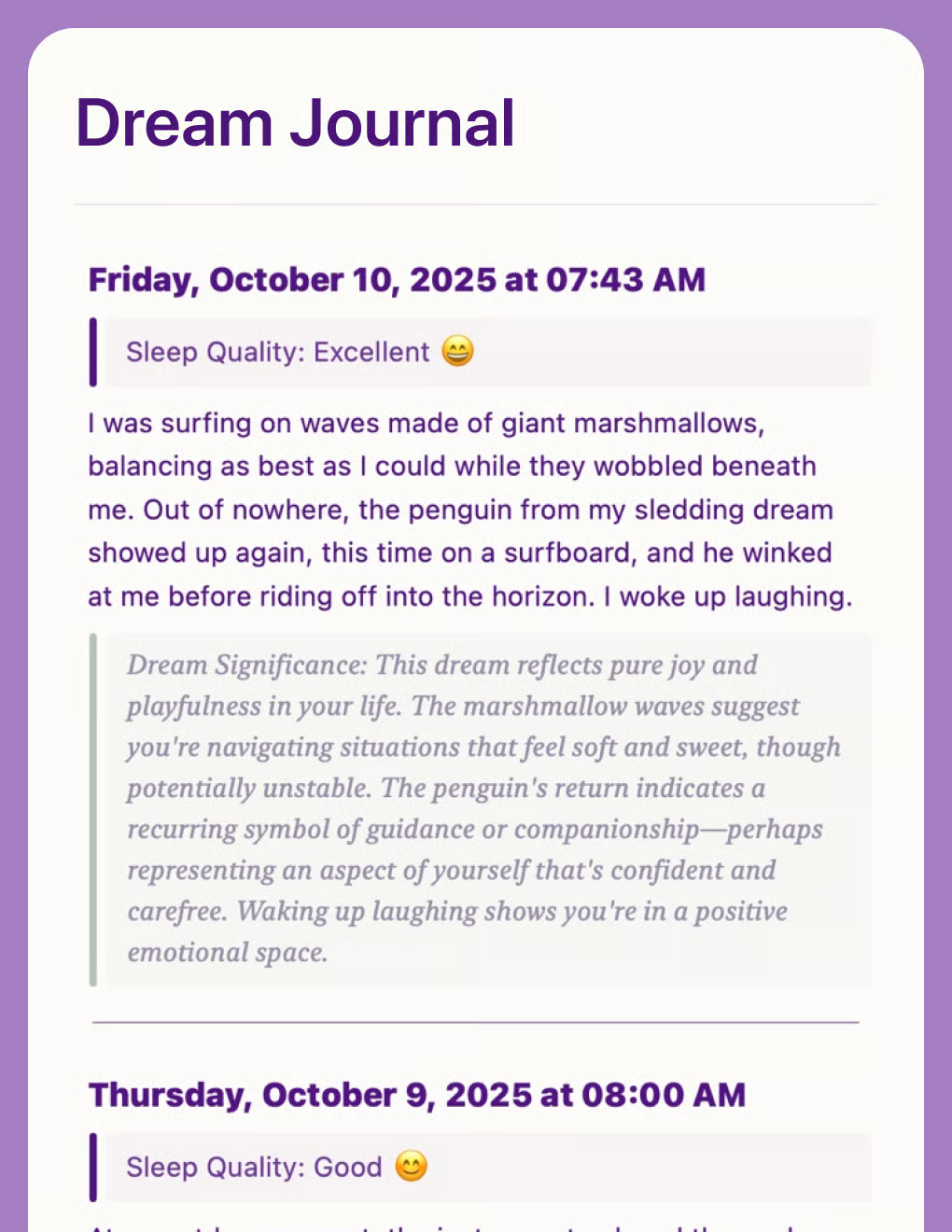
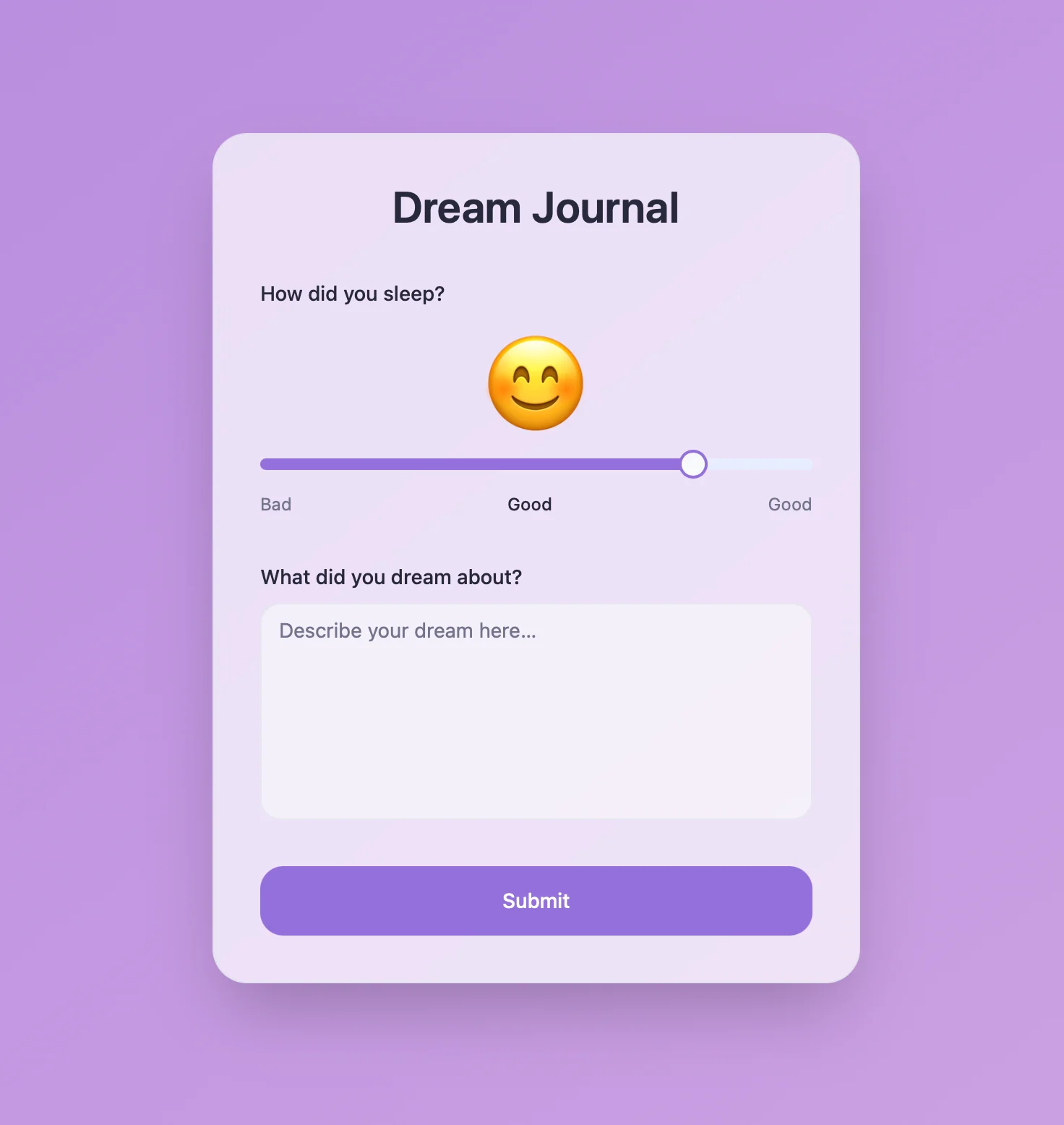
Diario de sueños con IA que analiza patrones y temas. Creado con la API de Craft y Lovable.
Saber más