

Il tuo team remoto. Un unico spazio di lavoro condiviso che funziona davvero.
Co-editing in tempo reale, riepiloghi delle riunioni con Craft AI e Raccolte per il monitoraggio dei progetti. Funziona offline su Mac, iPhone, iPad, Windows e Web.
Pensato per i team remoti
Aggiornamenti asincroni, note di riunione e wiki in un unico workspace.
01 — Aggiornamenti asincroni
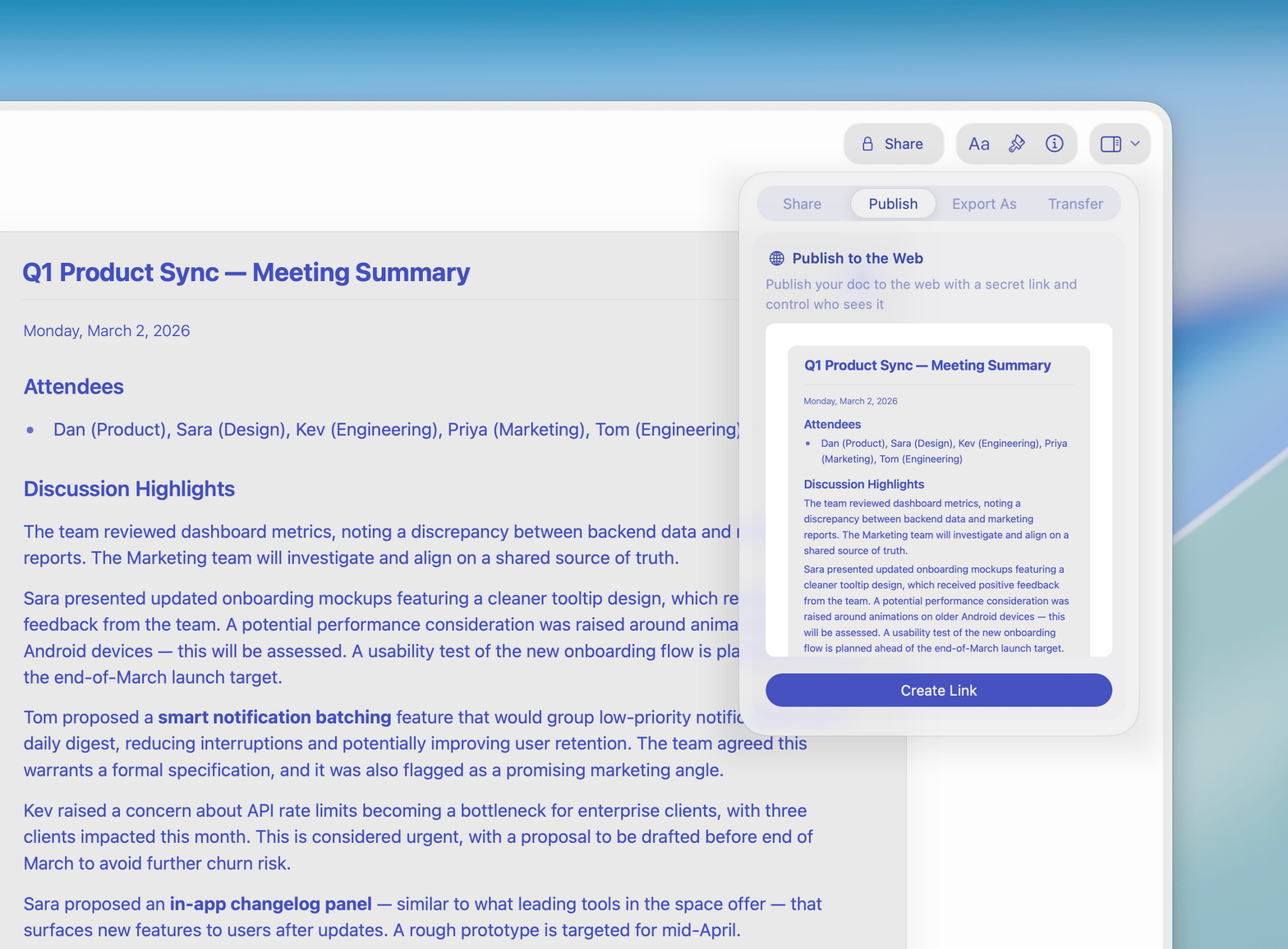
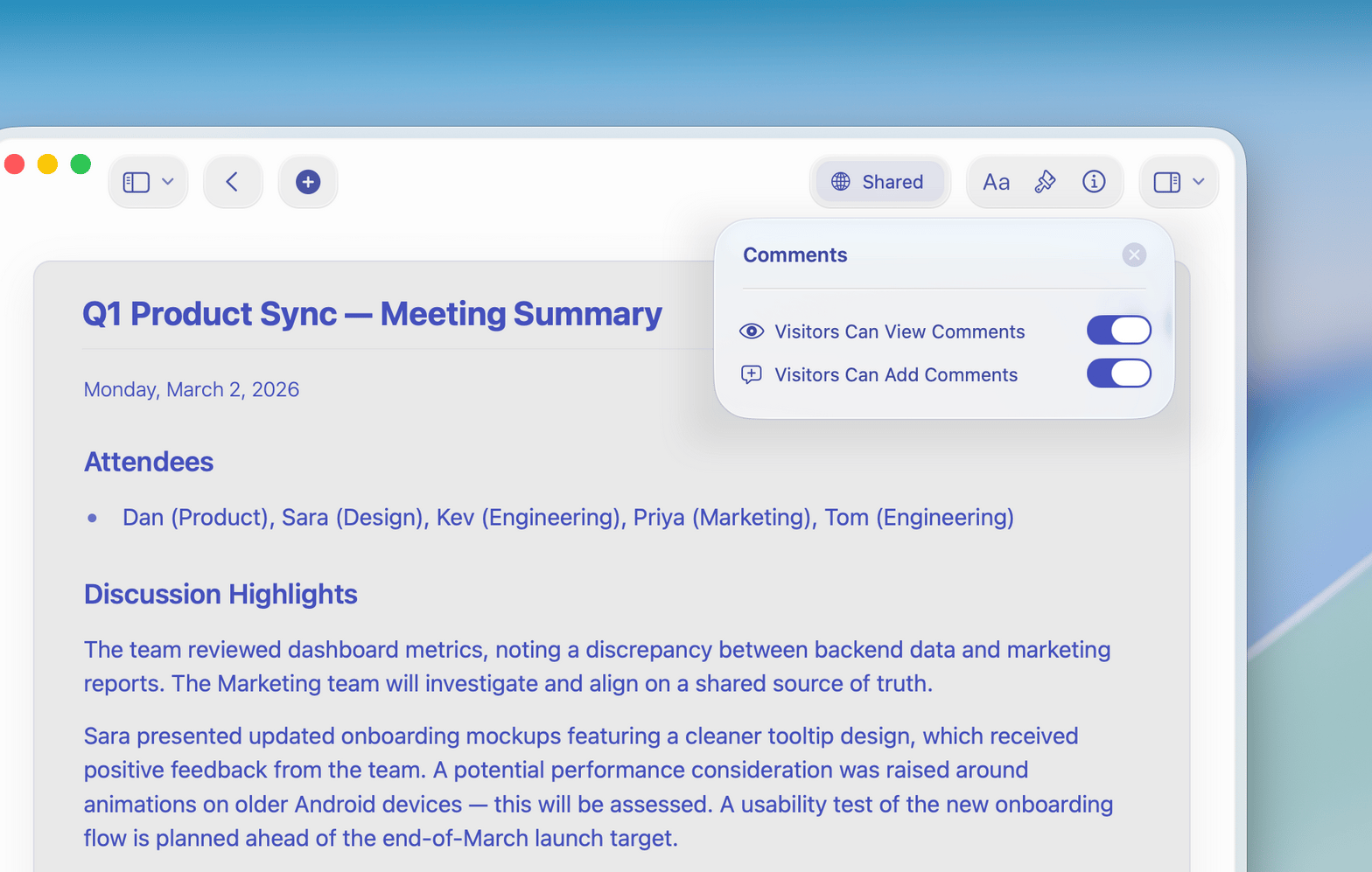
Scrivi aggiornamenti di stato chiari con commenti inline. Craft AI aiuta a riassumere i punti chiave per i colleghi in fusi orari diversi.
Funzionalità
Le funzionalità su cui i team remoti fanno affidamento ogni giorno.
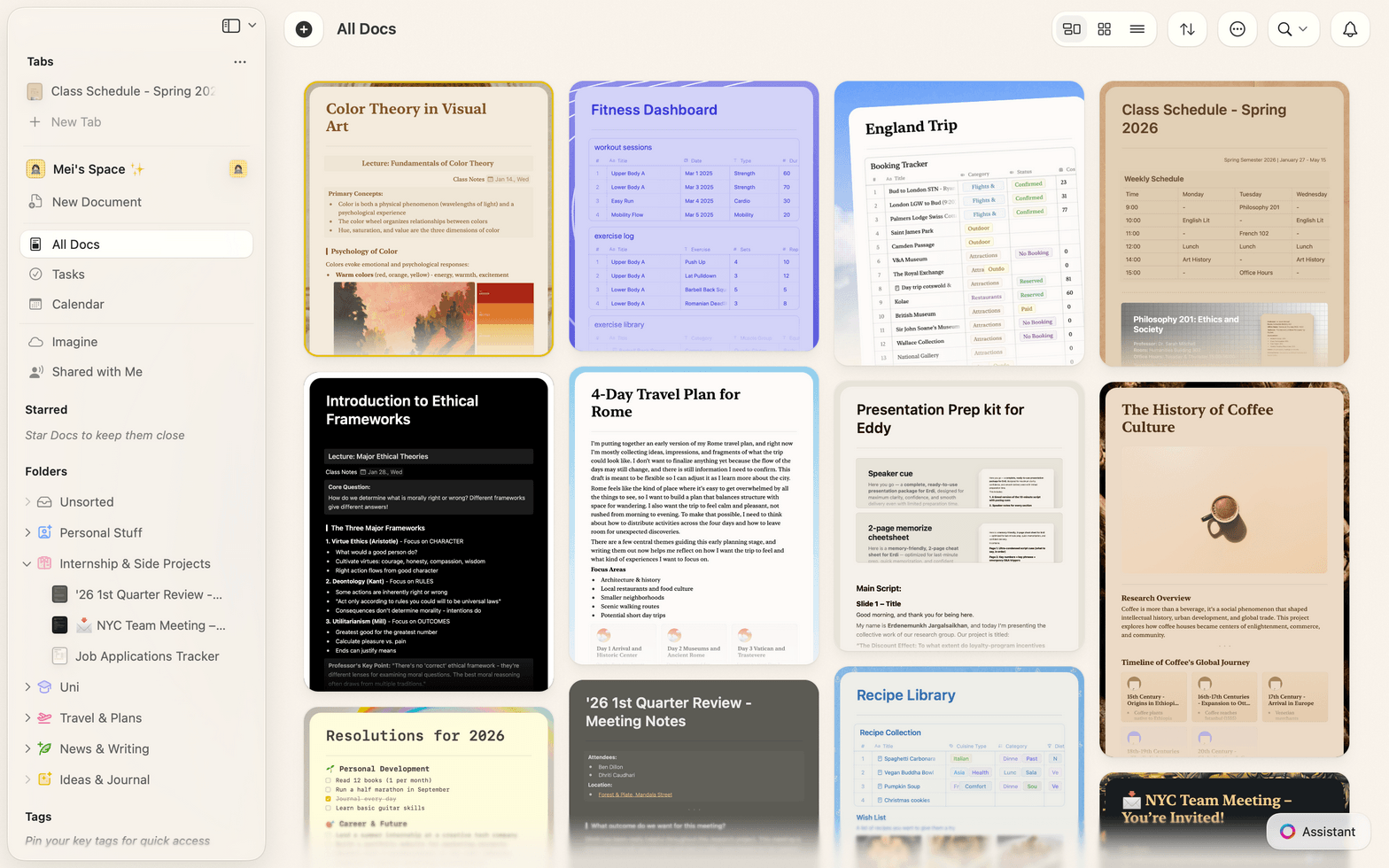
Documenti veloci, collaborazione in tempo reale e ricerca potente in un'app nativa che sembra fatta apposta per il tuo Mac.

Co-editing in tempo reale
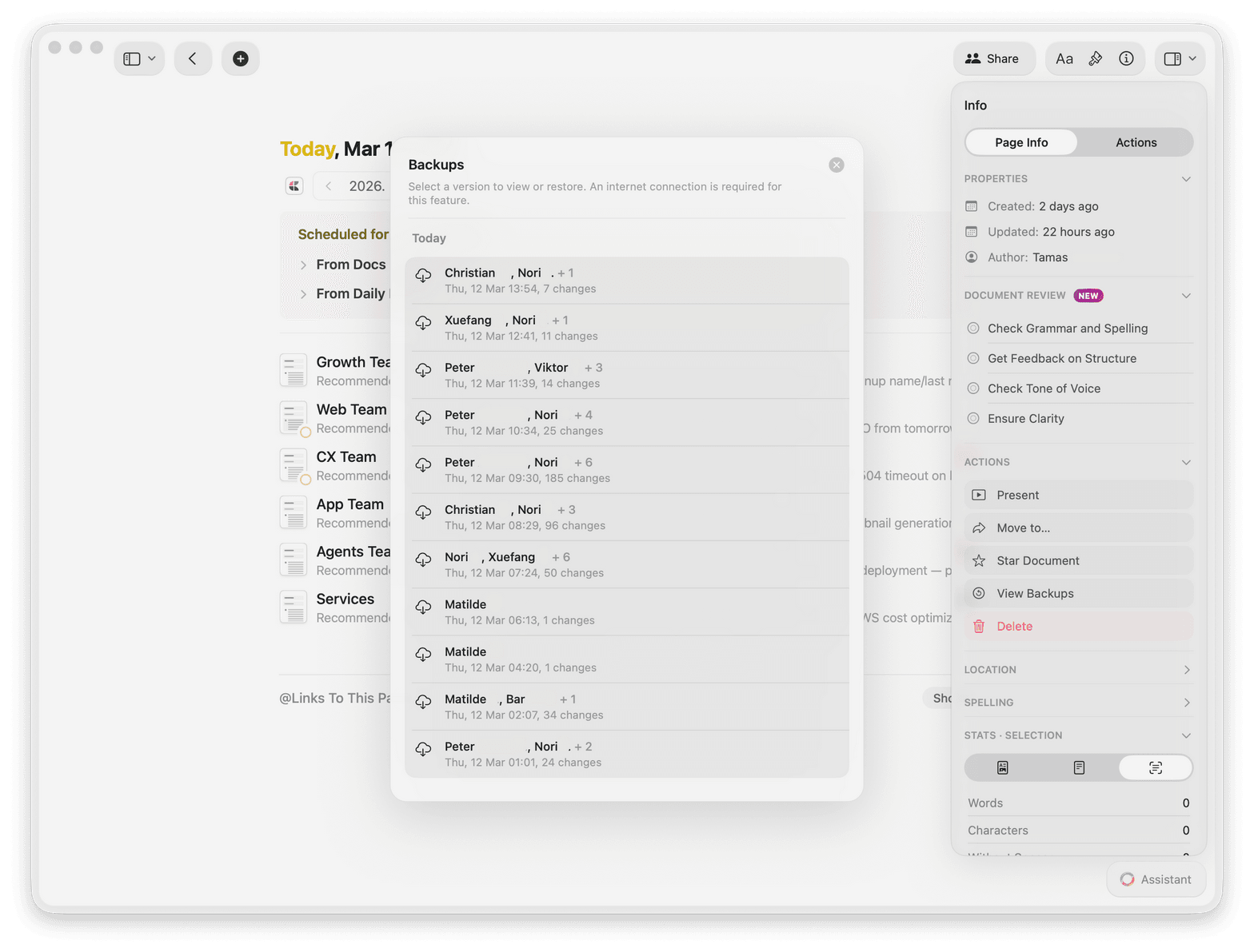
Tutto il team modifica lo stesso documento contemporaneamente. I commenti in linea e la cronologia delle versioni mantengono tutti allineati.

Craft AI per il lavoro asincrono
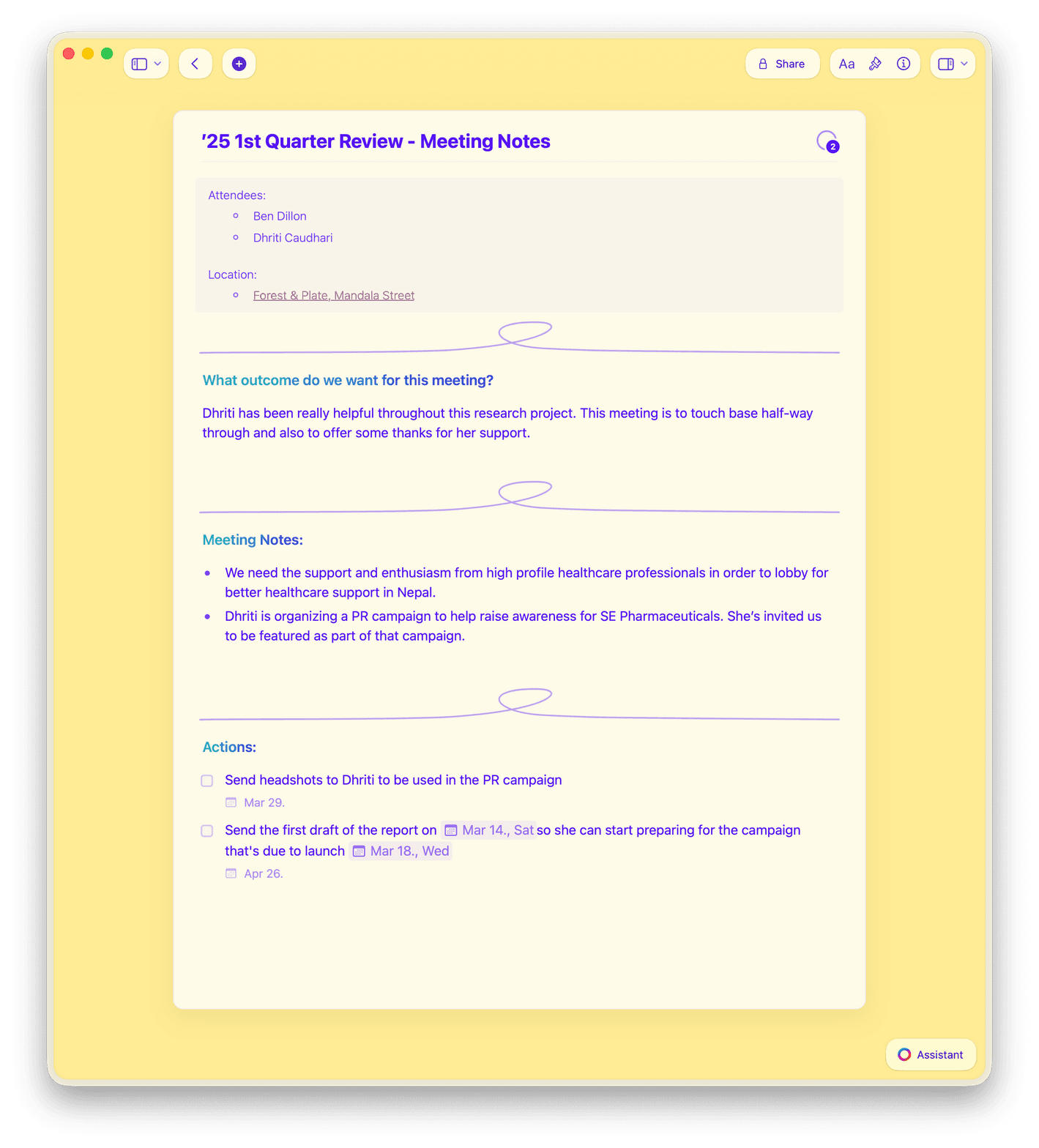
Riassumi le note delle riunioni, scrivi aggiornamenti e fai ricerche sul web con Craft AI Assistant — anche in background.

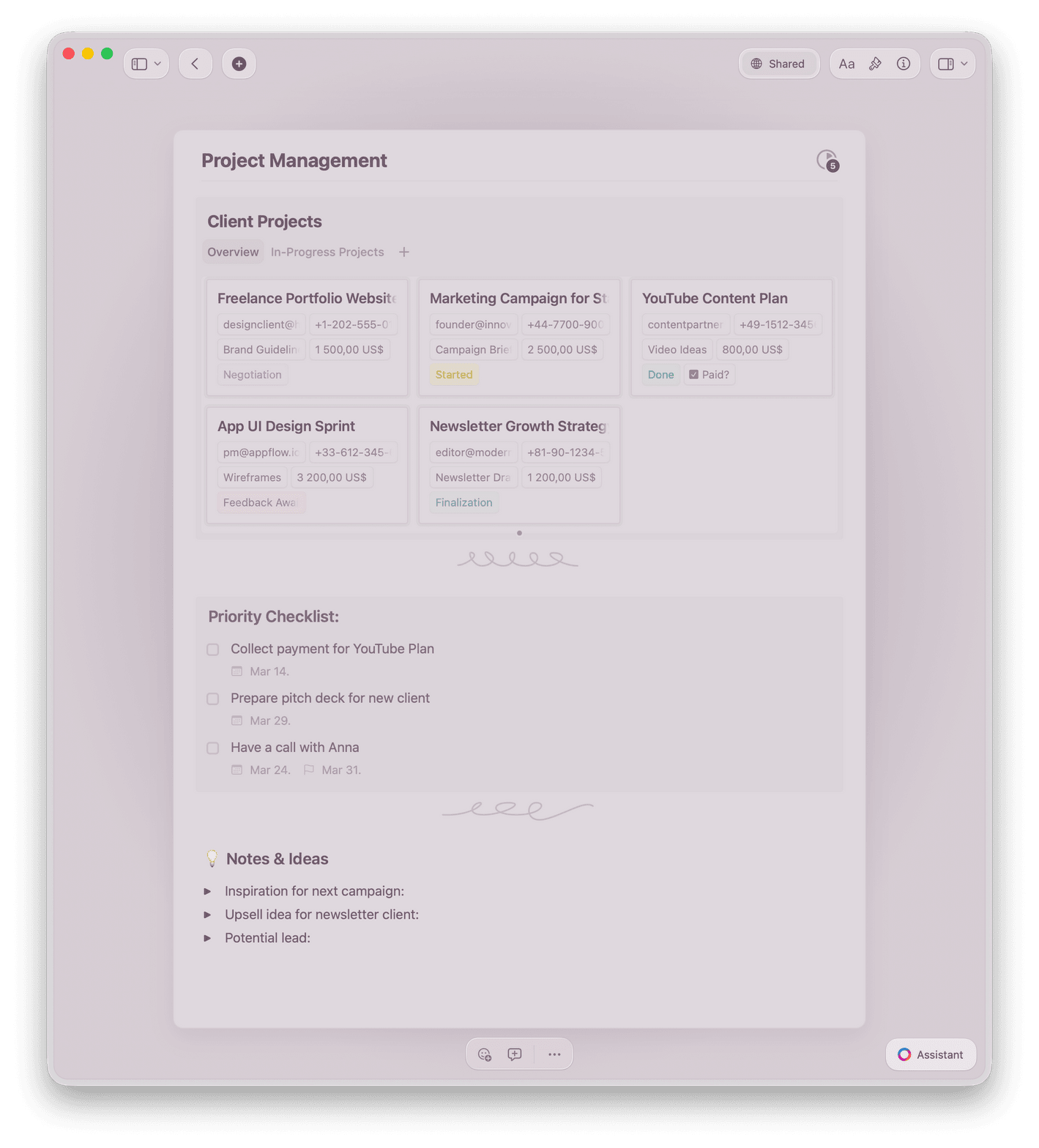
Raccolte per il monitoraggio dei progetti
Monitora i progetti nelle Raccolte, simili a database, con visualizzazioni a tabella e galleria, filtri, ordinamento e raggruppamento.

Calendario e note delle riunioni
L'integrazione con il calendario popola automaticamente le note delle riunioni. Le Note giornaliere tengono ogni membro del team organizzato.

Offline su ogni piattaforma
Modifica completa offline su Mac, iPhone, iPad, Windows e Web. Il tuo team lavora da qualsiasi luogo, su qualsiasi dispositivo.
Dai al tuo team remoto uno spazio di lavoro che funziona.
Inizia gratis. Aggiungi il tuo team in pochi minuti.
Nessuna carta di credito richiesta.
Cosa dicono i team remoti
I team che hanno lasciato Notion e Google Docs per Craft.
Il nostro team sta amando davvero Craft, e persino i fan accaniti di Notion sembrano contenti del cambiamento. Un piccolo gruppo di noi stava parlando di Craft l'altro giorno, e tutti continuavano a dire quanto lo adorassero.
Craft Community
Recensione anonima
Passato da NotionSono passato da Notion a Craft un paio di anni fa e non sono mai tornato indietro. All'inizio ho cambiato soprattutto per la capacità di Craft di funzionare offline in aereo, ma la velocità, la reattività e il livello generale di rifinitura dell'esperienza mi hanno tenuto agganciato.
Craft Community
Leo Tohyama
Passato da Notion
Le pagine nei documenti sono state una rivelazione: hanno cambiato completamente il mio modo di pensare alla struttura dei contenuti. Ora le Collezioni vanno ancora oltre, rendendo Craft uno strumento ancora più potente.
Craft Community
Denis Volkov
Utente Craft dal 2021
Scoprilo in azione
Tre modi in cui i team remoti usano Craft ogni giorno.
Comunicazione asincrona
Scrivi aggiornamenti che il team legge davvero.
Sostituisci i lunghi thread di Slack con documenti chiari e strutturati. Il team si aggiorna quando vuole.
Scrivi una volta, condividi con tutto il team
Struttura aggiornamenti lunghi con intestazioni ed elenchi
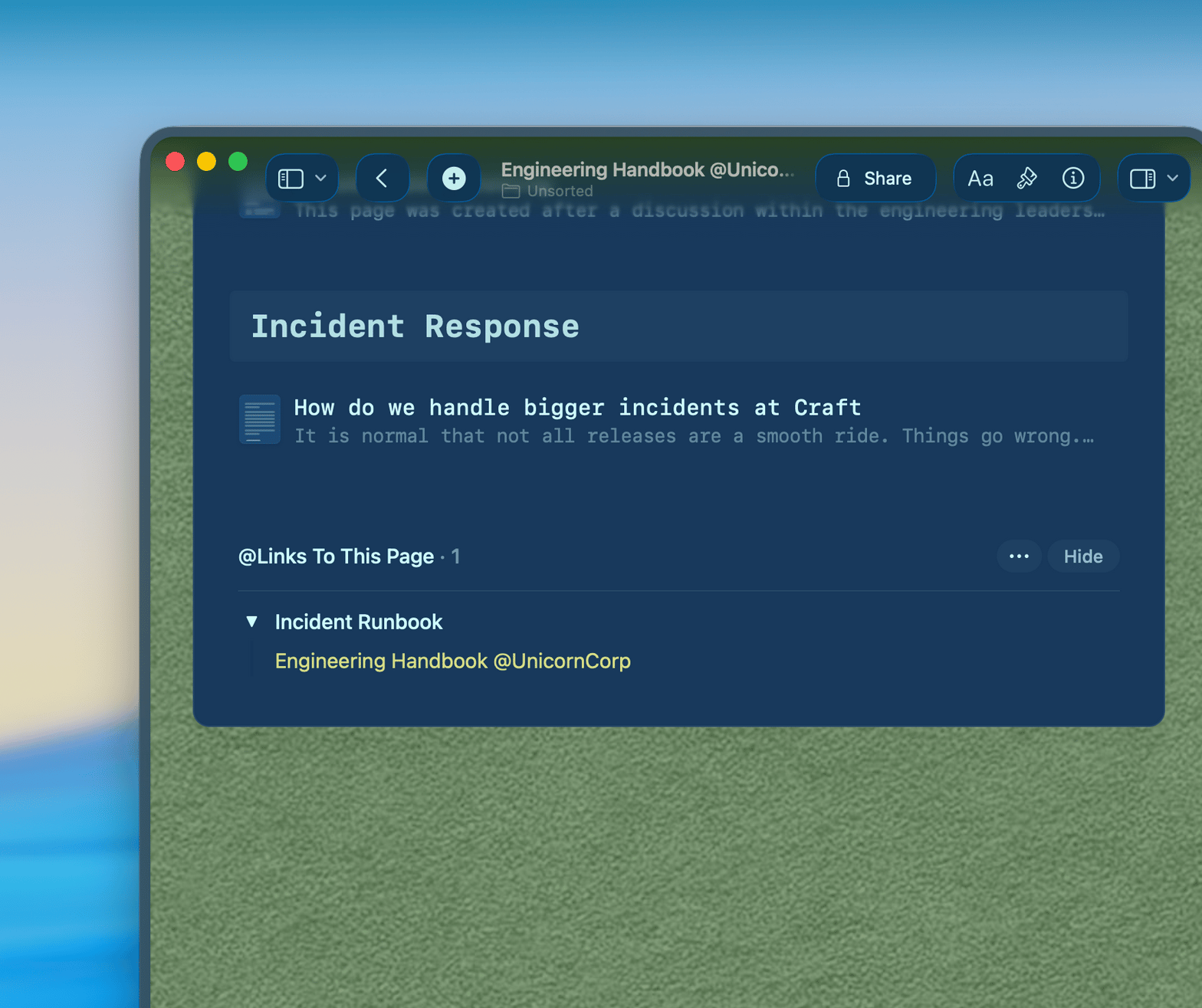
Collega i documenti correlati per il contesto completo
Inizia
Configura il workspace del tuo team in pochi minuti.

Crea il tuo workspace
Registrati e crea uno spazio condiviso per il tuo team. Bastano meno di cinque minuti.

Invita il tuo team
Aggiungi i colleghi via email. Tutti ottengono accesso immediato ai documenti condivisi.

Inizia a scrivere insieme
Crea il tuo primo aggiornamento asincrono, il documento di note di riunione o la pagina wiki del team.

Craft vs. Notion e Google Docs
Come Craft si confronta con la concorrenza per i team remoti sulle cose che contano.
App nativa per Mac e iOS
Collaborazione in tempo reale
Collegamento tra documenti
Ricerca full-text istantanea
Accesso offline
Design del documento pulito
Inizia gratis. Tutto il team può provarlo.
Craft è gratuito per i singoli. I piani Team offrono spazi condivisi, collaborazione in tempo reale e controlli di amministrazione.
Gratis
Accesso completo, perfetto se lo usi solo qualche volta a settimana
$0 /month
Pensato per integrarsi al meglio nella tua quotidianità
$5 /month
Risorse
Come i team remoti ottengono il massimo da Craft.

Come creare un wiki di squadra asincrono con Craft
Una guida pratica per creare una knowledge base che il tuo team distribuito usa davvero.

Gestire riunioni remote con Craft
Come prendere appunti veloci durante le riunioni e condividere le decisioni con un team distribuito.

Passare il tuo team da Notion a Craft
Cosa migrare, cosa lasciare indietro e come mettere il team operativo in poco tempo.