Craftで想像する

CraftCards

by Carlos Gonzalez
Winter 2026 · Category Winner

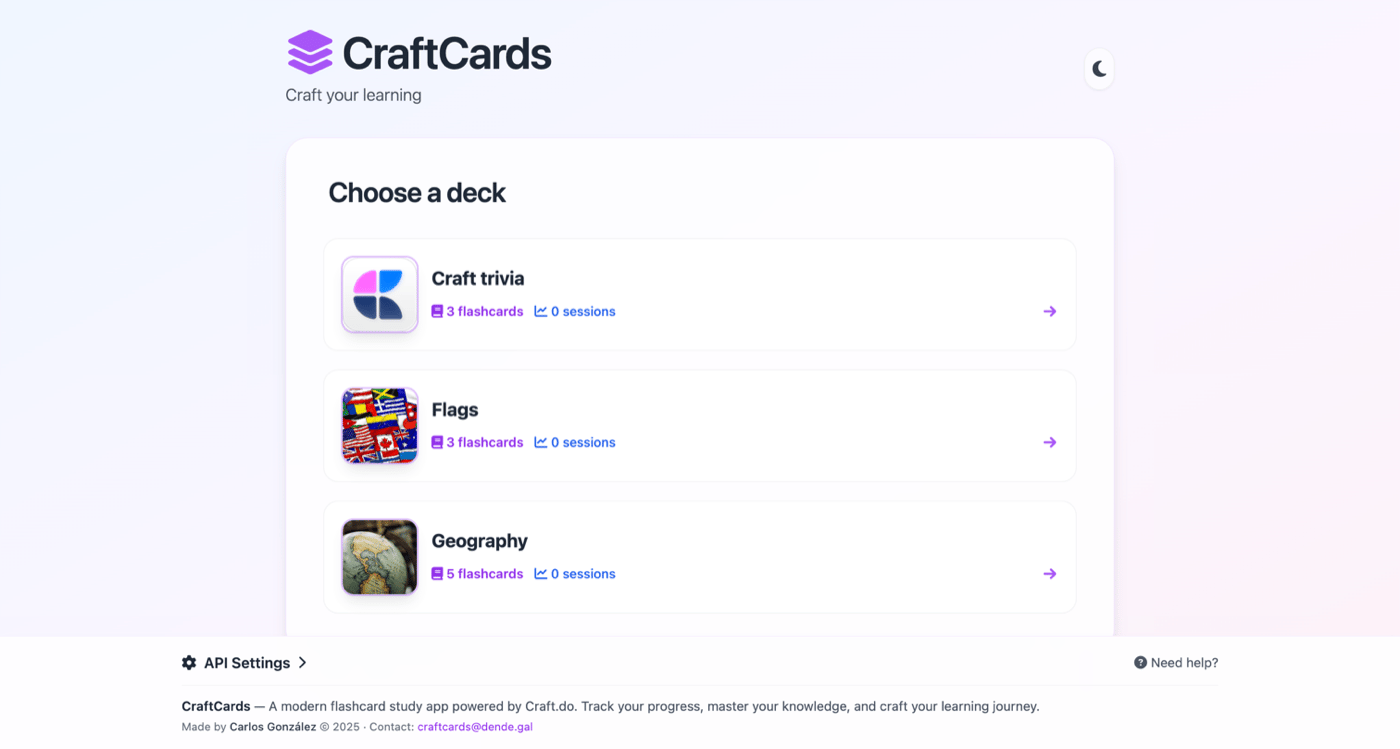
Dedicated flashcard apps force you to maintain a separate set of notes. CraftCards skips that — it reads directly from your Craft Collections, so your study material and your notes are the same thing. Add a row in Craft, and it shows up in your next review session with FSRS scheduling.

CraftCardsCraftCards

自分で構築する

ステップ1 — Create Your Decks Collection

In Craft, create a new Collection called "Decks". Add columns for the deck name and an optional description. Each row in this collection becomes a flashcard deck.

ステップ2 — Create Your Flashcards Collection

Create a second Collection called "Flashcards" with columns for: front (the question), back (the answer), and deck (a reference to which deck it belongs to). Add your study material as entries.

ステップ3 — Enable the Craft API

Generate a read-only API key for your document. CraftCards reads your collections to build the flashcard interface — your data stays in Craft.

ステップ1

ドキュメント内で、右上にある「Imagine」ボタンをクリックします。

ステップ2

パネルの下部にある「Enable API」をクリックします。

ステップ3

あなたのドキュメントとやり取りするために使用される API URL が、上部に表示されるようになりました。 このプロジェクトでは読み取りのみが必要です。API 権限を「Read」に設定してください。

ステップ4

「Add Document」から 「Study Materials 」ドキュメントを選択。

ステップ5

このプロジェクトでは、API はあなたのドキュメントへの書き込みだけを行えば十分です。 API の権限を「Write(書き込み)」のみに設定してください。

ステップ4 — Connect CraftCards

Open CraftCards and paste your Craft API URL. The app automatically detects your Decks and Flashcards collections and builds the study interface.

ステップ5 — Study with Spaced Repetition

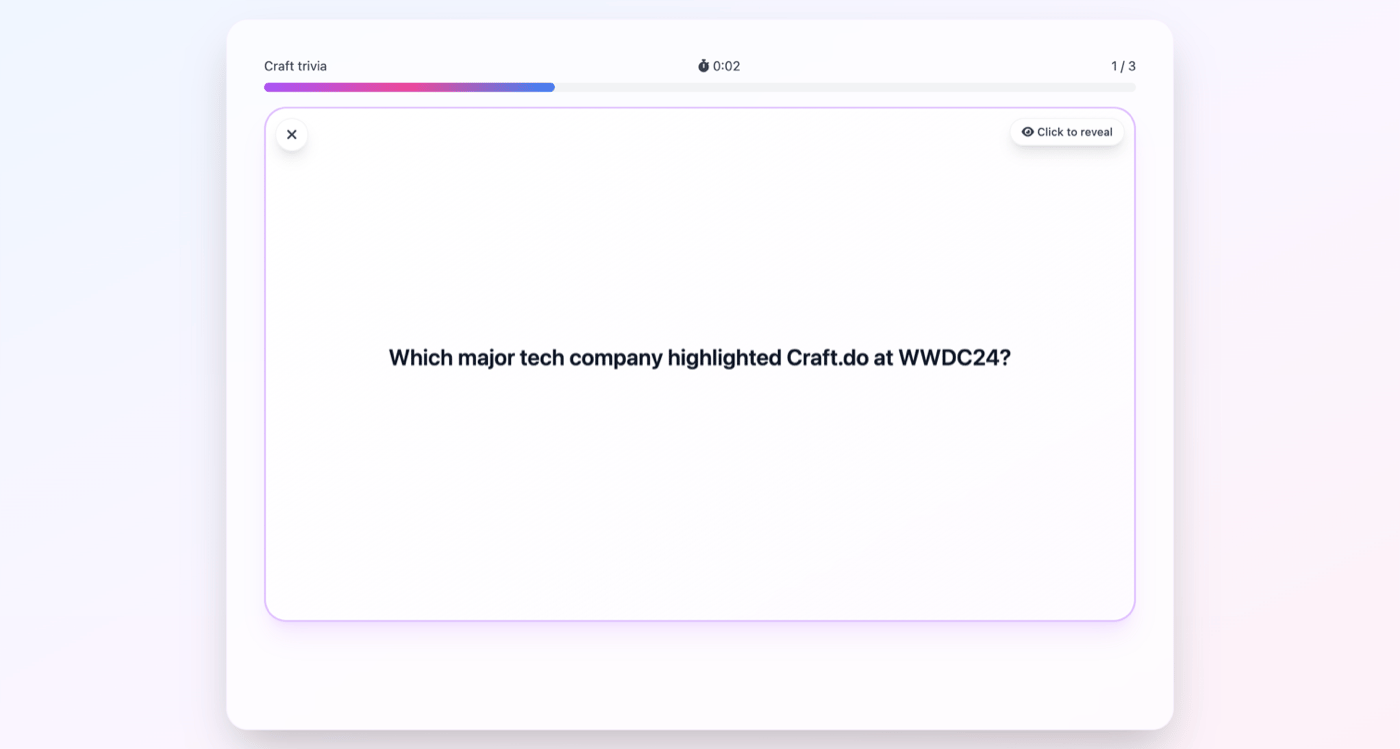
CraftCards uses the FSRS algorithm (the same one Anki uses) to schedule your reviews. Cards you struggle with appear more often; cards you know well are spaced further apart. This optimizes your study time for long-term retention.

ステップ6 — Track Your Progress

After each session, see your retention rates, streak count, and which cards need the most attention. Add new flashcards anytime by simply adding rows to your Craft collection.

The Result

Your Craft Collections become a spaced repetition study system. No need to export your notes to a separate app — study directly from your existing Craft data with scientifically proven scheduling that maximizes what you remember. The same pattern — Collections as a data layer for a custom UI — works for any use case.

あなたにおすすめのアイデア

ギャラリーに戻る