CraftCards
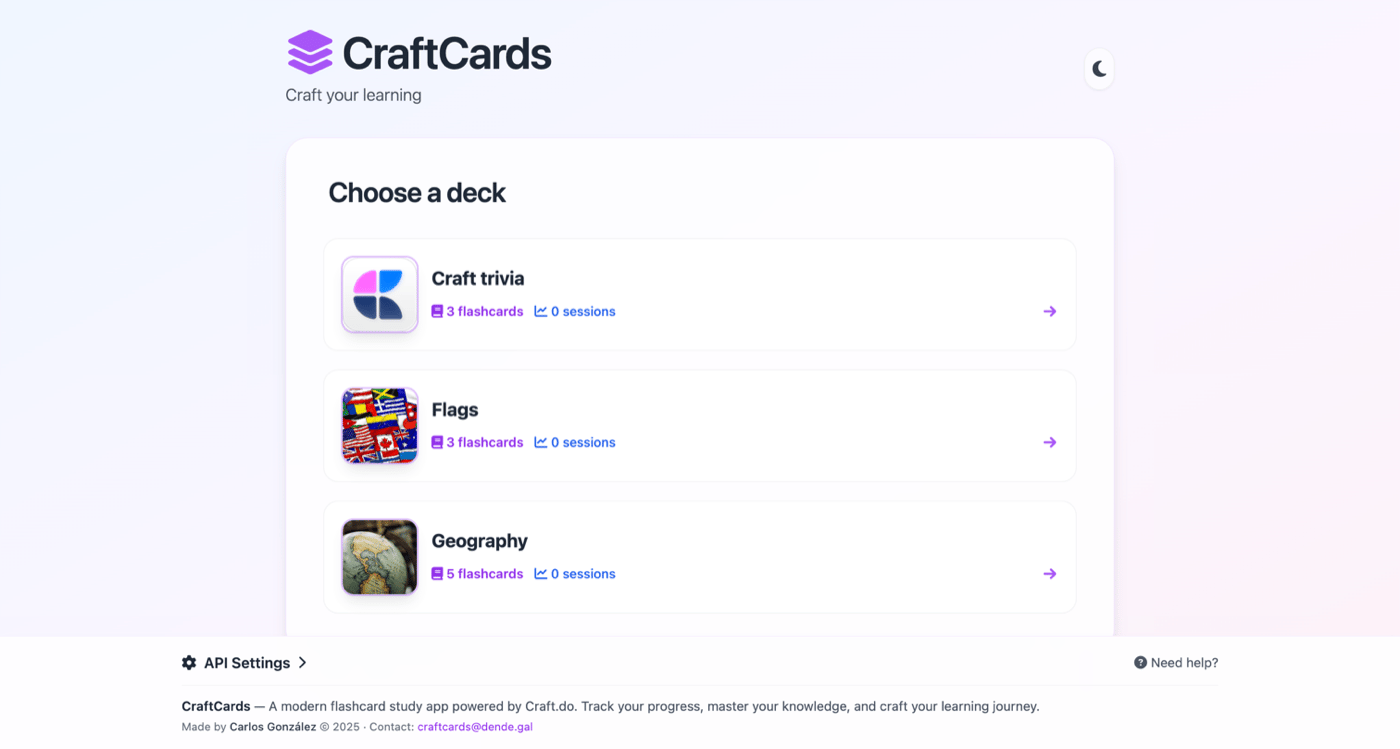
Dedicated flashcard apps force you to maintain a separate set of notes. CraftCards skips that — it reads directly from your Craft Collections, so your study material and your notes are the same thing. Add a row in Craft, and it shows up in your next review session with FSRS scheduling.


Được xây dựng bởi Carlos Gonzalez với Craft
Tự xây dựng
Bước 1 — Create Your Decks Collection
In Craft, create a new Collection called “Decks”. Add columns for the deck name and an optional description. Each row in this collection becomes a flashcard deck.
Bước 2 — Create Your Flashcards Collection
Create a second Collection called “Flashcards” with columns for: front (the question), back (the answer), and deck (a reference to which deck it belongs to). Add your study material as entries.
Bước 3 — Enable the Craft API
Generate a read-only API key for your document. CraftCards reads your collections to build the flashcard interface — your data stays in Craft.
Bước 1
Bước 2
Bước 3
Bước 4
Bước 5
Bước 4 — Connect CraftCards
Open CraftCards and paste your Craft API URL. The app automatically detects your Decks and Flashcards collections and builds the study interface.
Bước 5 — Study with Spaced Repetition
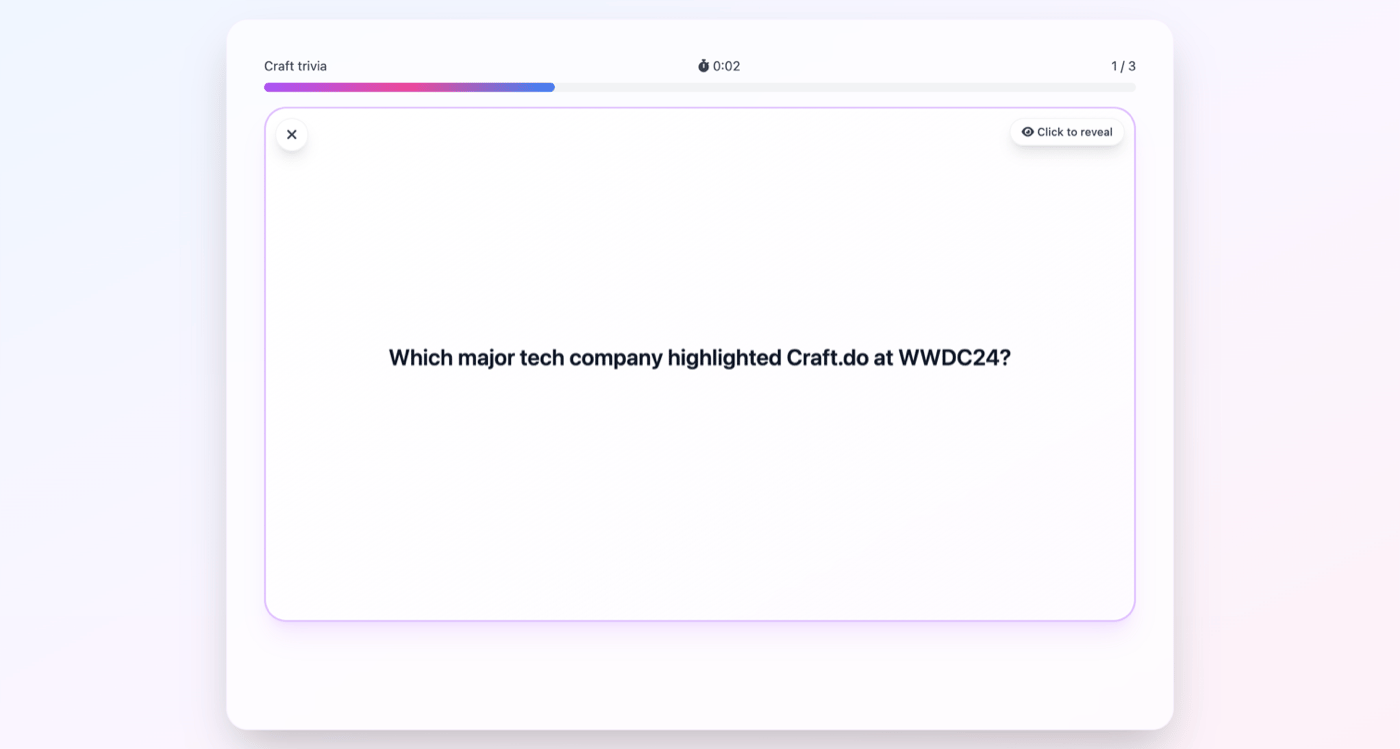
CraftCards uses the FSRS algorithm (the same one Anki uses) to schedule your reviews. Cards you struggle with appear more often; cards you know well are spaced further apart. This optimizes your study time for long-term retention.
Bước 6 — Track Your Progress
After each session, see your retention rates, streak count, and which cards need the most attention. Add new flashcards anytime by simply adding rows to your Craft collection.
The Result
Your Craft Collections become a spaced repetition study system. No need to export your notes to a separate app — study directly from your existing Craft data with scientifically proven scheduling that maximizes what you remember. The same pattern — Collections as a data layer for a custom UI — works for any use case.
Thêm nhiều ý tưởng để bạn thử
Trở lại Bộ sưu tập
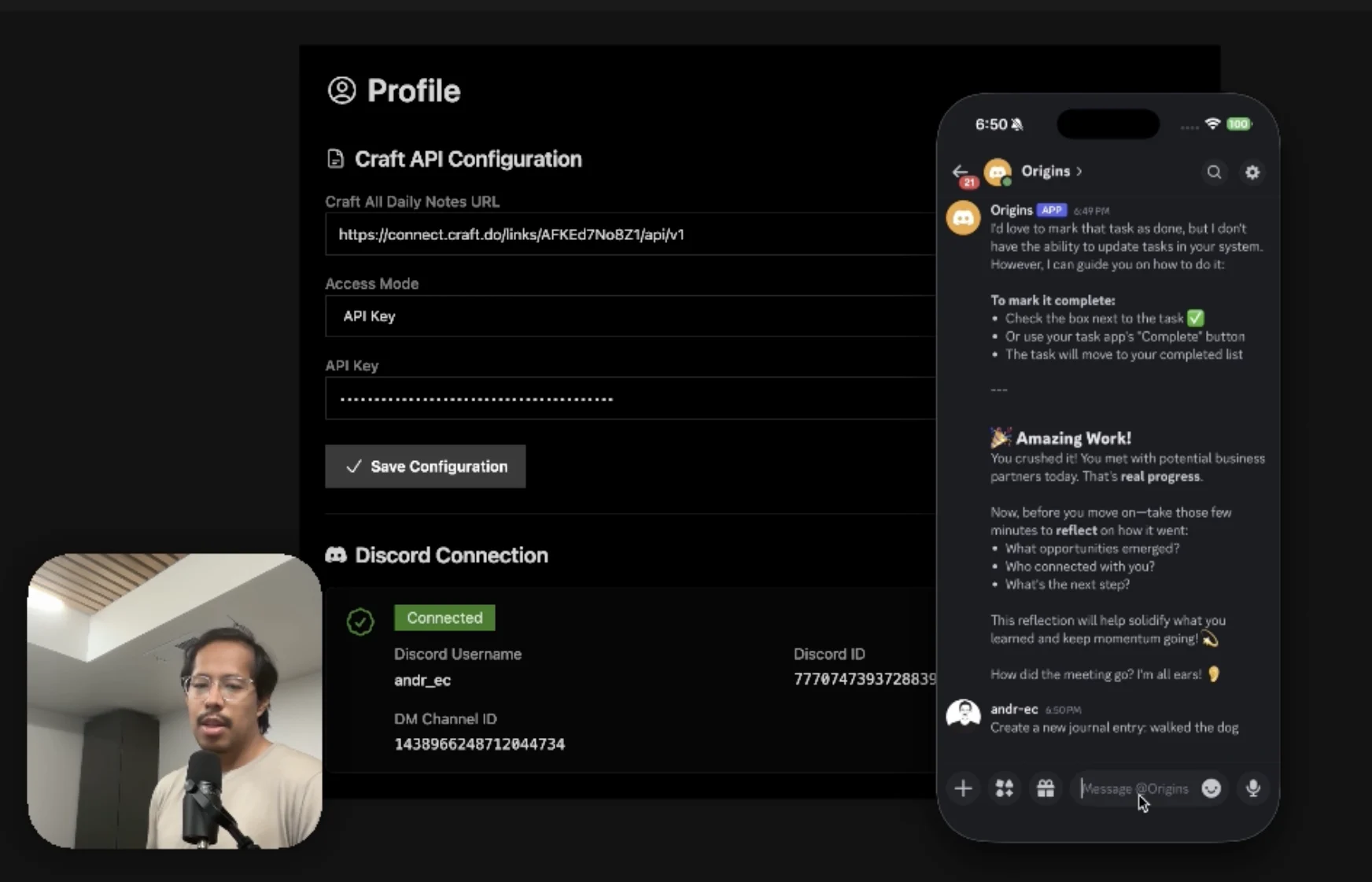
An AI accountability coach that reads your Craft goals and follows up in Discord.
Tìm hiểu thêm
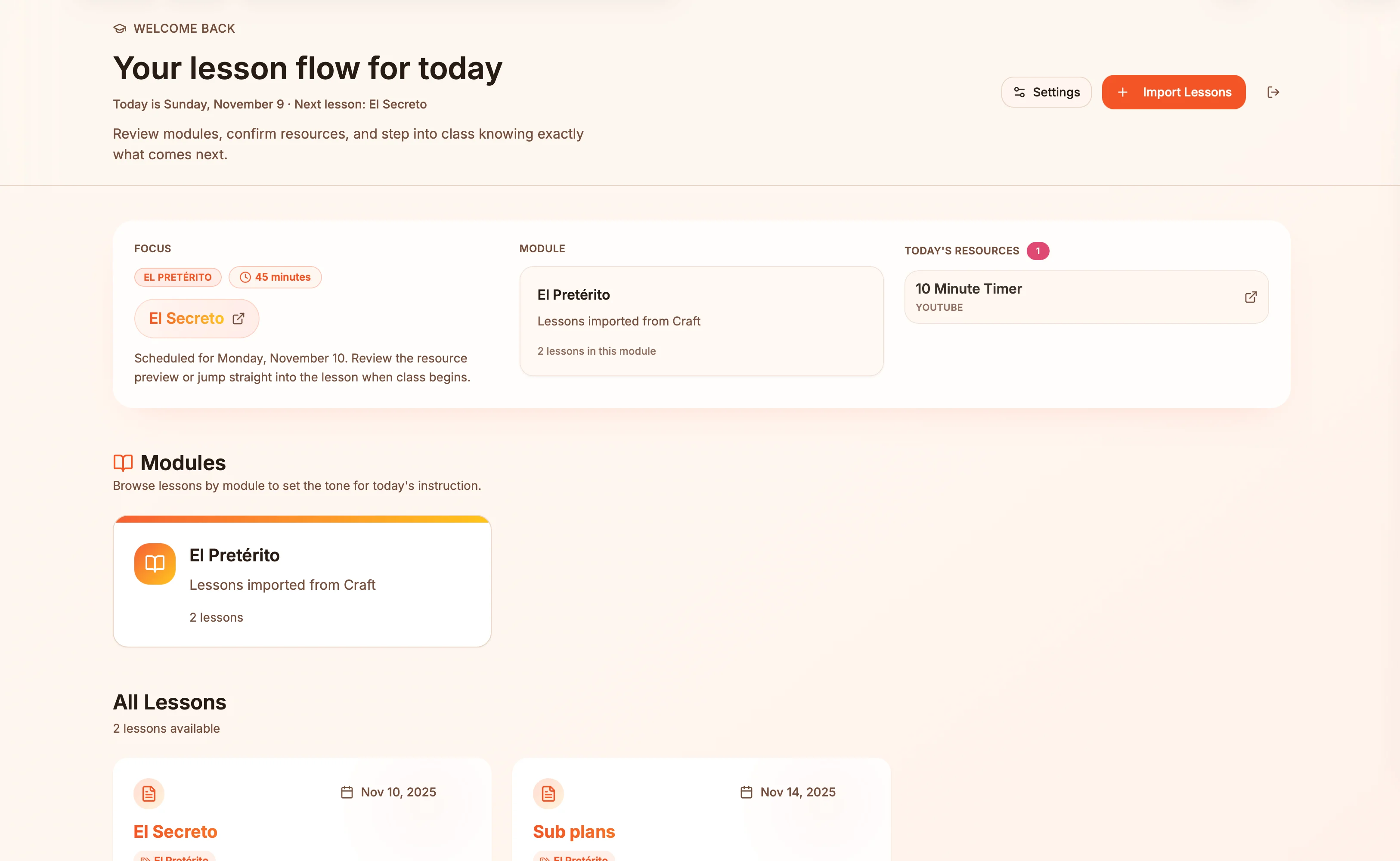
Lesson plans in Craft become live presentation slides — always in sync, zero copy-paste.
Tìm hiểu thêm
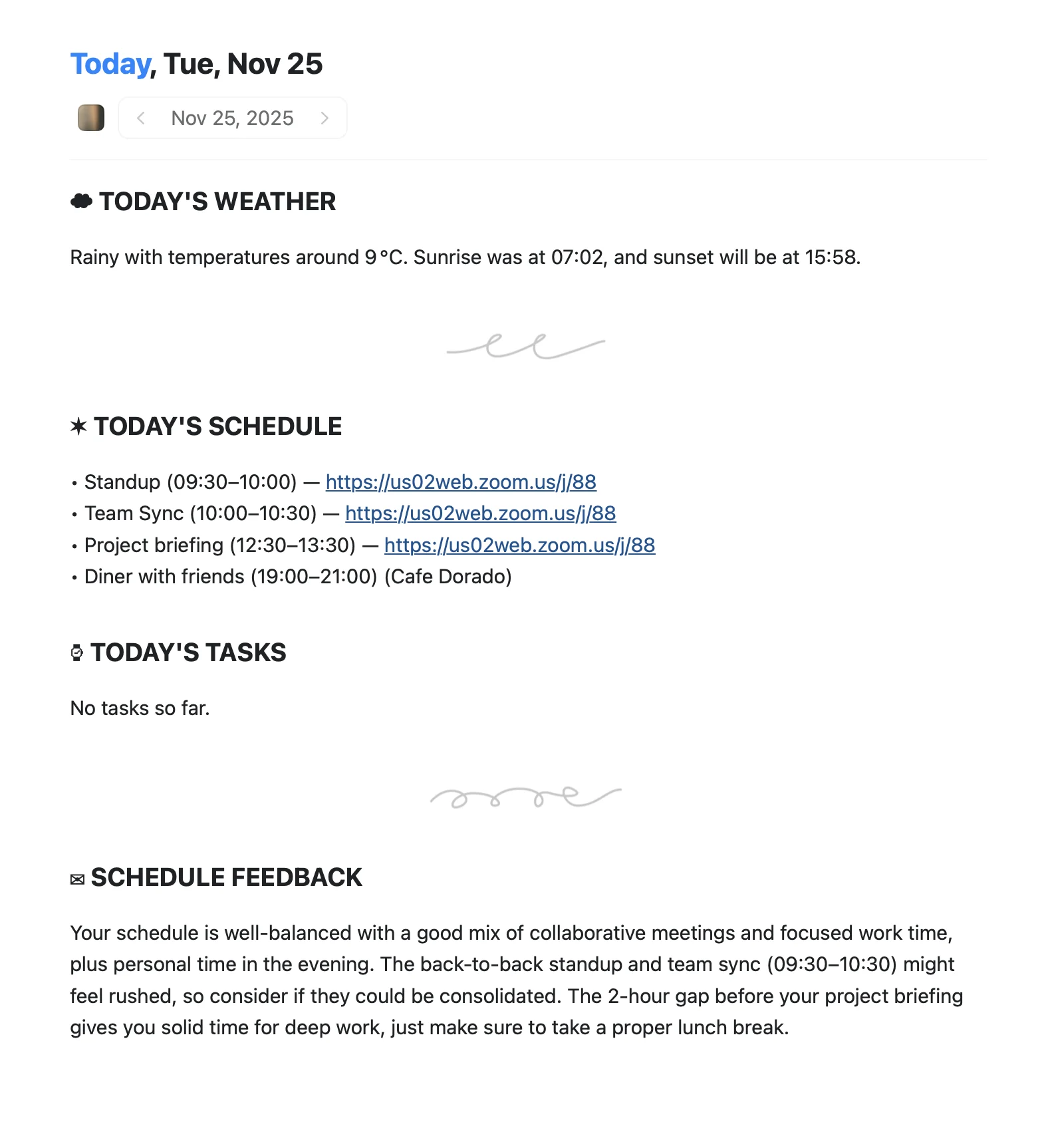
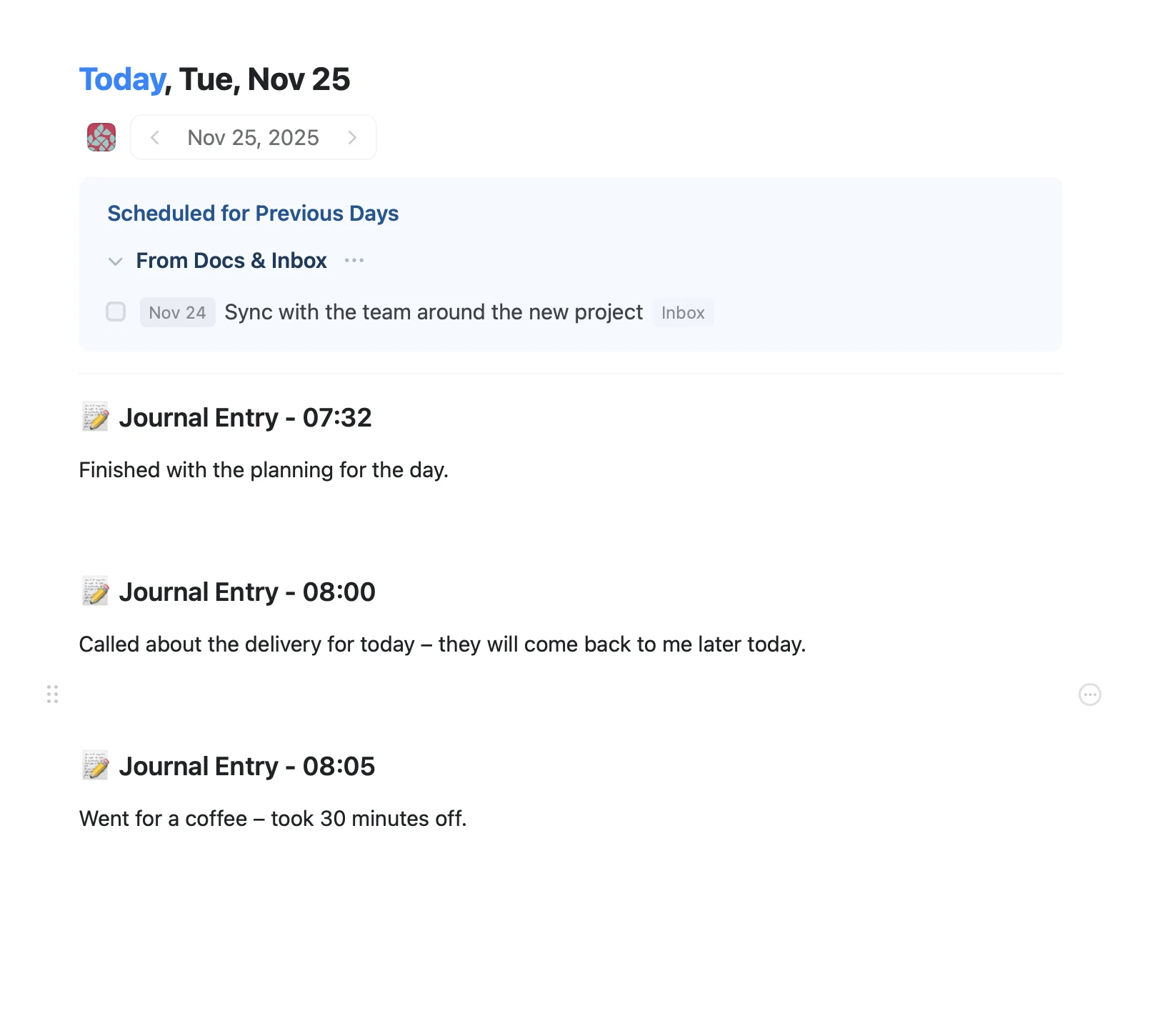
An Apple Shortcut that writes your morning agenda directly into Craft Daily Notes.
Tìm hiểu thêm