Craft for Education
The best free note-taking app for college students. Take lecture notes, organize materials, and collaborate — all in one app.
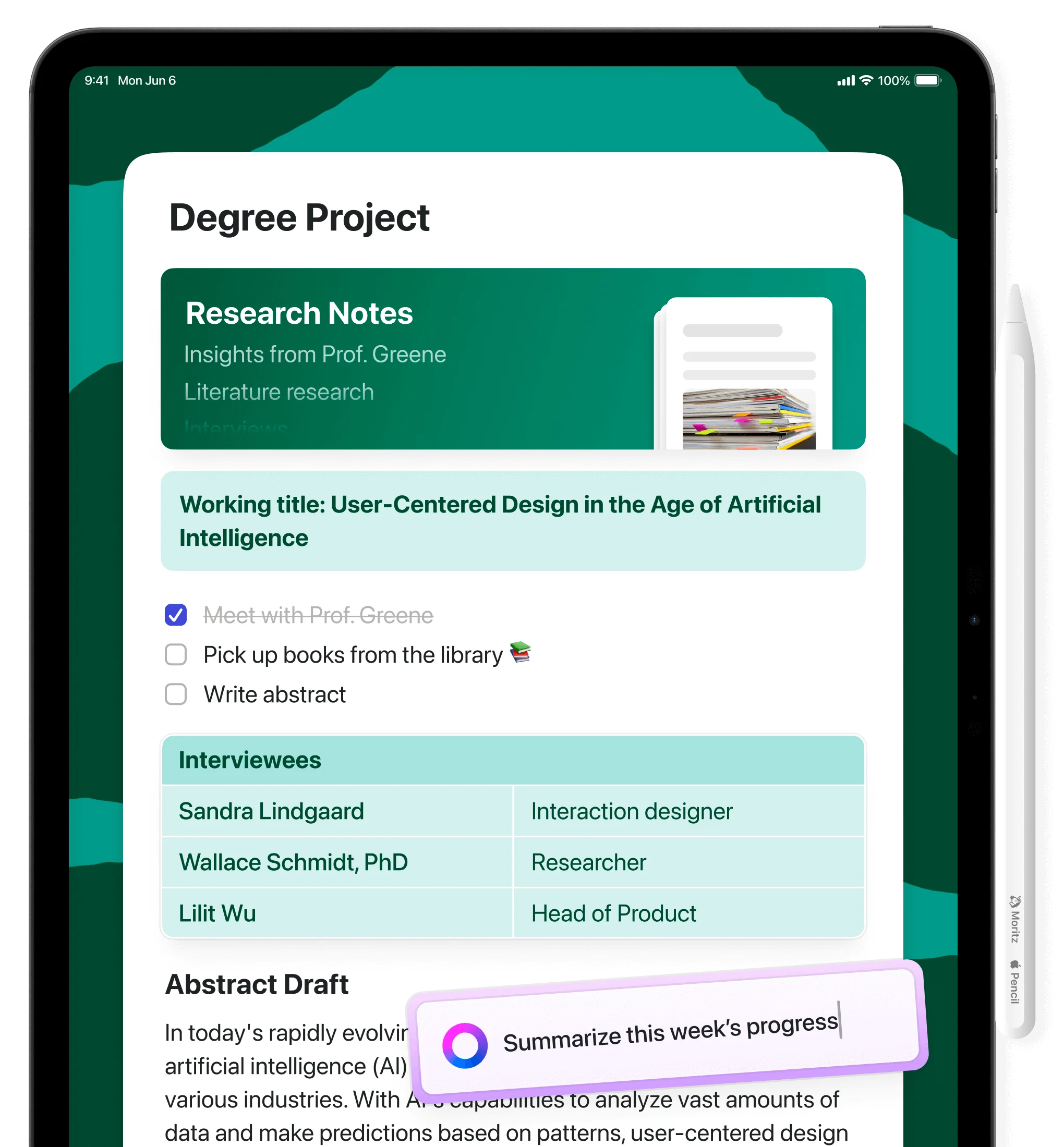
Made for students
Why students love Craft
01 — In class
Take notes that actually help you study
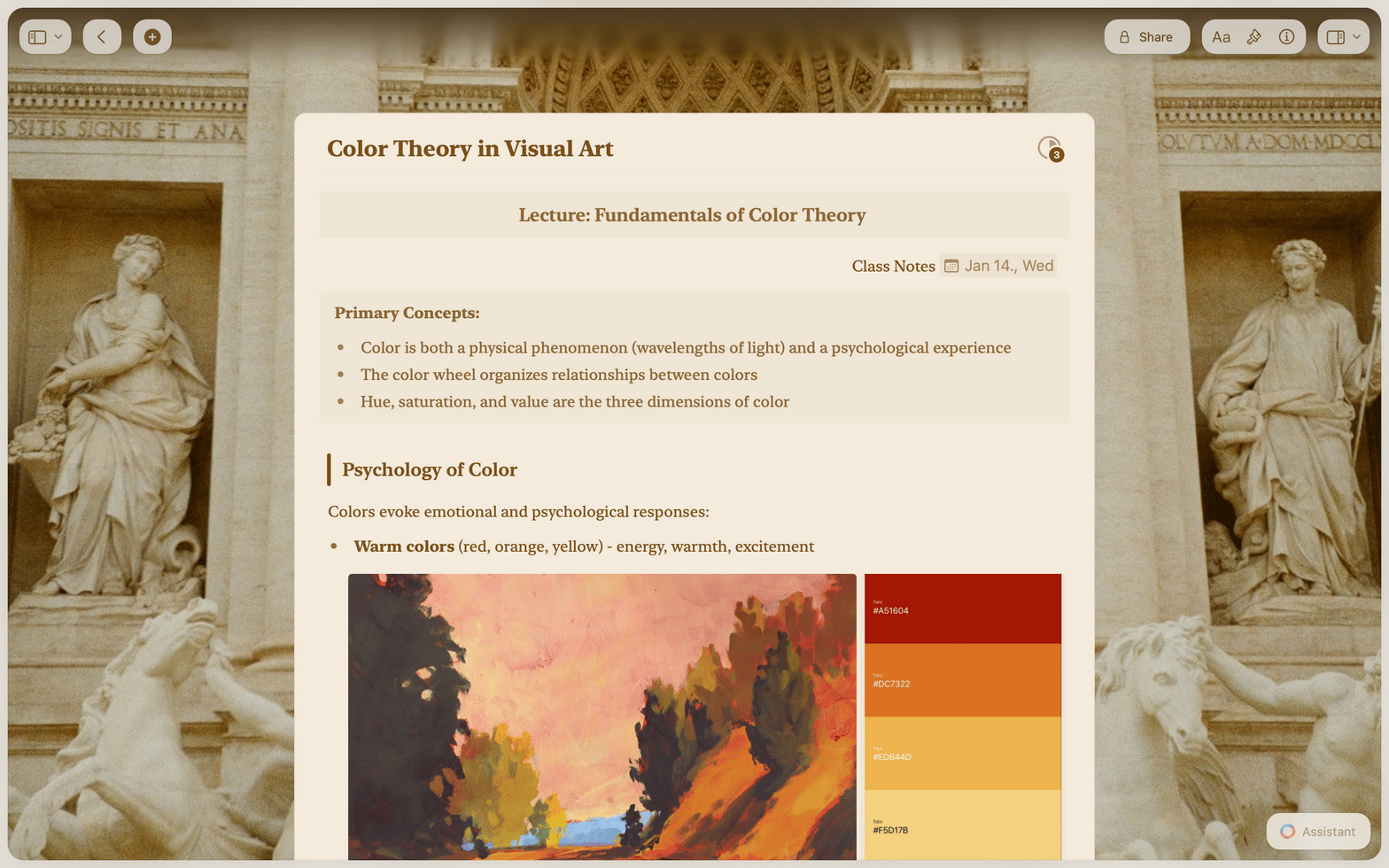
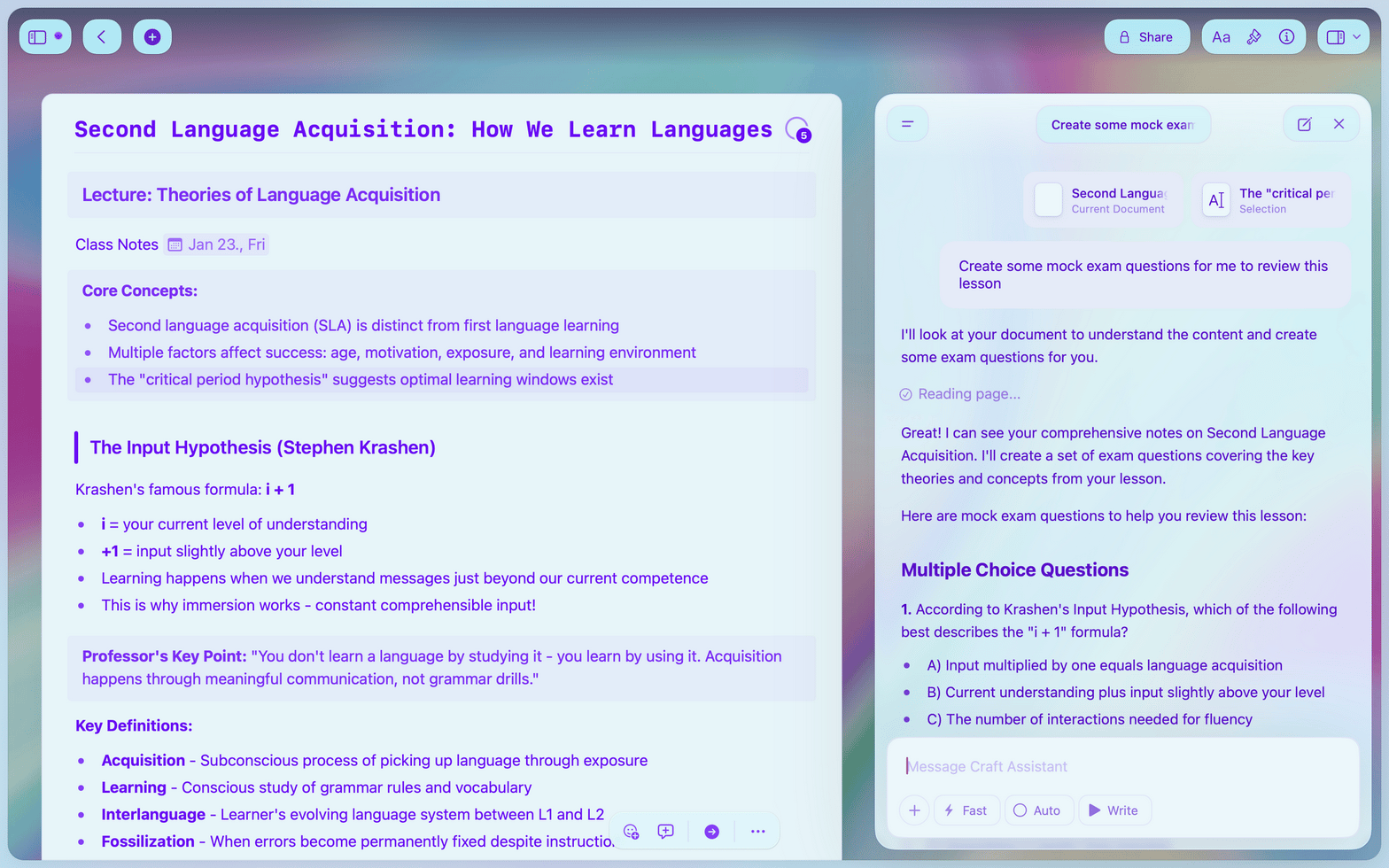
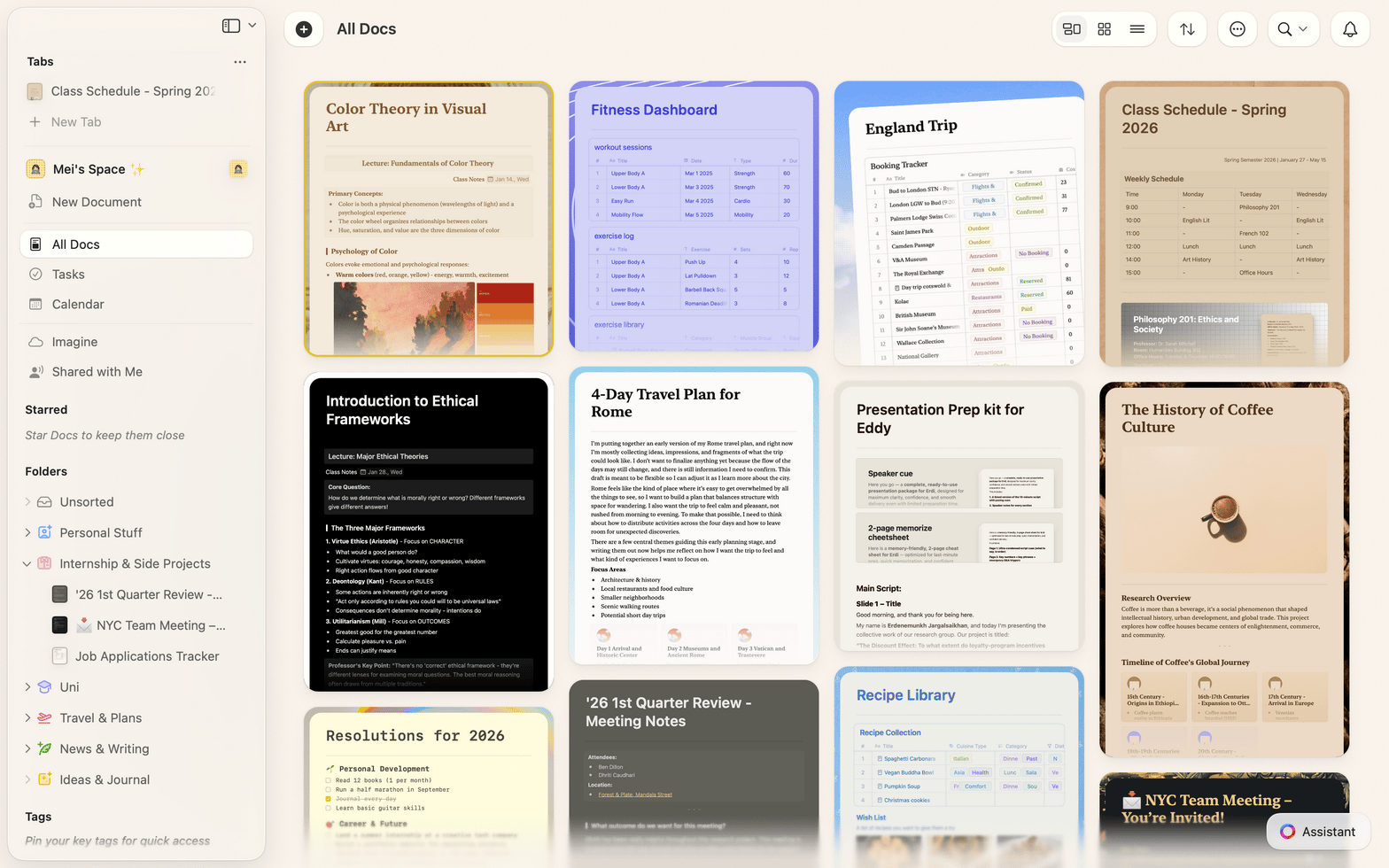
Craft launches instantly and works offline-first — so nothing interrupts your flow during a lecture. Organize everything by course and semester, type or paste images, and link related notes. It all syncs automatically when you reconnect.
Trusted by
thousands of
students around
the world.
Try Craft FreeCraft makes taking notes so much fun for me because I have the excitement of feeling like I’m “creating” whenever I write something down, rather than just… writing something down.
– Elijah, Chemistry PhD Student, Northwestern University
I use it for basically everything! My life is in Craft and my studies are too! I can’t really tell you how much I love Craft.
— Eric, Computer Science student
✓Check out Craft
Sign up and download
Try Craft today
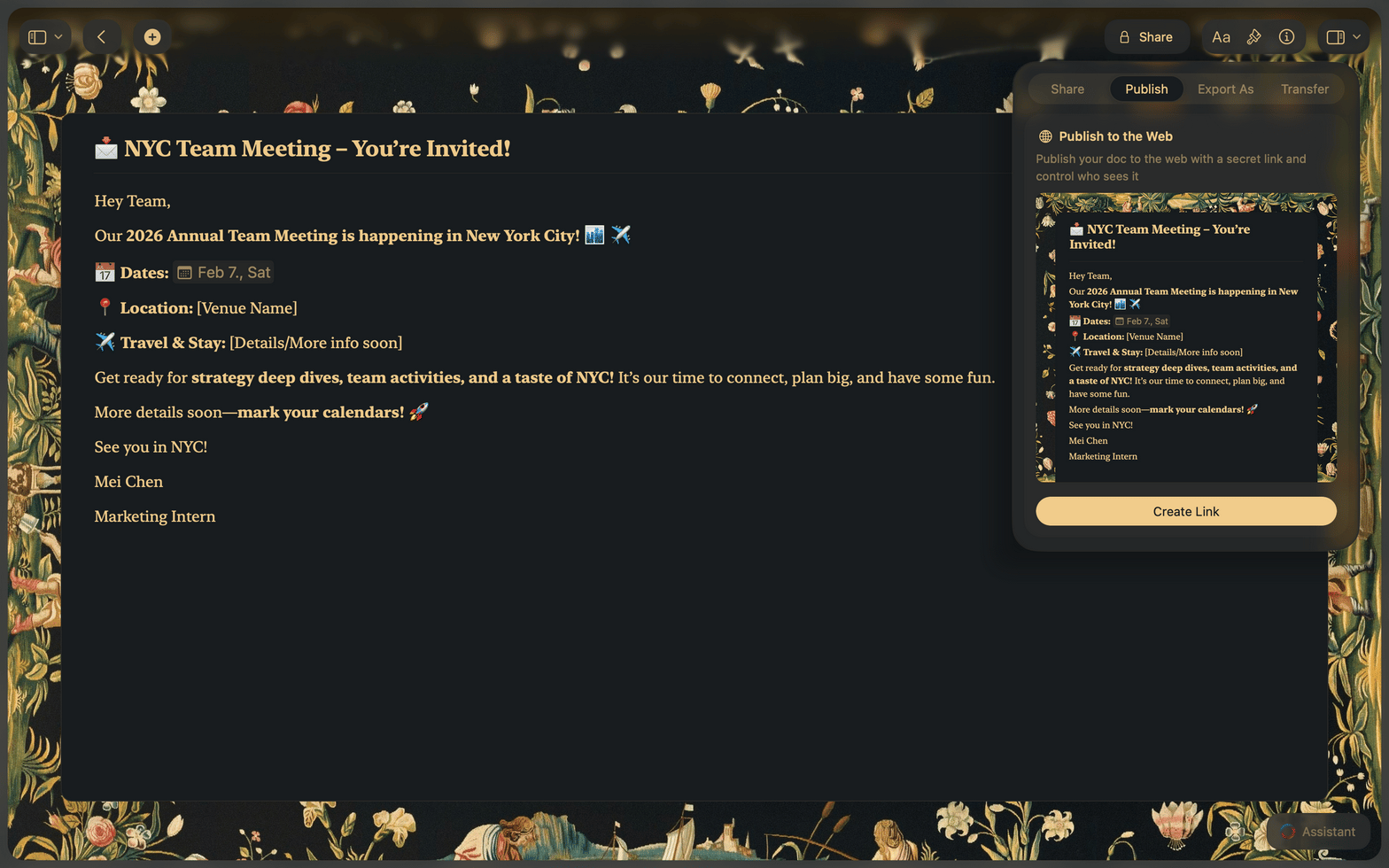
On the go, on campus, or at home – always with you with a beautiful user experience. Sign up with your school email to get access to all features.
Starter
Create up to 10 docs for free. Get 2 extra free docs per week.
1 GB of storage. 25 MB limit per file upload.
Publish your docs as a website. Share with a public link.
Import, export and print single documents.
Free
Education
Create as many docs as you want.
Up to 250 GB of storage, large file uploads.
Publish with password protection and get share analytics.
Import and export multiple documents at once.
Unlimited and customized PDF exports and prints.
Valid for 1 year, unlimited renewals with status verification.
Free
pending verification
Have a school email? Claim your free Education plan
Compare
See how Craft compares
Thinking about switching from another app? See how Craft stacks up for students.
Common Questions
If you’ve already created your Craft account with a personal email address, please follow the instructions in this help article to change your registered email address to the one issued by your academic institution. Then you’ll also receive an email with a button to activate the plan.
If your academic institution does not provide email addresses, let our support team know.
In case you don’t receive an email within an hour after creating your account or changing your registered email address, we aren’t able to verify your status automatically. Then you’ll need to reach out to our support team.