

Client reports your clients actually read
Track clients in Collections, extract data from receipts with Craft Assistant OCR, and reuse Templates for engagement letters — on Mac, iPhone, iPad, Windows, and Web.
For accountants
From client intake to final report, without reformatting everything
01 — Write engagement letters fast
Start from a saved Template. Fill in client details. Use Craft Assistant to review your language. Send a polished letter in minutes.
Built for professional work
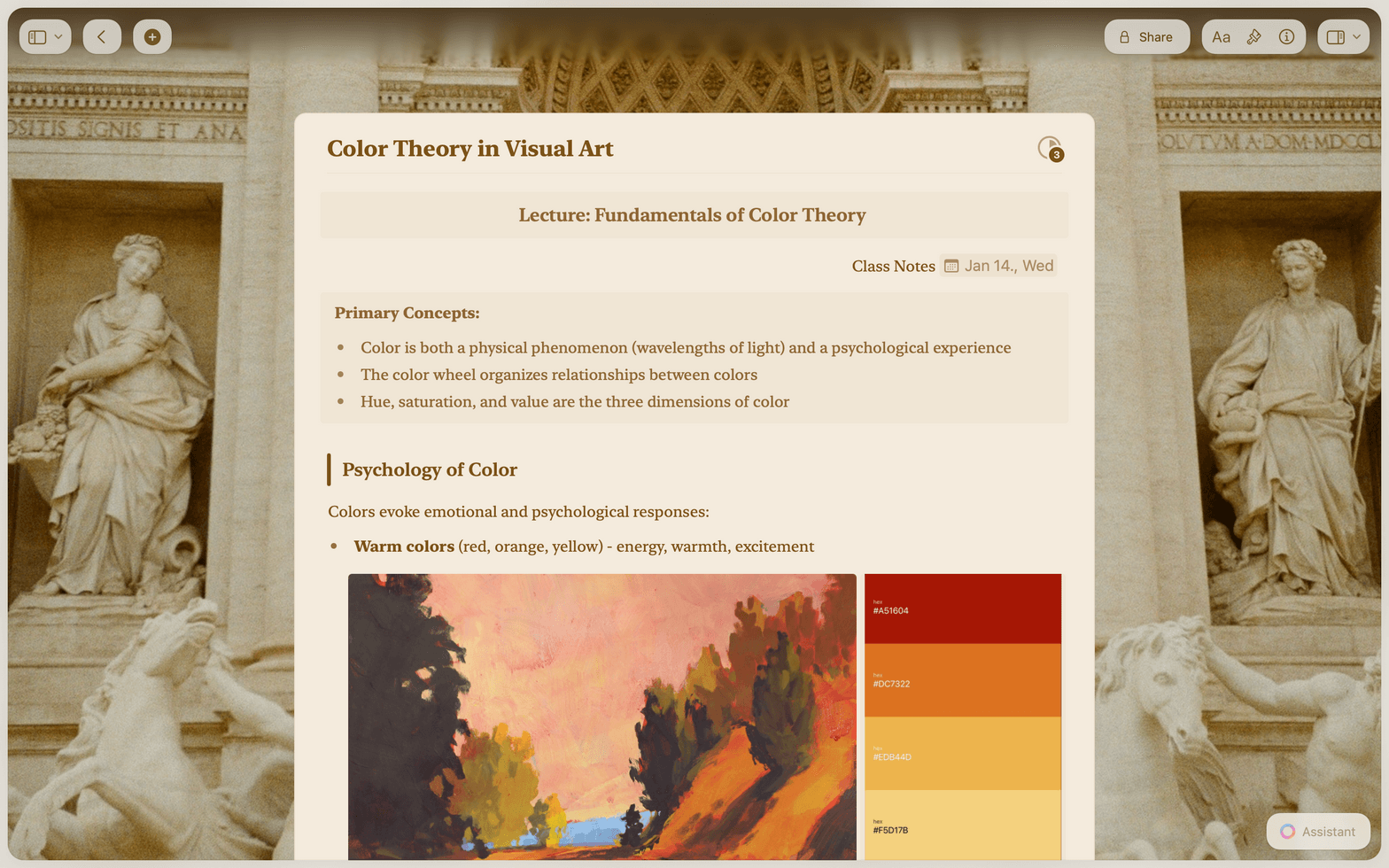
Documents that look right the first time
From Collections for client tracking to Craft Assistant for document review, every feature is built to save your firm time.

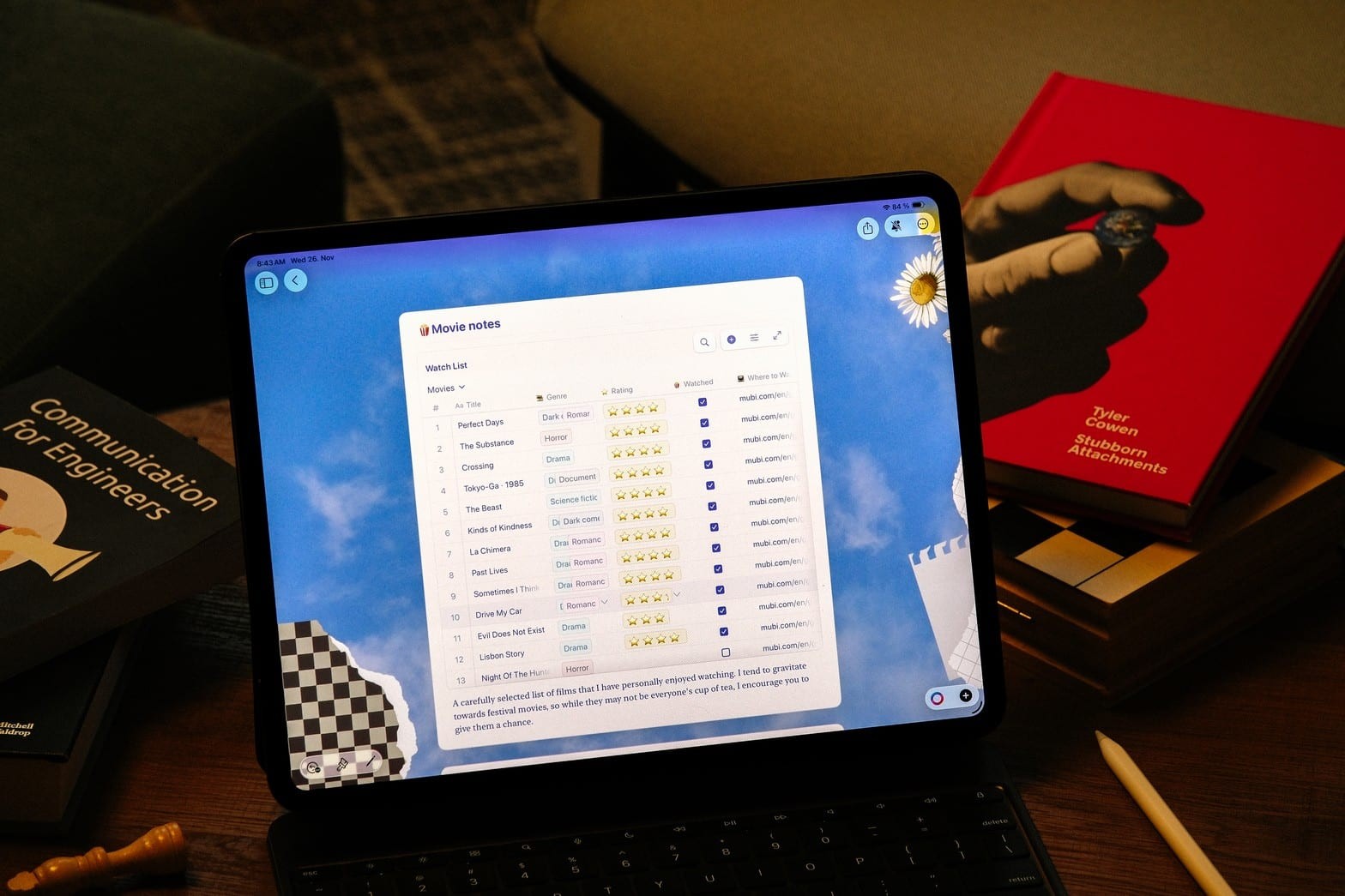
Collections for client tracking
Build a client database with Table views. Filter by engagement type, sort by deadline, and group by partner. Import client lists via CSV.

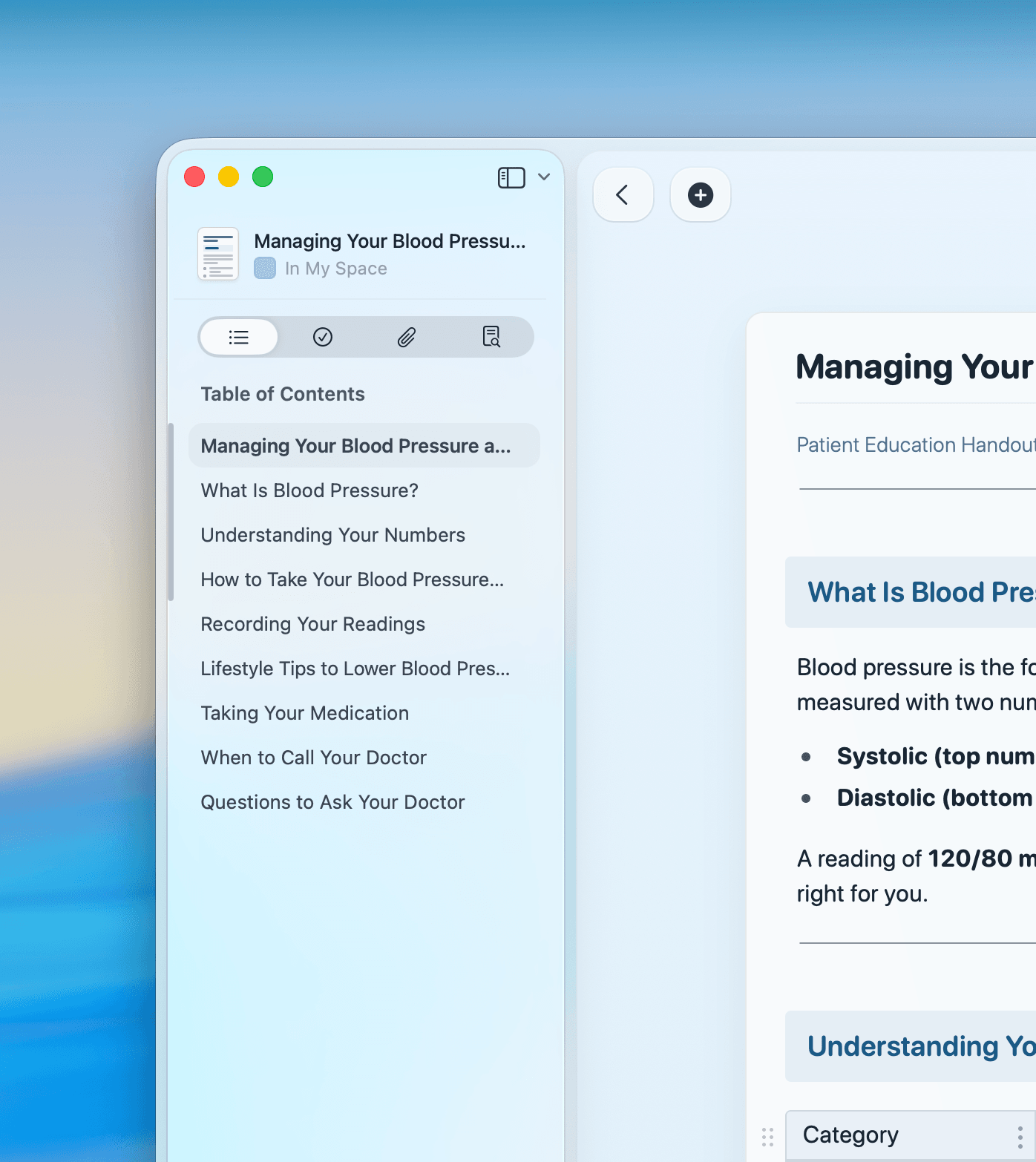
Craft Assistant with OCR
Extract text from scanned receipts, invoices, and tax documents. Summarize financials and draft report narratives with AI.

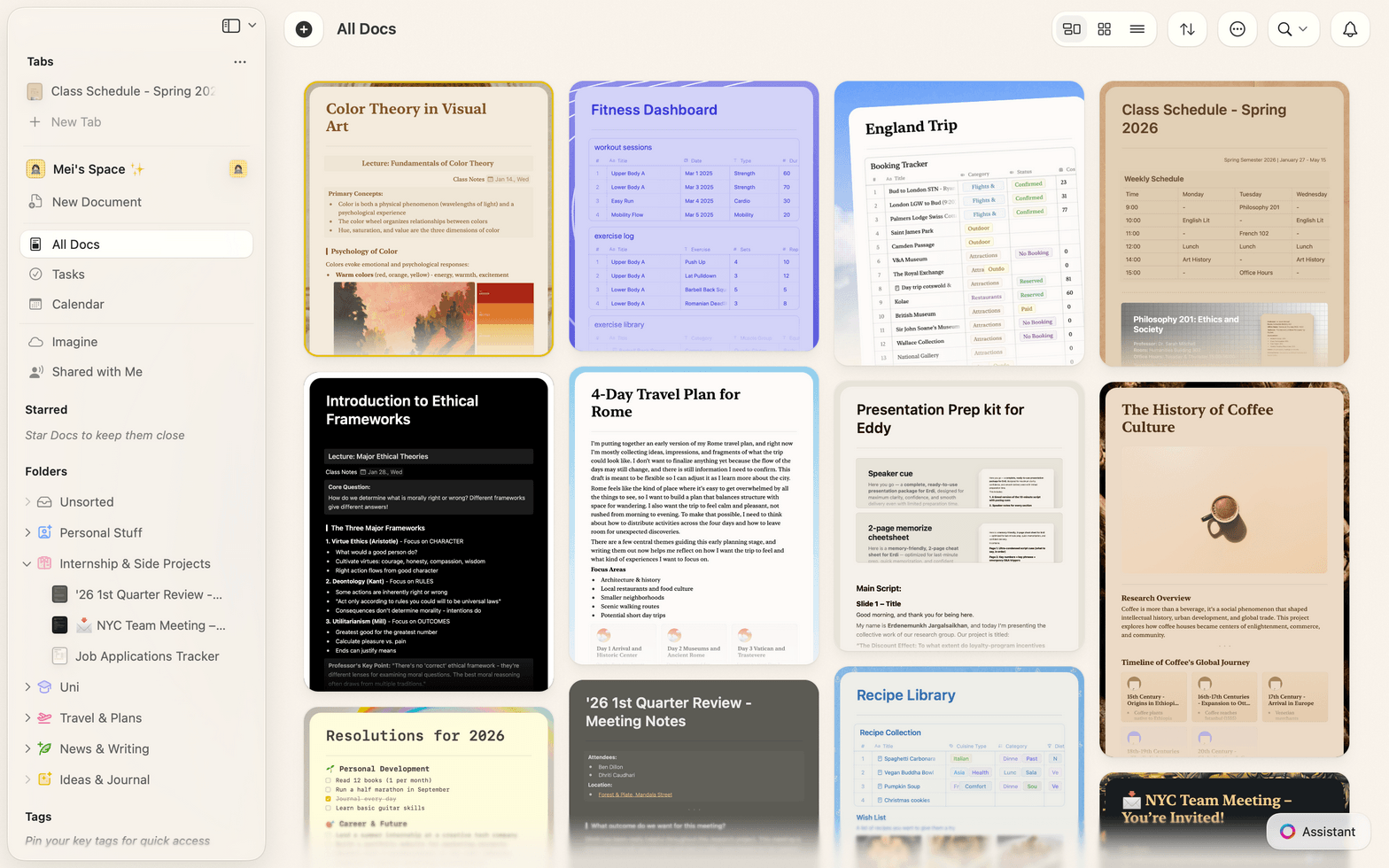
Templates for every engagement
Save engagement letters, audit checklists, and report formats as reusable Templates. Your whole firm starts from the same polished base.

Calendar and deadline tracking
Integrate with your calendar to see upcoming filing deadlines. Tasks appear in a global task view so nothing slips through.

Secure sharing and PDF export
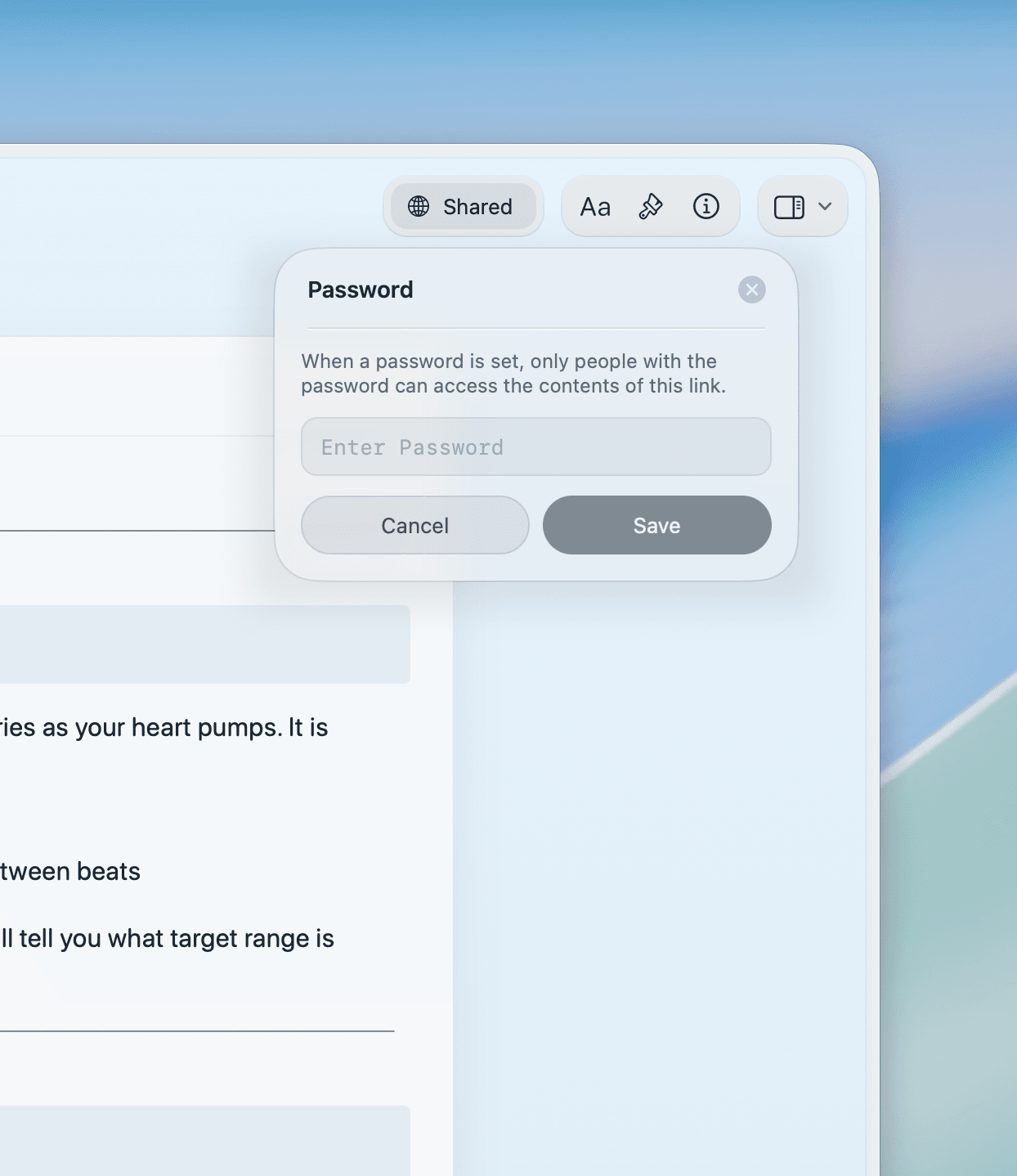
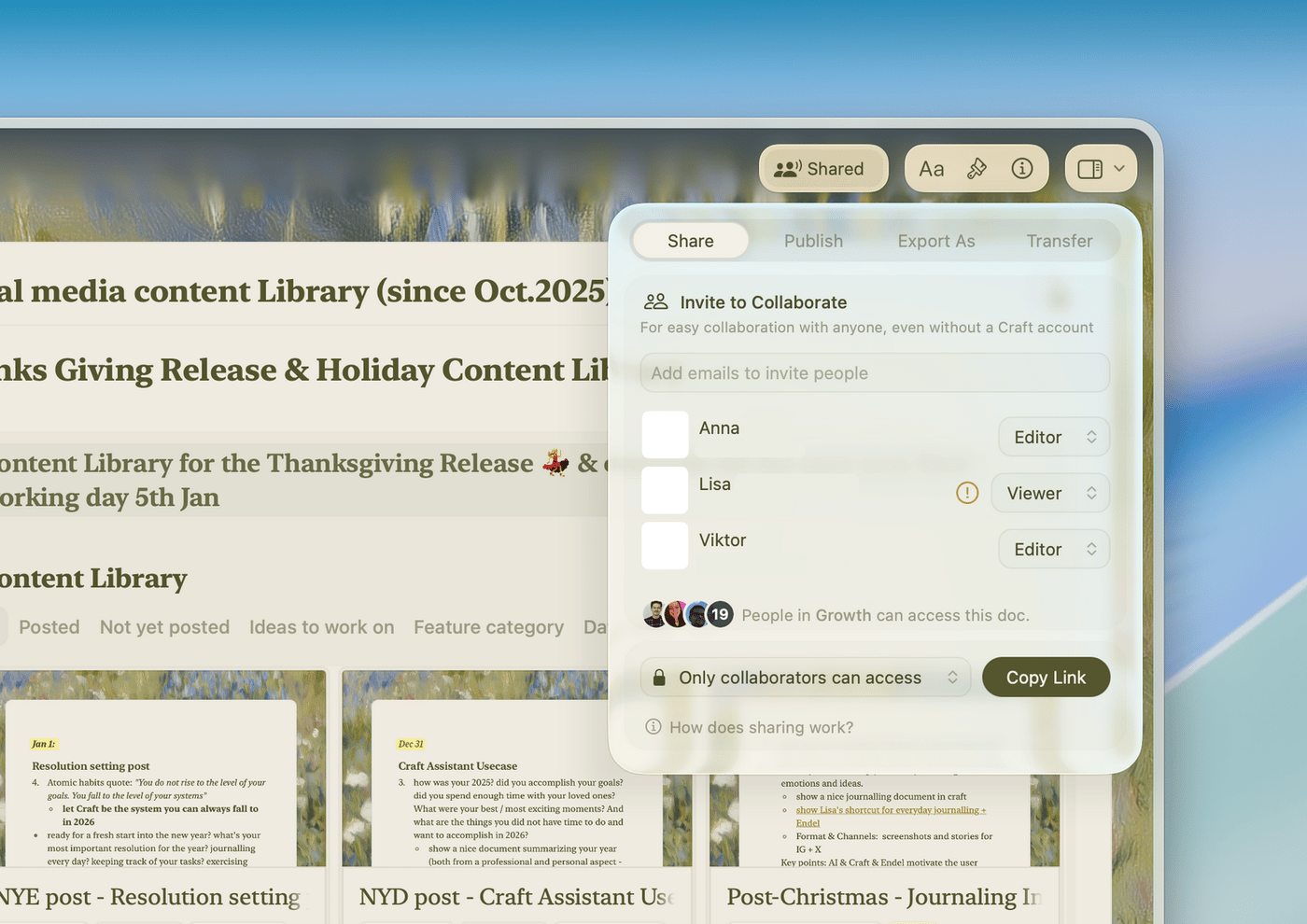
Share documents via password-protected links. Export to PDF or Word with one click. Clients read without creating an account.
Write your next client report in Craft
Free for individual professionals.
Team plans available for your firm.
From accountants
Accounting professionals who write in Craft
Craft makes it easy to manage complex projects with clarity. I can organize tasks, follow-ups, and updates in a way that actually makes sense.
Craft Community
Steven
Project Manager
Using Craft has changed my business, my workflow, my awareness of how I organize things and so much more.
App Store Review
Christoph
Business OwnerCraft is the first thing I open to plan my day and the last thing I use to jot down my final thoughts. It's my dashboard and diary in one.
Craft Community
Ray
Daily planner
How accountants use Craft
Three documents accountants build in Craft
Engagement letters
Send engagement letters in minutes, not an hour
Start from your standard template. Change the client name, scope, and fee. Share a link or export to PDF.
Template library keeps your firm's standard language consistent
Export to PDF for e-signature in one step
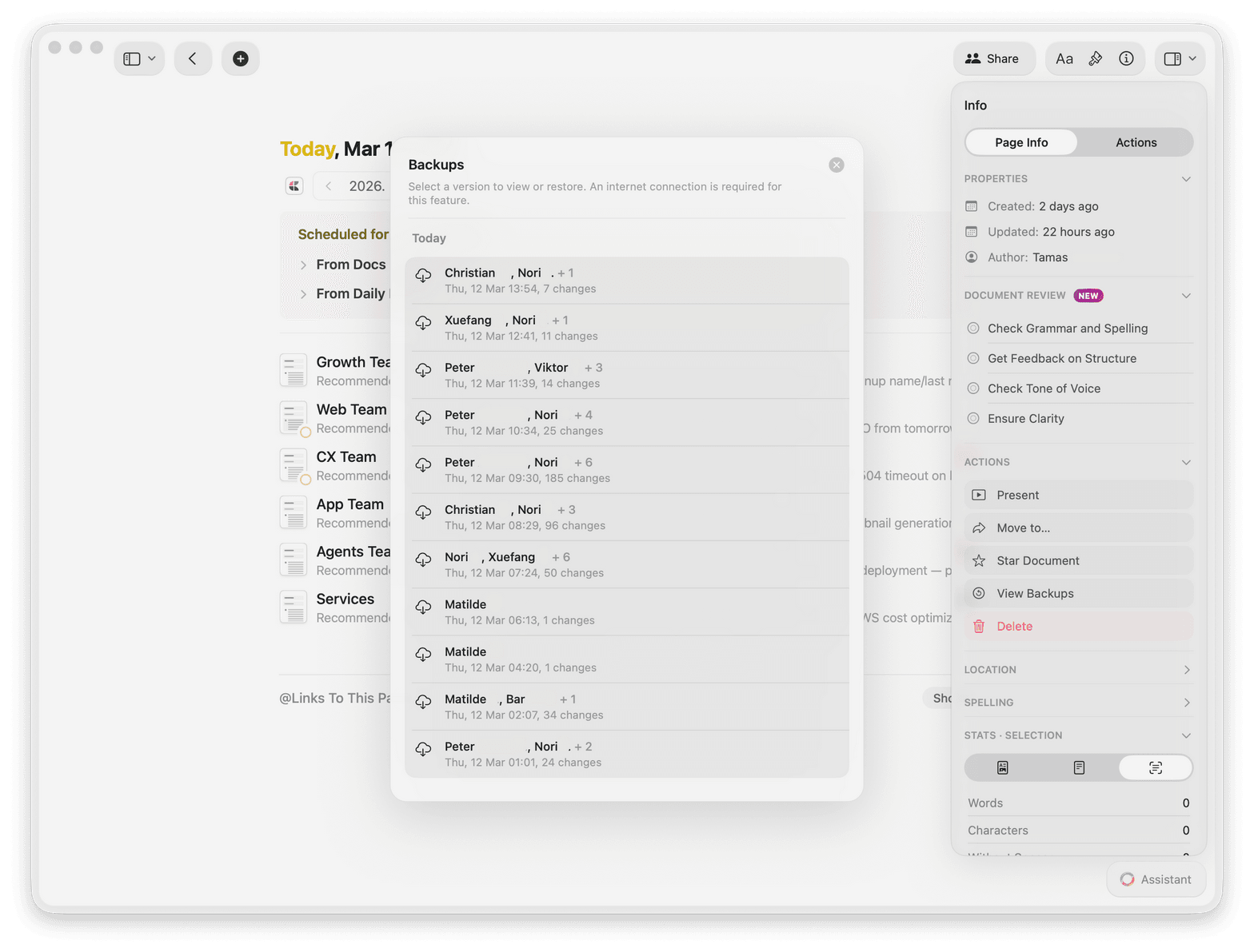
Version history shows every change you made
Get started
Your first document ready in five minutes

Download Craft
Install from the Mac App Store. Craft works on Mac, iPhone, and iPad. One account syncs all your devices.

Create your first template
Build an engagement letter or report template. Save it for your team to reuse on every new client.

Write your first document
Fill in your template, export to PDF, and send it to your client.

Craft vs. Google Docs vs. Evernote
See how Craft compares for accounting documents on Apple devices.
Native Mac app
Document load time
Automatic clean typography
Offline writing
Visual polish by default
Free to start. Firm plans available.
Start free as an individual. Upgrade to Craft Pro for team templates, shared workspaces, and advanced permissions.
Free
Full access, great if you use it occasionally each week.
$0 /month
Designed to effortlessly fit into your everyday flow.
$5 /month
Learn more
Resources for accounting professionals

The Services Agreement Template
A ready-to-use services agreement template for client engagements.

Publish and share client documents
Turn any Craft doc into a web page. Share a link — clients view it in their browser, no account needed.

Running a document-first accounting firm with Craft
How one firm replaced five tools with Craft and cut document production time by 40%.