

Project briefs that get the build right
Sketch concepts on Whiteboards, track projects in Collections with Gallery view, and use Craft Assistant to draft specifications — on Mac, iPhone, iPad, and Web.
For architects
From initial brief to client sign-off, your documents do the work
01 — Write briefs that guide the design
Structure requirements on a Whiteboard, then move them into a document. Craft Assistant helps draft detailed specifications from your notes.
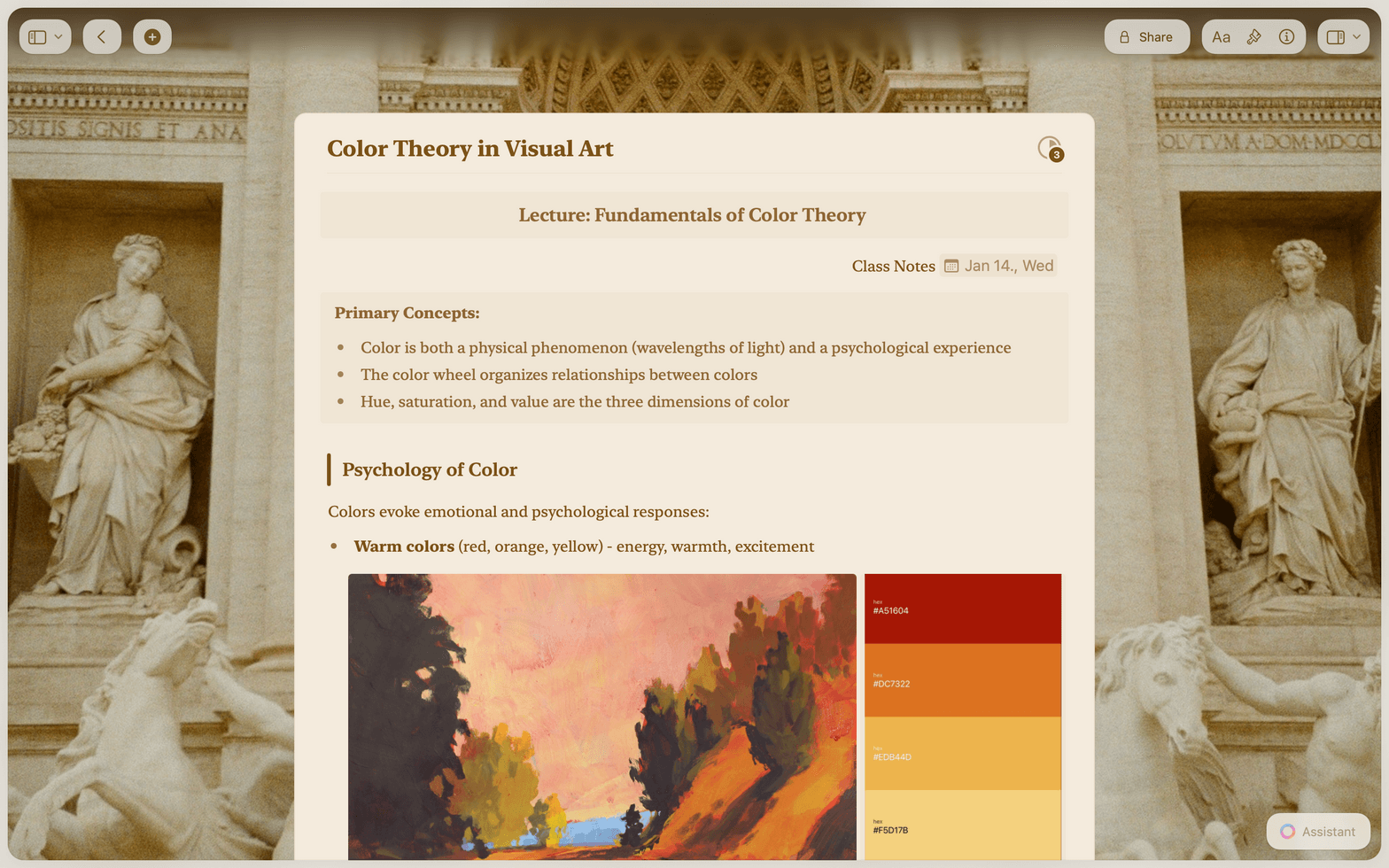
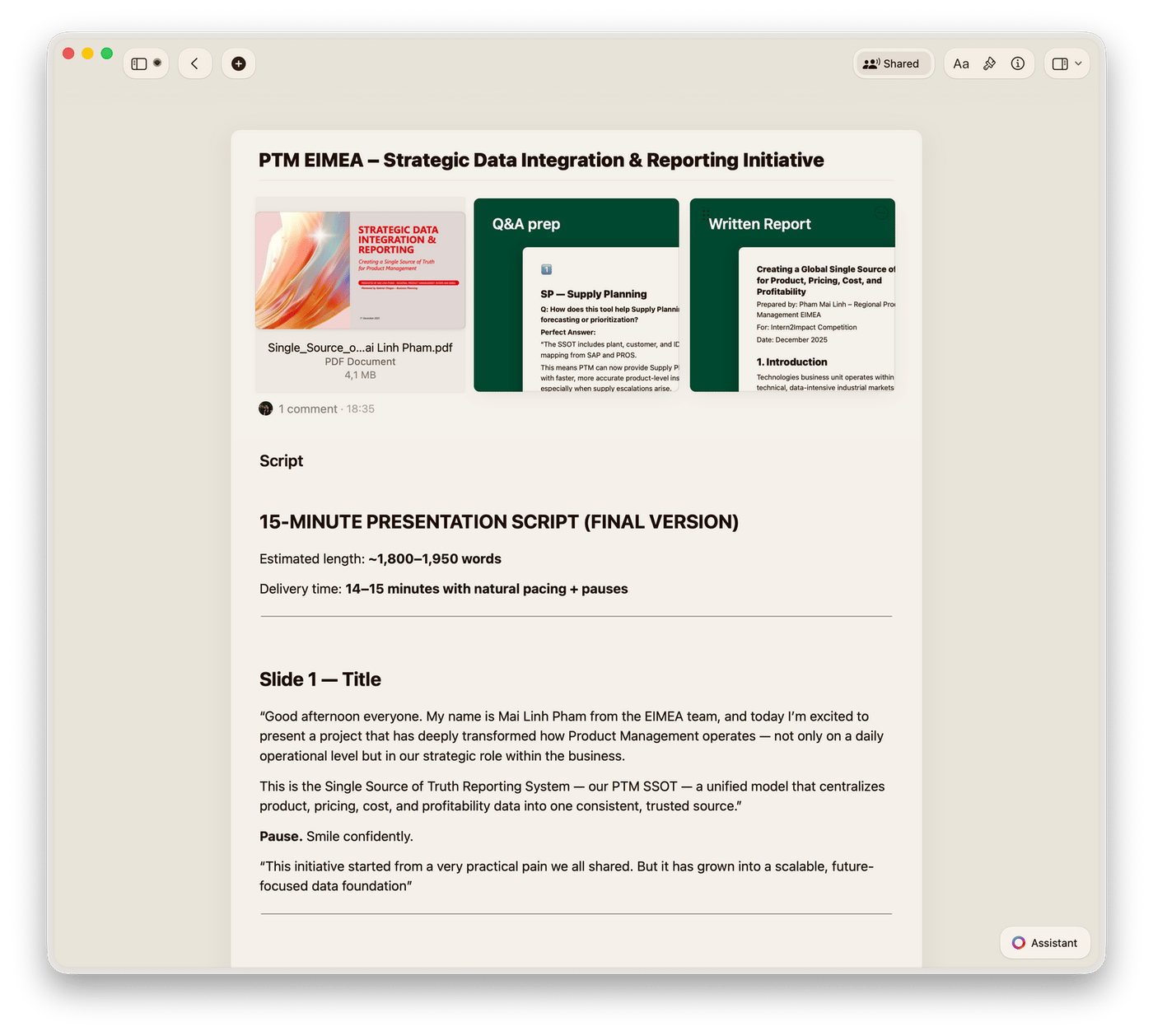
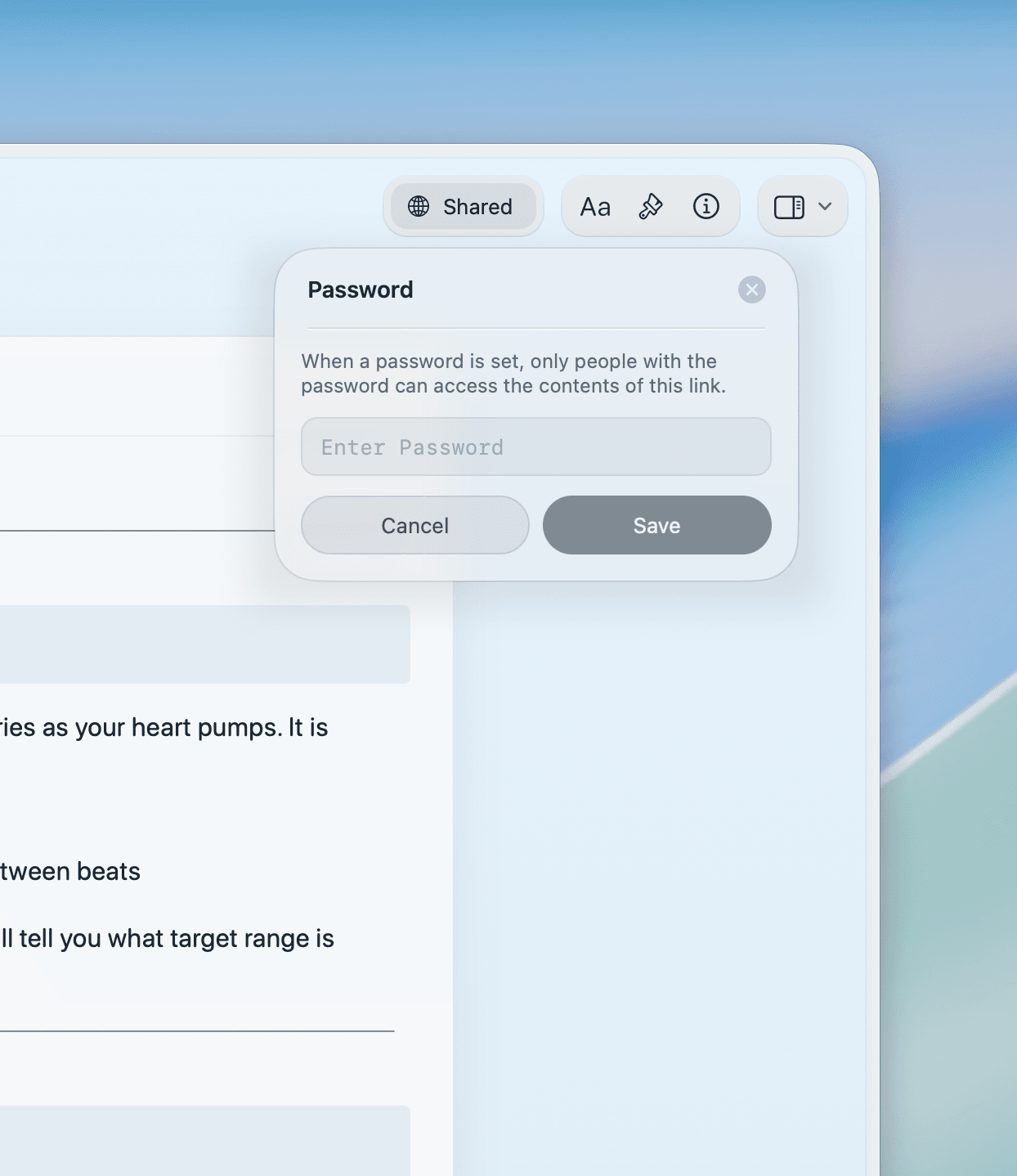
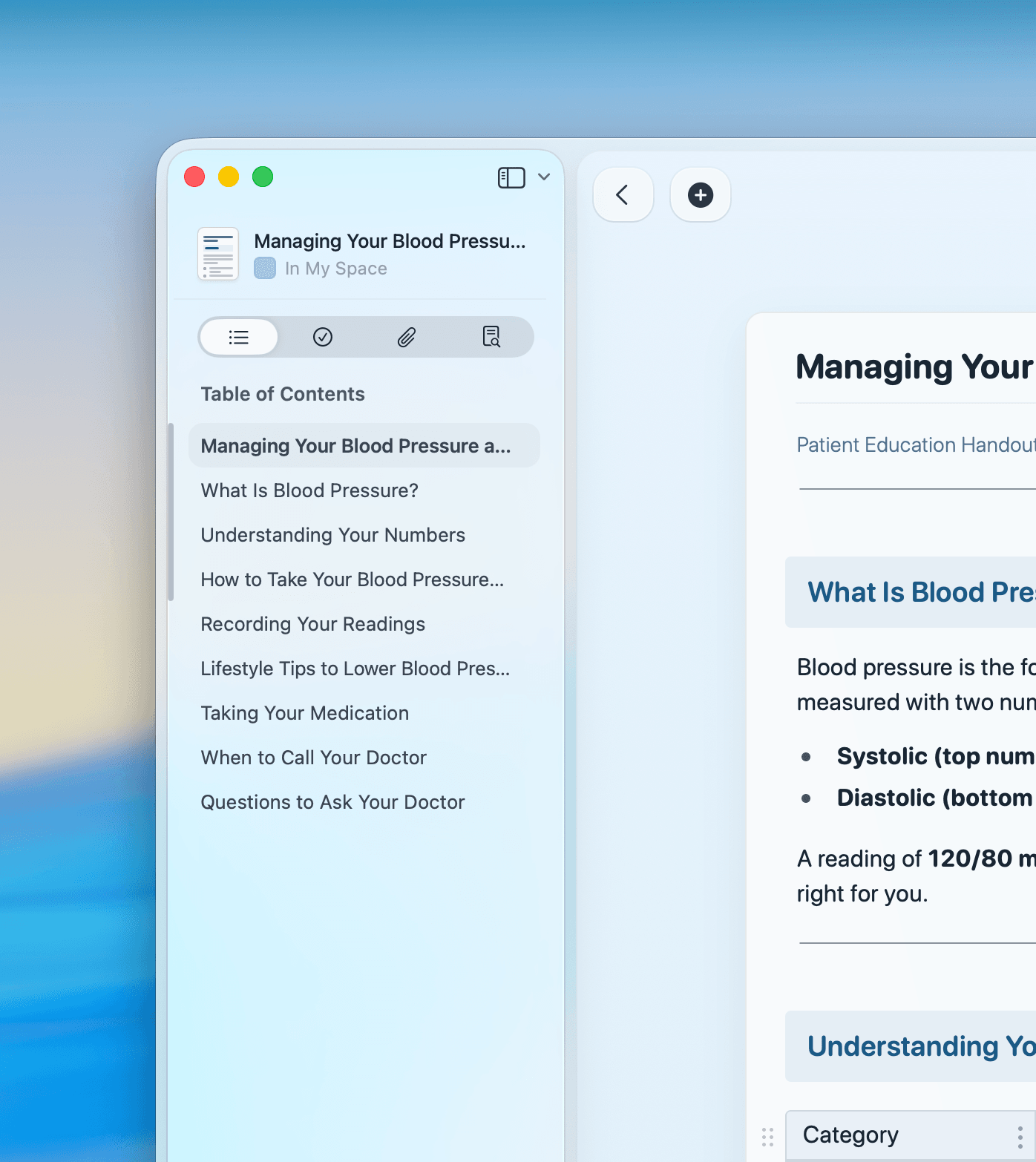
Built for design thinking
Documents that match the quality of your work
From Whiteboards for concept sketches to Collections for project tracking, Craft gives architects visual and written tools in one app.

Whiteboards for concept design
Sketch site plans, map spatial relationships, and brainstorm concepts on Whiteboards. Works offline and exports for client review.

Collections with Gallery view
Track projects with design photos in Gallery view. Filter by phase, sort by deadline, and group by client or building type.

Craft Assistant for specifications
Draft project specifications, summarize meeting notes, and generate scope descriptions with the built-in AI Assistant.

Presentation mode for clients
Present design narratives and proposals directly from Craft. High-res images display beautifully. Share a web link after the meeting.

Web publishing for client sharing
Publish proposals and design narratives as polished web pages. Clients view on any device without downloading Craft.
Write your next project brief in Craft
Free for individual architects.
Team plans for practices of every size.
From architects
Architects who write in Craft
Craft keeps everything, from wardrobe notes to interview outlines, in one beautifully structured place and helps me stay visually inspired and on top of every detail.
Craft Community
Ana
Producer and Photographer
Loving the styles feature and especially the design of the UX. That visual sheet design is epic!!
Craft Community
Wal Gedeon
Craft user since 2021
Pages in documents were a revelation – they completely changed how I think about structuring content. Now, Collections take it even further, making Craft an even more powerful tool.
Craft Community
Denis Volkov
Craft user since 2021
How architects use Craft
Three documents architects build in Craft
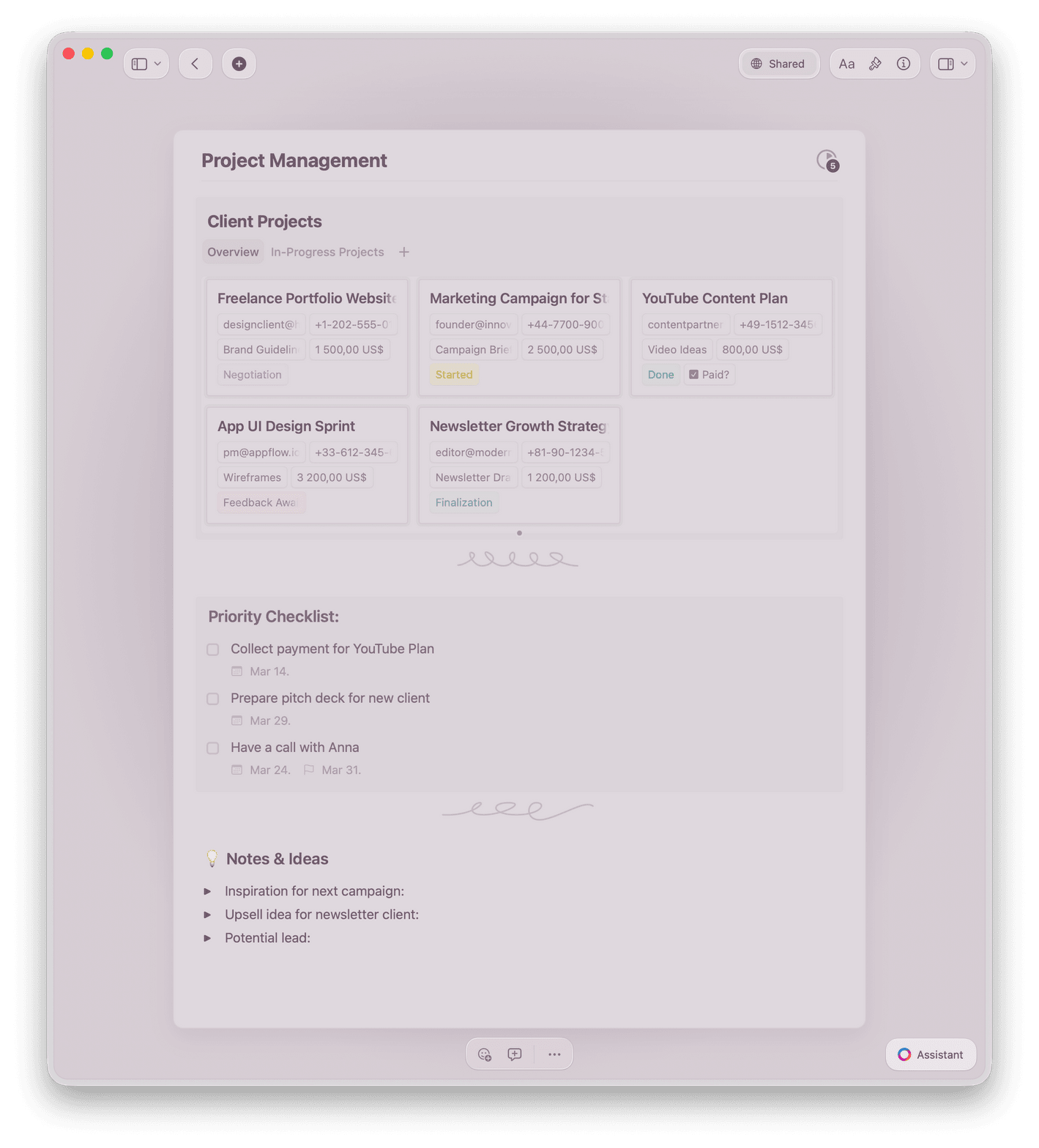
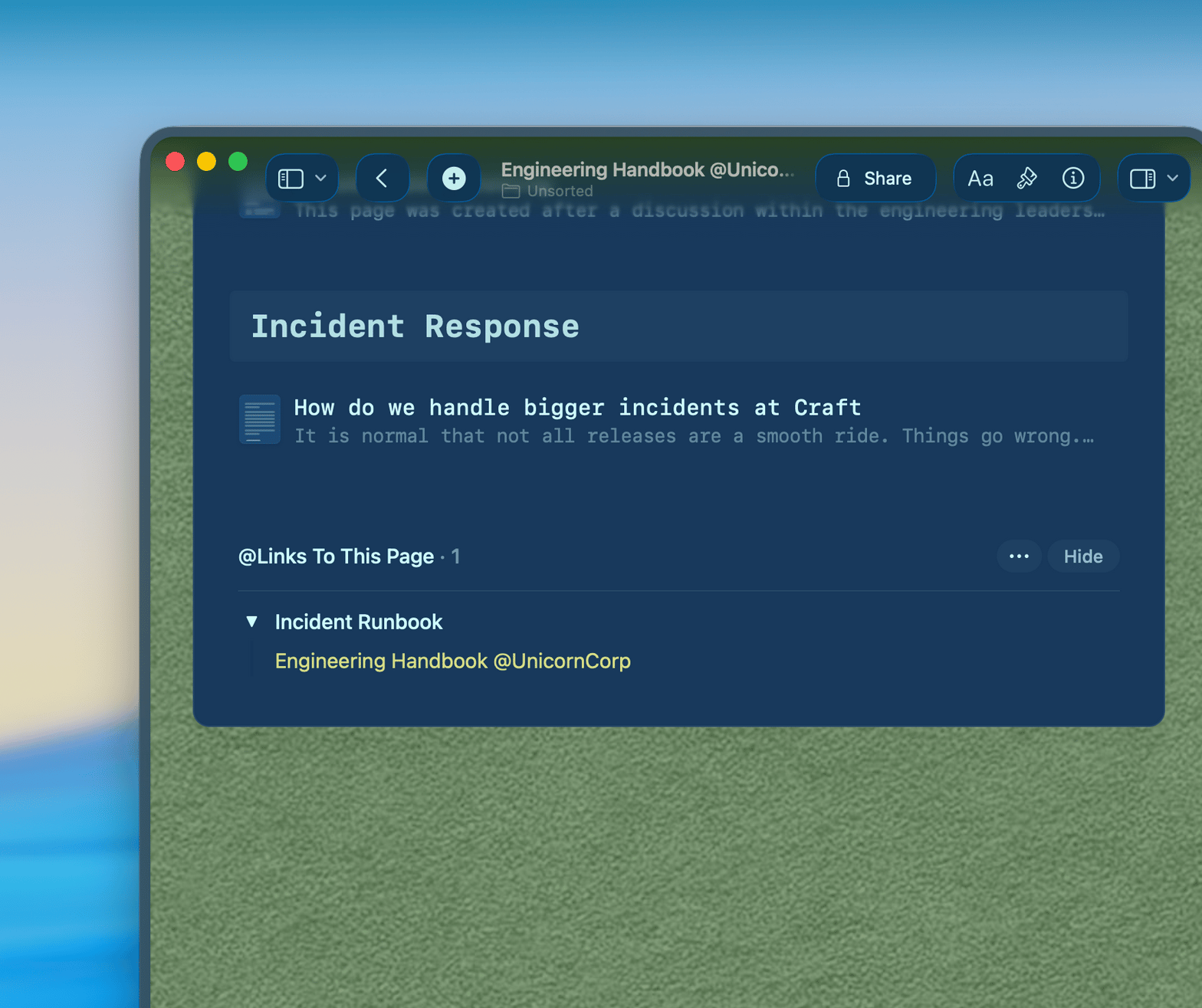
Project briefs
A brief that stays useful from schematic to construction
Structure your brief with client goals, site constraints, program requirements, and success criteria. Your team returns to it at every stage.
Collapsible sections keep long briefs navigable
Embed site photos and reference images directly in the brief
Version history shows how the brief evolved
Get started
Your first brief ready this afternoon

Download Craft
Install on Mac, iPhone, or iPad. One account syncs across all your devices and your studio's team.

Build your brief template
Write your standard project brief structure once. Save it as a template for every new project.

Write your first document
Fill in your template for a current project. Share it with your team or send it to your client.

Craft vs. Google Docs vs. Notion
See how Craft compares for architecture practice documents.
Native Mac app
Document load time
Inline images in documents
Offline writing
Document typography
Free for individual architects. Team plans for practices.
Start free. Upgrade to Craft Teams for shared workspaces, team templates, and studio-wide knowledge management.
Free
Full access, great if you use it occasionally each week.
$0 /month
Designed to effortlessly fit into your everyday flow.
$5 /month
Learn more
Resources for architects

How to write a project brief in Craft
A template and step-by-step guide for architects who want briefs their team actually reads.

Publish to your own domain
Share project narratives and proposals on your studio's branded domain. Clients see your name, not ours.

How three architecture studios use Craft
Real workflows from principals and design directors who moved their practice documentation to Craft.