

Win clients. Build your reputation.
Draft proposals with Craft Assistant, track clients in Collections, and turn calendar meetings into deliverables — all in one workspace.
How consultants use Craft
From first call to final deliverable, faster.
01 — Client proposals that close
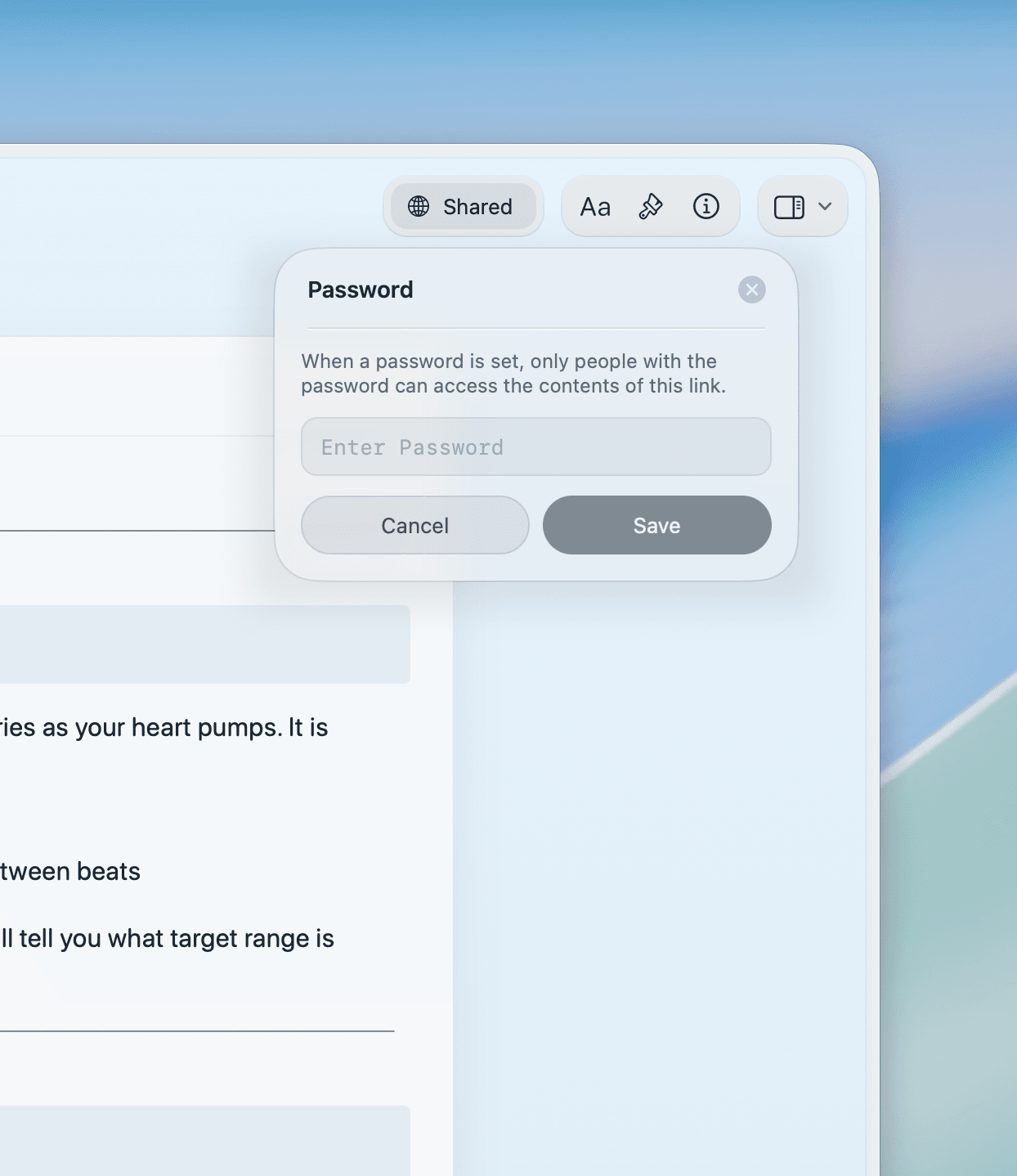
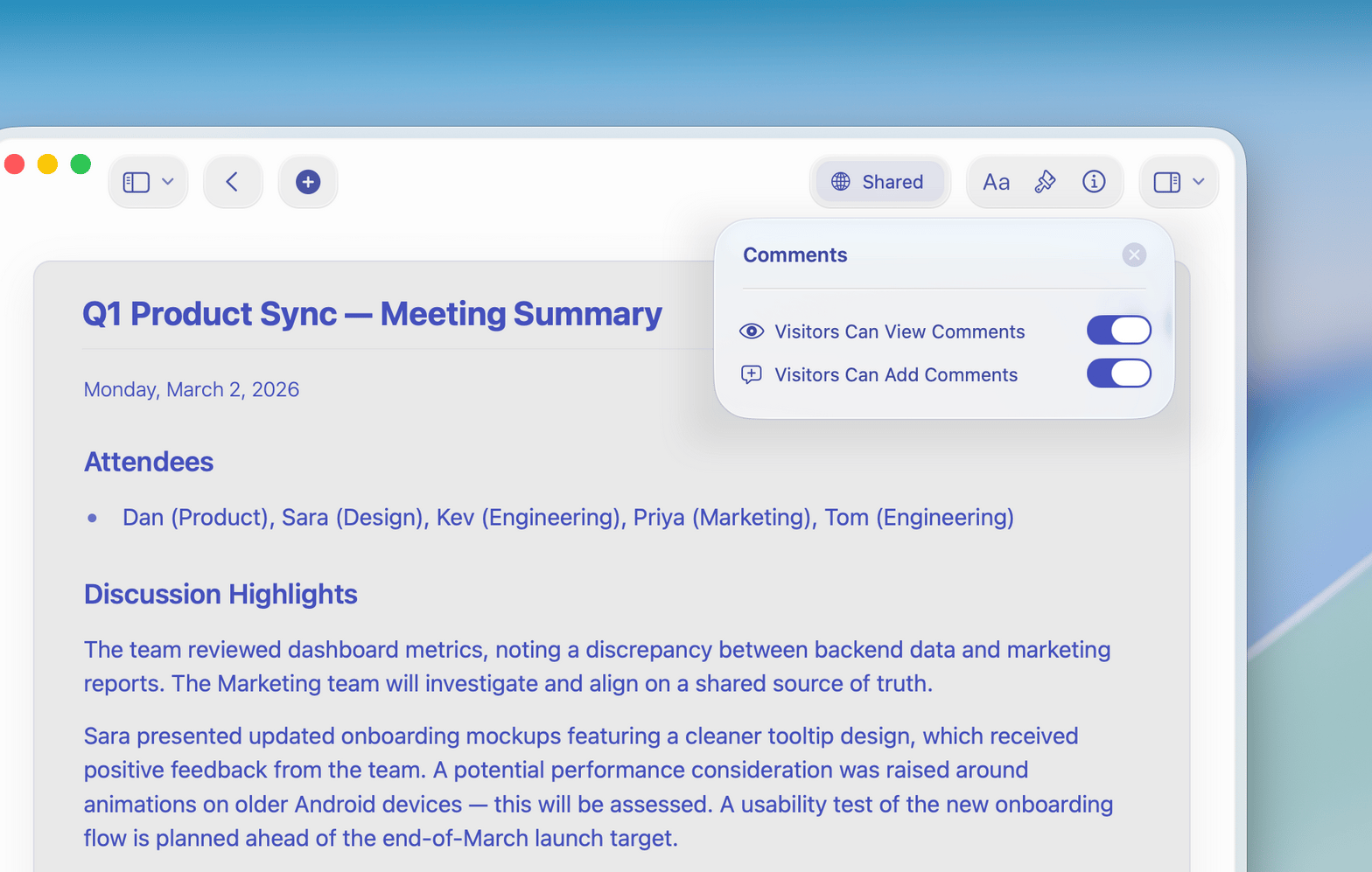
Use Craft Assistant to draft proposals, then share a password-protected link. Clients open a polished doc on any device — no login required.
Built for your work
Everything a consultant needs. Nothing they don't.
Craft is fast, focused, and runs on Mac, iPhone, iPad, Windows, and Web. Your work is always one tap away.

Craft Assistant for research and drafts
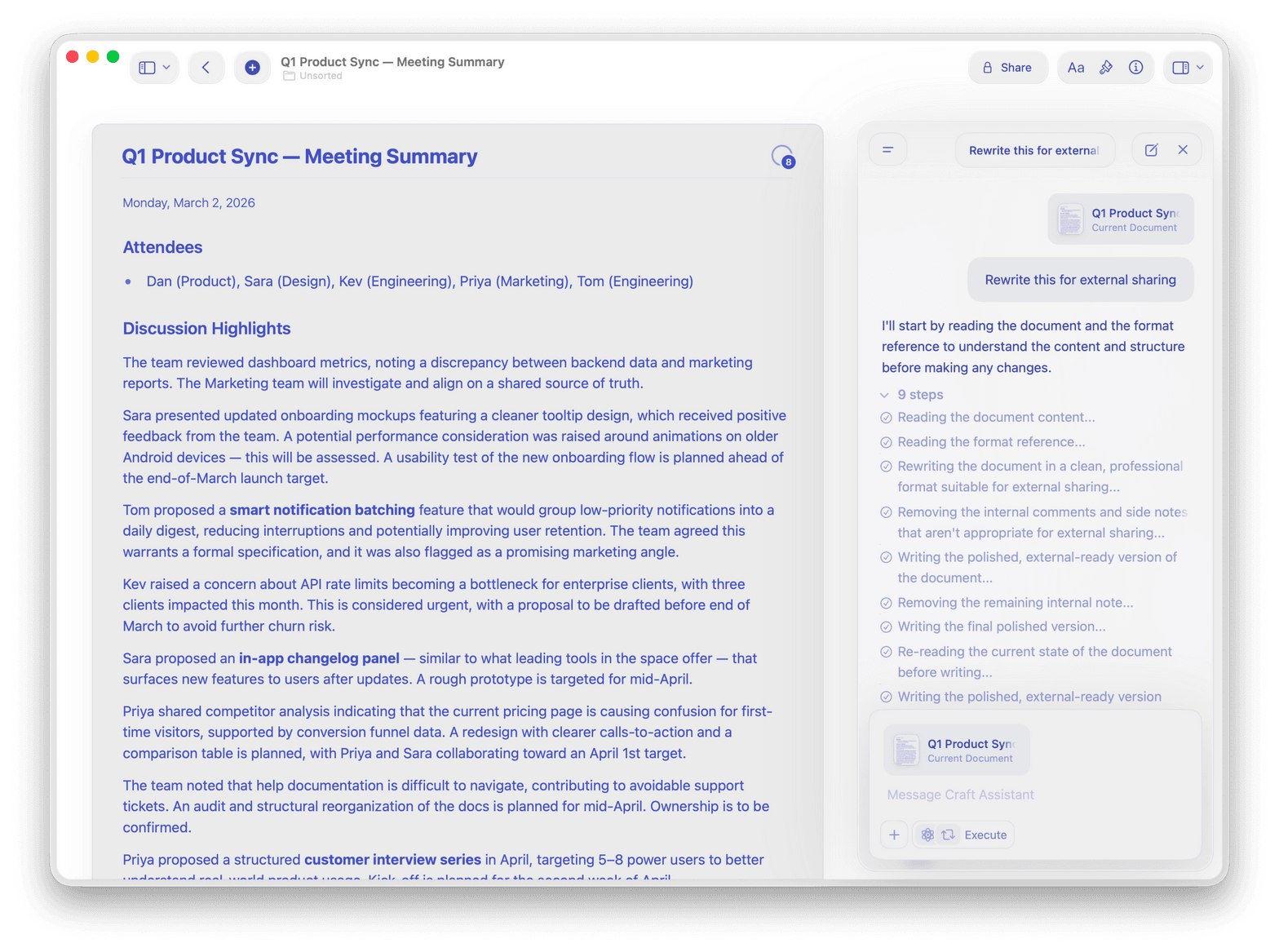
Use Craft Assistant to research topics, draft proposals, and proofread deliverables — right inside your document.

Calendar and meeting notes
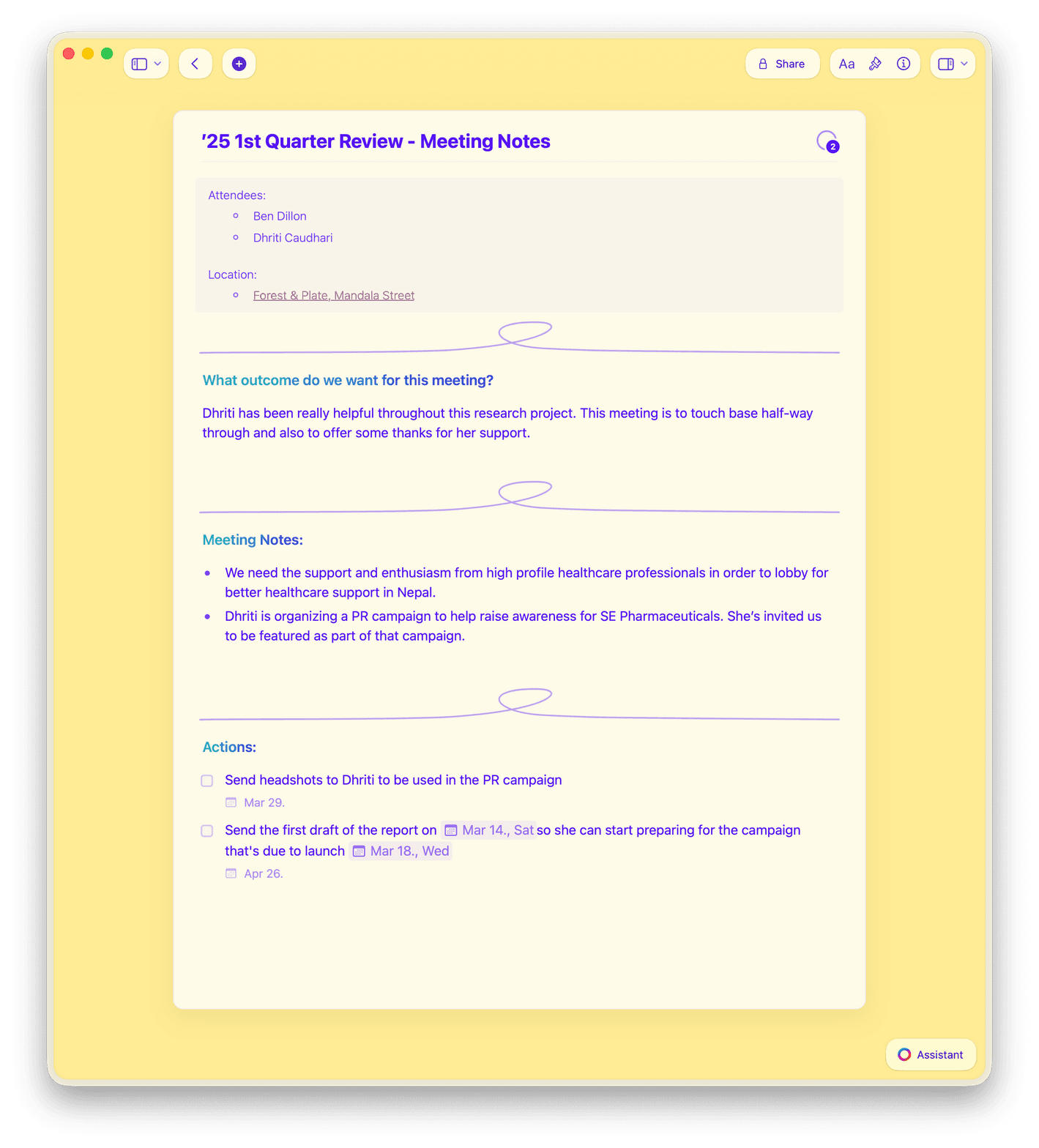
Meeting notes auto-populate from your calendar events. Capture action items and turn them into deliverables the same day.

Password-protected sharing
Send clients a secret link with optional password protection. They read a polished doc in any browser — no account needed.

Templates and reusable frameworks
Start from built-in templates or save your own. Clone your best proposal for every new client in seconds.

Collections for client tracking
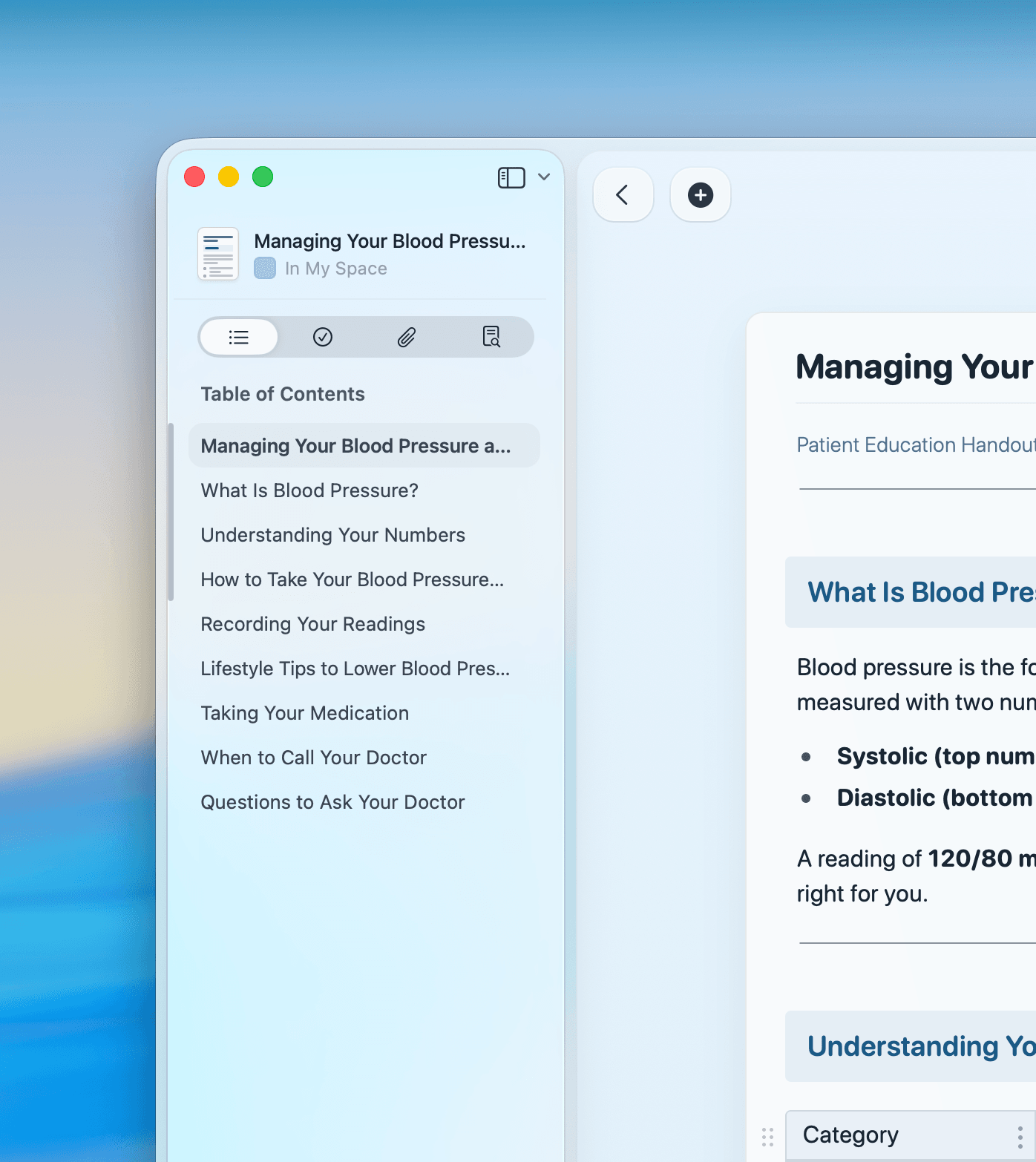
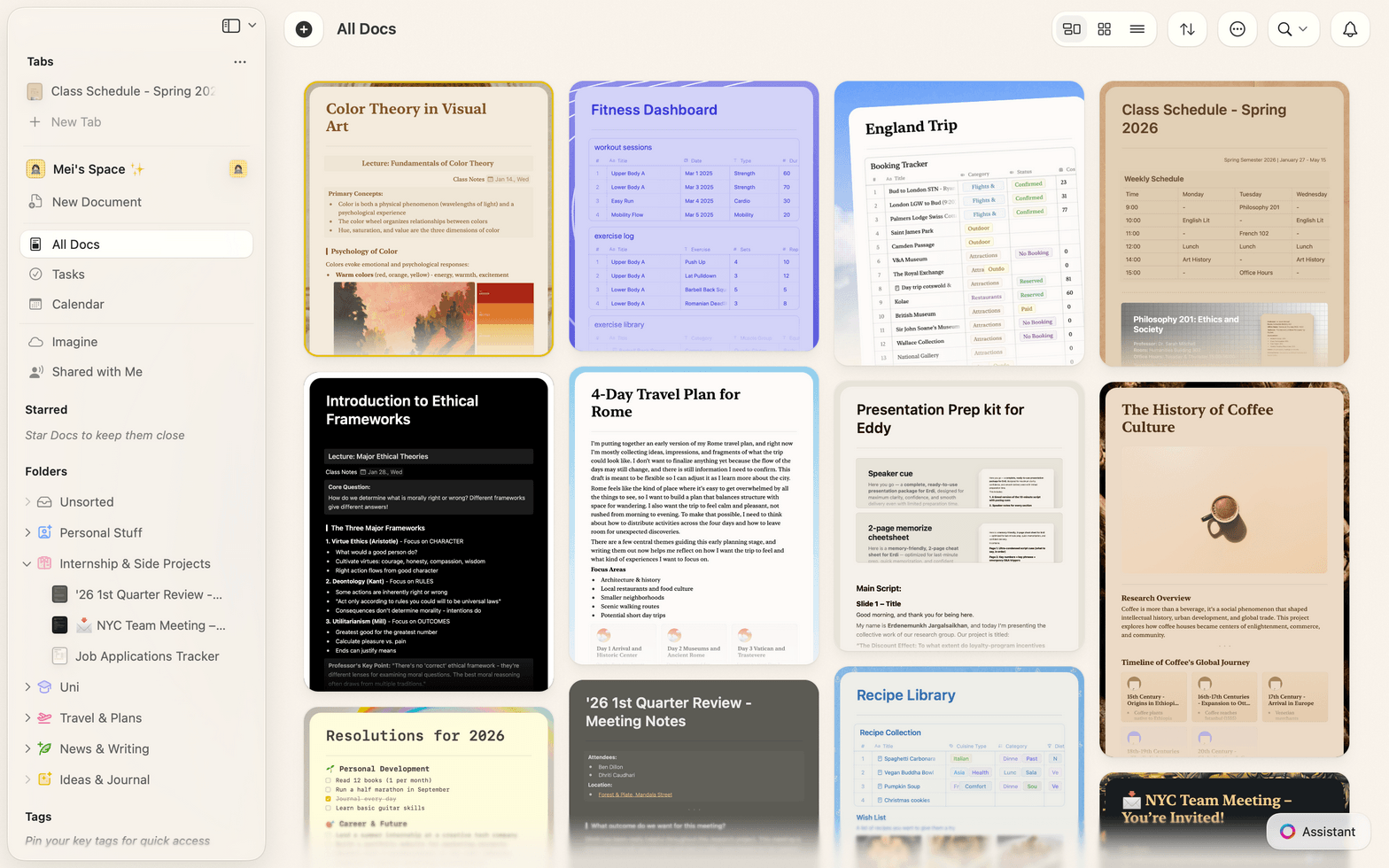
Track clients, engagements, and deliverables in Collections with table and gallery views, filters, and sorting.
Your next proposal is one template away.
Start with a free Craft account.
No credit card. No setup. Just open Craft and write.
From consultants
Real work. Real results.
Craft makes it easy to manage complex projects with clarity. I can organize tasks, follow-ups, and updates in a way that actually makes sense.
Craft Community
Steven
Project Manager
Craft helps me find the truth and organize my world. I run on knowledge, and Craft significantly increases my reach.
Craft Community
Dan Corcoran
Knowledge Worker
Publishing directly from Craft just feels natural — it's where I write, so it makes sense to share from there too.
Craft Community
Tom
Podcaster and newsletter writer
See it in action
Three ways Craft changes how you deliver.
Proposals
Close more with less effort.
Build a proposal template once. Customize it per client in minutes. Share a link that looks great on every device.
Drag-and-drop content blocks
Share via link, no login needed
Export to PDF in one click
Get started
Up and running in three steps.

Download Craft
Install on your Mac, iPhone, or iPad. Takes under a minute.

Pick a template
Start with a consultant-built proposal or knowledge base template.

Share your first doc
Send a client a link. They read it instantly. No account needed.

Craft vs. Notion vs. Google Docs
See how Craft stacks up for consultants who need speed, polish, and reliability.
Native Mac and iOS app
Offline access
Document load time
Visual polish by default
Start free. Upgrade when you're ready.
The free plan covers most solo consultants. Craft for Teams unlocks sharing controls, guest access, and priority support.
Free
Full access, great if you use it occasionally each week.
$0 /month
Designed to effortlessly fit into your everyday flow.
$5 /month
Go deeper
Resources for consultants.

The Consultant's Proposal Template
A ready-to-use Craft template for winning client proposals.

How to build a client knowledge base in Craft
A step-by-step guide to organizing every engagement.

See Craft in action
Real examples of how consultants use Craft for proposals, knowledge bases, and client work.