

Create more. Lose nothing.
Plan content in Collections, generate ideas with Craft Assistant, and publish from templates — on Mac, iPad, Windows, and Web.
How creators use Craft
From idea to published, without the chaos.
01 — Scripts that flow
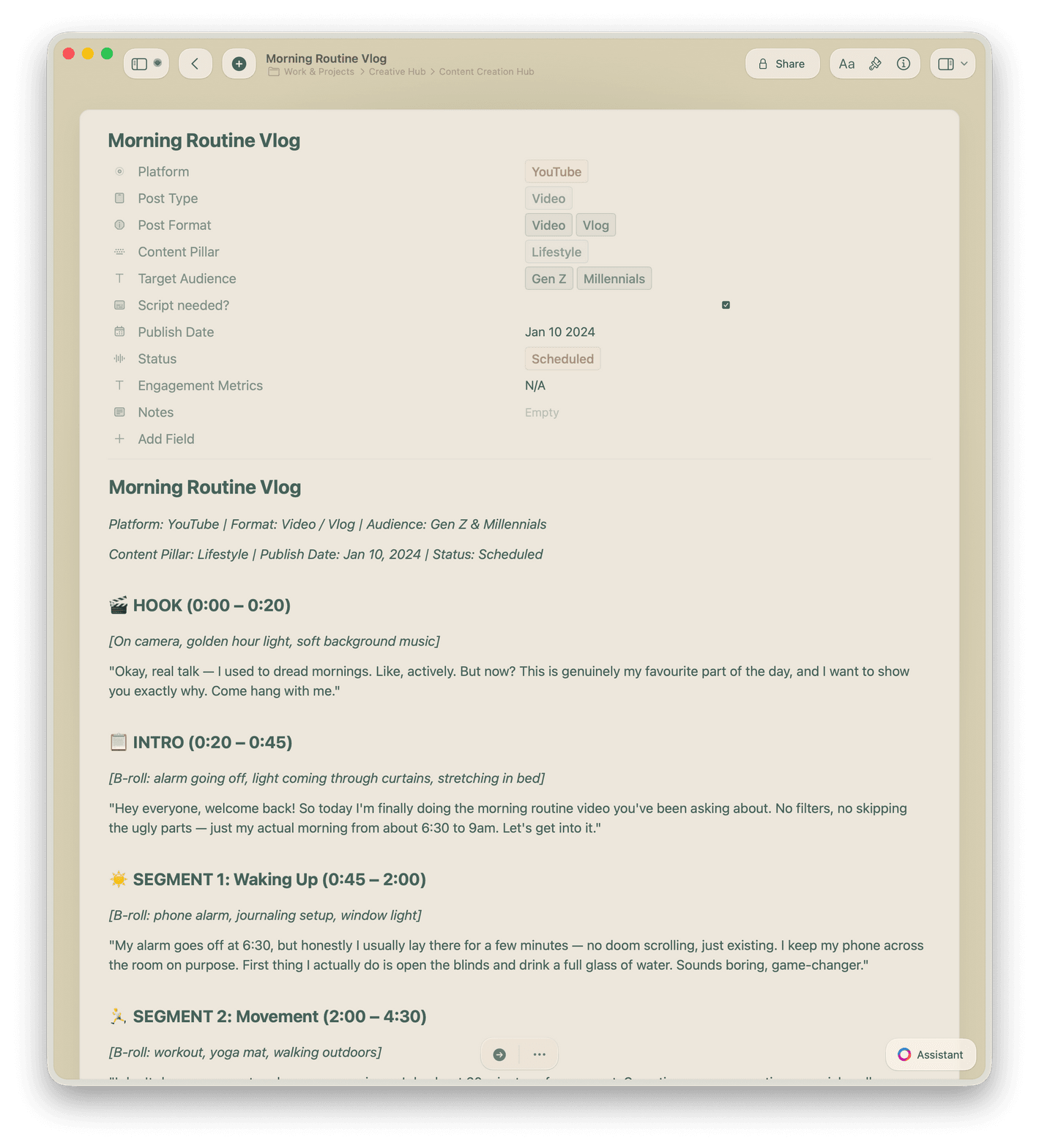
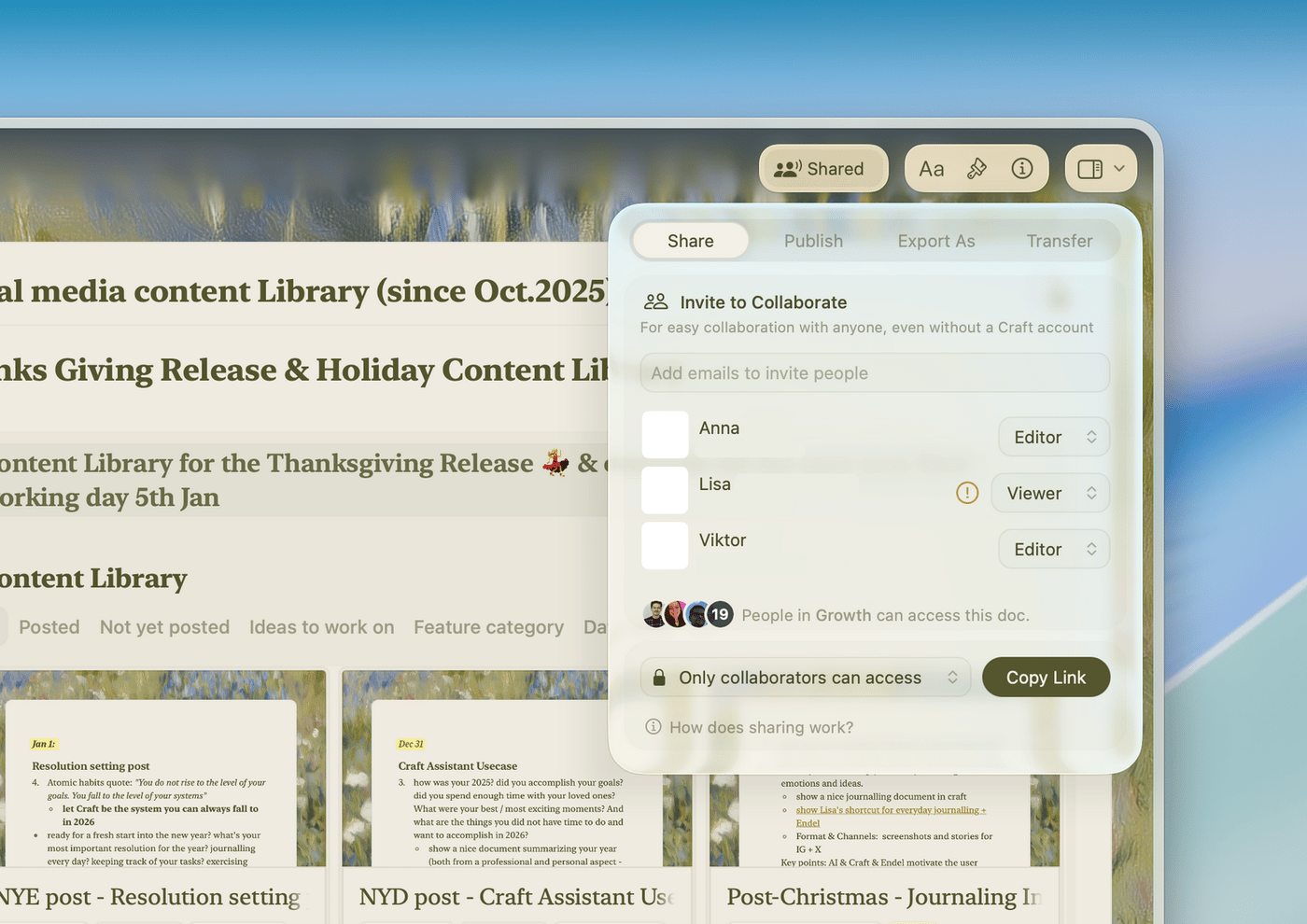
Write scripts in Craft with templates, then use Craft Assistant to refine your hook and proofread. Share with your team via link in one click.
Built for how you create
Think fast. Write faster. Publish without friction.
Craft runs on Mac, iPhone, iPad, Windows, and Web. Capture ideas anywhere. Build content everywhere.

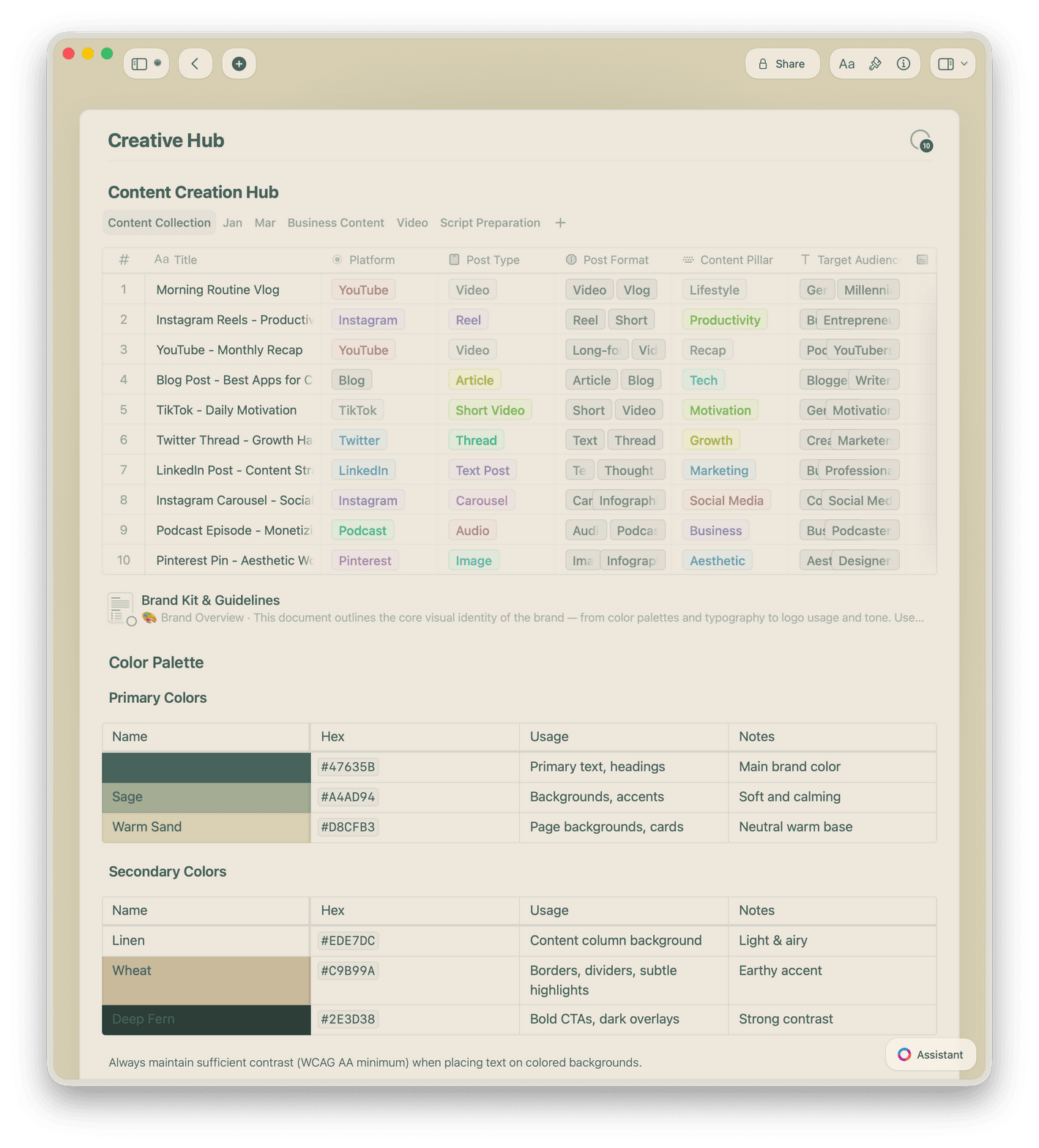
Collections as your content calendar
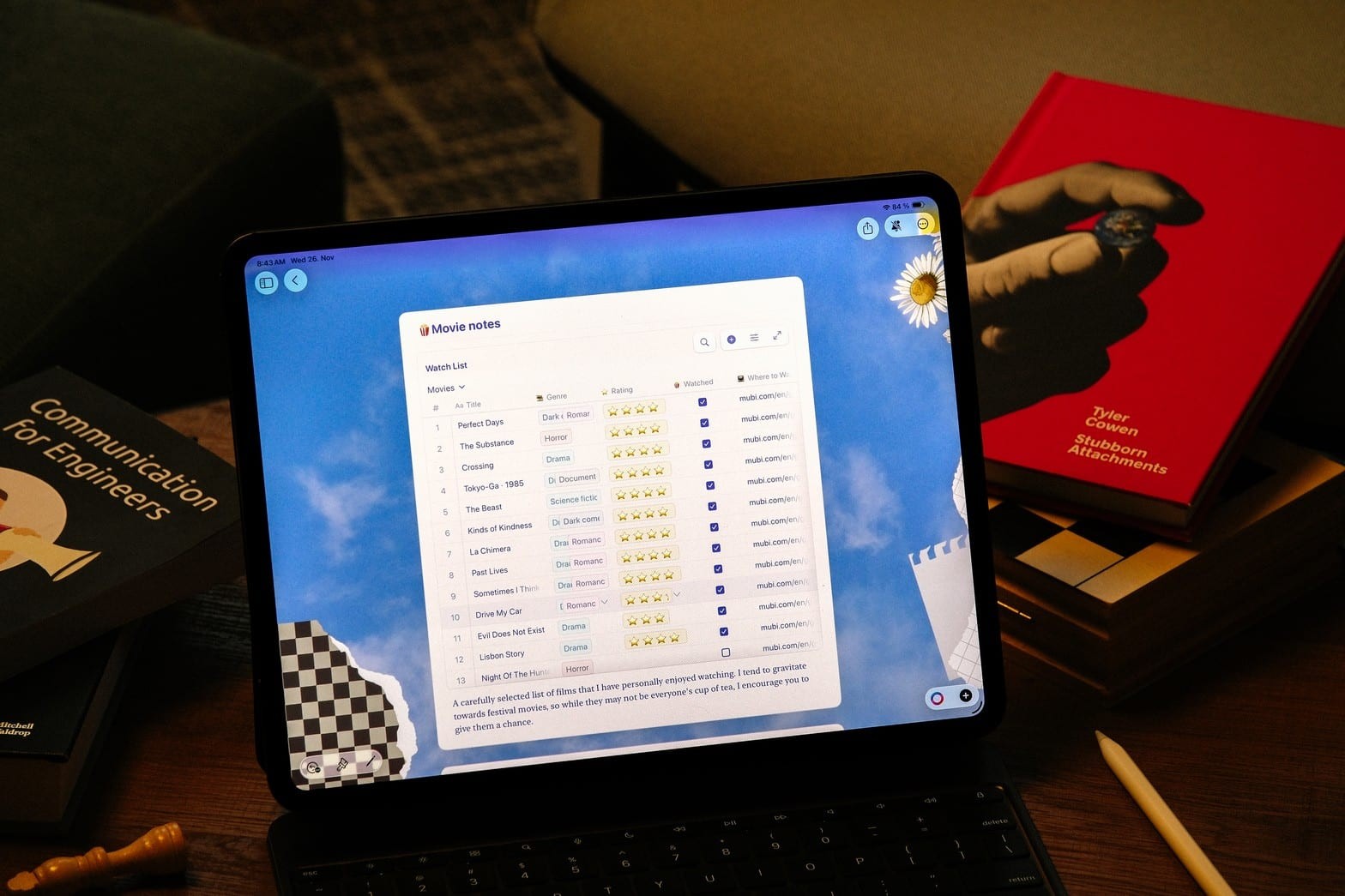
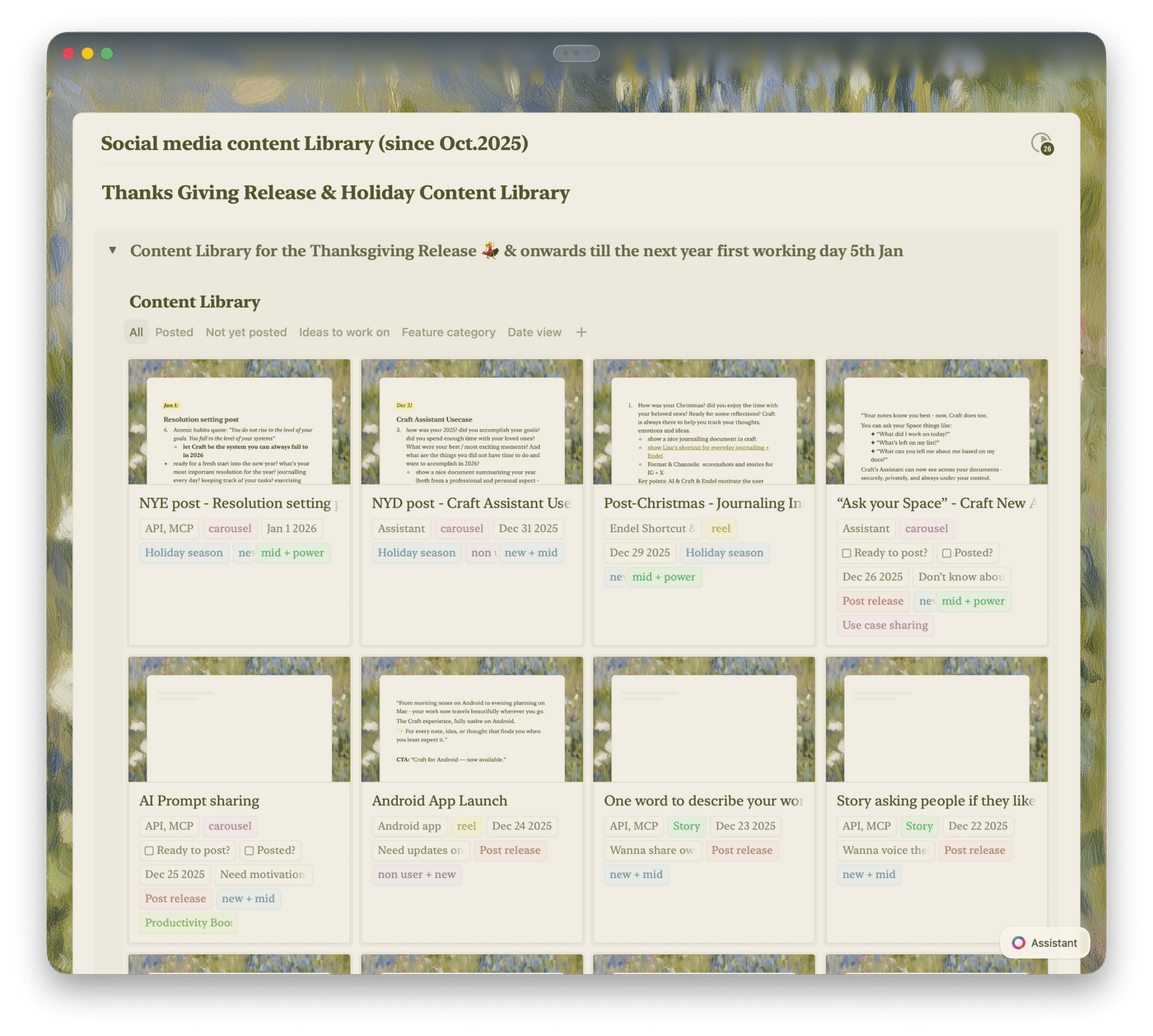
Plan your content pipeline in Collections with table and gallery views. Filter by status, channel, or deadline — drag and drop to reprioritize.

Craft Assistant for ideas and proofing
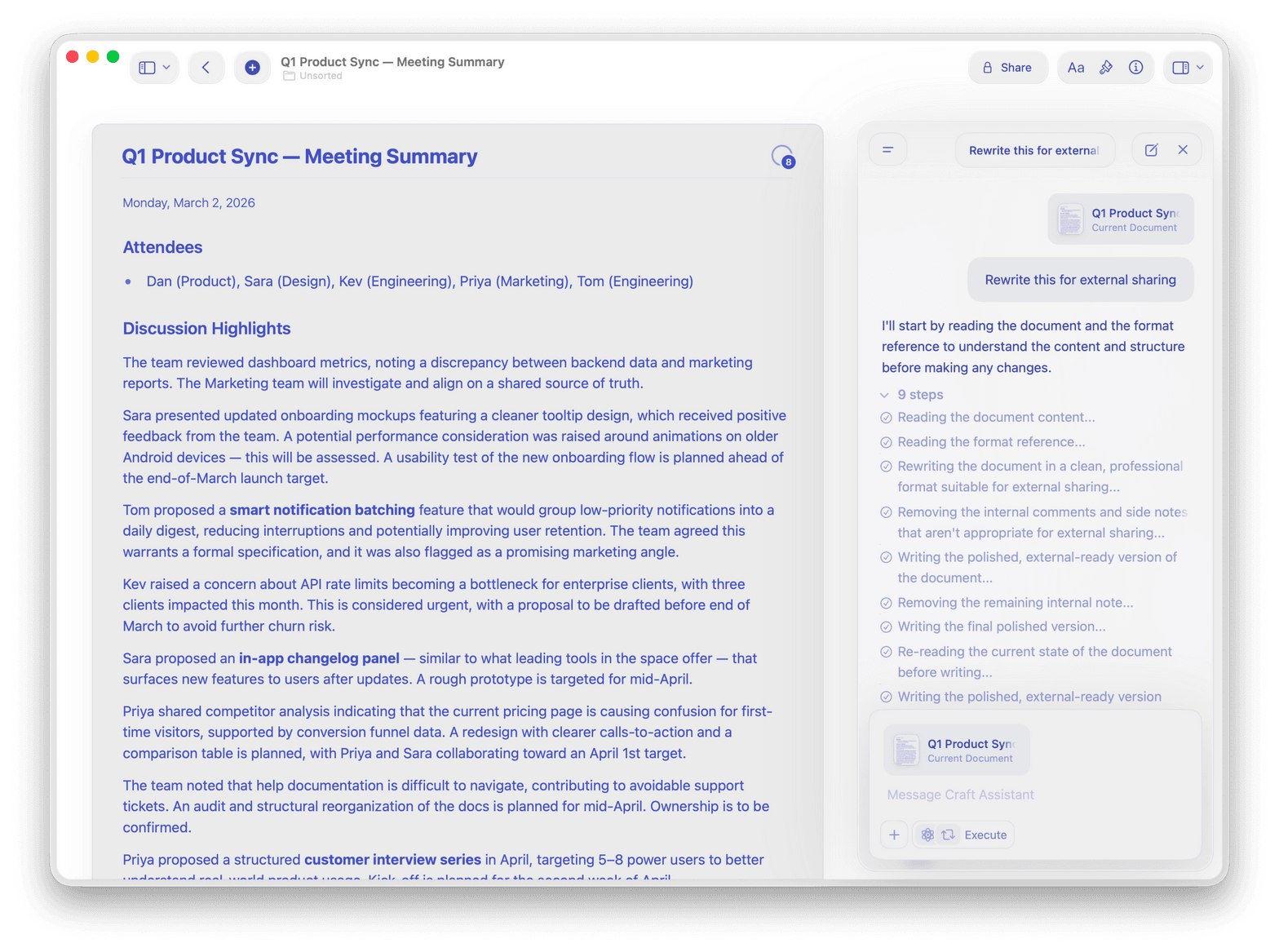
Use Craft Assistant to brainstorm topics, generate outlines, and proofread drafts. It works in the background while you keep writing.

Daily Notes and Calendar
Capture ideas in Daily Notes. See your schedule in Calendar view and link meeting notes to upcoming content.

Templates for every format
Start from built-in script, episode brief, or video outline templates. Save your own and reuse them for every piece of content.

Web publishing and sharing
Publish any document to the web with one click. Share with editors, sponsors, or collaborators — no account needed.
Your best content starts with a clear space to think.
Start free on Mac, iPhone, or iPad.
No setup required. Just open Craft and start writing.
From creators
What creators say.
I can make my notes not only functional but visually pleasing — which really motivates me to stay organized.
YouTube Creator
Amity Sensei
Creator and Educator
I mainly use it to organize my video projects, scripts, and brand collaborations. It's where I plan and write most of my creative ideas before they go live.
Craft Community
Seoyoung
CreatorI use Collections to plan and track podcast episodes and newsletter editions — everything stays organized, from templates to checklists.
Craft Community
Tom
Podcaster and newsletter writer
See it in action
Three ways creators use Craft.
Scripts
Scripts that get you to record faster.
Write structured scripts in Craft. Add sections, hooks, and CTAs as blocks. Share with your editor in one link.
Drag-and-drop script sections
Share with editors via link
Export to PDF or plain text
Get started
Up and creating in minutes.

Download Craft
Install on Mac, iPhone, or iPad. Takes under a minute.

Start with a template
Use a script, calendar, or episode brief template.

Build your system
Connect your calendar to your scripts. Find everything fast.

Craft vs. Notion vs. Google Docs
Why creators choose Craft for scripts, planning, and brand work.
Native Mac and iOS app
Offline writing
Linked documents
Document load time
Visual polish by default
Free to start. More when you grow.
The free plan covers solo creators. Upgrade for team workspaces, guest access, and advanced sharing.
Free
Full access, great if you use it occasionally each week.
$0 /month
Designed to effortlessly fit into your everyday flow.
$5 /month
Go deeper


