

Write briefs that clients actually act on
Embed Figma files, sketch on Whiteboards, and present concepts in Presentation mode — all in one polished workspace.
Built for designers
Docs that reflect the quality of your work
01 — Creative briefs
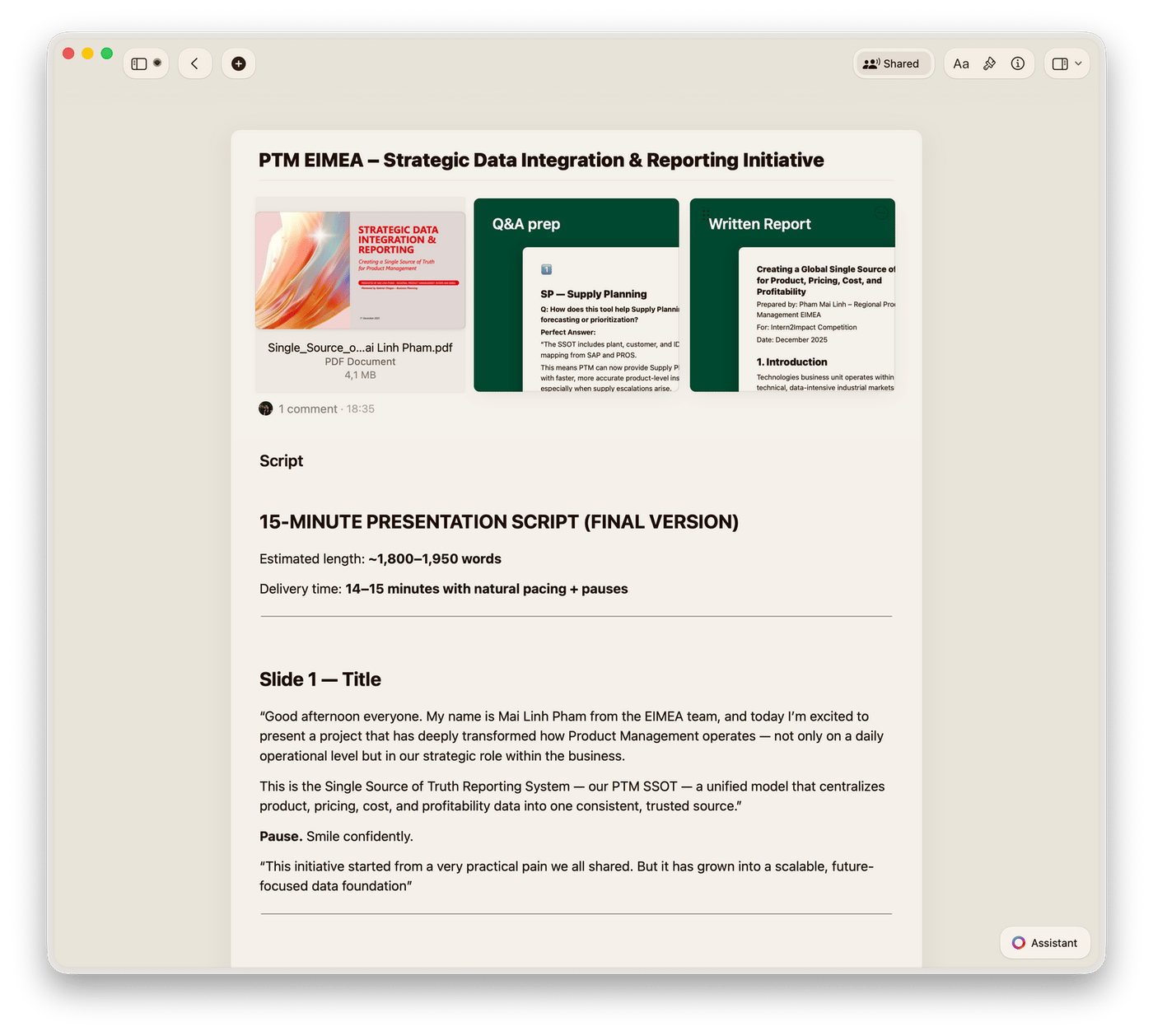
Write briefs with embedded Figma frames and card layouts. Share with clients and get sign-off before you start.
Why designers choose Craft
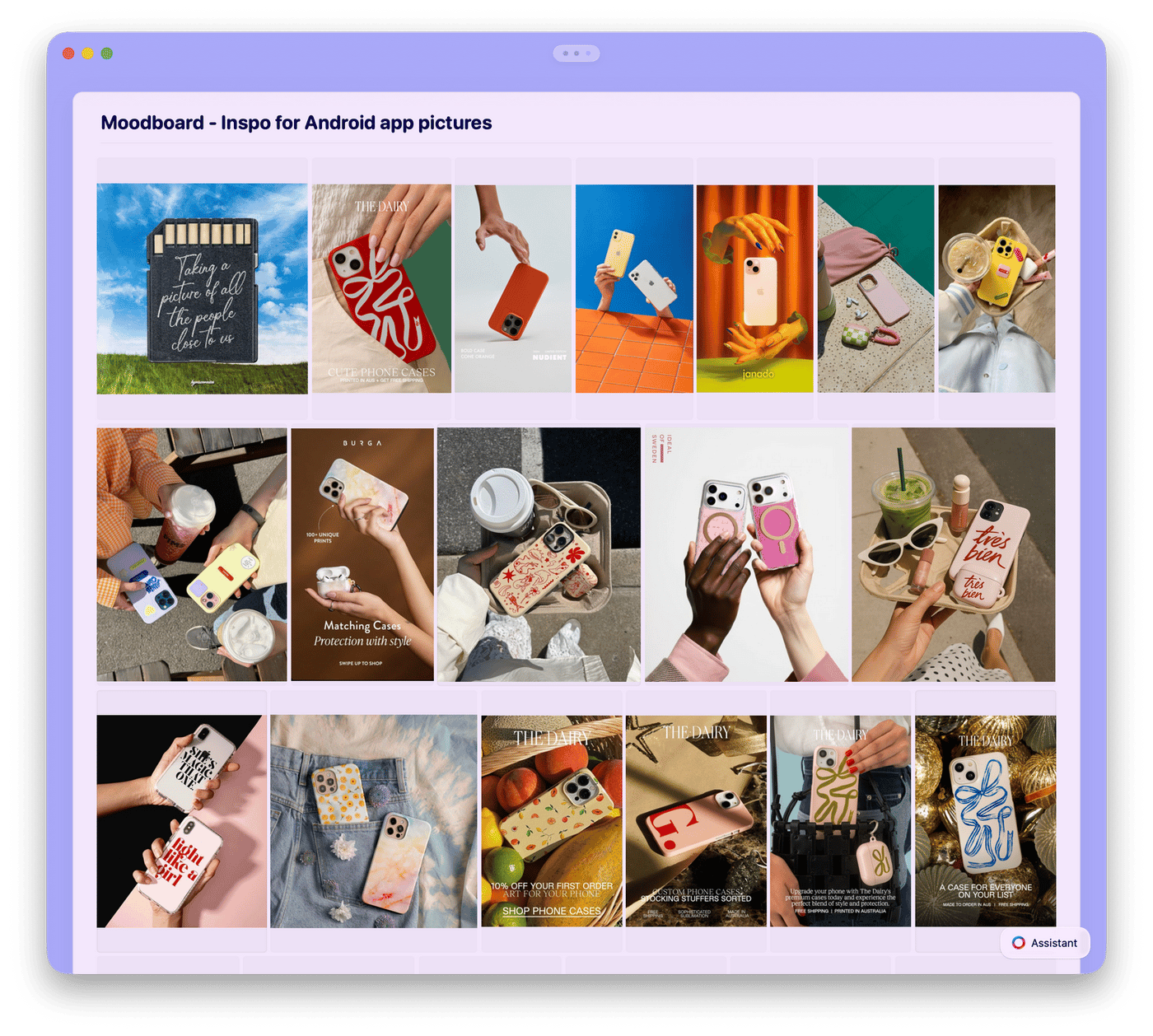
Docs beautiful enough for a design portfolio
Craft runs on Mac, iPhone, iPad, Windows, and Web. Embed Figma files, sketch on Whiteboards, and publish polished pages your clients remember.

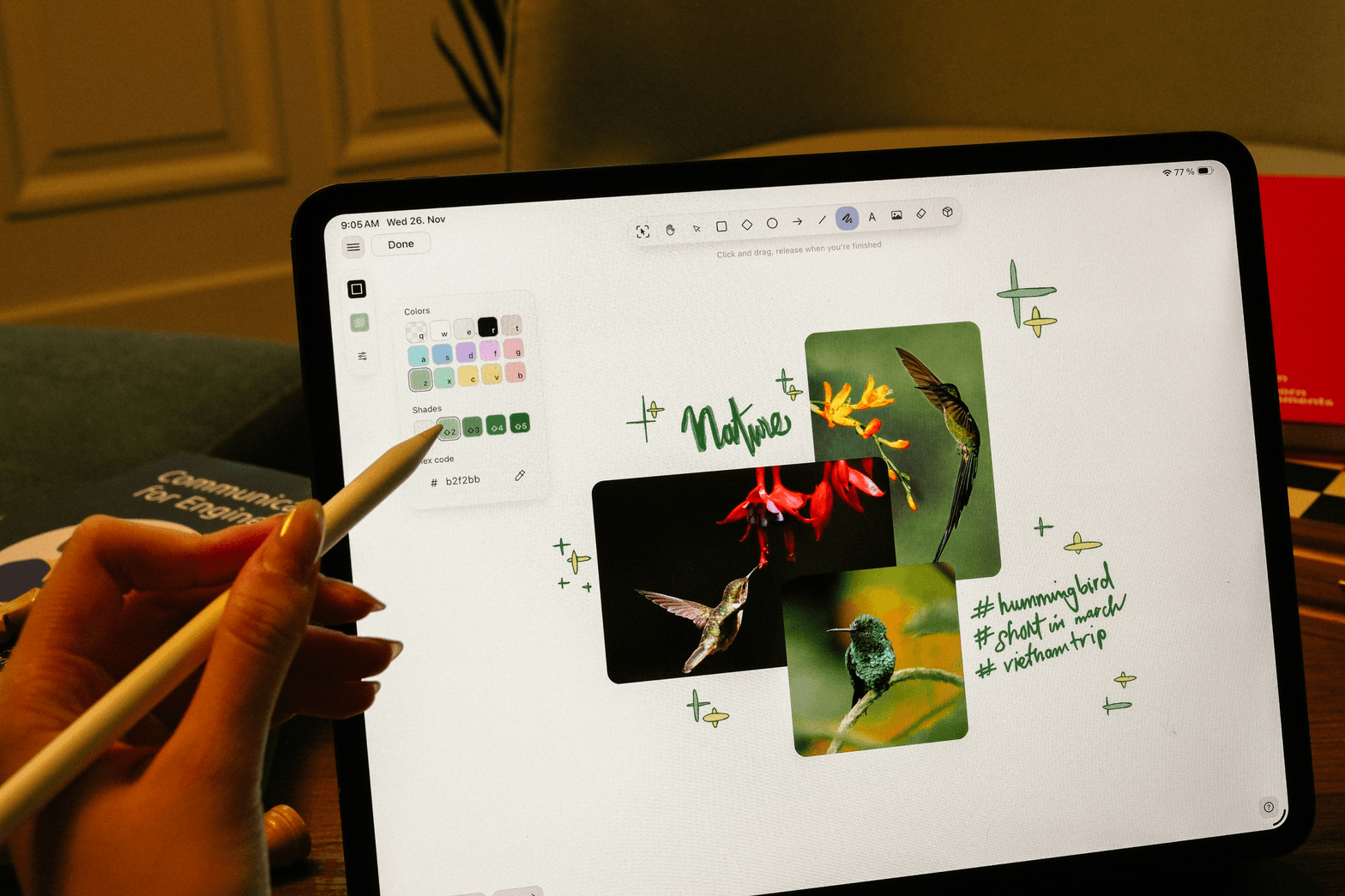
Whiteboards
Sketch layouts, map flows, and brainstorm visually. Whiteboards work offline on all platforms.

Figma embeds and image handling
Embed Figma frames inline, drop images, and add video. Context stays next to your work.

Presentation mode
Present any doc with polished backgrounds. Clients view it in their browser — no account, no download.

Craft Assistant for design docs
Generate alt text, summarize feedback, and organize content with Craft Assistant — free on all plans.

Card layouts and rich blocks
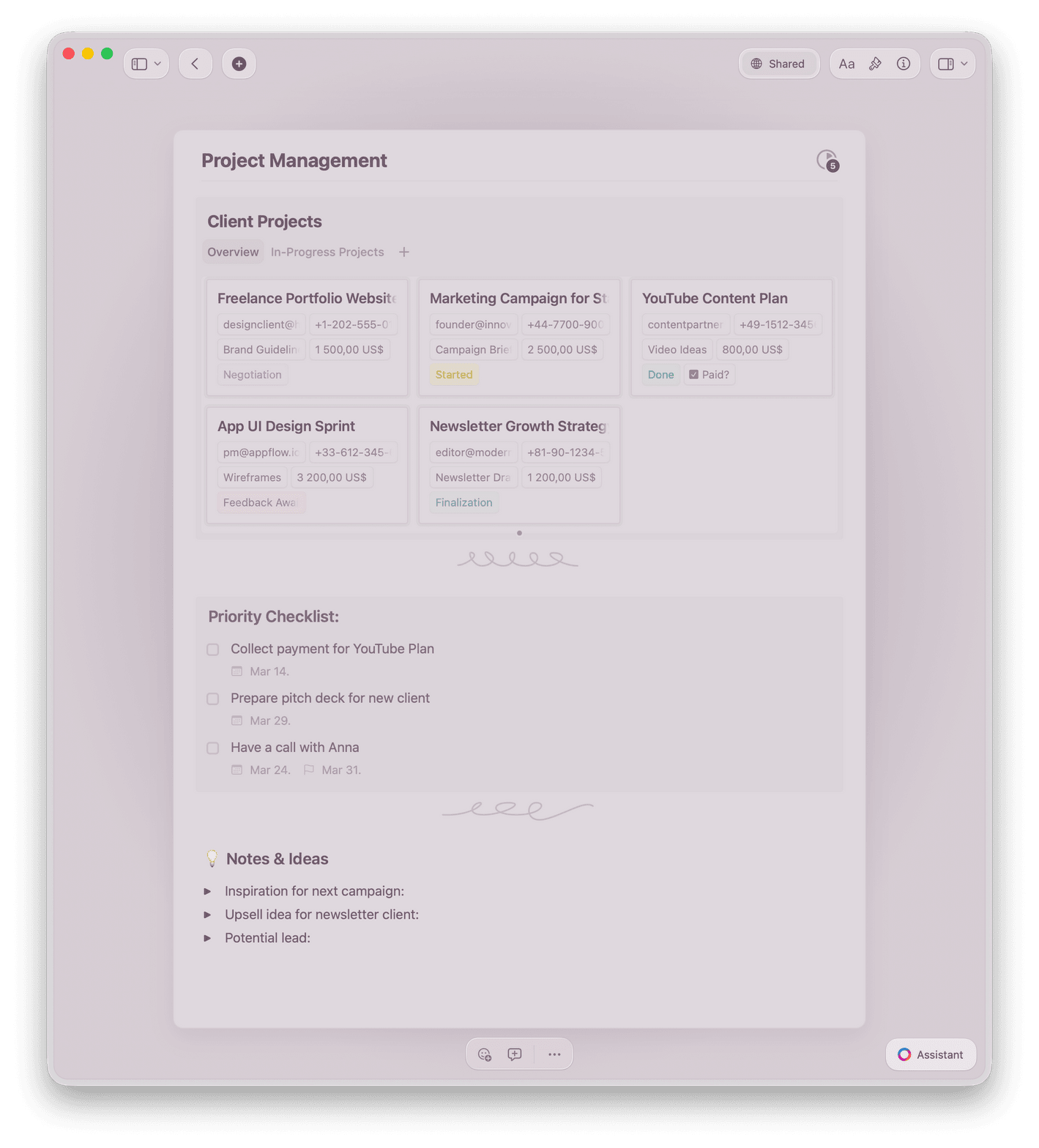
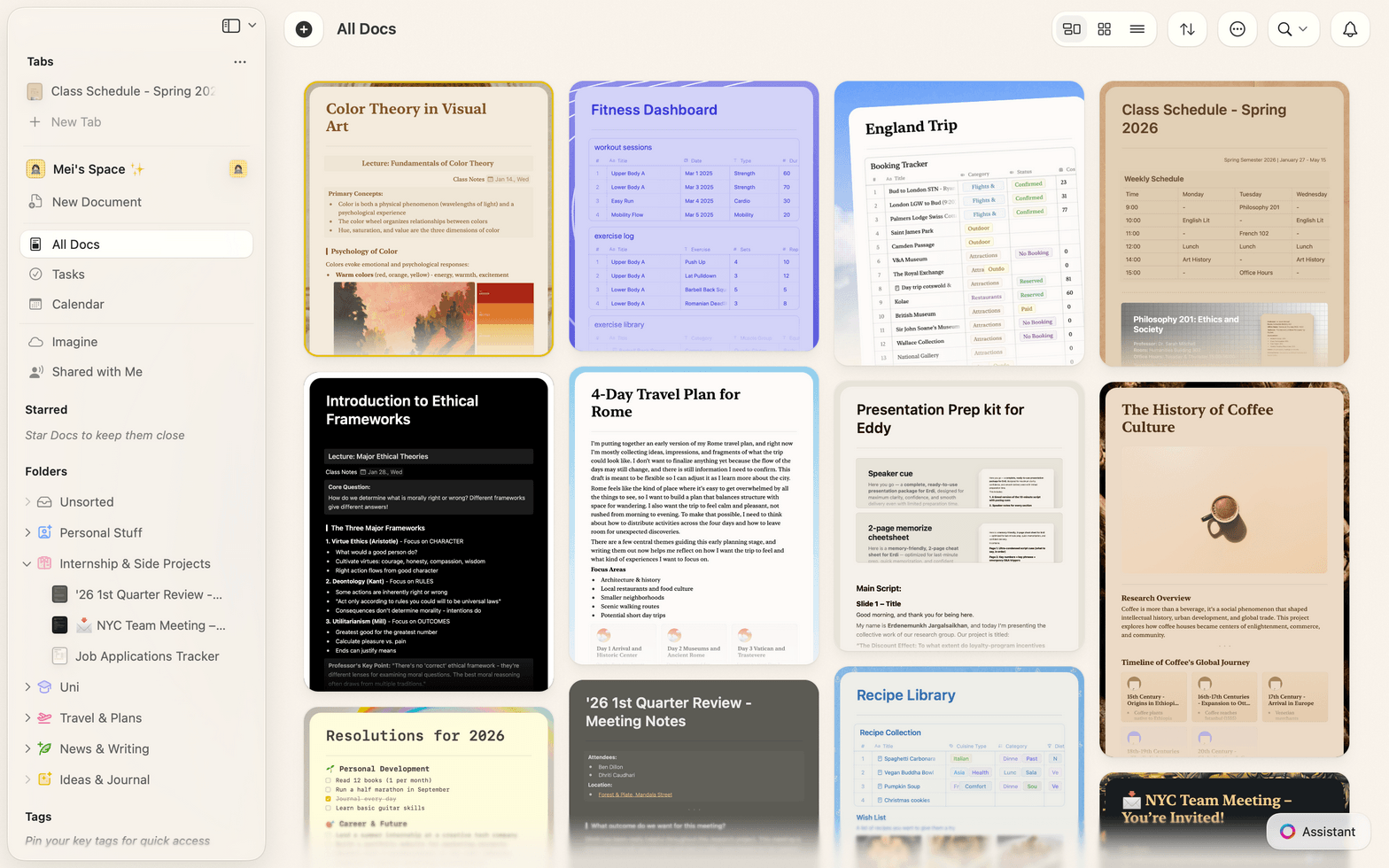
Arrange content in card grids, toggle blocks, and callouts. Every doc looks portfolio-ready by default.
Write docs as good as your designs
Free to start. No credit card needed.
Your first client brief is ready in minutes.
What designers say
Designers who write in Craft
Loving the styles feature and especially the design of the UX. That visual sheet design is epic!!
Craft Community
Wal Gedeon
Craft user since 2021
Craft keeps everything, from wardrobe notes to interview outlines, in one beautifully structured place and helps me stay visually inspired and on top of every detail.
Craft Community
Ana
Producer and Photographer
Love the Washi tape element within styling - use it a lot in my physical journal too.
Craft Community
Brian Burden
Craft user since 2022
Craft for designers
See how designers use Craft
Client briefs
Briefs that get faster sign-off
Write a structured brief with images, references, and goals. Share a link. Get comments back the same day.
Add images and reference files inline
Clients comment directly on any block
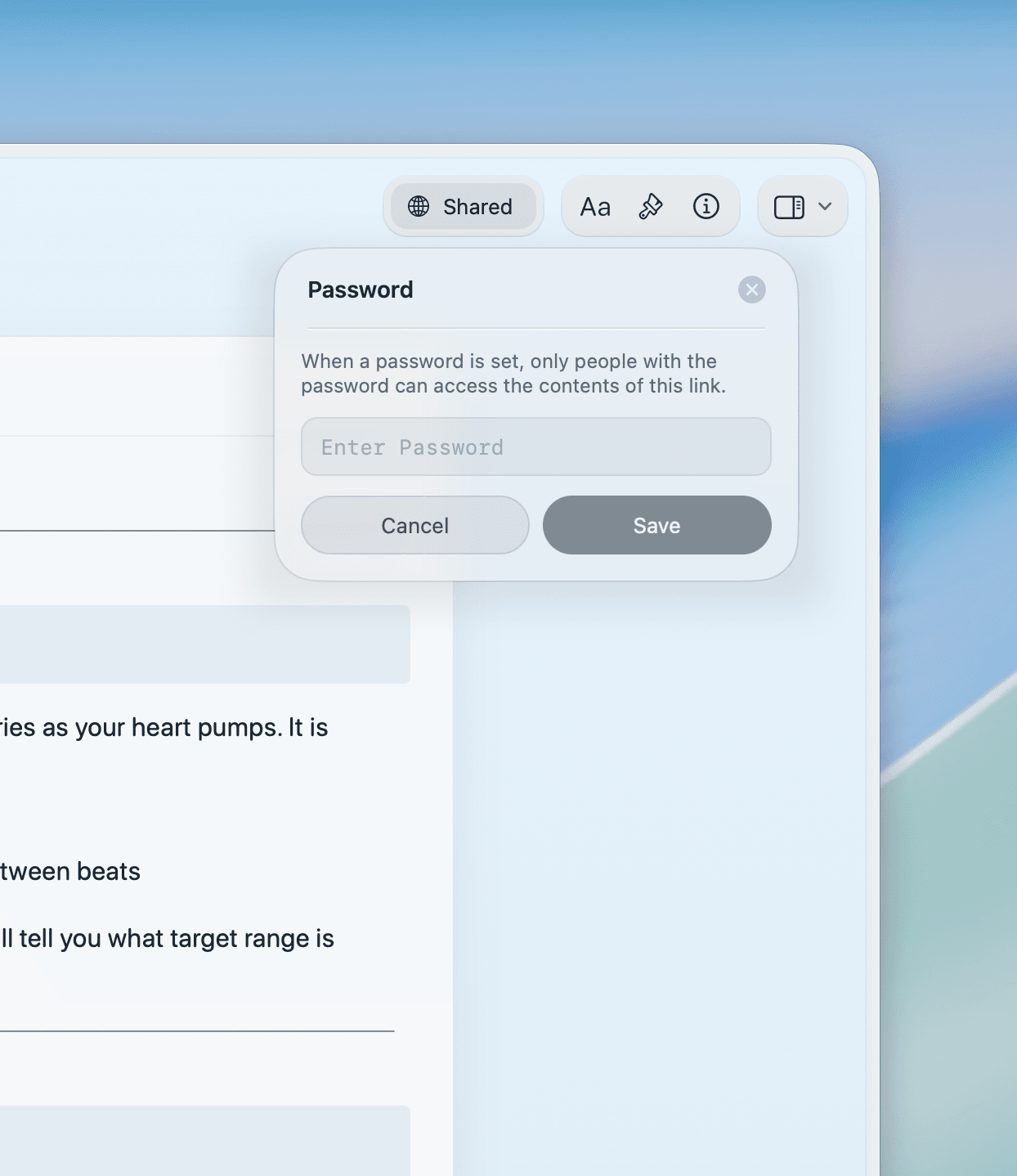
Password-protect sensitive briefs
Get started
Your first brief is ready in minutes

Download Craft
Get Craft free from the Mac App Store or App Store. Start writing immediately — no setup required.

Write your brief
Start from a blank page or use a brief template. Add images and embed reference materials.

Share with clients
Publish as a web link or share privately with a password. Clients leave feedback directly in the doc.

Craft vs. the alternatives
See how Craft compares to Notion and Google Docs for designers who care about how their docs look.
Beautiful docs by default
Native Apple app
Figma embed support
Inline comments
Load time
Simple pricing for designers
Free for personal use. Upgrade for unlimited docs, advanced sharing, and team workspaces.
Free
Full access, great if you use it occasionally each week.
$0 /month
Designed to effortlessly fit into your everyday flow.
$5 /month
Learn more
Resources for designers

Creative brief template
A proven brief structure designers use to get faster sign-off and fewer revision rounds.

Publish and share your work
Turn any Craft doc into a public web page. Share a link — clients view it in their browser, no account needed.

Style and format documents
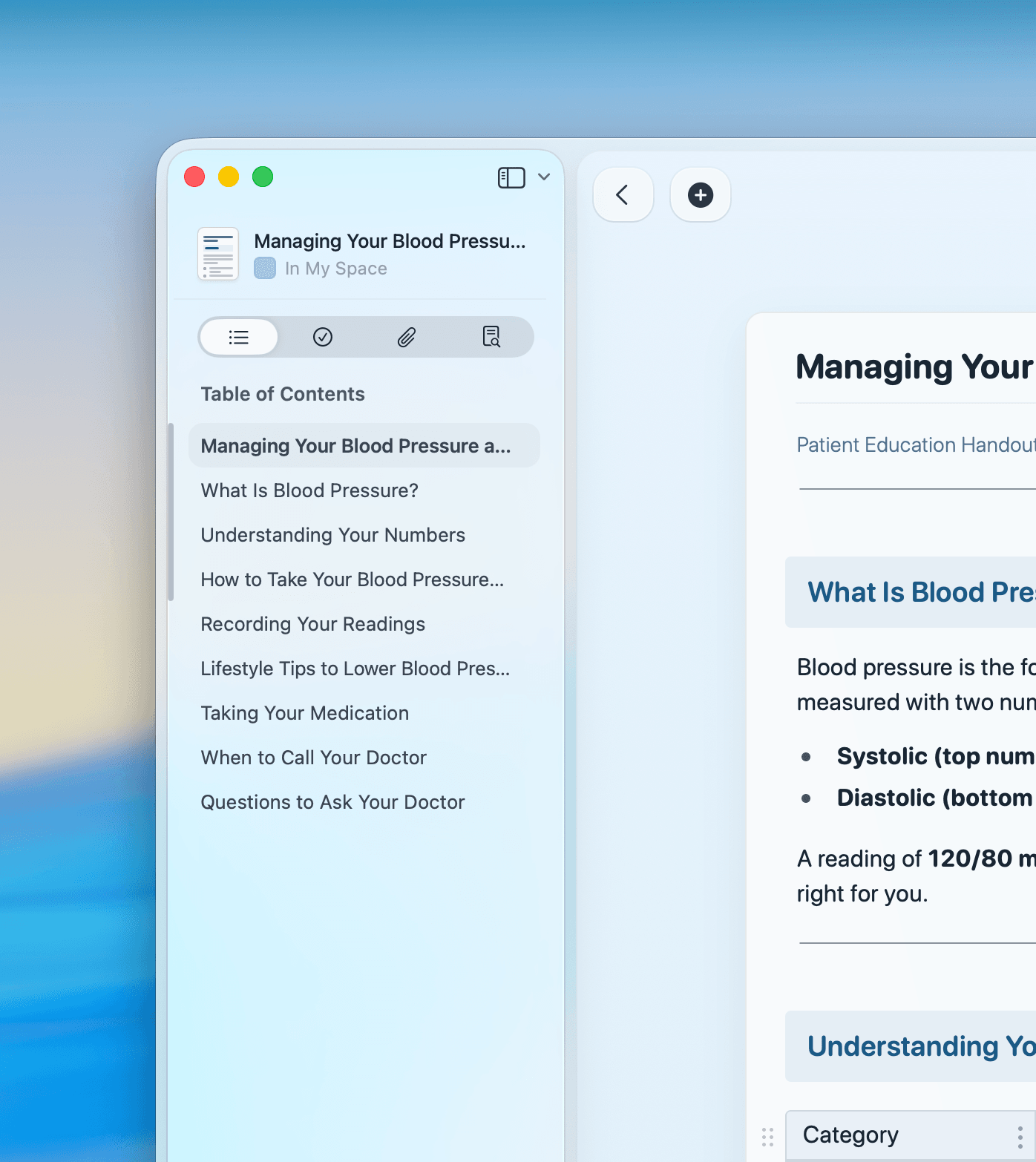
Use fonts, colors, cover images, and card layouts to make every document match your design standards.