

Write docs engineers actually read.
Write docs with syntax-highlighted Code Editor, connect workflows via API and MCP, and diagram systems on Whiteboards — on Mac, Windows, and Web.
How engineers use Craft
Documentation that keeps up with your code.
01 — Architecture decision records
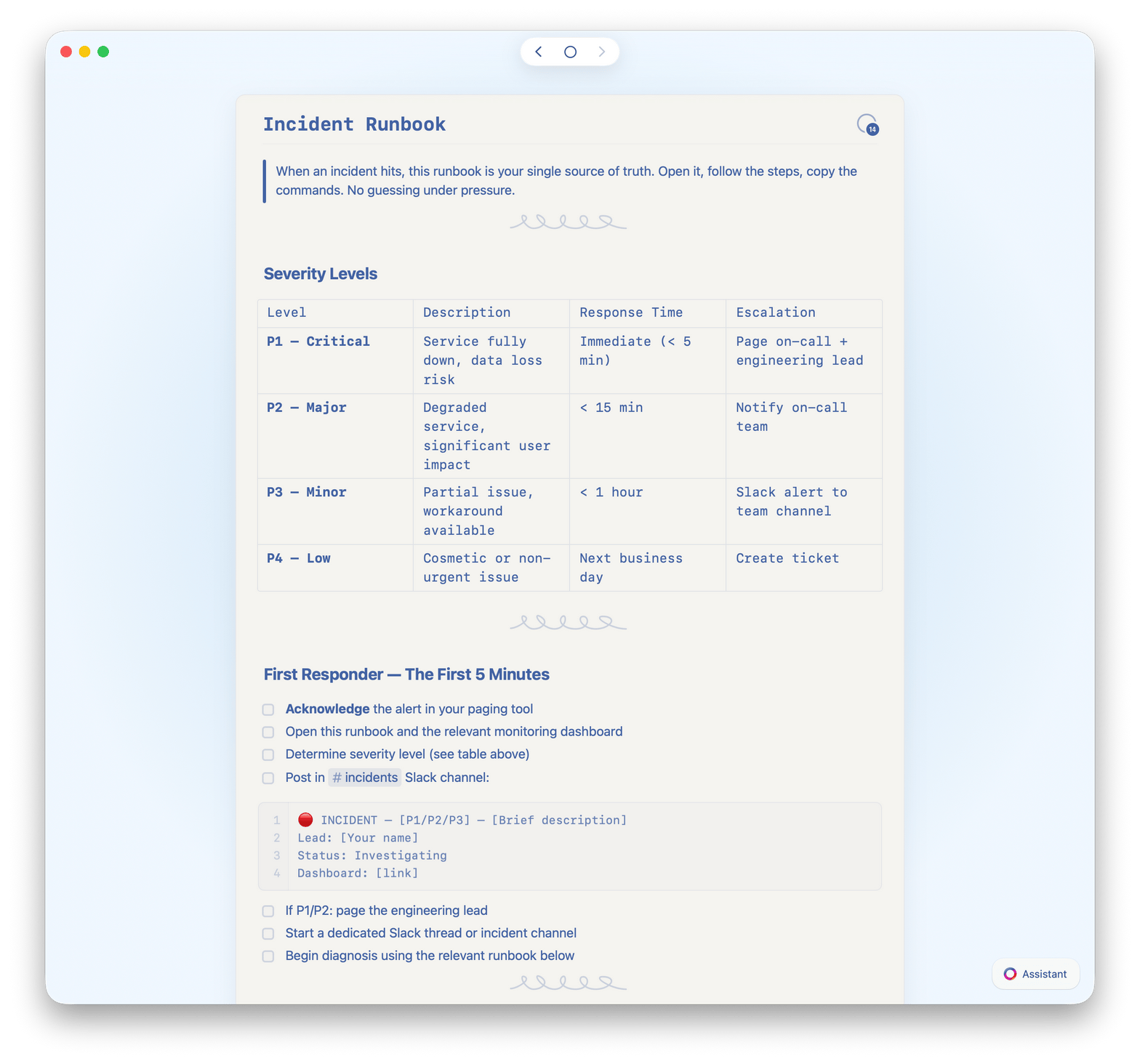
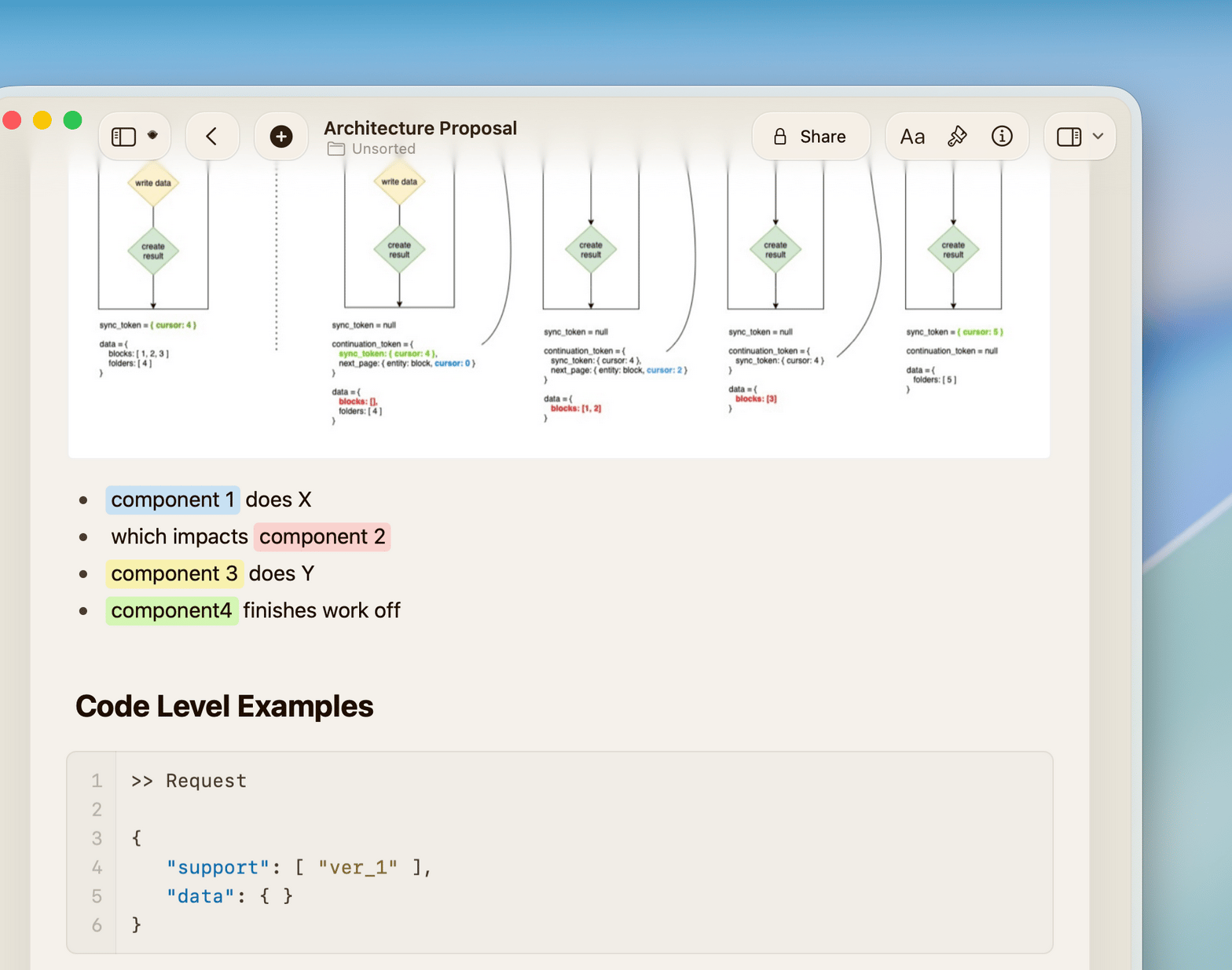
Write ADRs in Craft with Markdown and Code Editor blocks. Link them to design docs and Whiteboards. Find the context behind every decision.
Built for technical writing
Fast to write. Easy to find. Hard to lose.
Craft runs on Mac, iPhone, iPad, Windows, and Web. Write docs where you think. Find them when you need them.

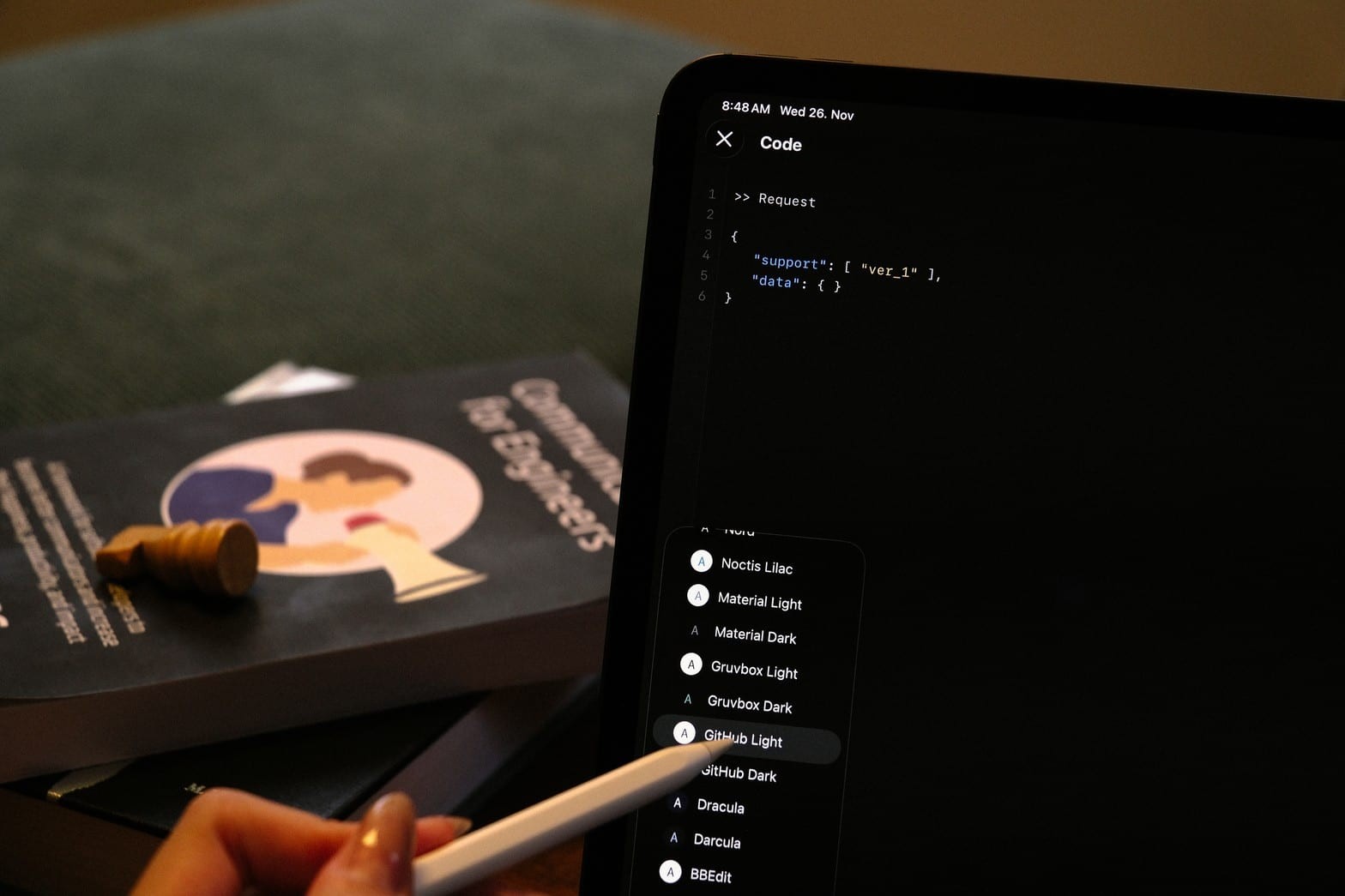
Code Editor with syntax highlighting
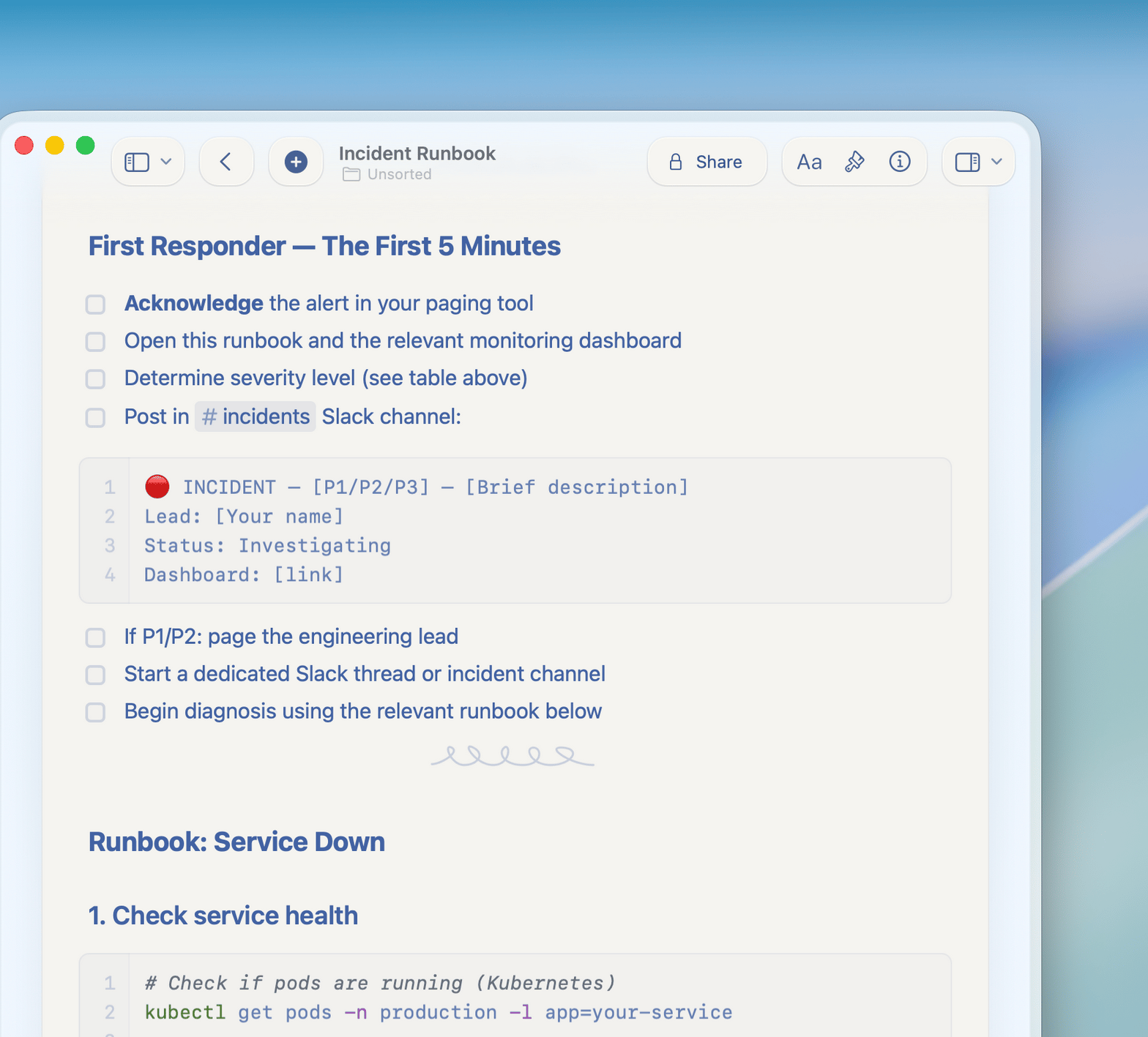
Write code with syntax highlighting, no character limits, and live math rendering with TeX. Adaptive themes match your system.

API and MCP integrations
Connect Craft to ChatGPT, Claude, and your own tools via API and MCP. Automate documentation workflows programmatically.

Craft Assistant for docs
Use Craft Assistant to summarize long threads, generate doc outlines, and OCR diagrams from images and PDFs.

Whiteboards for architecture
Sketch architecture diagrams and system maps on Whiteboards. Full offline access — diagram anywhere, even without internet.

Markdown and linked docs
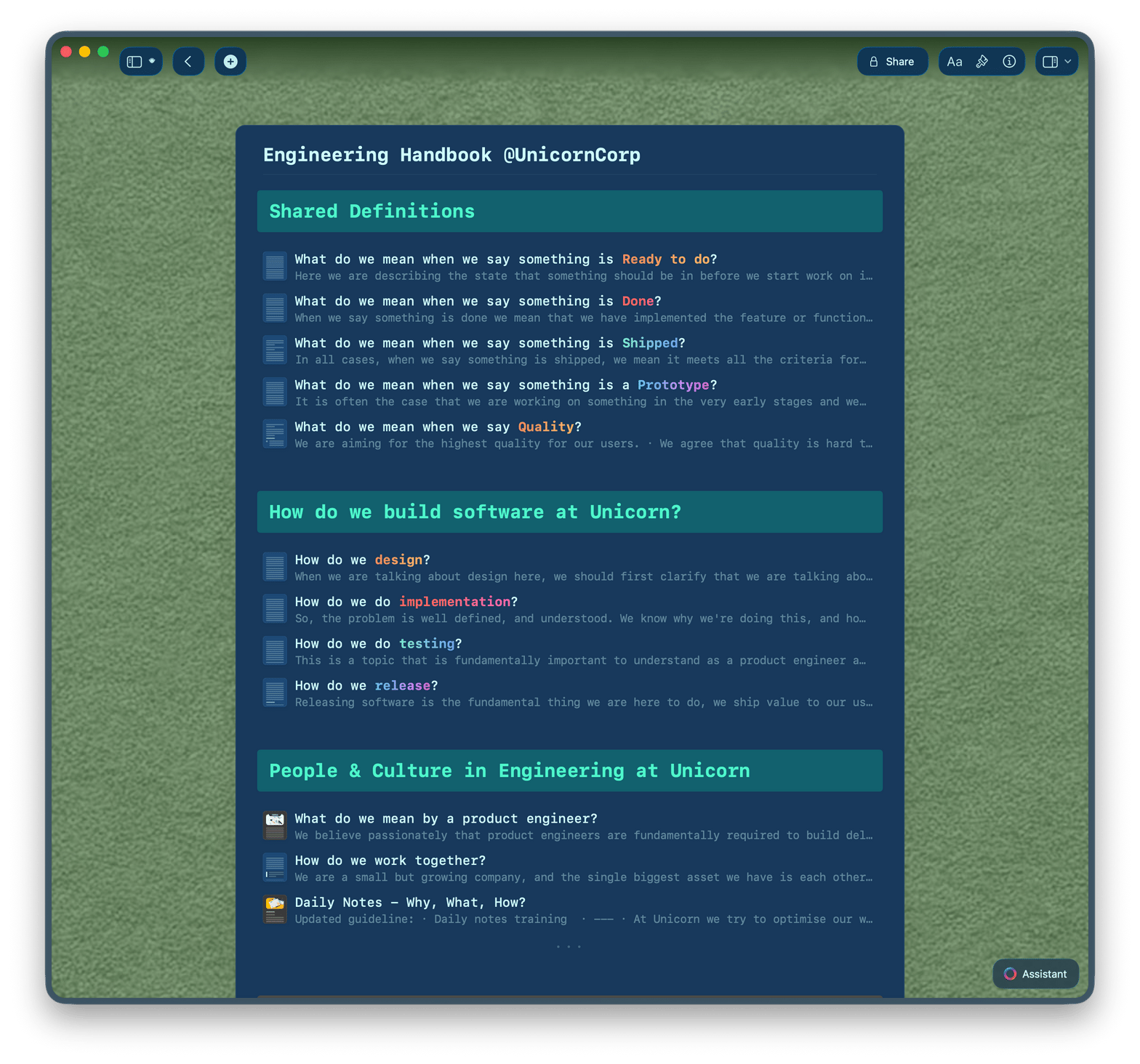
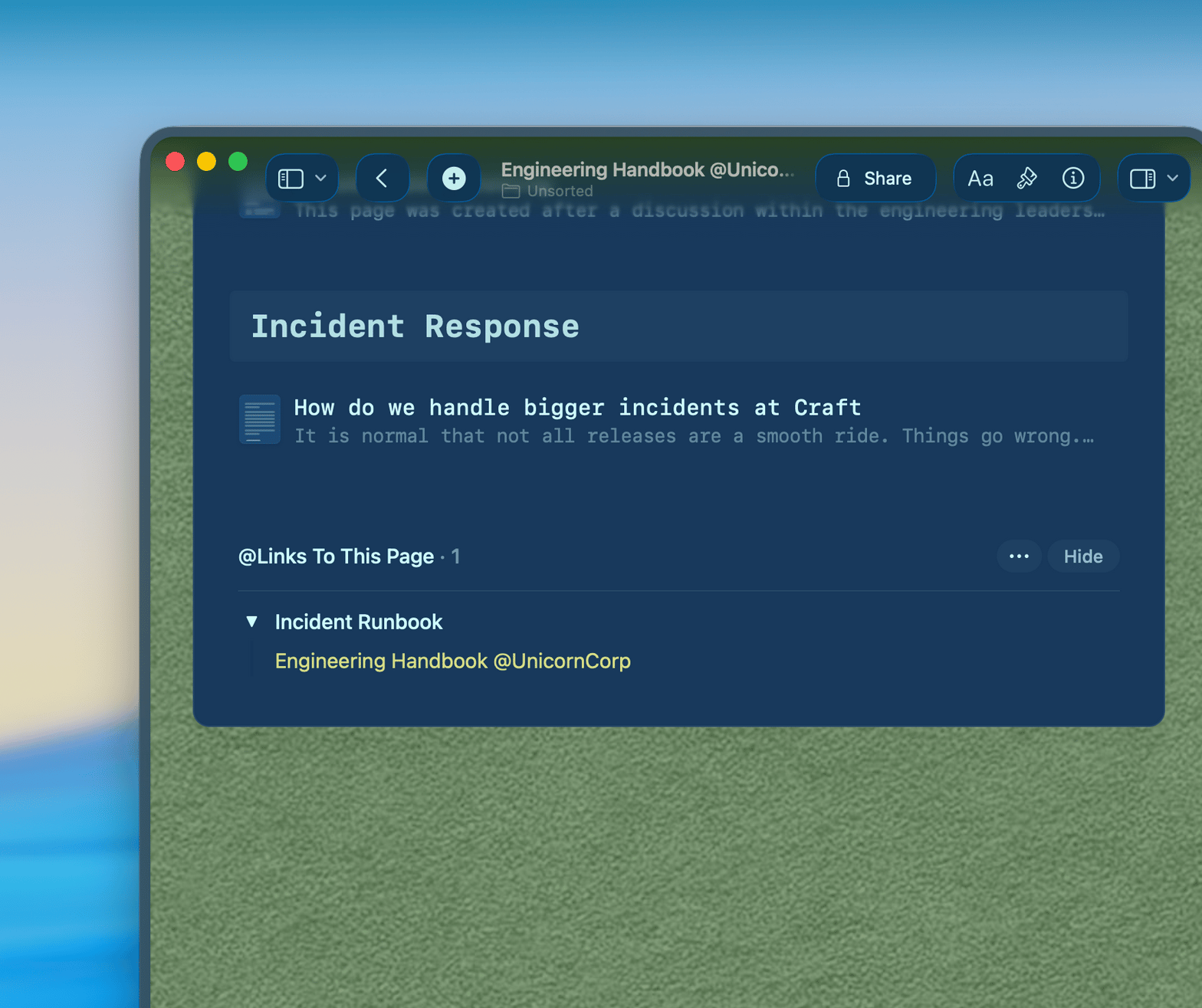
Write with Markdown shortcuts. Link ADRs to runbooks to onboarding guides. Navigate your docs like code.
Your docs should be as good as your code.
Start free on Mac or iPhone.
No setup required. Write your first doc in under two minutes.
From engineers
What engineers say.
Pages in documents were a revelation – they completely changed how I think about structuring content. Now, Collections take it even further, making Craft an even more powerful tool.
Craft Community
Denis Volkov
Craft user since 2021
I've been wanting something like this for so long – having databases in a document is exactly what I've needed.
Craft Community
Aum Chauhan
Craft user since 2022
I like the new features, that you made - especially the Tasks + Calendar revamp, and the new Style Gallery. Makes it easy to quickly create a good looking document.
Craft Community
Kenneth Thomsen
Craft user since 2021
See it in action
Three ways engineers use Craft.
Architecture docs
Document decisions that last.
Write ADRs, design docs, and RFCs in Craft. Link them together. Find the full context behind every call.
Bidirectional links between docs
Full search across all content
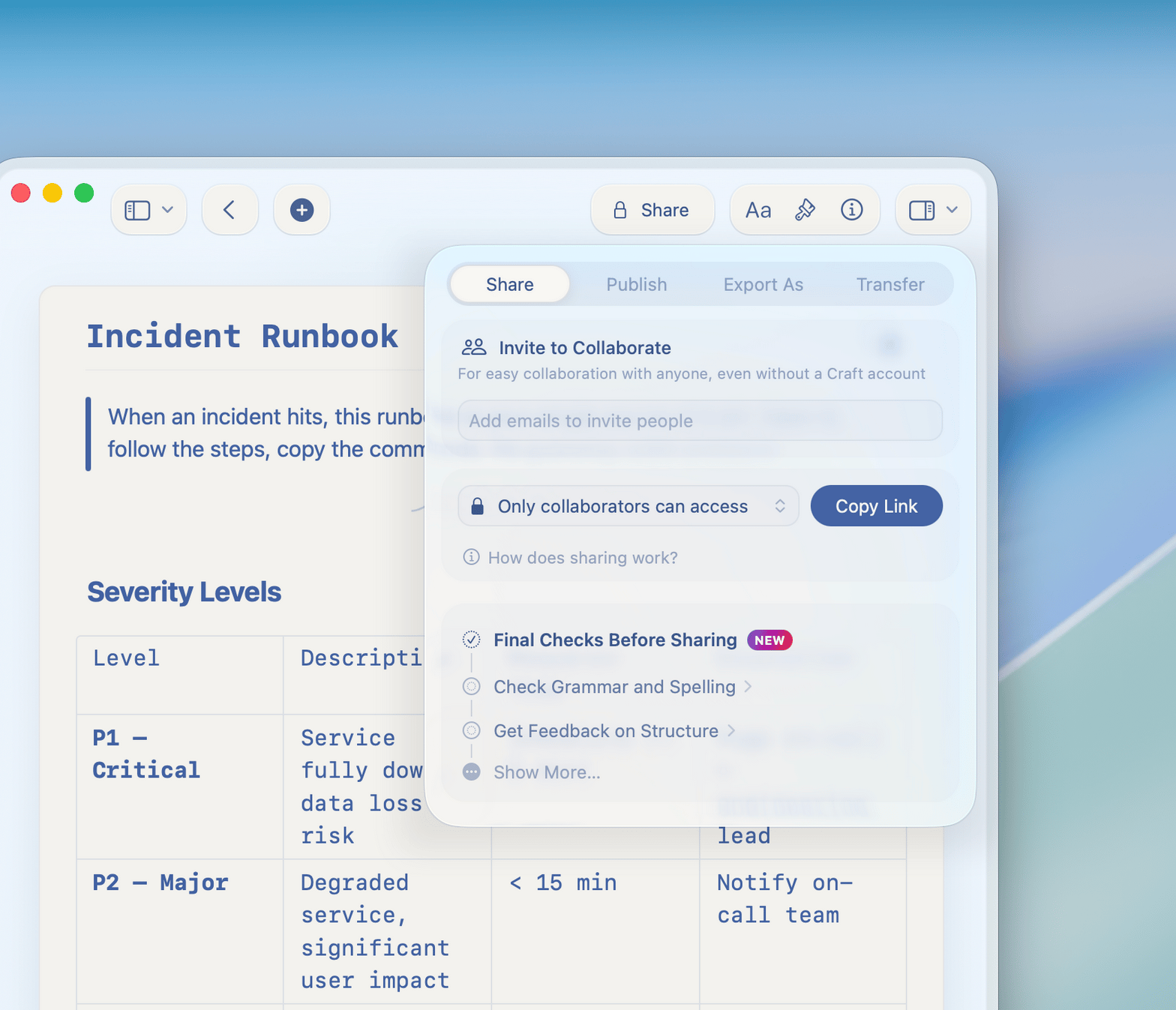
Readable by anyone via Slack link
Get started
Set up in minutes.

Download Craft
Install on your Mac. iPhone app available too.

Write your first doc
Start with a runbook or ADR template, or write from scratch.

Share with your team
Drop a link in Slack. Anyone reads it instantly.

Craft vs. Notion vs. Google Docs
Why engineers choose Craft for technical documentation.
Native Mac and iOS app
Document load time
Markdown support
Offline access
Bidirectional linking
Free for solo engineers. Built for teams.
The free plan covers individual use. Craft for Teams unlocks shared workspaces, permissions, and priority support.
Free
Full access, great if you use it occasionally each week.
$0 /month
Designed to effortlessly fit into your everyday flow.
$5 /month
Go deeper


