

Think clearly. Decide fast. Communicate with authority.
Summarize reports with Craft Assistant, track OKRs in Collections, and prep board decks in Presentation mode — across Mac, iPad, and Windows.
How executives use Craft
From strategic thinking to clear communication.
01 — Board decks that get to the point
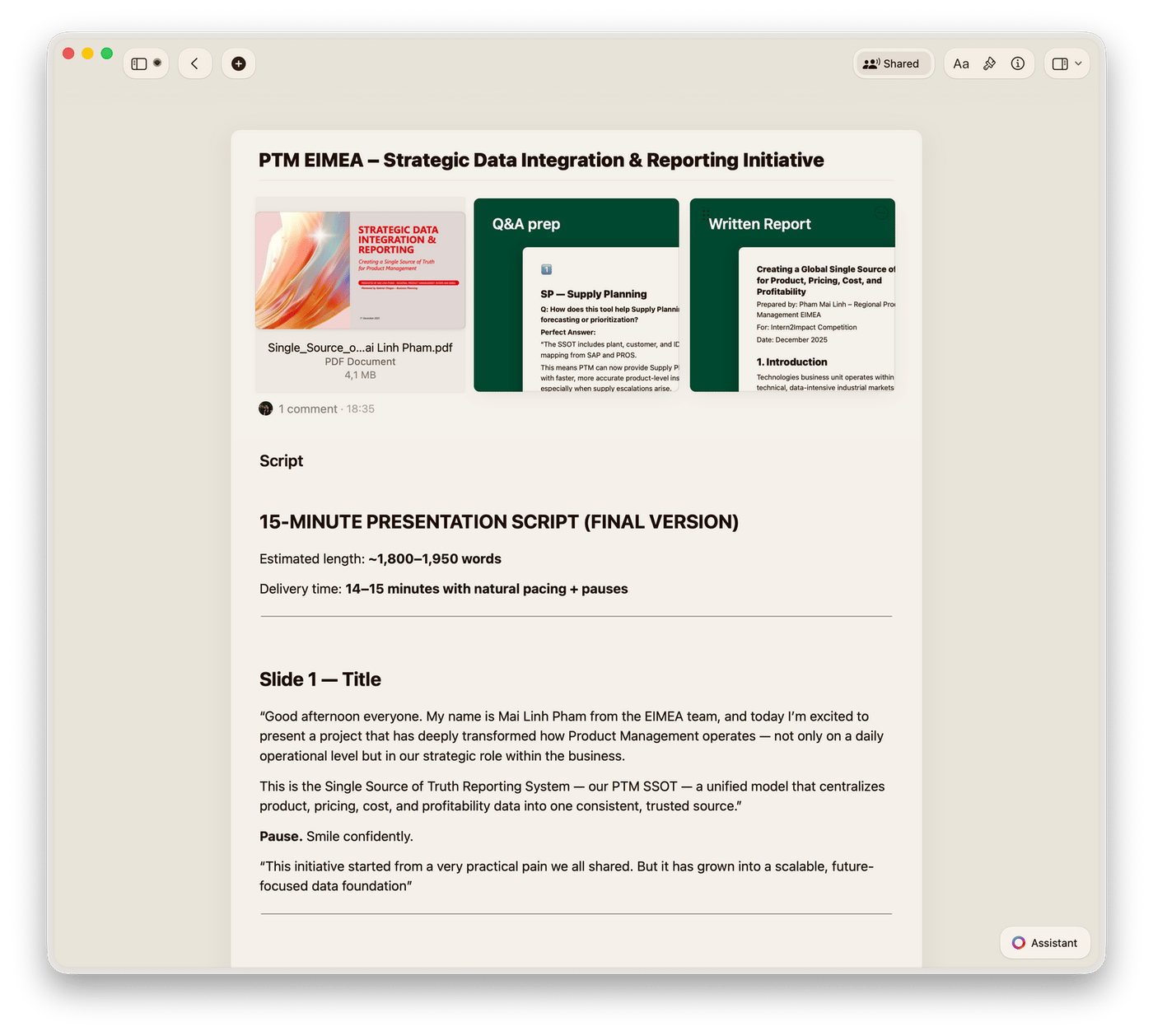
Build a board presentation in Craft, then present it directly in Presentation mode. Clear structure, sharp visuals — no slides needed.
Built for how you think
Fast, focused, and always with you.
Craft runs on Mac, iPhone, iPad, Windows, and Web. Your strategy notes are one tap from anywhere.

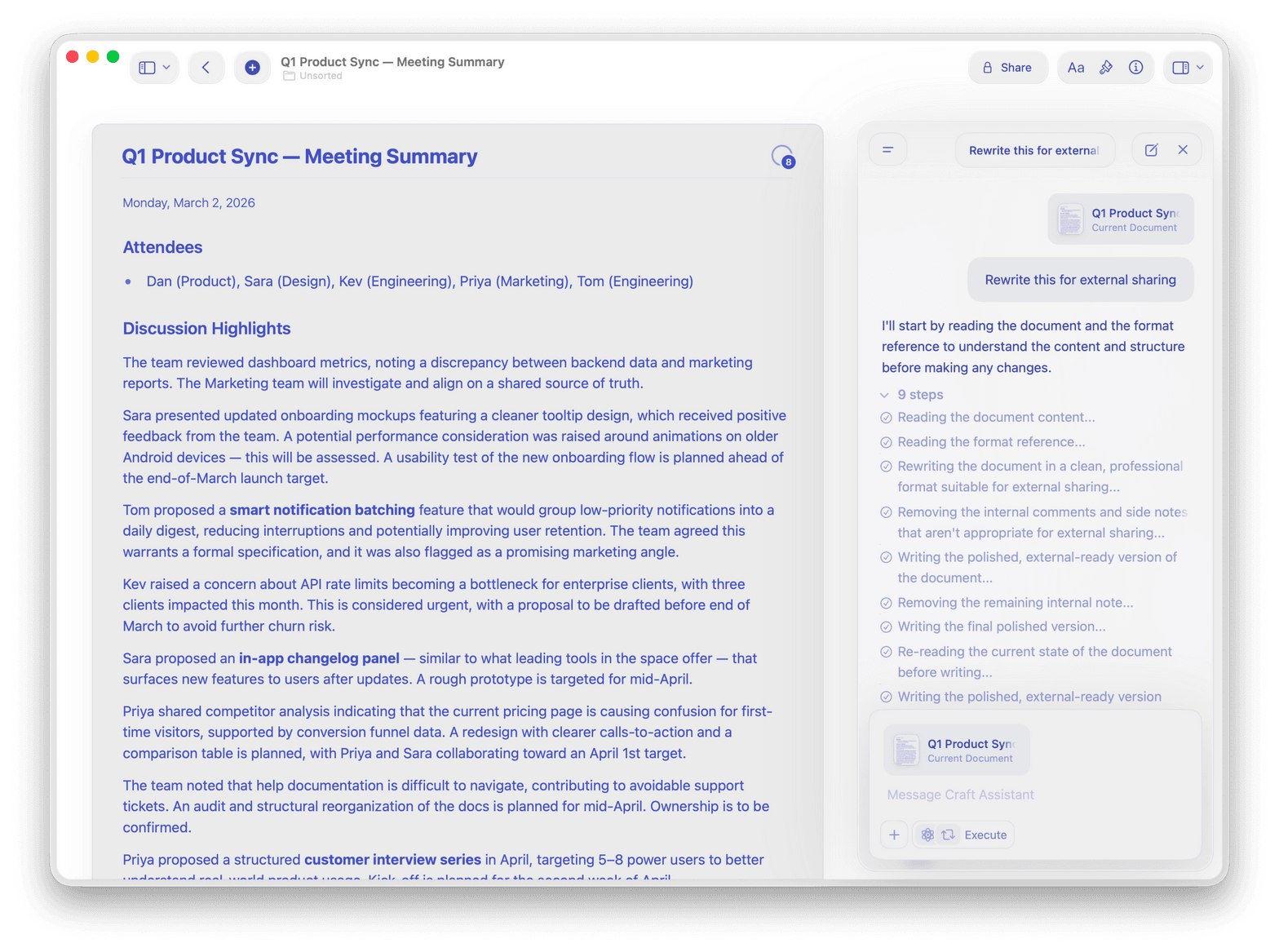
Craft Assistant for summaries
Use Craft Assistant to summarize lengthy reports, draft talking points, and distill key insights — in seconds.

Daily Notes and Tasks
Start each day with Daily Notes. Track action items with Tasks, see them on your calendar, and never miss a follow-up.

Presentation mode
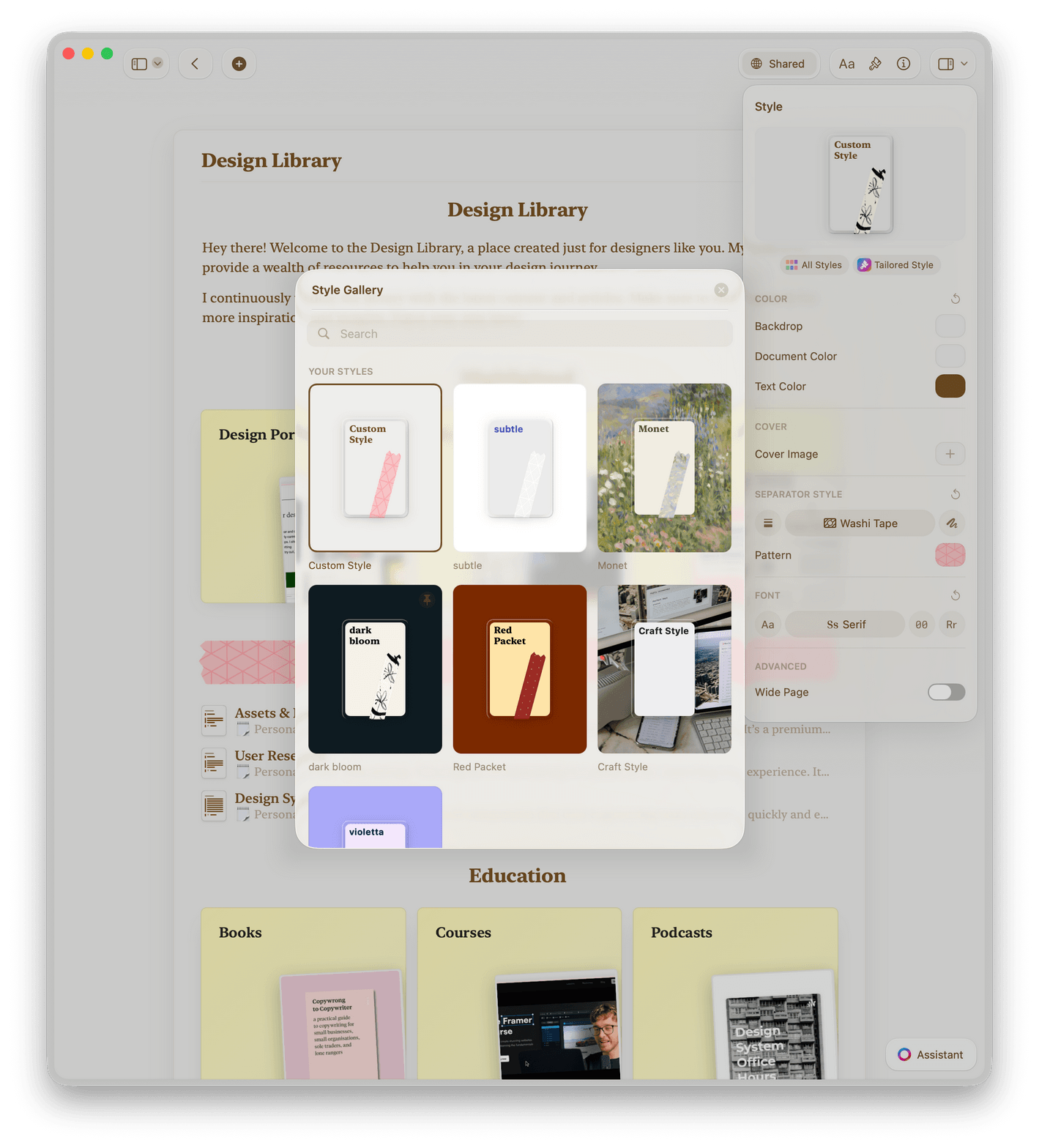
Present any document with polished backgrounds. Go from draft to board-ready without switching tools.

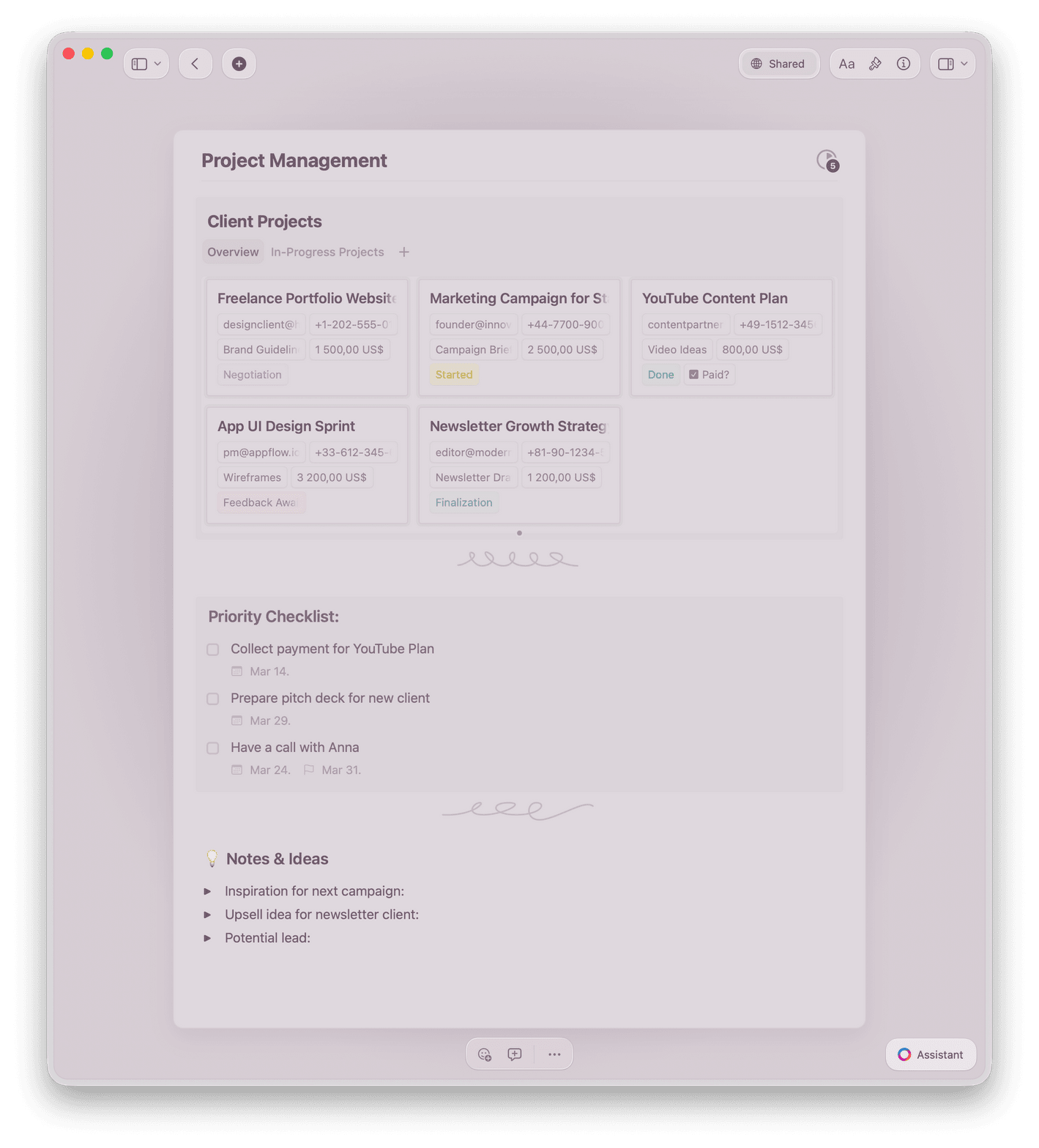
Collections for OKR tracking
Track OKRs, initiatives, and team goals in Collections with table views, filters, and real-time updates.

Team workspaces
Collaborate in shared workspaces with inline comments, activity history, and version control. Keep your leadership team aligned.
Your strategy deserves a clear home.
Start with a free Craft account.
No setup. No credit card. Open Craft and start thinking.
From executives
What leaders say.
Craft is the first thing I open to plan my day and the last thing I use to jot down my final thoughts. It's my dashboard and diary in one.
Craft Community
Ray
Daily planner
Craft helps me find the truth and organize my world. I run on knowledge, and Craft significantly increases my reach.
Craft Community
Dan Corcoran
Knowledge Worker
Craft makes it easy to manage complex projects with clarity. I can organize tasks, follow-ups, and updates in a way that actually makes sense.
Craft Community
Steven
Project Manager
See it in action
Three ways executives use Craft.
Board decks
Presentations that command the room.
Build structured, visual board presentations in Craft. Export to PDF or share a live link before the meeting.
Clean layouts with no design work
Export to PDF in one click
Share a link or present from iPad
Get started
Running in minutes, not days.

Download Craft
Install on your Mac or iPhone in under a minute.

Build your first doc
Use a template or start blank. Craft formats as you type.

Share with your team
Send a link. No accounts needed on their end.

Craft vs. the alternatives
Why executives choose Craft over presentation tools for strategy and communication.
Native Mac and iOS app
Offline access
Linked, connected docs
Document load time
Works as a knowledge base
Free to start. Powerful when you scale.
The free plan handles solo use. Craft for Teams adds shared workspaces, permissions, and priority support.
Free
Full access, great if you use it occasionally each week.
$0 /month
Designed to effortlessly fit into your everyday flow.
$5 /month
Go deeper
Resources for executives.

The Executive Strategy Template
A Craft template for one-page strategic plans with linked supporting detail.

How to run a board update in Craft
A practical guide to replacing slide decks with Craft documents.

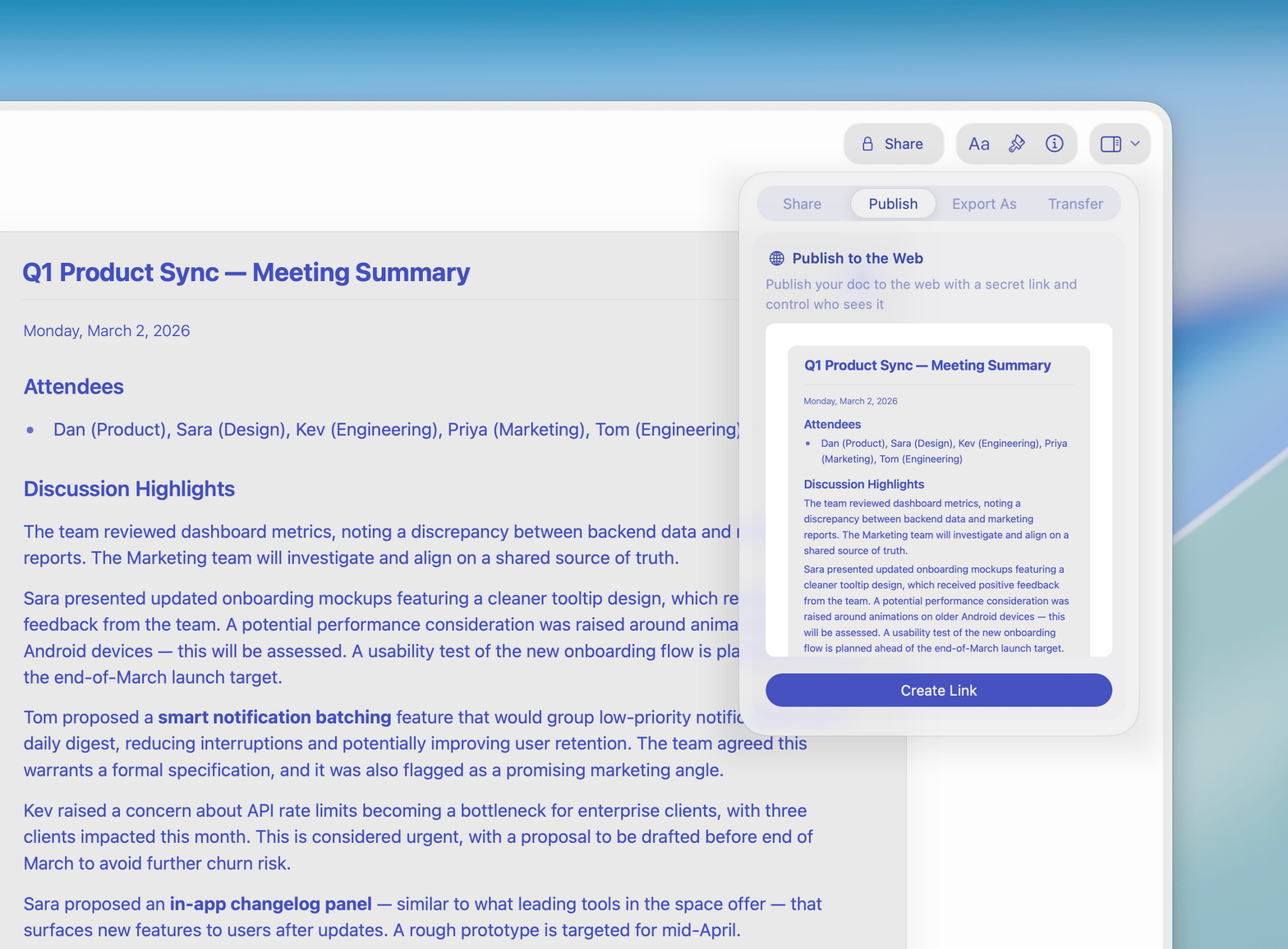
Publish and share updates
Turn any Craft doc into a web page. Share a link — your team reads it in their browser, no account needed.