

Write faster. Report sharper.
Capture quotes on iPhone, research with Craft Assistant, and draft offline on any device. Your story ships on time.
Built for journalists
From tip to published story, Craft holds it all together.
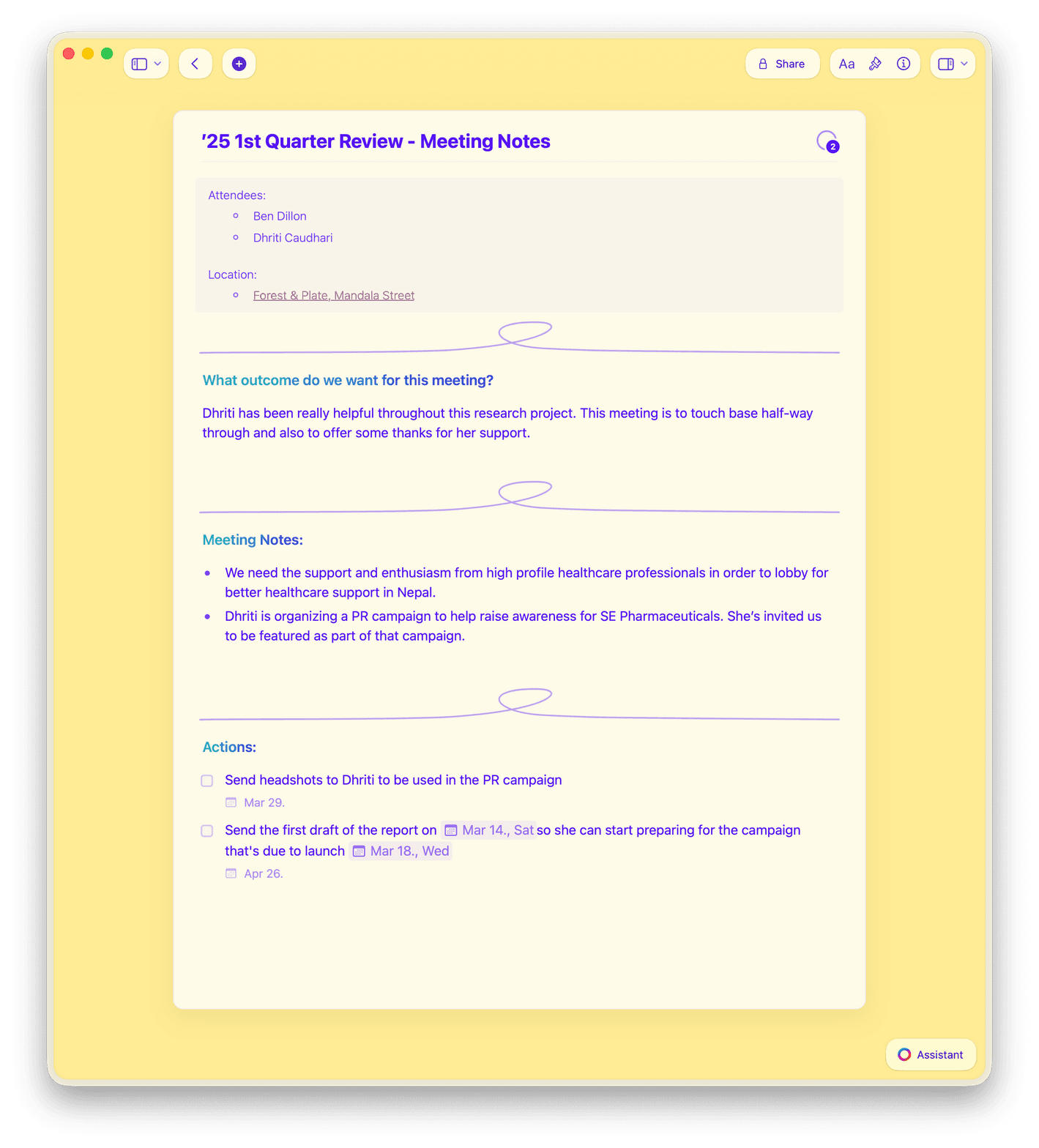
01 — Interview notes
Type on your iPhone mid-interview with instant sync across devices. Craft Assistant can transcribe and summarize later.
How Craft works
Fast on every device you carry.
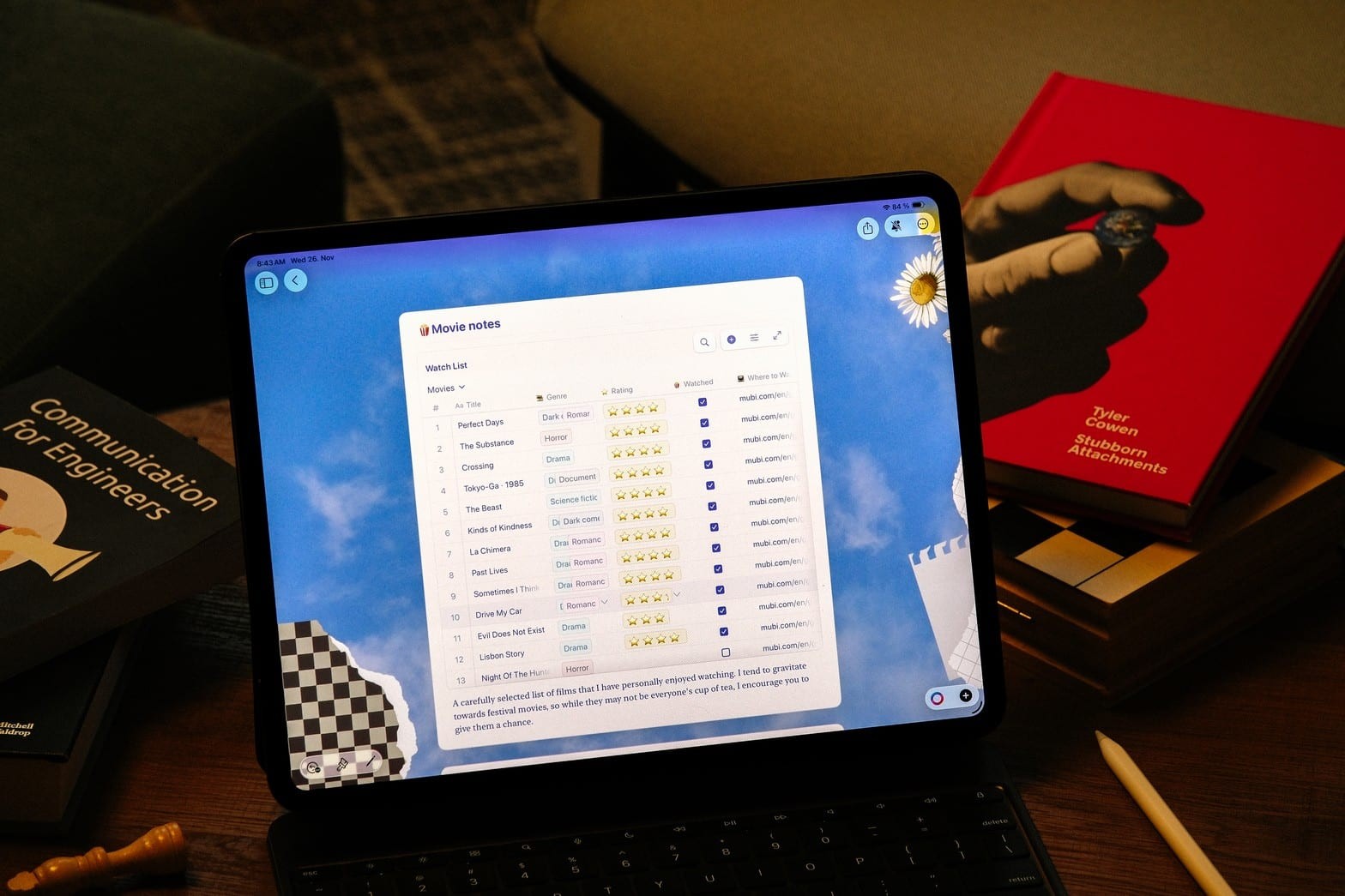
Craft is native on Mac, iPhone, iPad, Android, and Vision Pro — also available on Windows and Web. No browser lag. No lost formatting. Just your words, ready when you are.

Craft Assistant built in
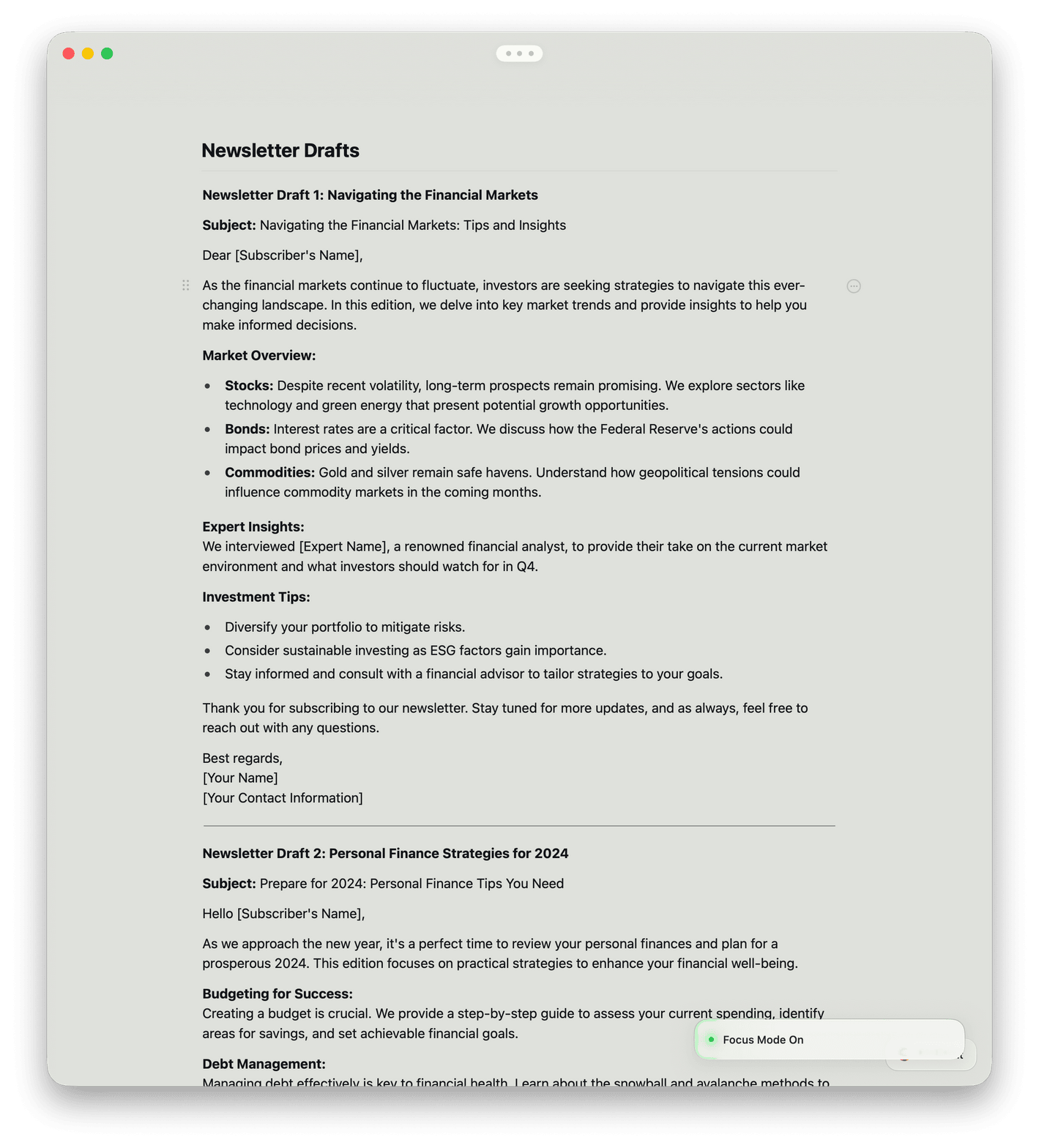
Summarize interviews, research the web, and extract text from PDFs with OCR — right inside your doc.

Offline on every device
Write on Mac, iPhone, iPad, or Windows — even without Wi-Fi. Everything syncs when you reconnect.

Daily Notes
Start each reporting day with a quick journal. Track to-dos, completed tasks, and overdue follow-ups.

Import from anywhere
Bring notes from Evernote, Notion, Google Docs, Bear, or Apple Notes. Switch without starting over.

Quick Capture on iPhone
Capture a quote or tip on your iPhone in the field. It lands on every device instantly.
Your next story starts here.
Craft is free to start. No credit card needed.
Download on Mac, iPhone, or iPad.
From working journalists
Writers who switched and never looked back.
I finished writing a history book this summer, and managed all of the planning, outlining, and tasks in Craft, and have recently started planning a novel in the app as well.
Craft Community
Aaron
Writer and Podcaster
I switched from Notion to Craft a couple of years ago and have not looked back. At the time, I mainly switched due to Craft's ability to run offline while I was on a flight but the speed, responsiveness, and general level of polish of the experience kept me hooked.
Craft Community
Leo Tohyama
Switched from Notion
Publishing directly from Craft just feels natural — it's where I write, so it makes sense to share from there too.
Craft Community
Tom
Podcaster and newsletter writer
Craft in action
See how journalists use Craft every day.
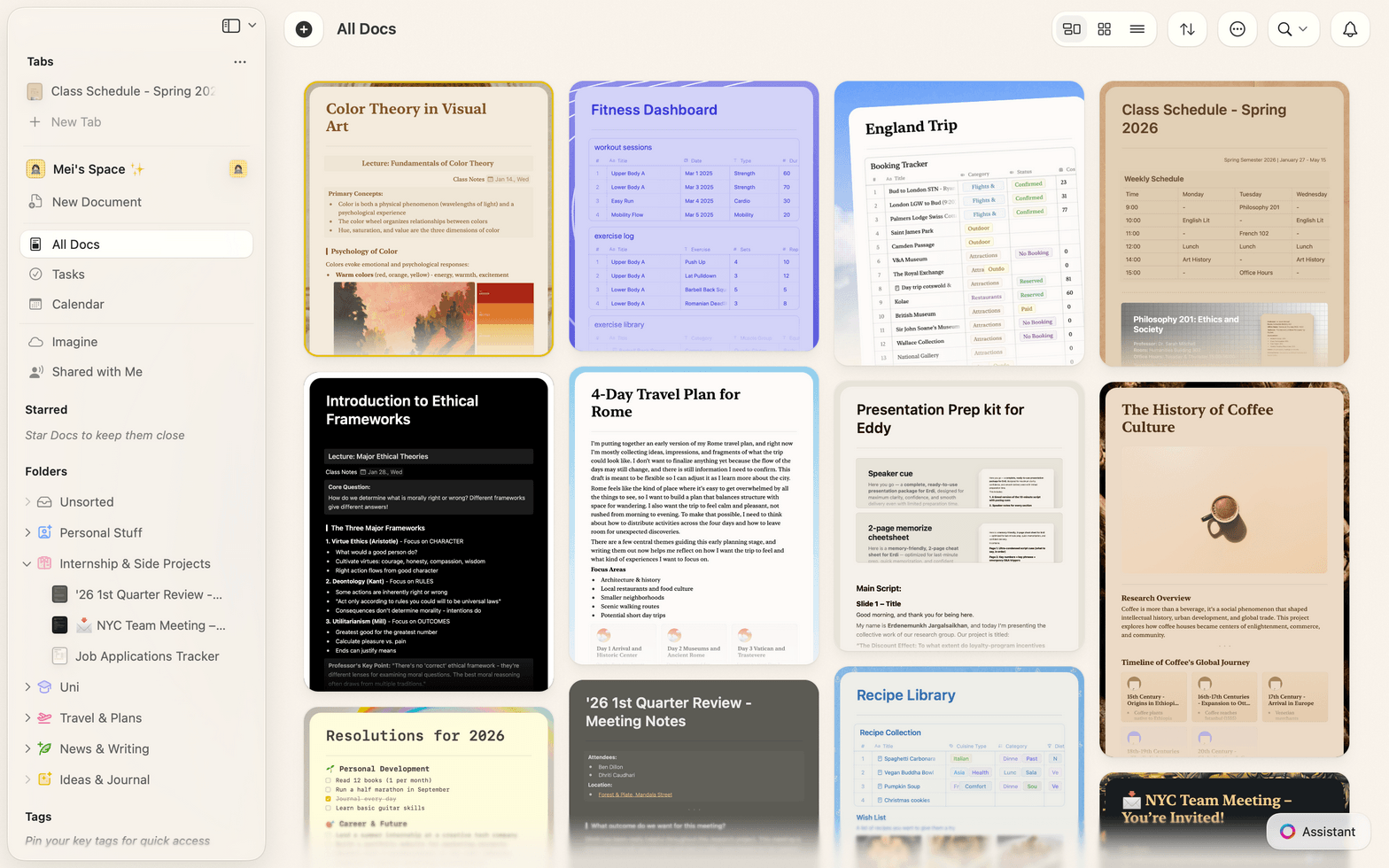
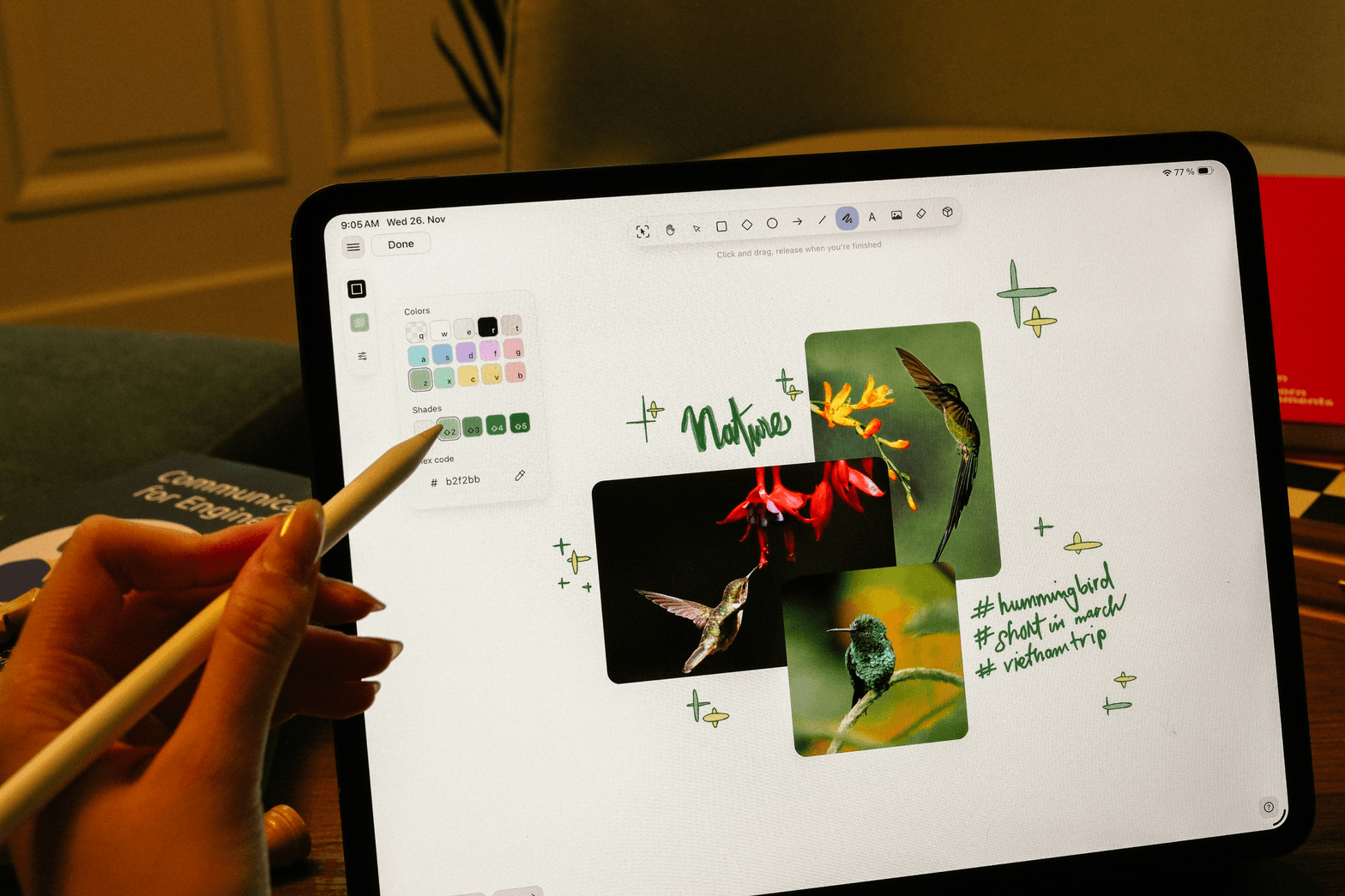
Research
Build your source file, fast.
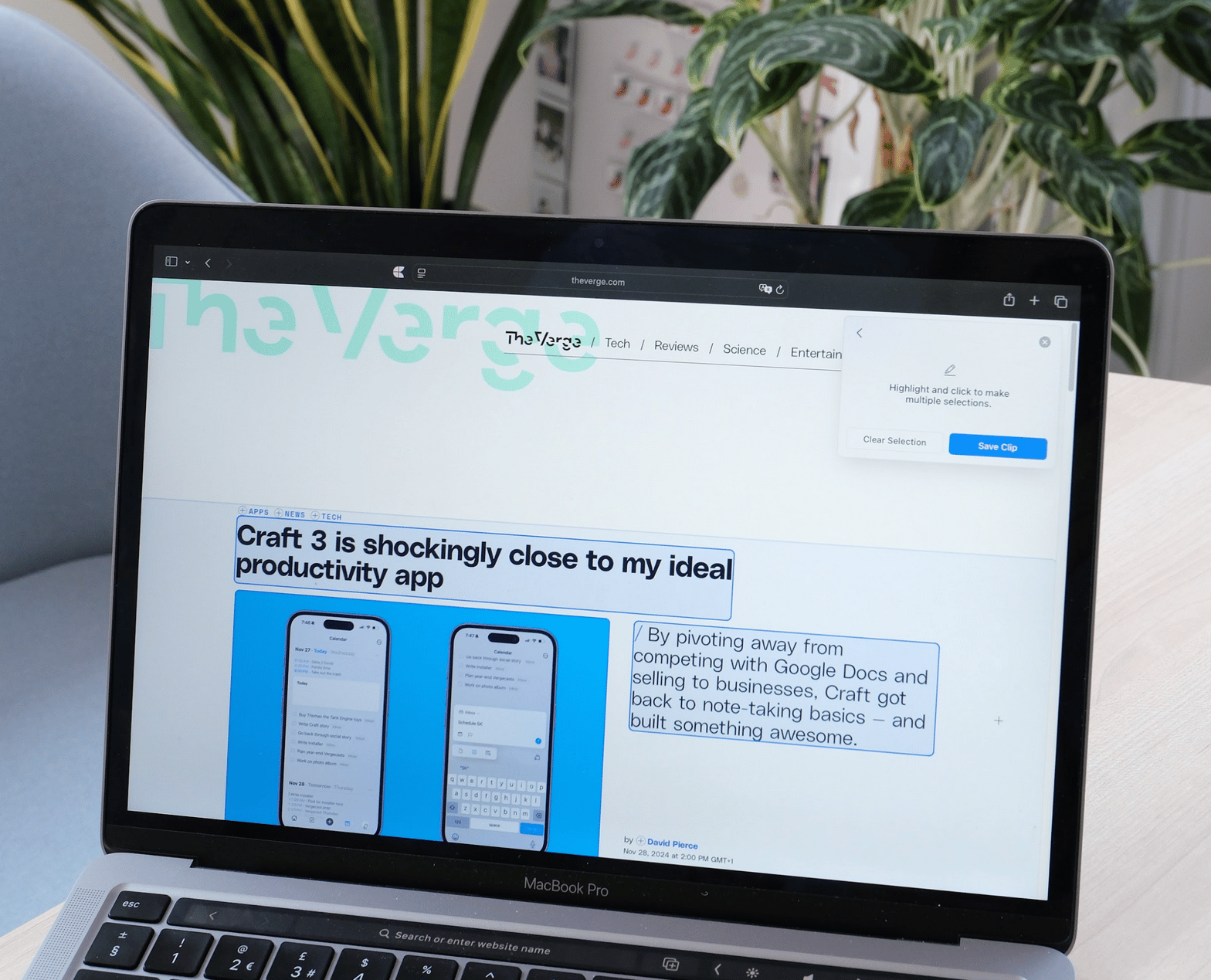
Keep every source, document, and link in one place. Find the right detail when your deadline hits.
Capture web links with one tap
Attach PDFs and documents directly
Search across all your research instantly
Get started
Up and running in three steps.

Download Craft
Get Craft free on Mac, iPhone, or iPad. No signup required to start.

Bring your notes in
Import from Bear, Apple Notes, or paste your existing docs. Takes under two minutes.

Write your next story
Your research, notes, and draft live in one place. Ship faster.

Craft vs. the alternatives
See how Craft stacks up against Google Docs and Bear for journalists.
Native Mac and iPhone app
Offline writing
Linked documents
Nested folders
Sub-documents
Free to start. Upgrade when you're ready.
Craft is free for personal use. The Pro plan unlocks unlimited documents and advanced sharing.
Free
Full access, great if you use it occasionally each week.
$0 /month
Designed to effortlessly fit into your everyday flow.
$5 /month
Learn more


