

Your legal documents. Private, polished, and always on hand.
Use Craft AI to summarize contracts and OCR scanned documents. Track cases with Collections and share securely with password-protected links.
Built for legal work
From case notes to client briefs, Craft handles it all.
01 — Case notes
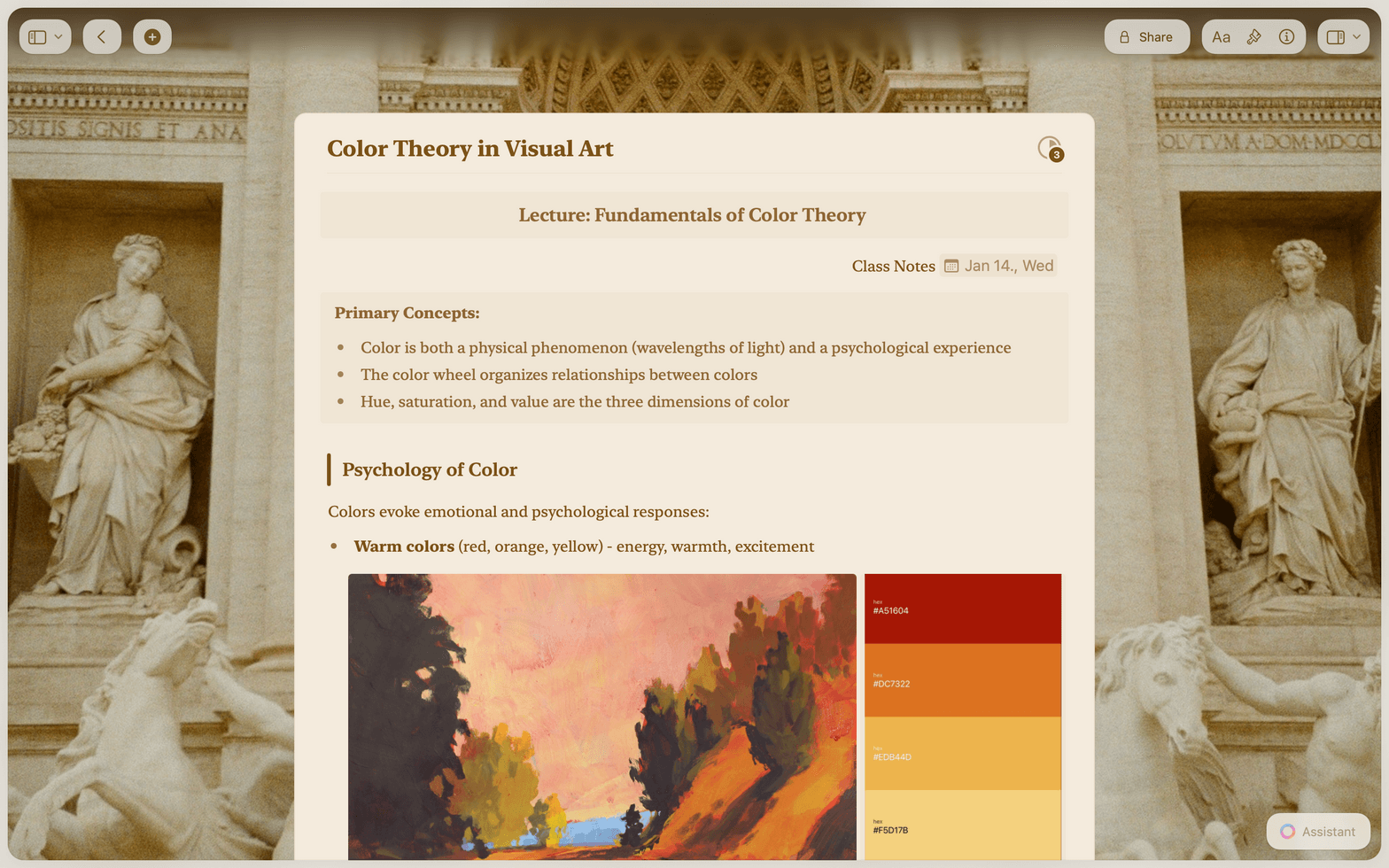
Capture facts, timelines, and key details during client calls. Use Collections to filter and sort by matter or deadline.
Features
The tools that matter most in legal work.
Craft gives you fast, private, native document editing with the structure that complex legal work demands.

Craft AI for legal work
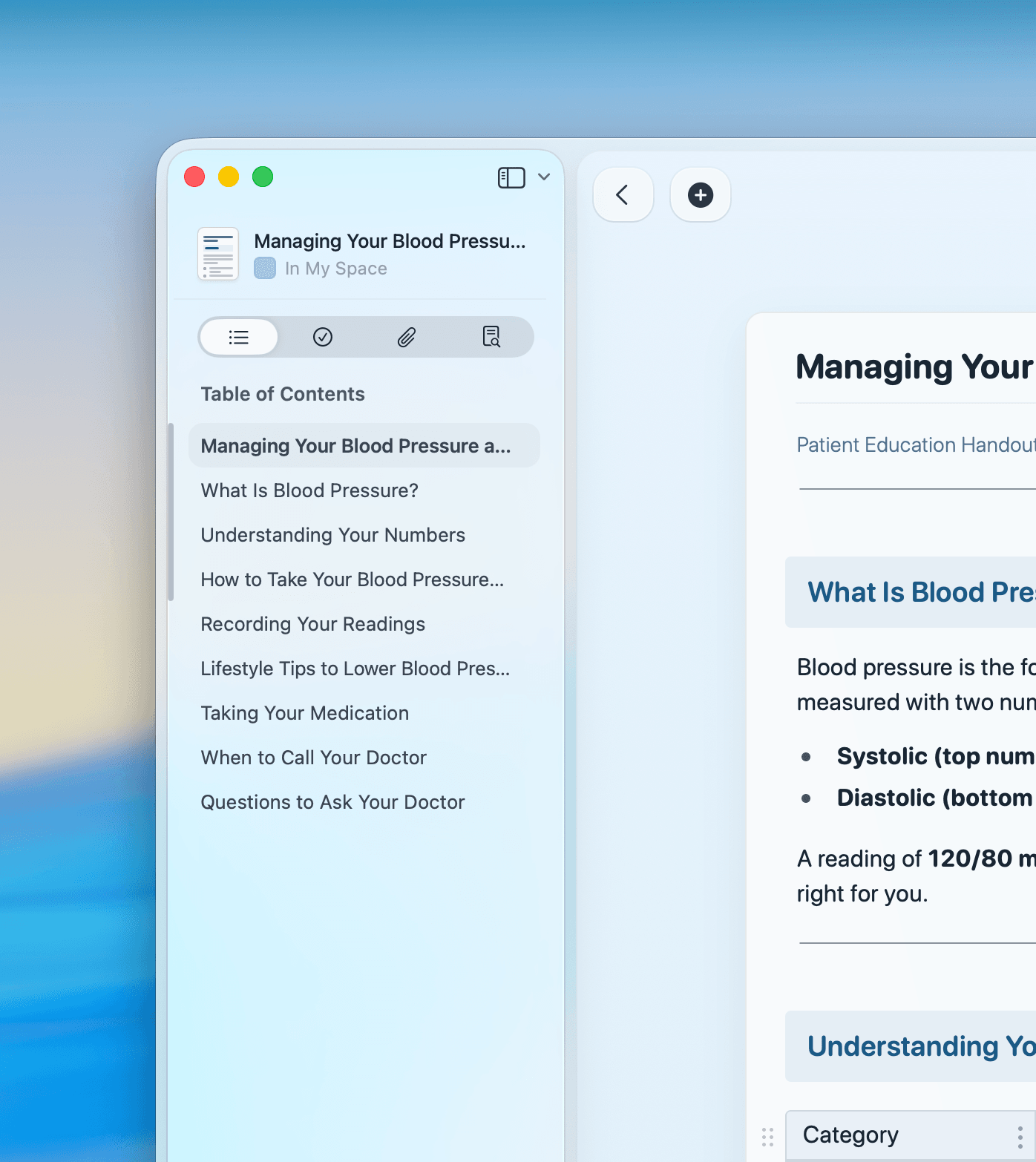
Summarize lengthy contracts, extract text from scanned PDFs with OCR, and draft memos with Craft AI Assistant.

Collections for case tracking
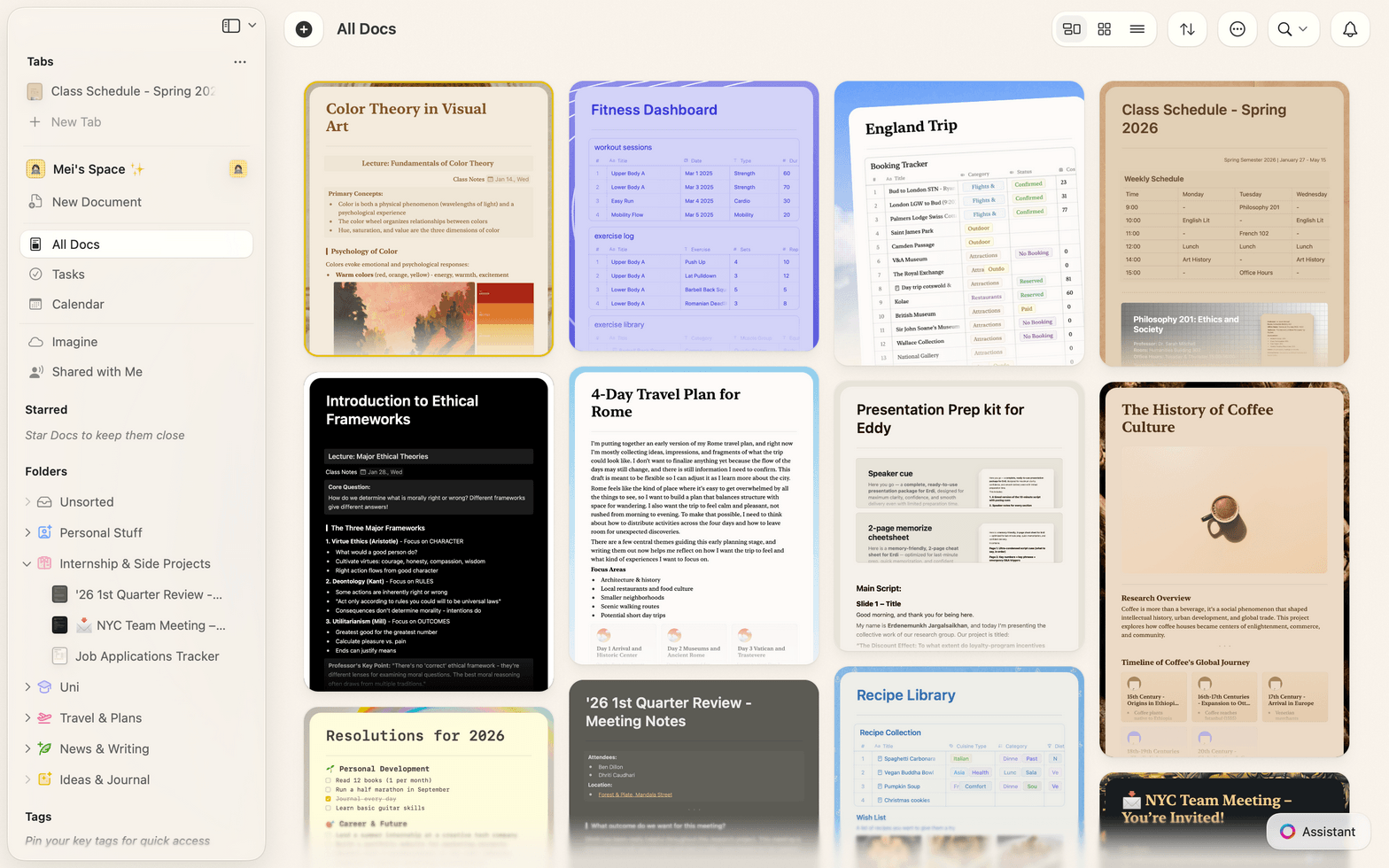
Organize matters in database-like Collections with table and gallery views, filters, and sorting by status or deadline.

Offline in the courtroom
Full editing offline on Mac, iPhone, iPad, Windows, and Web. Access briefs and case files anywhere, no Wi-Fi required.

Password-protected sharing
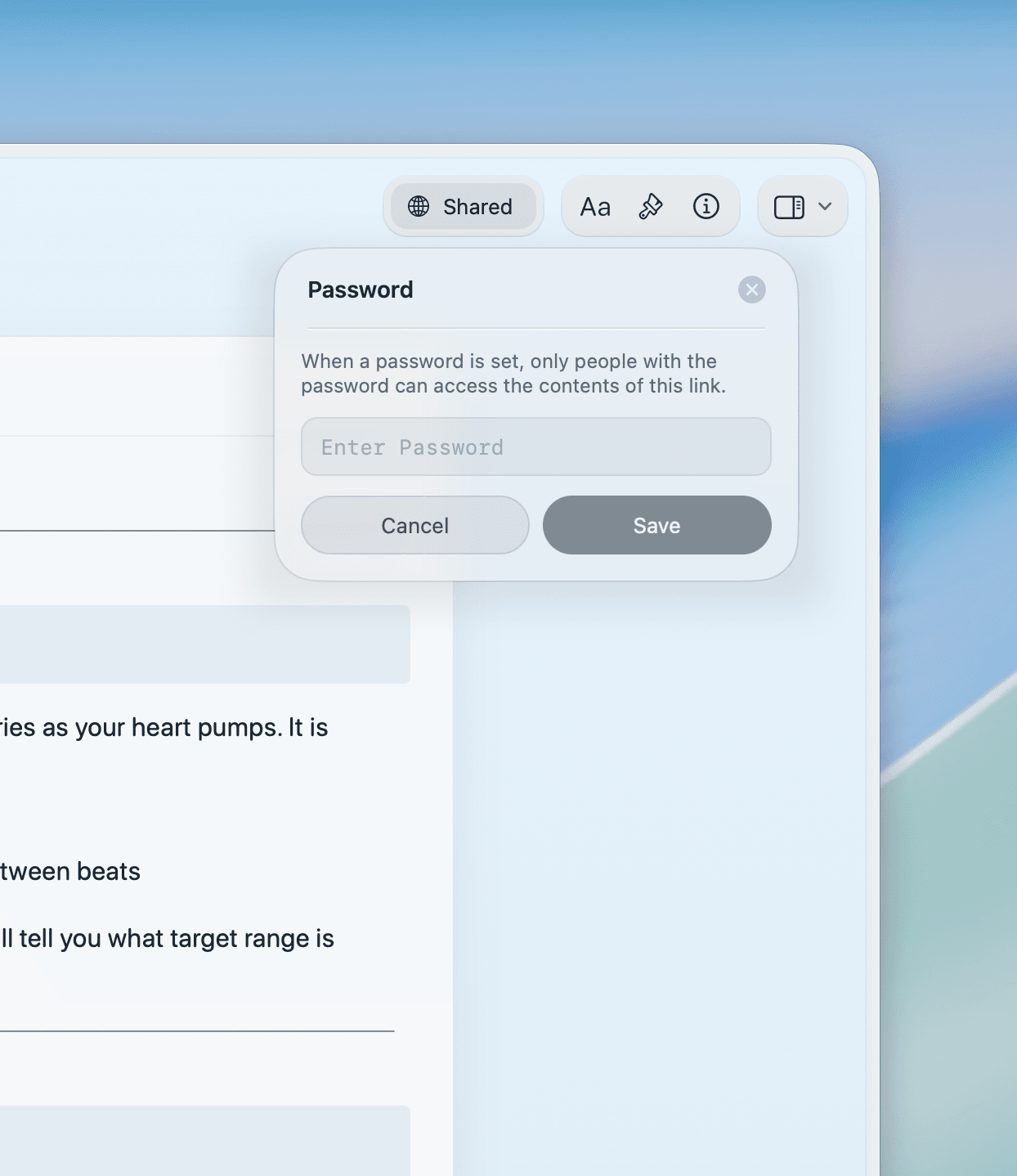
Share client documents via secret links with password protection. Recipients view in their browser, no account needed.

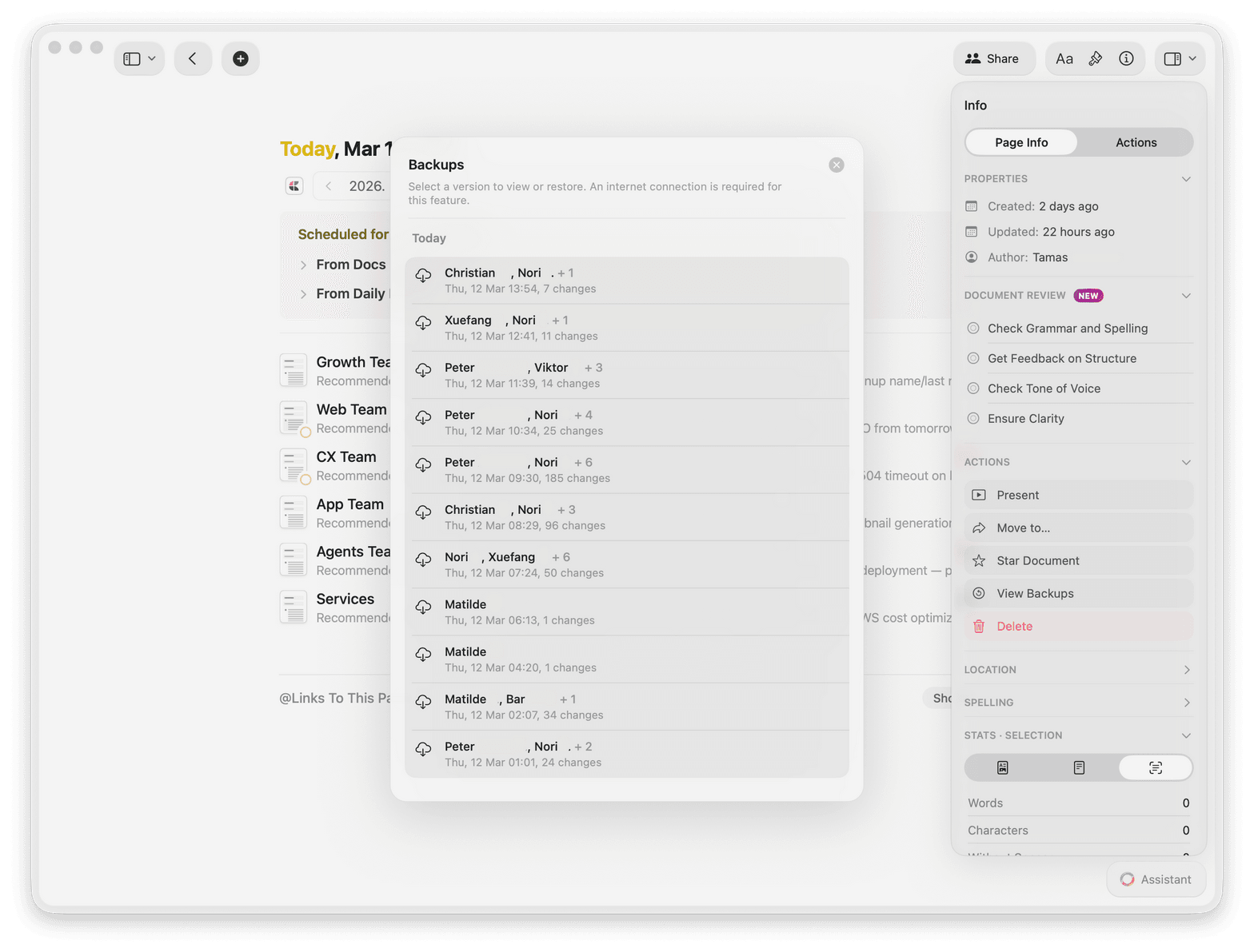
Version history for audit trails
Every edit is tracked with full version history. Restore prior versions and maintain a clear audit trail for every document.
Write better legal documents in less time.
Craft is free to start. No credit card required.
Available on Mac, iPhone, and iPad.
What legal professionals say
Attorneys and paralegals who switched to Craft.
Craft helps me find the truth and organize my world. I run on knowledge, and Craft significantly increases my reach.
Craft Community
Dan Corcoran
Knowledge Worker
Craft is the first thing I open to plan my day and the last thing I use to jot down my final thoughts. It’s my dashboard and diary in one.
Craft Community
Ray
Daily planner
I switched from Notion to Craft a couple of years ago and have not looked back. At the time, I mainly switched due to Craft’s ability to run offline while I was on a flight but the speed, responsiveness, and general level of polish of the experience kept me hooked.
Craft Community
Leo Tohyama
Switched from Notion
See it in action
Three ways legal professionals use Craft every day.
Research
Organize your legal research fast.
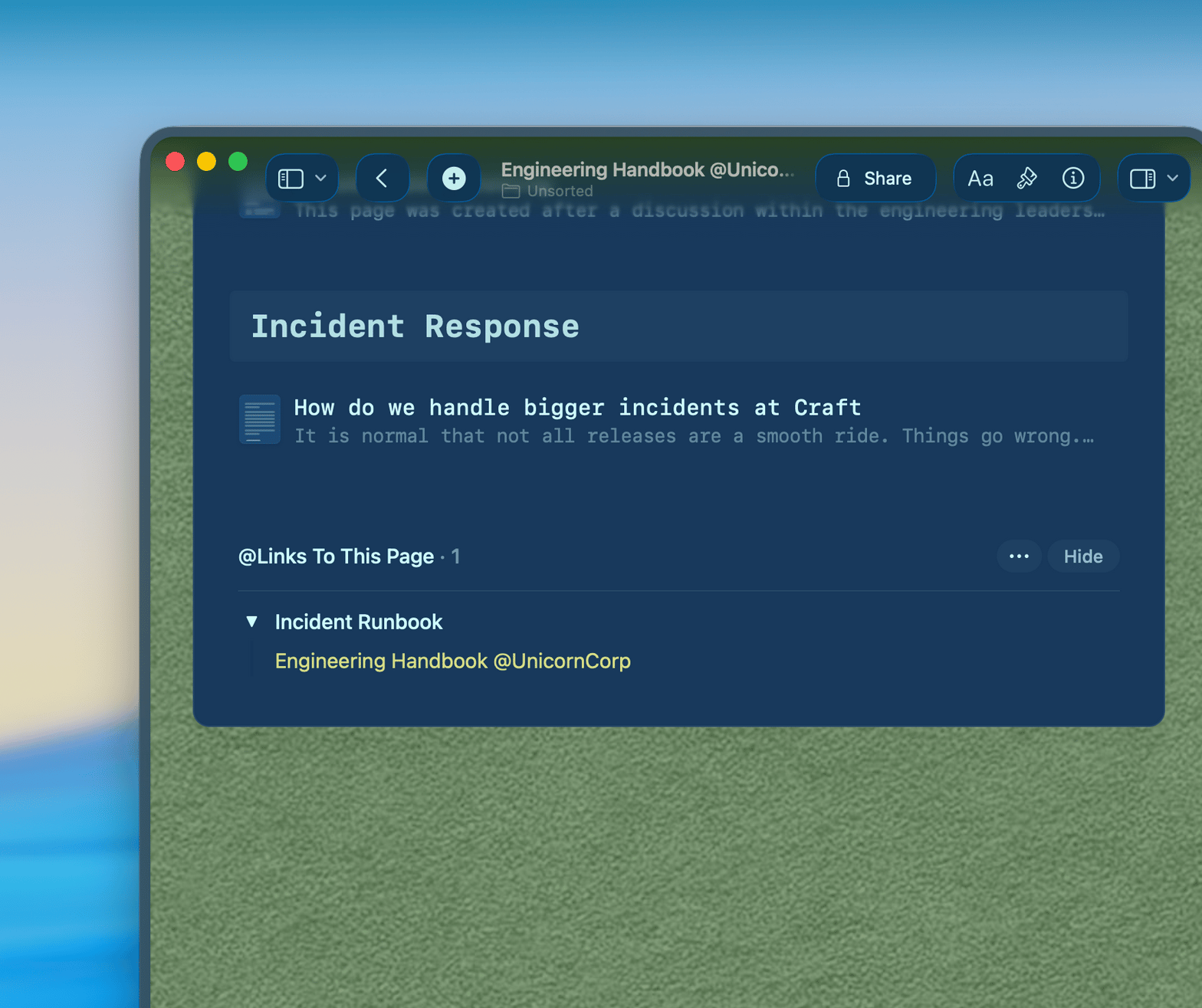
Link cases, statutes, and commentary in a connected workspace. Everything you need for a brief is one click away.
Link related documents together
Nest supporting research under any document
Export your research to a clean PDF
Get started
Set up your legal workspace in minutes.

Download Craft
Install from the Mac App Store or App Store. It takes under a minute.

Create your first case folder
Organize by client, matter, or practice area. Your structure, your rules.

Start writing
Take notes, draft documents, and share with clients from day one.

Craft vs. Google Docs and Evernote
See how Craft compares for legal professionals on the tools that matter.
Native Mac and iOS app
Offline access
Password-protected sharing
Document linking
Instant full-text search
Start free. Upgrade when you are ready.
Craft is free for individual use. The Pro plan unlocks sharing, collaboration, and unlimited documents.
Free
Full access, great if you use it occasionally each week.
$0 /month
Designed to effortlessly fit into your everyday flow.
$5 /month
Resources
Learn how legal professionals use Craft.

How to set up a legal case workspace in Craft
A step-by-step guide to organizing your matters, notes, and research.

Writing client-ready documents in Craft
How to use Craft's formatting tools to produce polished client deliverables.

Craft security and privacy explained
What encryption and data handling looks like for sensitive legal documents.