

Write the documents that drive your mission forward.
Draft grant proposals with Craft AI, track donors and volunteers in Collections, and share reports with your board via web publishing.
Built for nonprofits
Grant proposals, donor reports, and volunteer guides all in one place.
01 — Grant proposals
Use Craft AI to draft compelling narratives. Start from built-in grant templates and share polished PDFs with funders.
Features
The tools that help your nonprofit get more done.
Craft gives your team fast, organized, shareable documents so you spend more time on your mission and less on formatting.

Craft AI for grant writing
Draft grant proposals, annual reports, and fundraising appeals with Craft AI. Summarize research and refine your narrative.

Collections for donor tracking
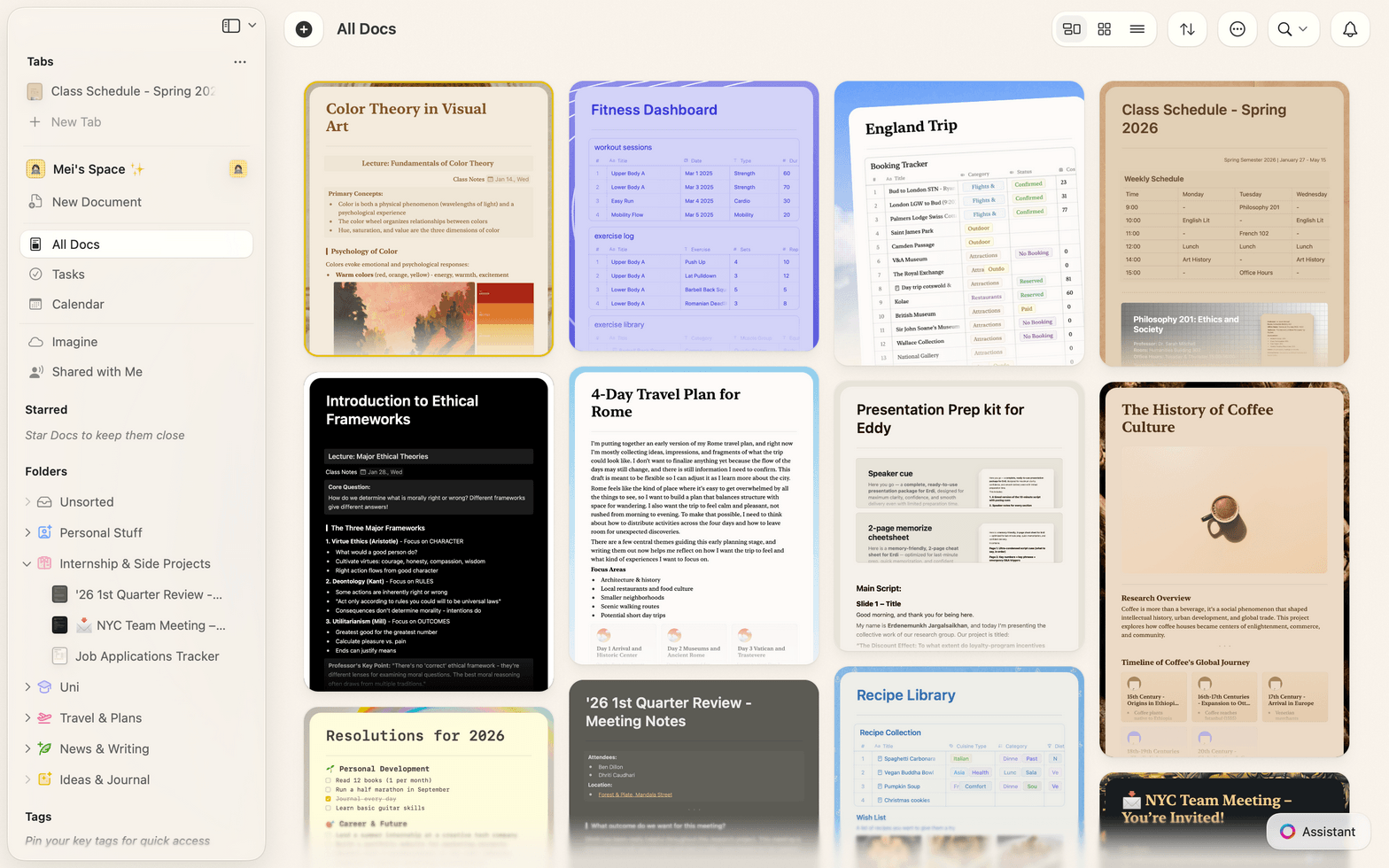
Track donors and volunteers in database-like Collections with table views, filters, sorting, and CSV import.

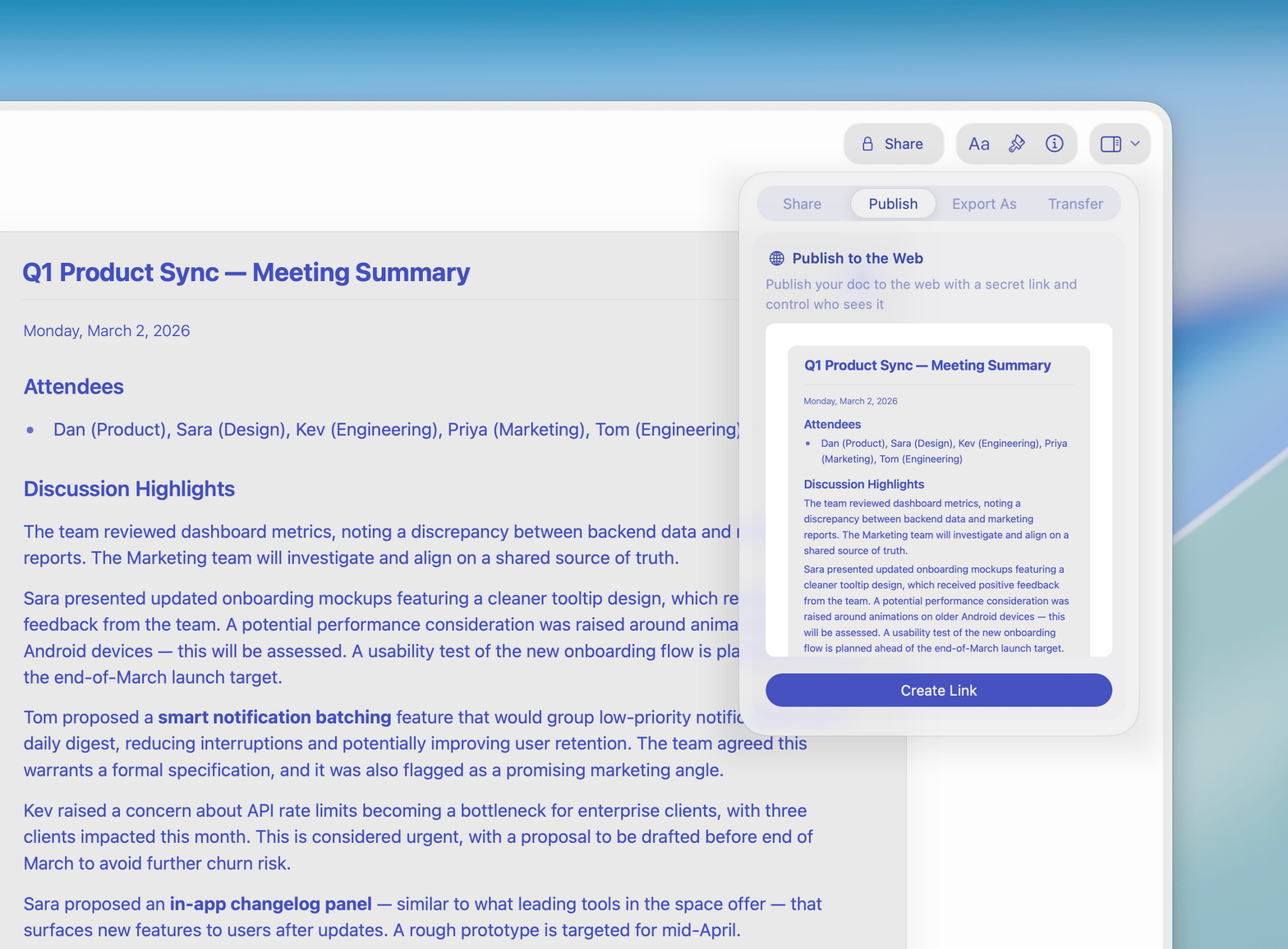
Web publishing for your board
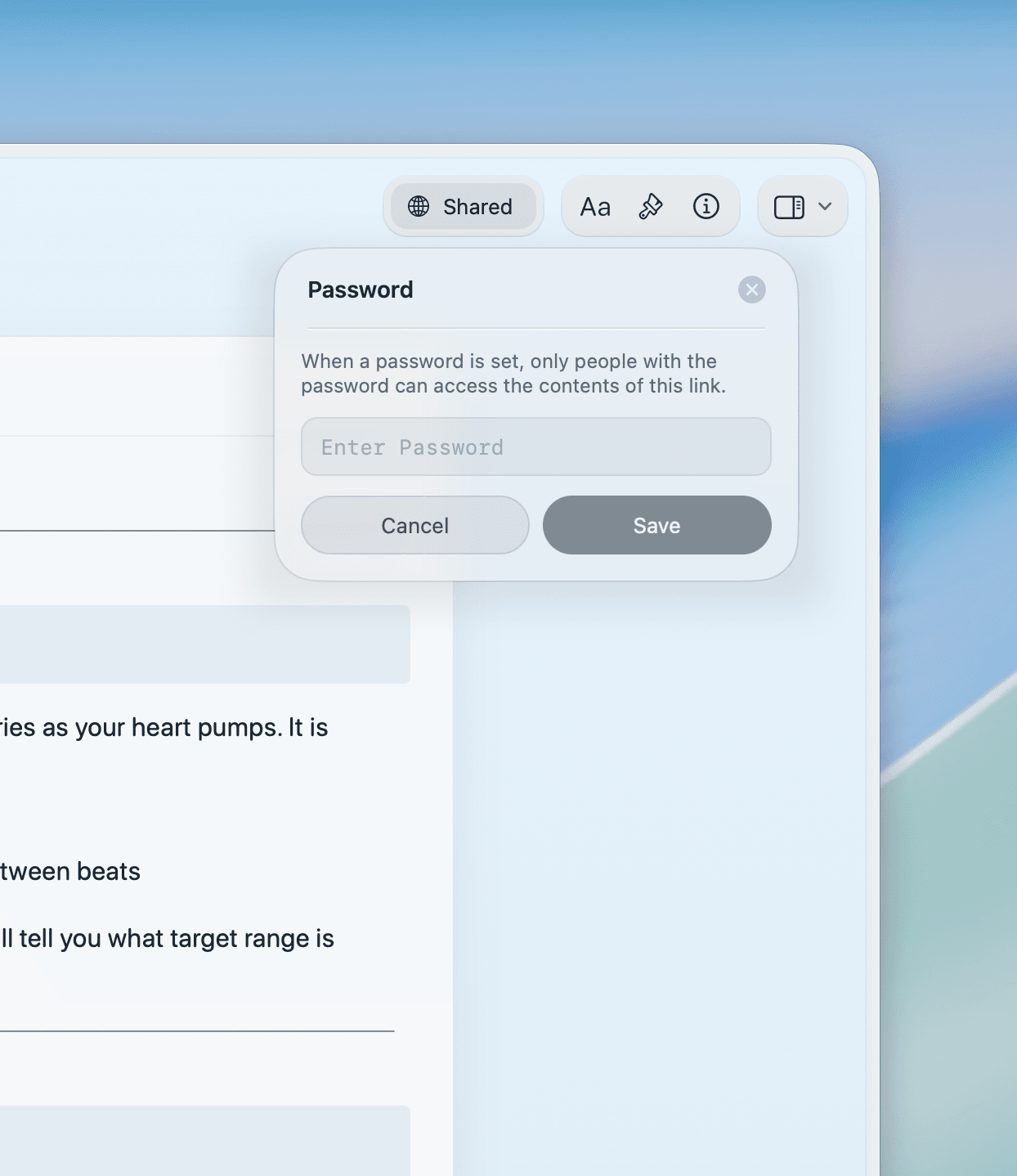
Publish donor reports and program updates as web pages. Share a link with your board — no download or account needed.

Team workspaces
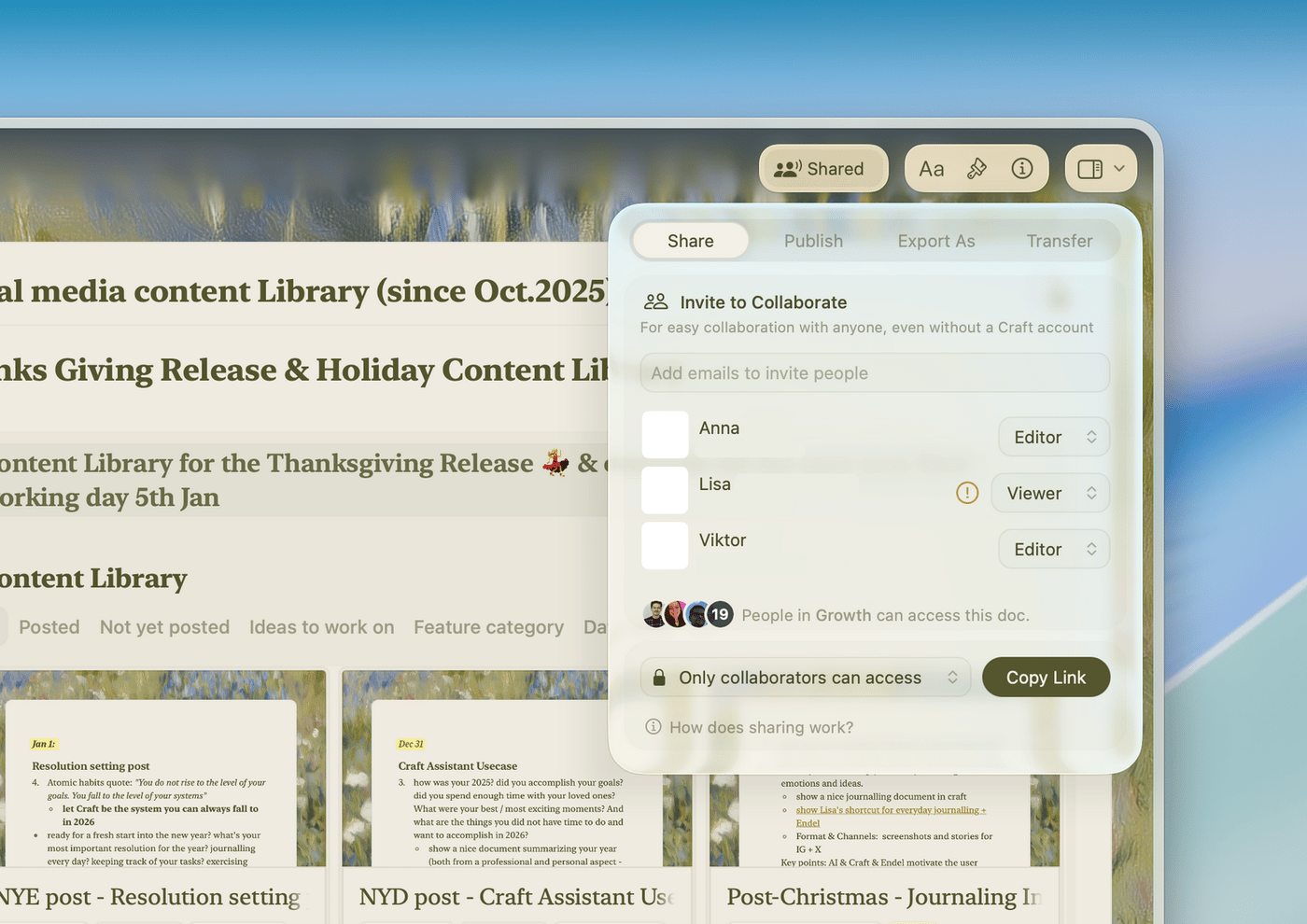
Give each program its own workspace. Real-time co-editing and inline comments keep your team aligned.

Templates for nonprofits
Start with built-in templates for grant applications, annual reports, and volunteer guides. Save your own for future use.
Spend less time on documents. More time on your mission.
Craft is free to start for your organization.
No credit card required.
What nonprofits say
Organizations that run on Craft.
Craft is the one tool you need for everything — effortless organization, smooth navigation, and a workspace that adapts to your needs.
Craft Community
Deanna Bugalski
Power User
I can make my notes not only functional but visually pleasing — which really motivates me to stay organized.
YouTube Creator
Amity Sensei
Creator and Educator
Publishing directly from Craft just feels natural — it’s where I write, so it makes sense to share from there too.
Craft Community
Tom
Podcaster and newsletter writer
See it in action
Three ways nonprofits use Craft every day.
Fundraising
Write grant proposals that get funded.
Structure your case clearly, tell your impact story, and submit polished work that stands apart from the pile.
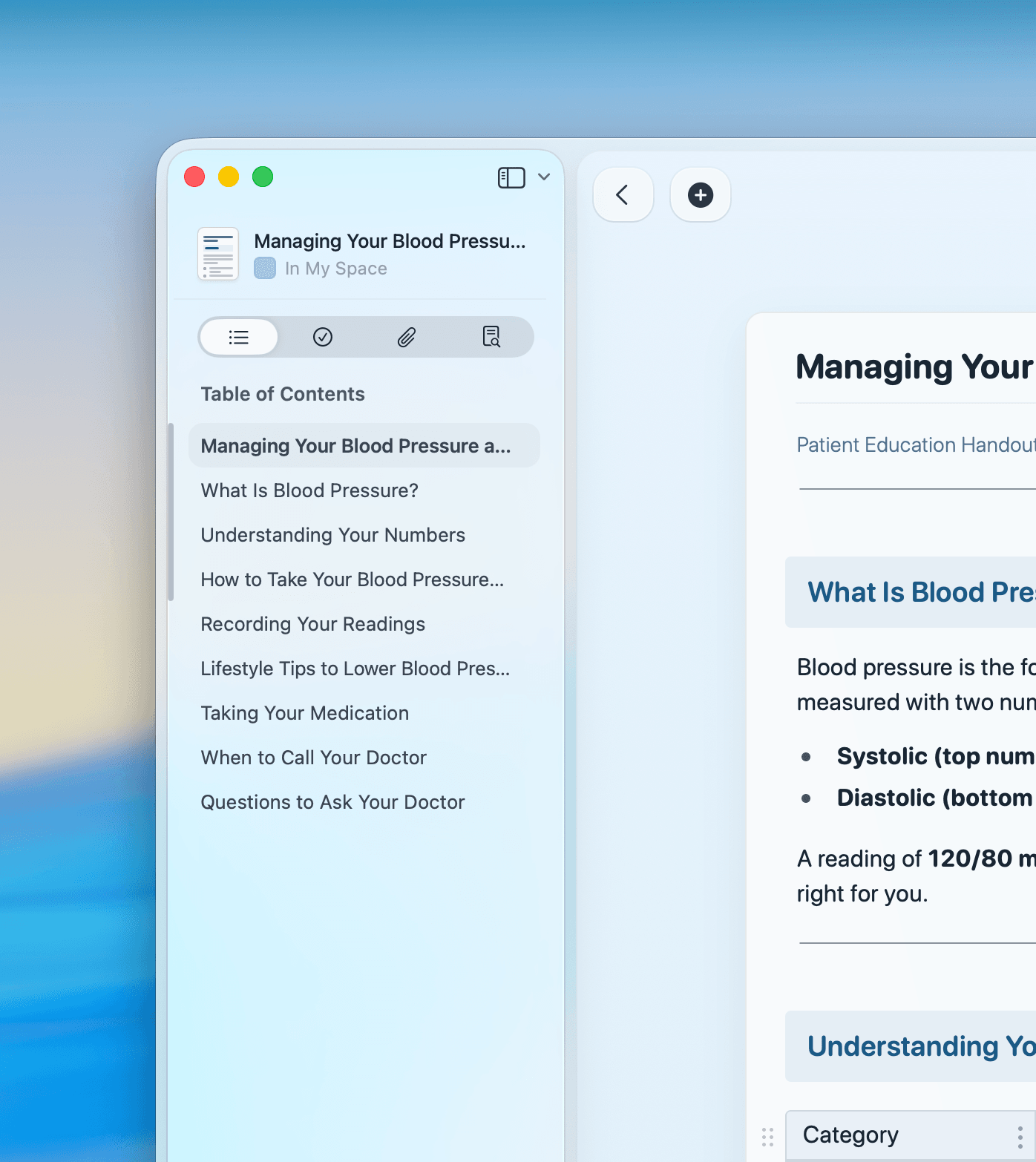
Clear headers and structure for every section
Reuse strong proposals as templates
Export to PDF or share a link with funders
Get started
Set up your nonprofit workspace in minutes.

Download Craft
Install on your Mac, iPhone, or iPad. Free to start.

Build your document structure
Create spaces for grant work, donor reporting, programs, and volunteers.

Write your first document
Start with a grant proposal, a volunteer guide, or a donor report. Your team joins you instantly.

Craft vs. Google Docs and Notion
How Craft compares for nonprofits on the features that matter most.
Native Mac and iOS app
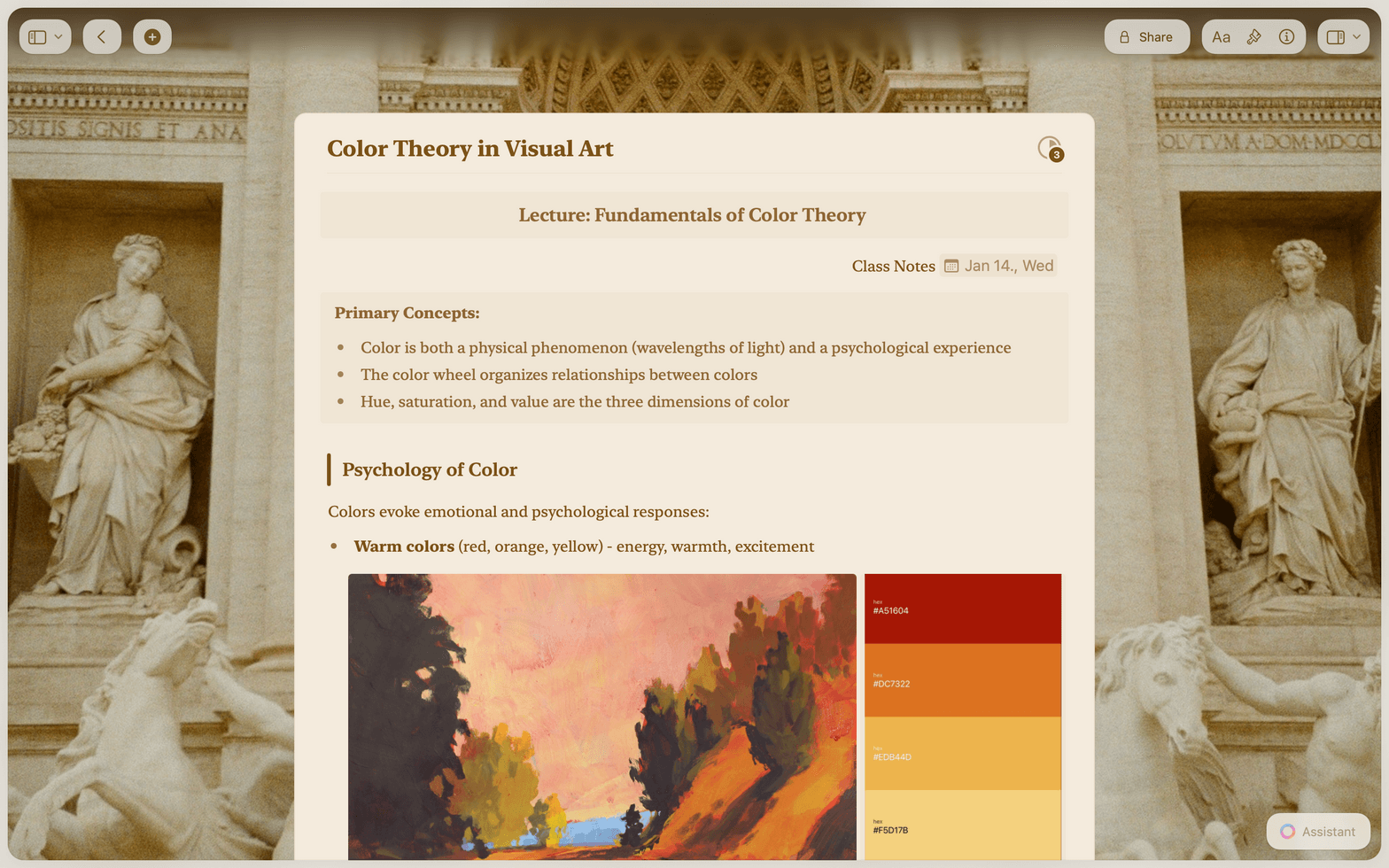
Professional document design
Offline access
Real-time collaboration
Document linking
Craft is free to start for your organization.
Individual use is free. Team and nonprofit plans give you shared spaces, collaboration, and admin controls.
Free
Full access, great if you use it occasionally each week.
$0 /month
Designed to effortlessly fit into your everyday flow.
$5 /month
Resources
Guides for nonprofits using Craft.

How to write a grant proposal in Craft
A step-by-step guide to structuring and writing grant proposals that get funded.

Creating donor reports in Craft
How to show your impact clearly and professionally with documents donors actually read.

Building a volunteer onboarding system in Craft
How to create connected guides your volunteers can find and follow from day one.