
A second brain that's actually fast
A lightweight alternative to Notion for personal notes — with backlinks, daily notes, and instant sync. No plugins, no setup, just flow.
Your knowledge, organized
Start writing in seconds, not hours
01 — Daily notes that just exist
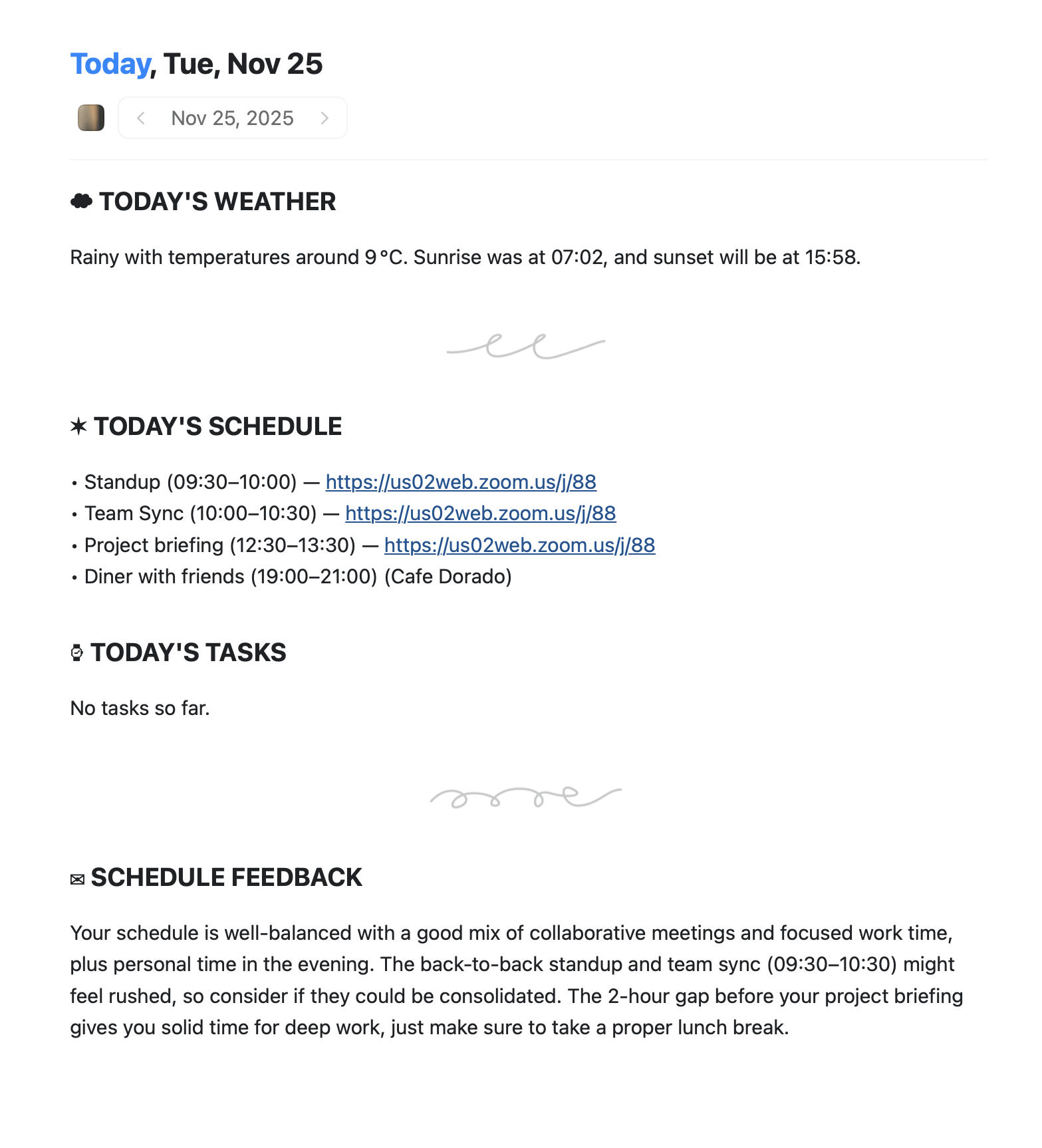
Open the app, start writing. Daily notes are automatic. Link ideas with [[. No templates, no setup.
How it works
Everything built-in. Nothing to configure.
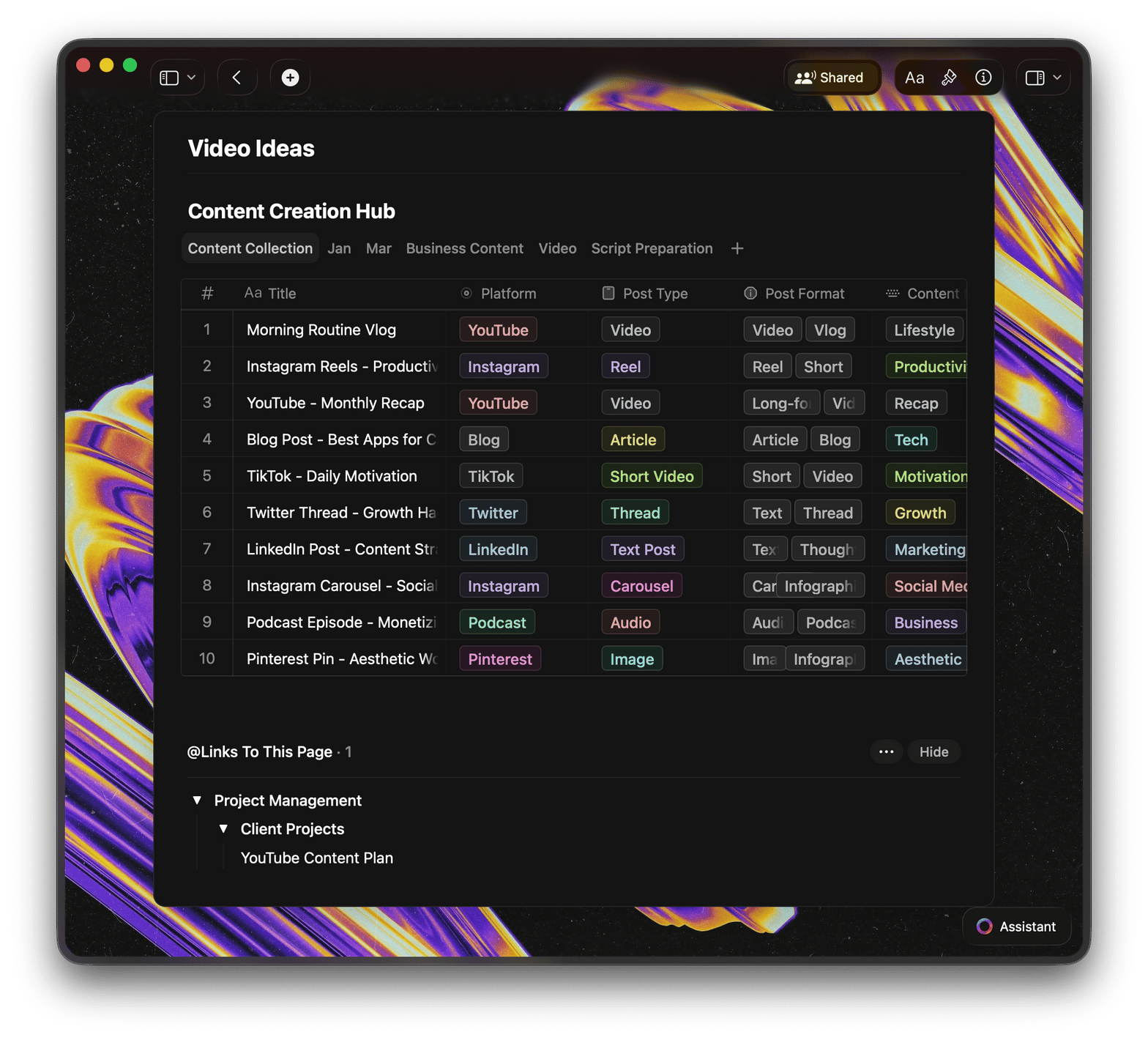
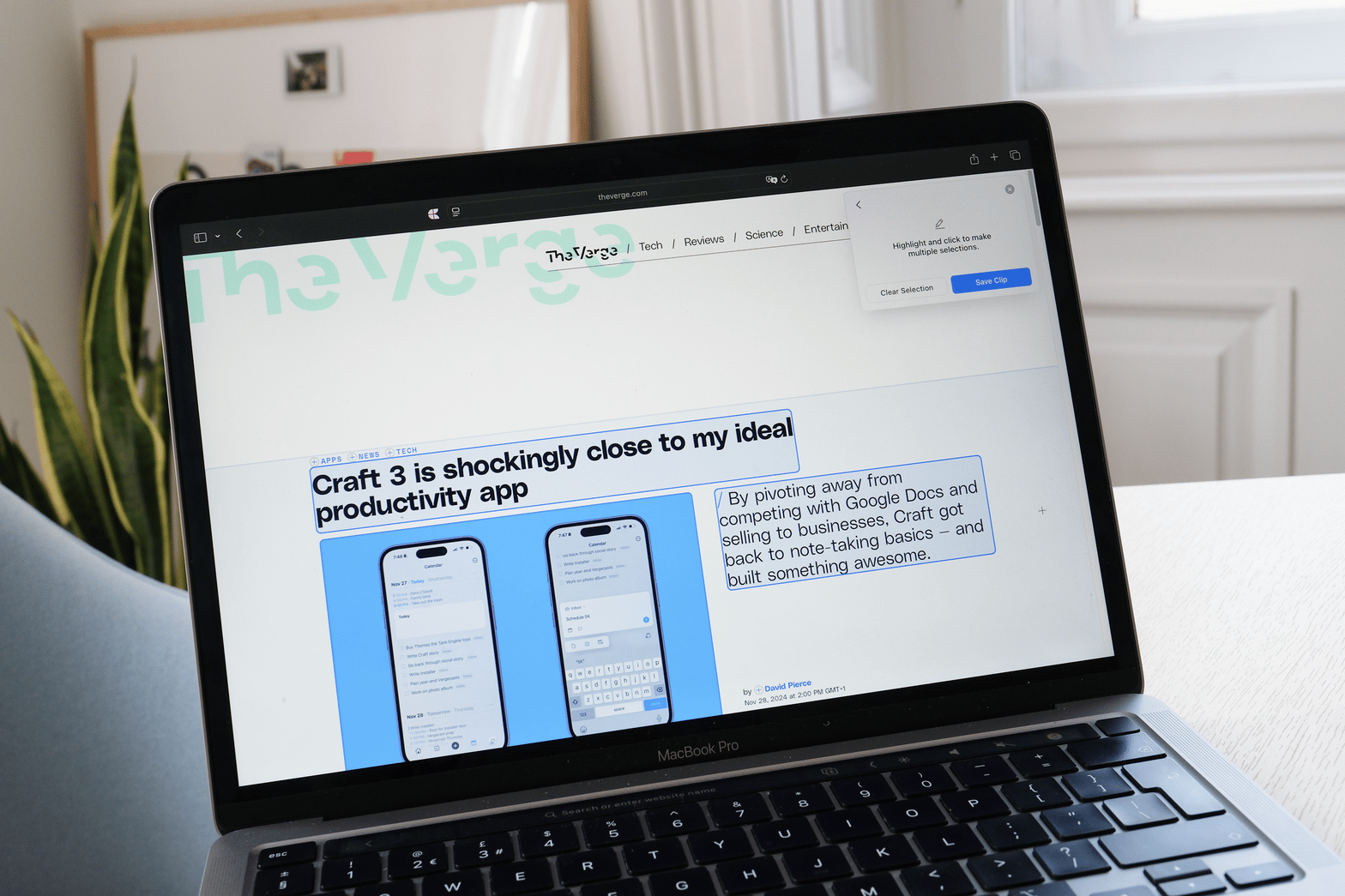
Other tools make you choose: power or simplicity. Craft is a lightweight note-taking app that gives you both — perfect for organizing thoughts and connecting ideas.

200ms launch
Native apps open instantly. No Electron bloat, no web spinners. Your ideas don't wait for software.

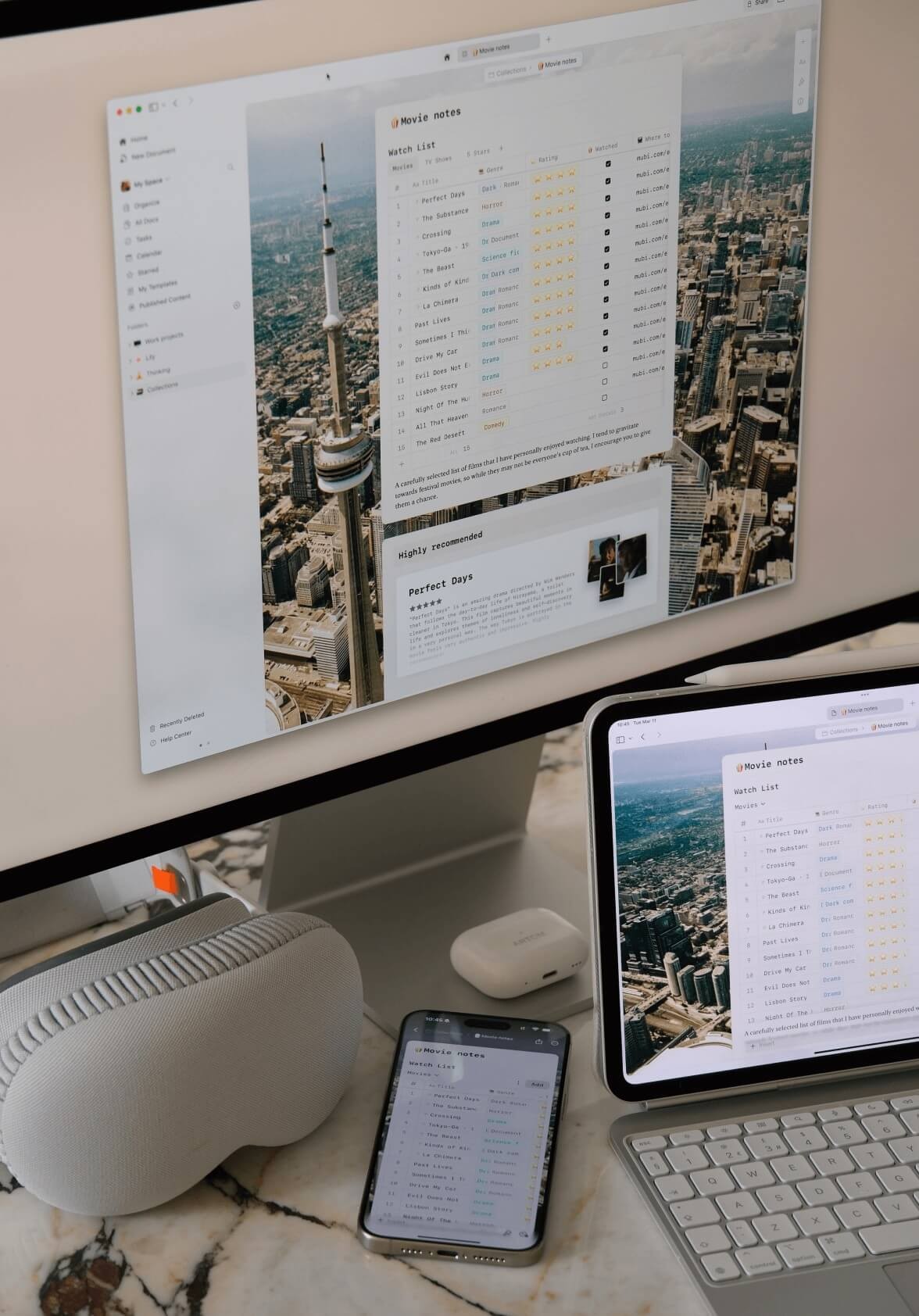
Offline on every device
Full editing without internet. Sync happens automatically when you reconnect. No conflicts, no data loss.

Zero plugins
Backlinks, daily notes, templates, sync—all built in. No plugin compatibility issues. No maintenance.

Sync included
Unlimited devices. No $8/month add-on. Your notes follow you everywhere—Mac, iPad, iPhone—for free.
Ready to try a different approach?
Free forever. No credit card.
Export anytime.
From PKM enthusiasts
Why 2M+ users made the switch
Craft gets rid of all the noise from Notion while not becoming as barebones as Obsidian. It's a perfect balance of features – and it's done seamlessly. Syncing is immediate, and the app feels right at home on my Mac and my iPad.
App Store Review
Mikailkraft
Switched from NotionI switched from Notion to Craft a couple of years ago and have not looked back. At the time, I mainly switched due to Craft's ability to run offline while I was on a flight but the speed, responsiveness, and general level of polish of the experience kept me hooked.
App Store Review
Jeffb129
Switched from NotionCraft is a powerful and beautiful way to take notes, allowing rich connections between ideas. It can transform documents from flat sheets into nuanced frameworks for life and work.
App Store Review
Zimmy
Knowledge WorkerWhy PKM enthusiasts choose Craft
A second brain that works on day one
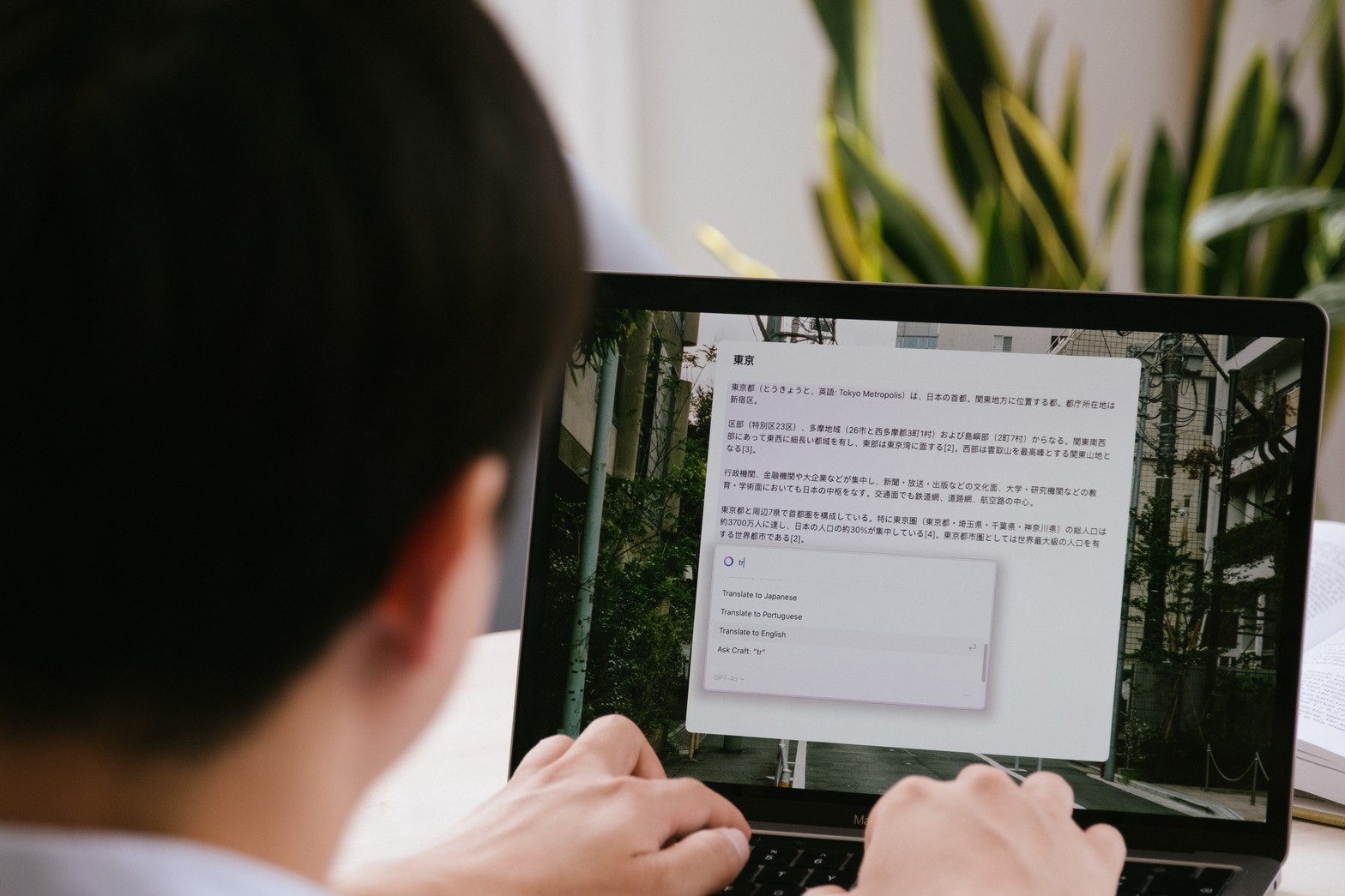
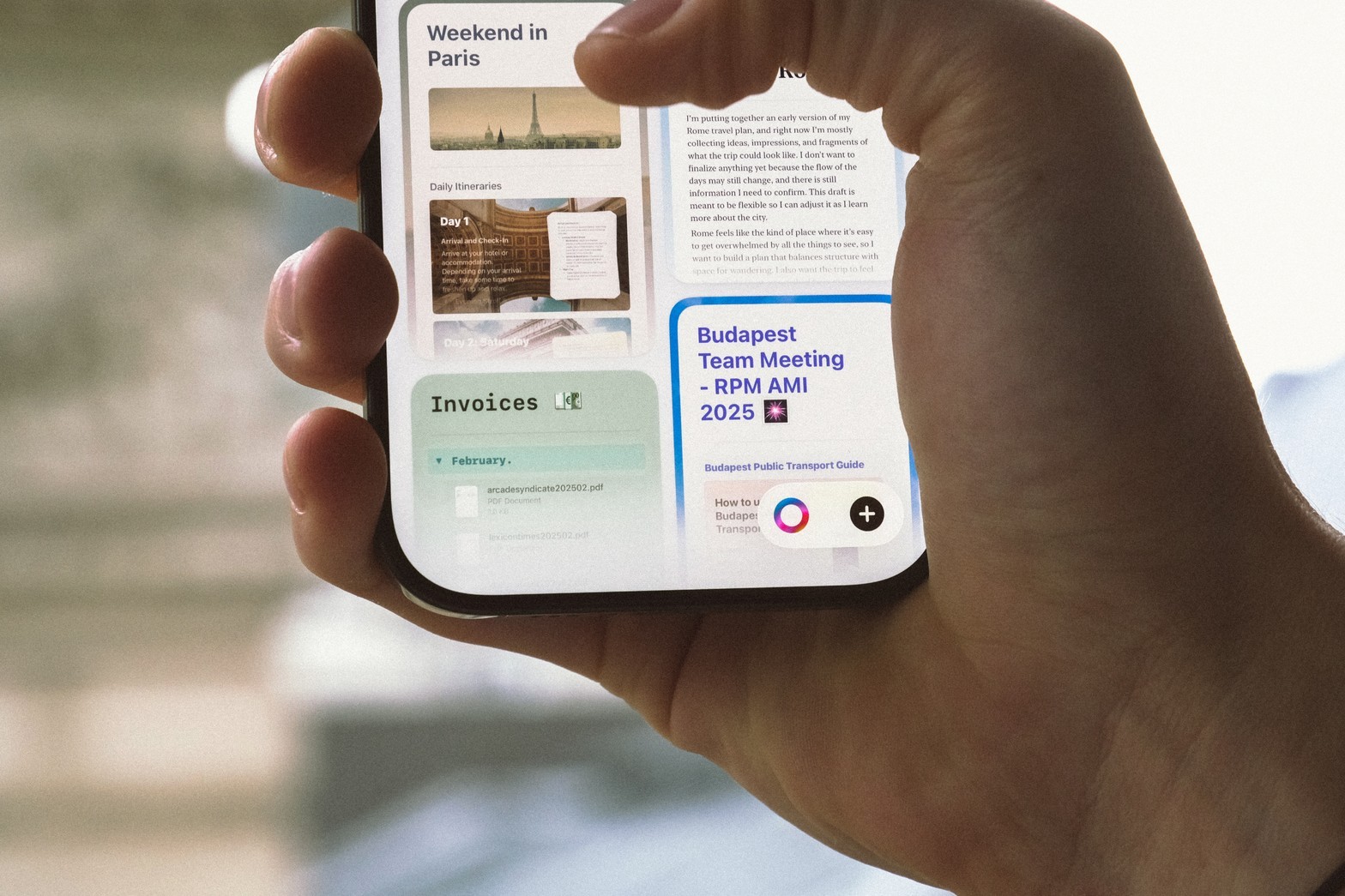
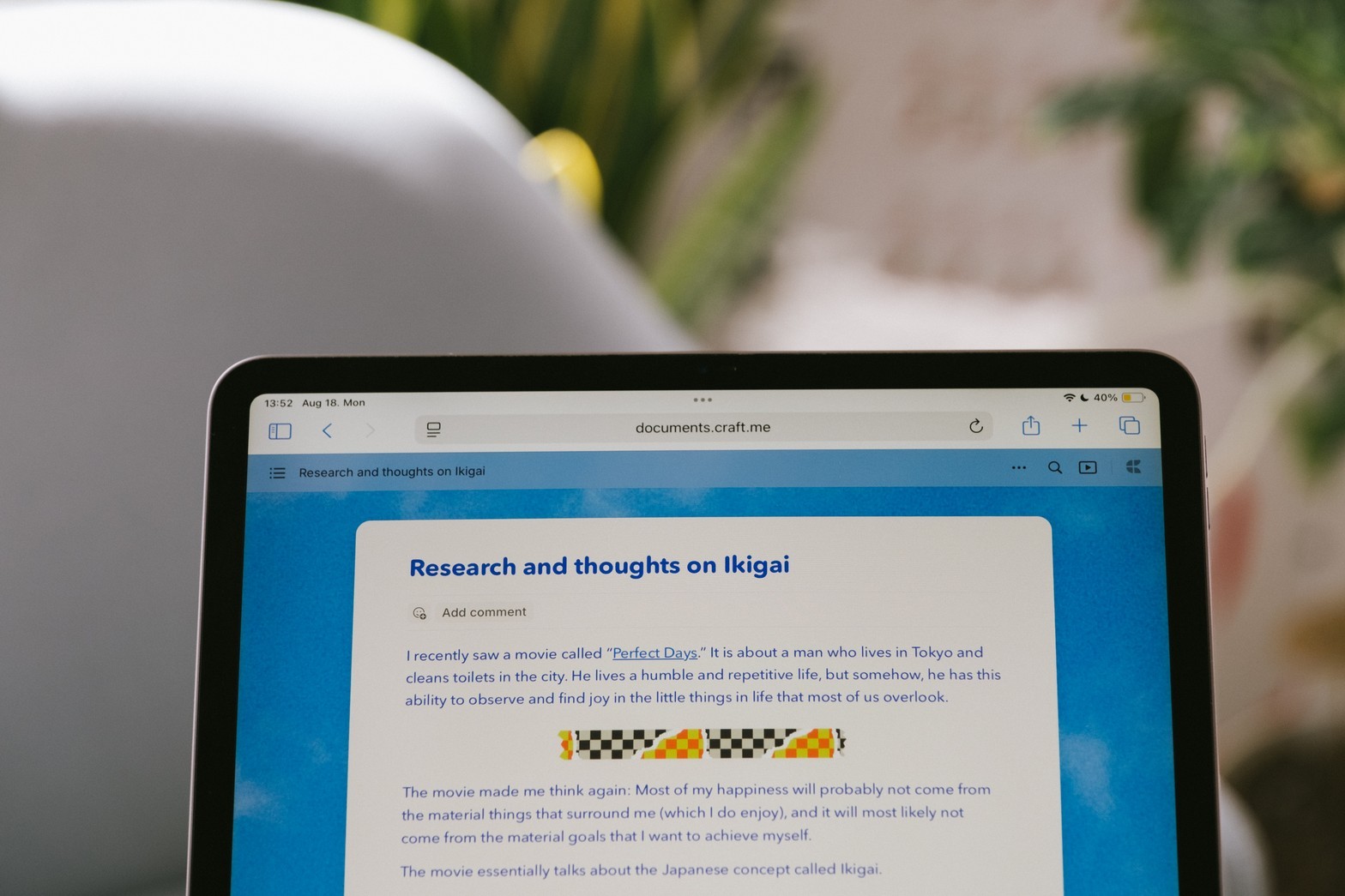
01 — Quick capture
Never lose an idea
Open the app, start typing. Daily notes exist automatically. No friction, no setup.
Daily notes, ready to go
Cmd+N and start typing
Works offline, syncs later
How to get started
Build your second brain in 3 steps

Download Craft
Free on Mac, iPad, iPhone. No account needed to start.

Start linking ideas
Type [[, create connections. Your knowledge graph grows naturally.

Think better
Your second brain works across all devices, even offline.

How Craft compares for PKM
Quick comparison of what matters most to PKM enthusiasts. Not a full feature list—just the things that affect your daily workflow.
App launch speed
Offline sync
Daily notes
Setup required
Backlinks
Learning curve
Ready to build a second brain you'll actually use?
Start free. No credit card. Export to markdown anytime.
Free
Full access, great if you use it occasionally each week.
$0 /month
Designed to effortlessly fit into your everyday flow.
$5 /month
Get started


