

Win listings with documents that look the part
Use Collections with Gallery view for property photos, Craft Assistant to draft listing descriptions, and Templates to send polished docs from your iPhone.
For real estate agents
From first showing to closing, your documents make the impression
01 — Create property listings fast
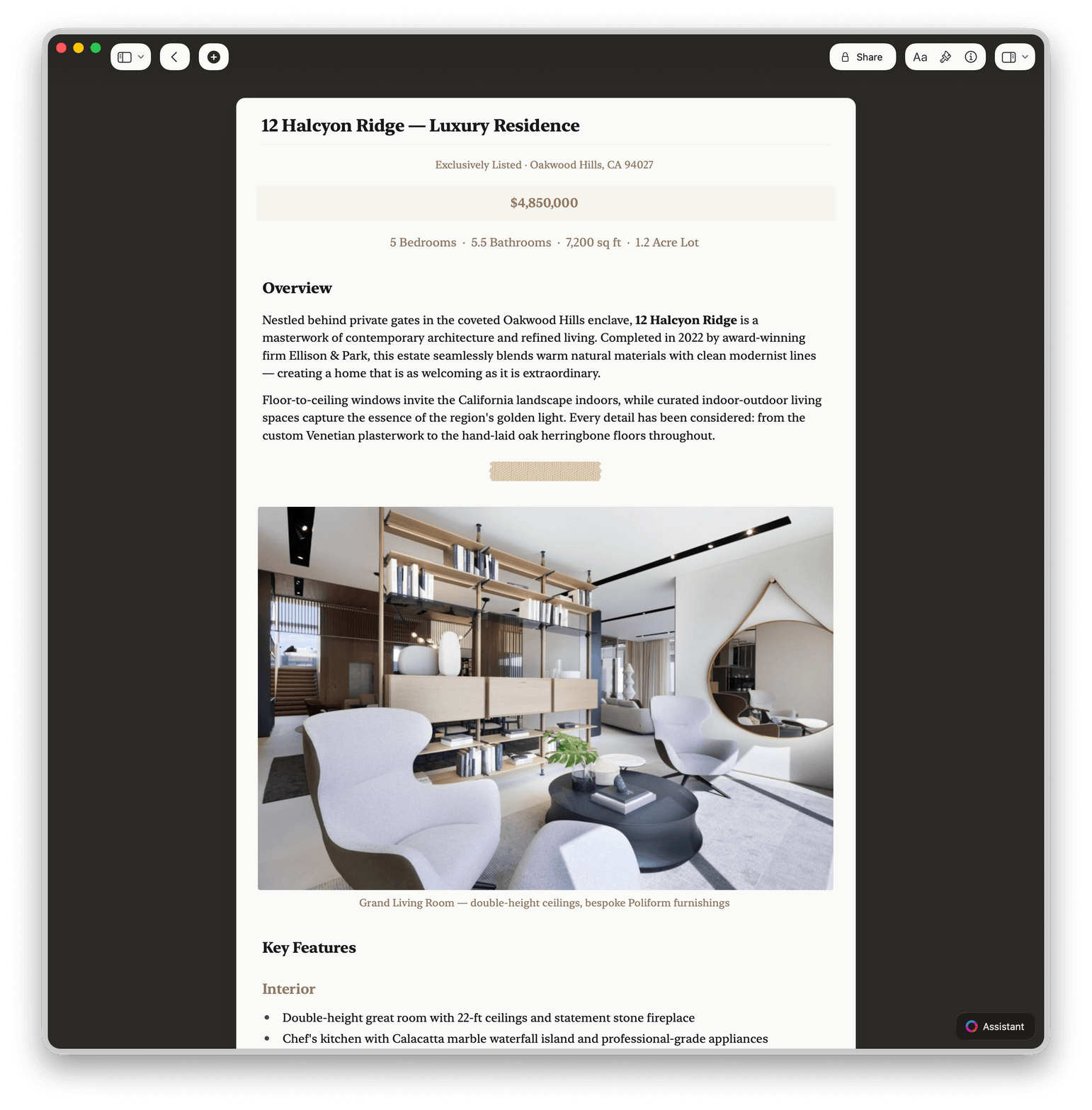
Use Craft Assistant to draft a compelling property description. Add photos, share a live web link the same day — no designer needed.
Built for agents on the move
Fast documents from any Apple device
From Collections for listing databases to Craft Assistant for writing descriptions, every feature helps you close faster.

Collections with Gallery view
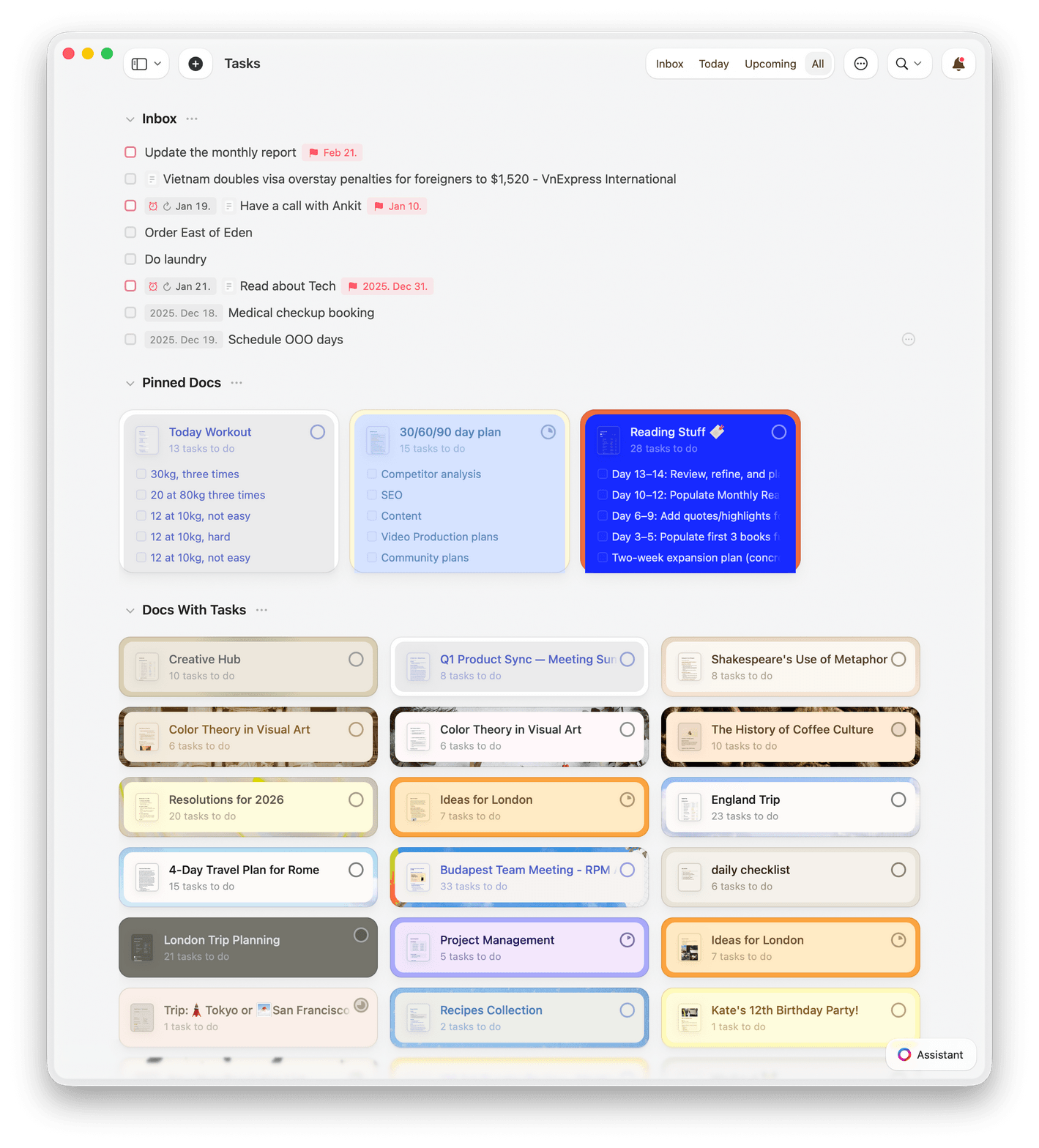
Build a listing database with property photos in Gallery view. Filter by status, sort by price, and group by neighborhood.

Craft Assistant for listings
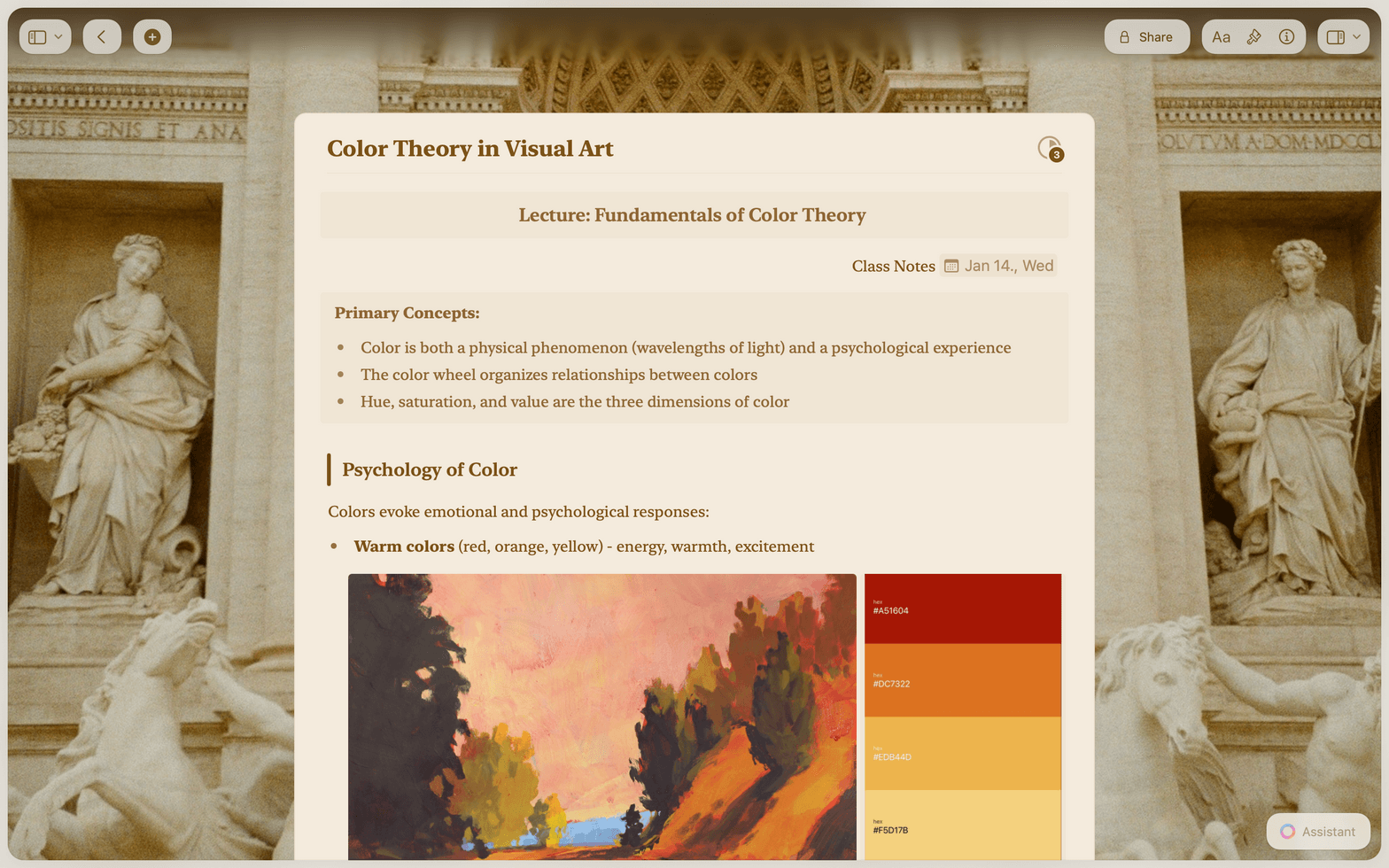
Draft property descriptions, summarize inspection reports, and translate listings for international buyers — all with the built-in AI Assistant.

Templates for every document
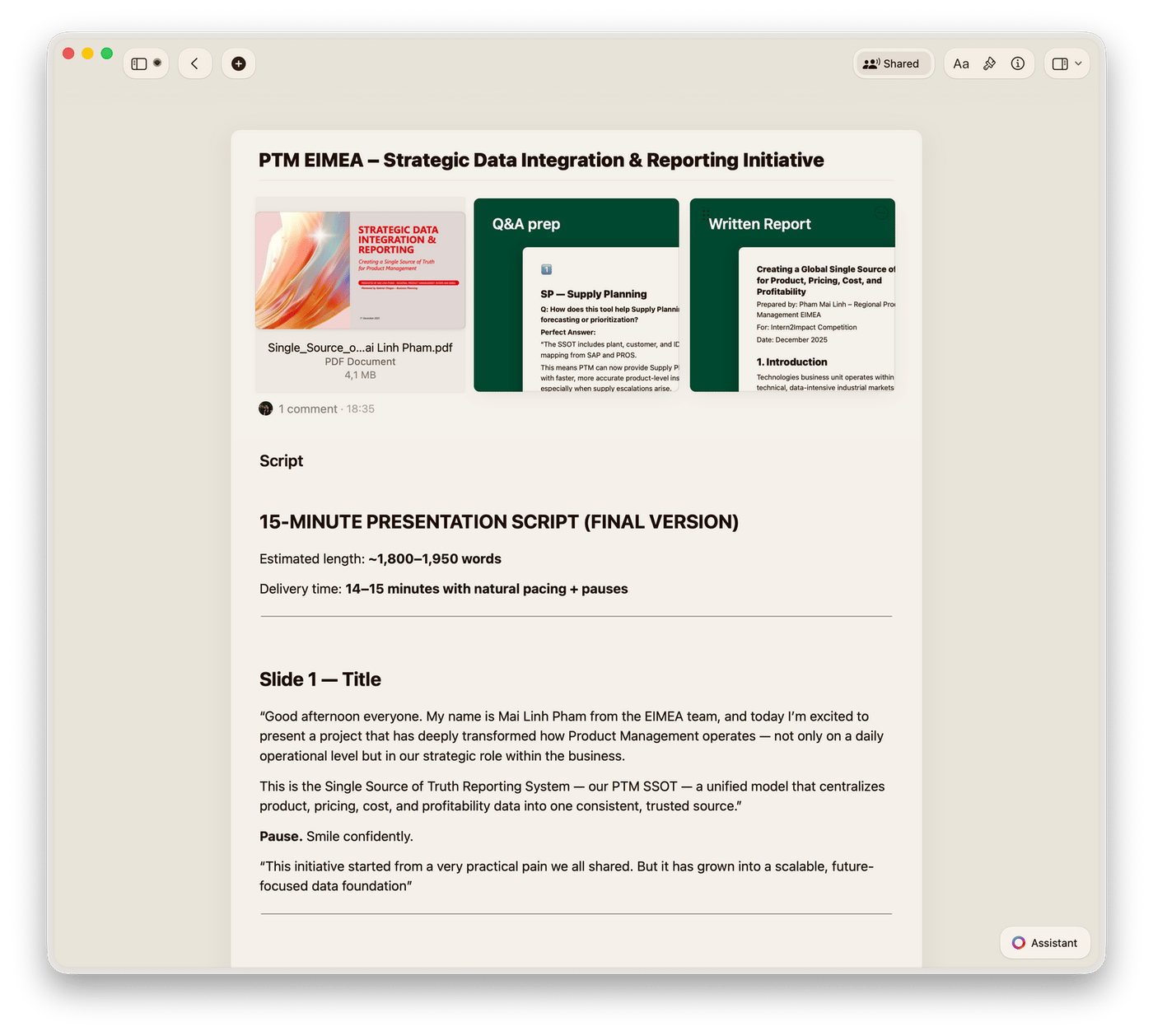
Save listing sheets, buyer guides, and market reports as reusable Templates. Every new listing starts from your best work.

iPhone app for on-site work
Capture notes and photos at a showing from your iPhone. Full offline editing means you never wait for Wi-Fi.

Web publishing and sharing
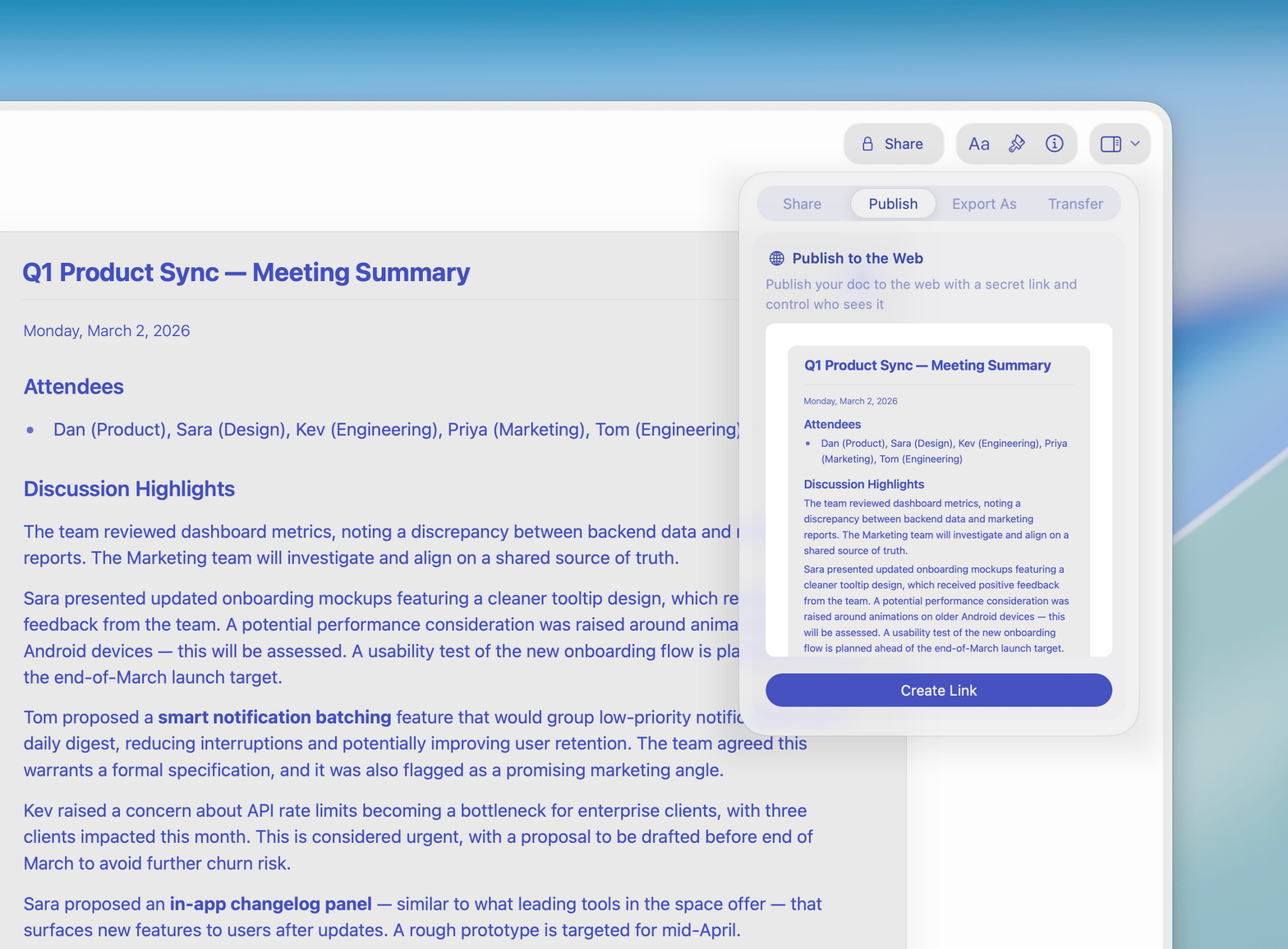
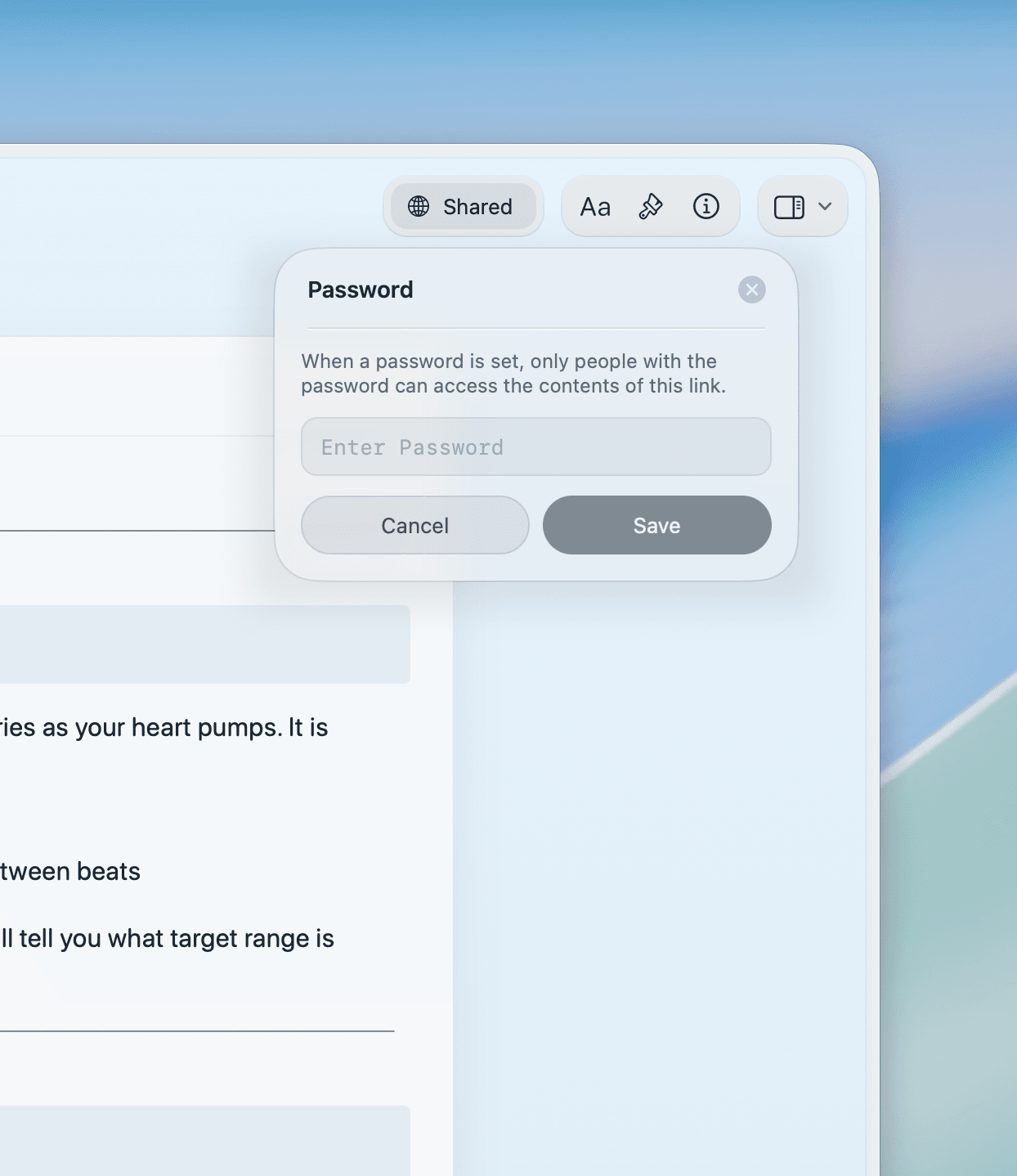
Publish listings as beautiful web pages with a secret link. Clients view on any device without creating an account.
Write your next listing in Craft
Free for individual agents.
Team plans for brokerages.
From real estate agents
Agents who write in Craft
Using Craft has changed my business, my workflow, my awareness of how I organize things and so much more.
App Store Review
Christoph
Business OwnerPlayed around with it on iOS for some time - absolutely love it. Fantastic design, incredible experience, having the new tab bar makes working on mobile so much smoother!
DMNK392
Mobile power user
Craft is way more functional than Apple or Google Notes while being much easier to use than Notion.
Craft Community
Leo Tohyama
Switched from Notion
How agents use Craft
Three documents agents build in Craft
Property listings
Write a listing that stands out before the open house
Start from your listing template. Add the address, key features, and a strong opening line. Share a live link in minutes.
Template keeps your voice consistent across every listing
Share a public link or export to PDF for MLS submissions
Add photos and floor plans directly in the document
Get started
Your first listing ready in ten minutes

Download Craft
Install on your Mac, iPhone, or iPad from the App Store. One account syncs across all your devices.

Build your listing template
Write your standard listing format once. Save it as a template. Use it for every new property.

Send your first document
Fill in your template, add photos, and share a link or PDF with your client.

Craft vs. Google Docs vs. Notion
See how Craft compares for real estate documents on Apple devices.
Native iPhone and iPad app
Offline writing on-site
Linked documents
Document load time
Visual polish by default
Free for agents. Team plans for brokerages.
Individual agents use Craft free. Upgrade for team templates, shared workspaces, and brokerage-wide branding.
Free
Full access, great if you use it occasionally each week.
$0 /month
Designed to effortlessly fit into your everyday flow.
$5 /month
Learn more
Resources for real estate agents

How to build a listing presentation in Craft
A step-by-step guide to creating a listing presentation that wins clients, built entirely in Craft.

Publish to your own domain
Share listings and market reports on your branded domain. Clients see your name, not ours.

The 5-minute listing description
How top agents use Craft templates to write polished property descriptions in under five minutes.