

Write research that holds together
Use Collections to build a literature database, the Code Editor for TeX formulas, and Craft Assistant to summarize papers — all in one native app.
For researchers
From literature review to final draft, without losing your thread
01 — Build your literature review
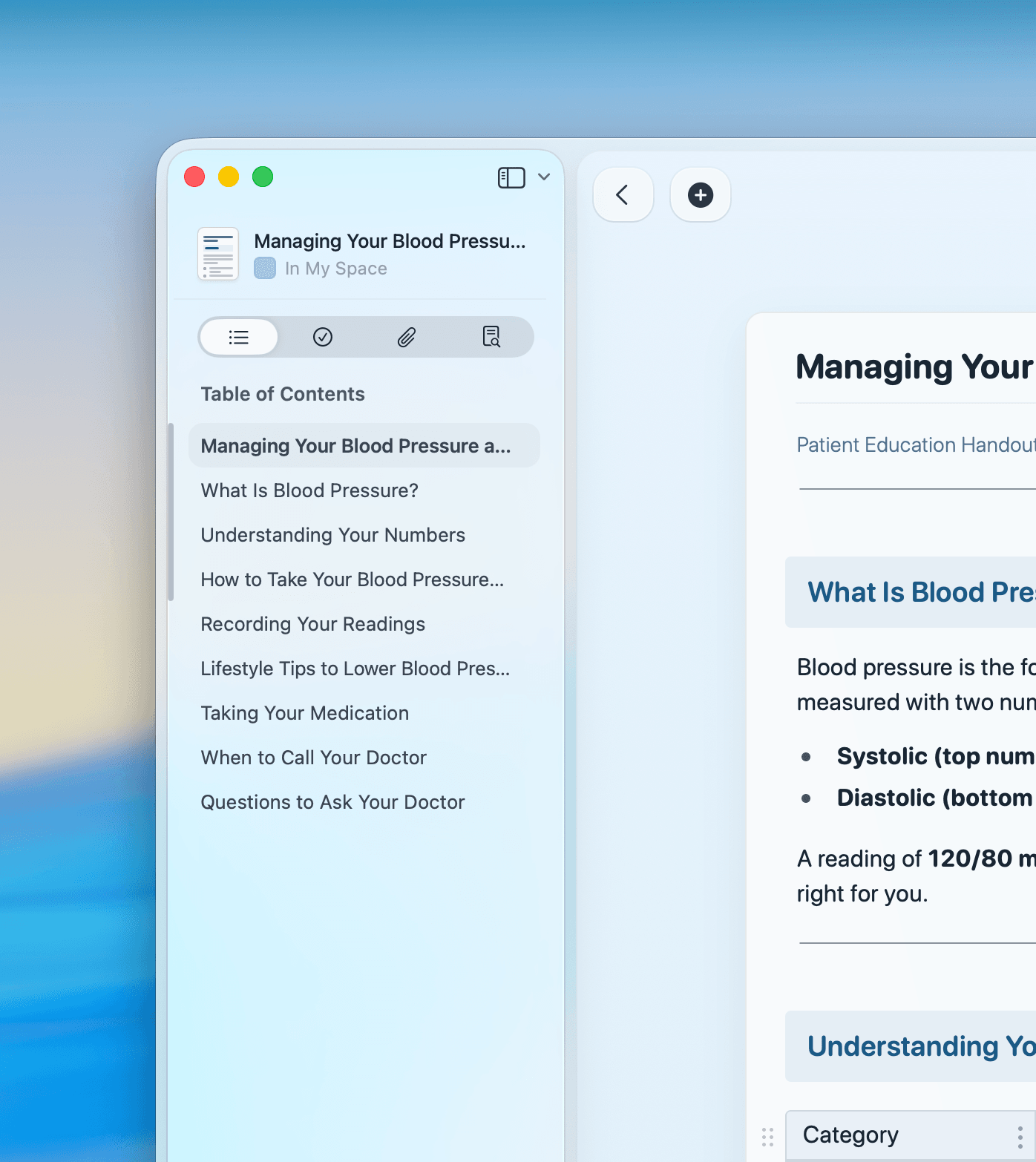
Use Collections to build a sortable, filterable literature database. Link notes to papers with backlinks and track key arguments across sources.
Built for deep work
A writing environment that keeps pace with your thinking
From Collections for literature tracking to the Code Editor for LaTeX, Craft gives researchers purpose-built tools in a native app.

Craft Assistant for research
Summarize papers, extract text from PDFs with OCR, run web research, and generate first drafts — all from the AI Assistant built into Craft.

Bidirectional backlinks
Link any note to any other. Backlinks show every document that references a concept. Your research stays connected across projects.

Code Editor with live TeX
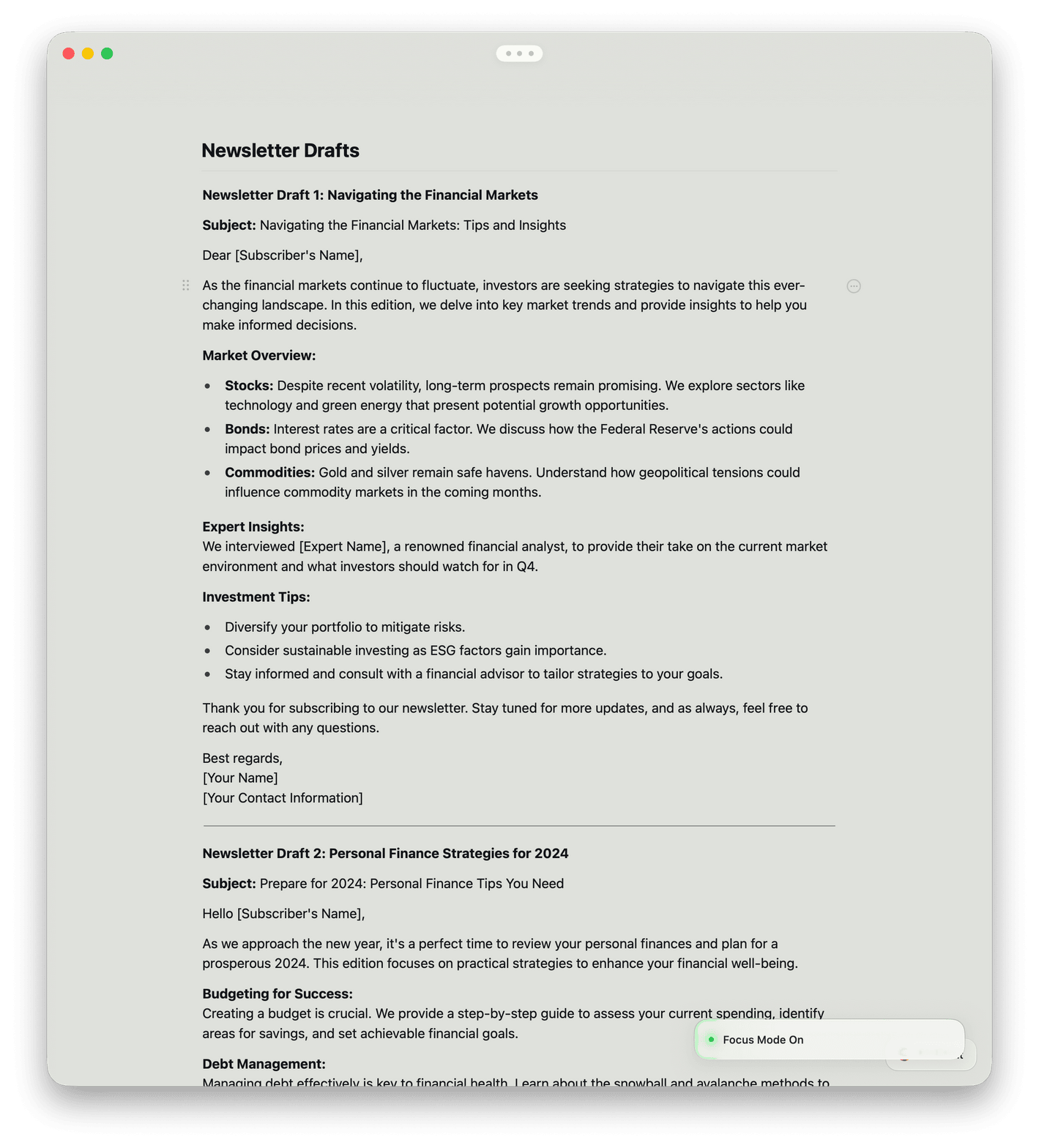
Render LaTeX math formulas live as you type. Syntax highlighting and no character limits make Craft ready for technical writing.

Collections as a literature database
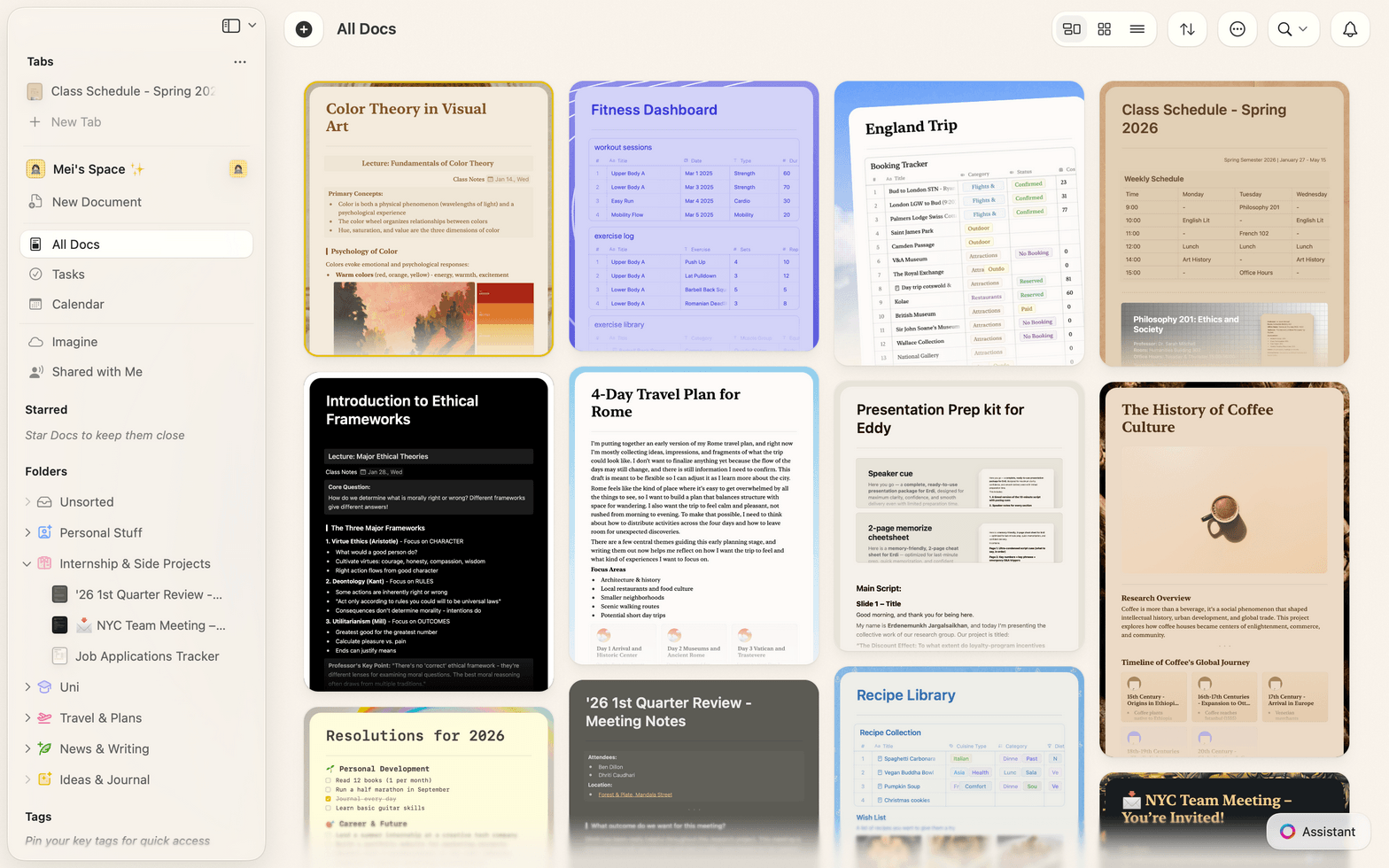
Organize papers in Table or Gallery views. Filter by status, sort by date, group by topic — and import references via CSV.

Daily Notes as a lab journal
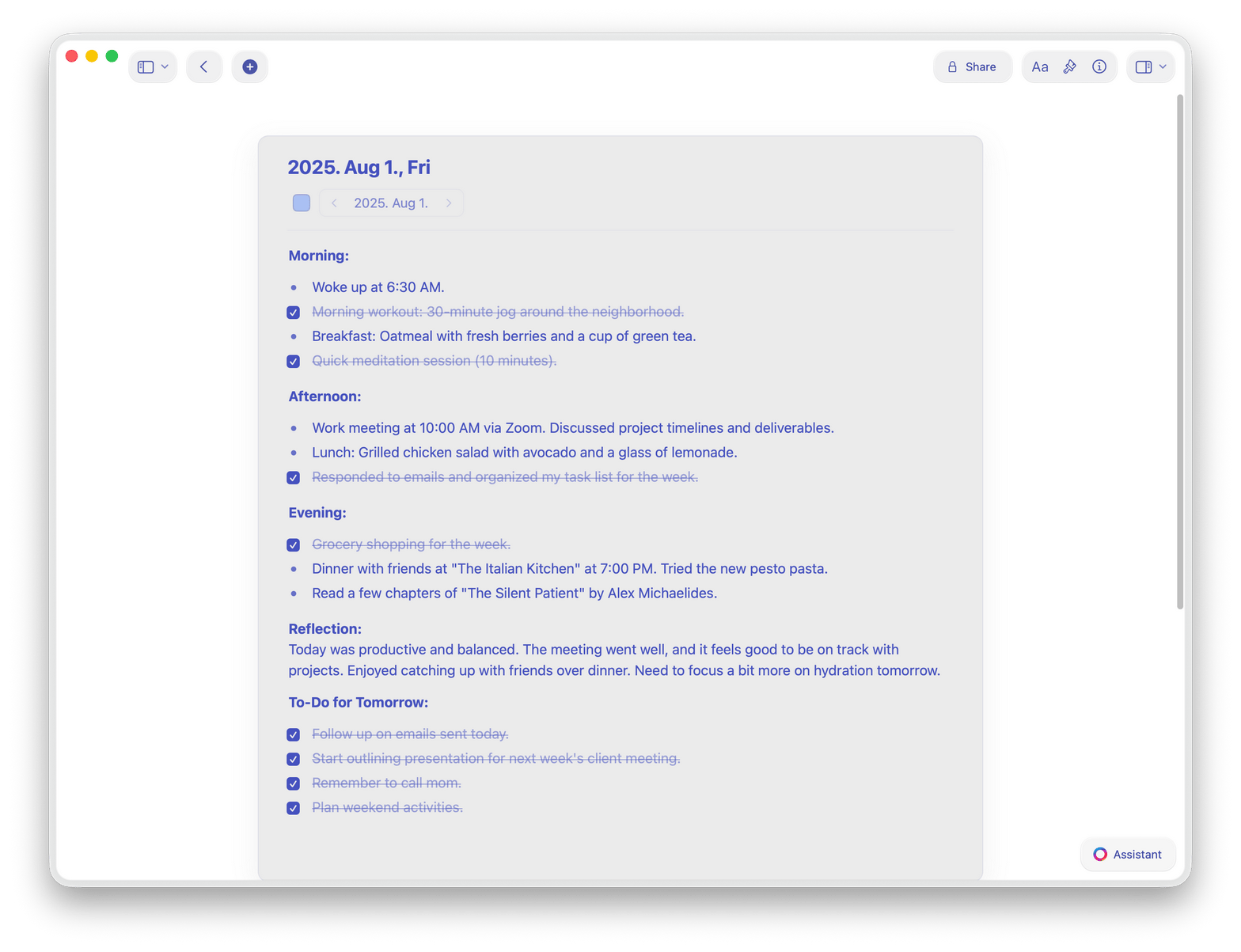
Capture observations, track tasks, and log experiments in Daily Notes. Everything links back to your research projects.
Start your next research project in Craft
Free for individual researchers.
Upgrade when your team grows.
From researchers
Academics who write in Craft
Pages in documents were a revelation – they completely changed how I think about structuring content. Now, Collections take it even further, making Craft an even more powerful tool.
Craft Community
Denis Volkov
Craft user since 2021
Craft helps me find the truth and organize my world. I run on knowledge, and Craft significantly increases my reach.
Craft Community
Dan Corcoran
Knowledge Worker
Craft is a powerful and beautiful way to take notes, allowing rich connections between ideas. It can transform documents from flat sheets into nuanced frameworks for life and work.
App Store Review
Zimmy
Knowledge WorkerHow researchers use Craft
Three workflows researchers build in Craft
Literature review
Organize 50 papers without losing your mind
Create a note per paper. Link concepts across sources. Build your argument before you open a blank document.
One note per source, linked to your argument map
Tags and folders keep 200+ papers findable
Export your review as a formatted PDF
Get started
Up and running in under five minutes

Download Craft
Install from the Mac App Store or download for iPhone and iPad. Your account syncs across all devices automatically.

Import your notes
Bring in Markdown files, Notion exports, or plain text. Craft converts them automatically.

Start your first project
Create a space for your research. Add notes, link papers, and start writing.

Craft vs. Notion vs. Obsidian
See how Craft compares for research writing on Apple devices.
Native Mac app
Document load time
Bidirectional links
Offline writing
Rich text and Markdown
Free to start. Paid when you need more.
Individual researchers use Craft free. Upgrade to Craft Pro for unlimited documents and advanced sharing.
Free
Full access, great if you use it occasionally each week.
$0 /month
Designed to effortlessly fit into your everyday flow.
$5 /month
Learn more
Resources for researchers

How to build a literature review in Craft
A step-by-step guide to organizing sources, linking ideas, and writing your review without leaving the app.

Organize and find your research
Use folders, links, and search to keep every source, note, and draft easy to find.

PhD students on writing with Craft
How three doctoral researchers use Craft to manage notes and write long-form academic work.