

Close more deals. Send better proposals.
Track deals in Collections, draft proposals with Craft Assistant, and share password-protected links that close.
Built for sales
From first call to signed deal, Craft keeps you ahead.
01 — Proposals
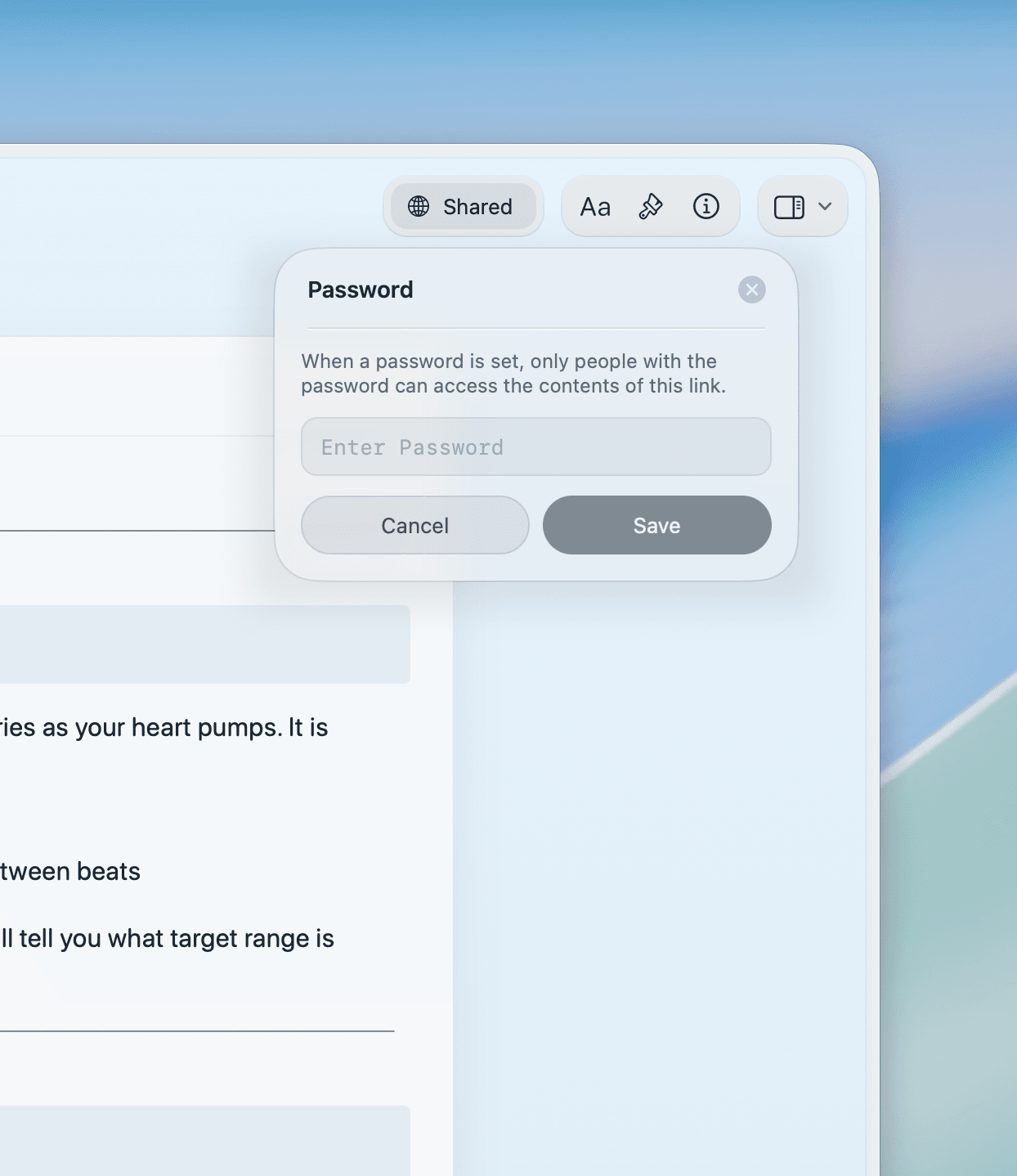
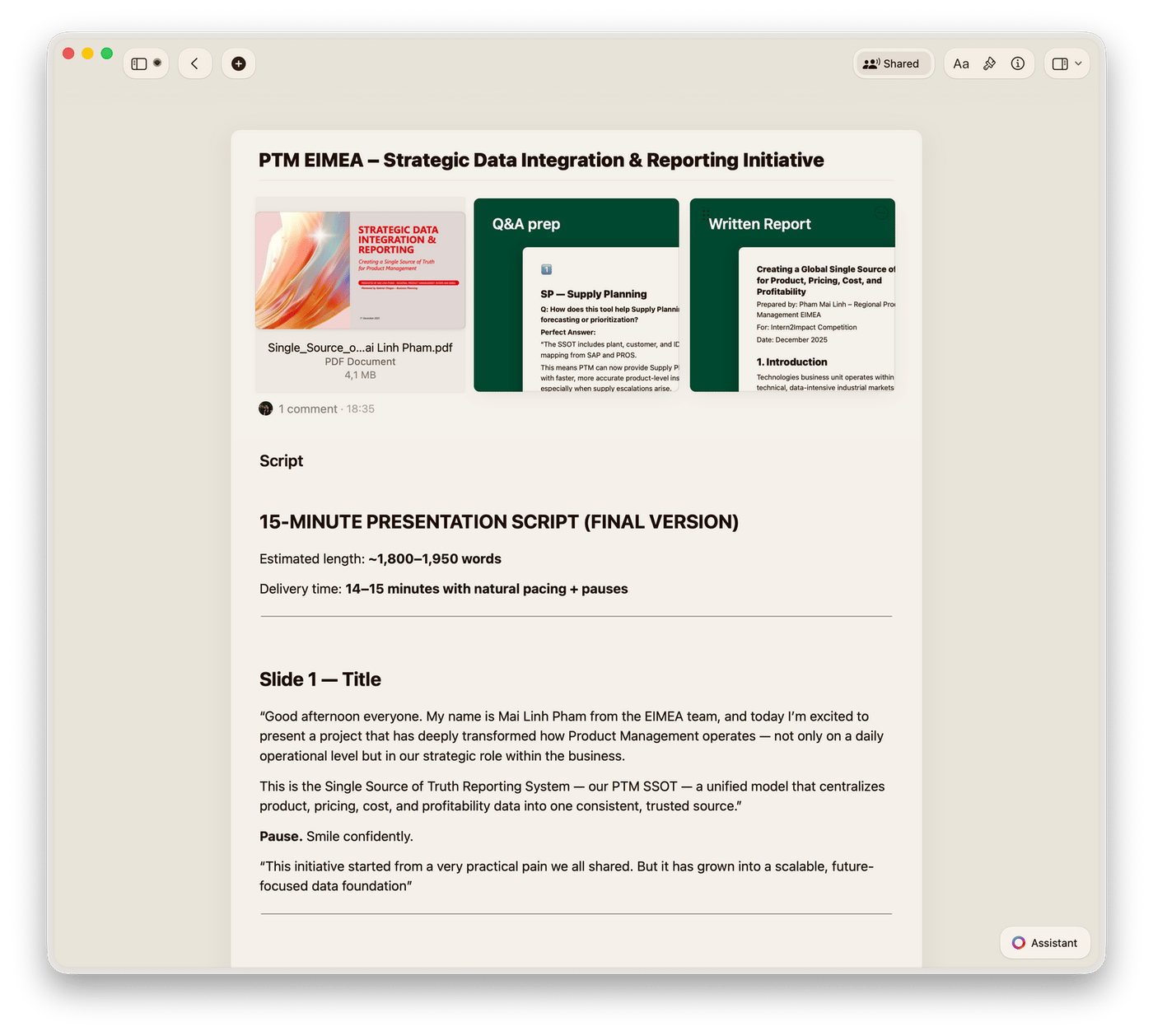
Use Craft Assistant to draft proposals from templates. Send a password-protected link — no attachments, always up to date.
Why sales teams use Craft
Proposals that look like you tried. Without trying.
Craft formats your proposal beautifully by default. Your prospect gets a polished doc. You spend your time selling.

Collections for deals
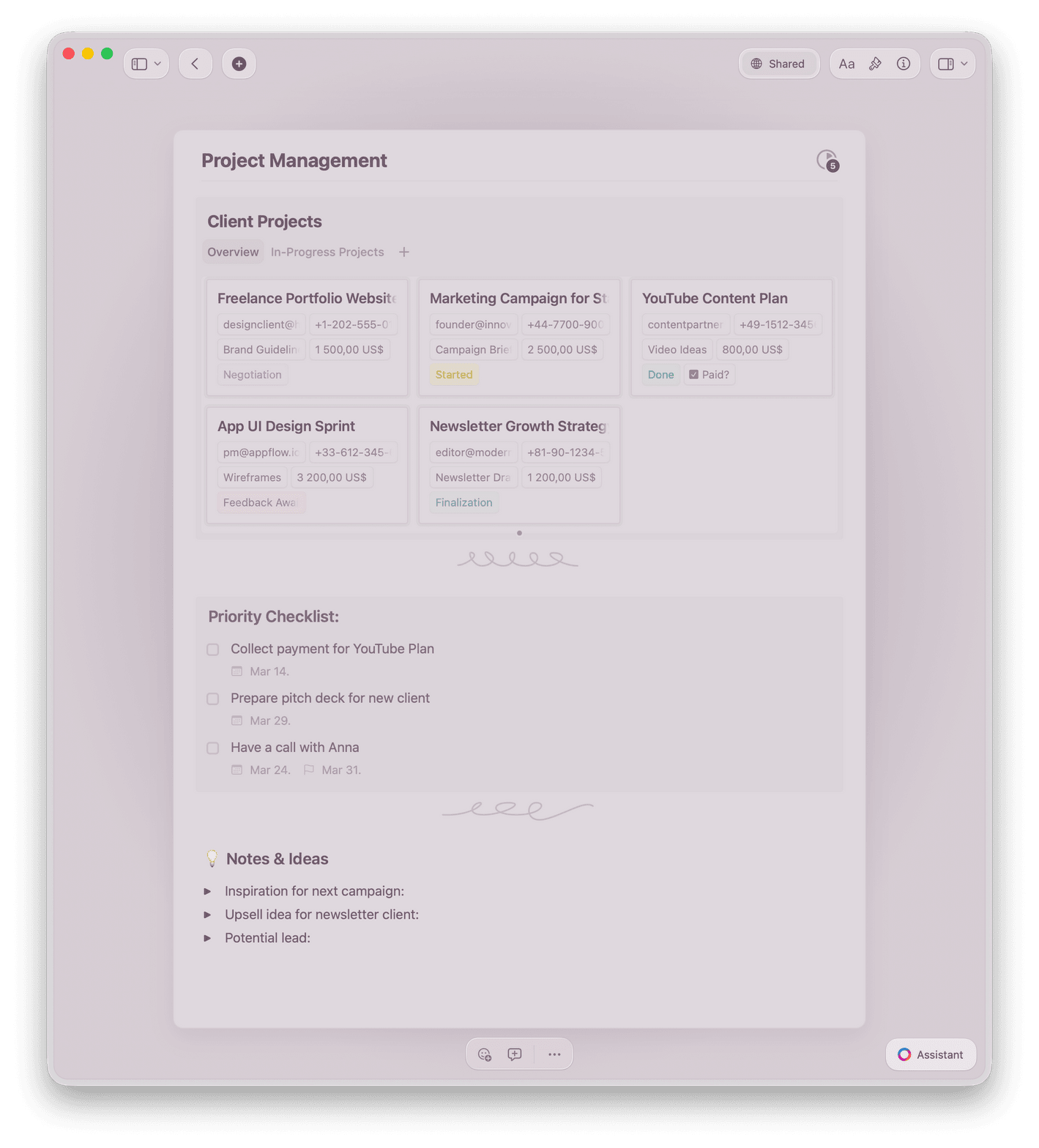
Track your pipeline in Gallery view. Filter by stage, sort by close date, group by rep.

Craft Assistant
Draft proposals, summarize call notes, and personalize outreach — all powered by AI inside your doc.

Proposal templates
Start from built-in proposal and pitch templates. Customize them for your sales process.

Password-protected sharing
Share proposals with password-protected links. Control who sees your pricing and terms.

Web publishing
Publish proposals as branded web pages. Update the content and the link stays the same.
Send your next proposal from Craft.
Free to start. No credit card needed.
Your first proposal is ready in minutes.
From sales professionals
Sales reps who changed how they send proposals.
Using Craft has changed my business, my workflow, my awareness of how I organize things and so much more.
App Store Review
Christoph
Business OwnerCraft helps me find the truth and organize my world. I run on knowledge, and Craft significantly increases my reach.
Craft Community
Dan Corcoran
Knowledge Worker
Craft is way more functional than Apple or Google Notes while being much easier to use than Notion.
Craft Community
Leo Tohyama
Switched from Notion
Craft in action
How sales reps use Craft to close deals.
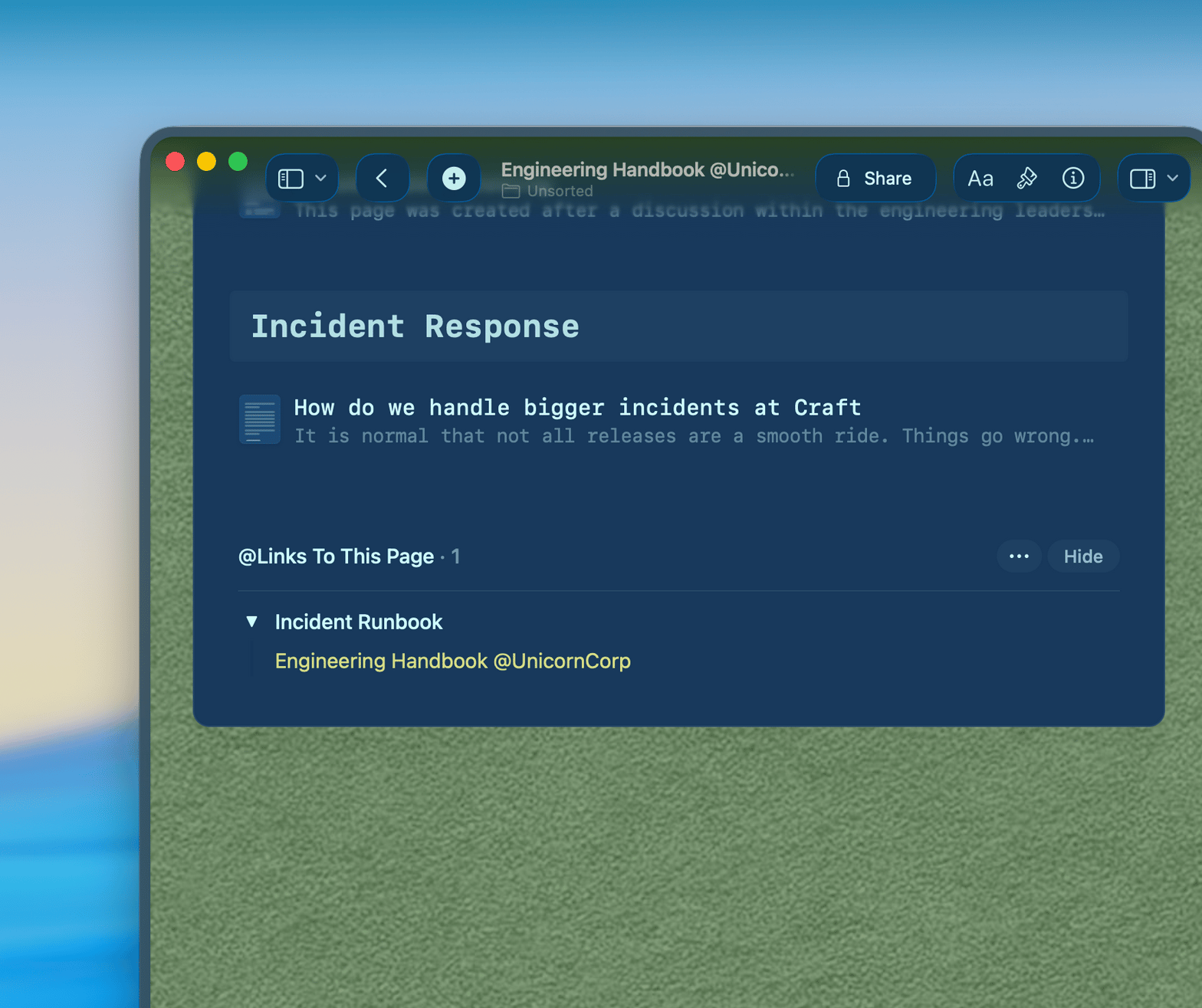
Proposals
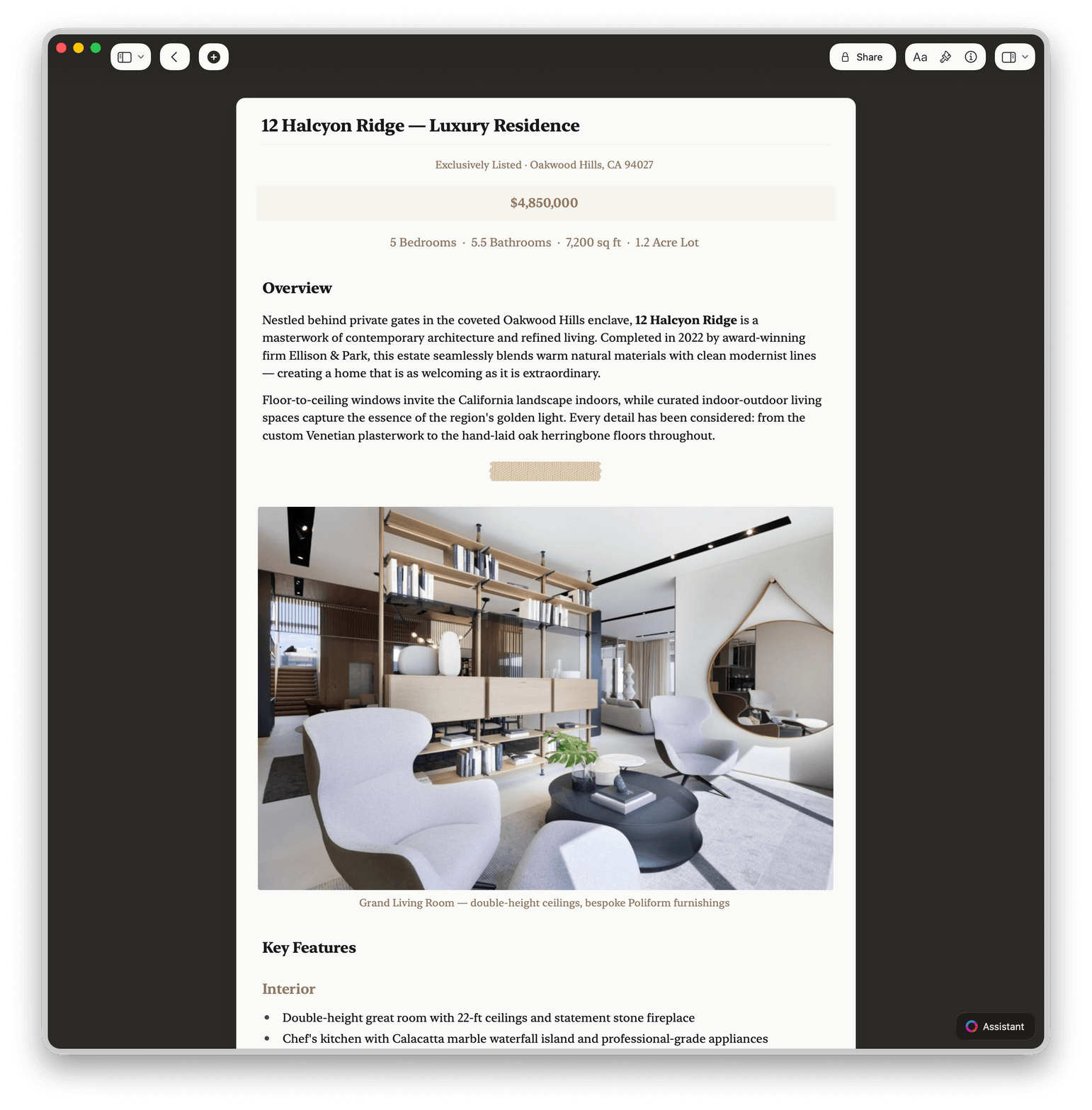
Send proposals that get opened.
A Craft proposal link loads instantly in any browser. Your prospect sees a clean, professional doc.
Looks polished with zero design work
Share as a link, not an attachment
Update the proposal after sending — the link stays the same
Get started
Your first proposal is ready today.

Download Craft
Get Craft free on Mac, iPhone, or iPad. No signup required to start.

Write your proposal
Start from a template or a blank doc. Craft formats it cleanly by default.

Send the link
Copy the share link and paste it into your email or CRM. Your prospect opens it in one click.

Craft vs. the alternatives
See how Craft compares to Google Docs and Notion for sales professionals.
Native Mac and iPhone app
Polished default formatting
Offline note capture
200ms load time
Linked deal documents
Free to start. Upgrade when your pipeline grows.
Craft is free for personal use. The Pro plan gives you unlimited docs, advanced sharing, and team workspaces.
Free
Full access, great if you use it occasionally each week.
$0 /month
Designed to effortlessly fit into your everyday flow.
$5 /month
Learn more
Guides for sales professionals.

How to write a proposal in Craft
A step-by-step guide to writing, formatting, and sharing a winning proposal in Craft.

Building a deal doc template
How to set up one document structure that works for every deal in your pipeline.

See Craft in action
Real examples of how sales teams use Craft for proposals, deal docs, and client communication.