

Your lesson plans. Your course materials. All in one place.
Plan lessons with Craft AI, track students in Collections, and manage your schedule with Calendar and Daily Notes. Special education pricing available.
Built for teachers
Lesson plans, course materials, and student resources all connected.
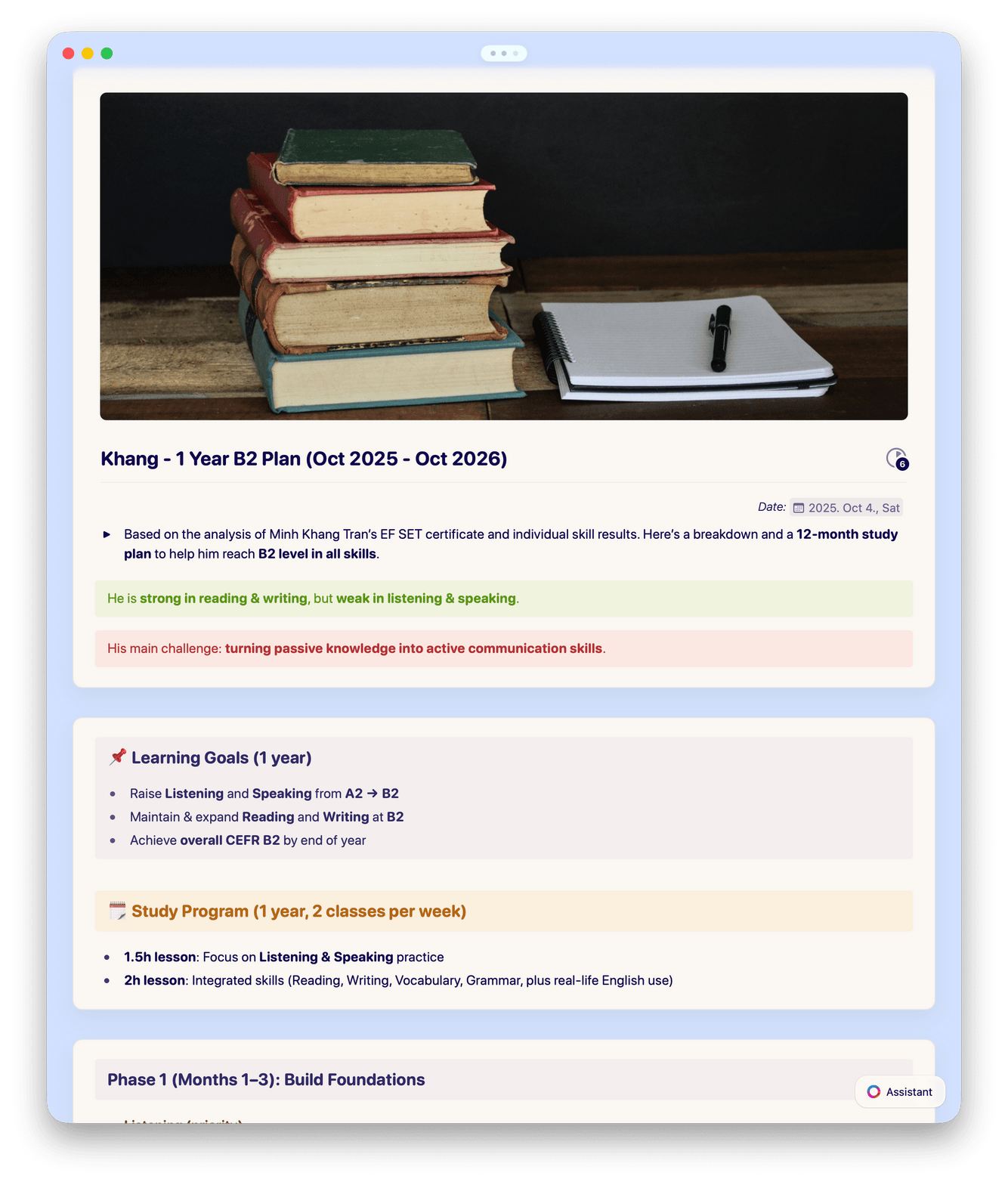
01 — Lesson plans
Write and organize lesson plans with Craft AI. Use Collections to filter by unit, week, or standard.
Features
The tools teachers need to plan and teach better.
Craft gives you a fast, organized workspace where everything from your lesson plans to student handouts lives in one place.

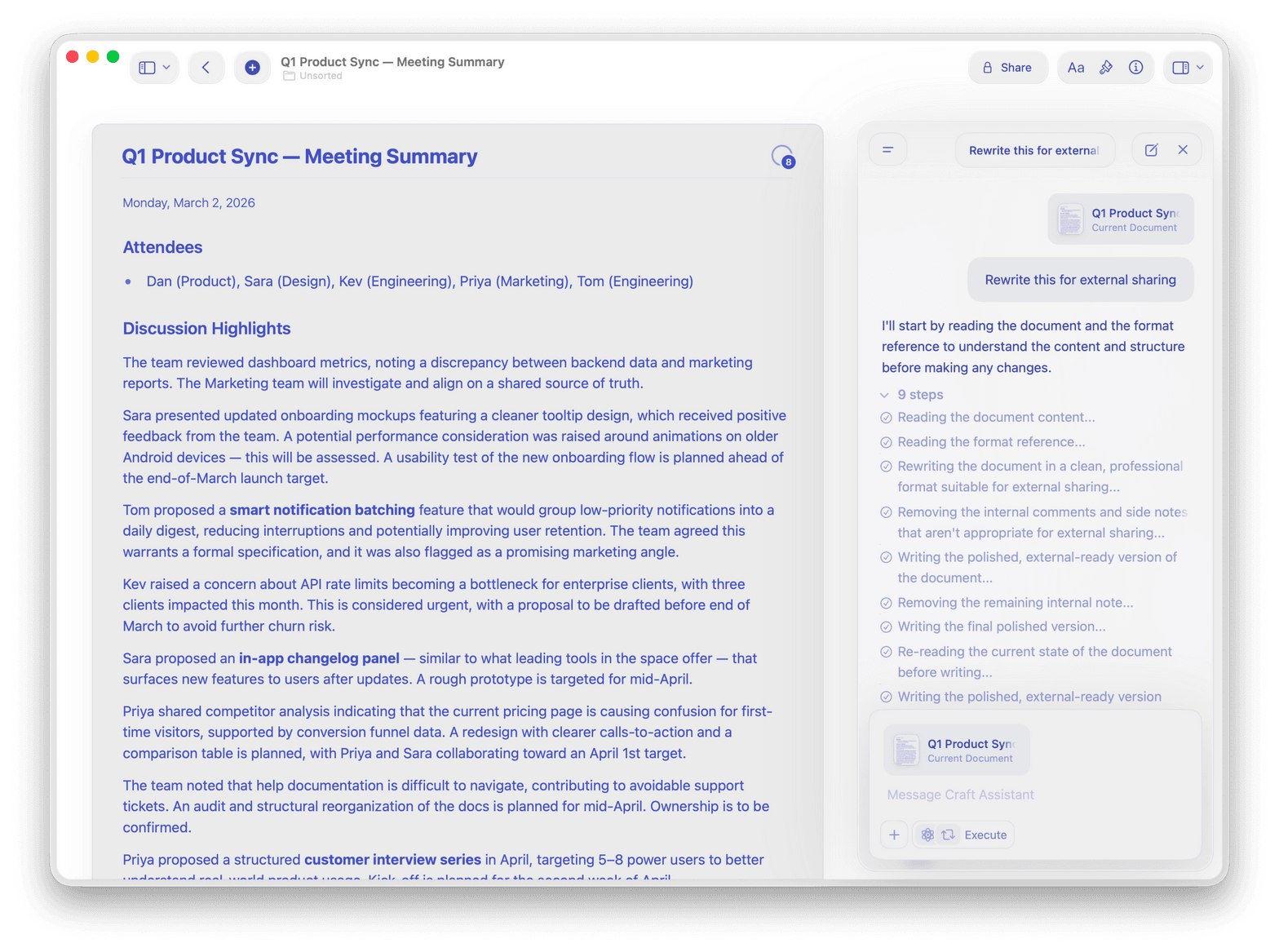
Craft AI for educators
Generate lesson materials, translate content for ESL students, and summarize readings with Craft AI Assistant.

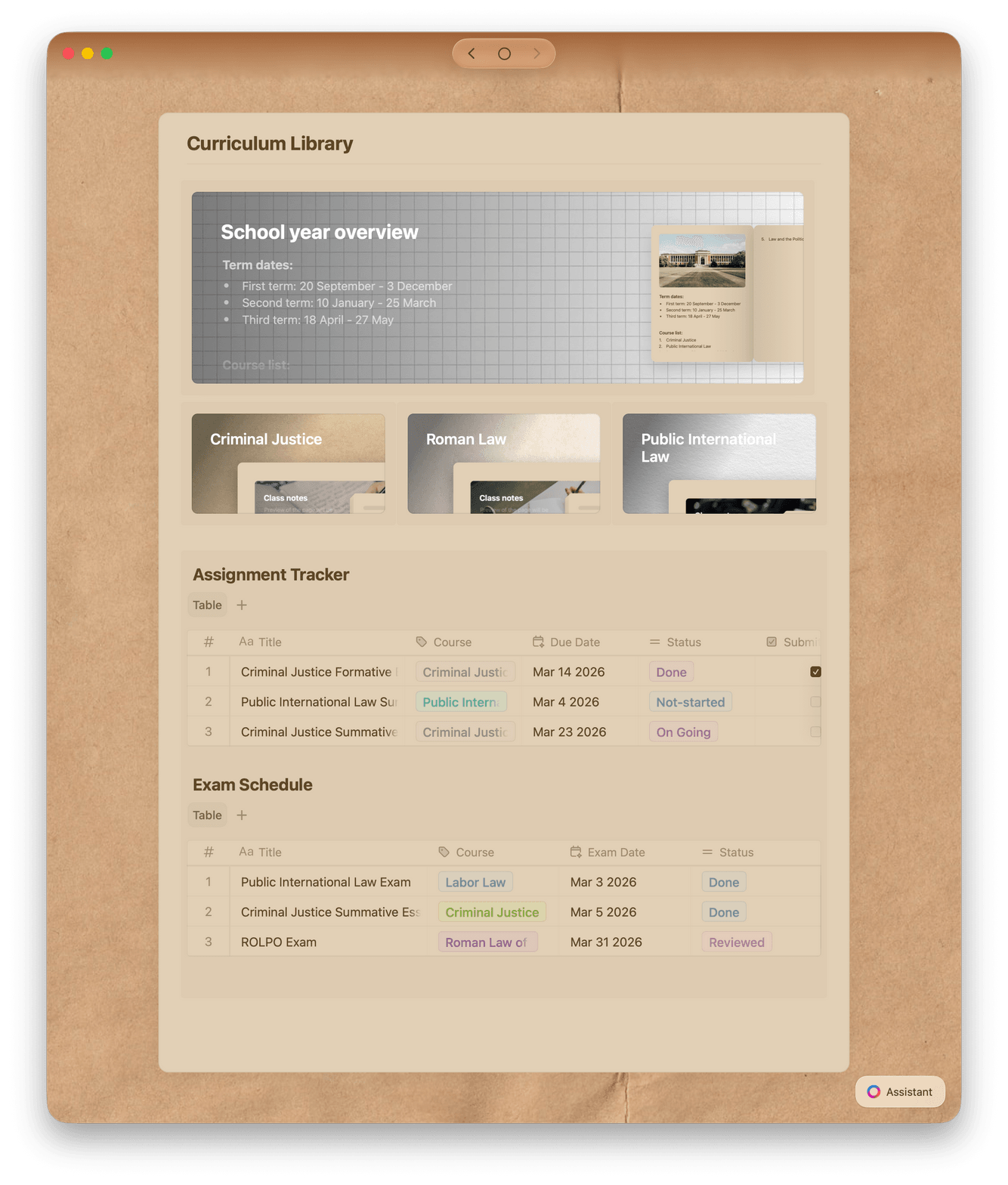
Collections as a grade book
Track students, assignments, and grades in database-like Collections with table views, filters, and sorting.

Calendar and Daily Notes
View your class schedule in Calendar. Use Daily Notes to plan each day and track tasks across the week.

Templates for the classroom
Start with built-in templates for lesson plans, syllabi, and rubrics. Save your own for next semester.

Education pricing
Special pricing for educators. Works on Mac, iPhone, iPad, Windows, and Web so you can teach from any device.
Plan less. Teach more.
Craft keeps your classroom materials organized and easy to share.
Free to start. No credit card required.
What teachers say
Teachers who organize their classrooms with Craft.
I can make my notes not only functional but visually pleasing — which really motivates me to stay organized.
YouTube Creator
Amity Sensei
Creator and Educator
I’ve been using Craft for my classes, and it’s been a game-changer. I can organize my notes, tasks, and projects in one place, and it’s so much easier to stay on top of everything.
Craft Community
Aaron
Student
Craft keeps everything, from wardrobe notes to interview outlines, in one beautifully structured place and helps me stay visually inspired and on top of every detail.
Craft Community
Ana
Producer and Photographer
See it in action
Three ways teachers use Craft every day.
Lesson planning
Plan your lessons faster.
Write and organize lesson plans in a focused workspace. Find last year's plan in seconds and reuse what worked.
Organize by unit, week, or subject
Link lesson plans to related materials
Reuse strong plans as templates next year
Get started
Build your classroom workspace in minutes.

Download Craft
Install on your Mac, iPhone, or iPad. Free to start.

Organize your curriculum
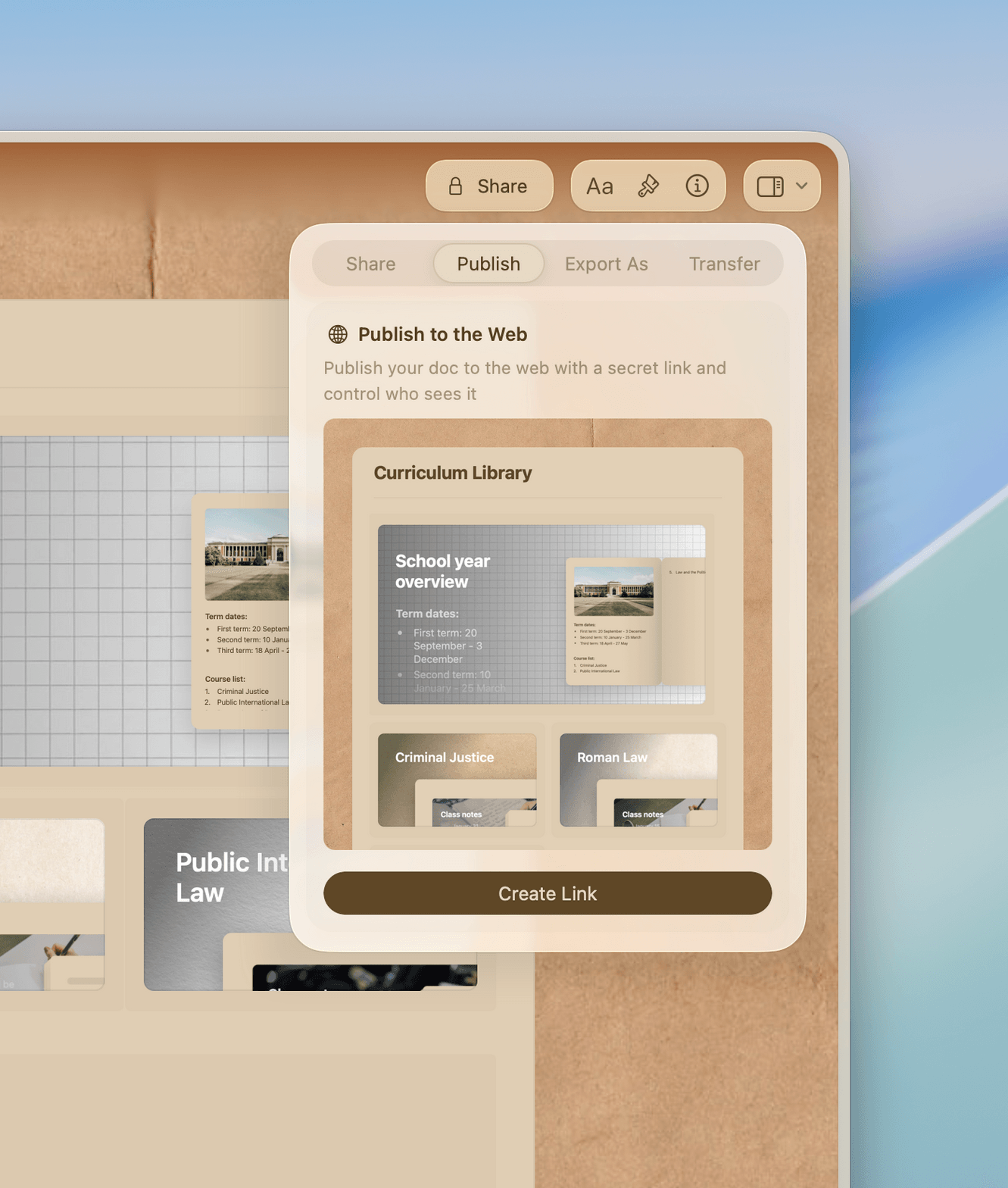
Create folders for each subject, unit, or term. Bring in your existing materials.

Start planning and sharing
Write your next lesson plan and share your first student resource today.

Craft vs. Google Docs and Notion
How Craft compares for teachers on the tools that save you time.
Native Mac and iOS app
Offline access
Document linking
Instant full-text search
Professional document design
Start free. Upgrade when your needs grow.
Craft is free for individual teachers. Pro unlocks collaboration, sharing controls, and unlimited documents.
Free
Full access, great if you use it occasionally each week.
$0 /month
Designed to effortlessly fit into your everyday flow.
$5 /month
Resources
Guides for teachers using Craft.

The Syllabus Template for Craft
A ready-to-use syllabus and course outline template for educators.

Course planning in Craft
Plan and organize your courses with a ready-made template.

Building your course curriculum in Craft
How to connect lesson plans, readings, and assessments into a curriculum your students can navigate.