

Your team's docs, always fast and on brand
Craft gives your team Collections for projects, Craft Assistant for meeting summaries, and real-time co-editing — all in one workspace.
Built for teams
Everything your team writes, in one place
01 — Team wikis
Build a single source of truth with nested pages and backlinks. Accessible on Mac, iPhone, iPad, Windows, and Web.
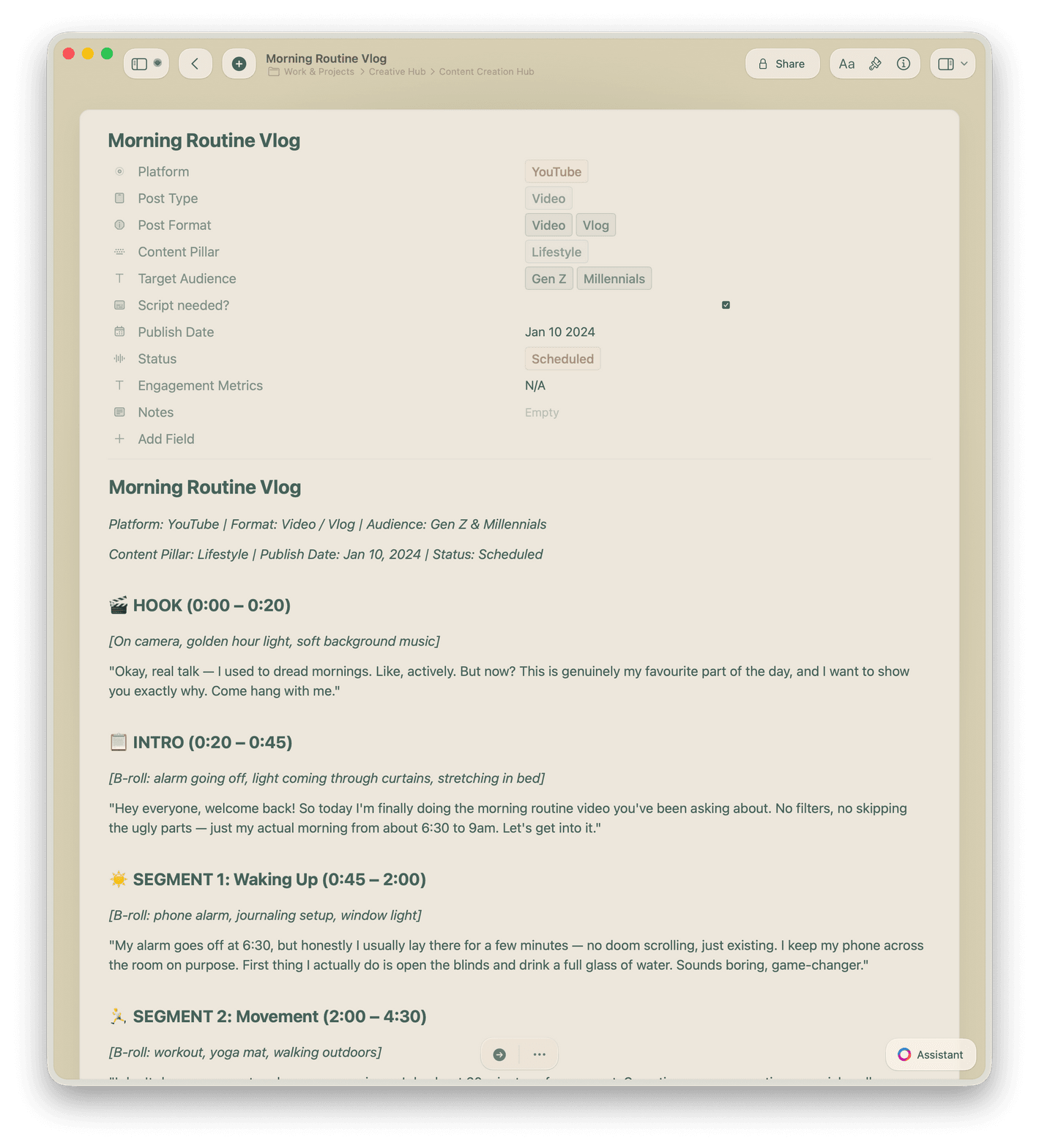
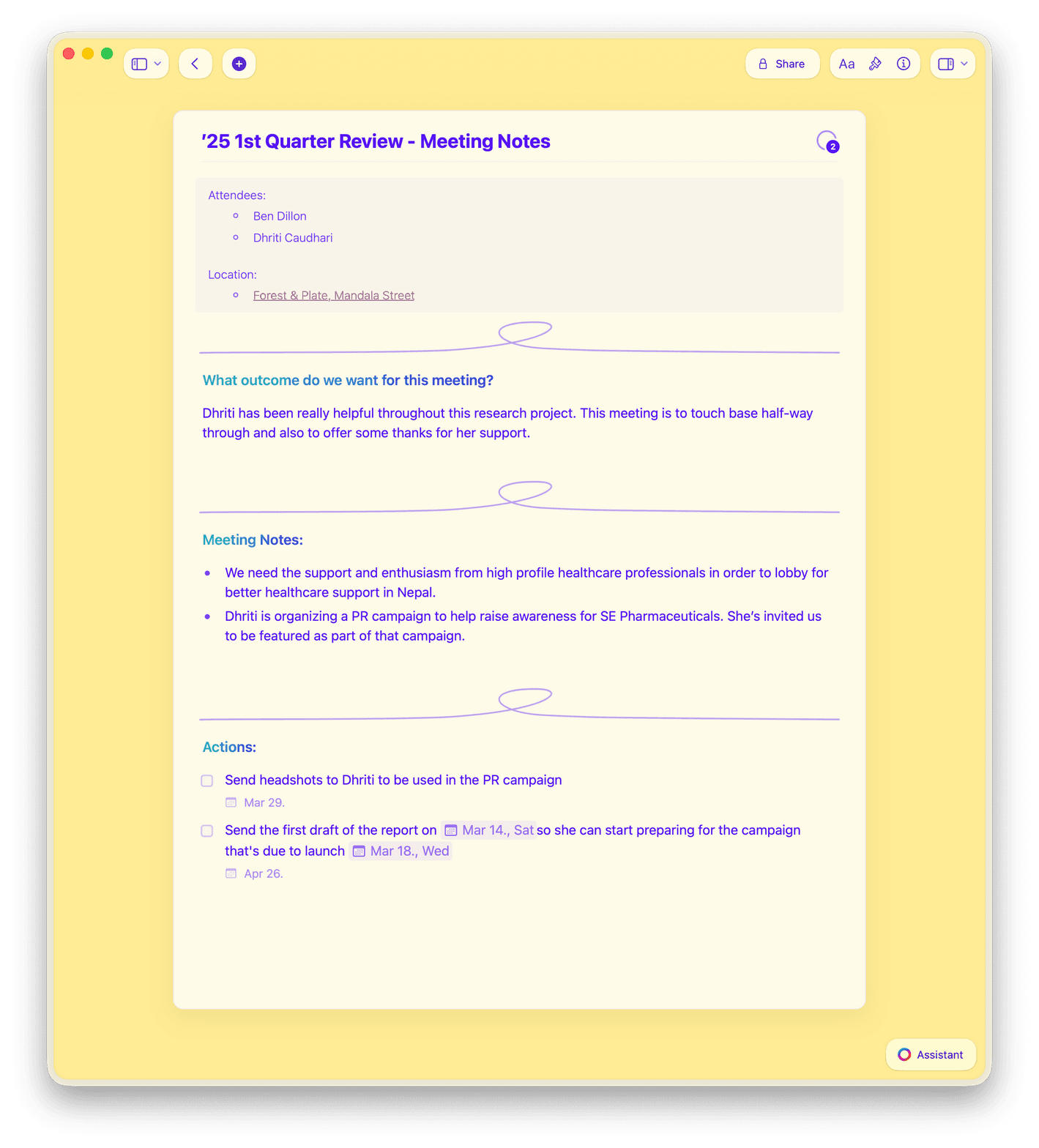
Why teams choose Craft
Fast, beautiful docs your team will use
Most team doc tools are slow, ugly, or both. Craft runs natively on Mac, iPhone, iPad, Android, and Vision Pro — also available on Windows and Web.

Real-time collaboration
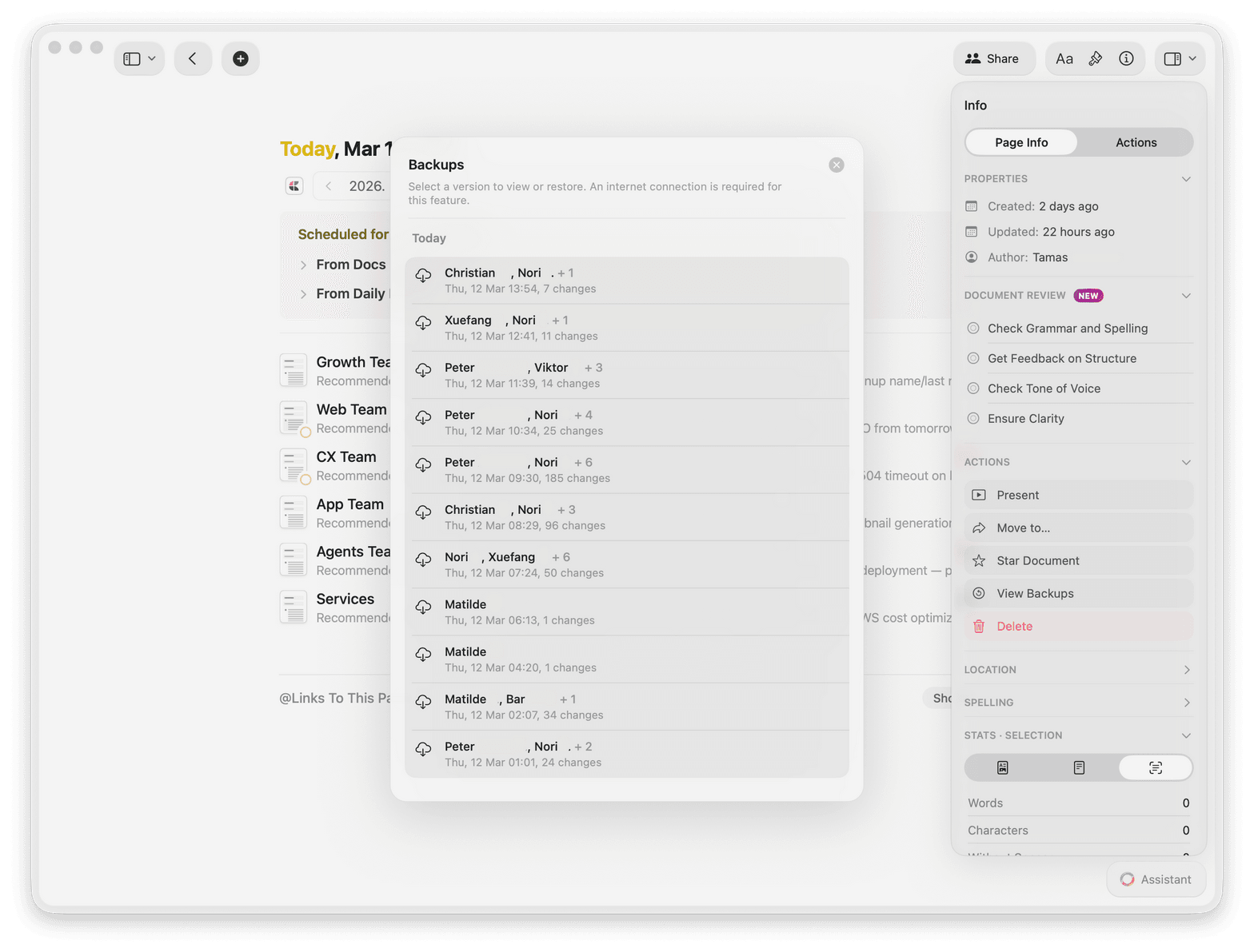
Your whole team edits the same doc at once. Changes appear instantly with no refresh needed.

Shared workspaces
Keep every team doc organized in shared spaces. Set permissions so the right people see the right pages.

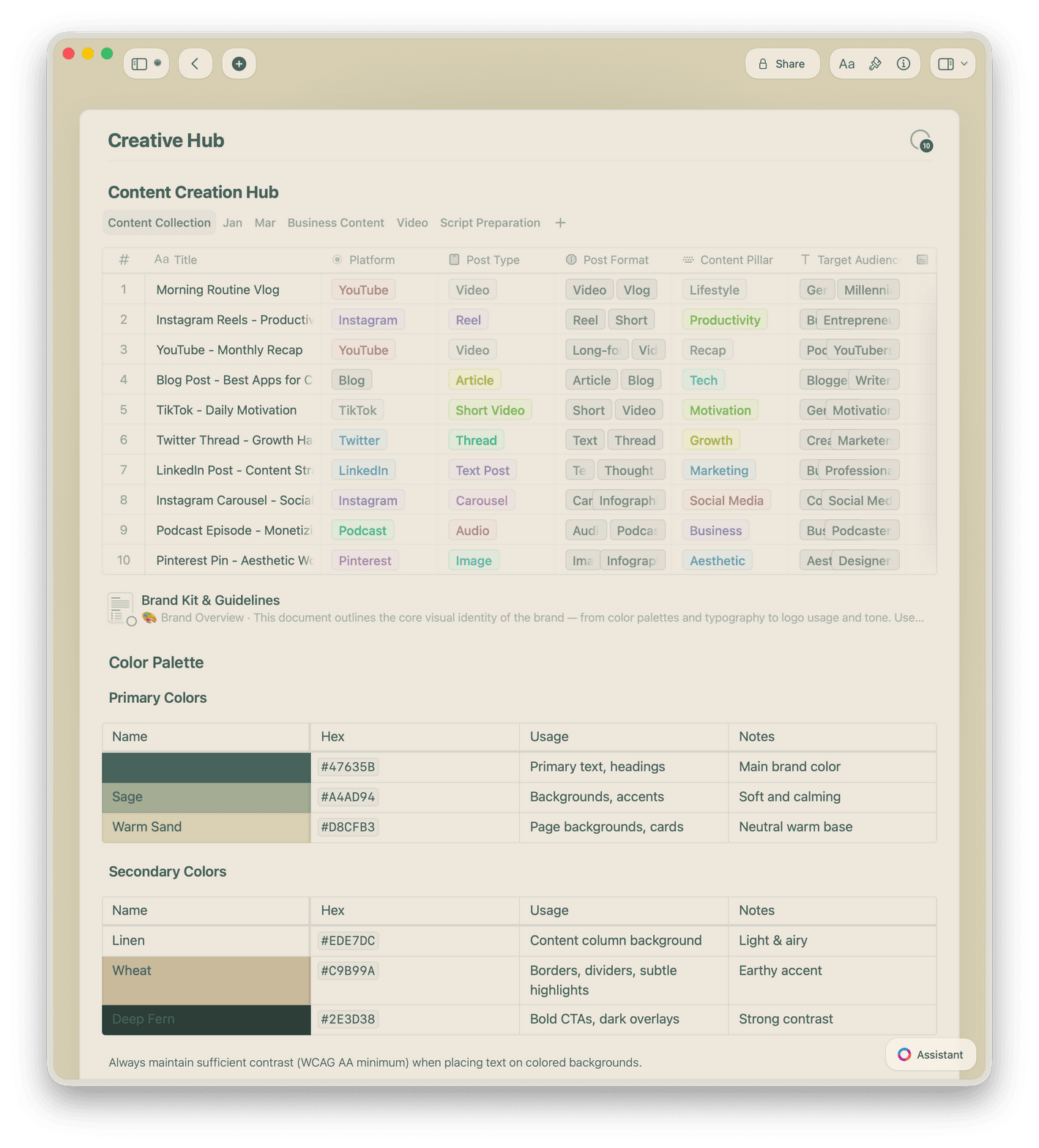
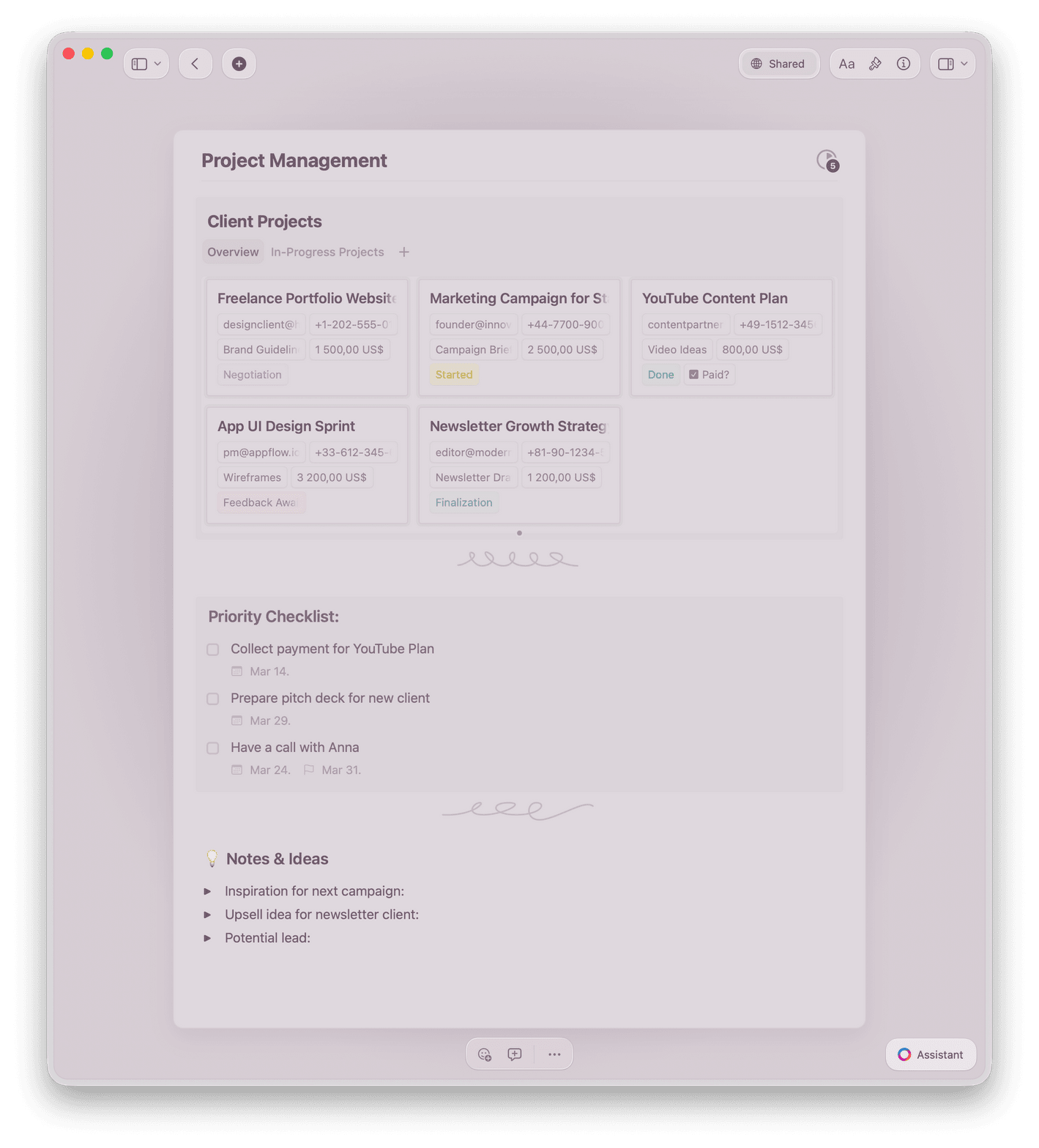
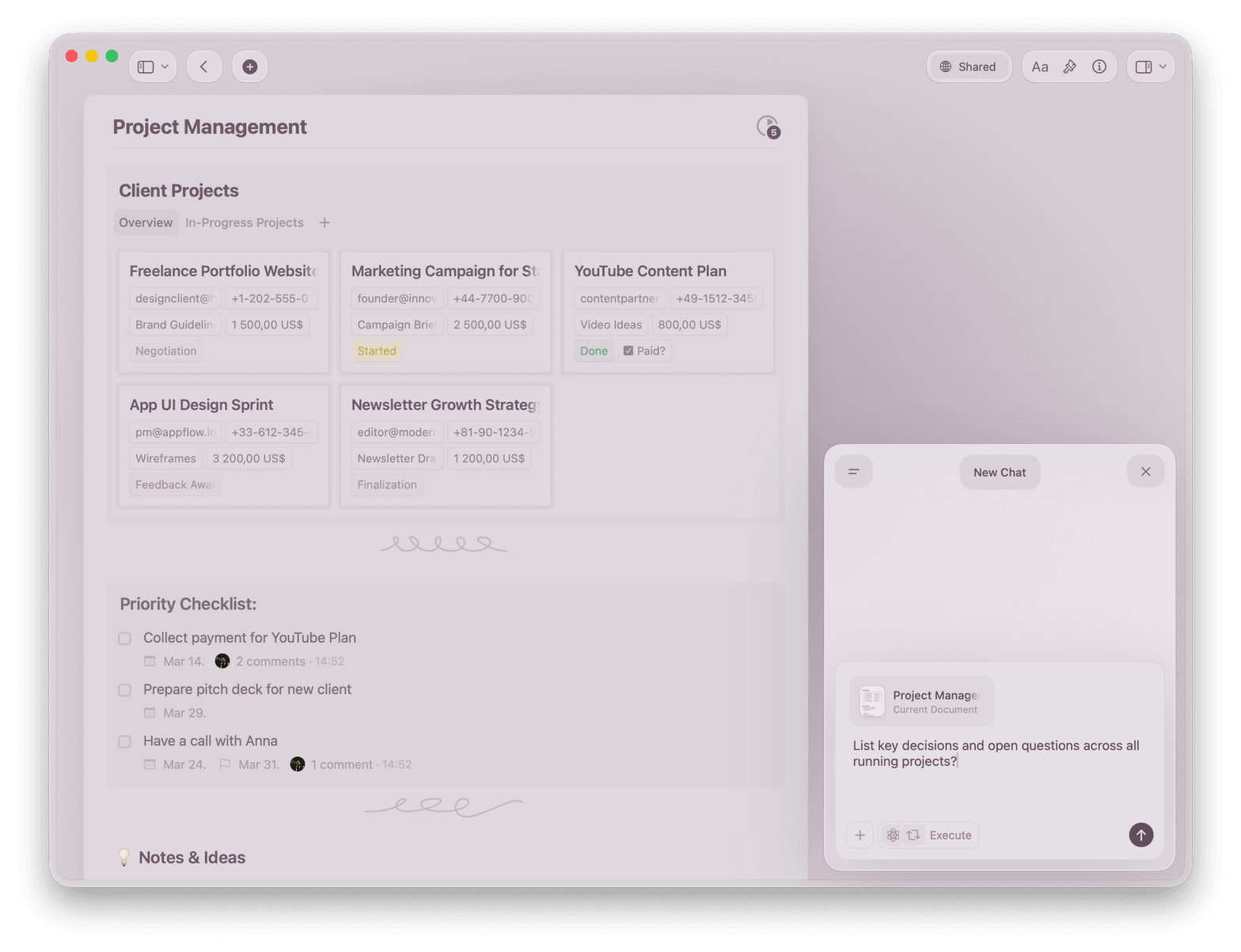
Collections for project tracking
Track projects in Table and Gallery views with filters, sorting, and grouping. Import from CSV in seconds.

Craft Assistant built in
Summarize meetings, draft updates, and organize content with Craft Assistant — free on all plans.

Import from Notion and Google Docs
Bring your existing docs over from Notion, Google Docs, or Markdown. Your content moves cleanly.
Give your team docs they'll love to read
Free to get started.
No credit card needed.
What teams say
Teams that switched to Craft don't go back
Our team is really enjoying Craft, and even the Notion die-hards seem happy that we made the move. A small group of us were talking about Craft the other day, and people were just going on and on about how much they loved it.
Craft Community
Anonymous review
Switched from NotionI switched from Notion to Craft a couple of years ago and have not looked back. At the time, I mainly switched due to Craft's ability to run offline while I was on a flight but the speed, responsiveness, and general level of polish of the experience kept me hooked.
Craft Community
Leo Tohyama
Switched from Notion
I've been wanting something like this for so long – having databases in a document is exactly what I've needed.
Craft Community
Aum Chauhan
Craft user since 2022
Craft in action
See how teams use Craft every day
Team wiki
A wiki your team actually reads
Build knowledge your team can find and trust. Docs stay organized, look polished, and open in under a second.
Nested pages and backlinks keep everything connected
Share any doc publicly with one click
Works on Mac, iPhone, and iPad
Get started
Your team is writing in Craft today

Create your workspace
Set up a shared workspace in two minutes. Invite your team by email or link.

Bring your docs
Import from Notion, Google Docs, or Markdown. Your existing content moves over cleanly.

Write and share
Create docs, share with teammates, and publish to the web — all from one app.

Craft vs. the alternatives
See how Craft stacks up for teams who care about speed, design, and real Apple performance.
Native Apple app
Load time
Full offline access
Real-time collaboration
Beautiful docs by default
Simple pricing for your team
Free for small teams. Upgrade when you need more members or advanced sharing controls.
Free
Full access, great if you use it occasionally each week.
$0 /month
Designed to effortlessly fit into your everyday flow.
$5 /month
Learn more


