
Your drafts deserve a better home
Write in focus mode, refine with Craft Assistant, and publish to the web — with full Markdown support and Daily Notes built in.
Built for writers
From first draft to final publish, in one app
01 — Long-form drafts
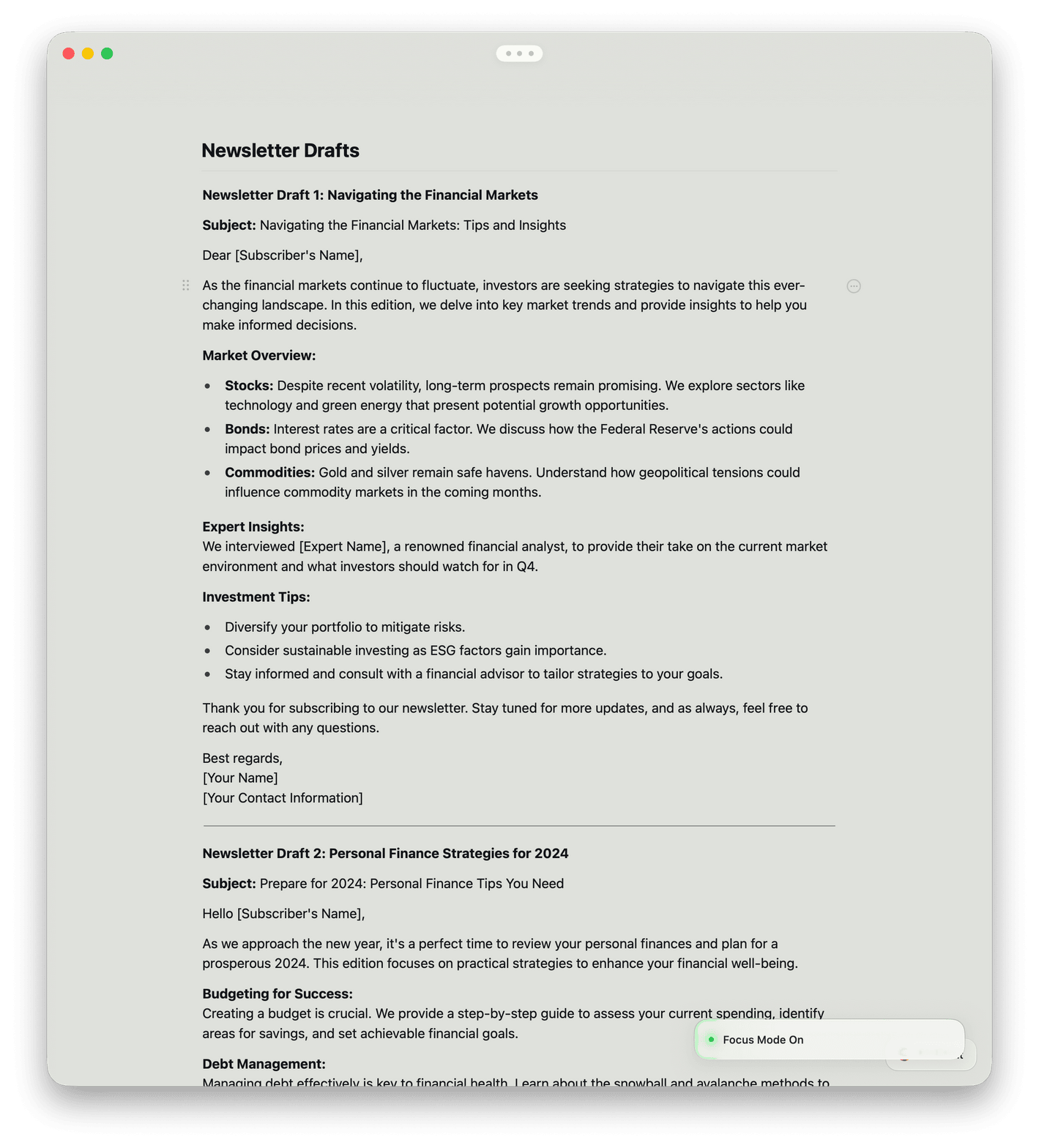
Write without interruption in focus mode. Use Craft Assistant to proofread, rephrase, or translate when you're ready to polish.
Why writers choose Craft
A writing app that gets out of your way
Craft syncs across Mac, iPhone, iPad, Windows, and Web. Write offline, refine with Craft Assistant, and focus on your words — not the tool.

Distraction-free writing
Enter focus mode and every toolbar, panel, and notification disappears. Just you and your draft.

Craft Assistant for writing
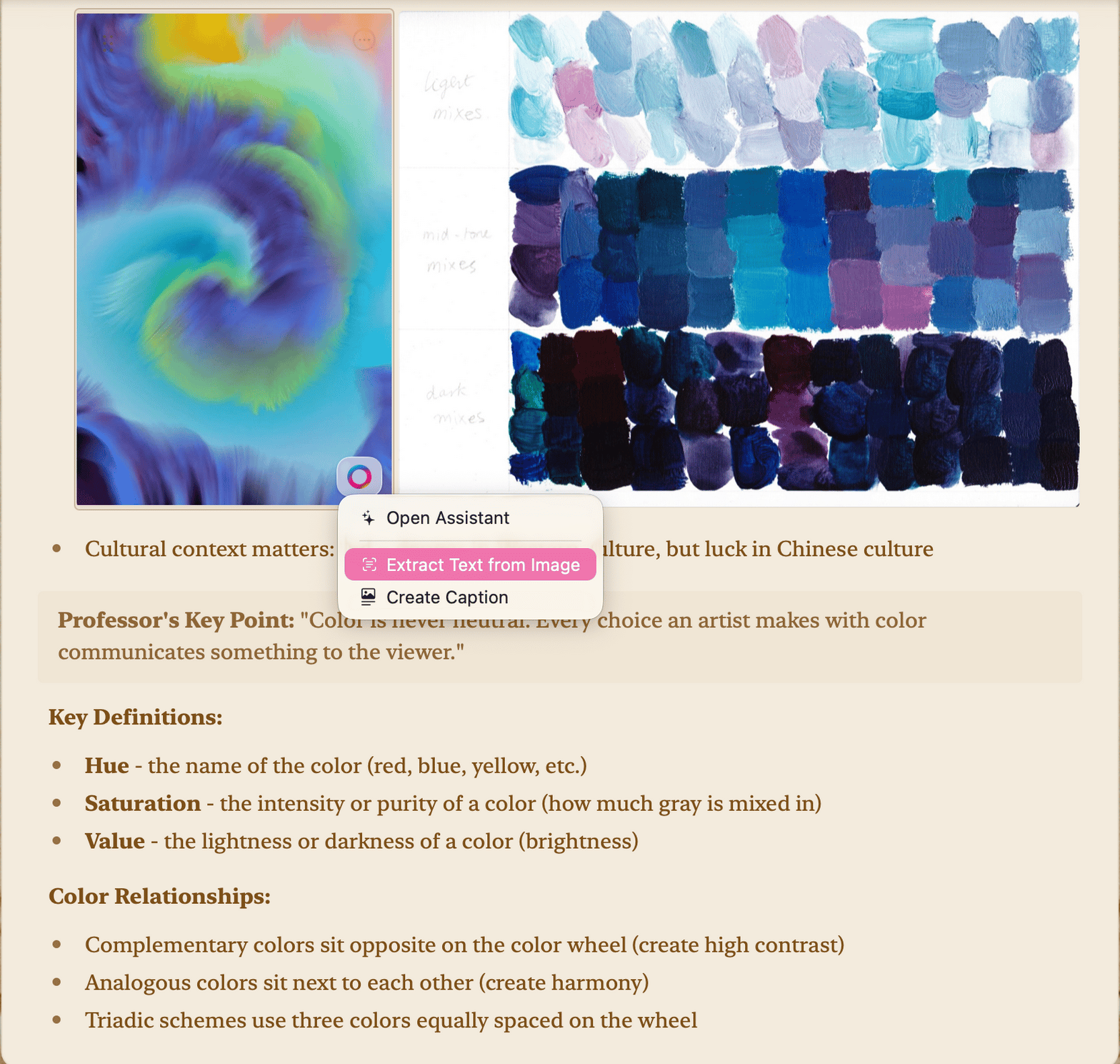
Proofread, rephrase, translate, or expand your draft with Craft Assistant. Free on all plans.

Daily Notes and journaling
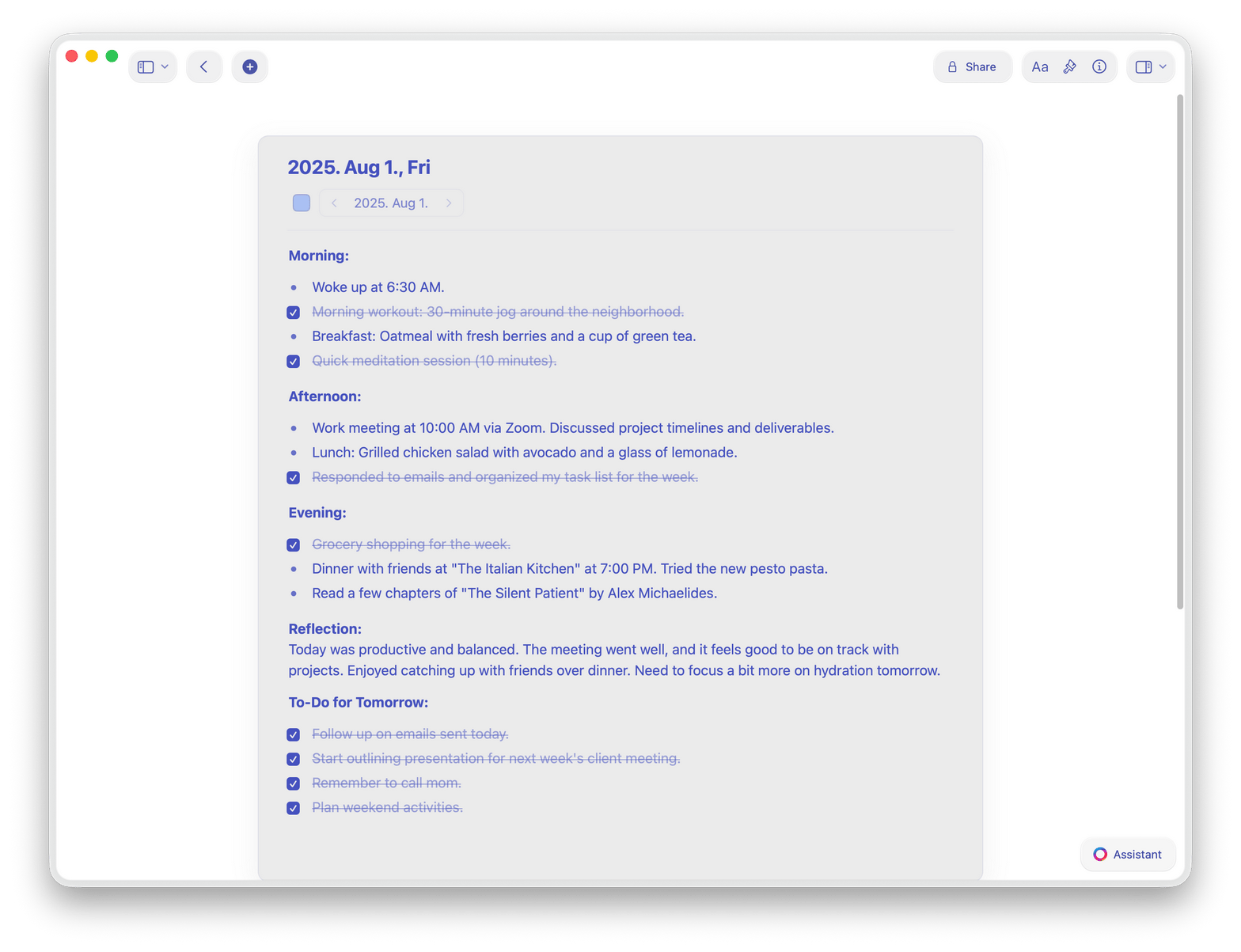
Start each day with a Daily Note. Track writing tasks, capture ideas, and build a journal habit over time.

One-click publishing
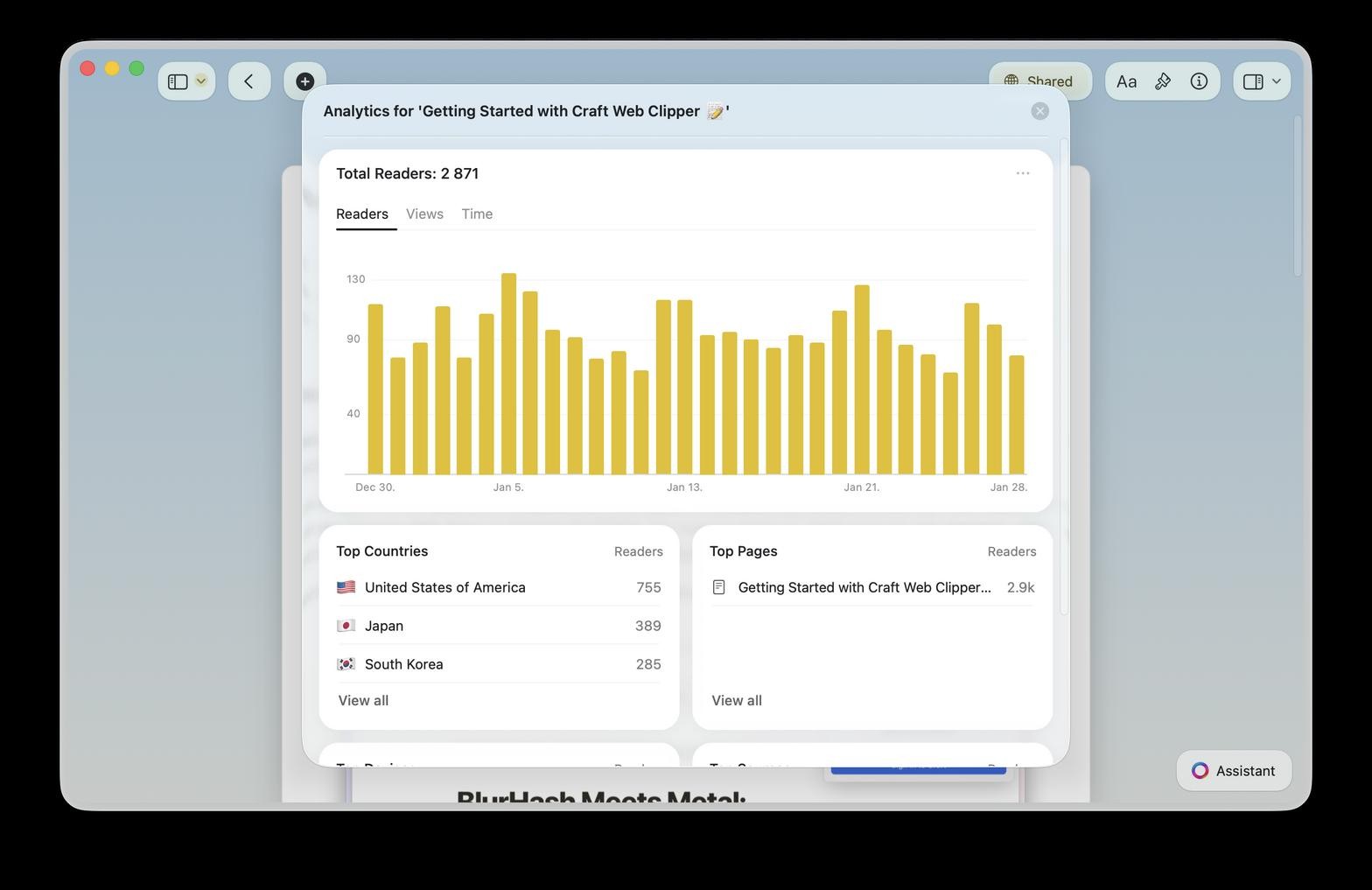
Share your writing as a public web page. Readers get a clean, ad-free experience with no account needed.

Full Markdown support
Type Markdown shortcuts that convert instantly. Import and export Markdown files. Write offline on any device.
Write in an app built for writers
Free to start. No credit card needed.
Available on Mac, iPhone, iPad, Windows, and Web.
What writers say
Writers who switch to Craft keep writing
I finished writing a history book this summer, and managed all of the planning, outlining, and tasks in Craft, and have recently started planning a novel in the app as well.
Craft Community
Aaron
Writer and Podcaster
Publishing directly from Craft just feels natural — it's where I write, so it makes sense to share from there too.
Craft Community
Tom
Podcaster and newsletter writer
With Craft, I can quickly jot down ideas, add images later, and shape them into full pages. Even if I forget the idea, revisiting my notes helps me reconnect with it.
YouTube Creator
Amity Sensei
Creator and Educator
Craft for writers
See how writers use Craft
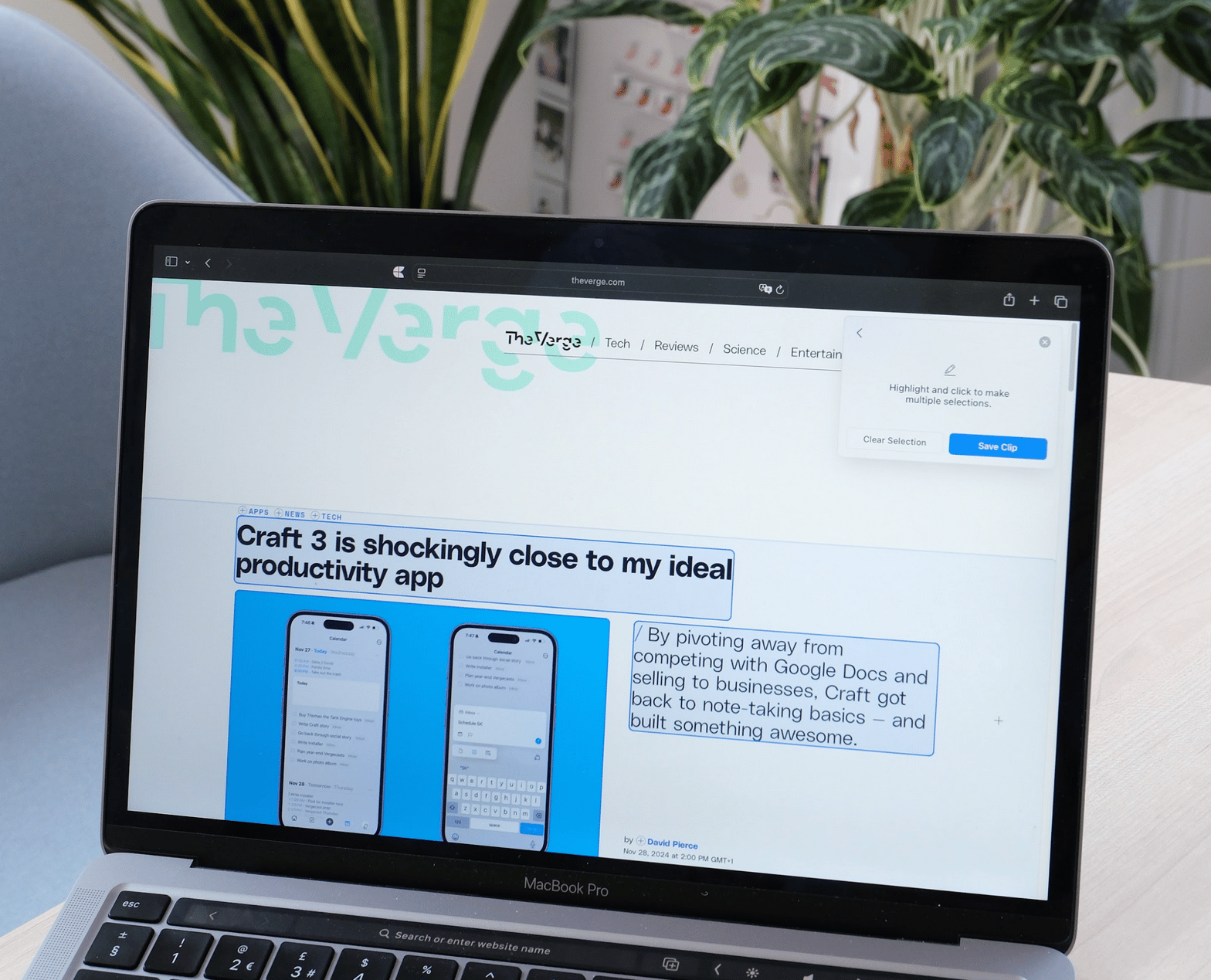
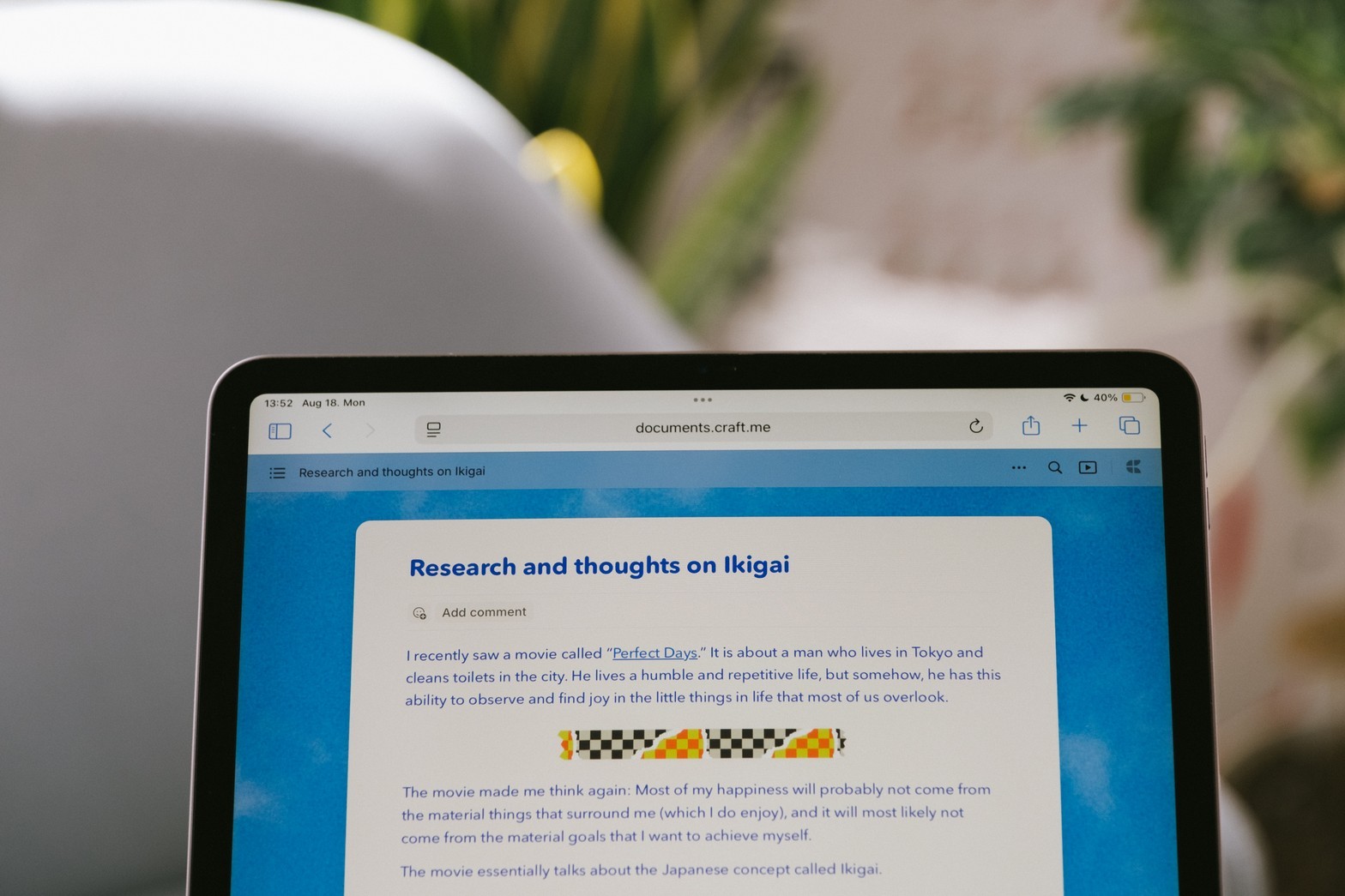
Long-form writing
Write long pieces without losing the thread
Organize chapters, sections, and notes in one workspace. Move blocks freely and see your whole structure at a glance.
Focus mode removes every distraction
Drag and drop to restructure any draft
Word count and reading time always visible
Get started
You're writing in Craft in two minutes

Download Craft
Get Craft free from the App Store on Mac, iPhone, or iPad. Start writing the moment it opens.

Start your first draft
Open a blank page and start writing. Or pick a template to get your structure in place first.

Publish or share
Share a link with an editor, publish to the web, or export to PDF or Word in seconds.

Craft vs. other writing apps
See how Craft compares to Ulysses and Google Docs for writers who care about focus, speed, and publishing.
Native Apple app
Load time
One-click web publishing
Block-based editing
Research backlinks
Full offline writing
Simple pricing for writers
Free to write and organize. Upgrade for unlimited docs, publishing features, and sync across all your devices.
Free
Full access, great if you use it occasionally each week.
$0 /month
Designed to effortlessly fit into your everyday flow.
$5 /month
Learn more


