Imagine With Craft

How to Connect Craft to Mistral Le Chat with MCP
Step-by-step guide to connect Craft documents to Mistral Le Chat via MCP. Read, search, and update your notes directly from Mistral Le Chat.
Adding an MCP Connector in Mistral Le Chat
Create a new connector in Mistral Le Chat and use the MCP URL to connect the two services.
Step 1
Go to Mistral Le Chat Connectors page. You can also find this under the sidebar → Connectors.
Copy this URL and paste it into the URL field:
https://mcp.craft.do/my/mcpStep 2
Click "+ Add Connector" and select the "Custom MCP Connector" tab. Give the connector a meaningful name and paste the MCP URL. Click "Add" to create the connection.
Step 3
A browser window will open showing the Craft authorization page. Select the space you want to connect and click "Approve" to grant access.
You can now ask Mistral Le Chat about your documents, and even have them updated. Try something like this to get started:
Click an example to copy the prompt to your clipboard
Some Ideas to Get You Started
Browse App Templates
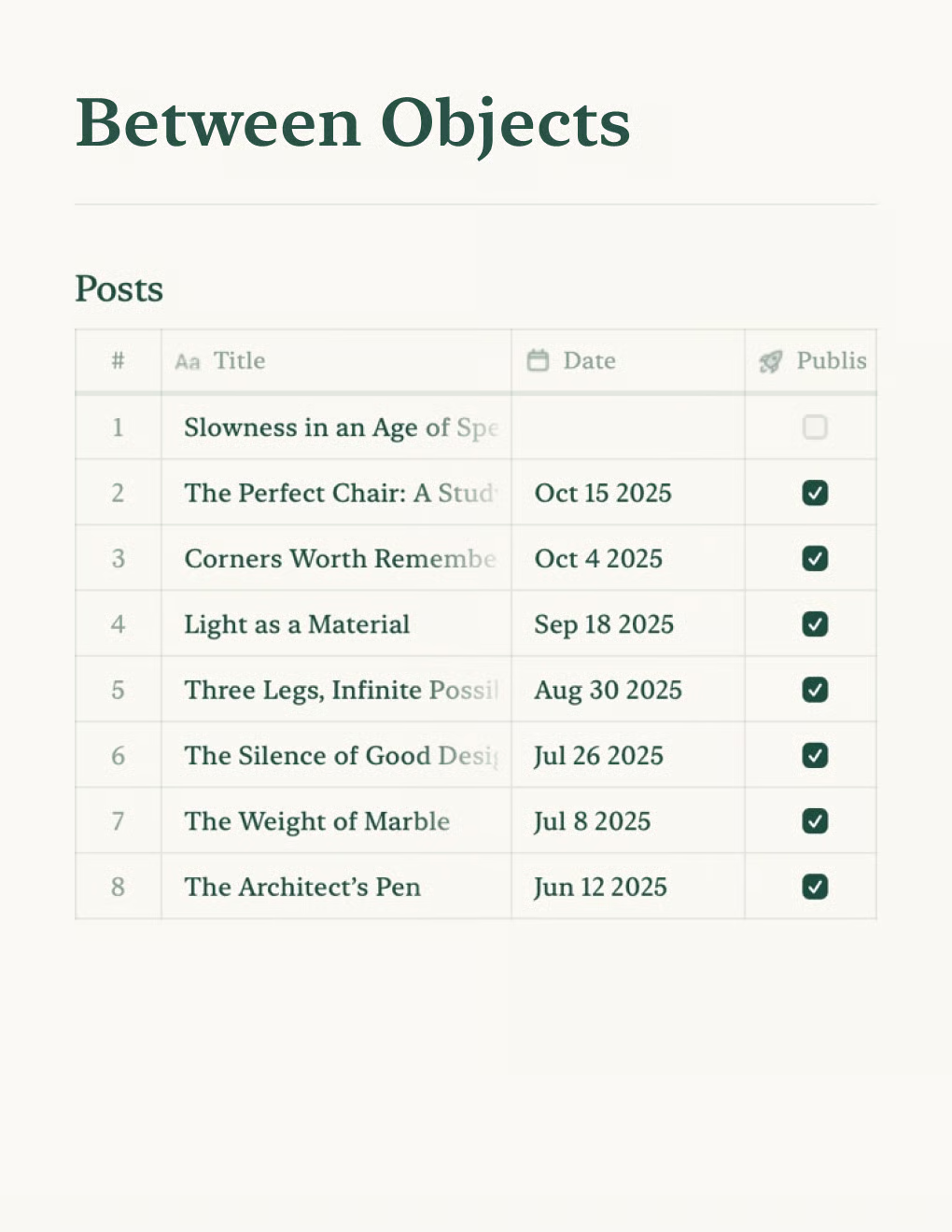
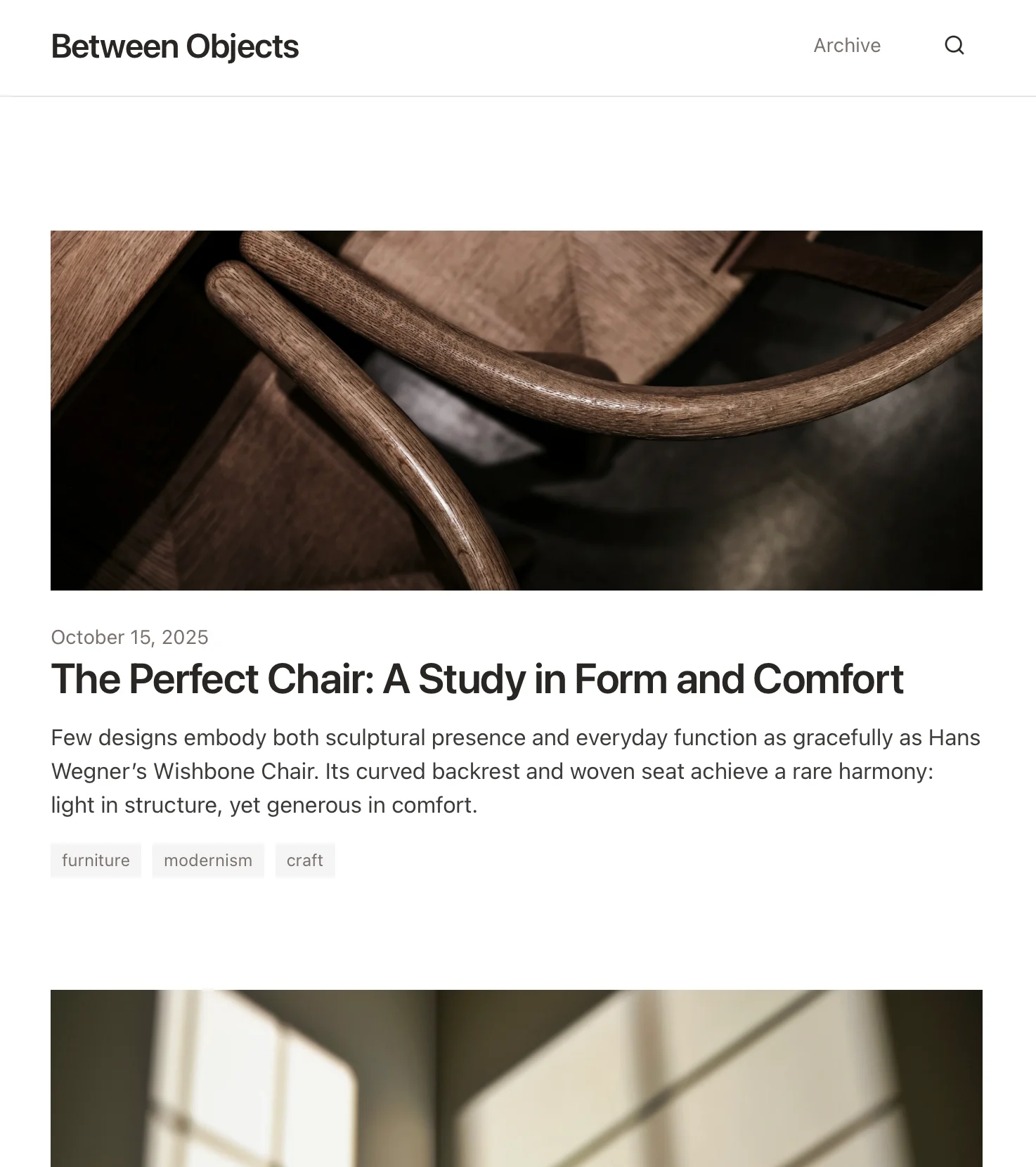
Personal Blog
Build a personal blog powered by Craft docs. Auto-syncs content via API — publish from your notes app.
Learn more

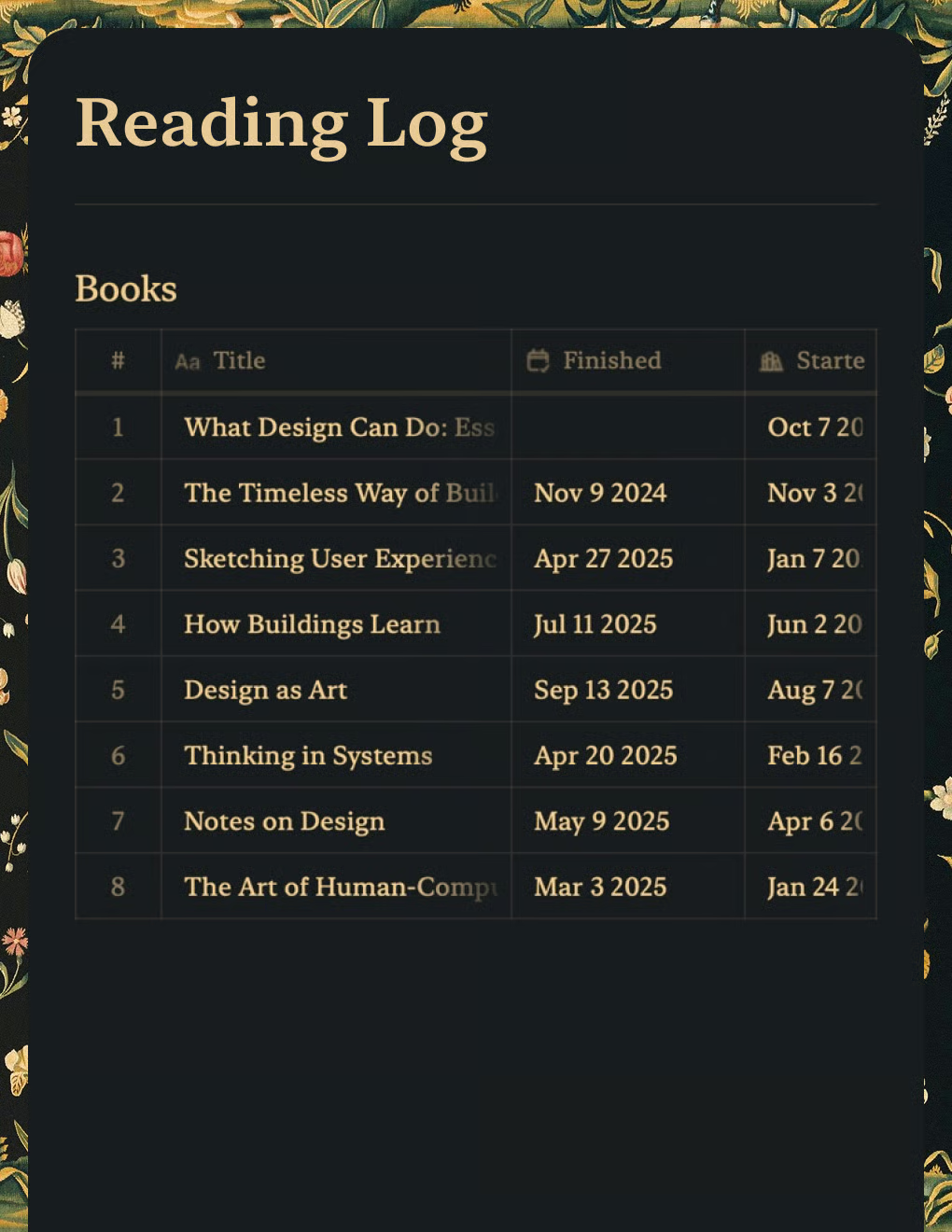
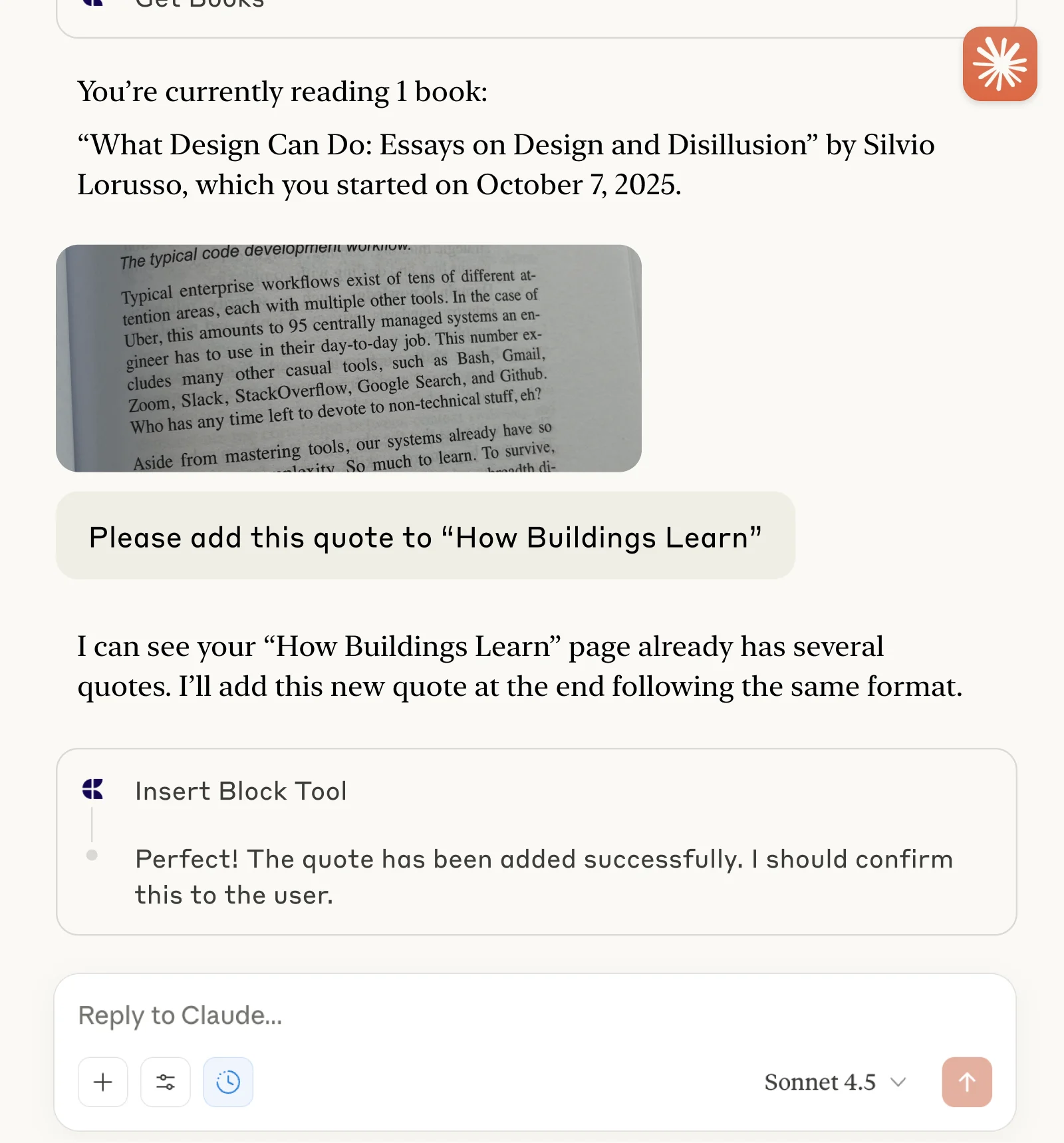
Reading Log
Track books and capture quotes with Claude or ChatGPT via MCP.
Learn more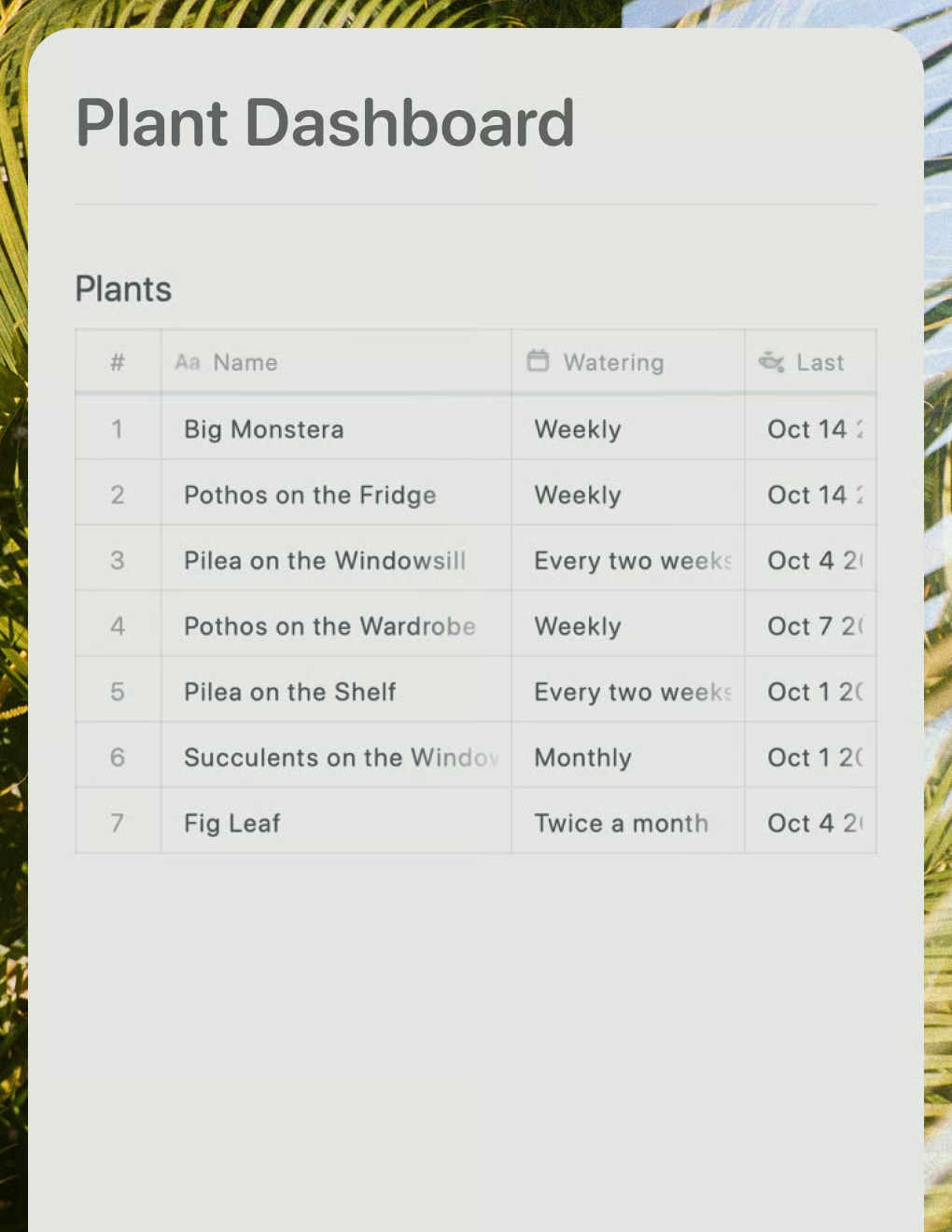
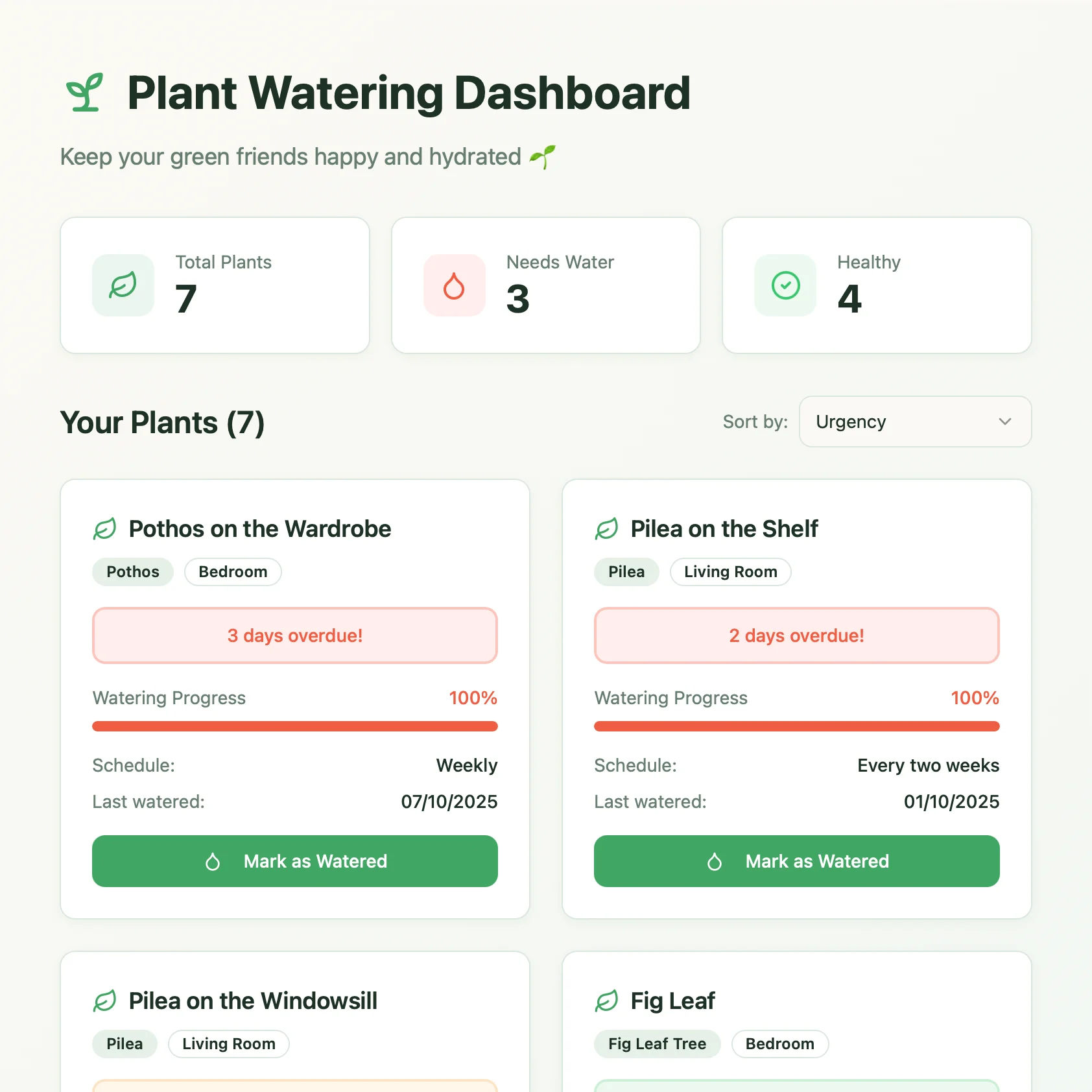
Plant Dashboard
A live plant care dashboard built with Lovable. Pulls watering schedules and care tips from your Craft doc.
Learn more