Koto Forms
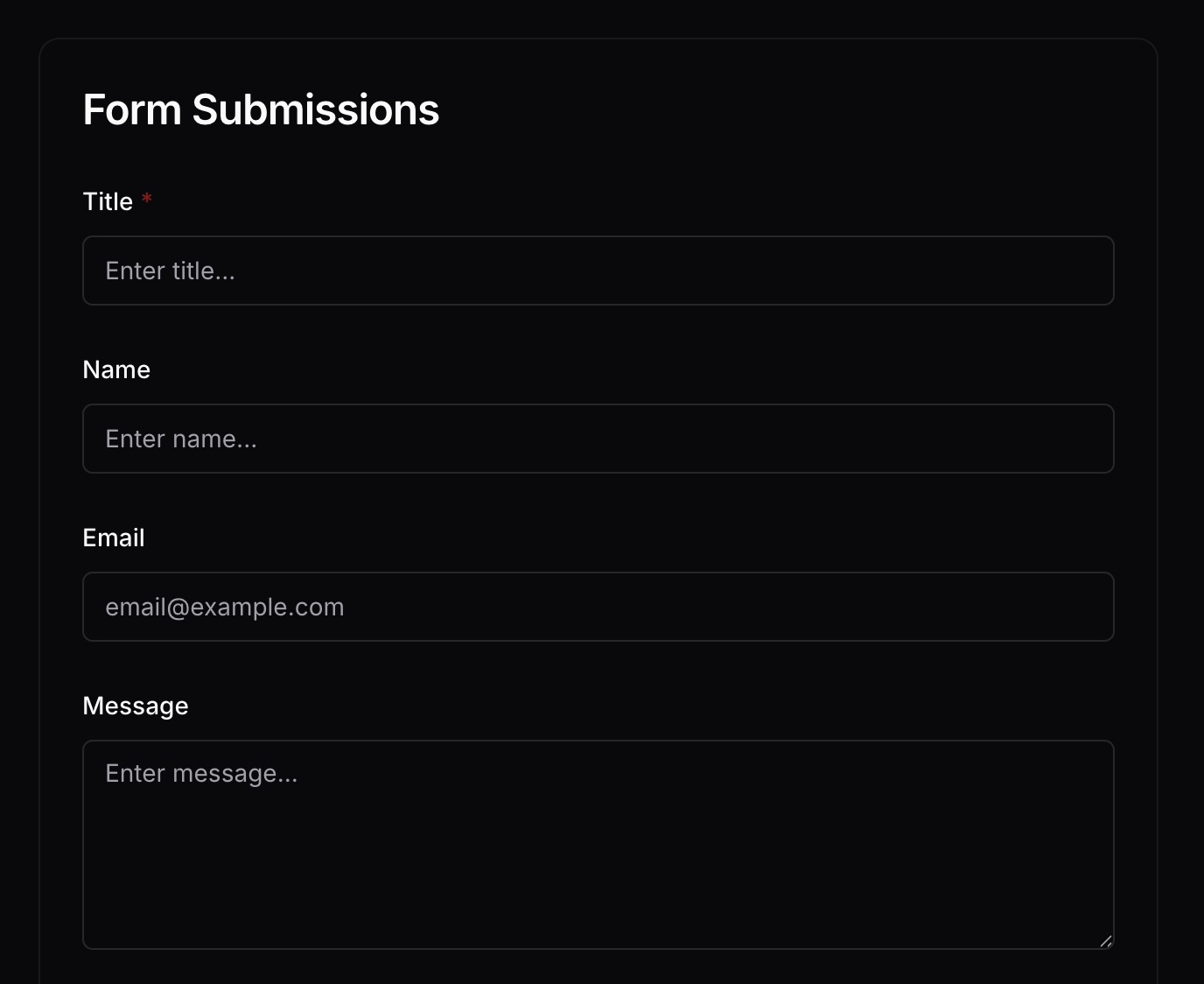
Building a form usually means picking a form tool, then figuring out where responses go. Koto flips it: point it at a Craft Collection, and it auto-generates a matching web form. Submissions flow back as new entries — your Craft doc is both the schema and the database.

Built by Koto.so with Craft
Build It Yourself
Step 1 — Design Your Collection
Create a Craft Collection with the fields you want in your form. For example: Name (text), Email (text), Message (text), Rating (number). Each column in your collection becomes a form field.
Step 2 — Enable the Craft API
Enable read/write API access on your document. Koto needs to read your collection schema to generate the form, and write access to add new entries from submissions.
Step 1
Step 2
Step 3
Step 4
Step 5
Step 3 — Create a New Form in Koto
Visit forms.koto.so and click Create New → New Form.
Step 4 — Connect Your Craft API
Paste your Craft API Base URL and secret token. Koto uses these to read your collection schema and write new entries from form submissions.
Step 5 — Select Your Collection
Choose which collection to transform into a form. Koto reads the schema and generates matching form fields automatically.
Step 6 — Customize Your Form
Adjust the submit button text, colors, success message, and redirect URL. Make it match your brand or project before sharing.
Step 7 — Share Your Form
Copy the form URL or embed code and share it anywhere — your website, email, or social media. Every submission flows back into your Craft Collection in real time.
Step 8 — See Your Live Form
This is what your visitors see — a clean web form auto-generated from your Craft Collection columns.
The Result
Your Craft Collection doubles as a form backend. Collect feedback, registrations, surveys, or any structured data through a clean web form — with every response flowing directly into your Craft document for immediate use. Try it at forms.koto.so — or build your own Collection-powered tool with the Craft API.
More Ideas For You To Try
Back to the Gallery
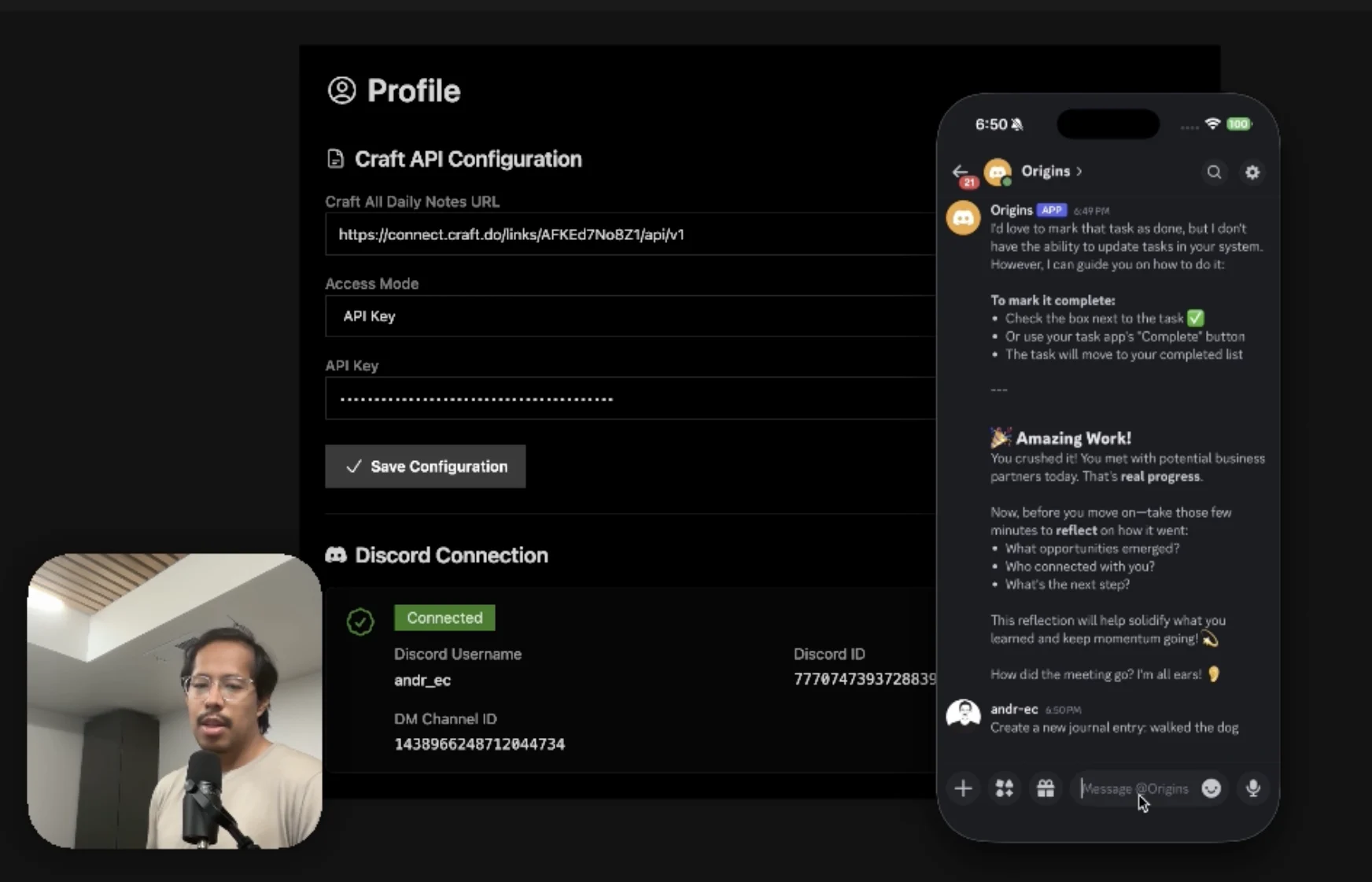
An AI accountability coach that reads your Craft goals and follows up in Discord.
Learn more
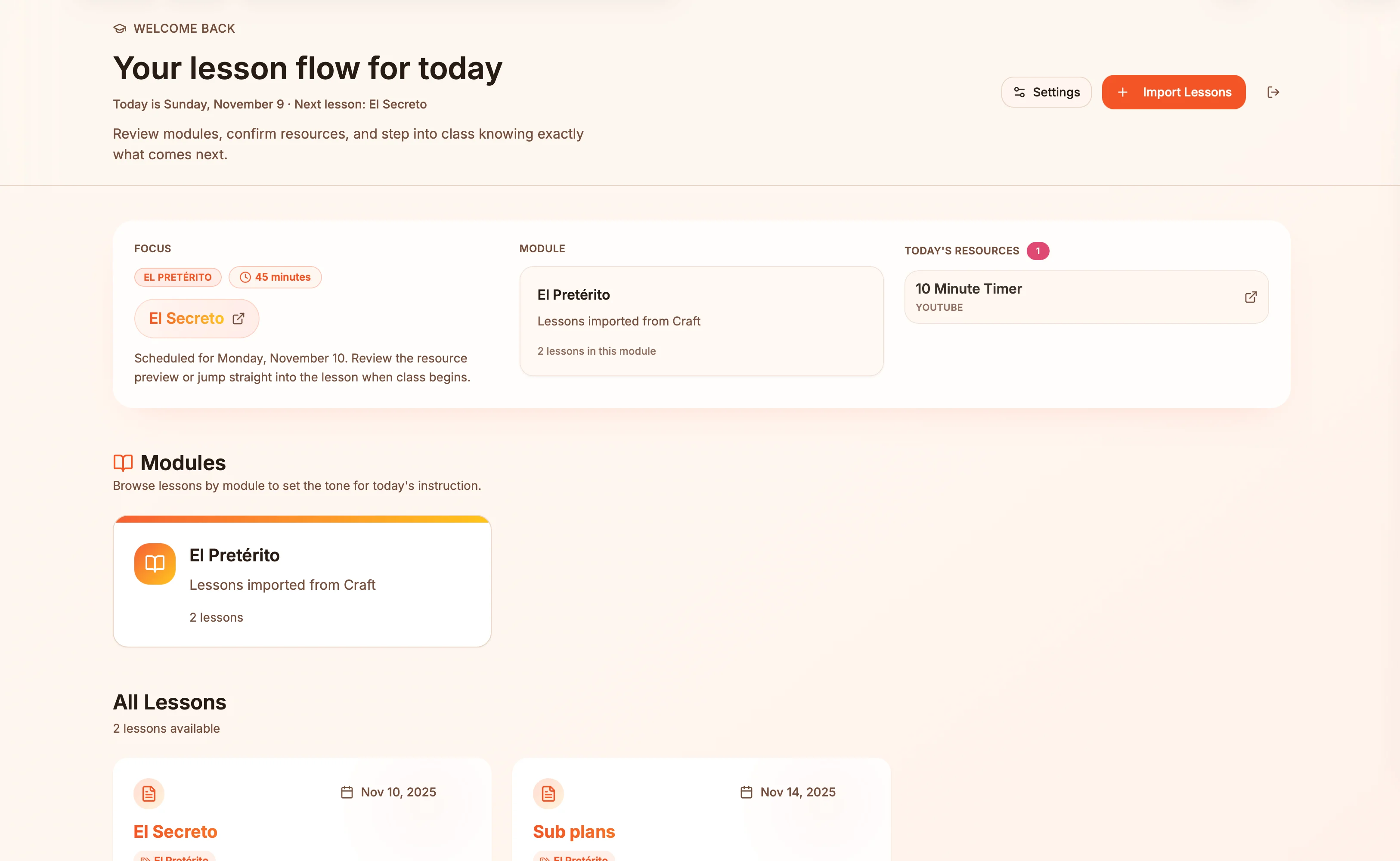
Lesson plans in Craft become live presentation slides — always in sync, zero copy-paste.
Learn more
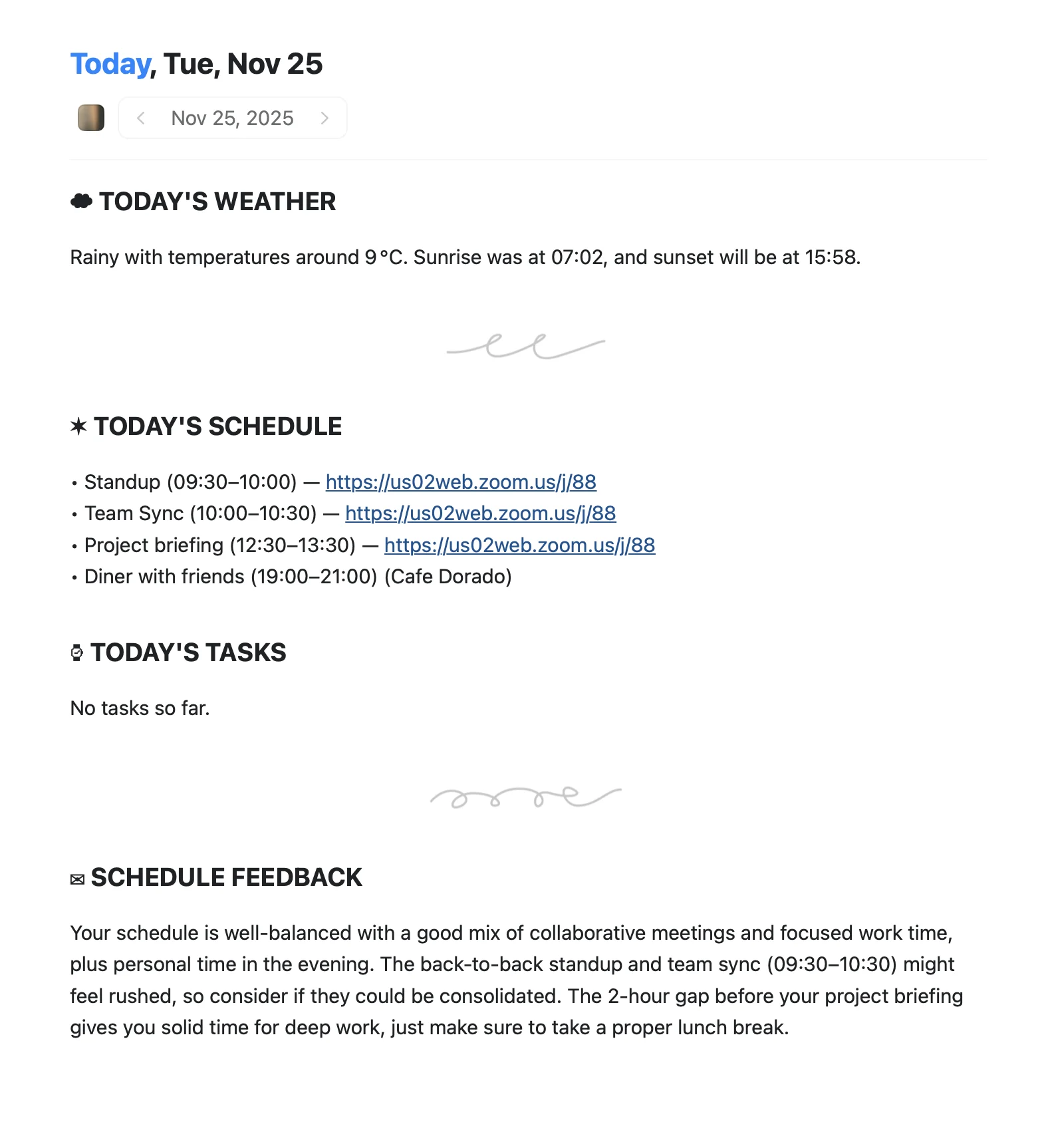
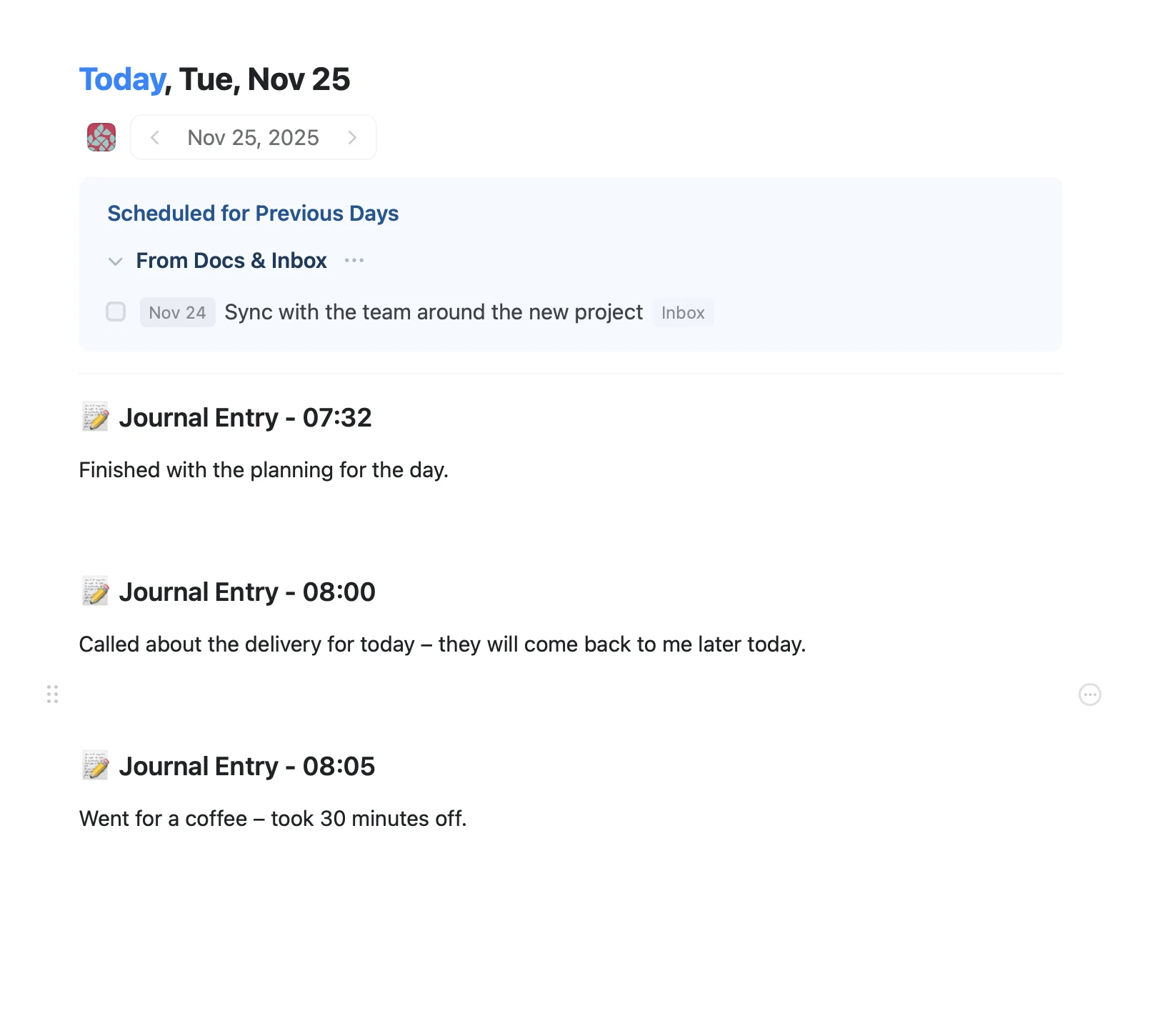
An Apple Shortcut that writes your morning agenda directly into Craft Daily Notes.
Learn more