

Build handbooks your team reads.
Track employees in Collections, draft policies with Craft Assistant, and manage onboarding with templates. No stale PDFs.
Built for HR teams
From onboarding to policy updates, Craft keeps every doc current.
01 — Employee handbooks
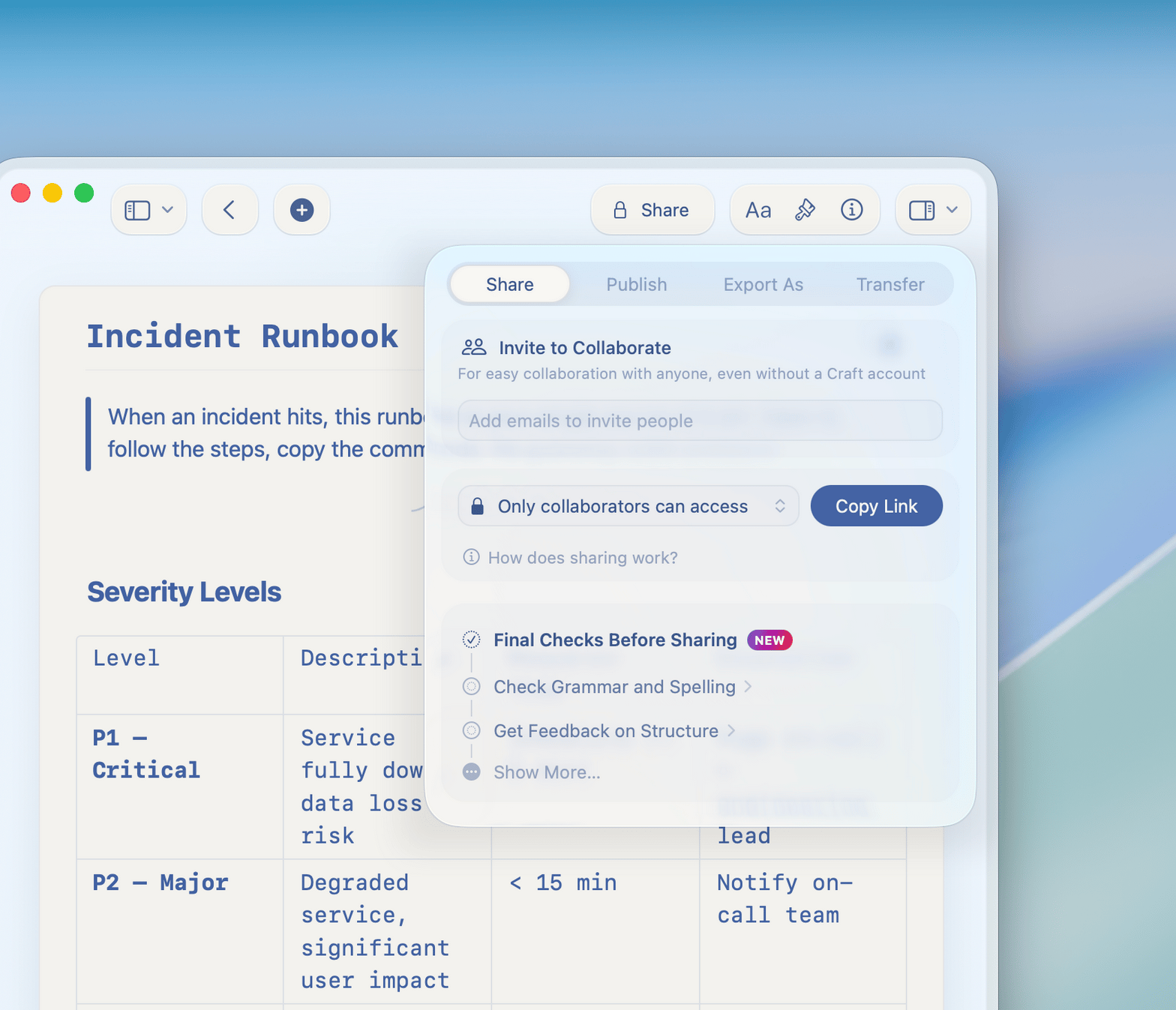
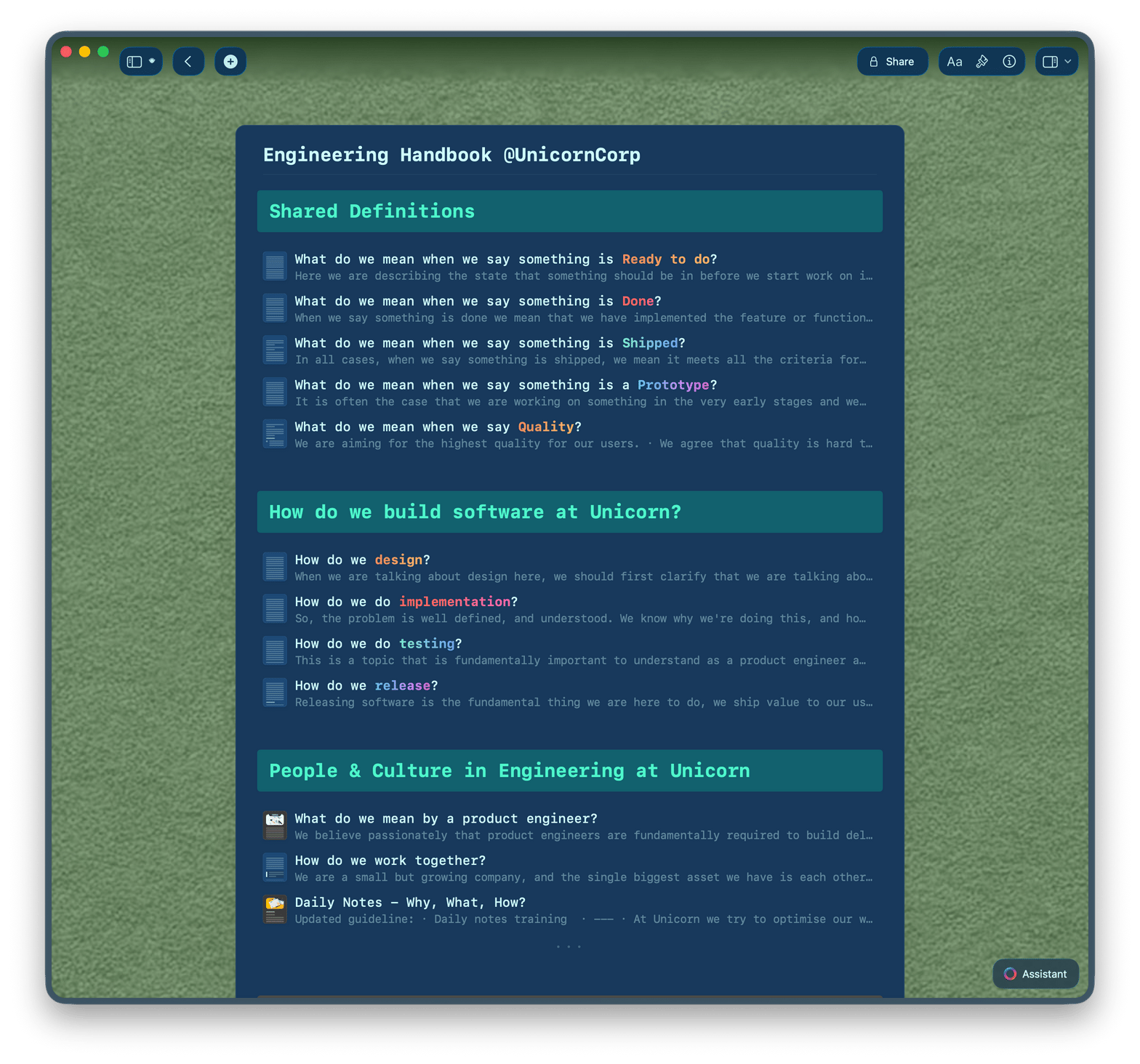
Start from a handbook template. Use Craft Assistant to draft sections. Share a link — employees always see the latest version.
Why HR teams choose Craft
The HR doc your team bookmarks, not loses.
Craft docs are clean, fast, and easy to share. Your team finds what they need. You spend less time answering the same questions.

Collections for people
Build an employee database with Table view. Track onboarding status, departments, and start dates with filters.

Craft Assistant
Draft policies, summarize feedback, and generate onboarding checklists — all powered by AI inside your doc.

HR templates
Start from built-in templates for handbooks, onboarding guides, and policy docs. Customize them for your company.

Calendar integration
Schedule interviews and onboarding check-ins. Meeting notes auto-populate from your calendar.

Team workspaces
Organize by department with folder-level permissions. Share docs across Mac, iPhone, iPad, Windows, and Web.
Build HR docs your team actually uses.
Free to start. No credit card needed.
Your first handbook is ready today.
From HR professionals
HR teams that moved to Craft.
Craft is the one tool you need for everything — effortless organization, smooth navigation, and a workspace that adapts to your needs.
Craft Community
Deanna Bugalski
Power User
Pages in documents were a revelation – they completely changed how I think about structuring content. Now, Collections take it even further, making Craft an even more powerful tool.
Craft Community
Denis Volkov
Craft user since 2021
The block structure keeps projects neatly nested without feeling cluttered. Everything's organized, but never overwhelming.
Craft Community
Steven
Project Manager
Craft in action
How HR teams use Craft.
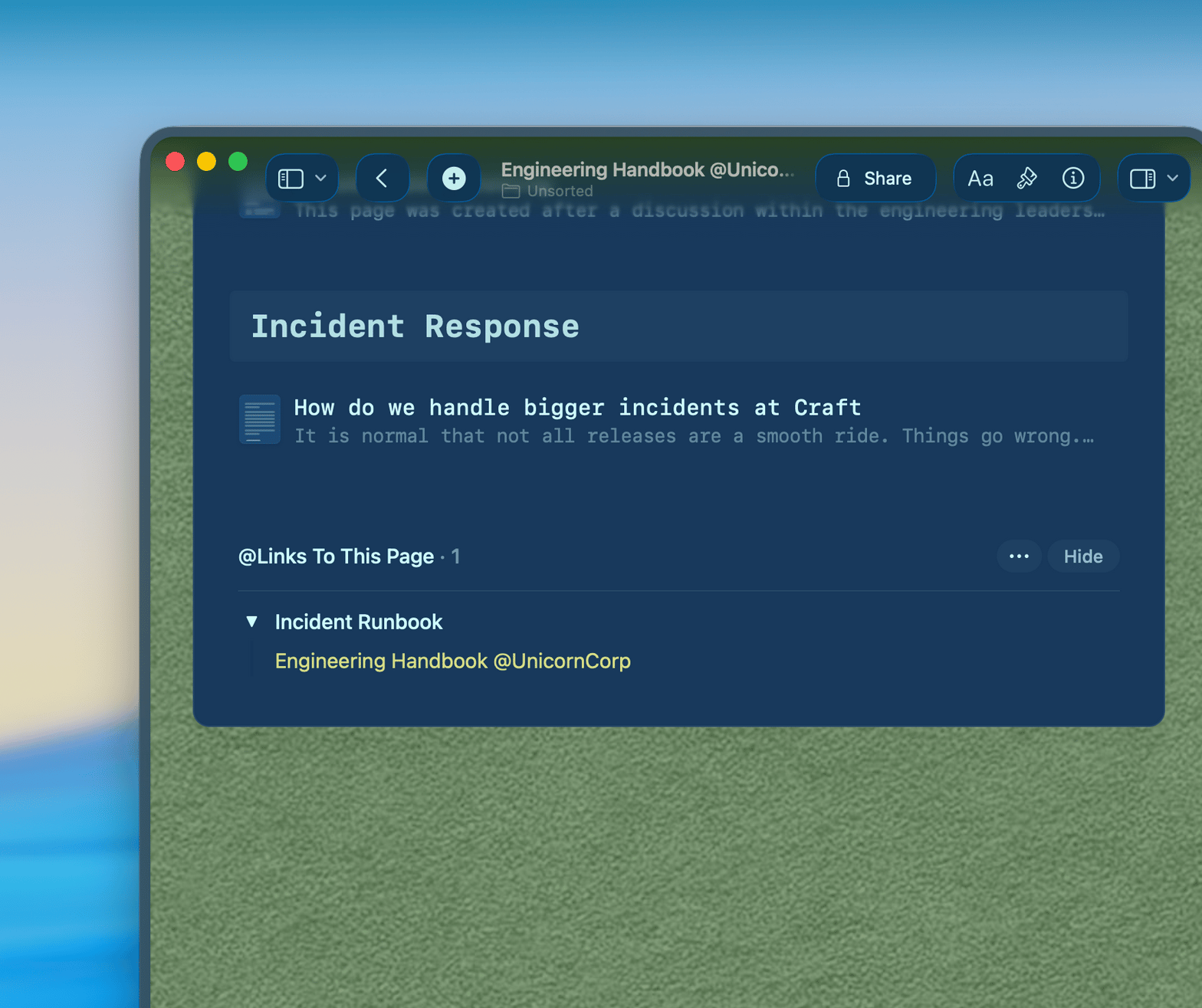
Handbooks
One handbook. Always current.
Write your employee handbook in Craft. Share a link. Update it once — everyone sees the change.
Organized by section and sub-document
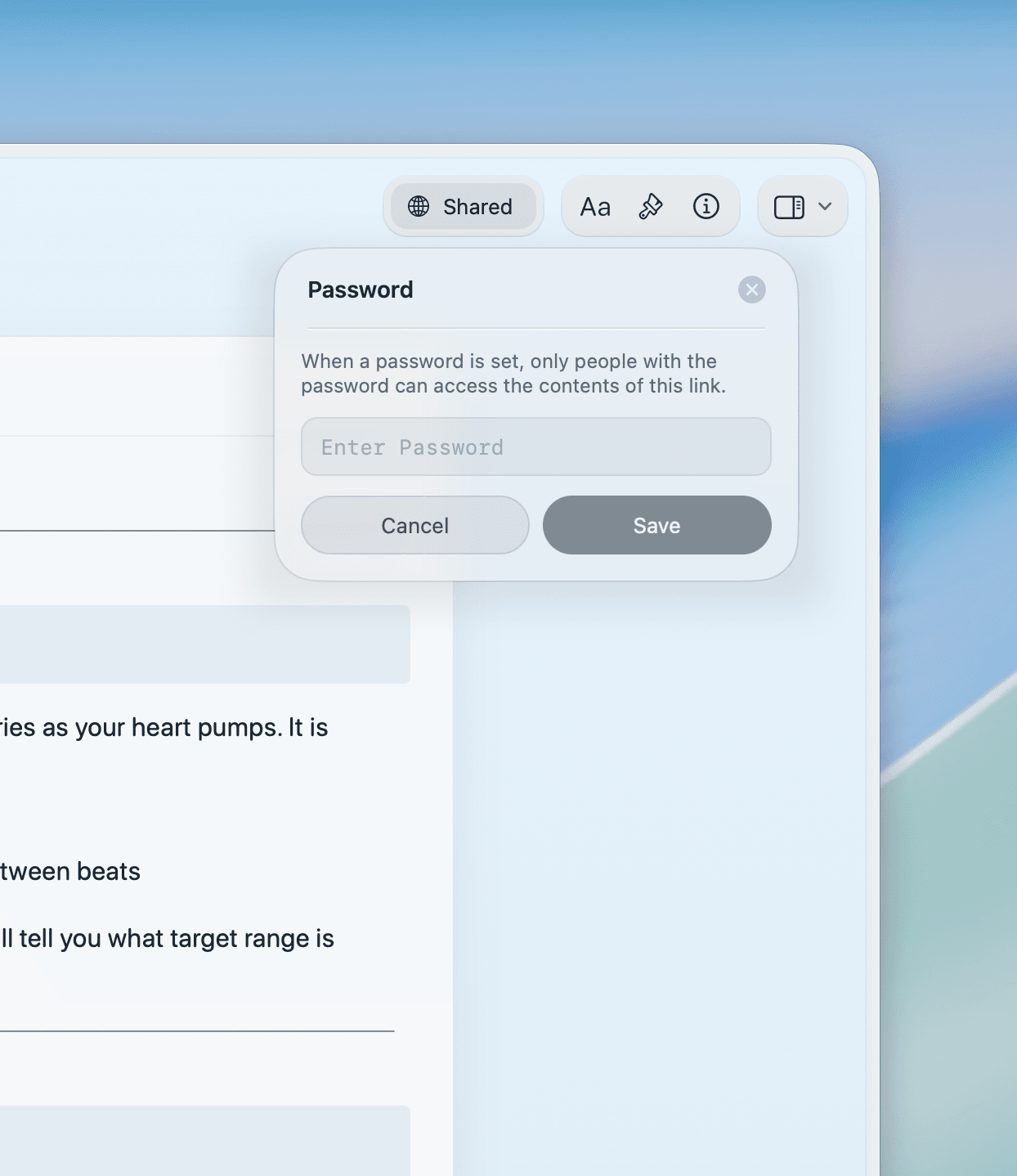
Share as a read-only link with no account required
Full-text search across the whole handbook
Get started
Your HR workspace is ready today.

Set up your workspace
Create a Craft workspace for your HR team. Takes under five minutes.

Build your first doc
Start with your handbook or onboarding guide. Use a template or start from scratch.

Share with your team
Send a link to your employees. They open it in a browser. No account needed.

Craft vs. the alternatives
See how Craft compares to Google Docs and Notion for HR teams.
Native Mac and iPhone app
Always-current shared links
Nested doc structure
200ms load time
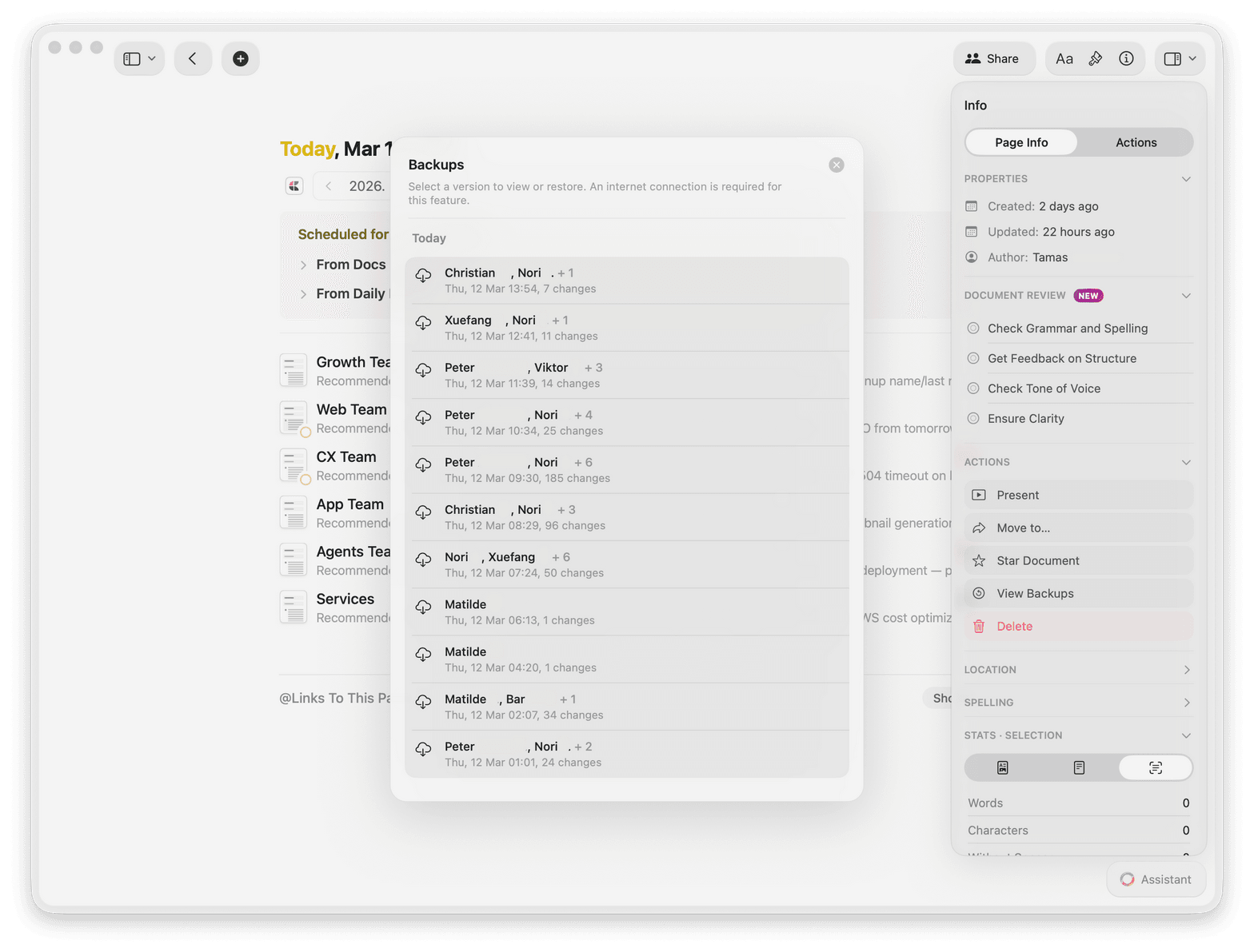
Version history
One plan for your whole people team.
Craft's team plan gives your HR team a shared workspace with folder-level permissions and unlimited docs.
Free
Full access, great if you use it occasionally each week.
$0 /month
Designed to effortlessly fit into your everyday flow.
$5 /month
Learn more
Guides for HR professionals.

How to build an employee handbook in Craft
A template and step-by-step guide to writing a handbook your team will actually use.

Building an onboarding guide in Craft
How to create a new hire onboarding flow that you update once and use every time.

See Craft in action
Real examples of how HR teams use Craft for handbooks, onboarding, and team policies.