

Ship products with docs your team trusts
Track features in Collections, summarize PRDs with Craft Assistant, and keep your team aligned with Tasks and inline comments.
Built for product managers
Every product manager doc, in one fast place
01 — Product requirements
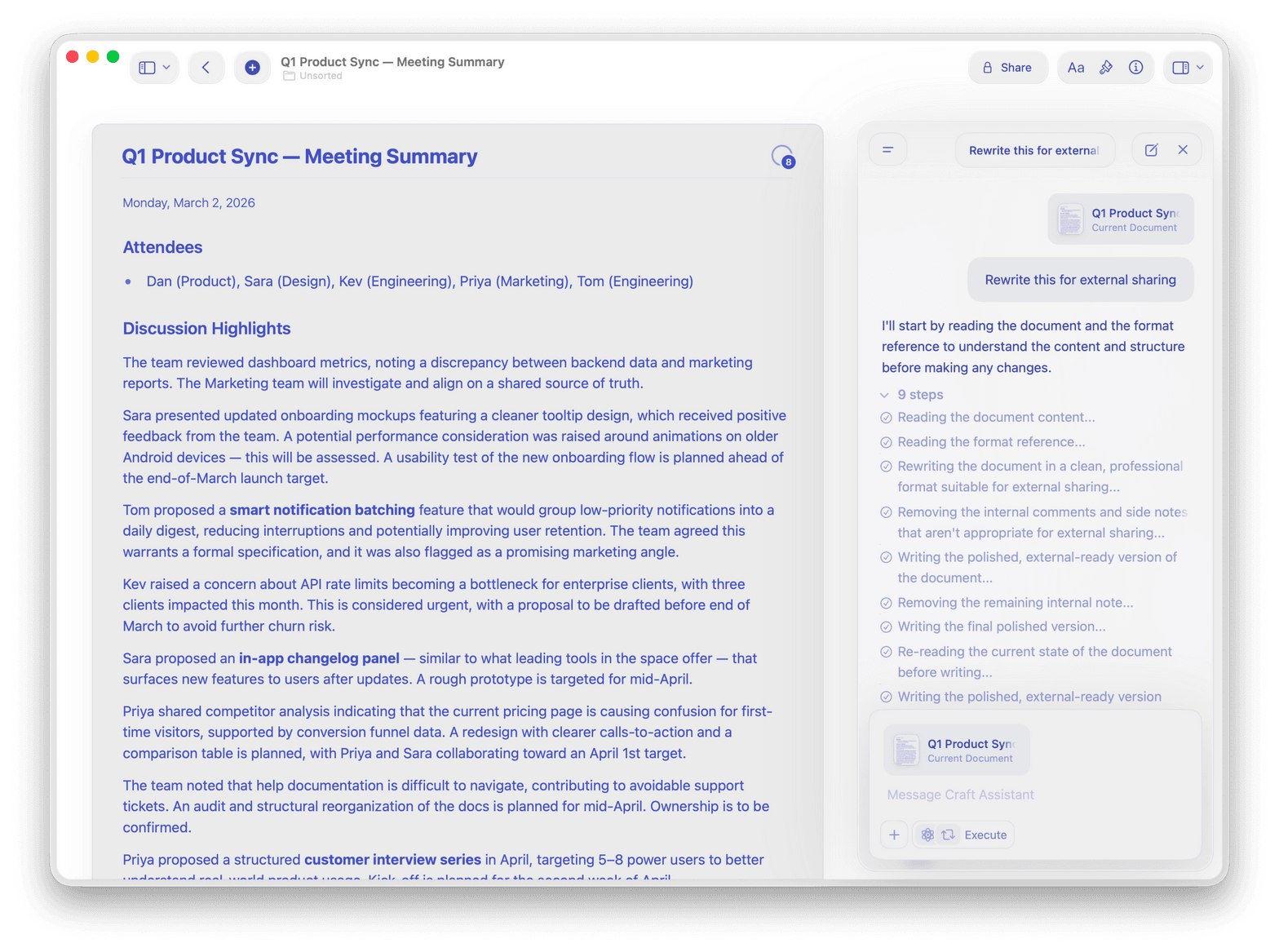
Write PRDs with tables and callouts. Use Craft Assistant to summarize key decisions for stakeholders.
Why product managers choose Craft
Docs your whole team reads before the meeting
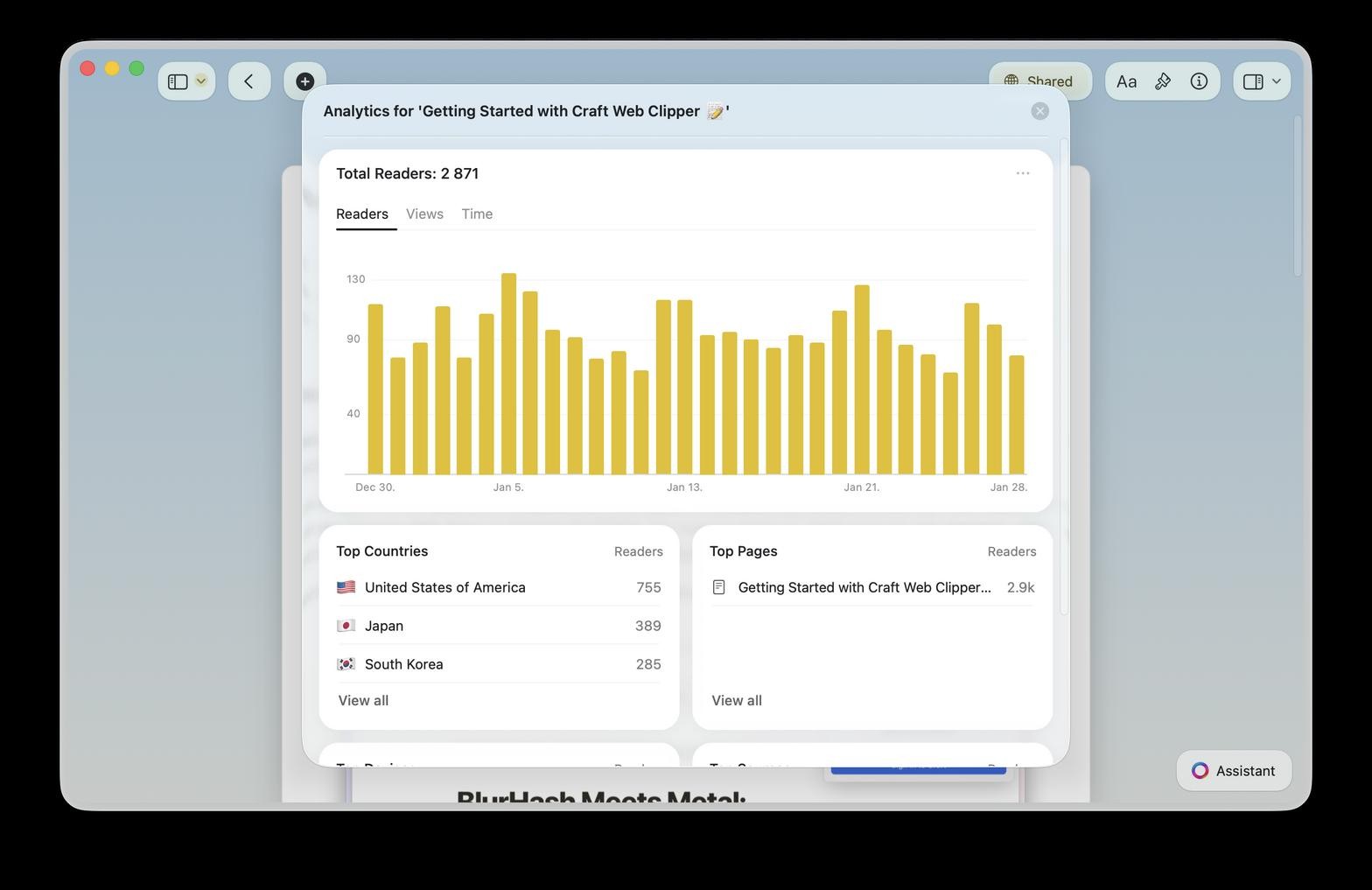
Craft runs natively on Mac, iPhone, iPad, Android, and Vision Pro. Collections, Craft Assistant, and Tasks keep your product work organized.

Collections for roadmaps
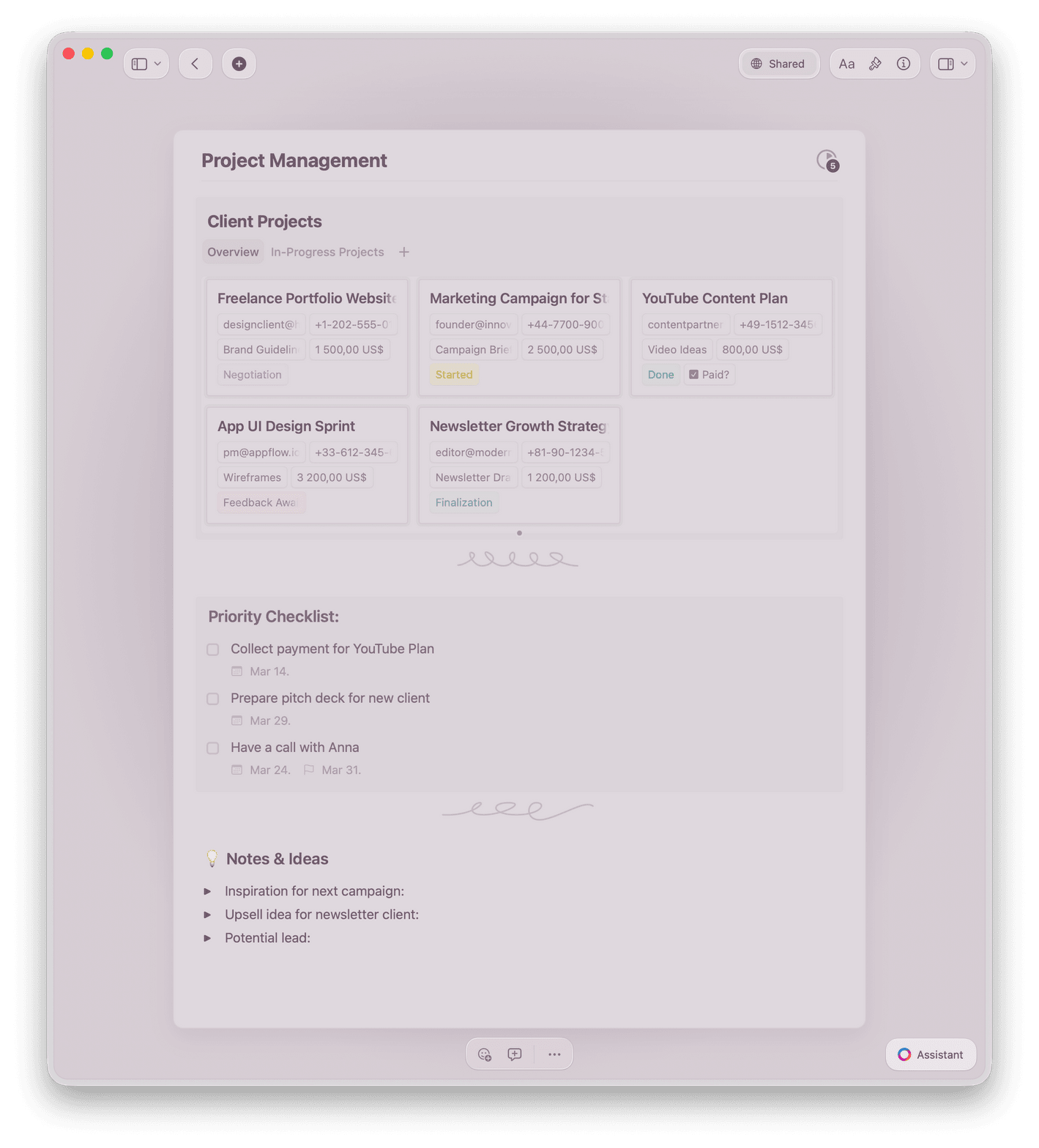
Track features, bugs, and initiatives in Collections with Table and Gallery views. Filter, sort, and group by any field.

Craft Assistant for PRDs
Summarize long PRDs, draft release notes, and organize specs with Craft Assistant — free on all plans.

Tasks and Calendar
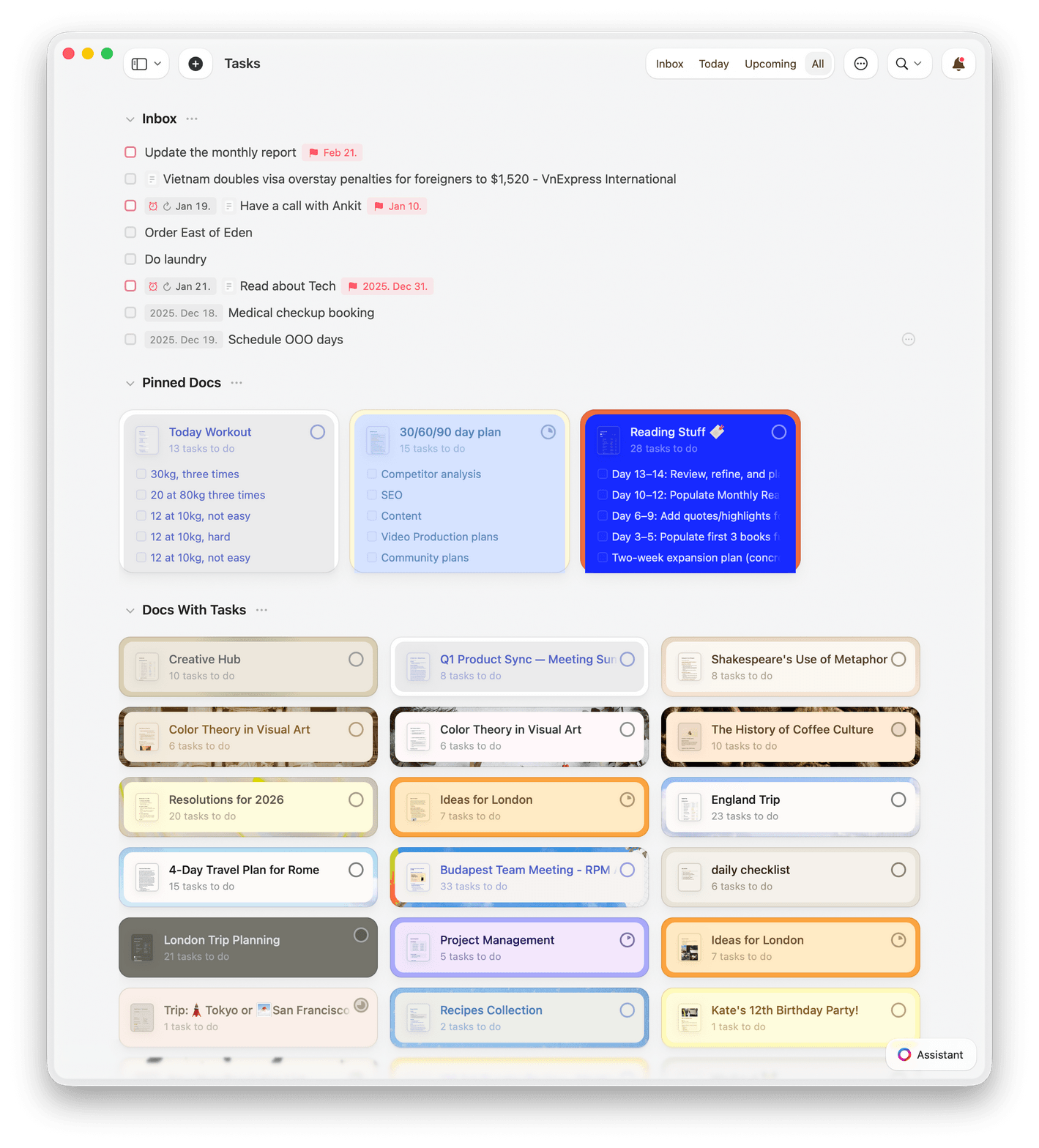
Track action items with Tasks. See deadlines in your Calendar and catch overdue items in Daily Notes.

Inline comments and co-editing
Your team edits the same PRD at once. Comments stay attached to the right section for context.

Templates for product work
Start with built-in templates for PRDs, roadmaps, sprint plans, and stakeholder updates.
Write PRDs your team reads
Free to start. No credit card needed.
Your first PRD is ready in minutes.
What product managers say
Product managers who write in Craft
I like the new features, that you made - especially the Tasks + Calendar revamp, and the new Style Gallery. Makes it easy to quickly create a good looking document.
Craft Community
Kenneth Thomsen
Craft user since 2021
I've been wanting something like this for so long – having databases in a document is exactly what I've needed.
Craft Community
Aum Chauhan
Craft user since 2022
Craft makes it easy to manage complex projects with clarity. I can organize tasks, follow-ups, and updates in a way that actually makes sense.
Craft Community
Steven
Project Manager
Craft for product managers
See how product managers use Craft every day
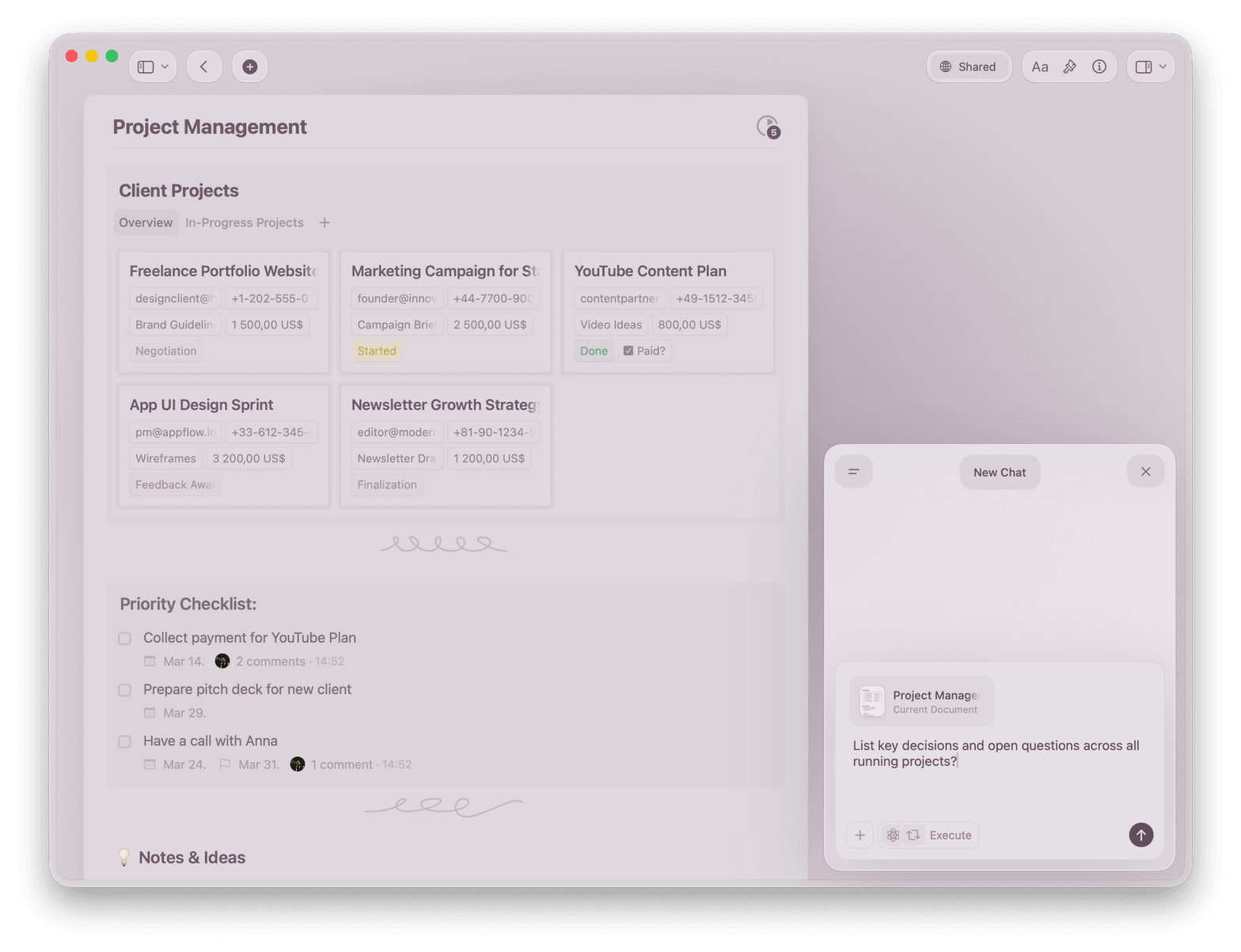

PRDs
PRDs engineers read before you ask
Write structured requirements with context, goals, and acceptance criteria. Share a link. Your team comes to meetings prepared.
Callouts highlight key decisions and open questions
Tables lay out requirements clearly
Inline comments keep feedback in context
Get started
You're writing your first PRD today

Create your workspace
Set up a Craft workspace in two minutes. Invite your team by email or link.

Write your first doc
Start from a blank page or use a PRD or roadmap template. Structure comes built in.

Share with your team
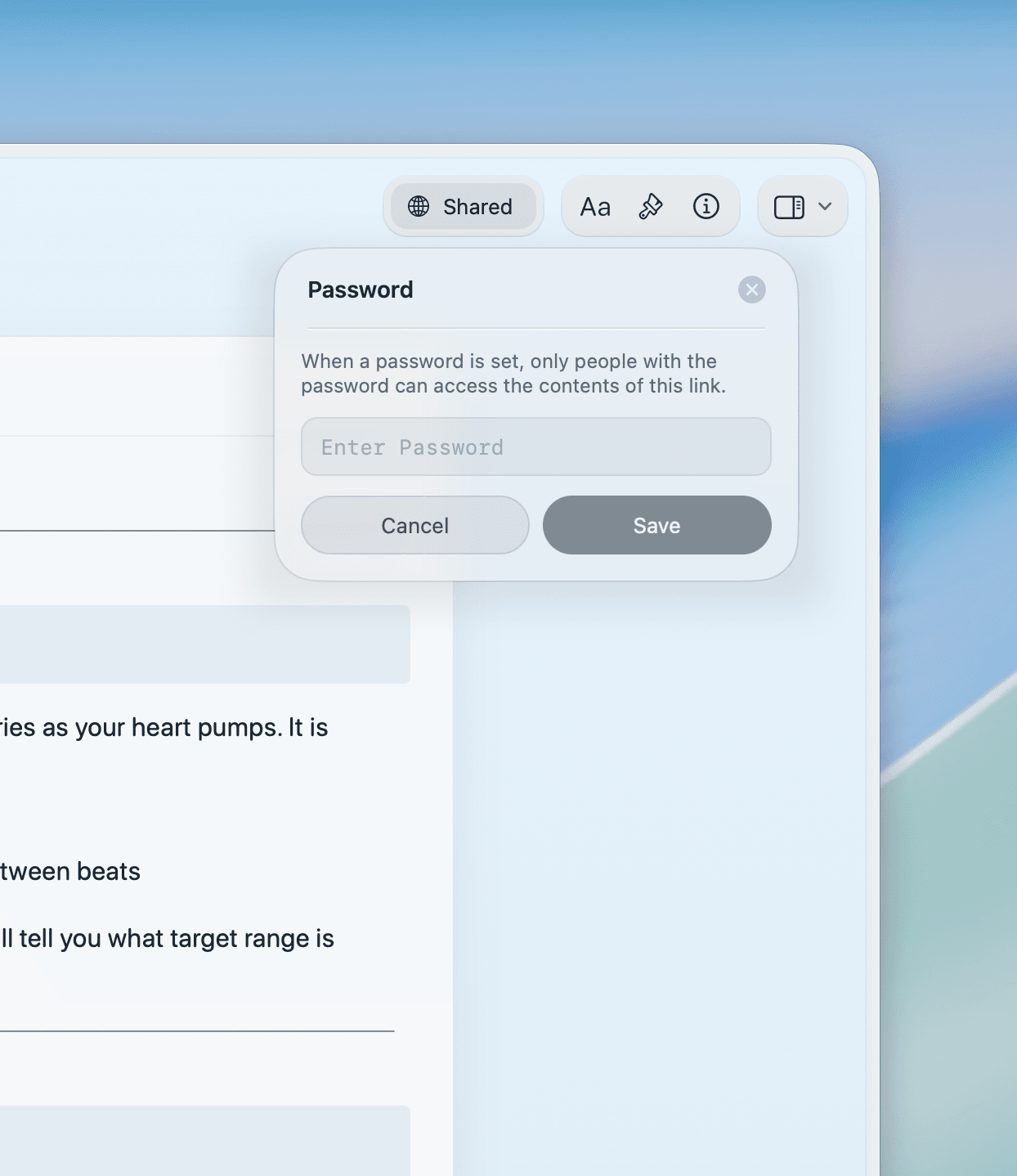
Share a link with engineers, designers, and stakeholders. They read it anywhere with no account needed.

Craft vs. the alternatives
See how Craft compares to Notion and Google Docs for product managers who need docs their team reads.
Native Apple app
Load time
Beautiful docs by default
Inline comments
Full offline access
Pricing for product teams
Free for small teams. Scale up as your team grows with simple per-member pricing.
Free
Full access, great if you use it occasionally each week.
$0 /month
Designed to effortlessly fit into your everyday flow.
$5 /month
Learn more
Resources for product managers

PRD template
A structured product requirements template that engineers and designers read before you ask them to.

Roadmap documentation guide
Build a living roadmap doc in Craft that stays current and readable as your plans change.

Stakeholder update template
Write clear, consistent stakeholder updates that replace long email threads.